




CREALITY CLOUD APP
For extra control over your Creality 3D printer you should download the Creality Cloud app.
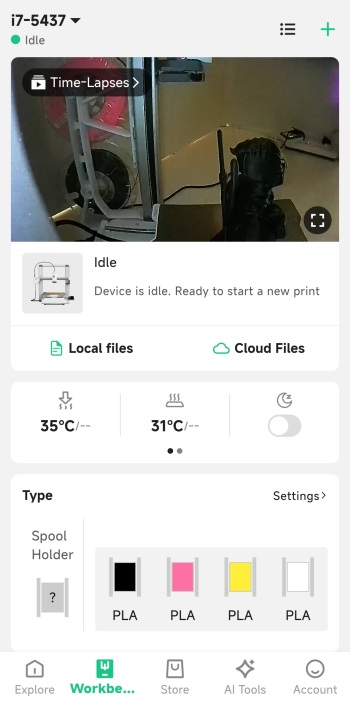
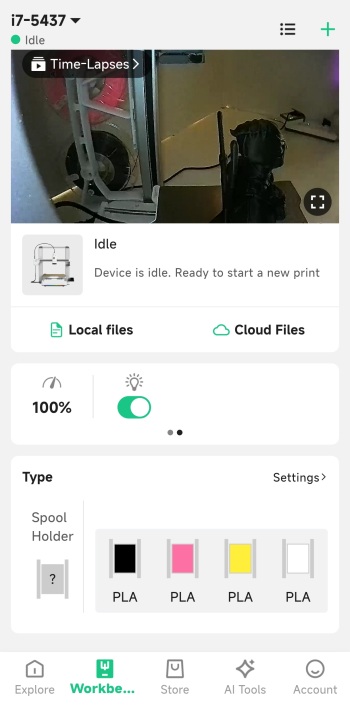
From inside the app you can watch what is being printed live, check the timelapse (once complete), control the printer (stop/pause), check temperatures, adjust speed, enable/disable the LED, adjust fan speeds, control the axis and the bed and check the status of the installed filaments.
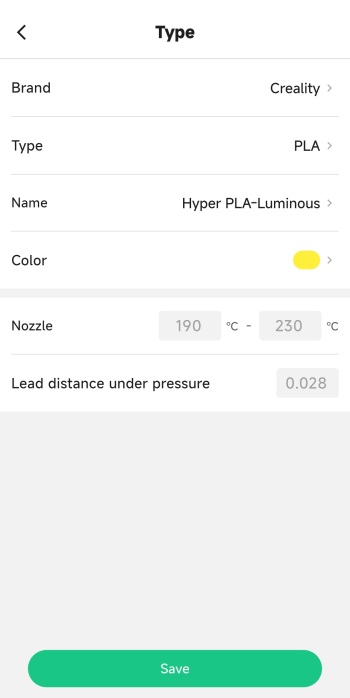
You can also manually adjust the filament type by pressing on each.
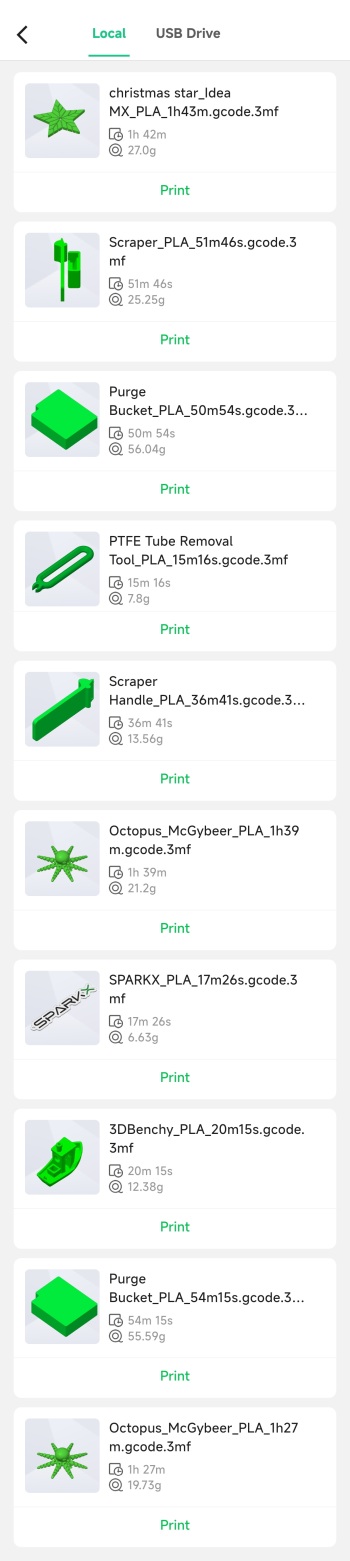
Printing one of the many pre-loaded models or your very own mounted on the USB is also done from inside the app.
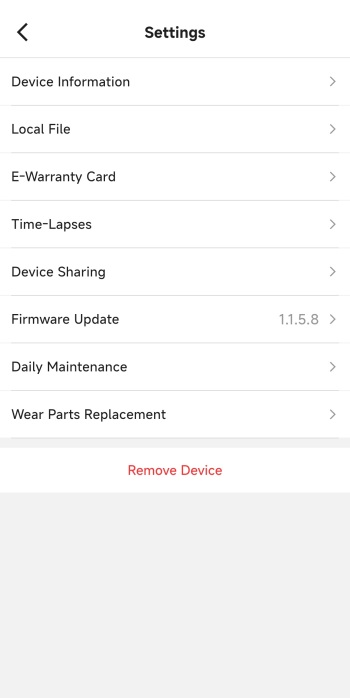
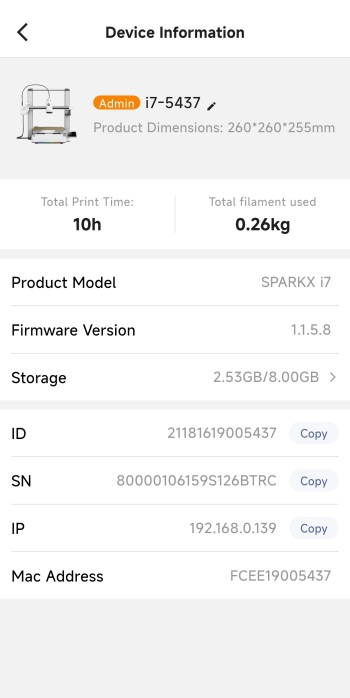
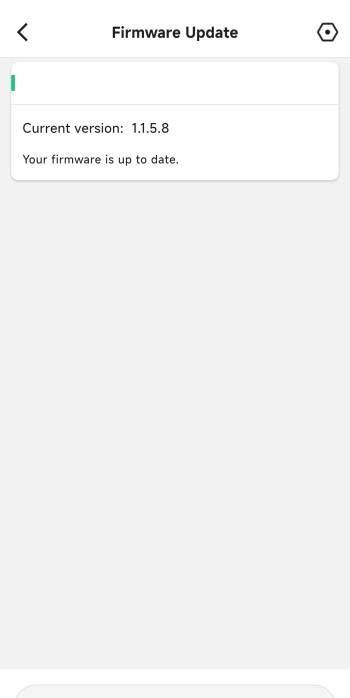
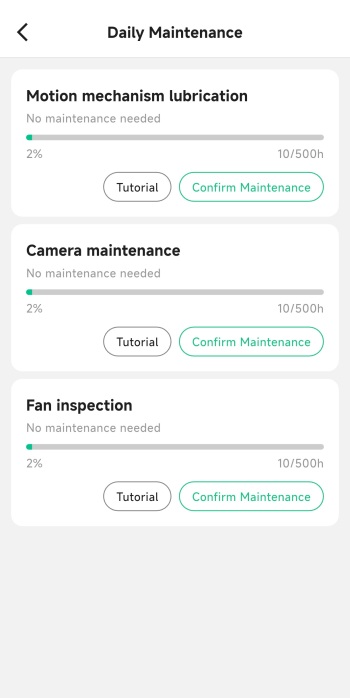
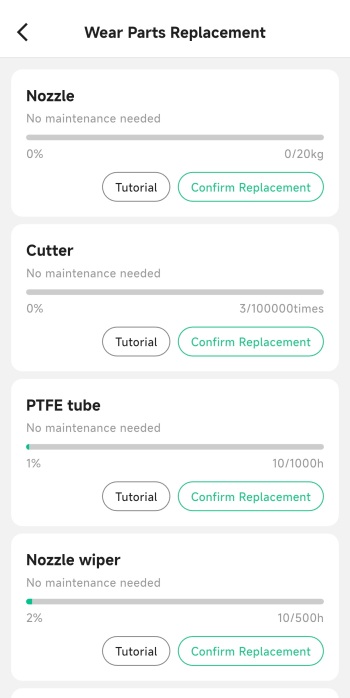
The settings tab contains your electronic insurance card and allows you to access information of the printer, share the printer with others, check local files and time lapses and check for firmware updates.





