





TESTING METHODOLOGY
Once again to test this printer by QIDI I used their latest print software (QIDI Studio v2.7.2.1.0) by manually entering the same settings I’ve used to date with all FDM printers (quality of 0.16mm, 20% infill density and cubic infill pattern).
Nothing else has changed of course so again I’ll be using 2 different sized models (downloaded from Cults3D / member Eastman) to record completion time at 100% speed. Second thing to test are noise levels and so once again I’ll be using my ExTech HD600 decibel meter placed roughly 30cm away to record the maximum noise coming from the 3D printer while printing. As for the 3rd test with the help of an UPS and two power meters I decided to also record not only the lowest and highest but also the average instant power consumption of the 3D printer in my hands.
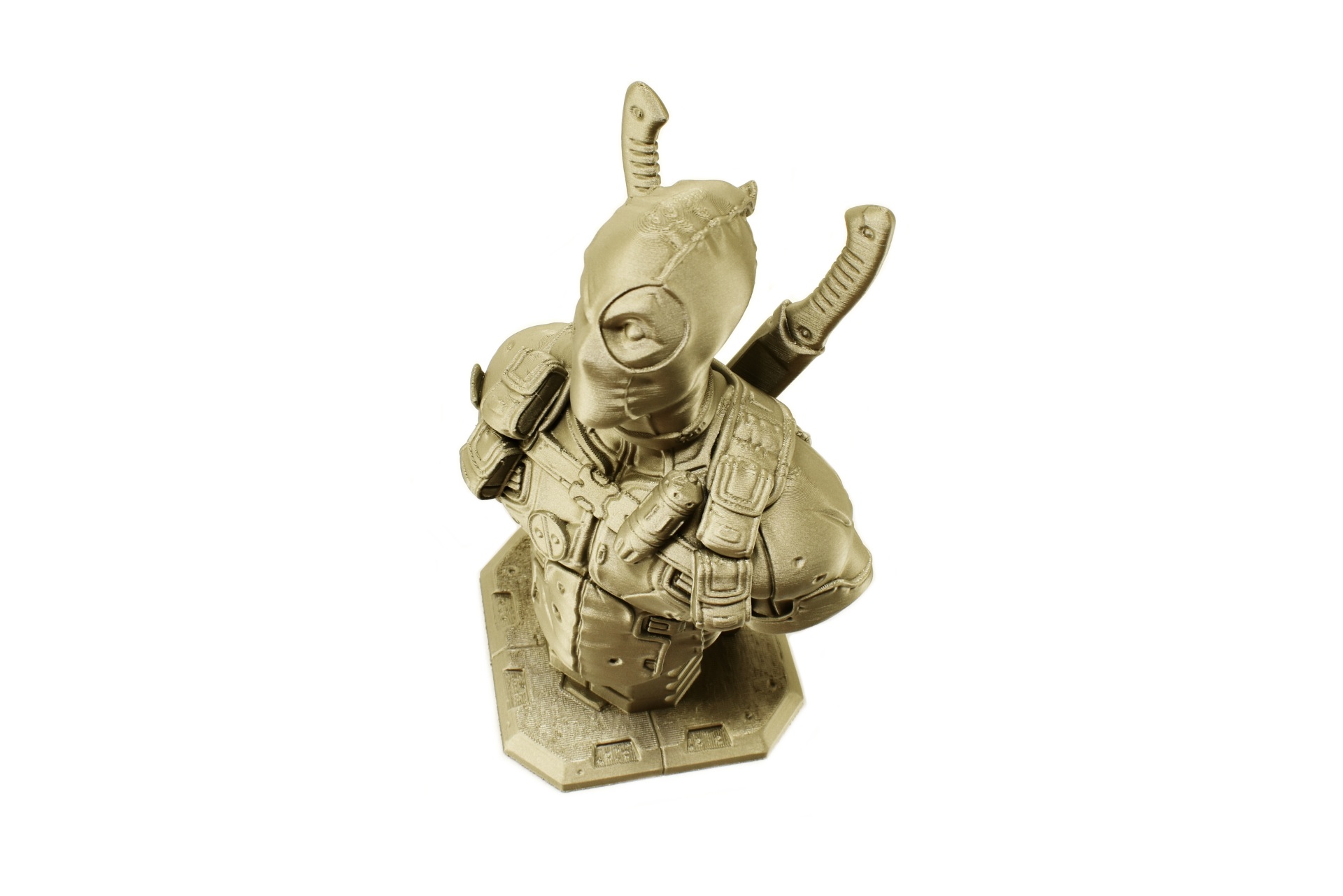
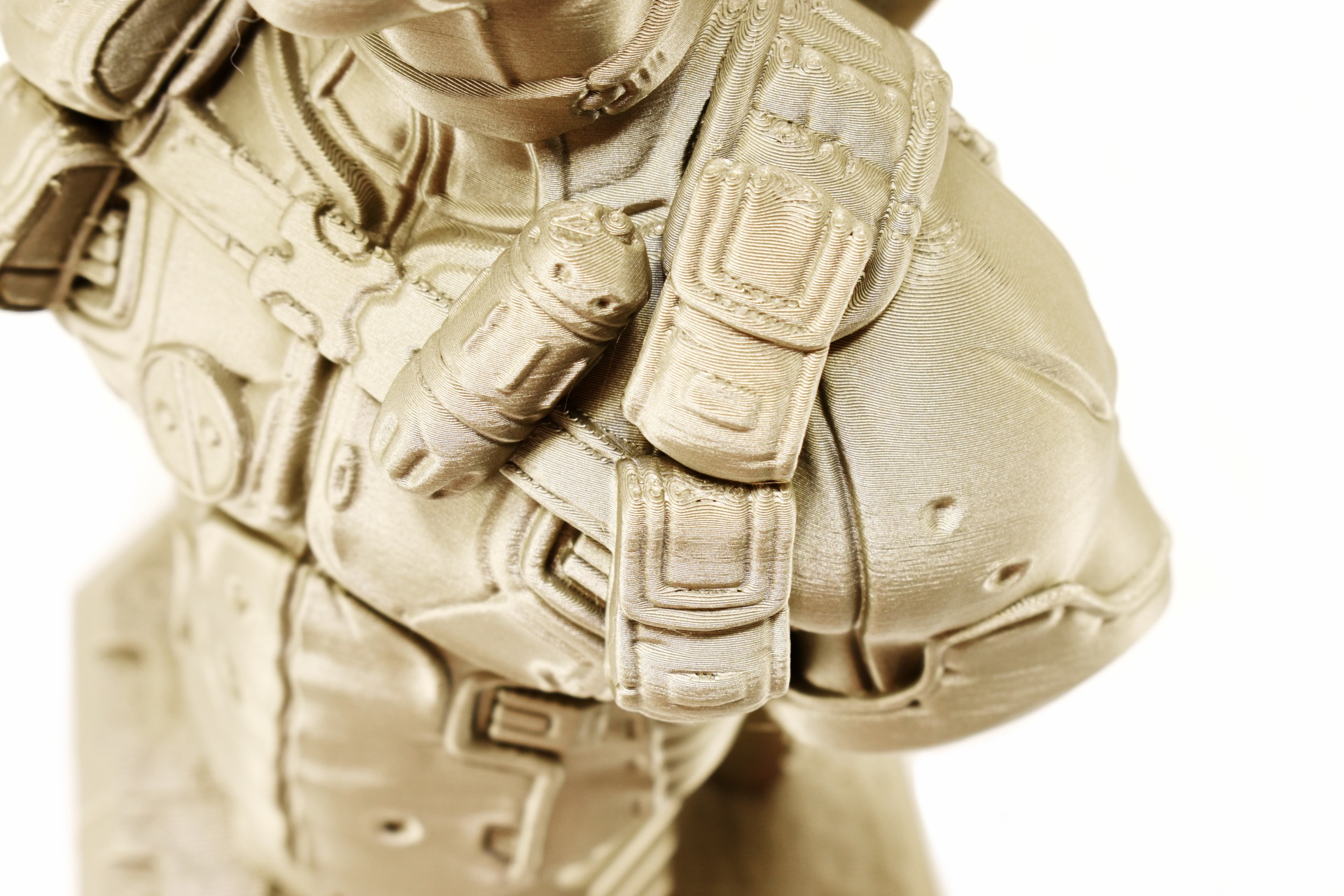
The Plus5 may not be quite as fast as some of the other models I’ve reviewed to date but it produces very good printing results as evident from the above pictures (as always a short timelapse is available both on TikTok and YouTube).
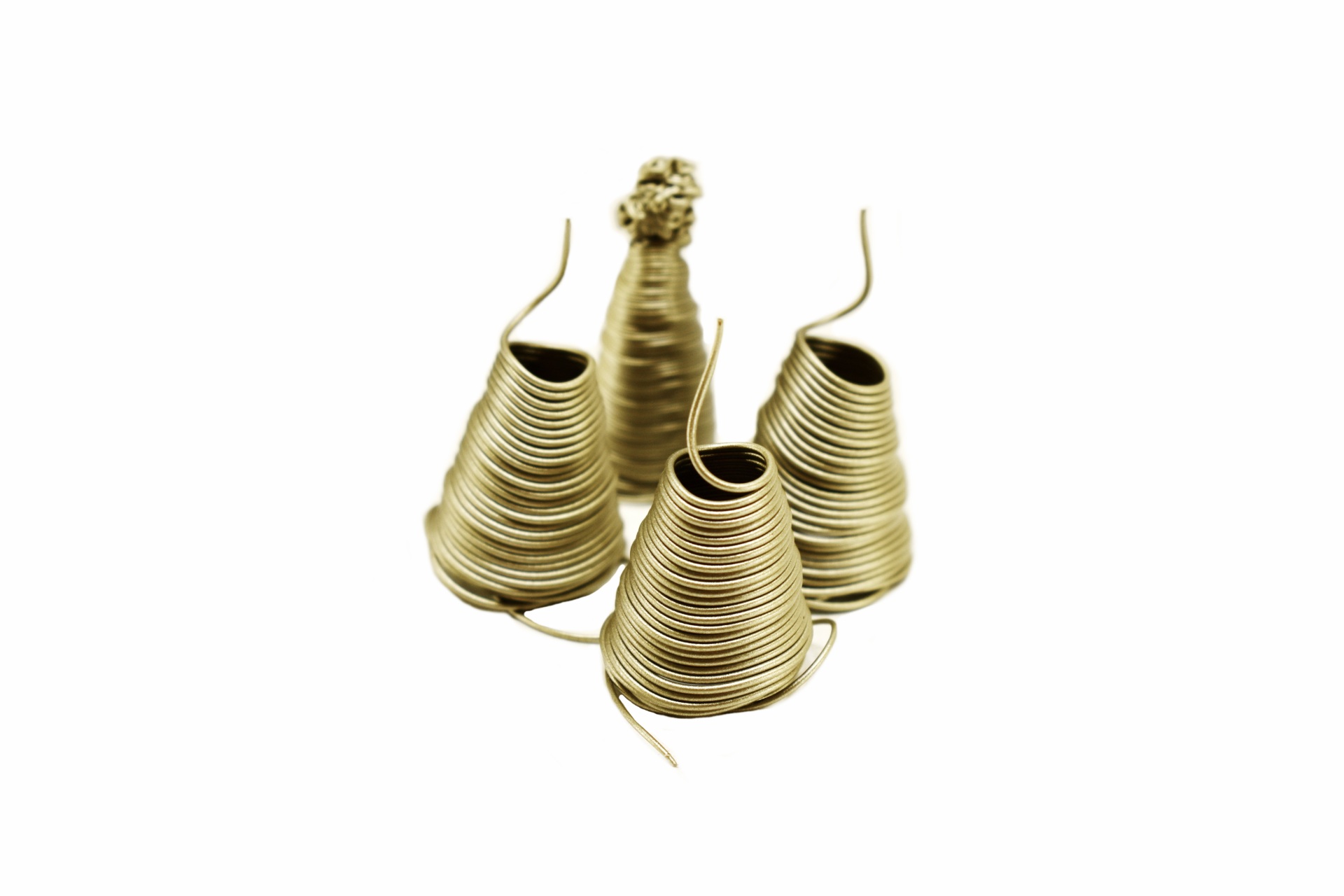
QIDI has changed the way the printer discards of filament and so now instead of the usual random pieces, filament is discarded in the above shape (better looking one). This however may not be particularly good news because it seems it discards more filament than before.





