





DISPLAY MENUS
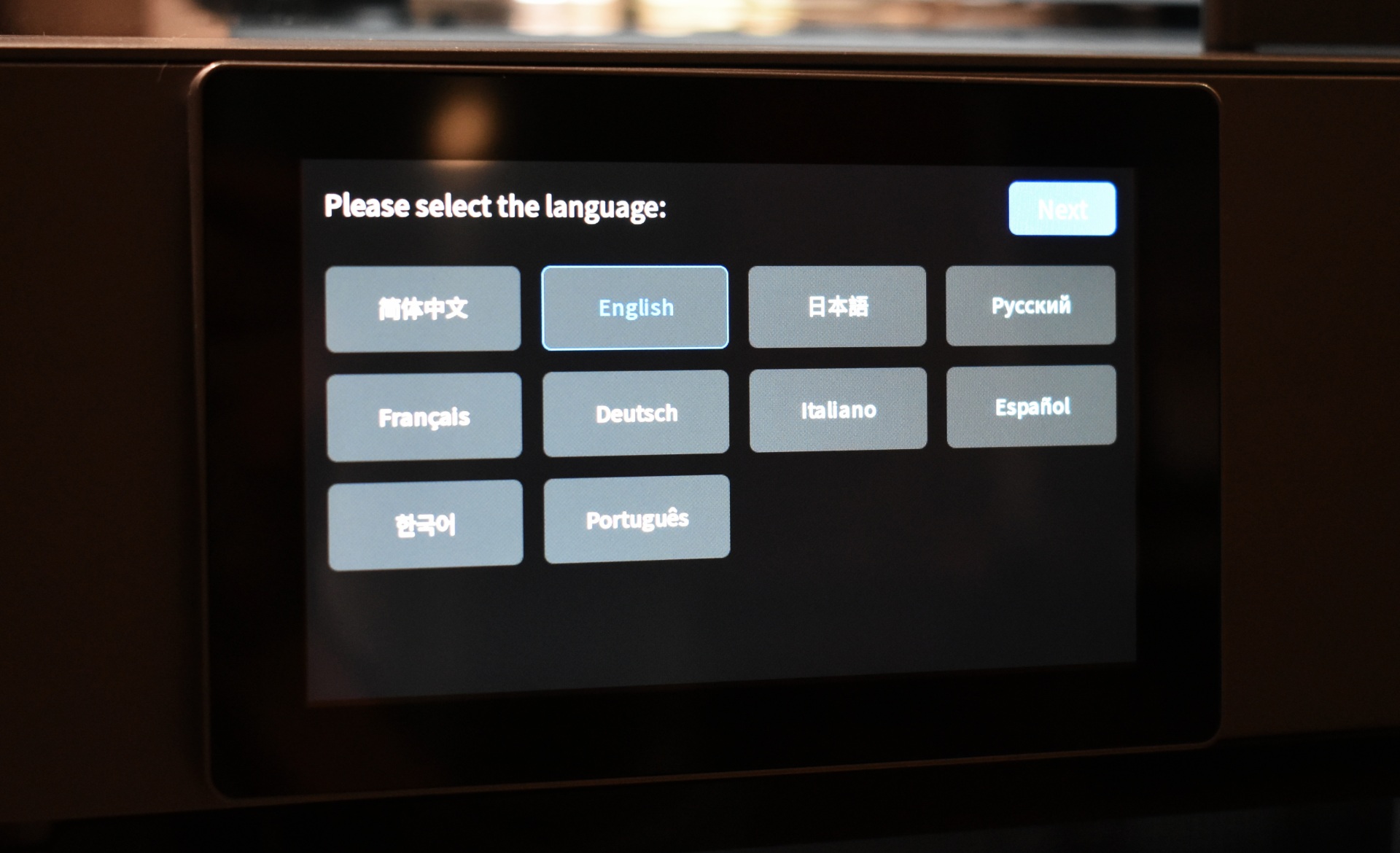
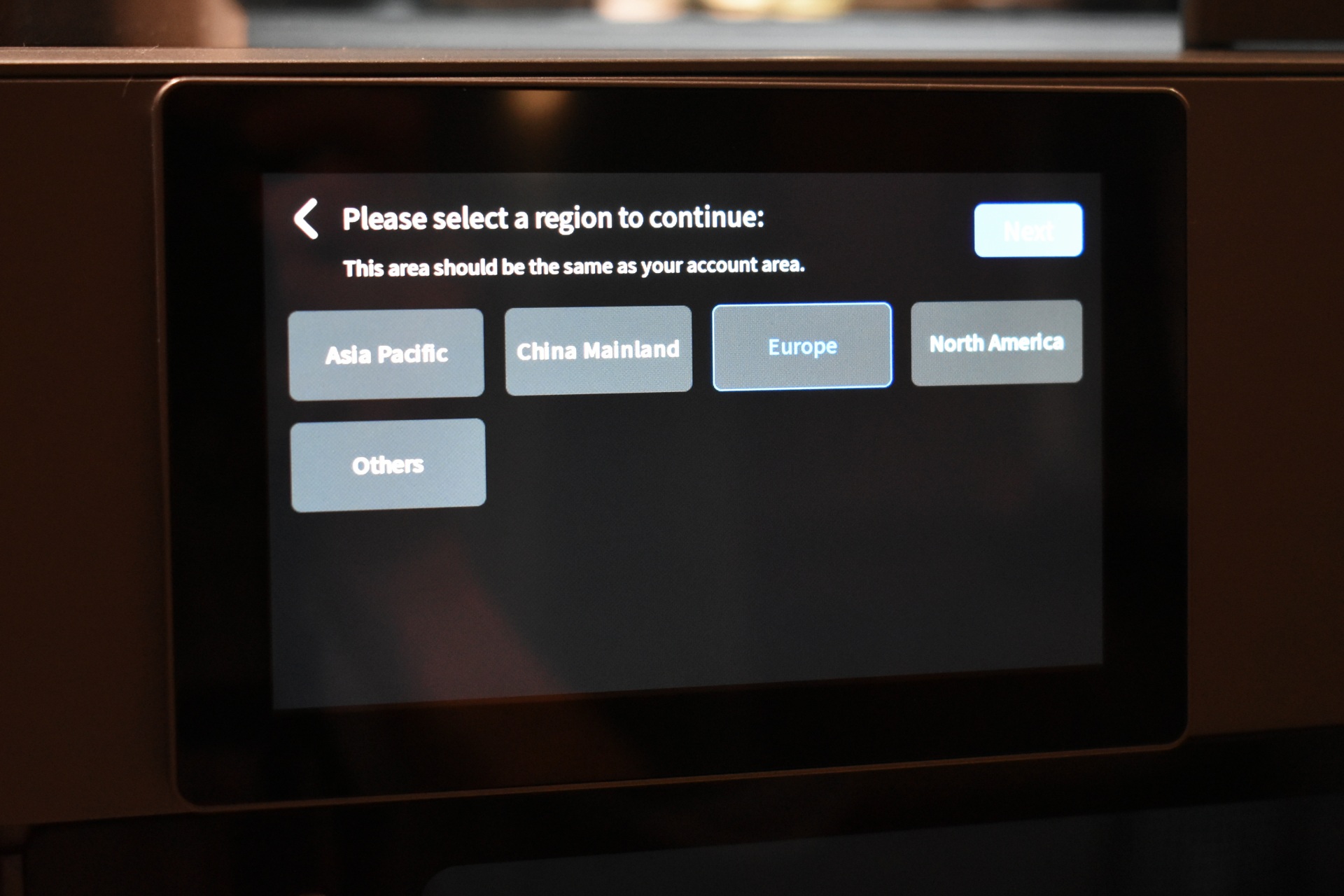
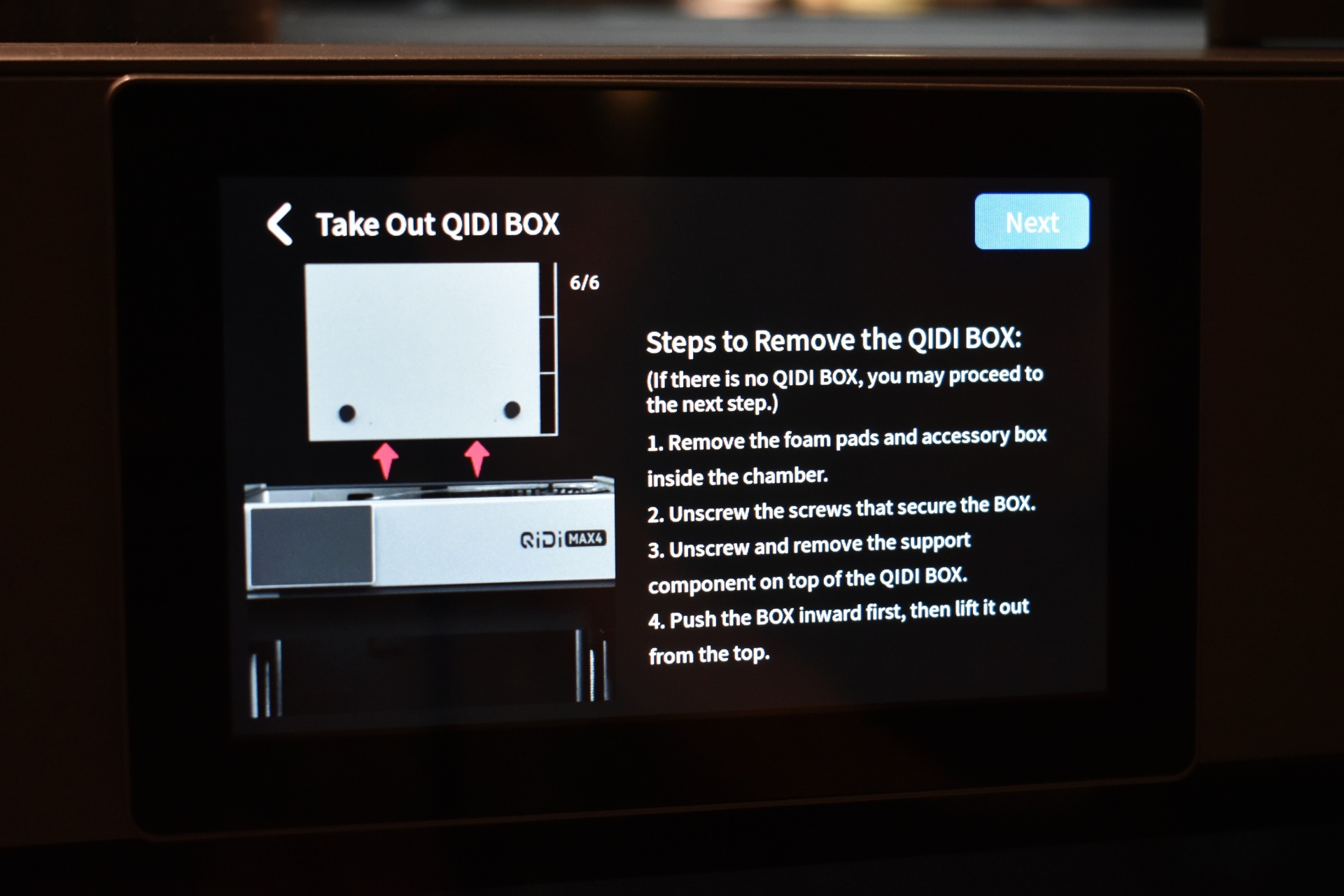
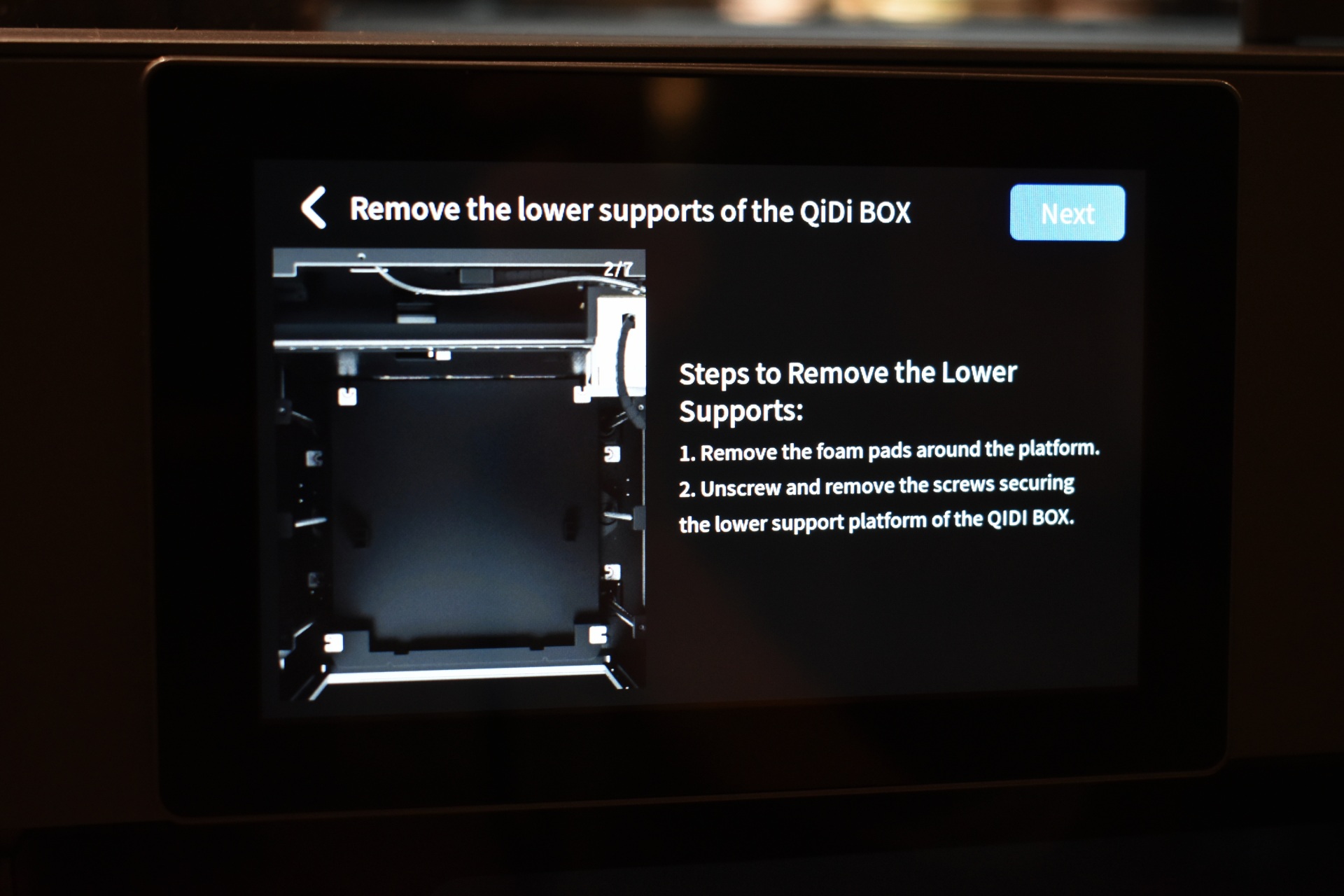
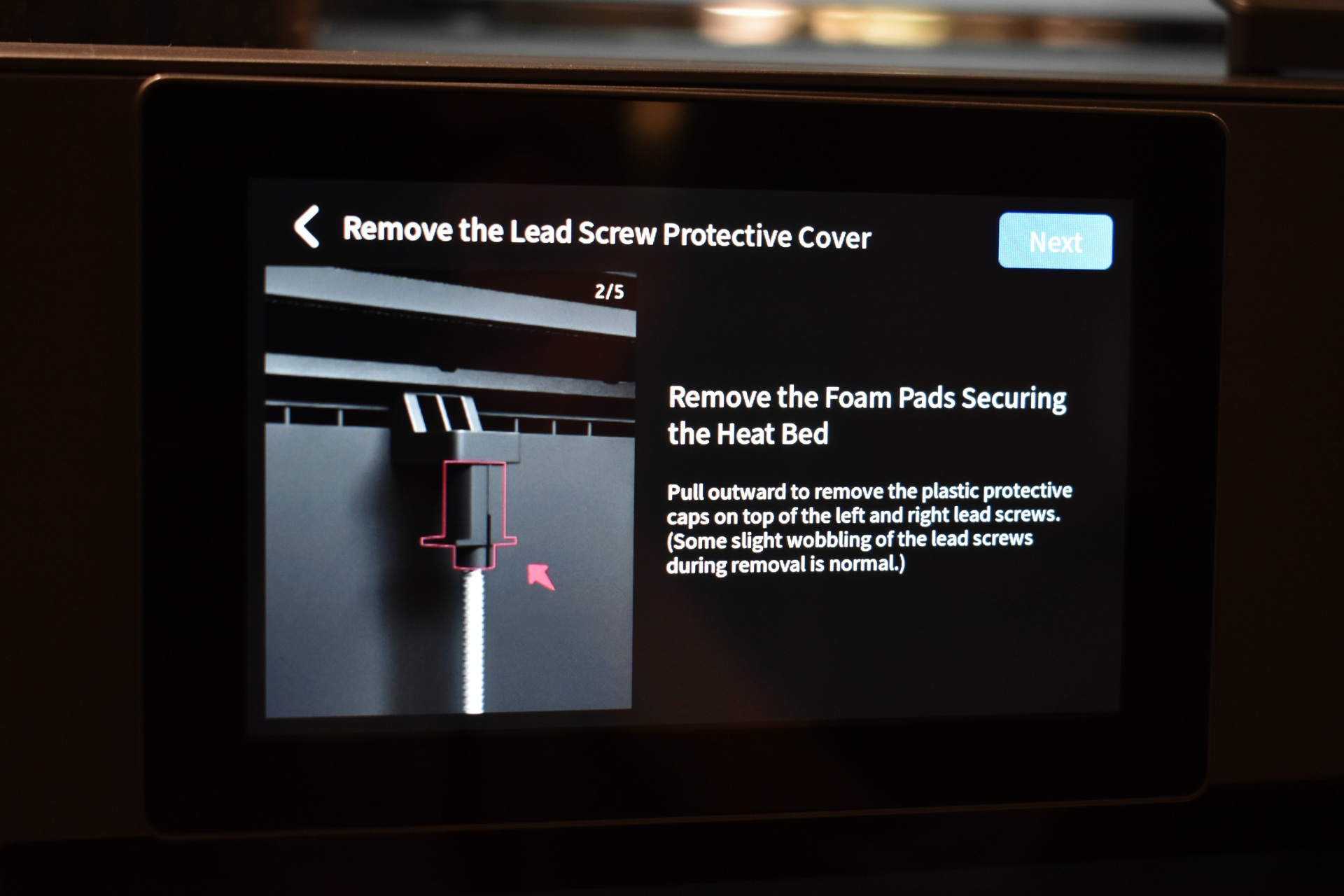
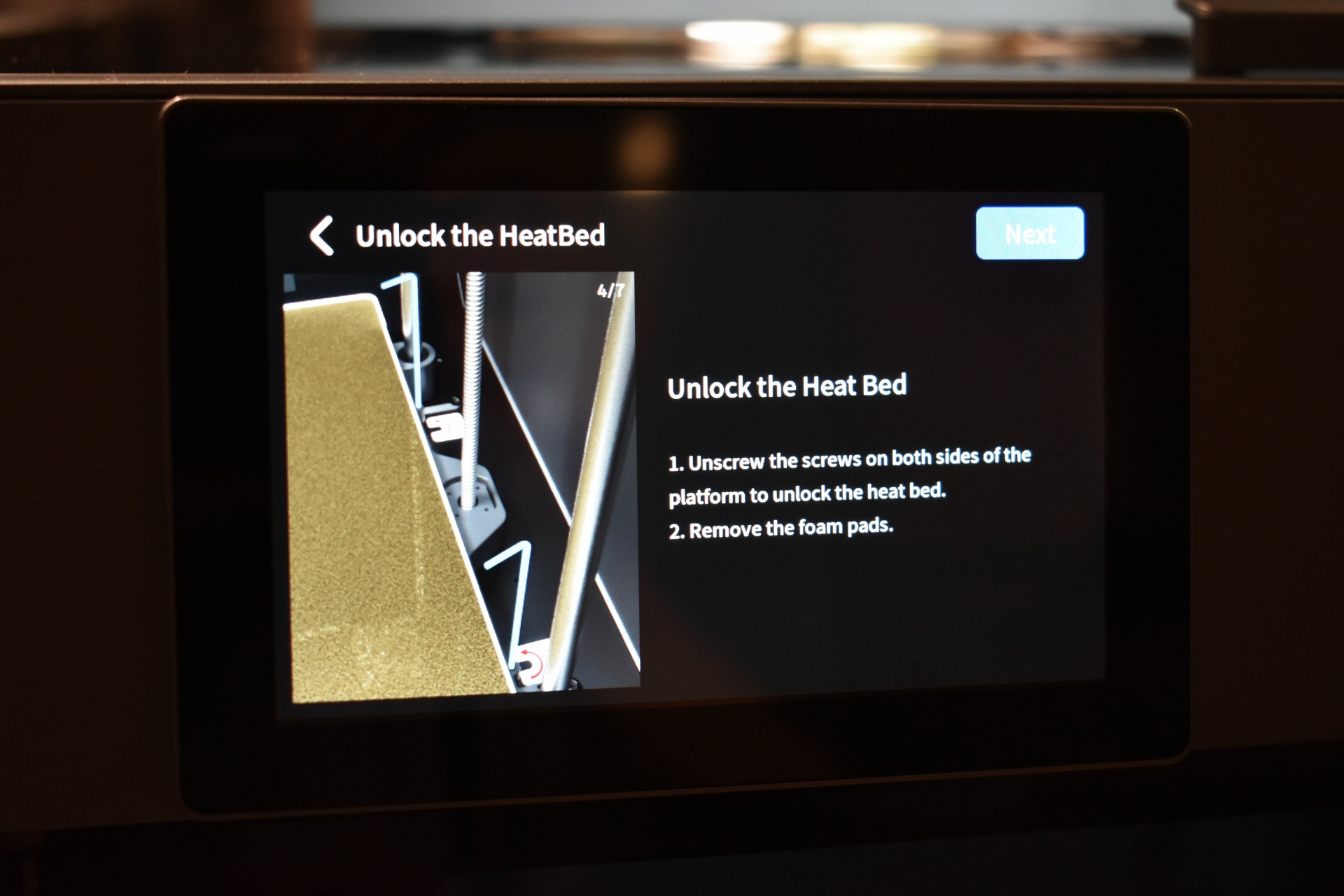
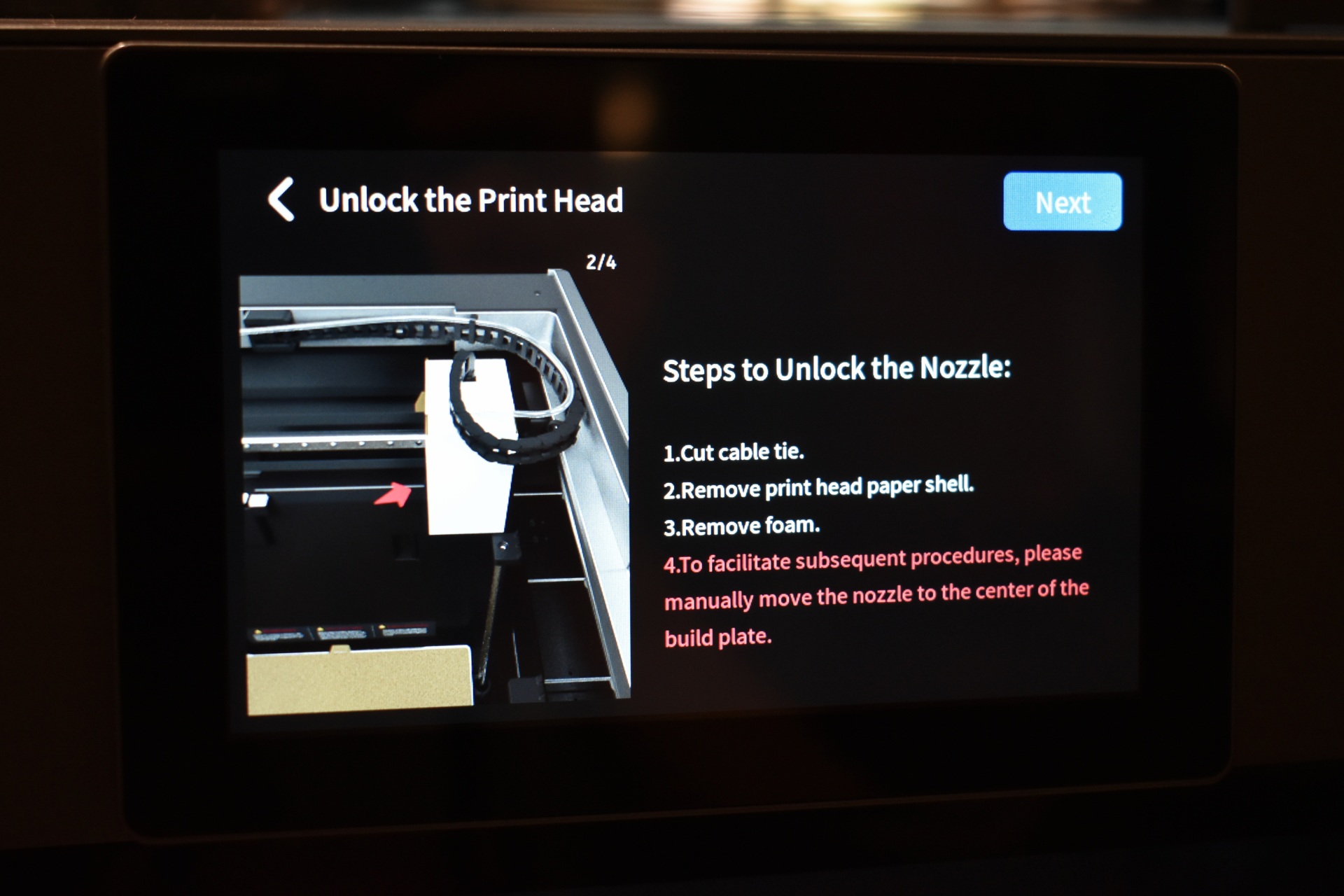
Once you turn on the QIDI Max 4 Combo you will need to choose the language, region and follow instructions on how to remove the QIDI box and unlock the bed and print head.
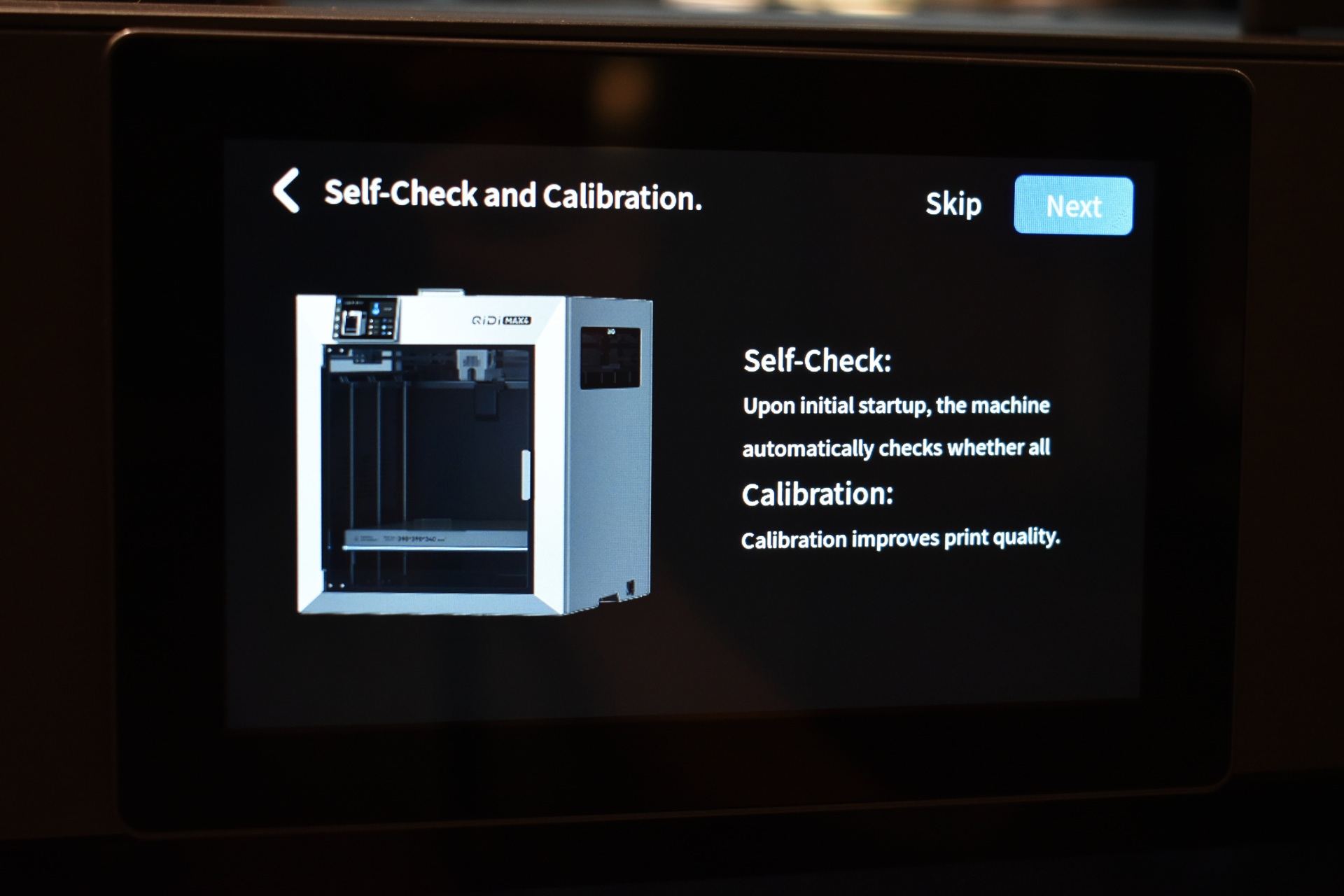
Next stop is to allow the unit to perform a self-check and calibration.
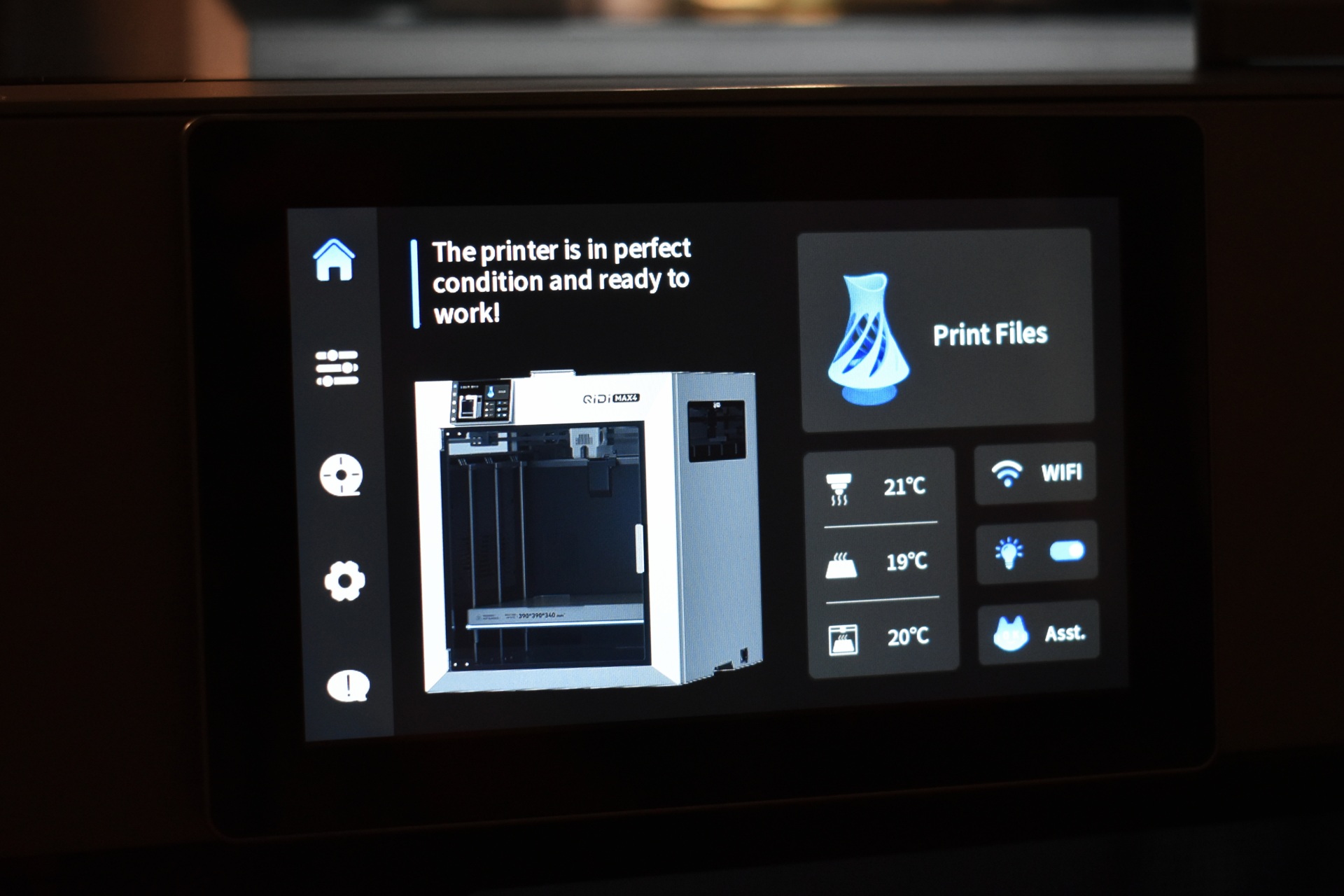
Once the self-check and calibration procedure is complete, you'll get the above screen.
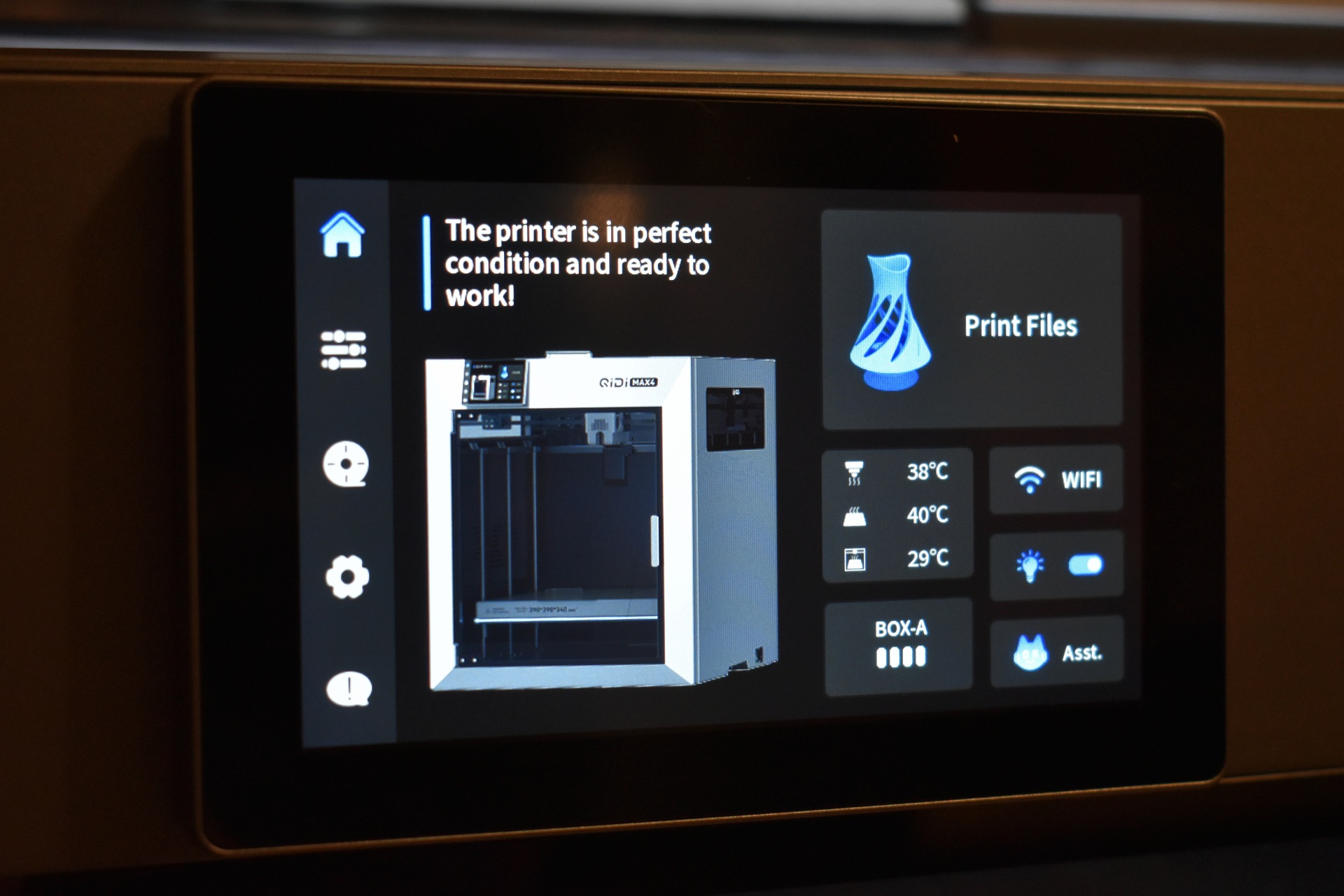
Turning on the QIDI box adds that graphic in the initial screen which typically shows the status of the printer.
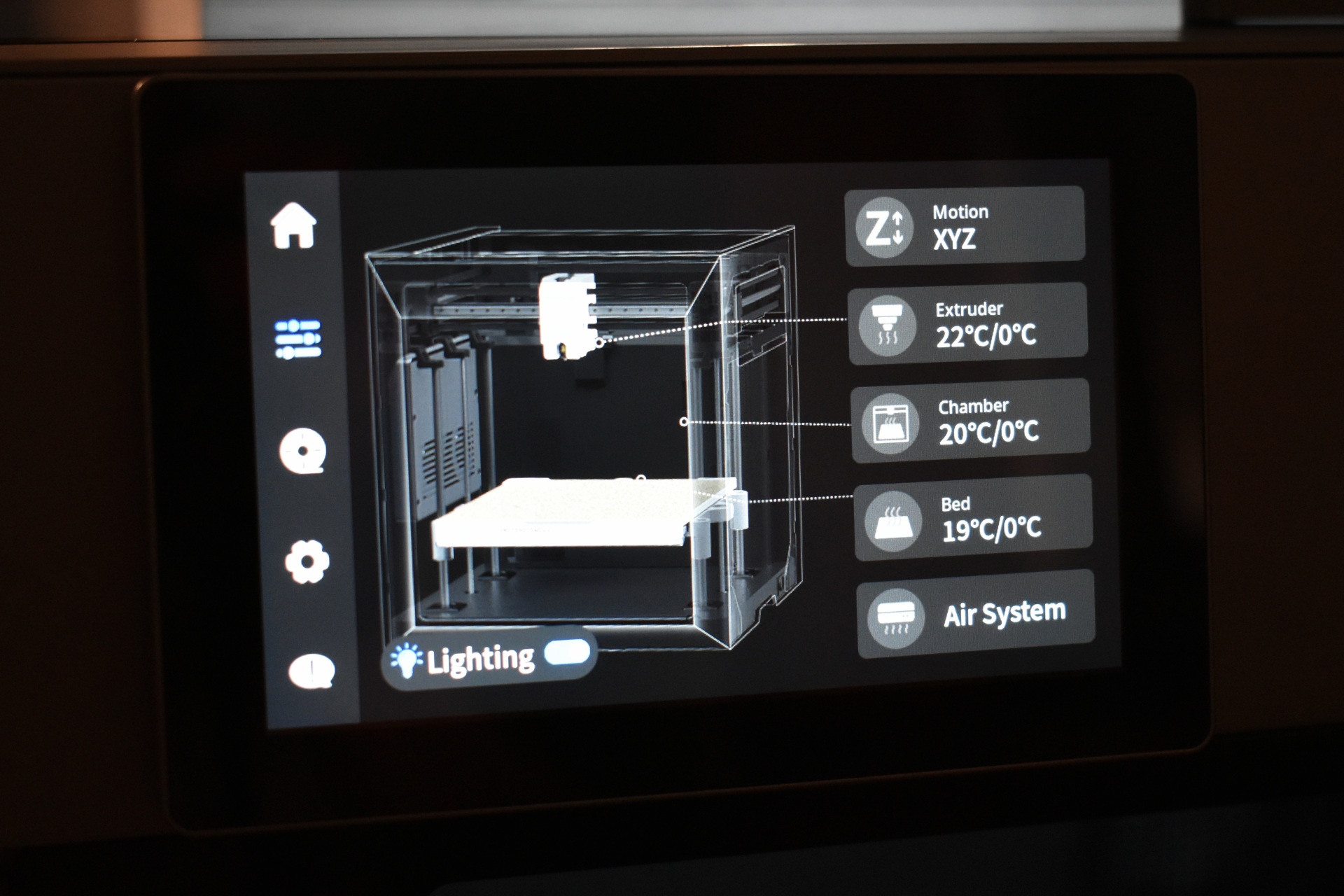
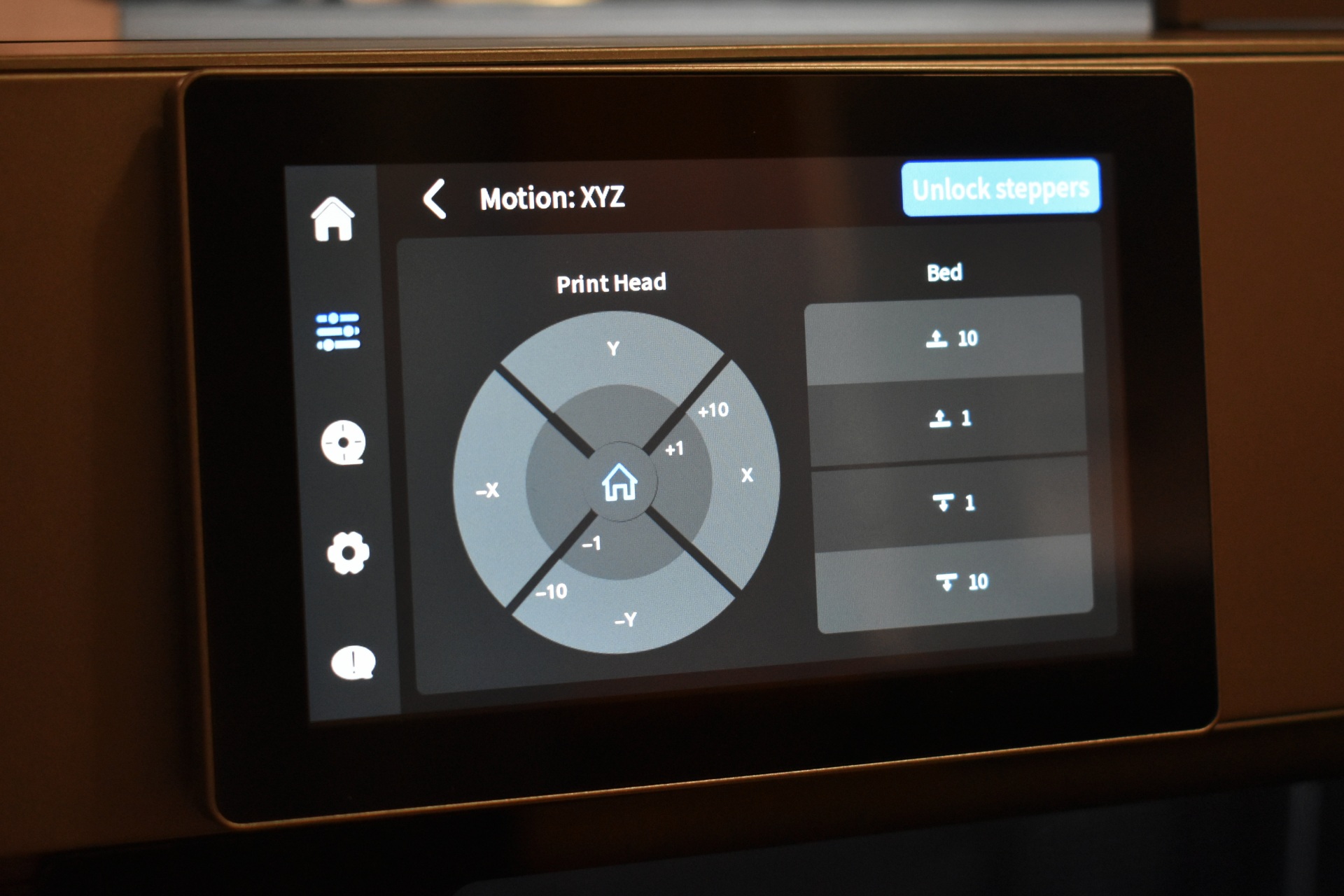
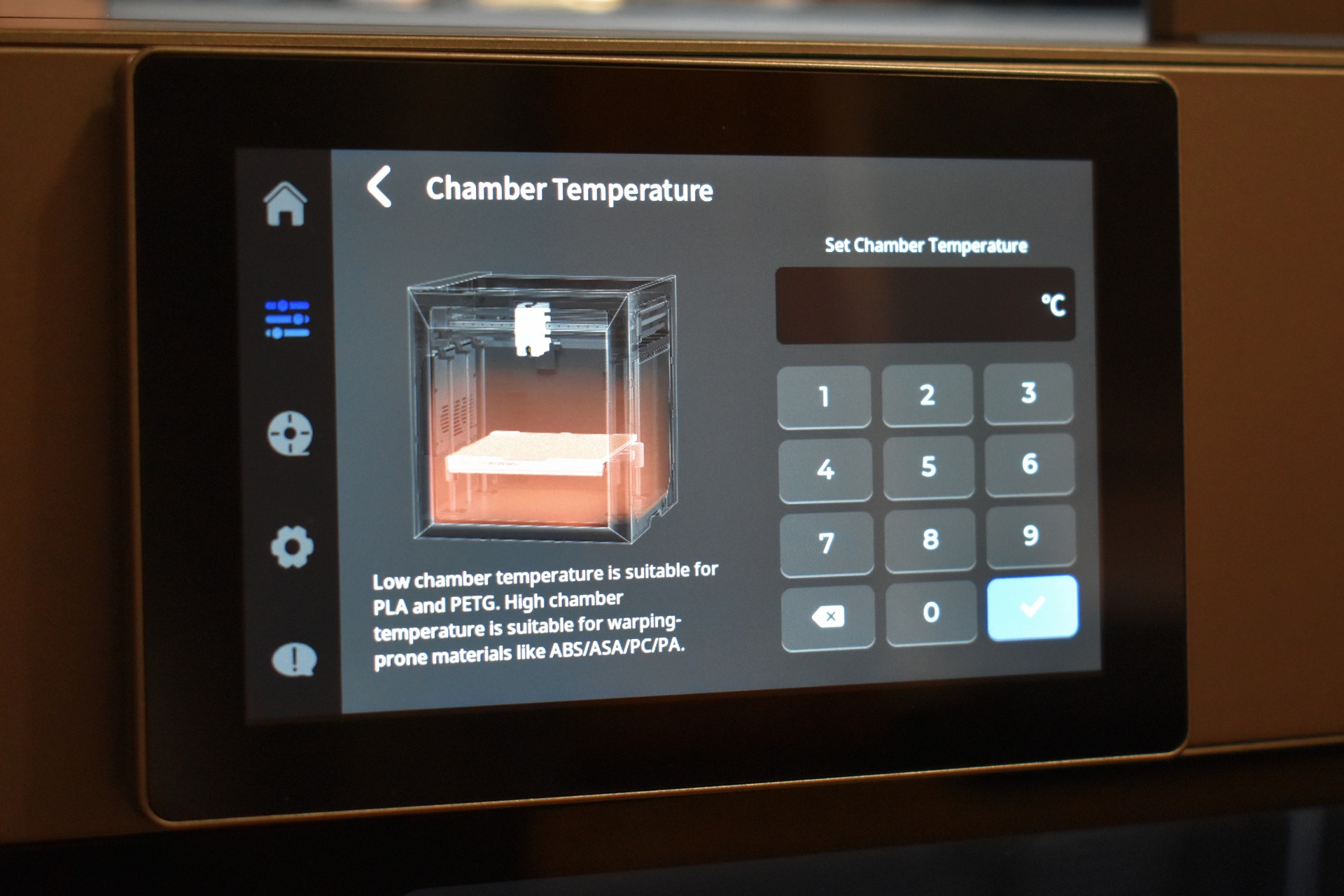
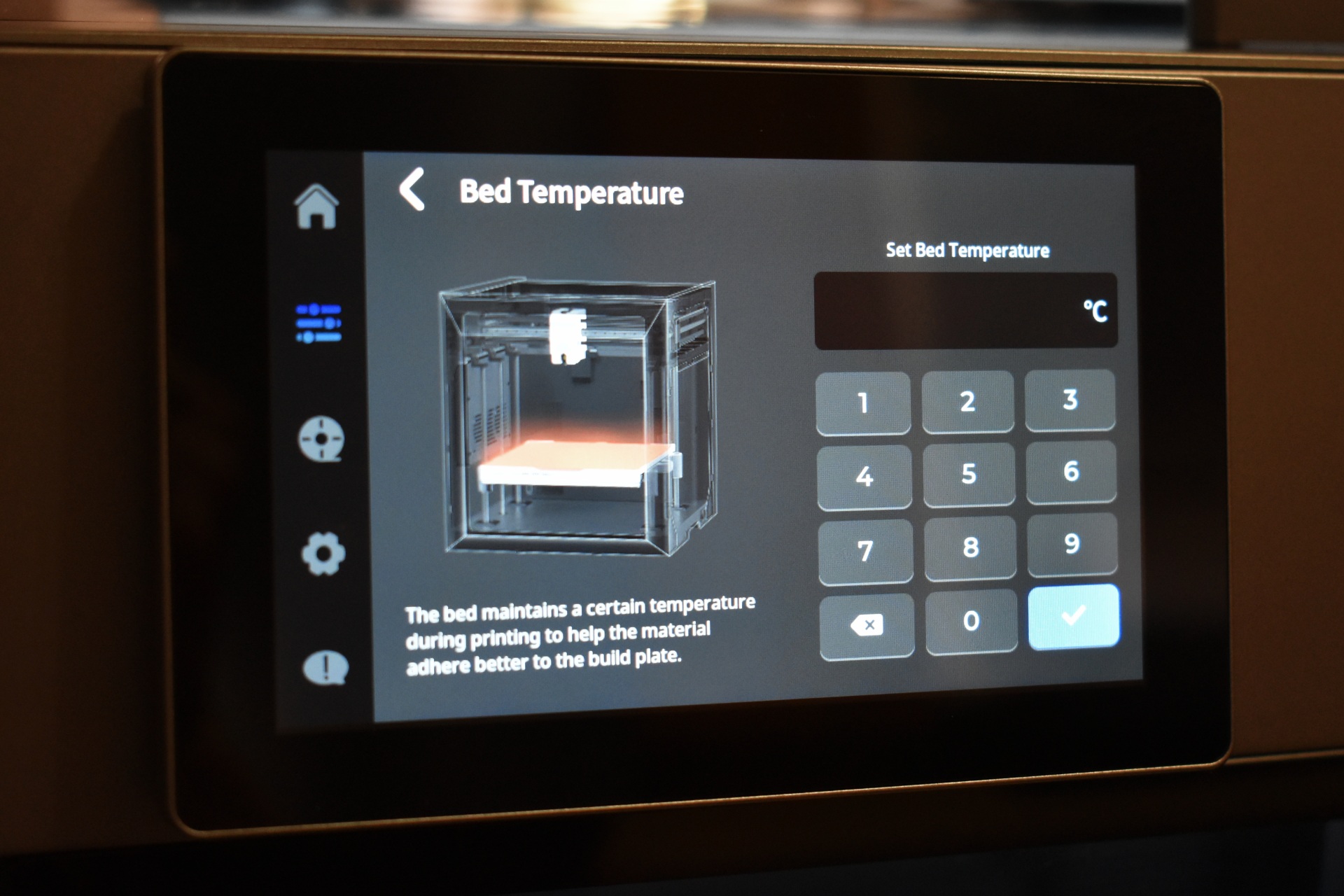
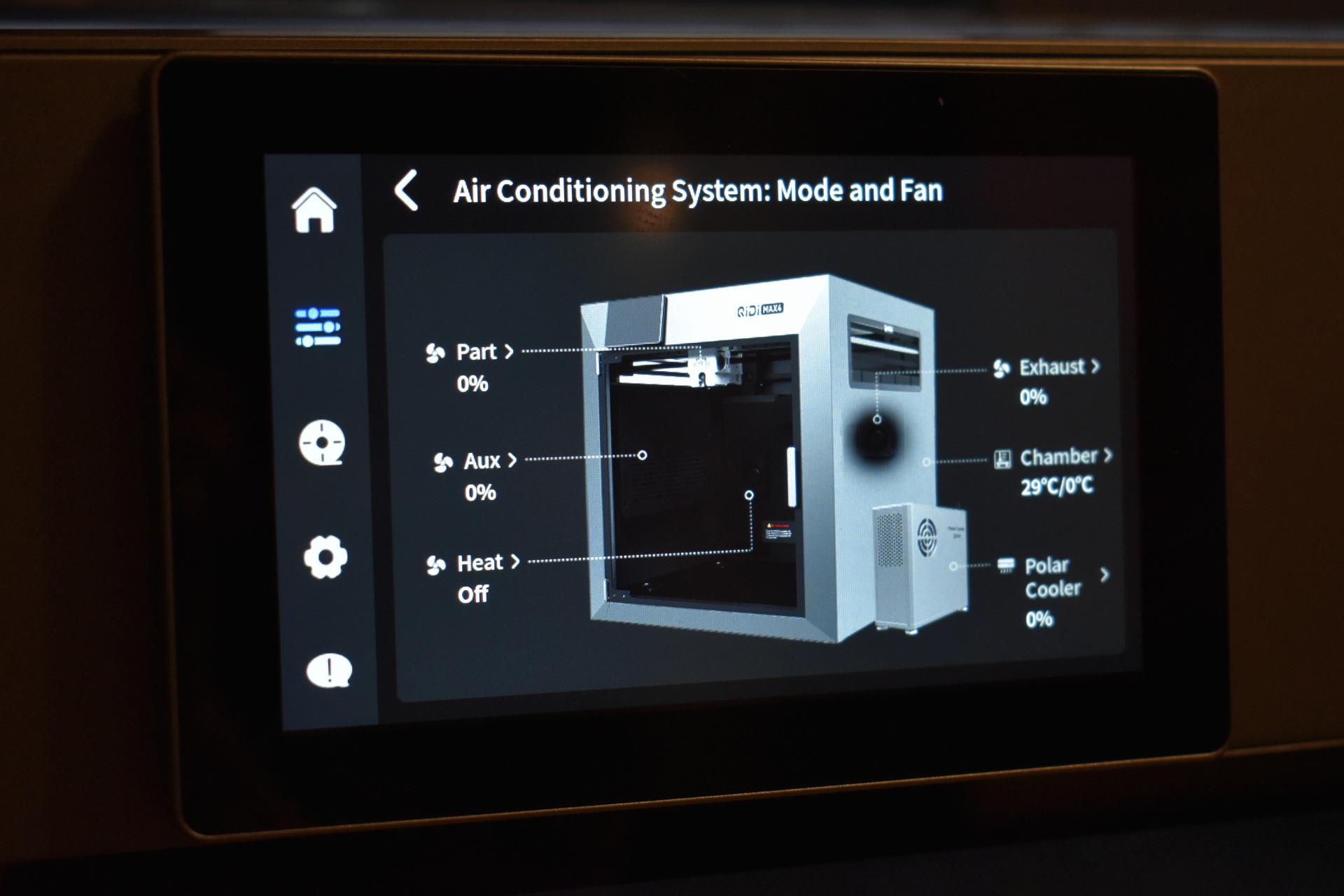
From the 2nd tab you can move the extruder and the printing bed, adjust temperatures for the extruder, chamber and bed and adjust the cooling system.
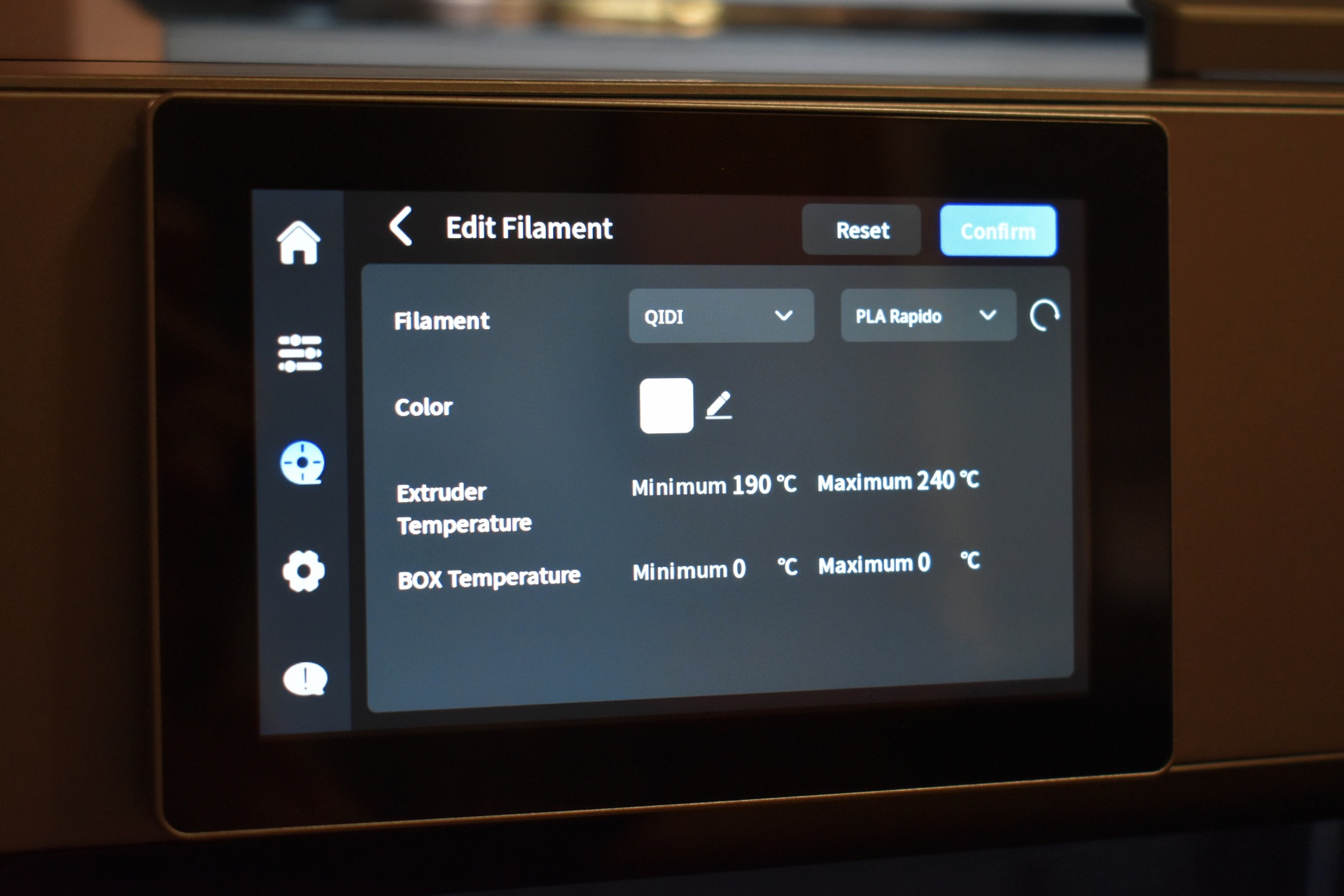
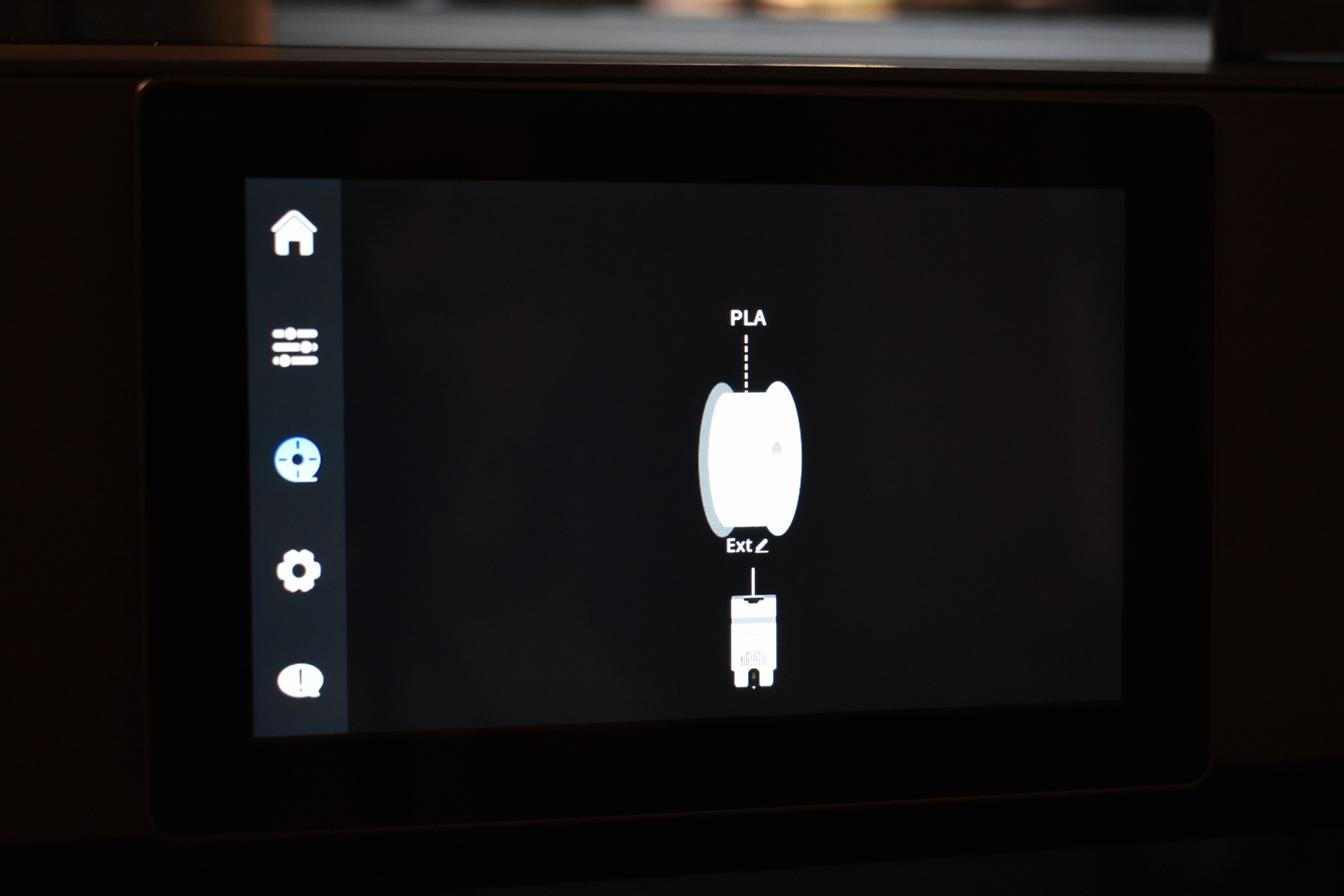
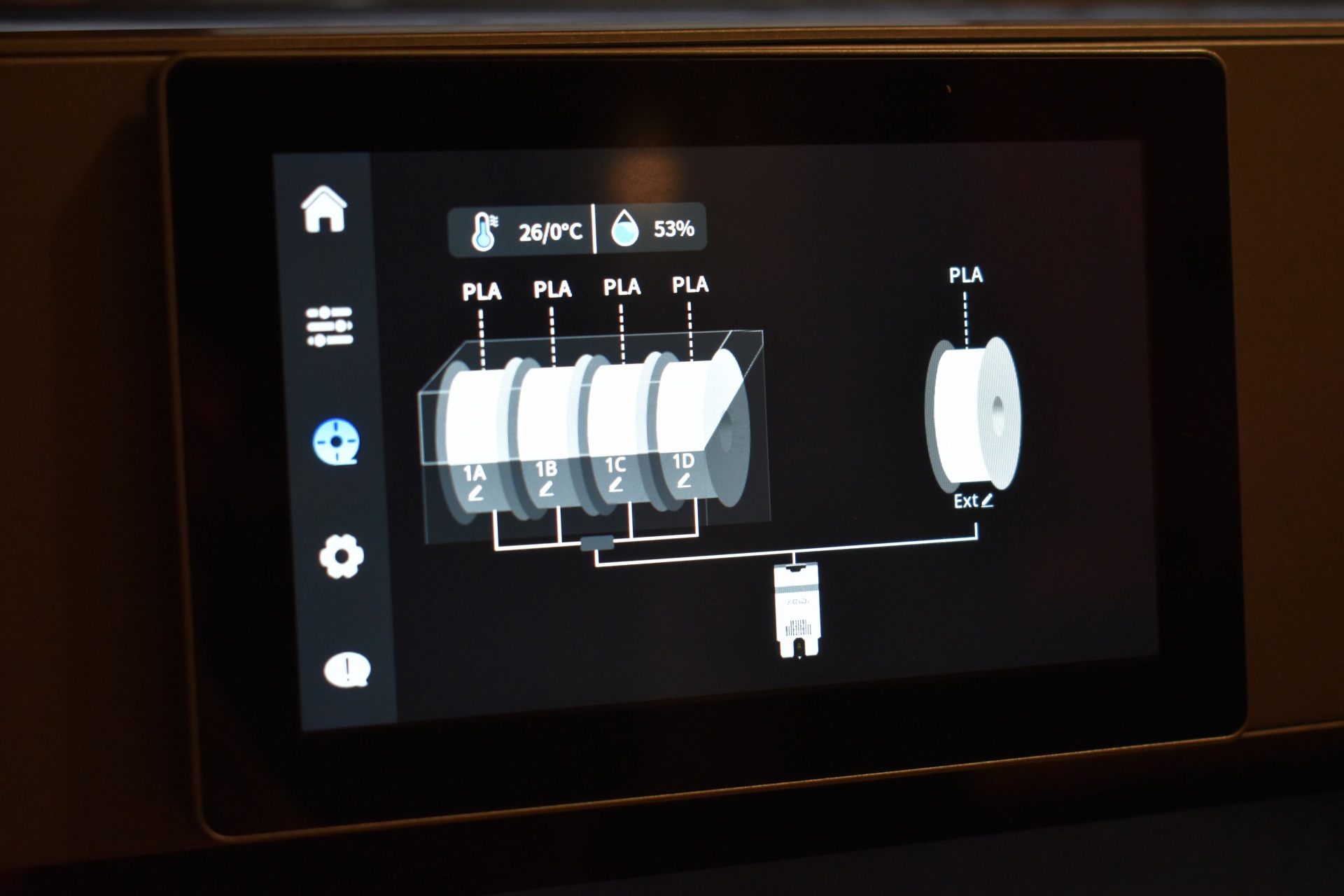
Inside the filament tab you can select the brand and type of filament and temperatures and choose between the spooler and the QIDI box.
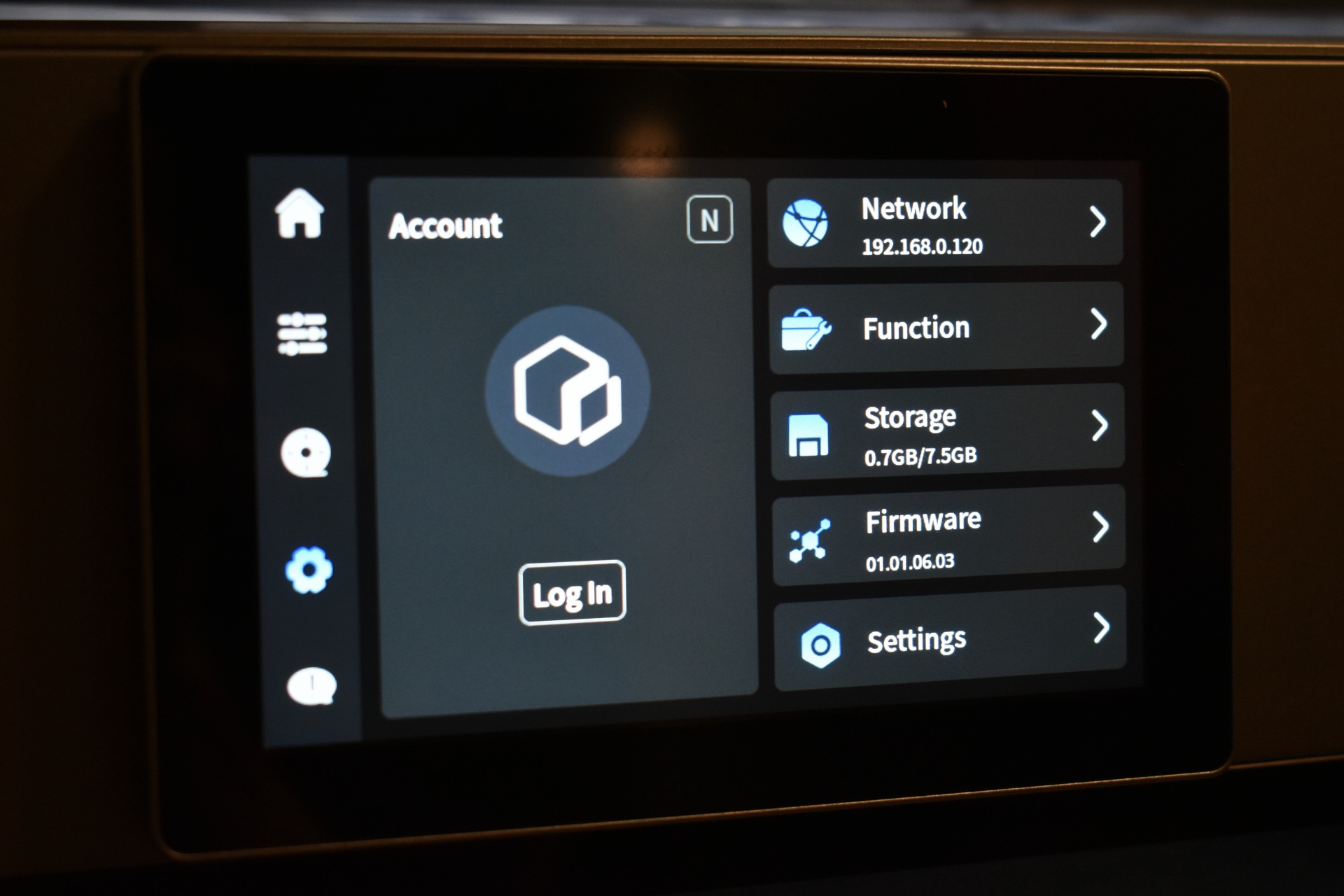
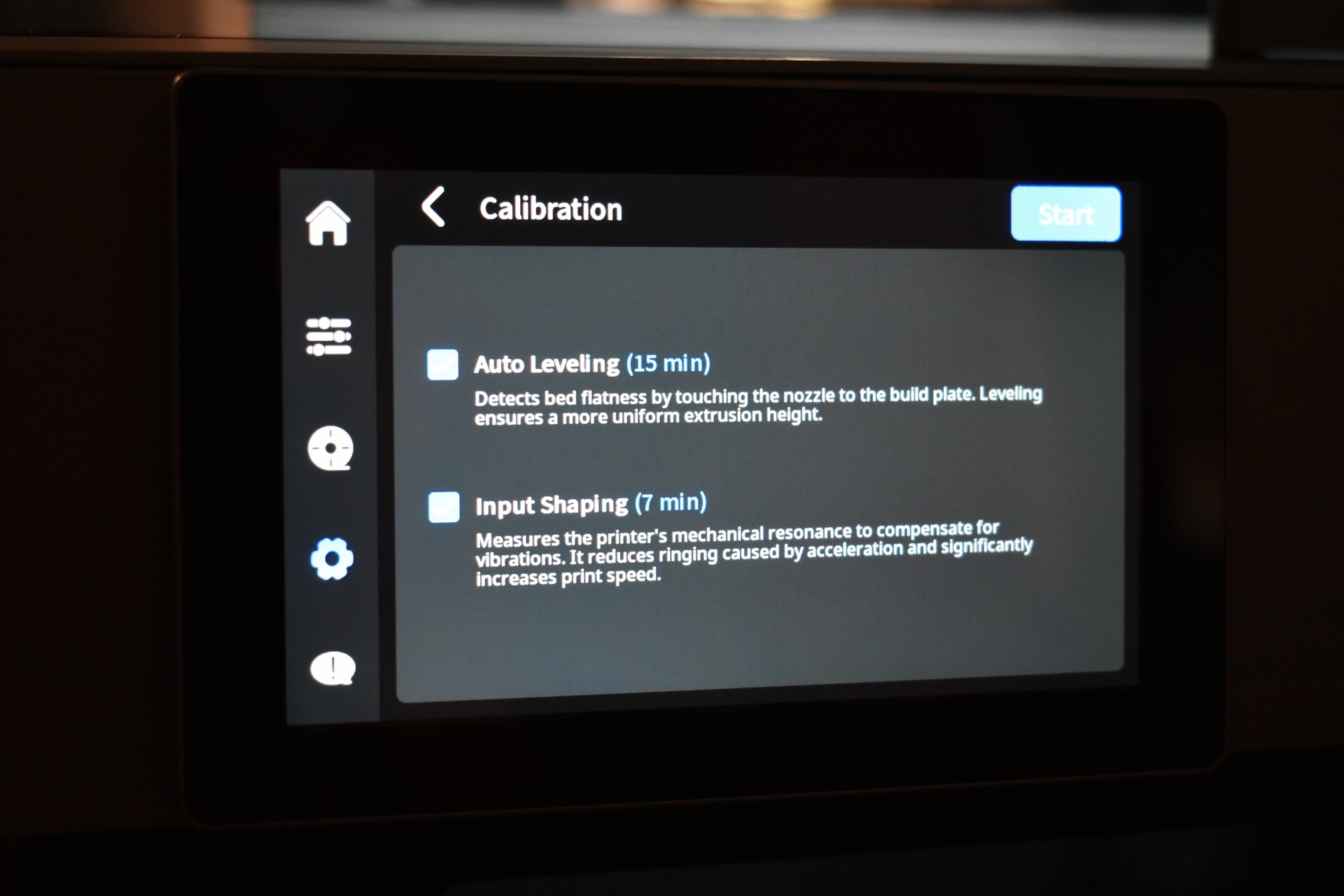
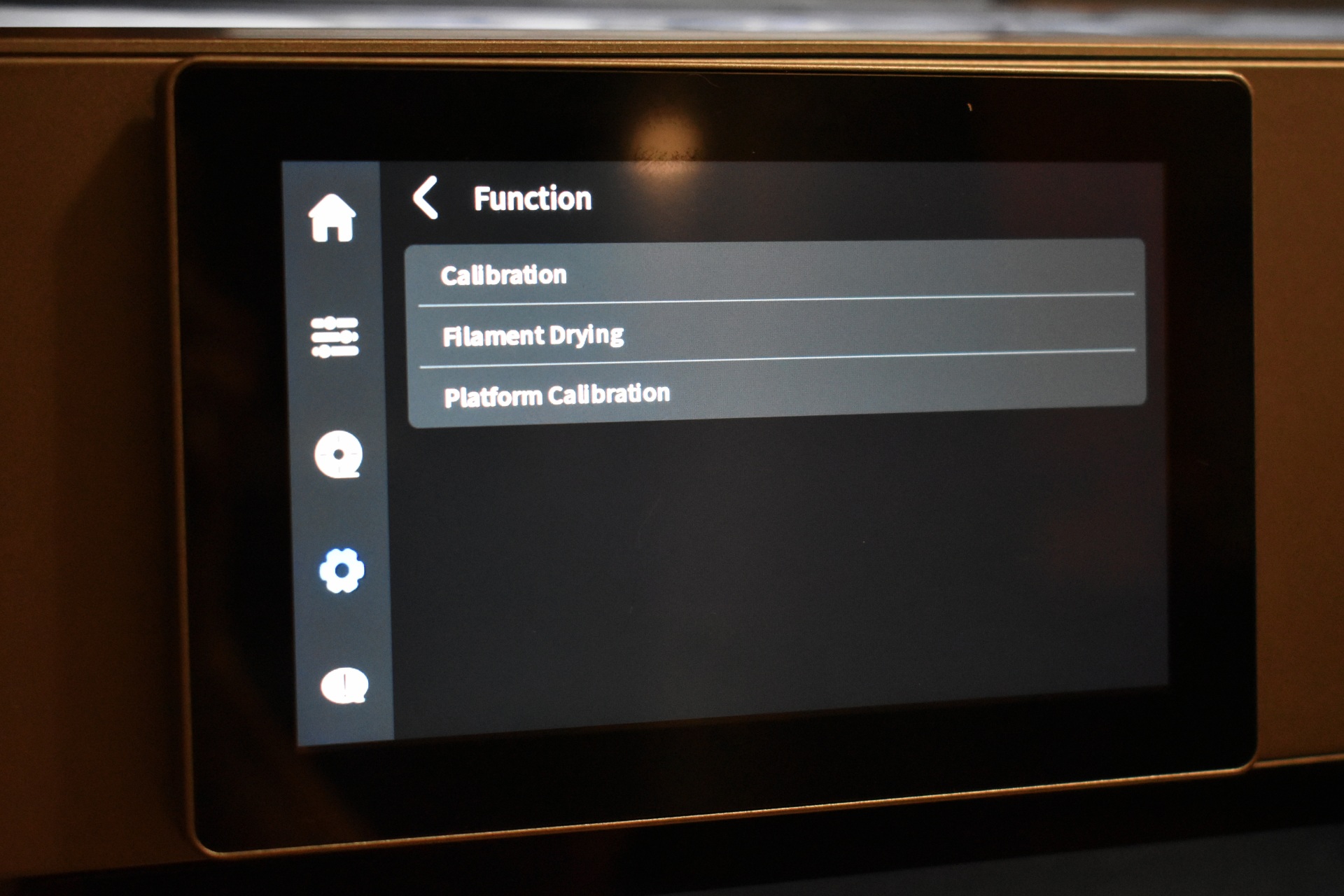
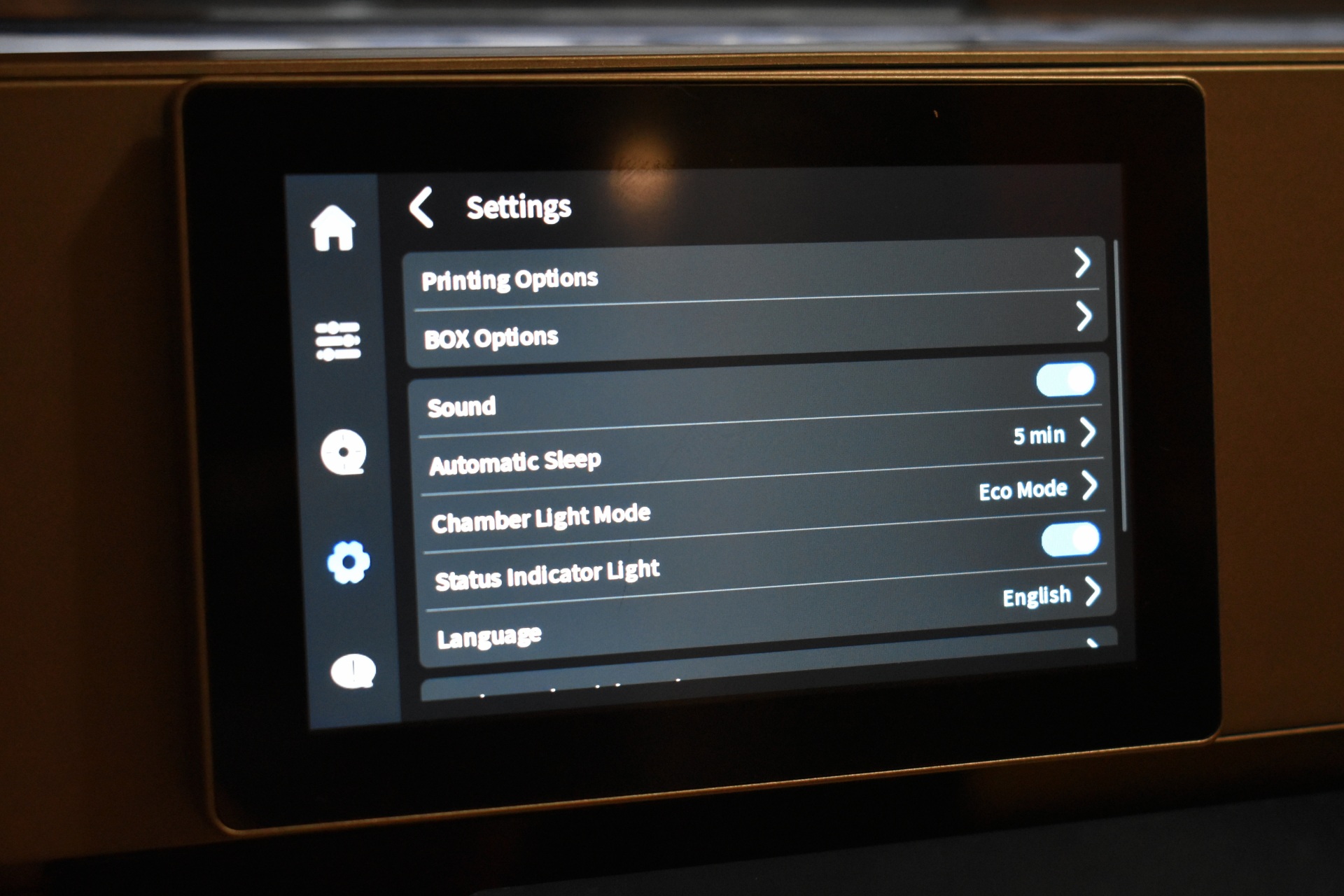
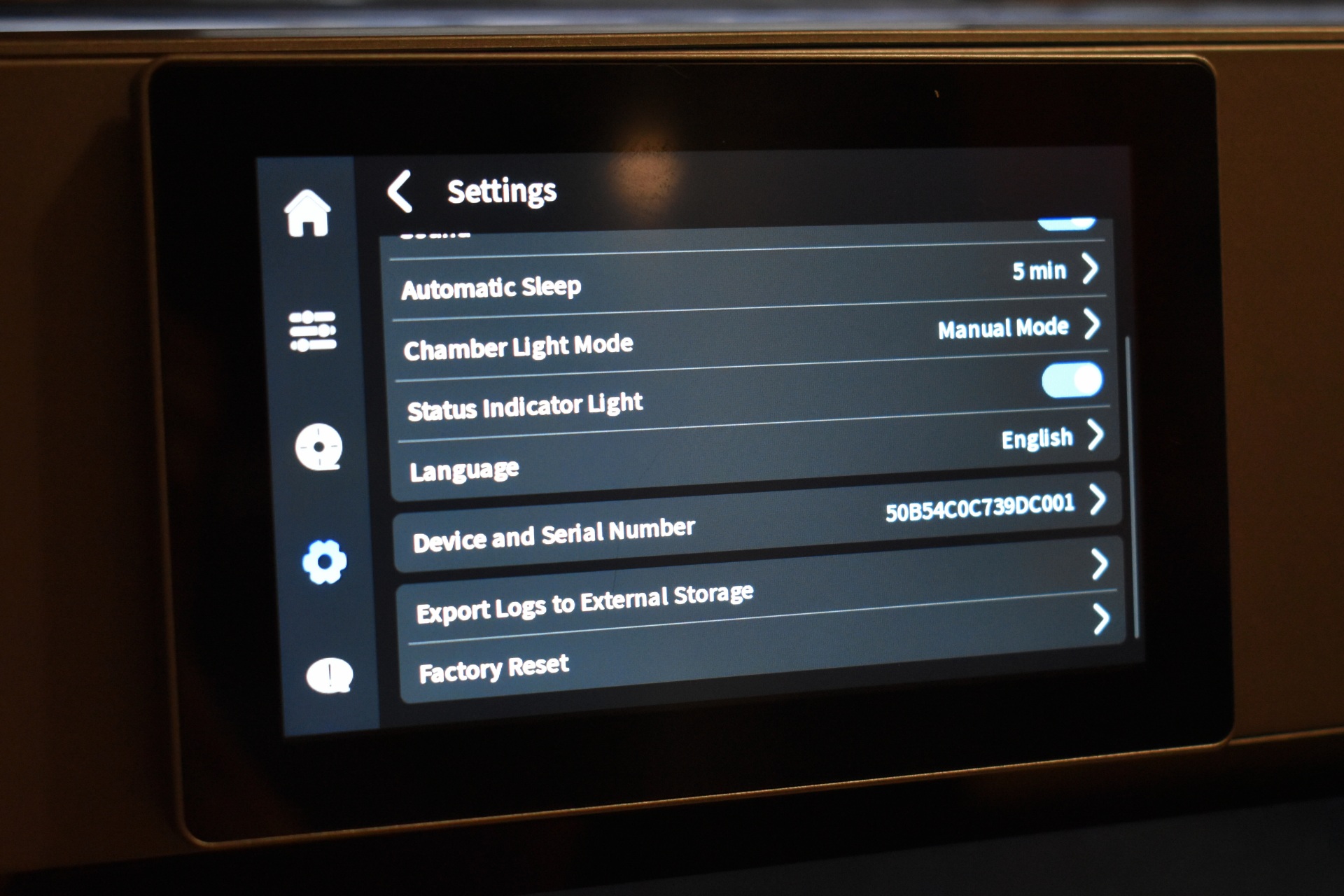
The settings tab includes the Wi-Fi, calibration, storage and general settings.
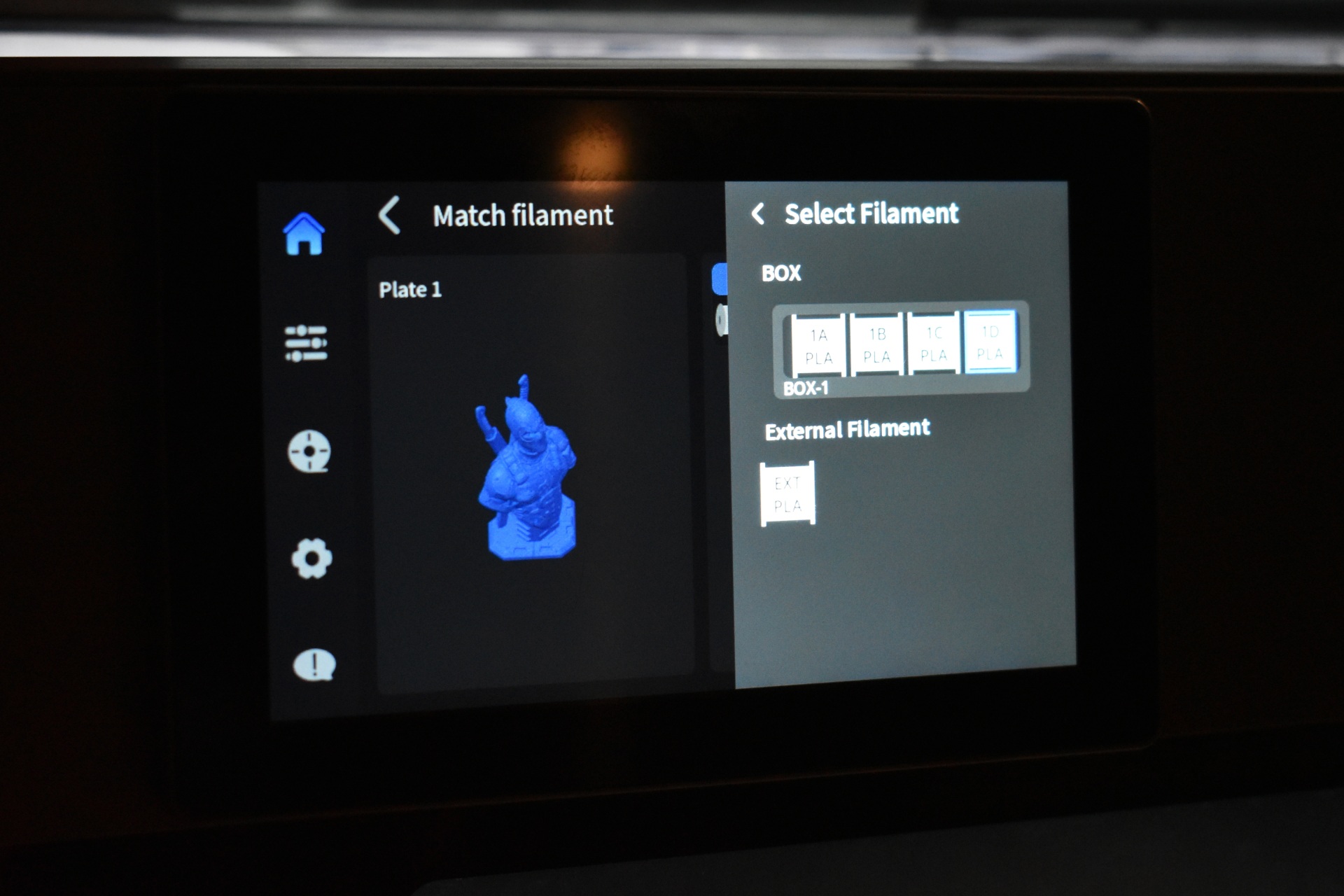
Finally, once you start printing you can choose what filament you want used.





