




WINDOWS SOFTWARE
You can download the Windows Software from the Vantrue support page and well, if you'd prefer using the TS2 with your laptop it's even better than the app.
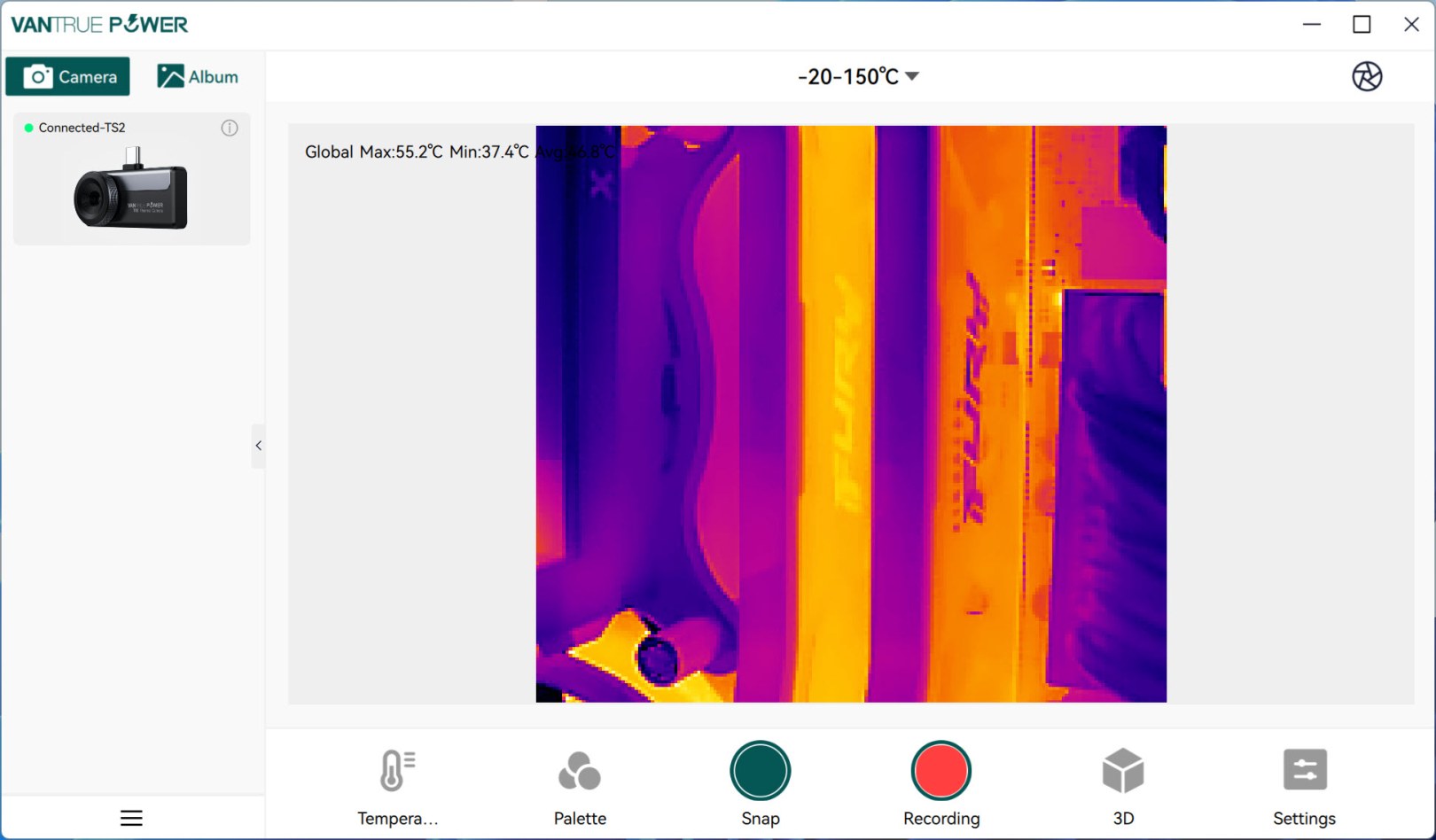
Initial screen shows detected devices on the left side (you will need to double click on the TS2 to enable it).
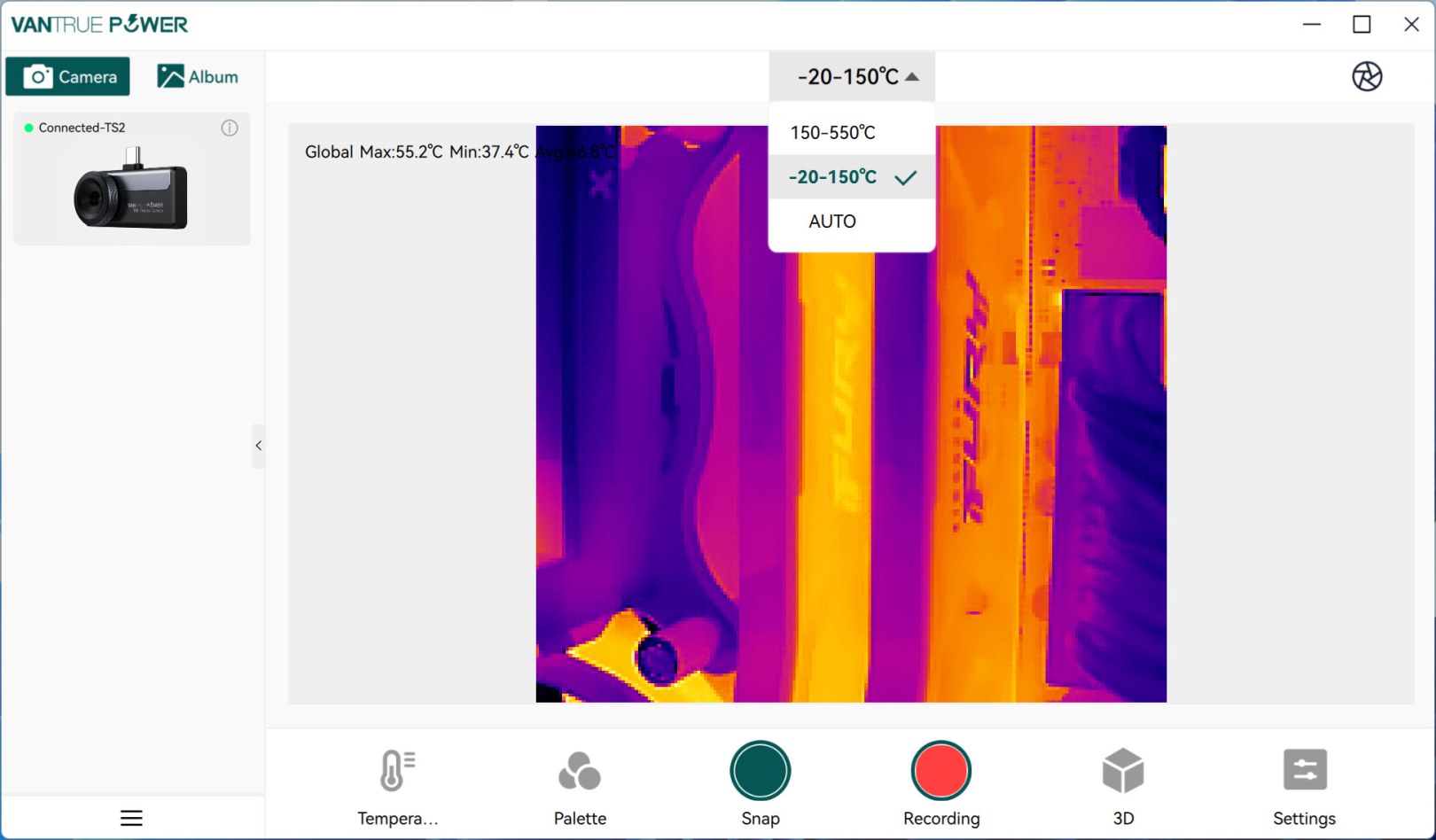
From the main tab aside the feed itself you can also choose the preferred temperature range (you can also do this with the app).
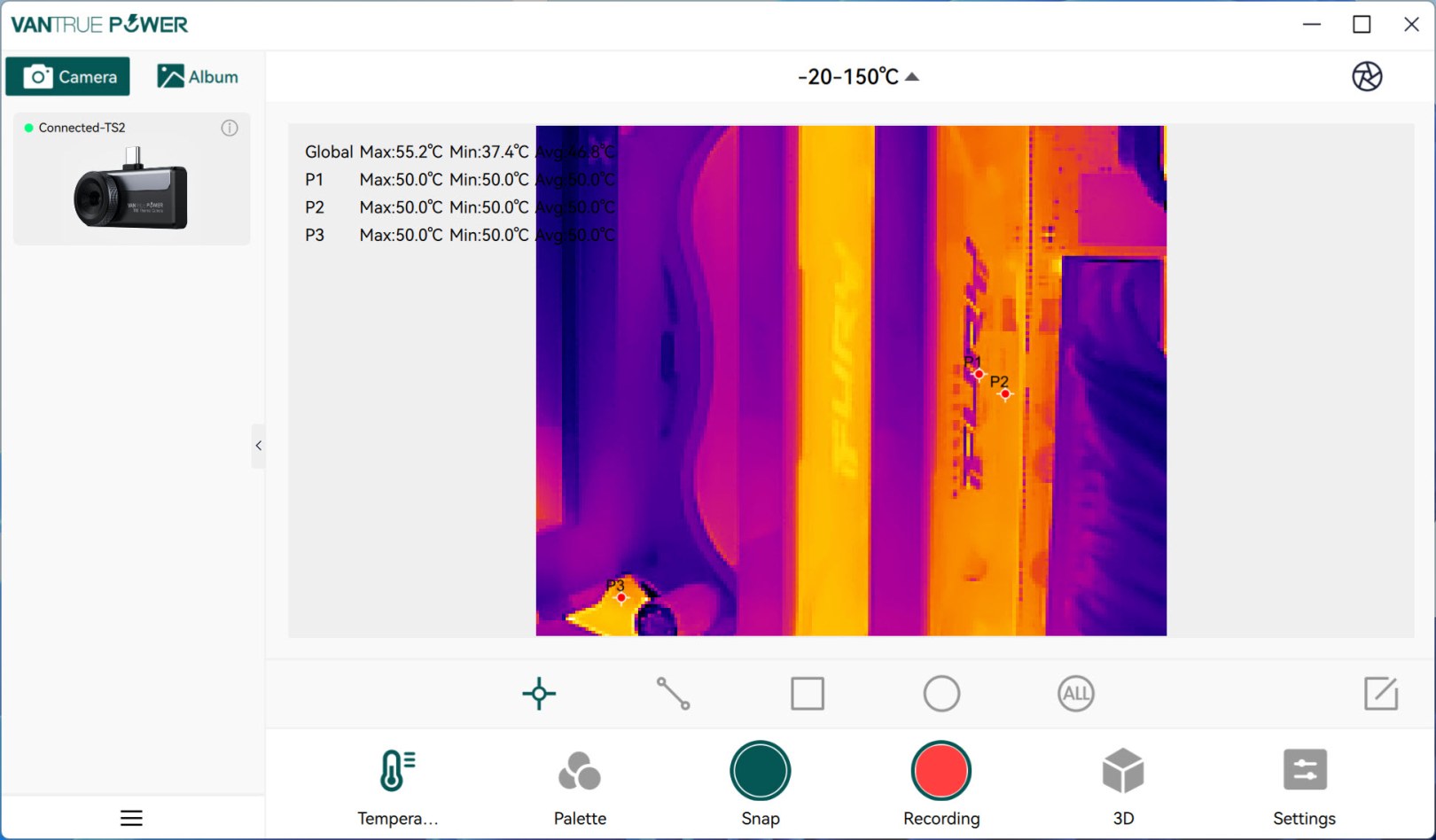
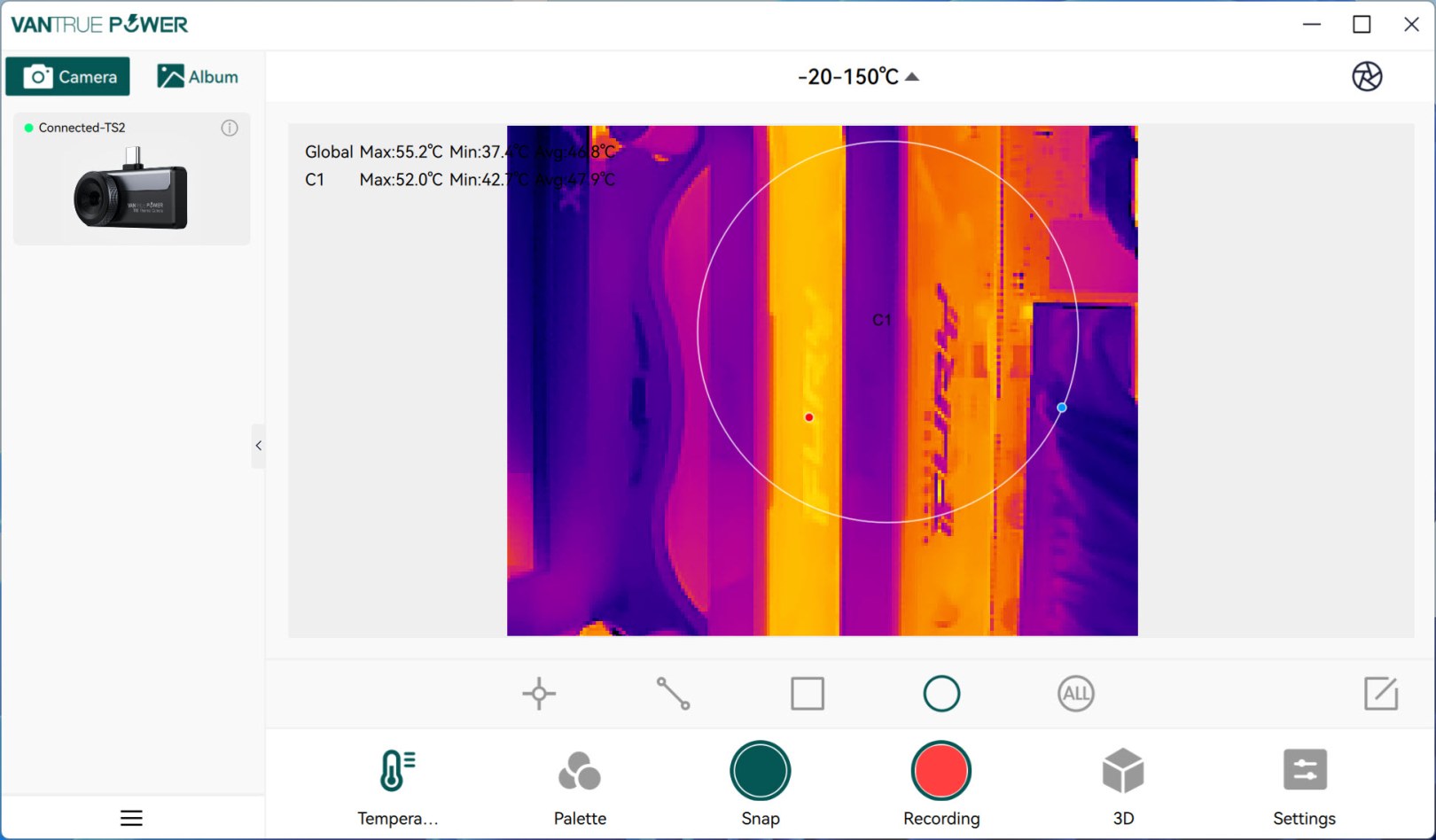
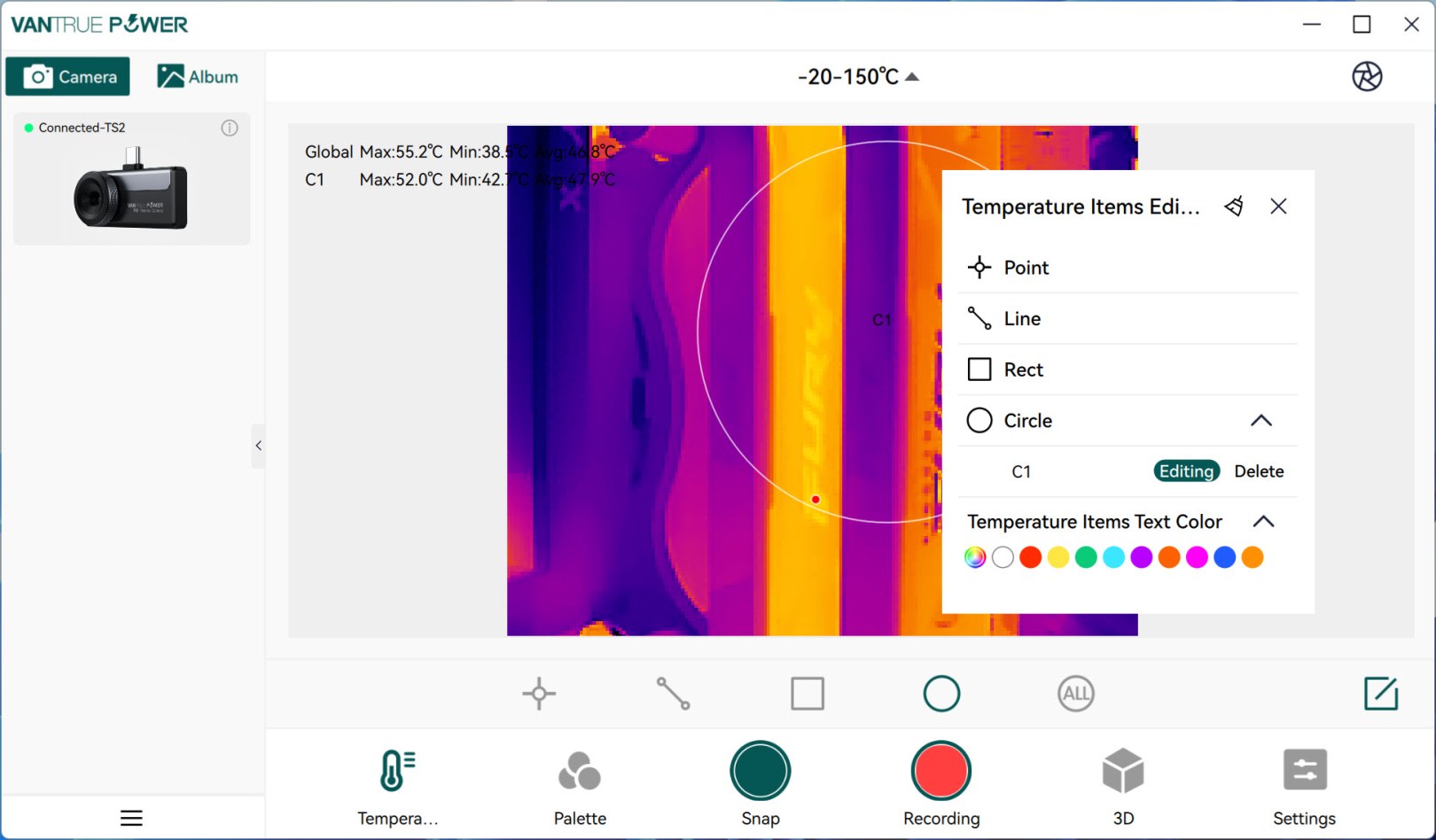
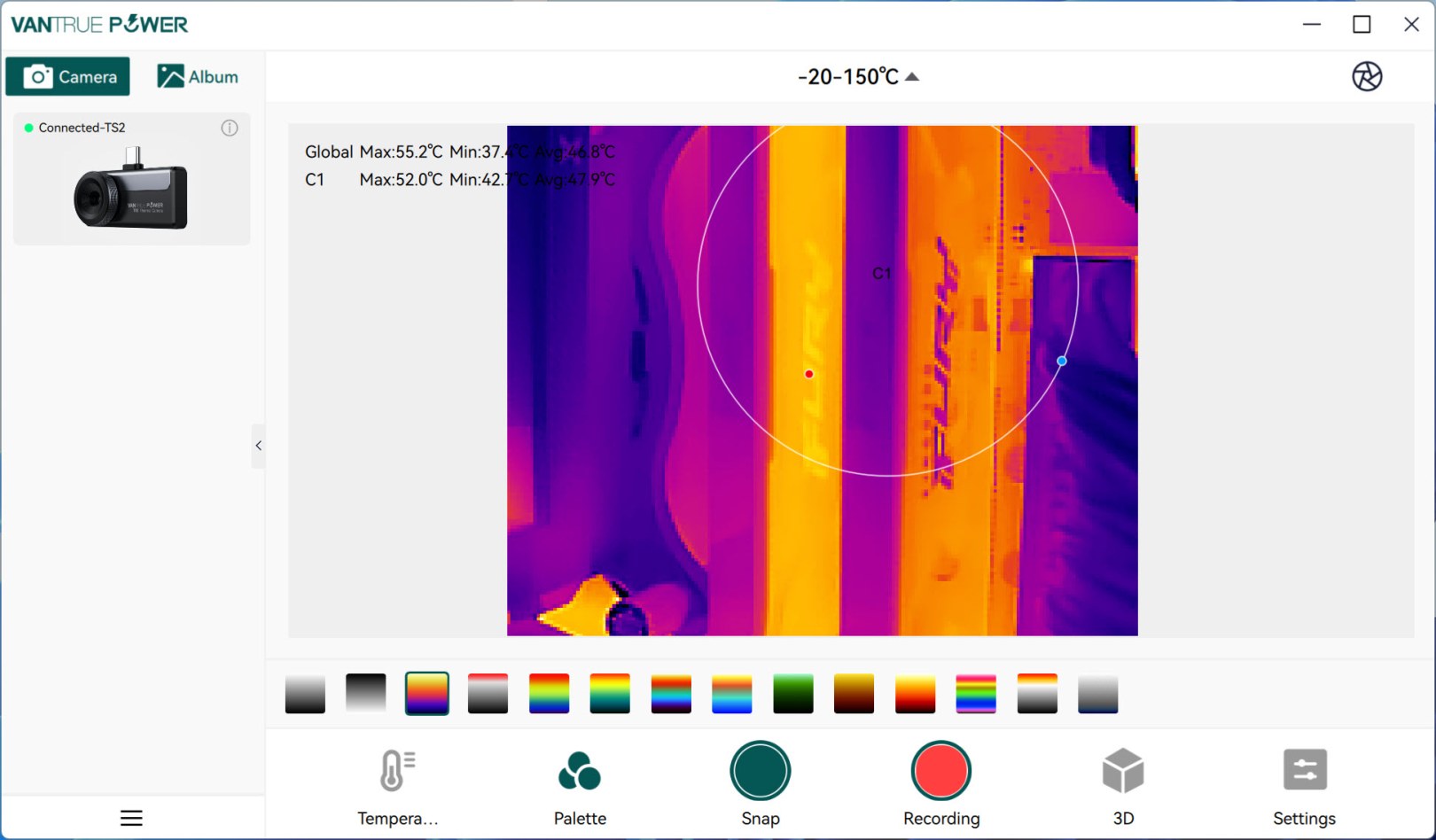
Point, line, rectangle and circle are also available in the software as are the 12 color palettes.
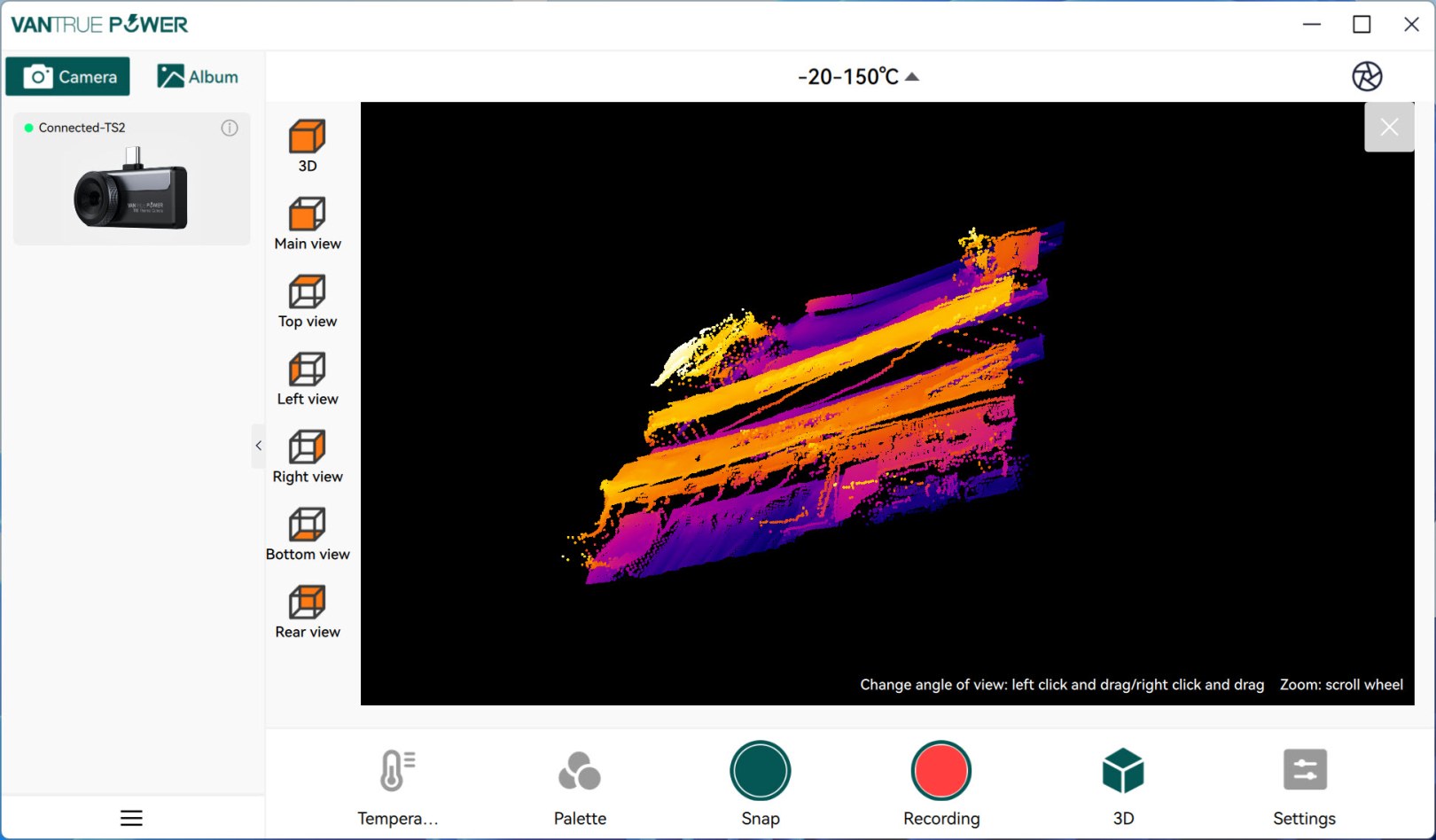
One feature not found in the app is the 3D display of the feed which depends largely on the angle you use the TS2 at (for example the DDR5 RAM of my PC is certainly taller).
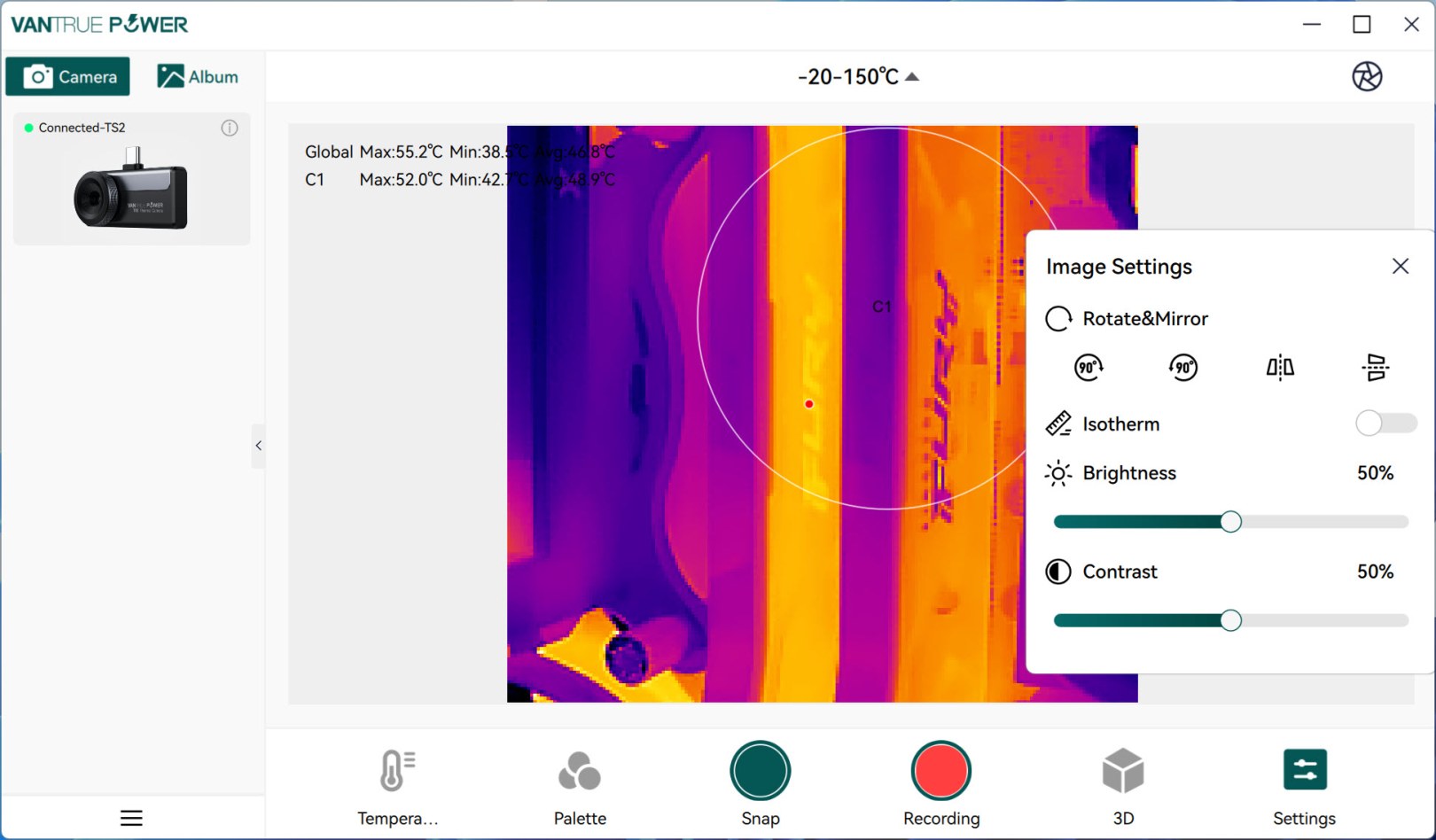
Display settings are also available here just like in the app.
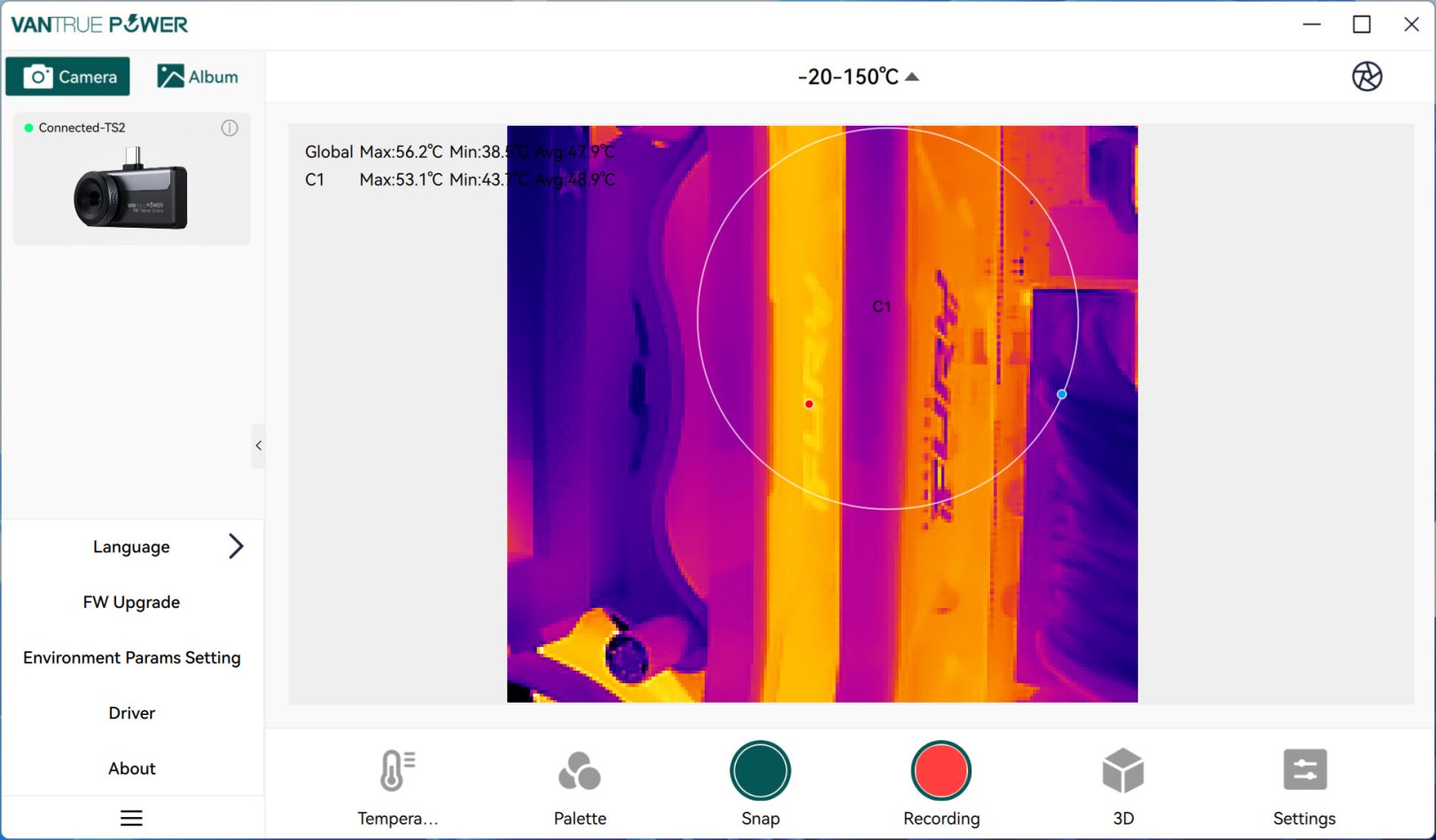
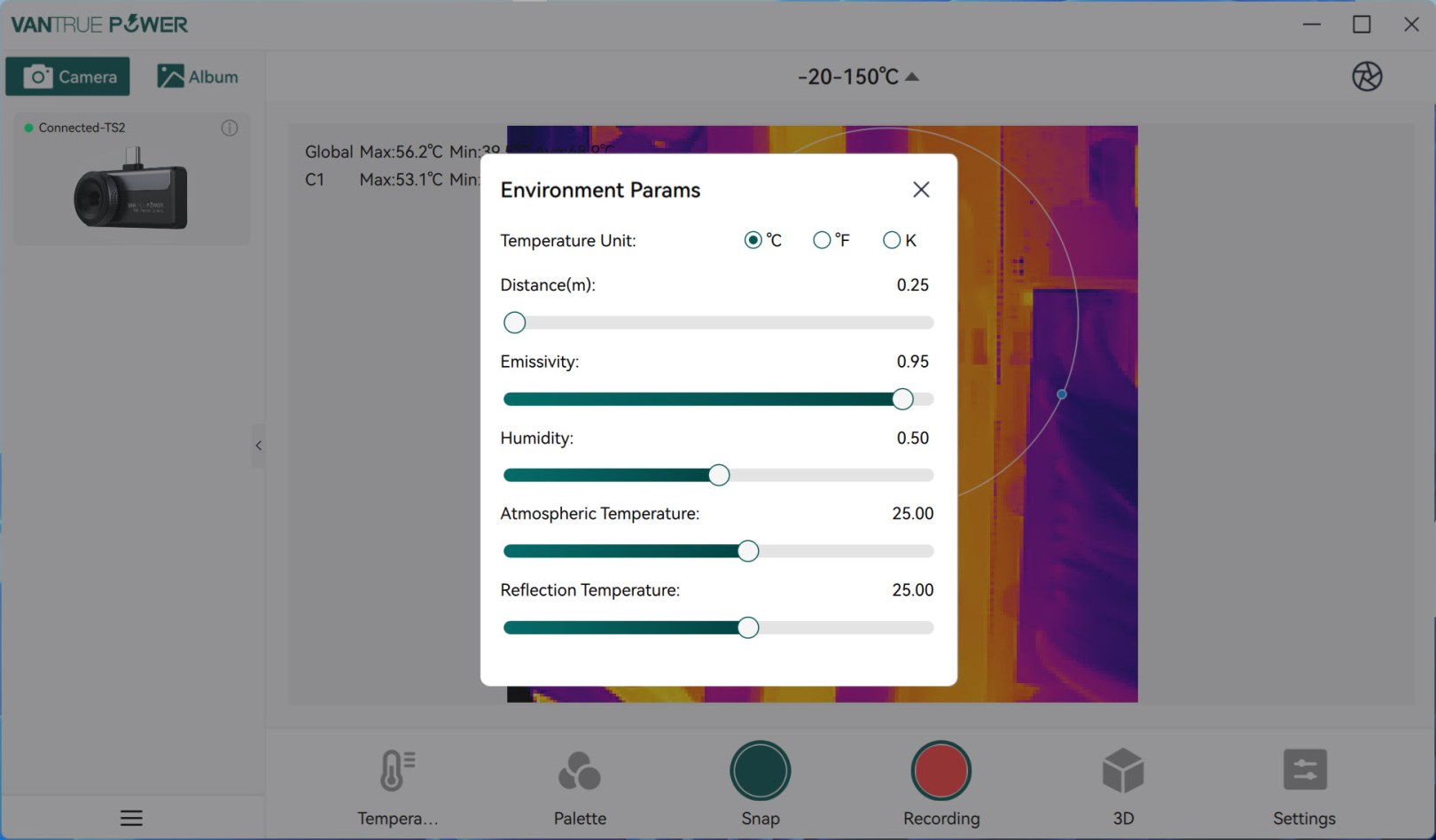
From the lower left you can access the settings tab from where you can change the language of the software, check and perform firmware updates, adjust environmental parameters and reinstall the drivers if needed.





