





INTRODUCTION
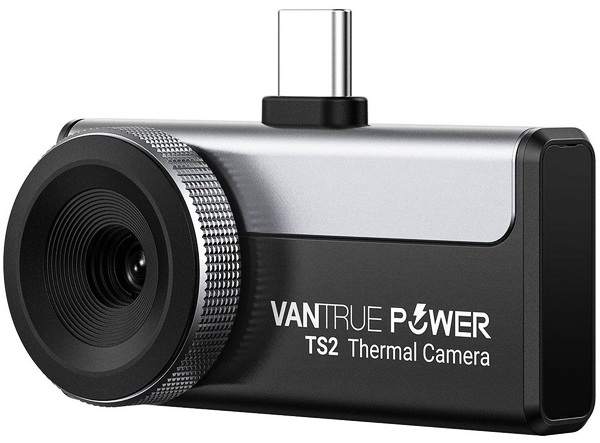
For most people, heat is something they can only feel, but for technicians, engineers, and hardware enthusiasts, being able to actually see temperature differences can reveal an entirely different layer of information. A component running hotter than expected, an overloaded electrical connection, a poorly insulated wall, or an airflow restriction inside a PC can often be identified long before it becomes an obvious problem. This is where thermal cameras come into play. By detecting infrared radiation rather than visible light, they transform temperature variations into visual images, making otherwise invisible heat patterns instantly recognizable. Once limited to specialized industrial and military applications, thermal imaging has become far more accessible and is now widely used across numerous sectors. As thermal imaging devices continue to shrink in size while becoming more affordable, manufacturers are introducing products aimed at both professionals and enthusiasts alike and the TS02 model by Vantrue Power is among them.
Established in 2015, Vantrue quickly became a pioneer in the field of smart life. Vantrue quickly became an advanced explorer in the field of intelligent technology. Our awareness of innovation, sensory enjoyment, and ease of use are our constant goals. Visit www.vantrue.com for more information.
The Vantrue Power TS2 is a compact smartphone-based thermal camera designed to bring professional-grade thermal imaging to a much wider audience. Compatible with both iOS and Android devices, it connects directly to a smartphone and combines portability with an impressive feature set. At its core we find a 256x192p infrared sensor with software-enhanced super resolution output reaching 512x384 pixels, allowing users to capture finer details when inspecting electrical panels, HVAC systems, plumbing installations, automotive components, or densely populated PCBs. The camera operates at a smooth 25Hz refresh rate, covers a wide temperature range from -20°C to 550°C (-4°F to 1022°F), and offers thermal sensitivity down to 50mK, enabling it to reveal subtle temperature differences that may otherwise go unnoticed. Vantrue has also equipped the TS2 with practical software features including picture-in-picture mode, isotherm analysis, 12 color palettes, image and video recording capabilities, and data export options, while a minimum focusing distance of approximately 8mm makes it particularly attractive for close-up inspection work, such as troubleshooting printed circuit boards and electronic components. Combined with its low power consumption and pocket-sized design, the TS2 by Vantrue aims to serve as a versatile thermal imaging tool for both professionals and enthusiasts alike.
SPECIFICATIONS AND FEATURES

PACKAGING AND CONTENTS
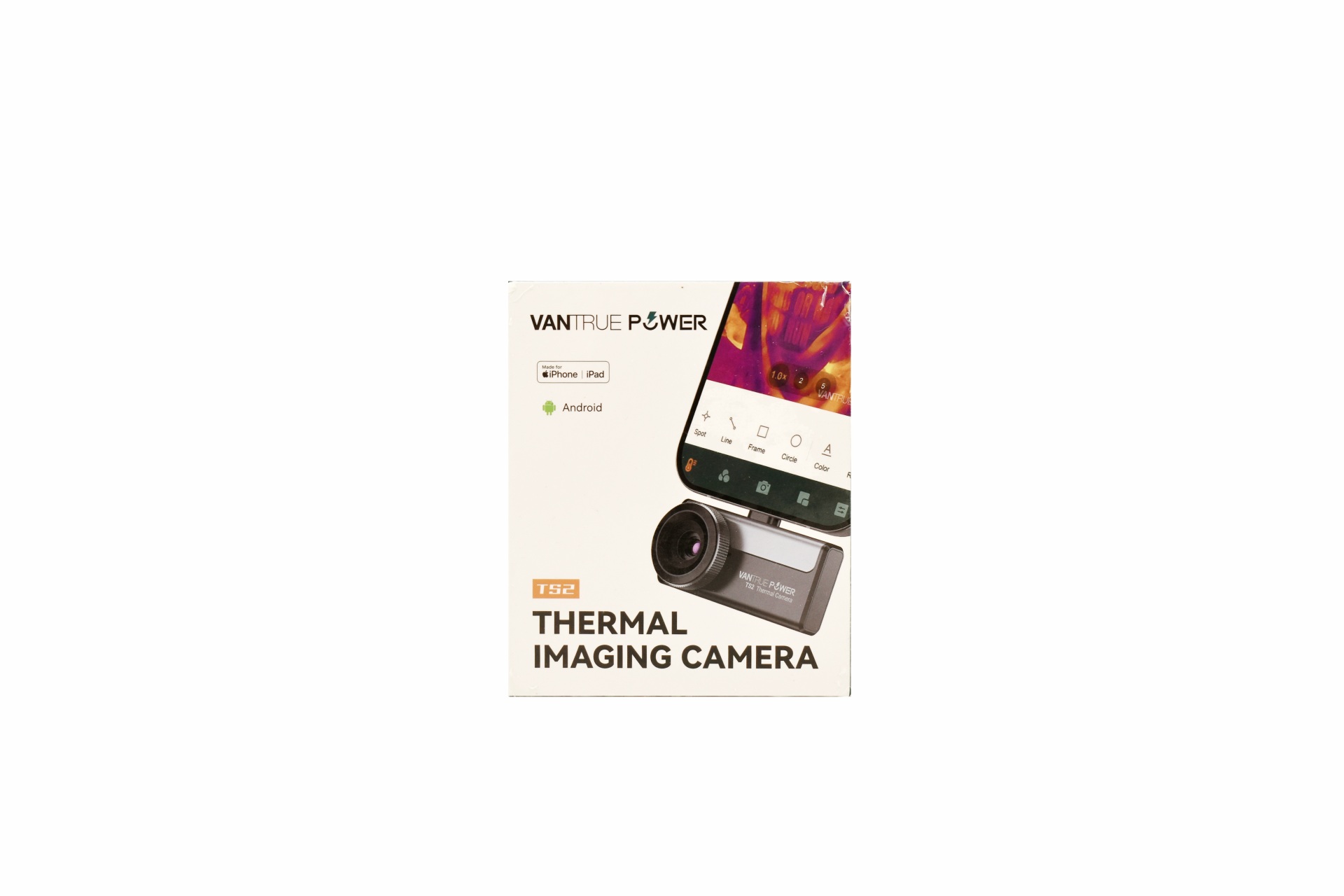
Vantrue uses a small box to ship the TS2 the front of which has a product picture, company logo compatibility and the model name.
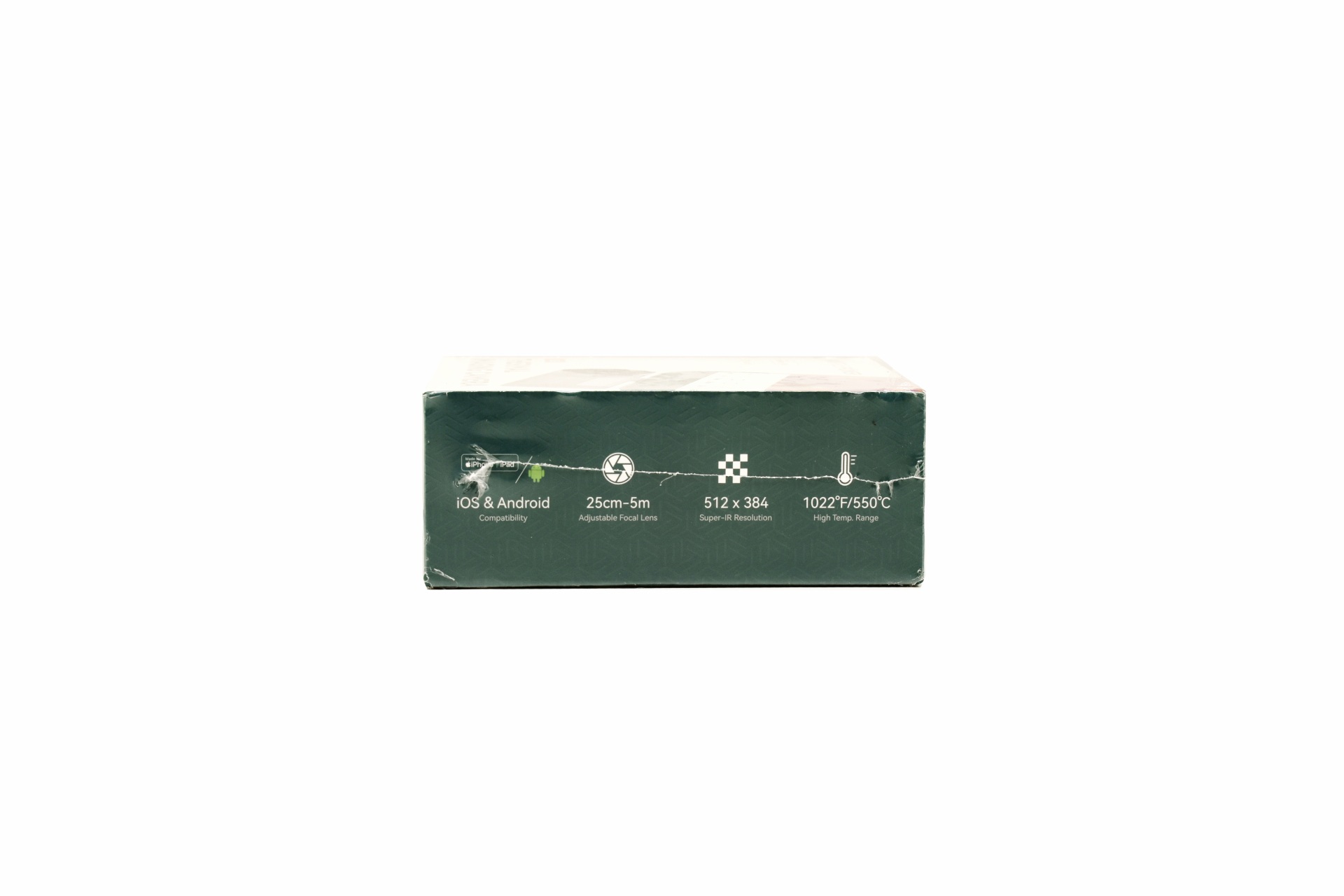
The main features of the TS2 are listed on the left side.
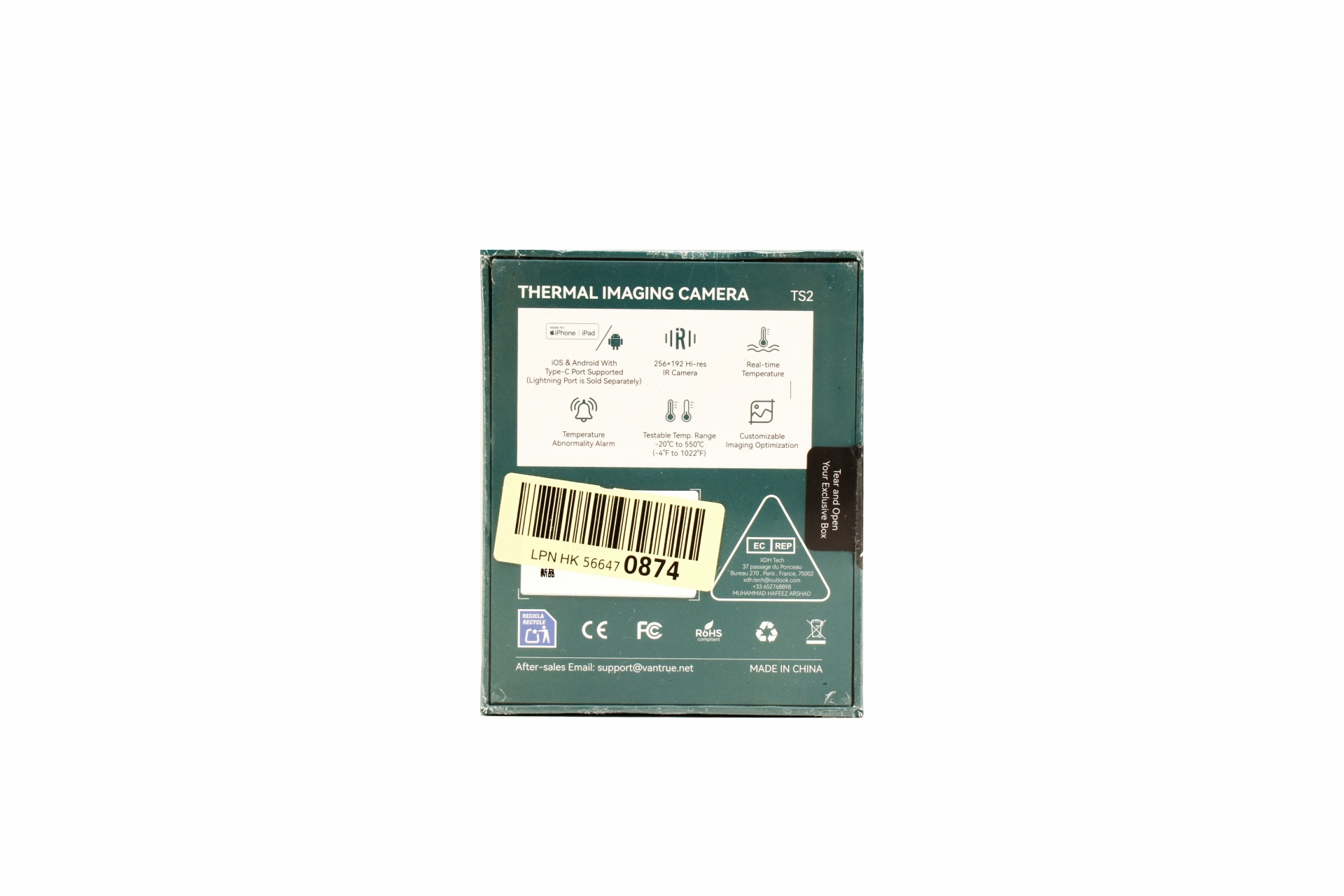
These features are also showcased at the rear along with some certifications and a sticker with the unit's serial number and barcode.
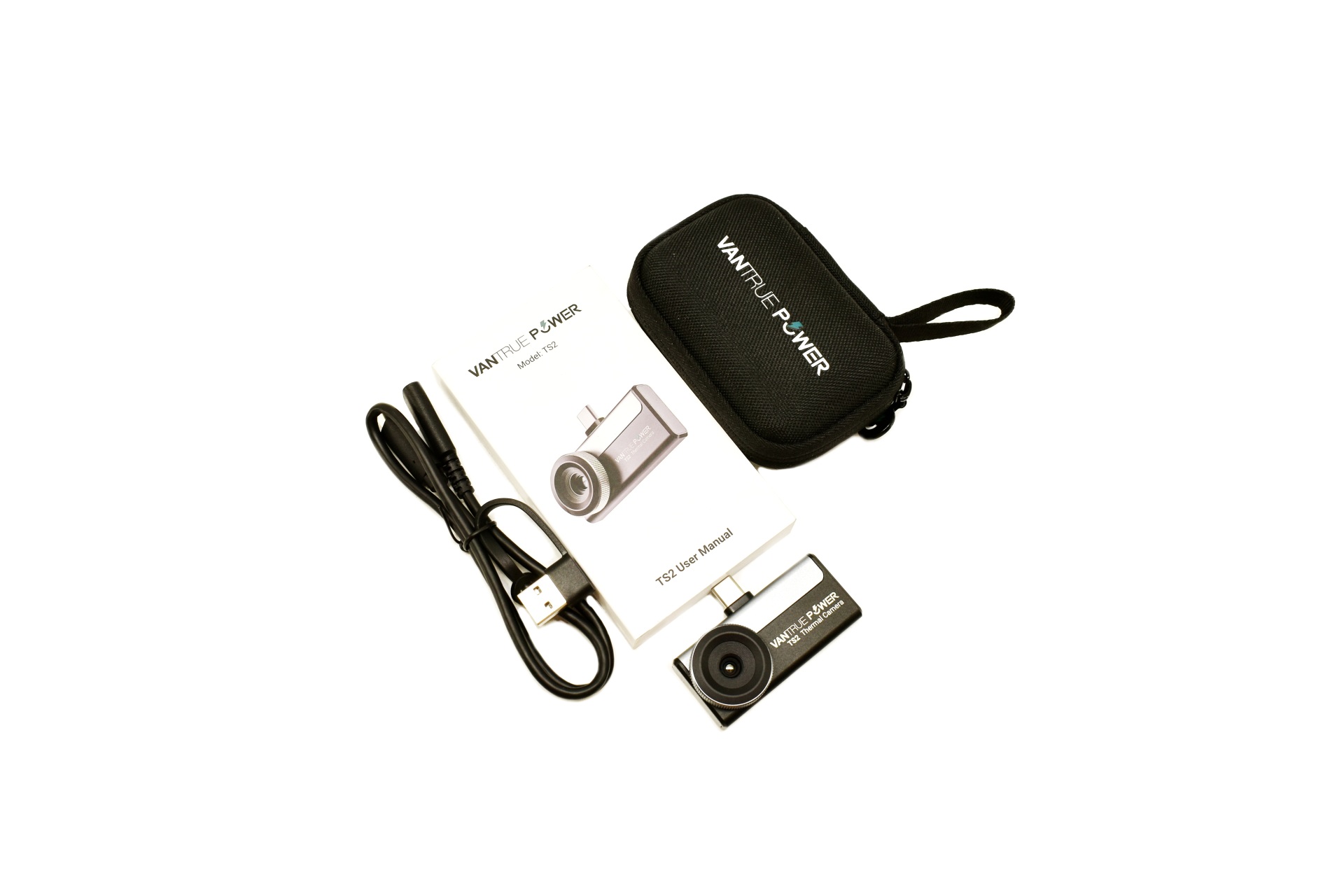
Inside the box Vantrue has placed the TS2 thermal camera, USB-A/C male to USB-C female cable for PC connection, carrying/storage case and the user manual.
THE TS2
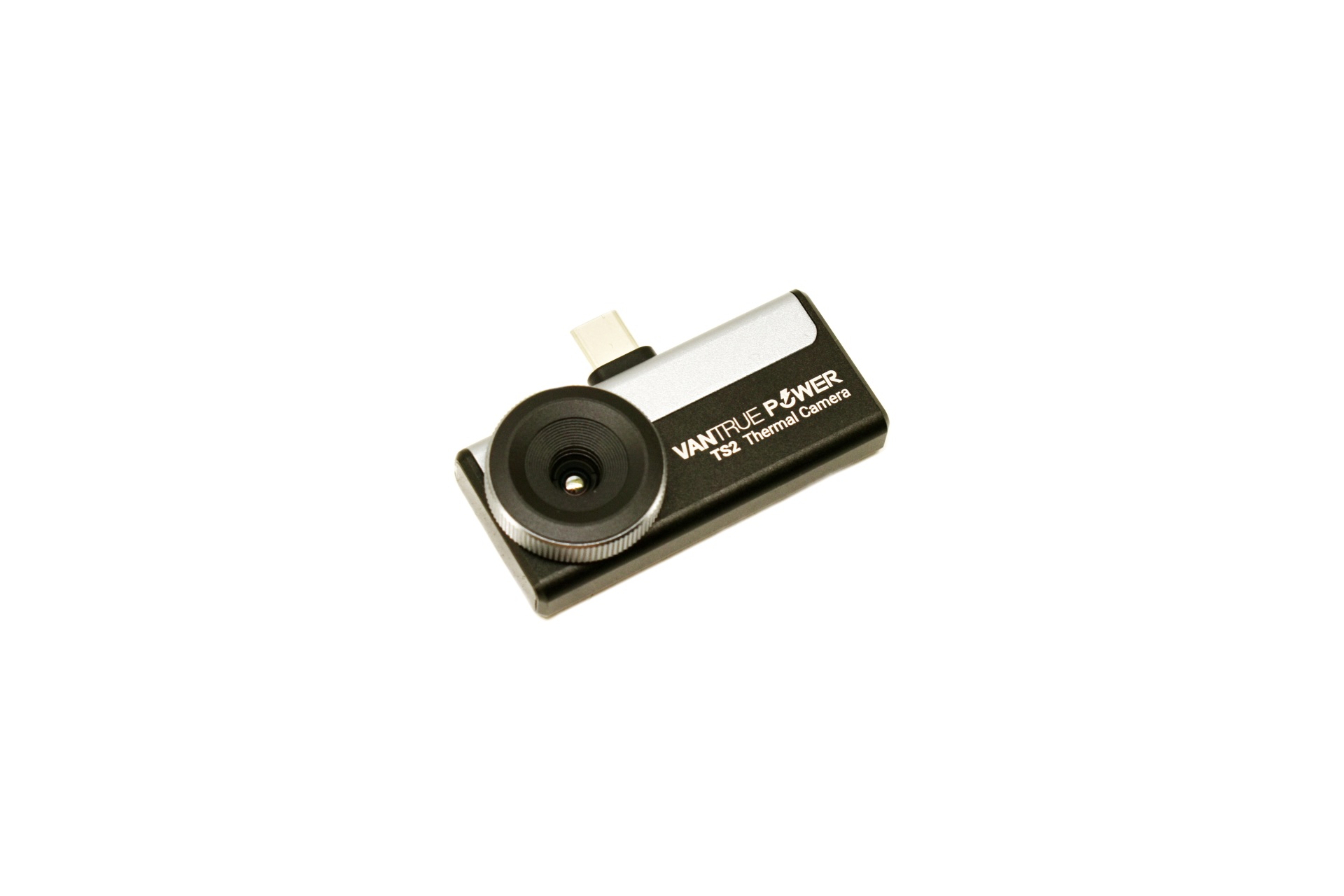
The TS2 is a compact smartphone thermal camera that measures just 52mm in length, 36mm in width/height and 15mm in thickness.
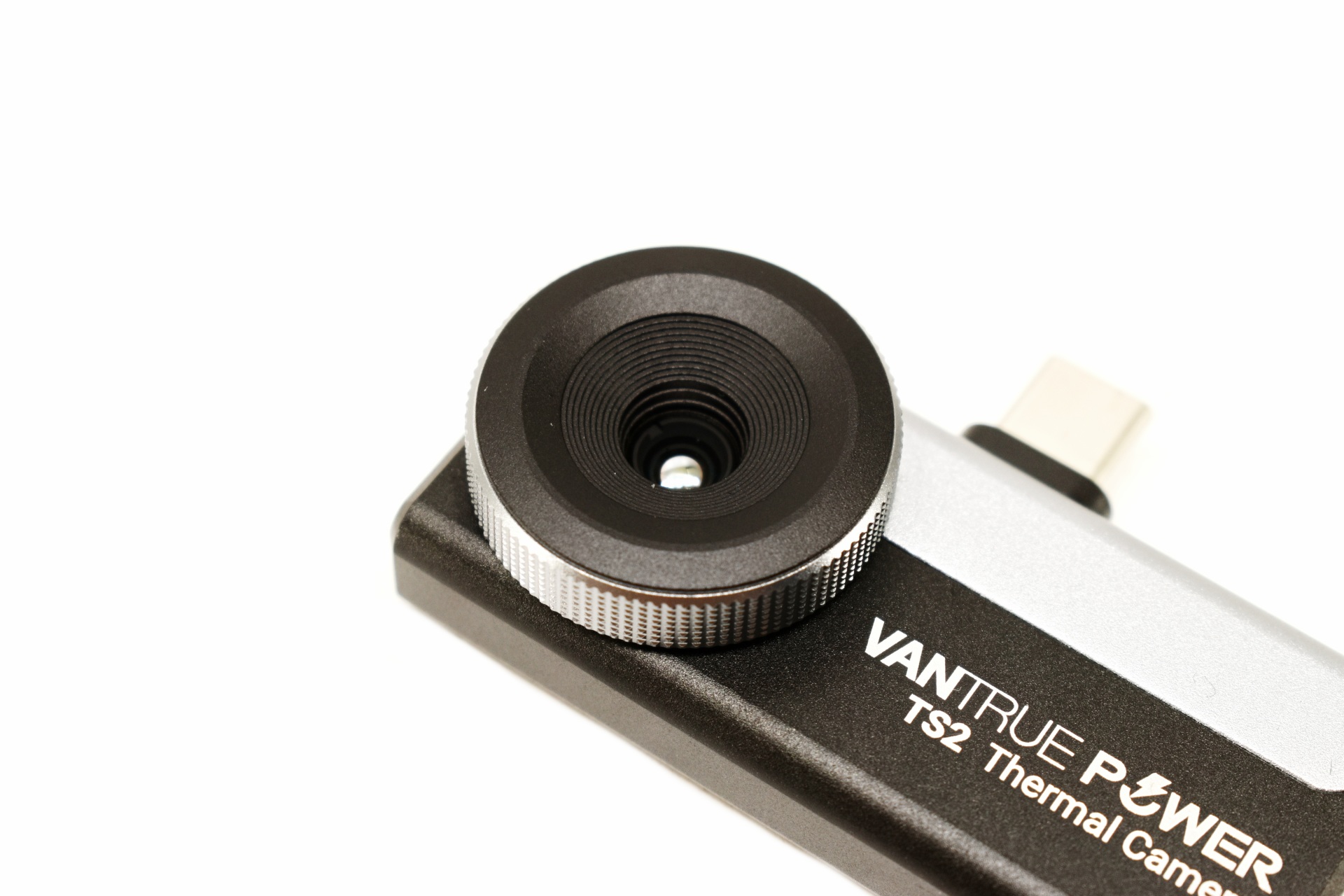
What makes the TS2 stand out compared to similar solutions is the ring around the lens which can be used for manual focus.
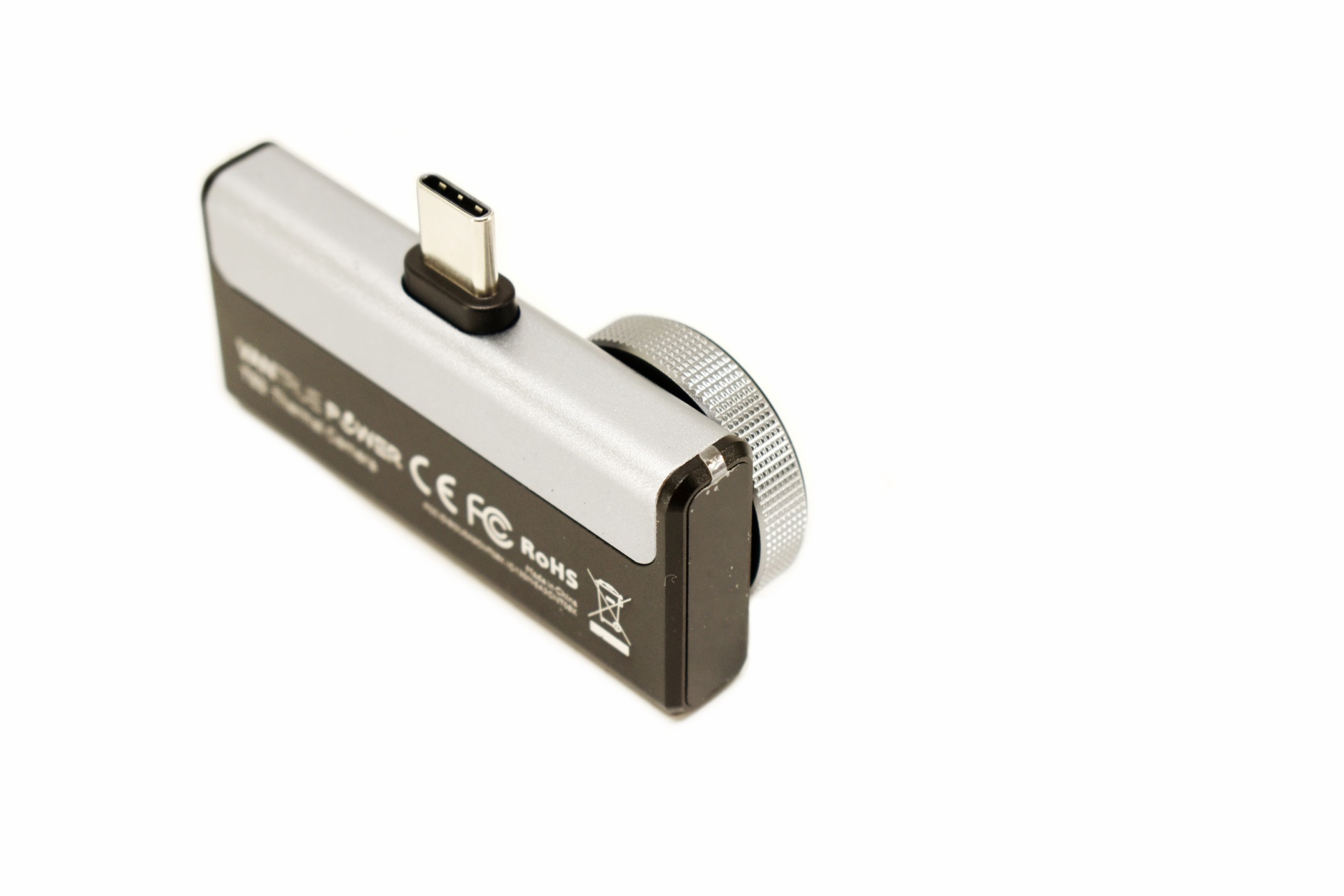
An activity LED is placed on the top right side as seen above.
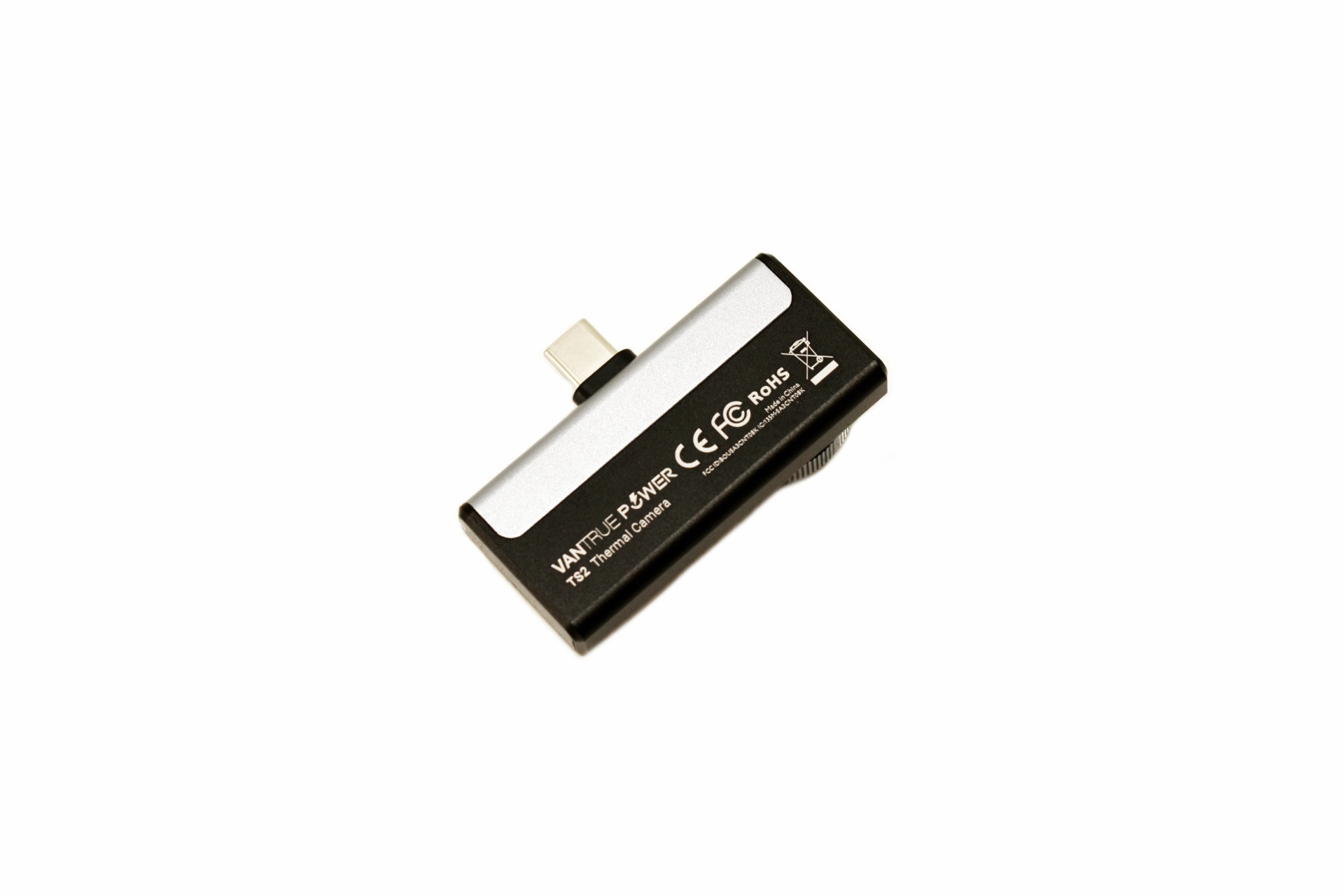
Several certifications are printed at the rear of the housing.
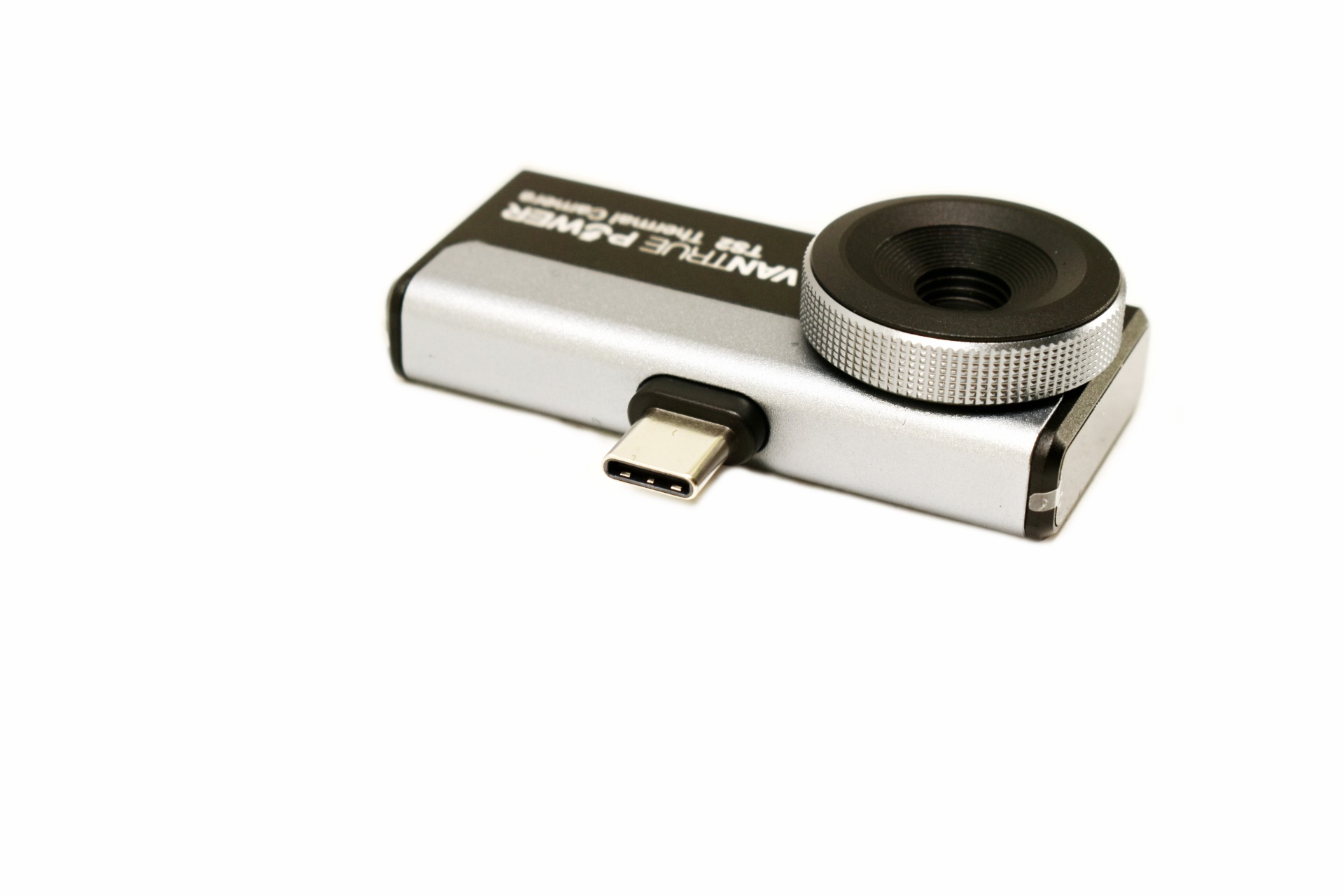
This is a USB-C model and so it can be used not just with Android and iOS devices but also PCs.
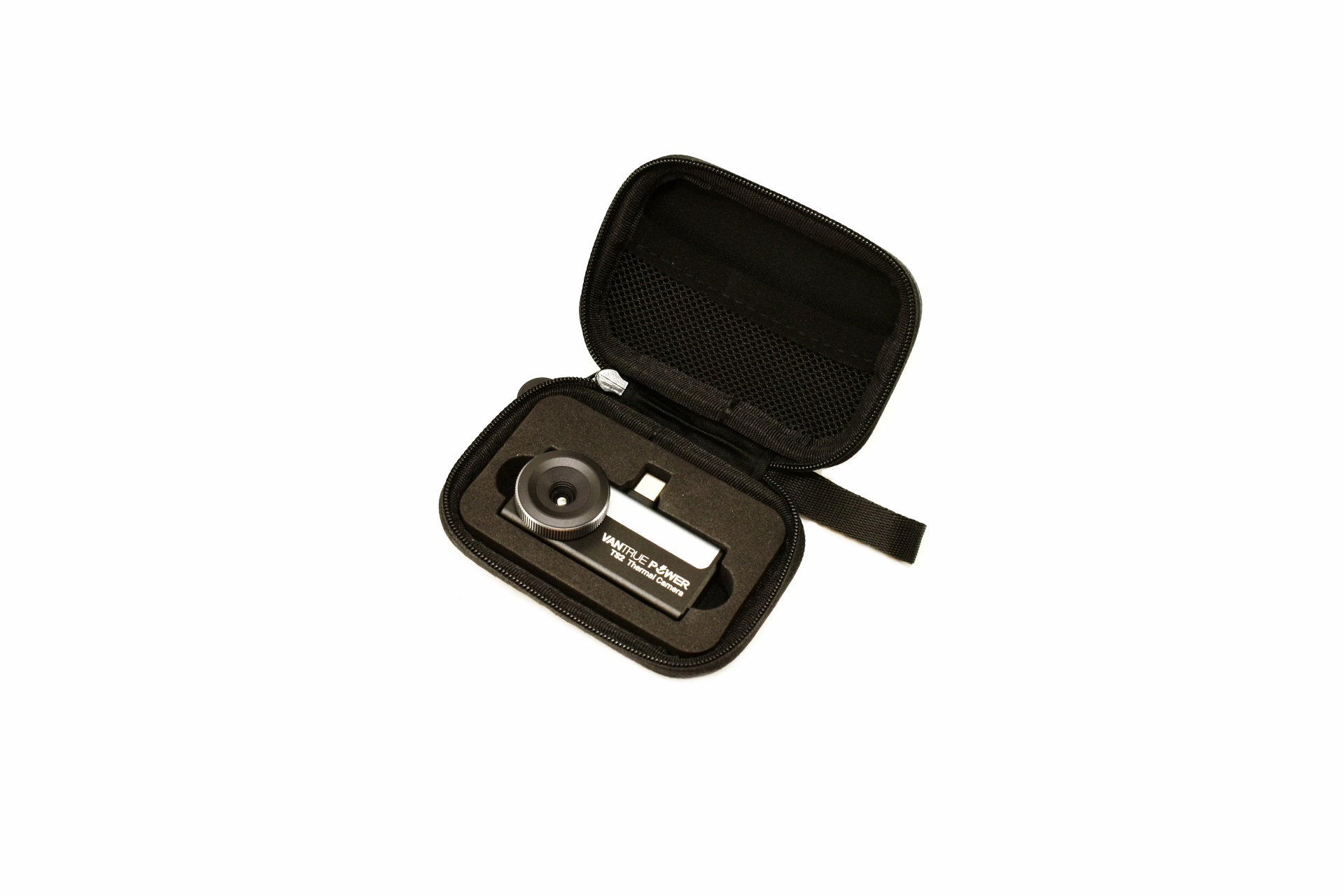
The carrying/storage case is plenty for the TS2 itself but not for the bundled USB cable.
VANTRUE POWER APP
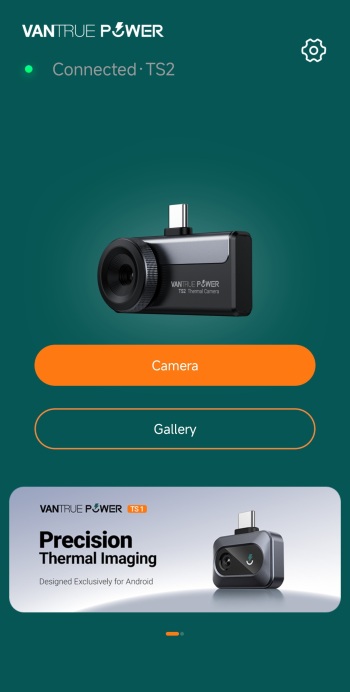
The Vantrue Power app is very easy to use, just install it and mount the TS2 on your smartphone (after this whenever you plug the TS2 onto your smartphone the app will launch automatically).
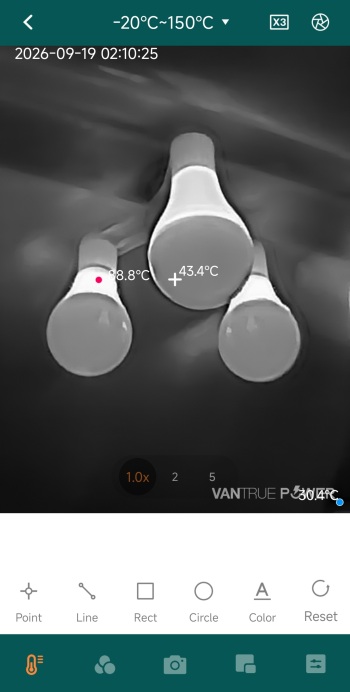
As mentioned in the features and specifications segment the TS2 allows the end user to choose how to track temperatures (point, line, rectangle, circle, color).
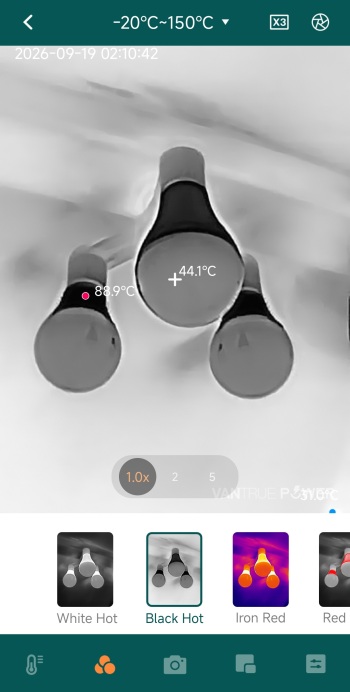
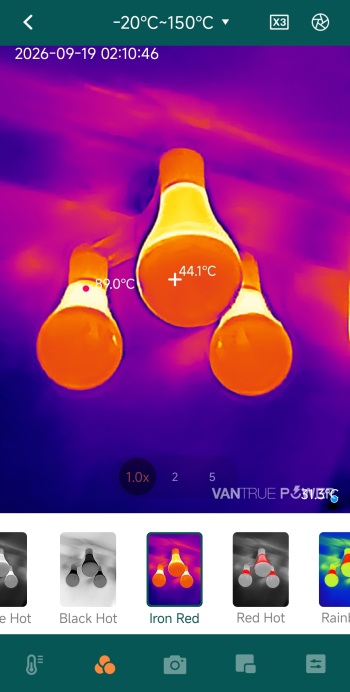
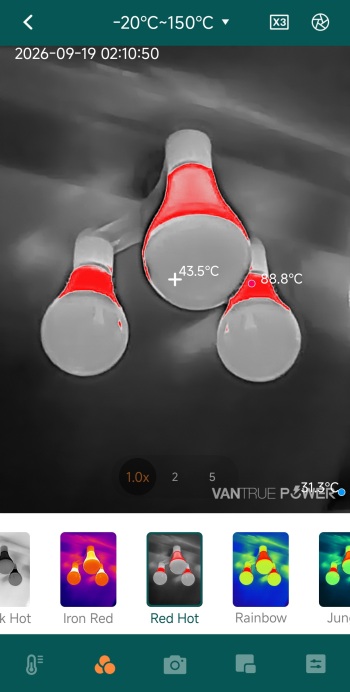
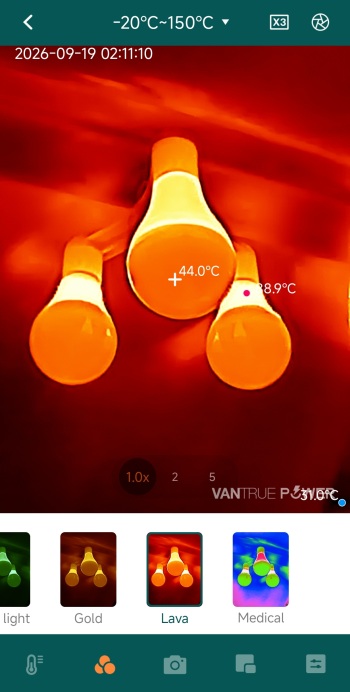
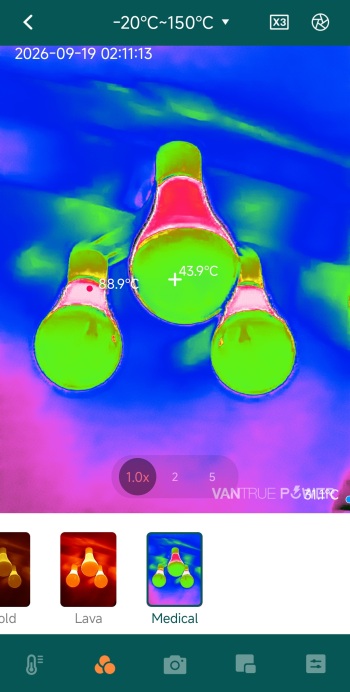
There are a total of 12 color palettes one can choose from, as seen above.
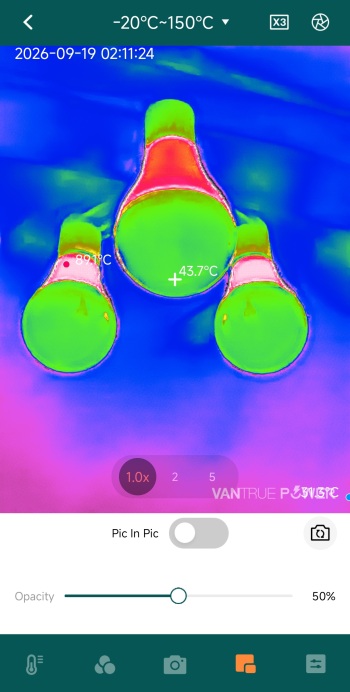
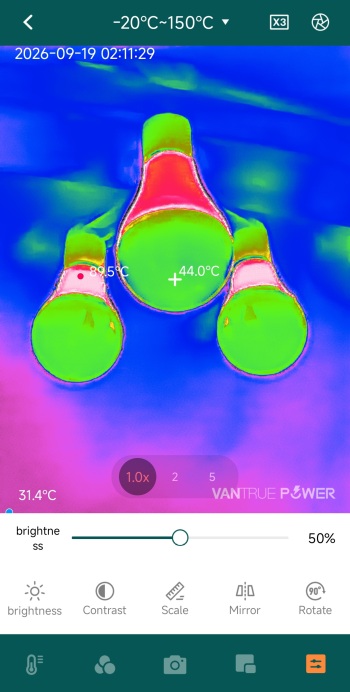
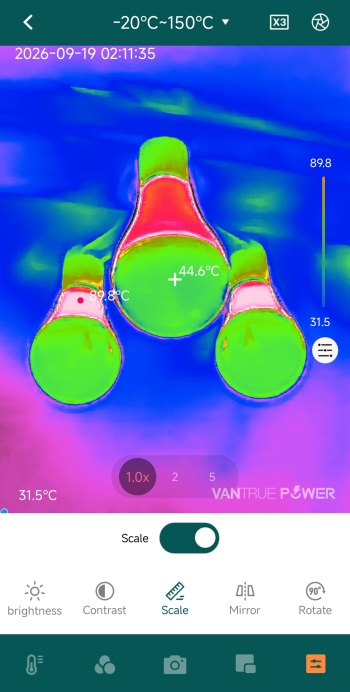
You can of course adjust image settings like opacity, brightness and contrast, change the scale and even use mirror and rotate functions.
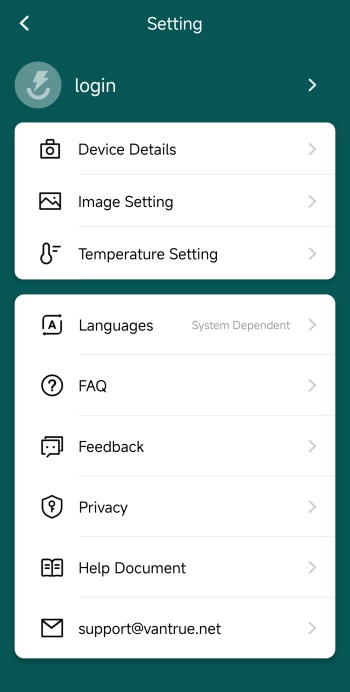
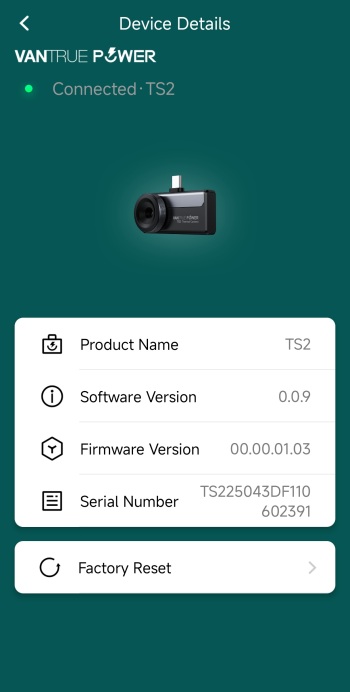
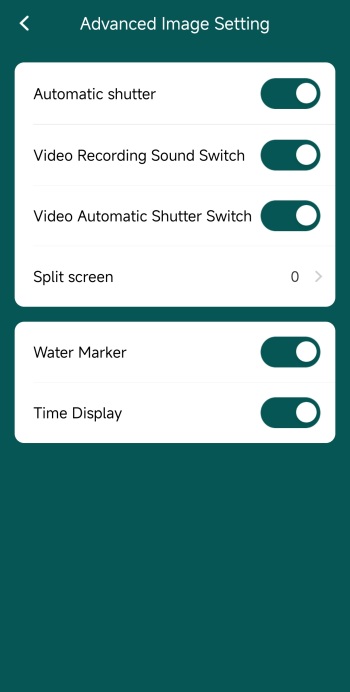
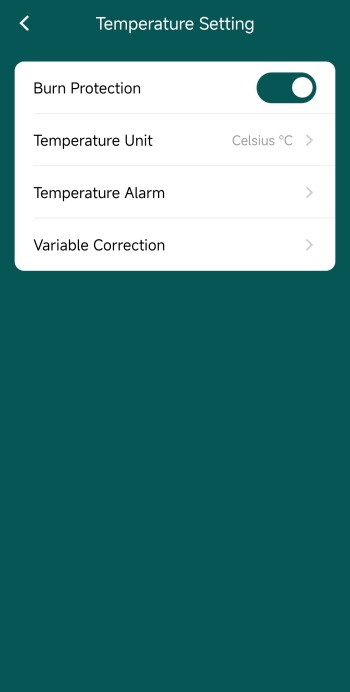
From inside the settings tab, you can check details about the unit itself, adjust advanced image settings (such as automatic shutter, sounds, split screen, watermarks and time) and adjust temperature settings (burn protection, units, alarms and variable correction).
WINDOWS SOFTWARE
You can download the Windows Software from the Vantrue support page and well, if you'd prefer using the TS2 with your laptop it's even better than the app.
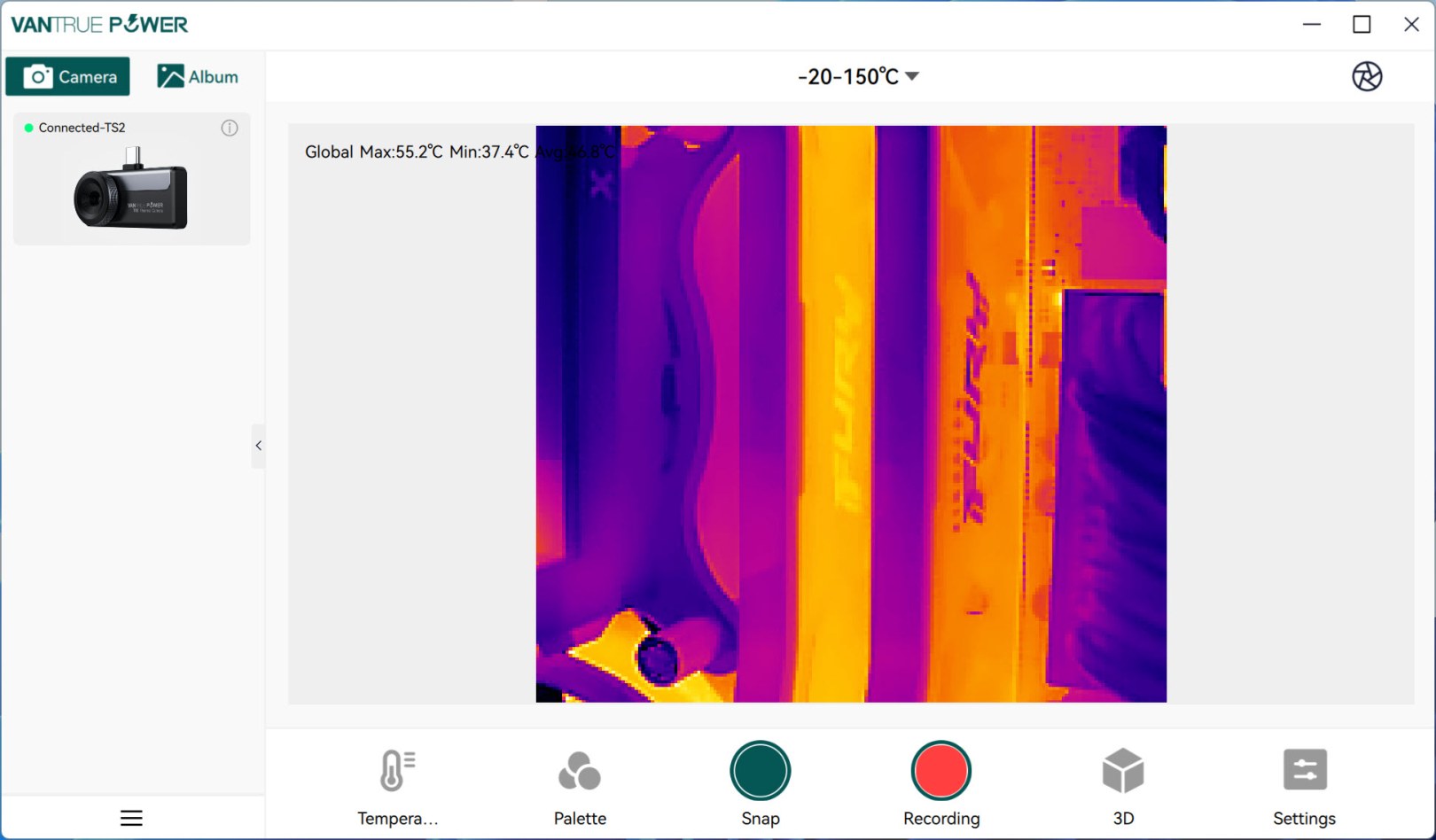
Initial screen shows detected devices on the left side (you will need to double click on the TS2 to enable it).
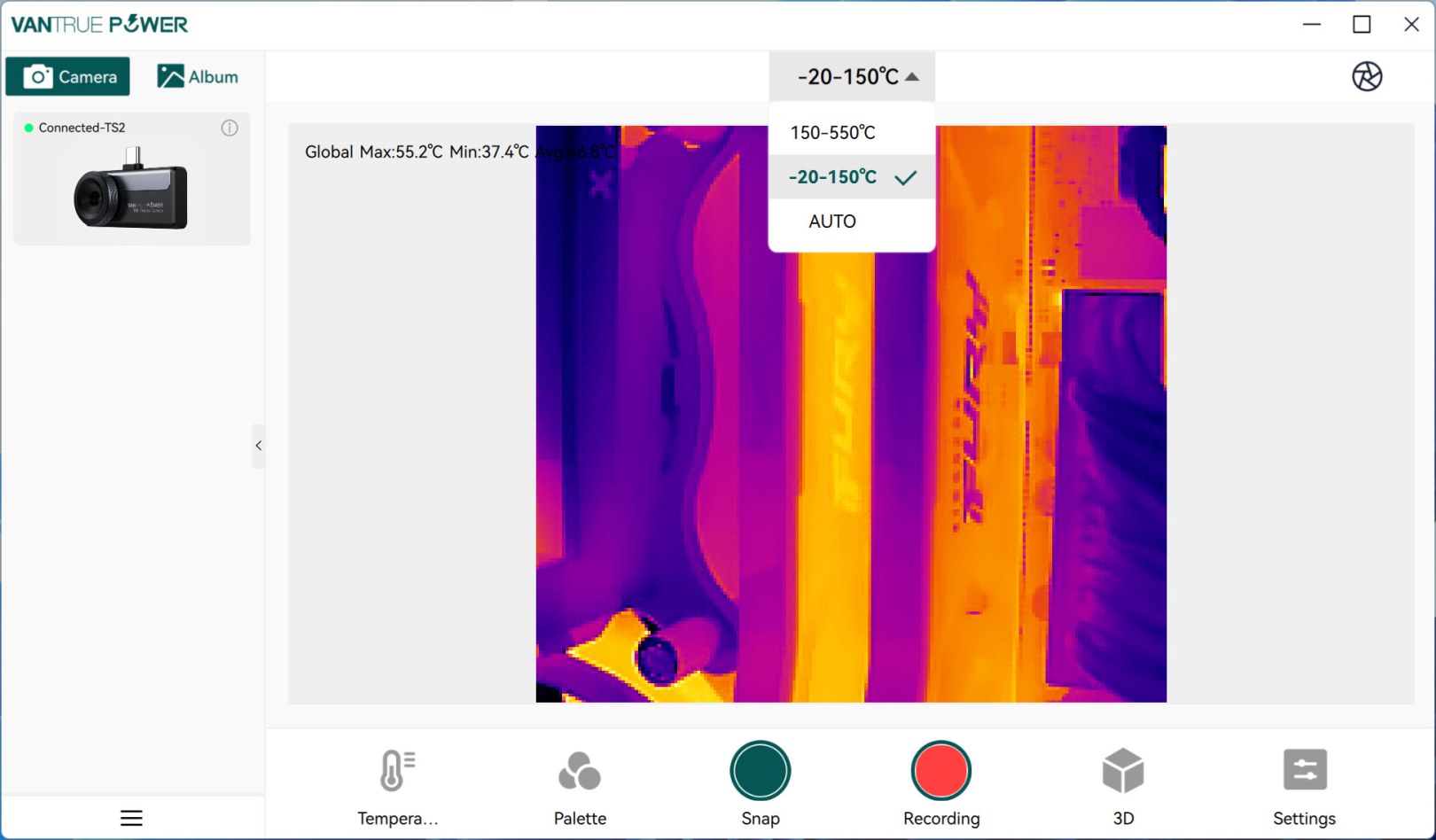
From the main tab aside the feed itself you can also choose the preferred temperature range (you can also do this with the app).
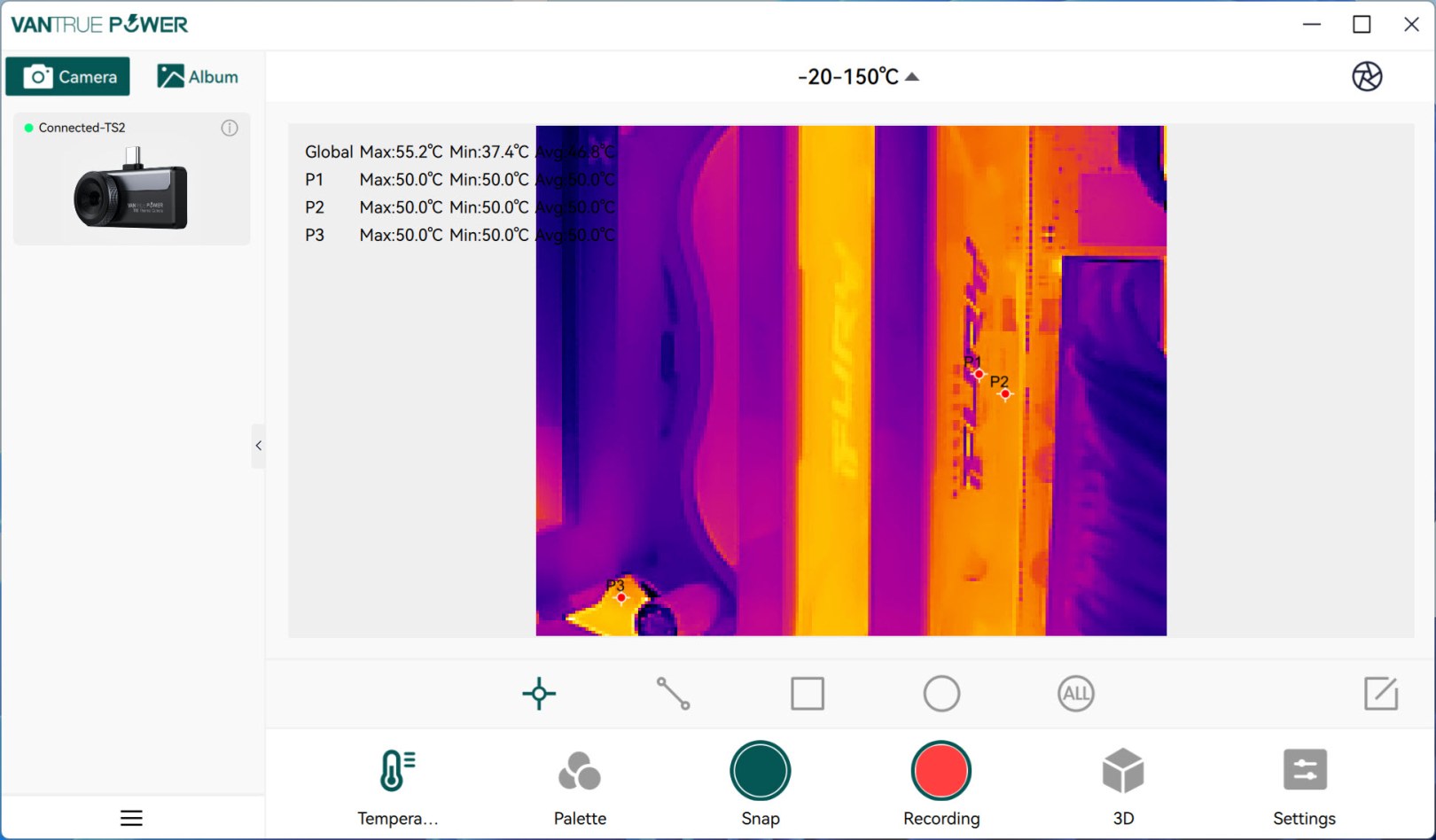
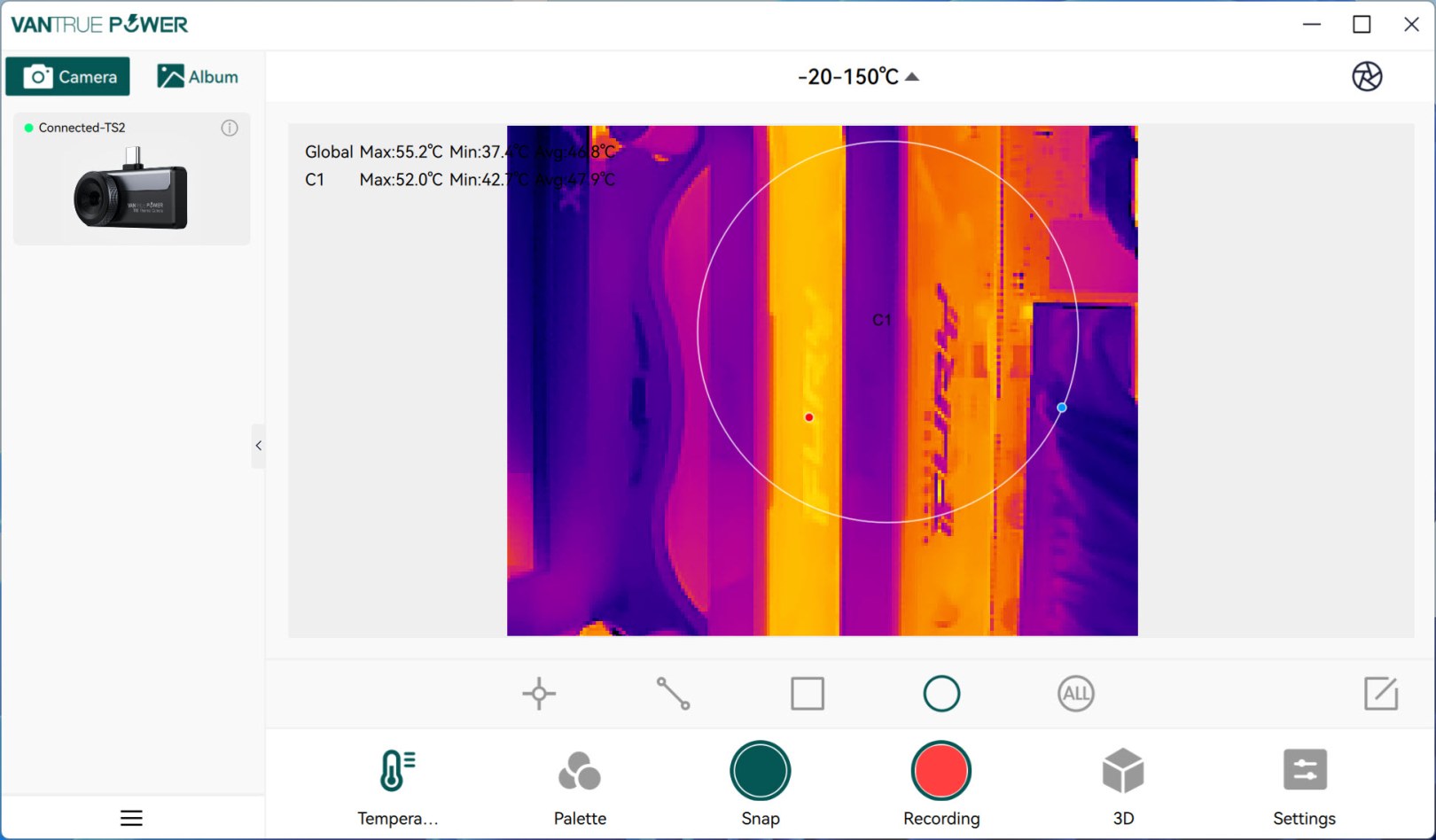
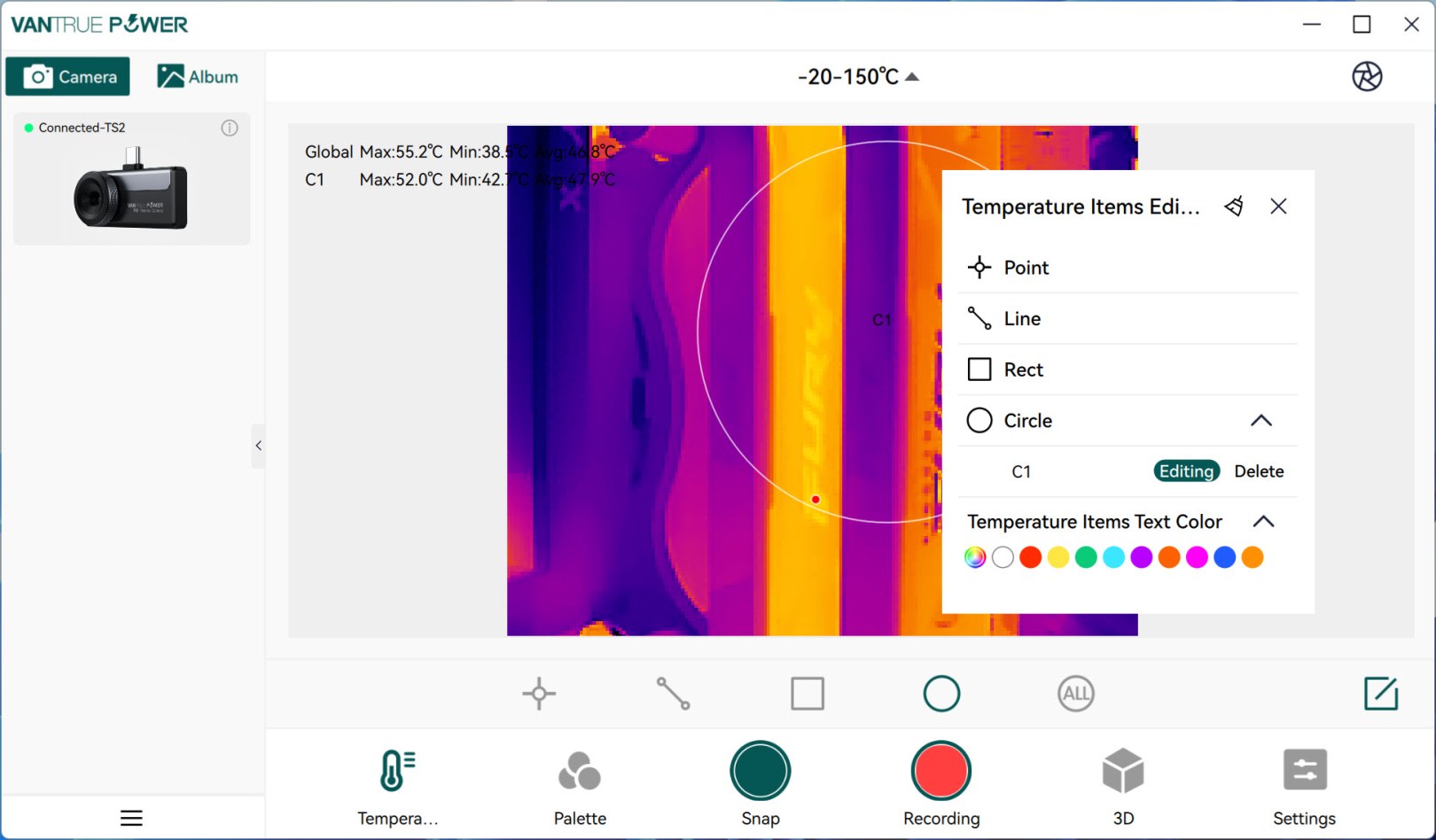
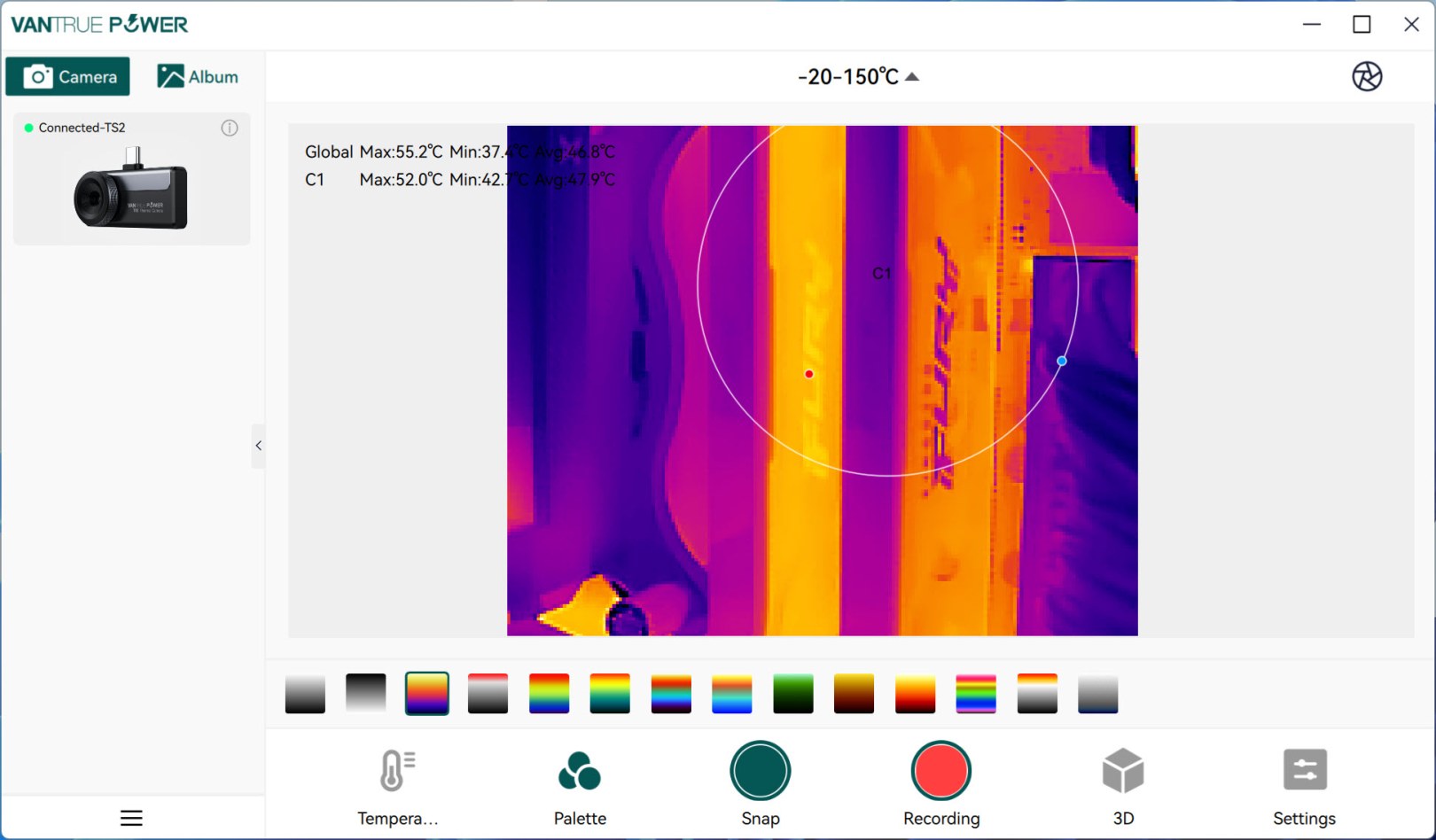
Point, line, rectangle and circle are also available in the software as are the 12 color palettes.
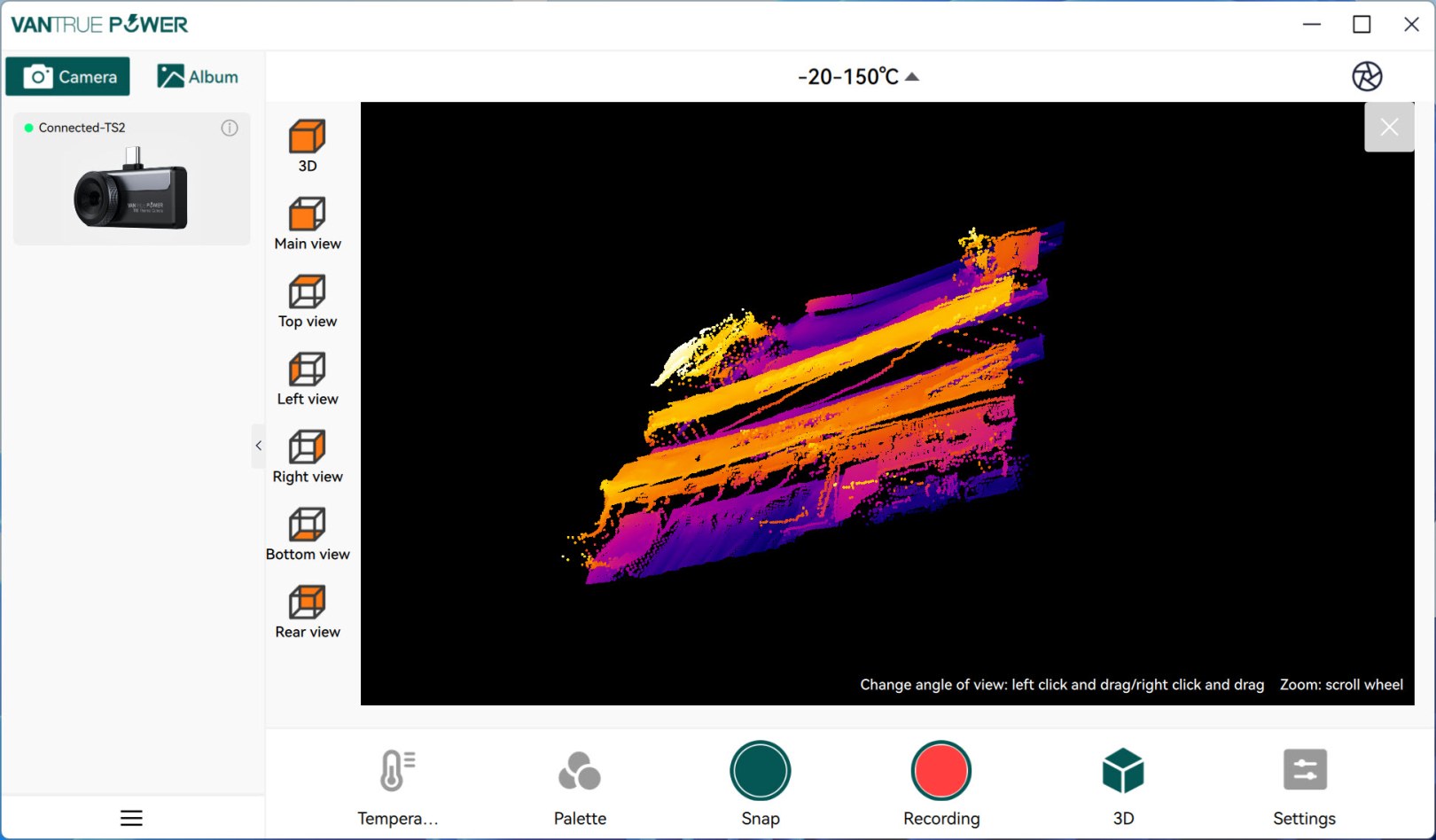
One feature not found in the app is the 3D display of the feed which depends largely on the angle you use the TS2 at (for example the DDR5 RAM of my PC is certainly taller).
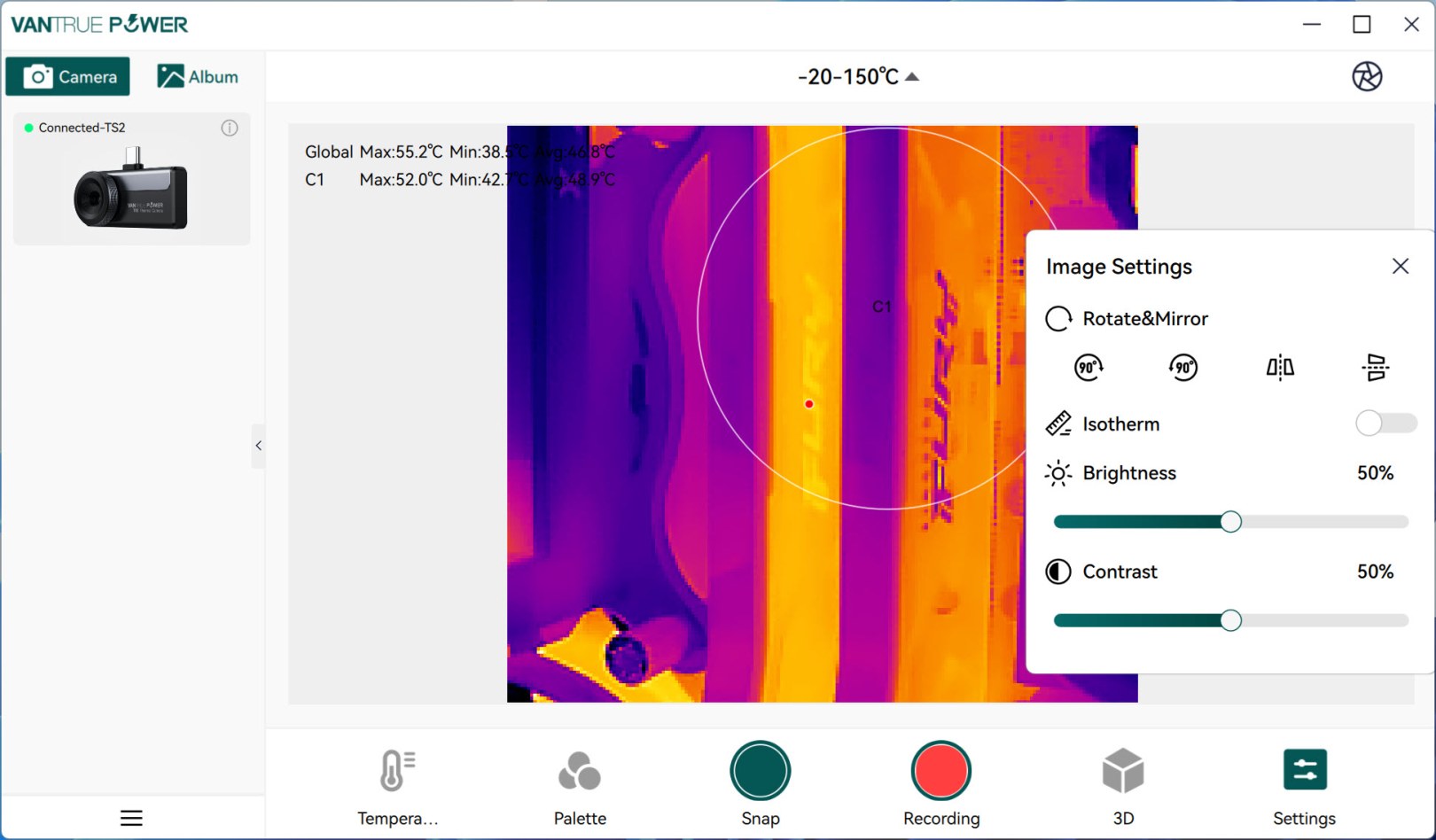
Display settings are also available here just like in the app.
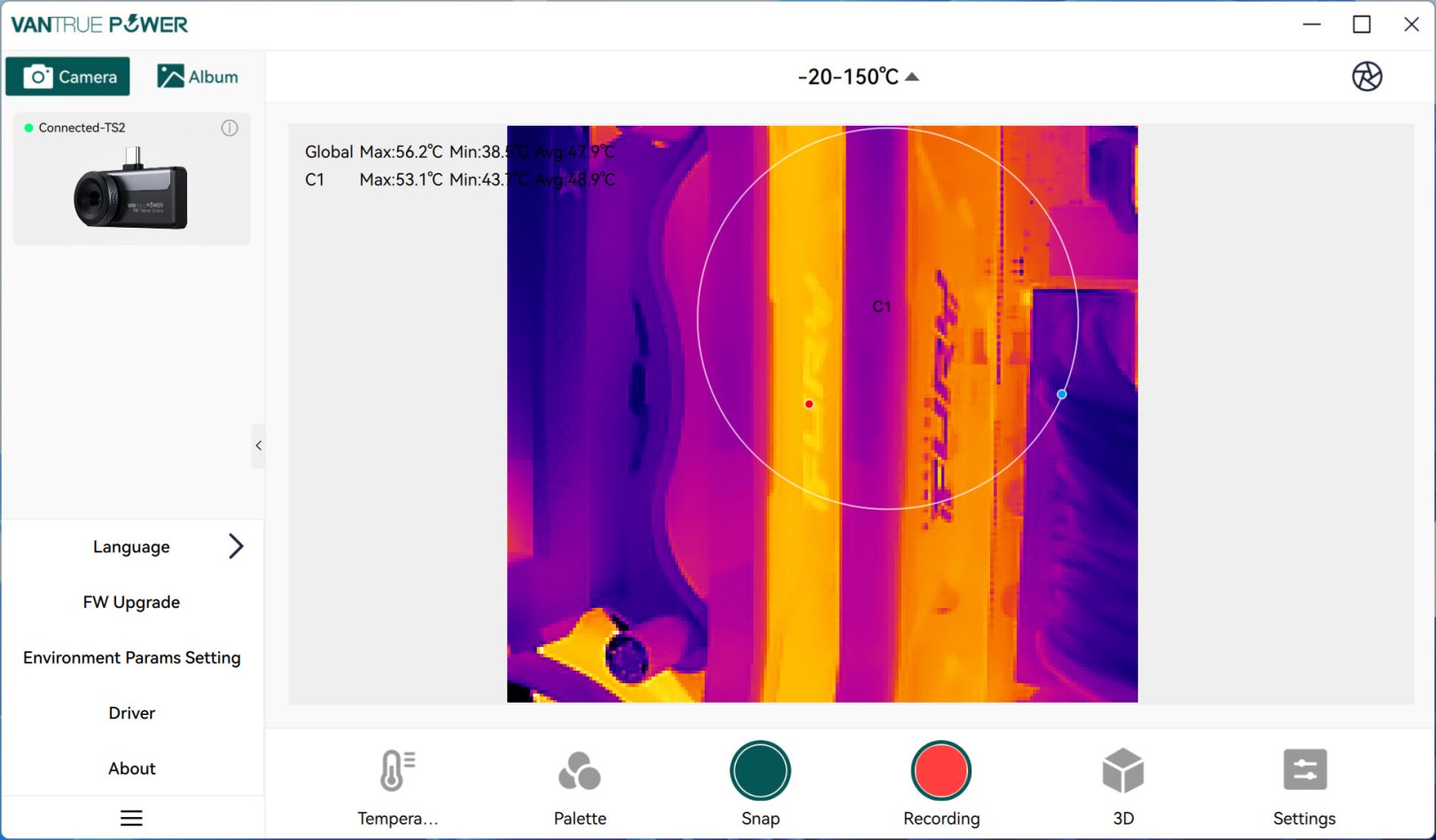
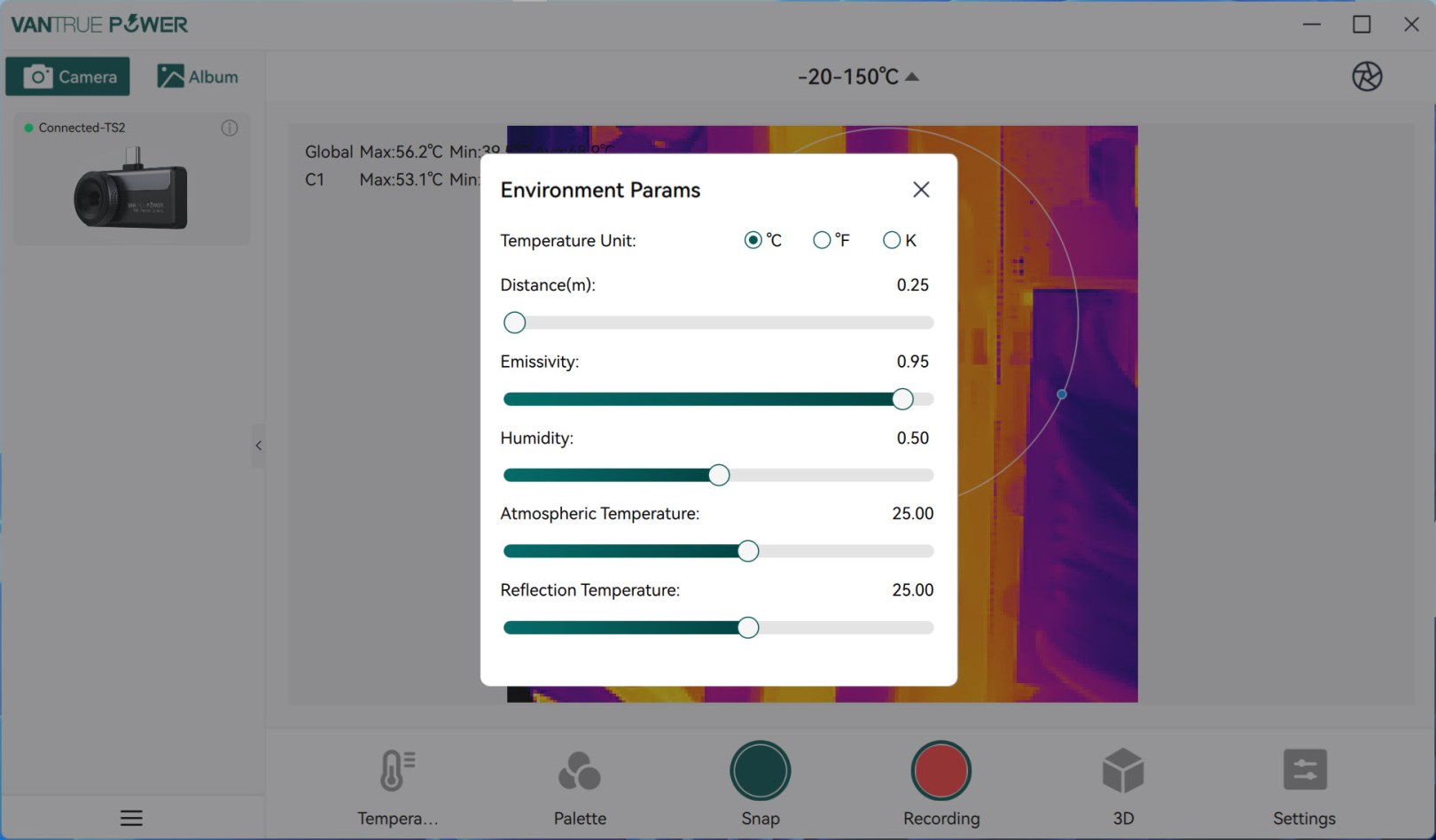
From the lower left you can access the settings tab from where you can change the language of the software, check and perform firmware updates, adjust environmental parameters and reinstall the drivers if needed.
TEST RESULTS
There are many usages for a thermal imaging camera but at least for me the main ones have to do with PC parts.
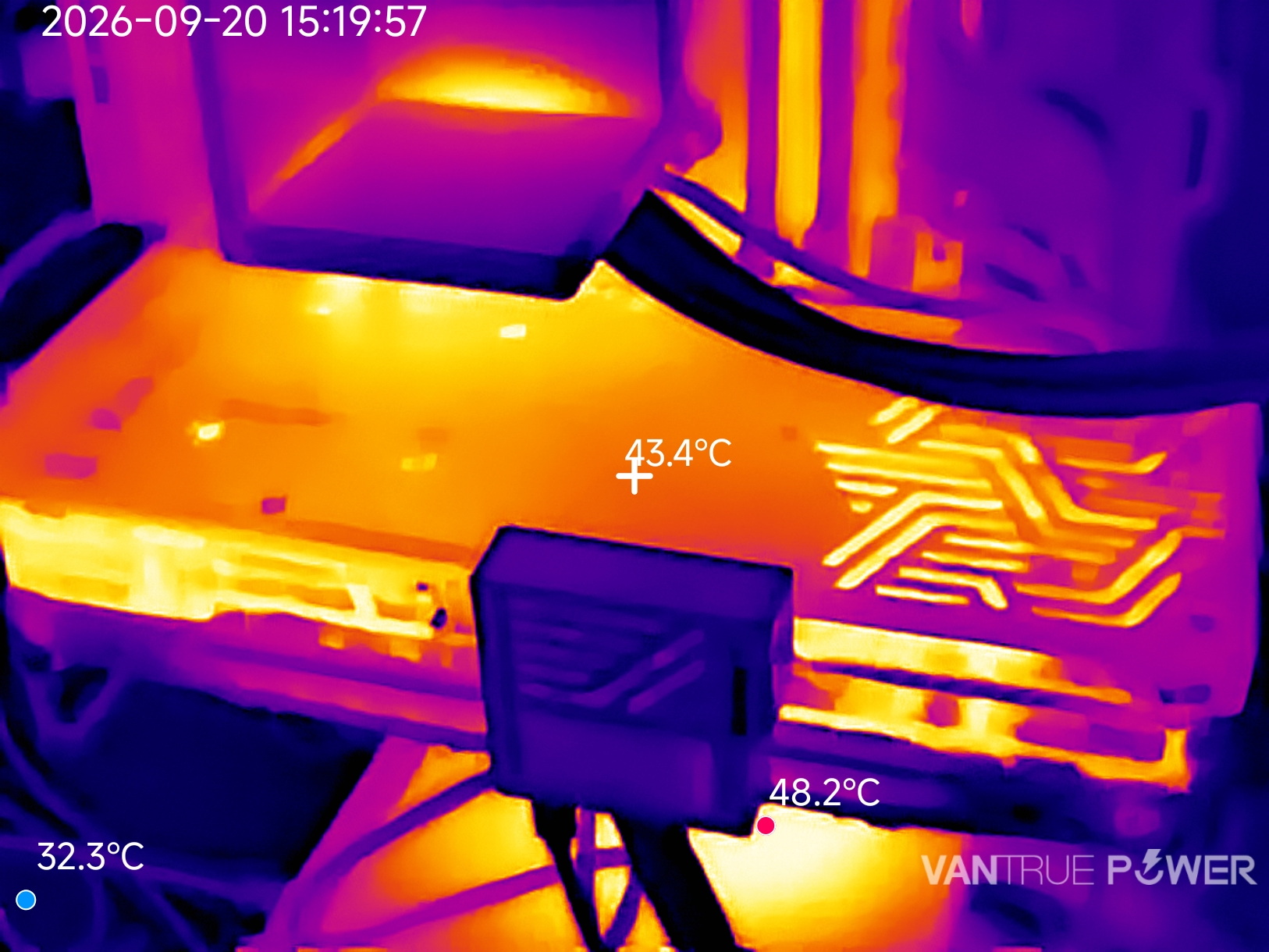
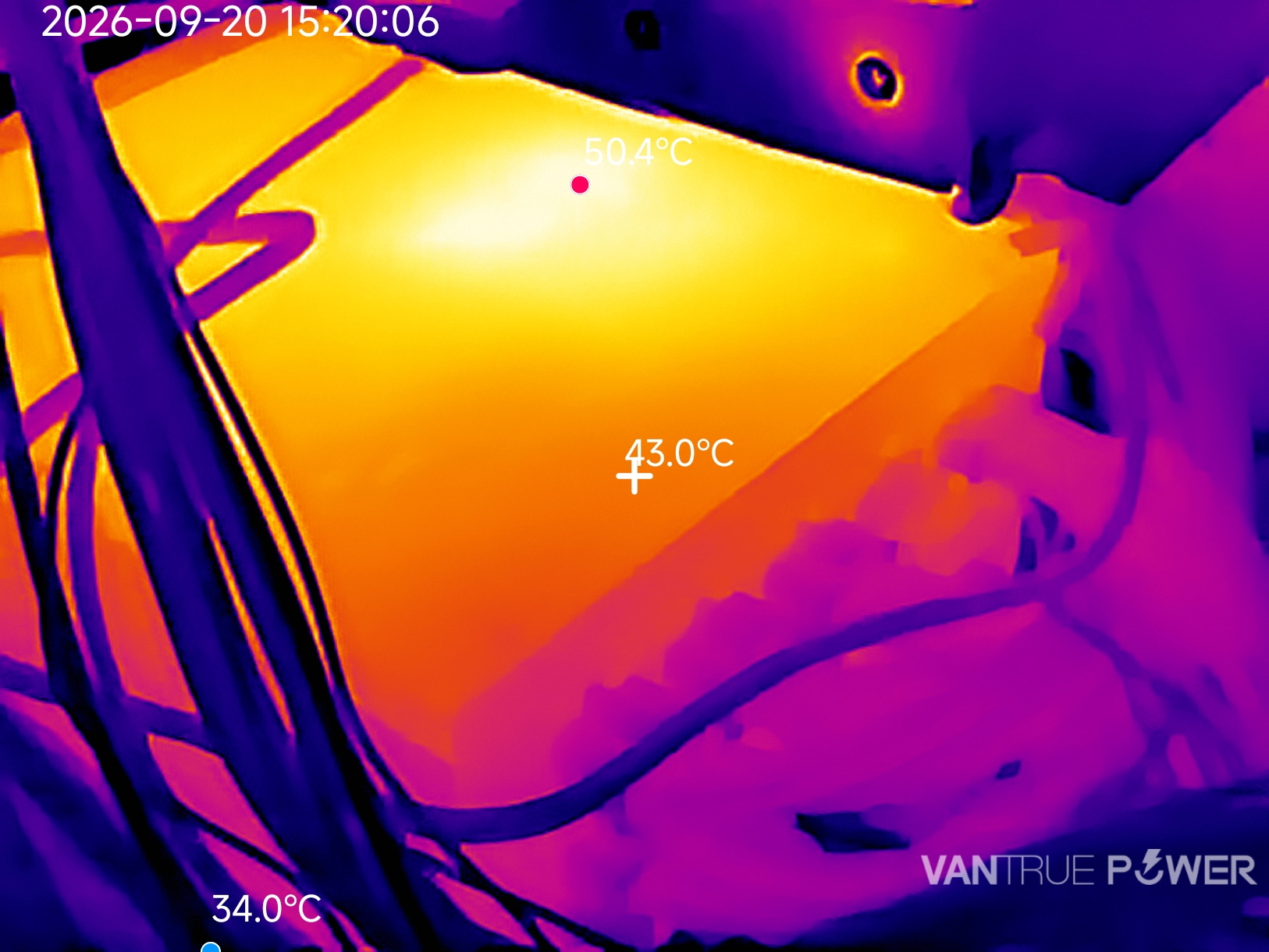
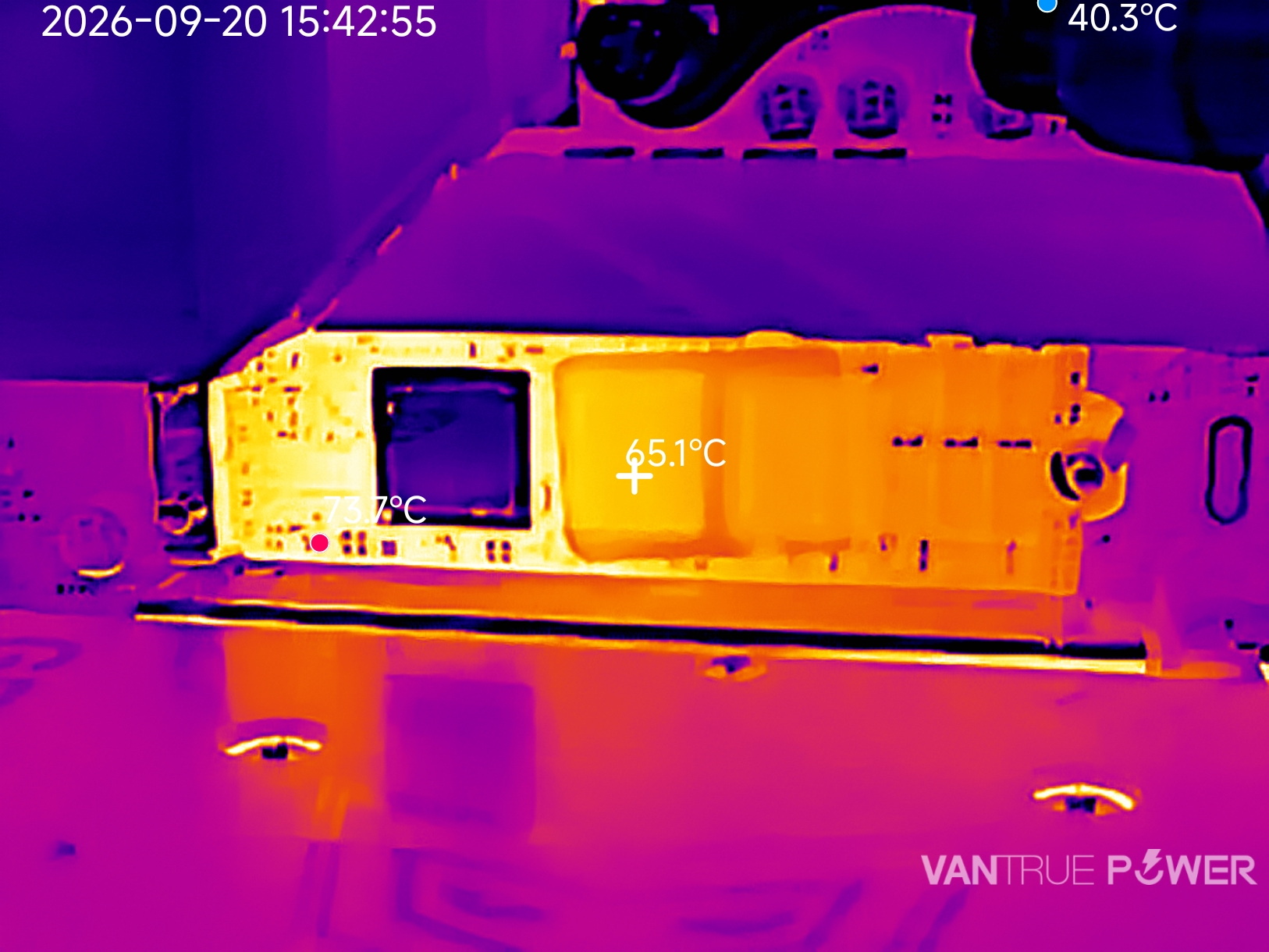
Above you can see not just how one can use the TS2 to check graphics card temperatures but also power supply unit temperatures and of course solid-state drive ones.
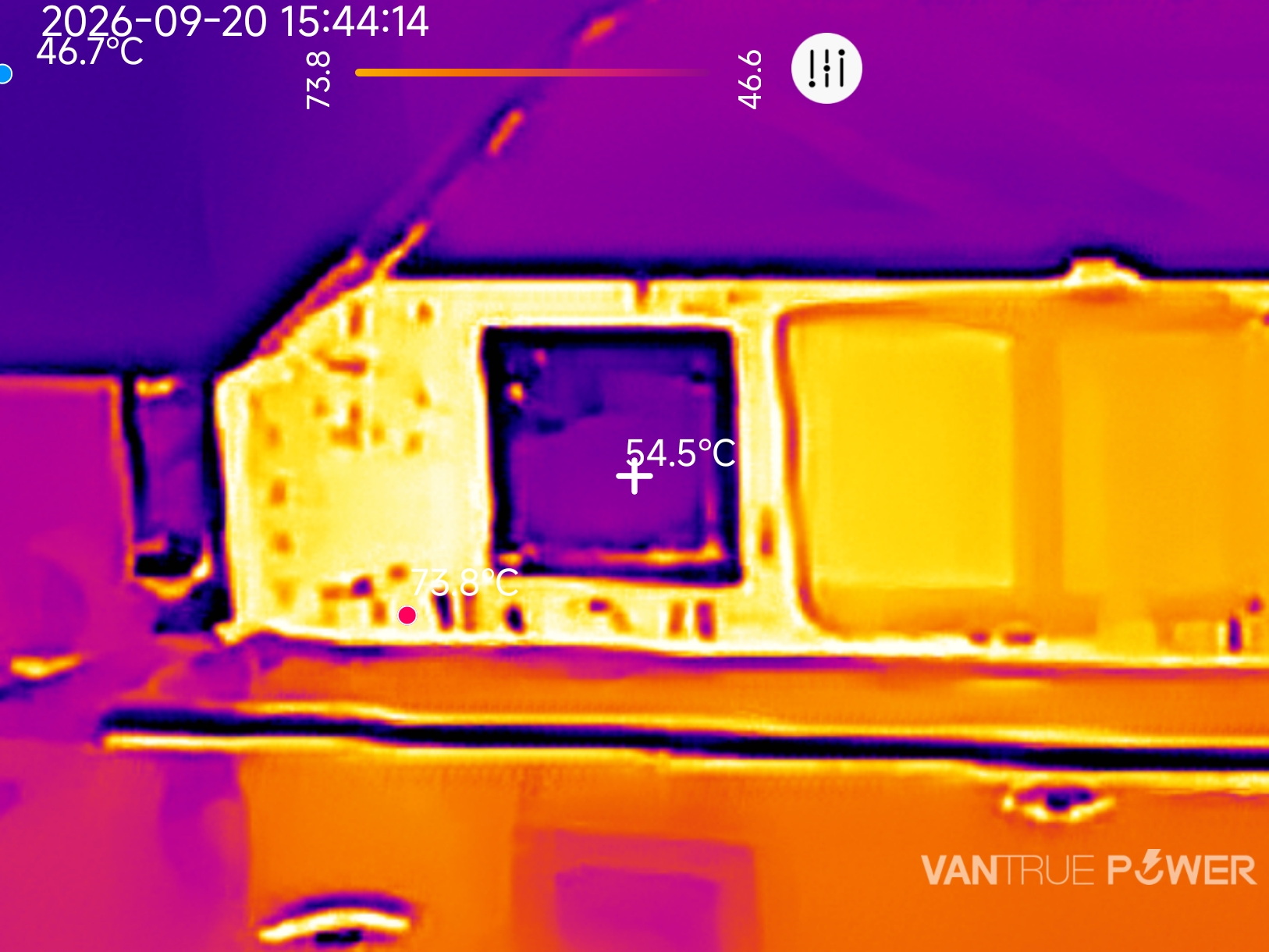
Again, the manual focus mode is especially useful at maximum zoom levels.
CONCLUSION
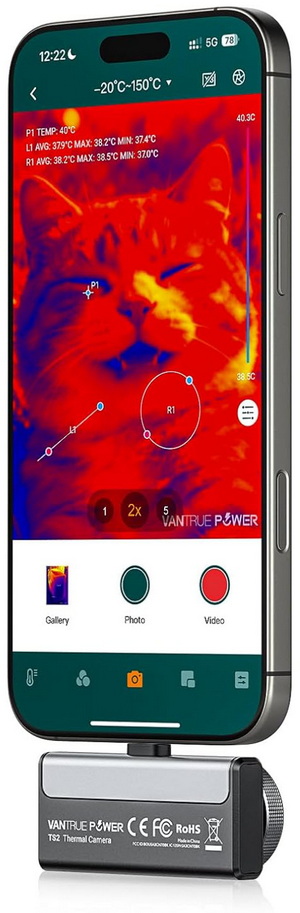
Pocket-sized thermal cameras have become increasingly capable in recent years, and the Vantrue TS2 is a good example of just how far the category has evolved. Offering detailed thermal imaging, a rich software package, compatibility with Android and iOS smartphones as well as Windows PCs, and a manual-focus lens that allows users to fine-tune image clarity for close-up inspections, it proves to be a versatile tool for applications ranging from electrical diagnostics and HVAC inspections to automotive work, PCB troubleshooting, and PC thermal analysis. Its enhanced 512x384p output resolution, smooth 25Hz refresh rate, and extensive feature set further strengthen its appeal, while its compact design and close-focus capabilities are certainly also strong selling points. The lack of more convenient manual zoom controls is one area where there is room for improvement, while the price may cause some buyers to think twice. Nevertheless, its image quality, flexibility, and broad platform support make it a compelling option for users seeking a compact yet capable thermal camera.
Currently the TS2 thermal imaging camera by Vantrue Power retails for USD319.99/319.99Euros (Vantrue.com – use code VPTS10 at checkout for a 10% discount) and so it’s slightly more expensive compared to many similar products. Still, it does comes with a richer feature set which for many people might be worth spending more for and the bundle is certainly richer. Overall if I could change something about the TS2 that would be resolution since even at the software enhanced 512x384p you are missing out on some finer details. That aside however the TS2 is a very good thermal imaging camera that does deliver as advertised and for that it gets the Golden Award.

PROS
- 256x192p Infrared Sensor (512x384p Software Enhanced)
- 12 Color Palettes & 4 Measurement Tools
- Temperature Range (-20°C to 550°C / -4°F to 1022°F)
- Compact Size
- Manual Focus
- Compatibility (Android, iOS, Windows)
- Carrying / Storage Case & USB Extension Cable
CONS
- Price (For Some)





