




VANTRUE POWER APP
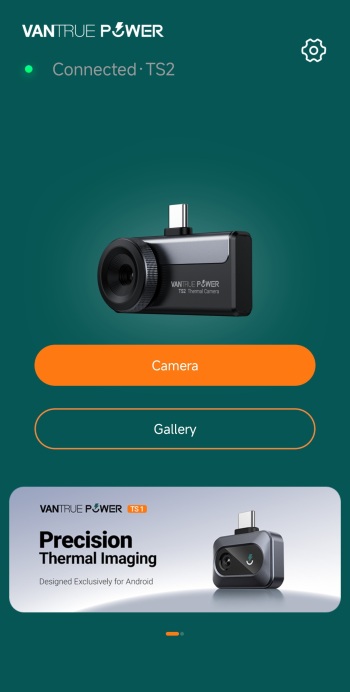
The Vantrue Power app is very easy to use, just install it and mount the TS2 on your smartphone (after this whenever you plug the TS2 onto your smartphone the app will launch automatically).
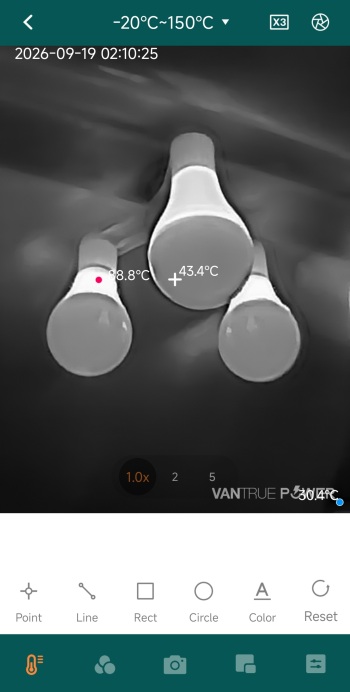
As mentioned in the features and specifications segment the TS2 allows the end user to choose how to track temperatures (point, line, rectangle, circle, color).
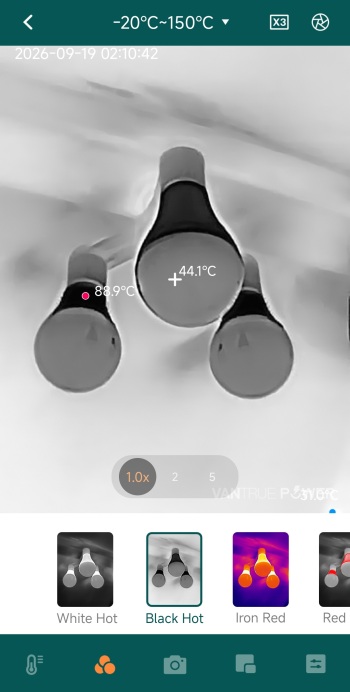
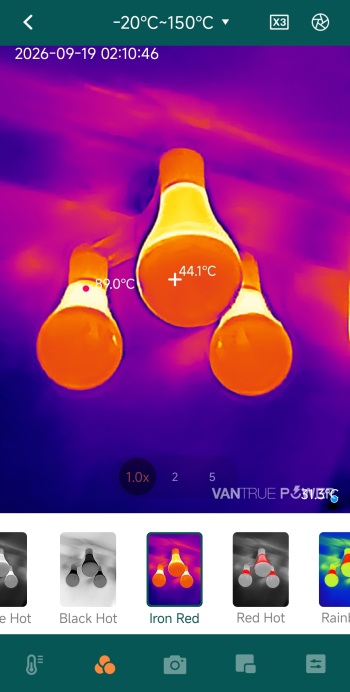
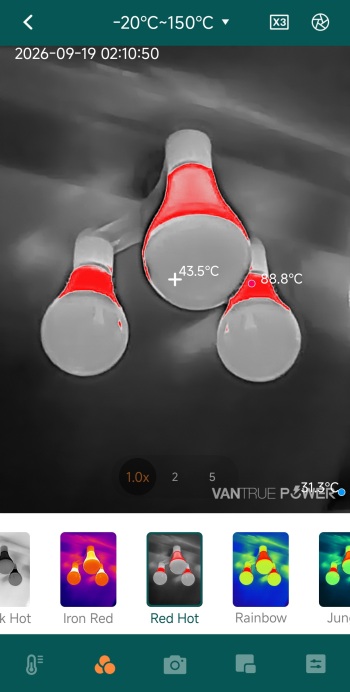
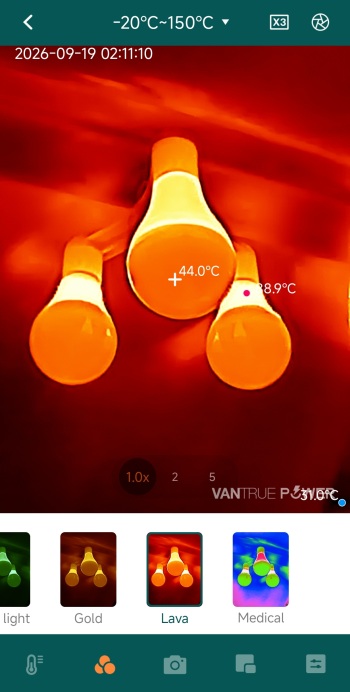
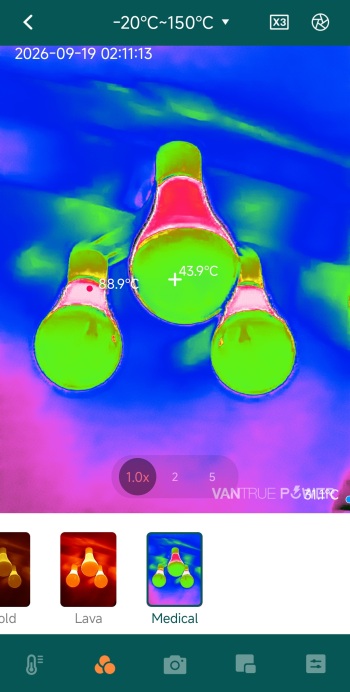
There are a total of 12 color palettes one can choose from, as seen above.
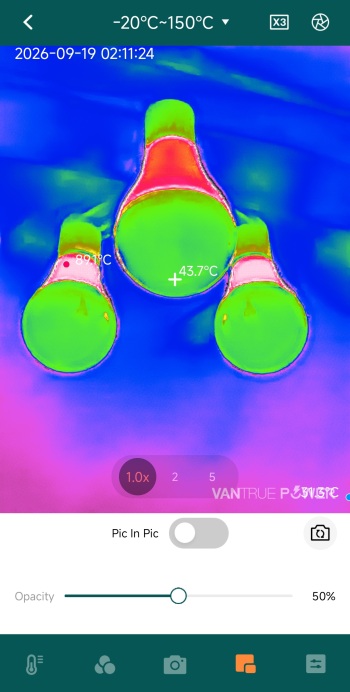
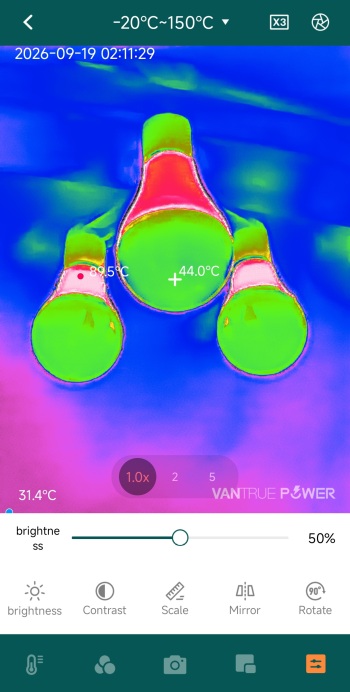
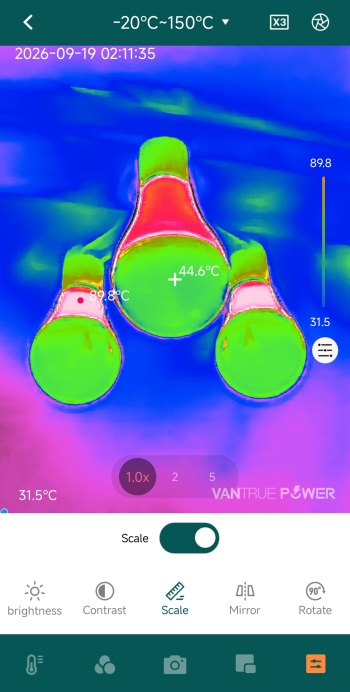
You can of course adjust image settings like opacity, brightness and contrast, change the scale and even use mirror and rotate functions.
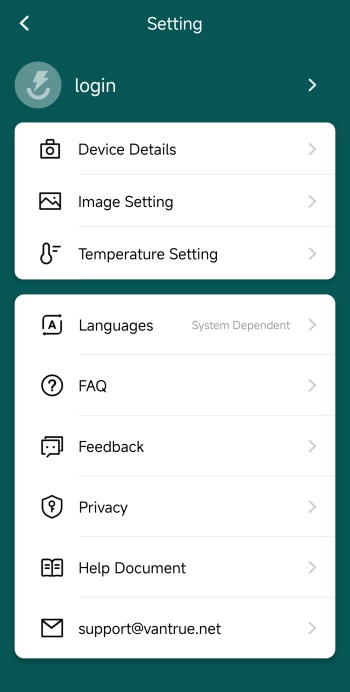
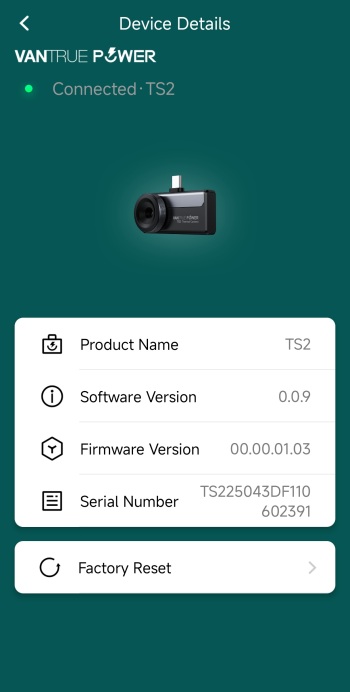
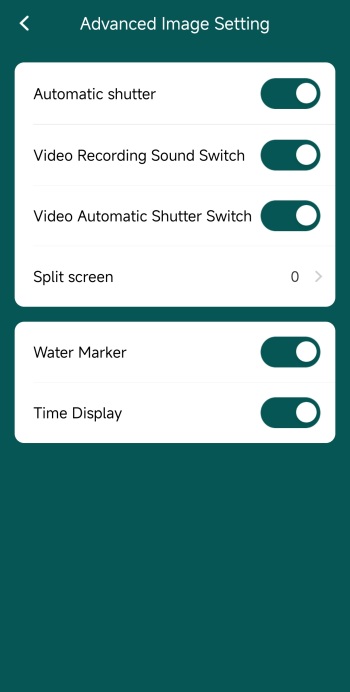
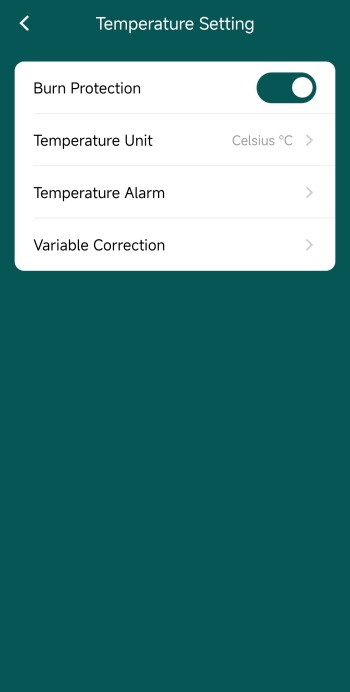
From inside the settings tab, you can check details about the unit itself, adjust advanced image settings (such as automatic shutter, sounds, split screen, watermarks and time) and adjust temperature settings (burn protection, units, alarms and variable correction).





