O-Sense

.jpg)


MENUS
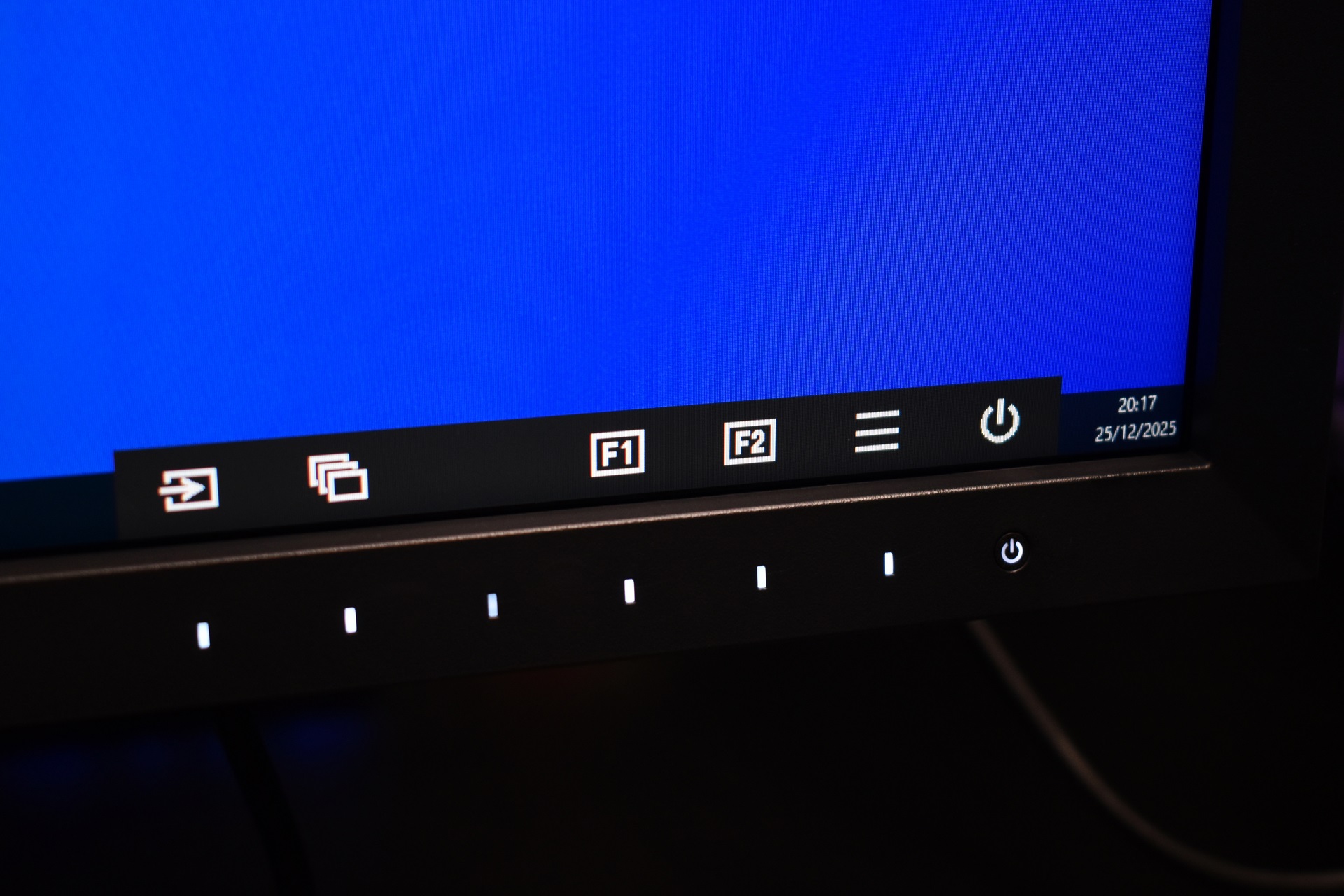
Menus are similar to those of the FlexScan line so one button access the bottom menu whereas the rest are used for specific settings and navigation.
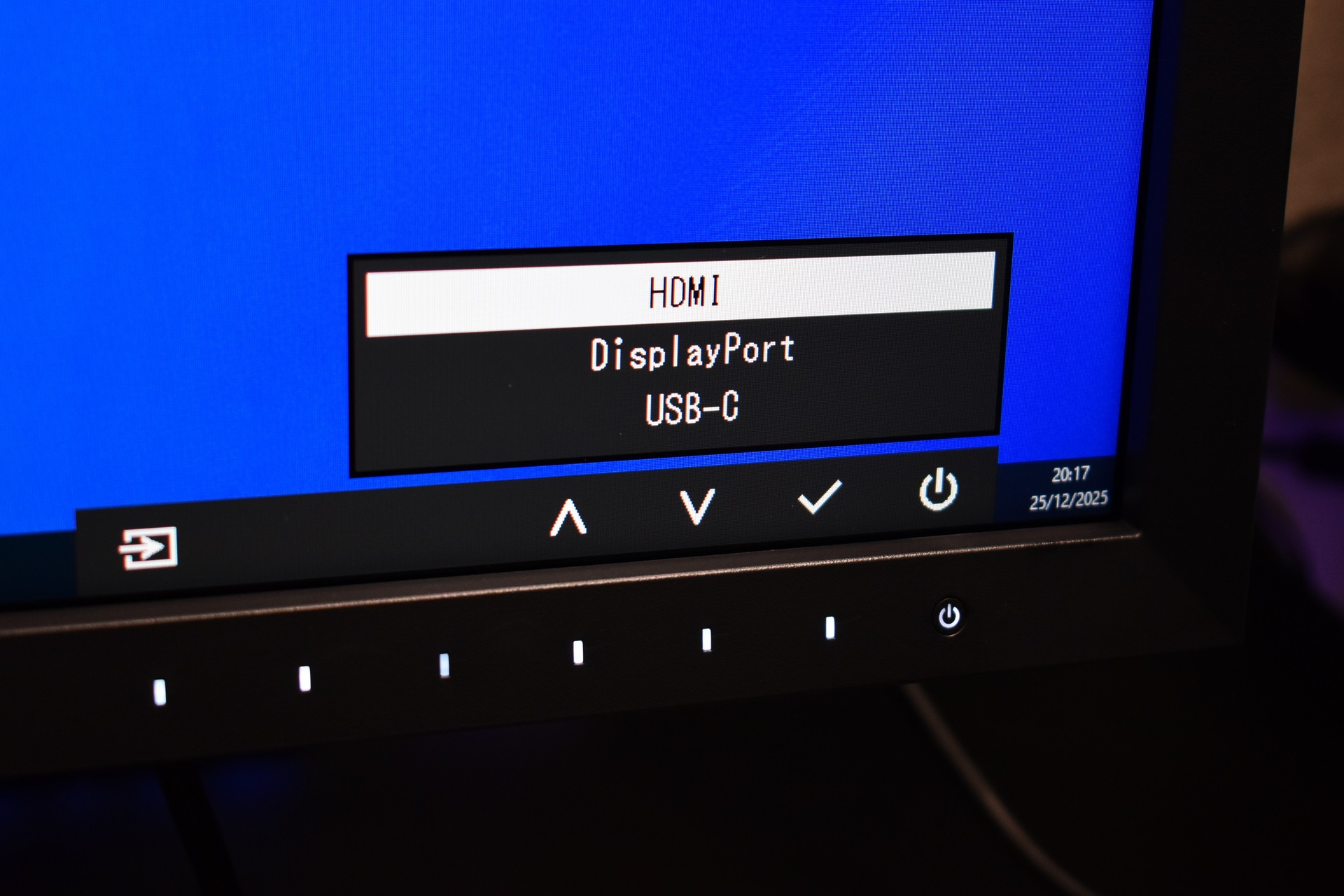
First tab allows you to switch between HDMI, DP and USB-C video inputs.
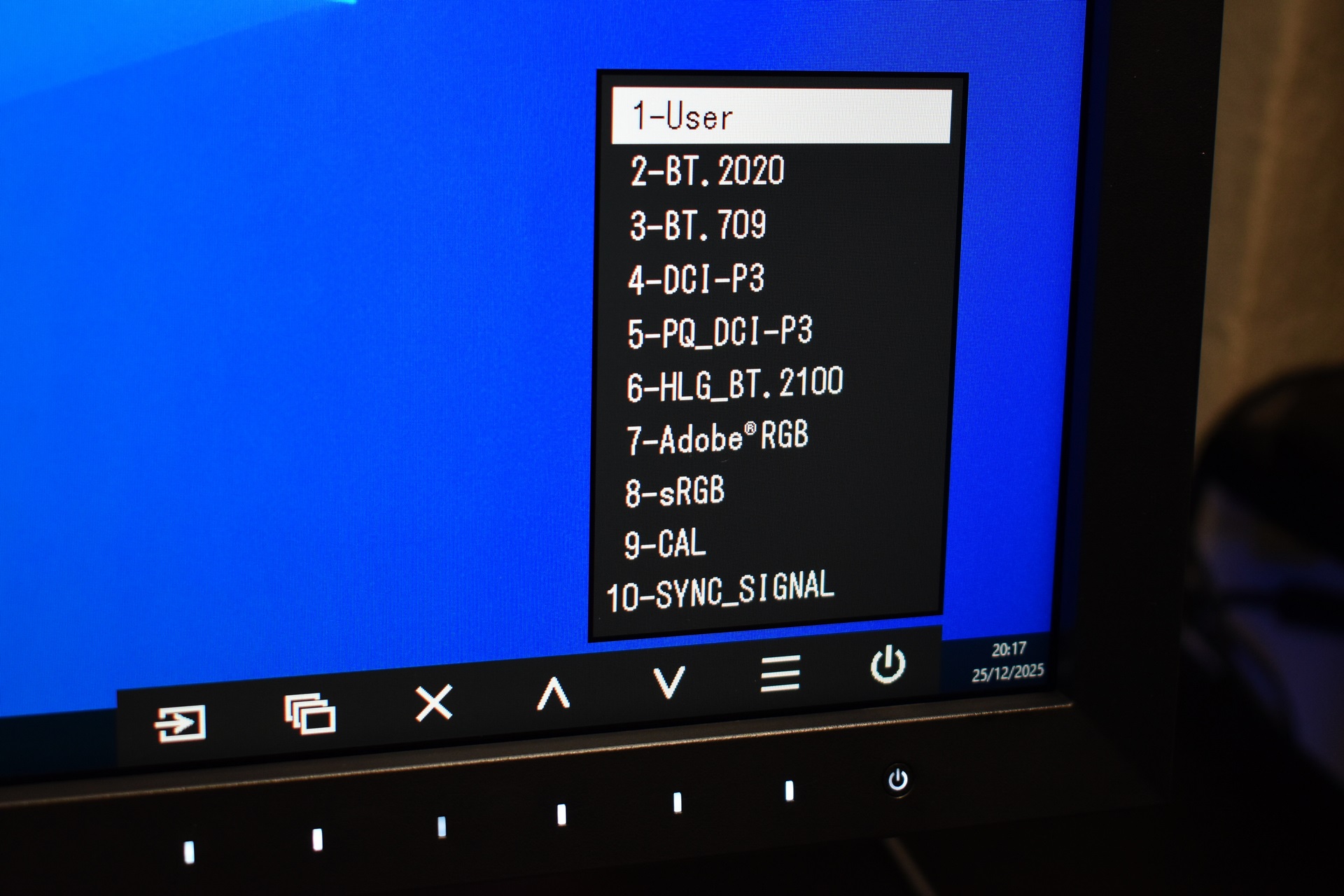
Second tab has a total of 10 different visual modes tailored for various professional usages.
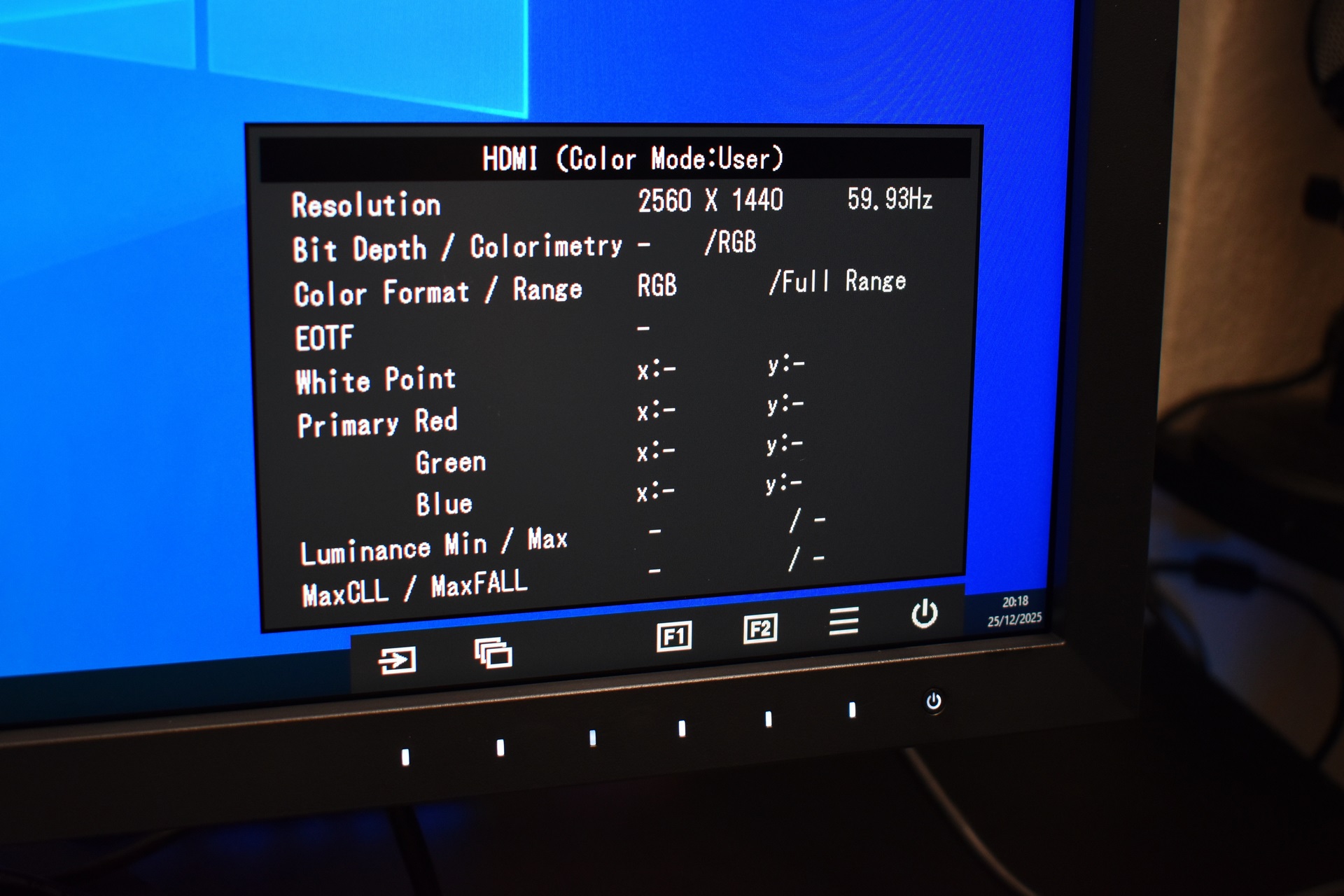
HDMI color information is also something you can access.
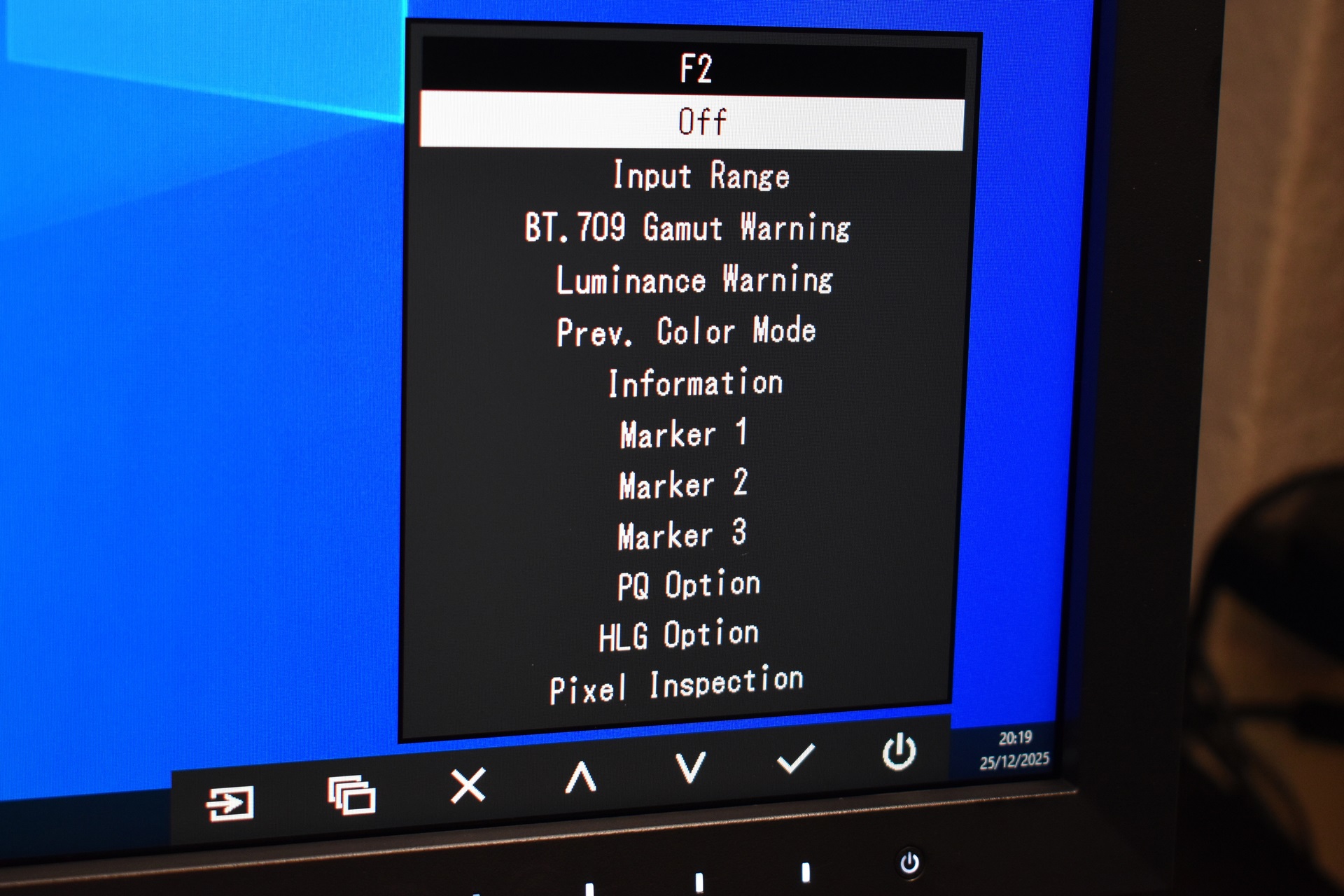
You can also access more in-depth settings like input range, BT.709 and luminance visual warnings, markers, PQ and HLG options and even pixel inspection.
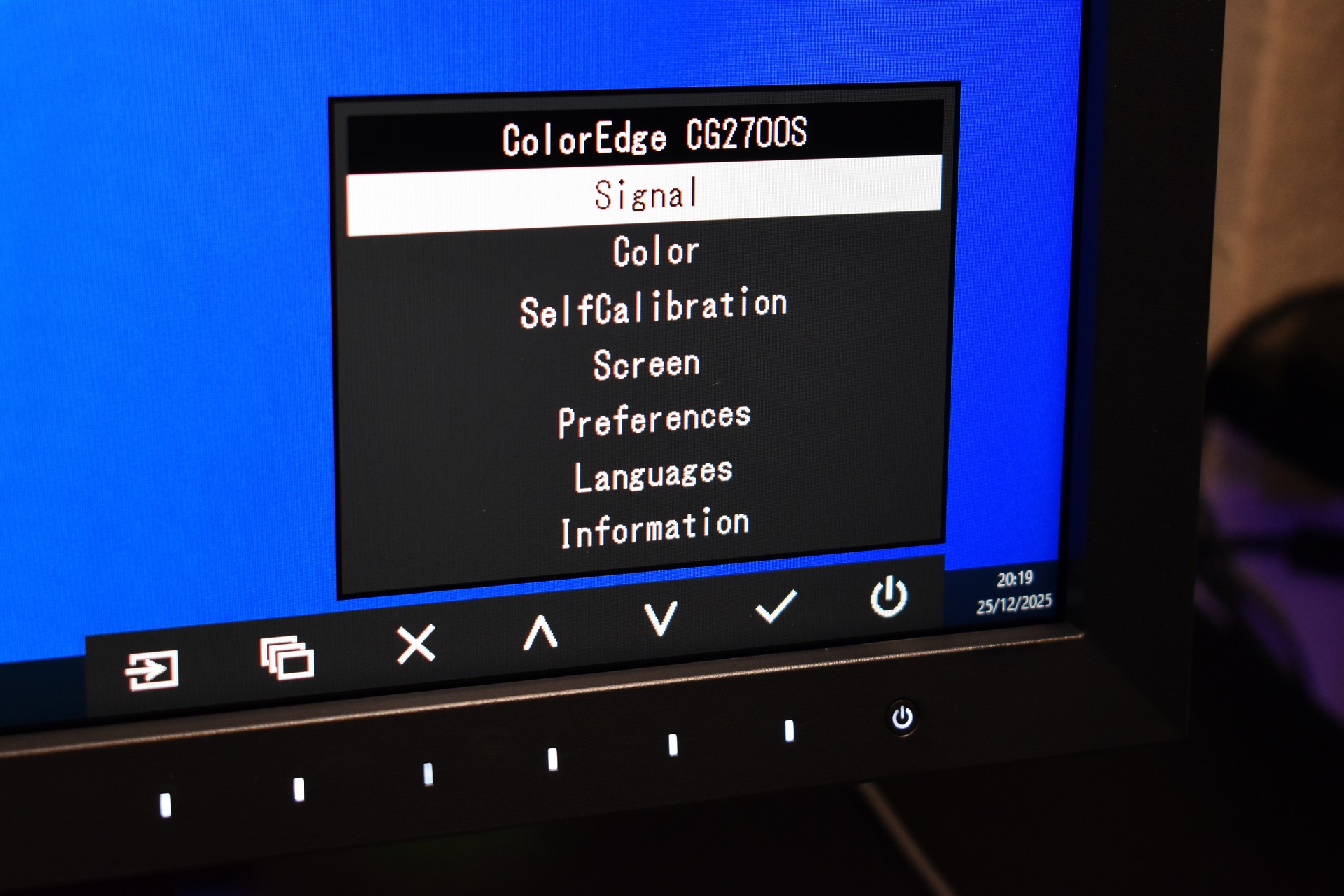
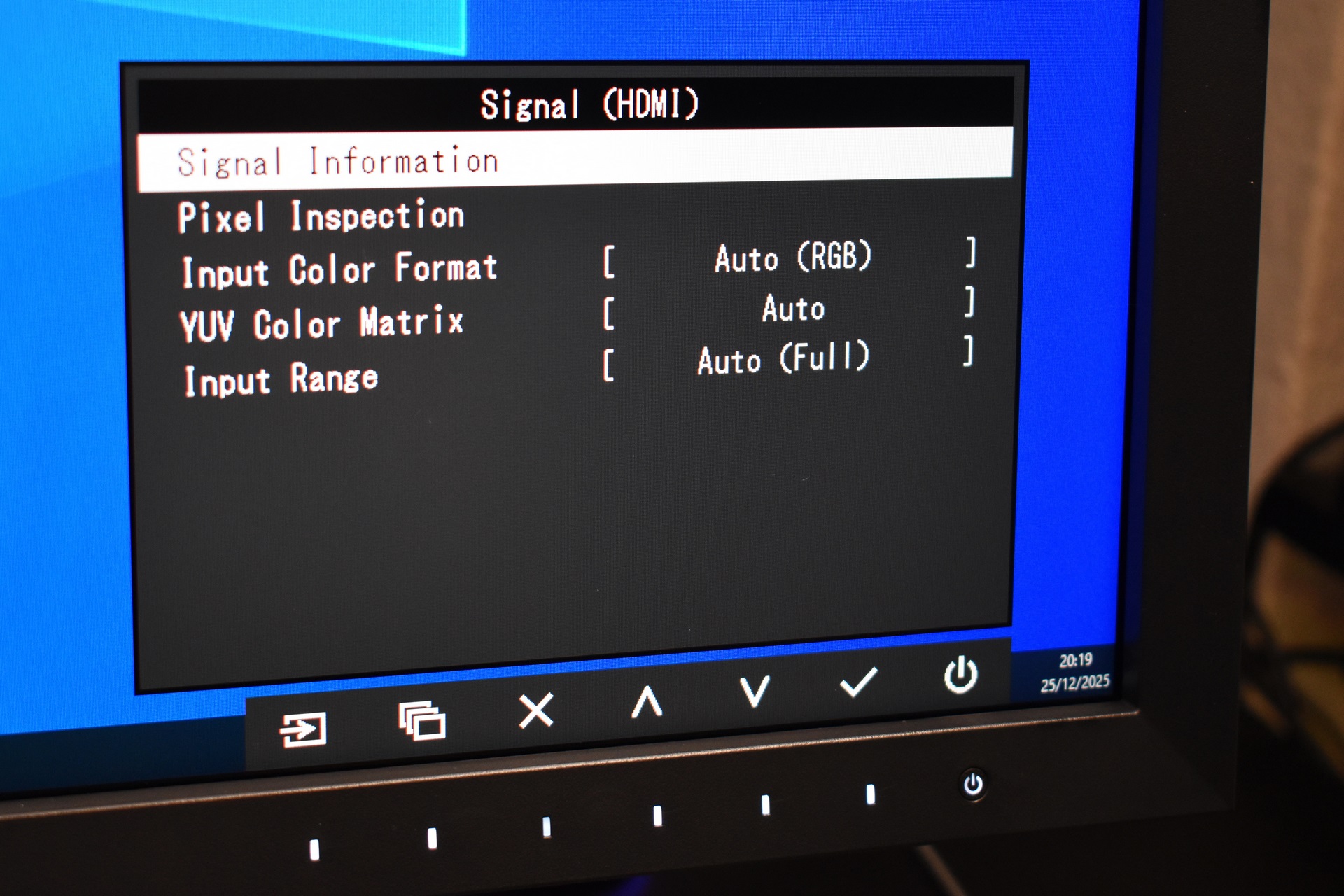
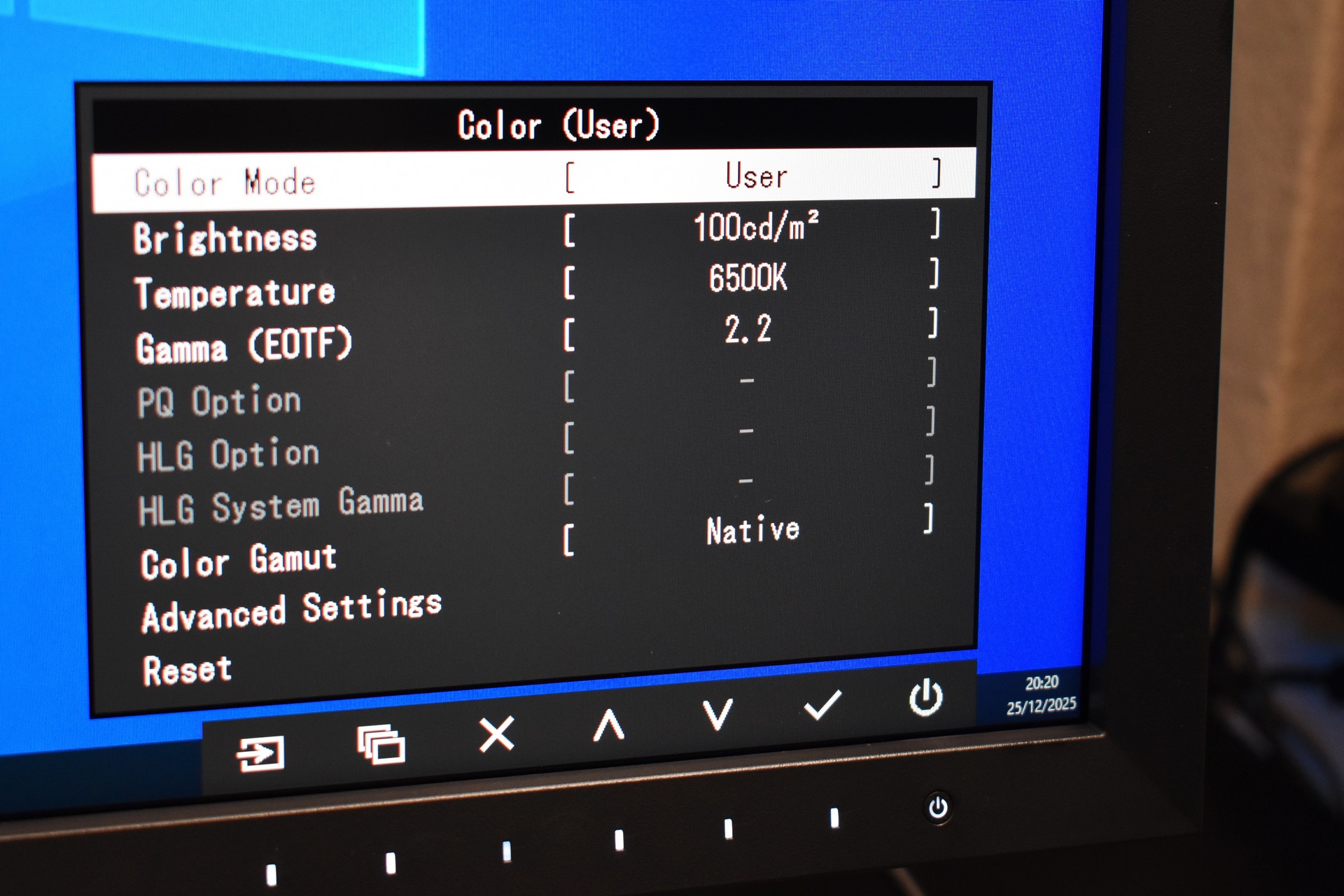
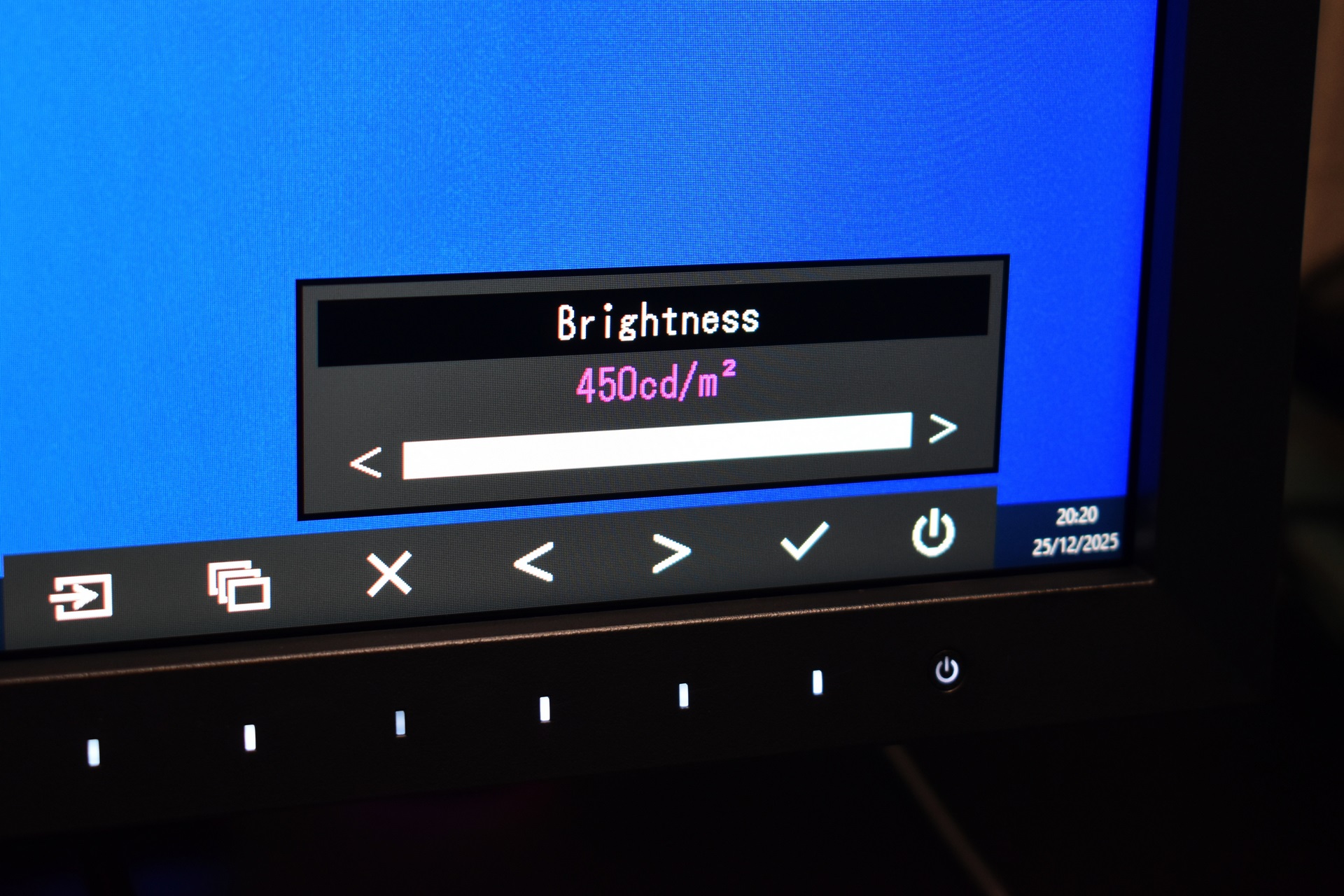
Through the main menu you can adjust signal settings, tweak color brightness and gamma (according to the CG2700S brightness peaks at 450cd/m2).
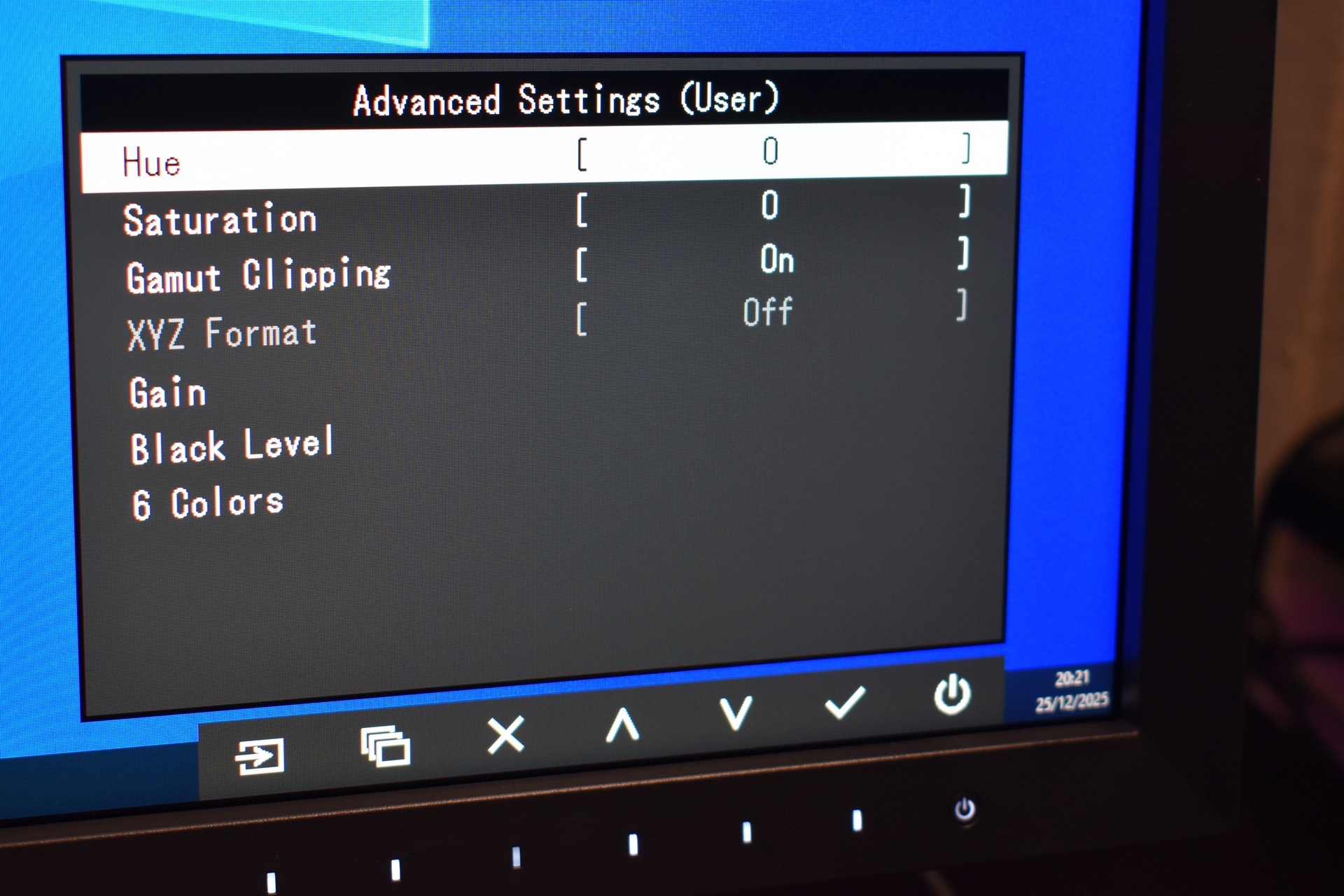
Hue, saturation, gamut clipping, gain and black level features are also available.
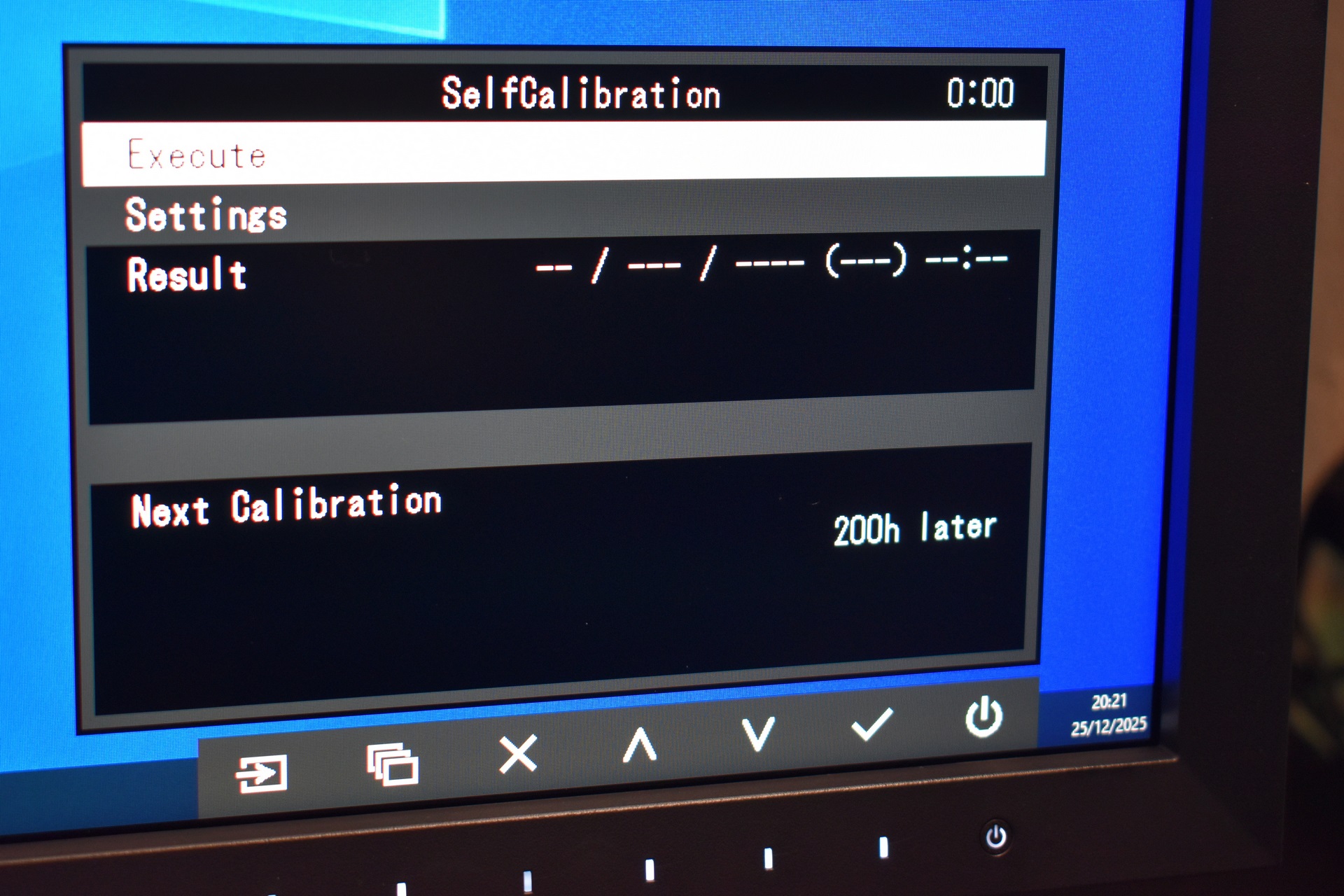
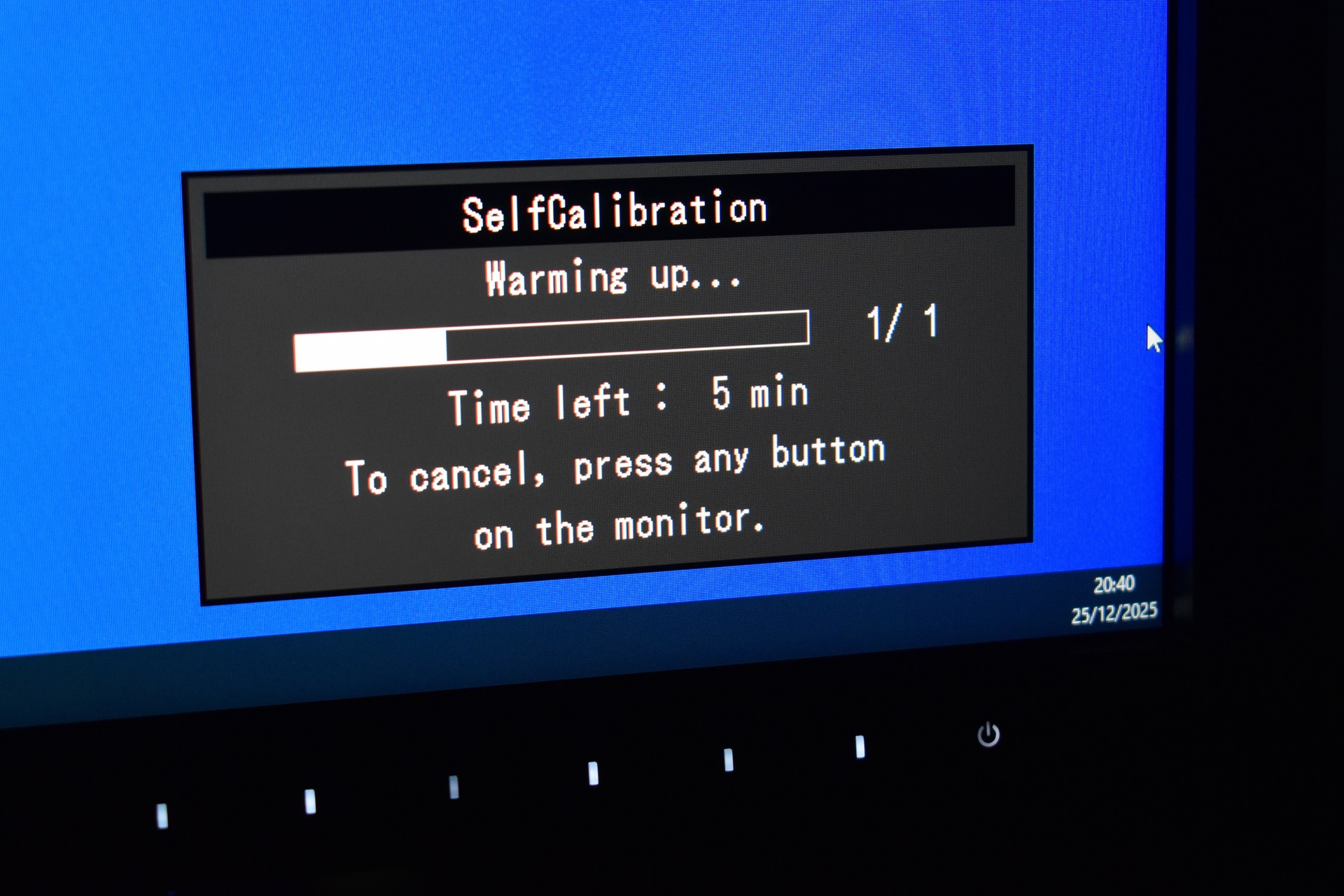
The self-calibration function is what stands out and takes up to 25 minutes to complete if you just turned on the monitor (without warmup it takes up to 7-8 minutes).
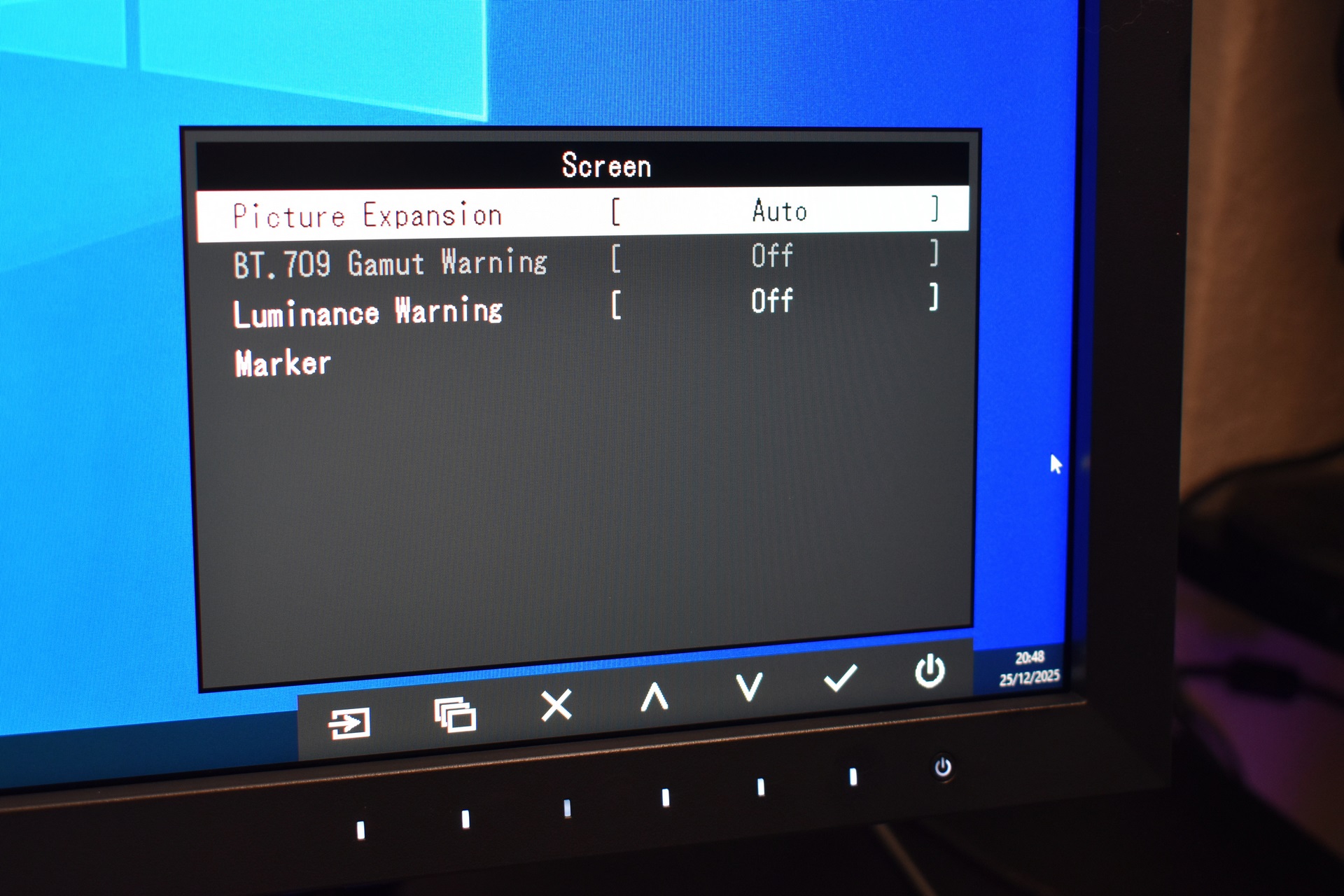
There are also some in-depth settings available here as well including picture expansion, BT.709 and luminance visual warnings and markers.
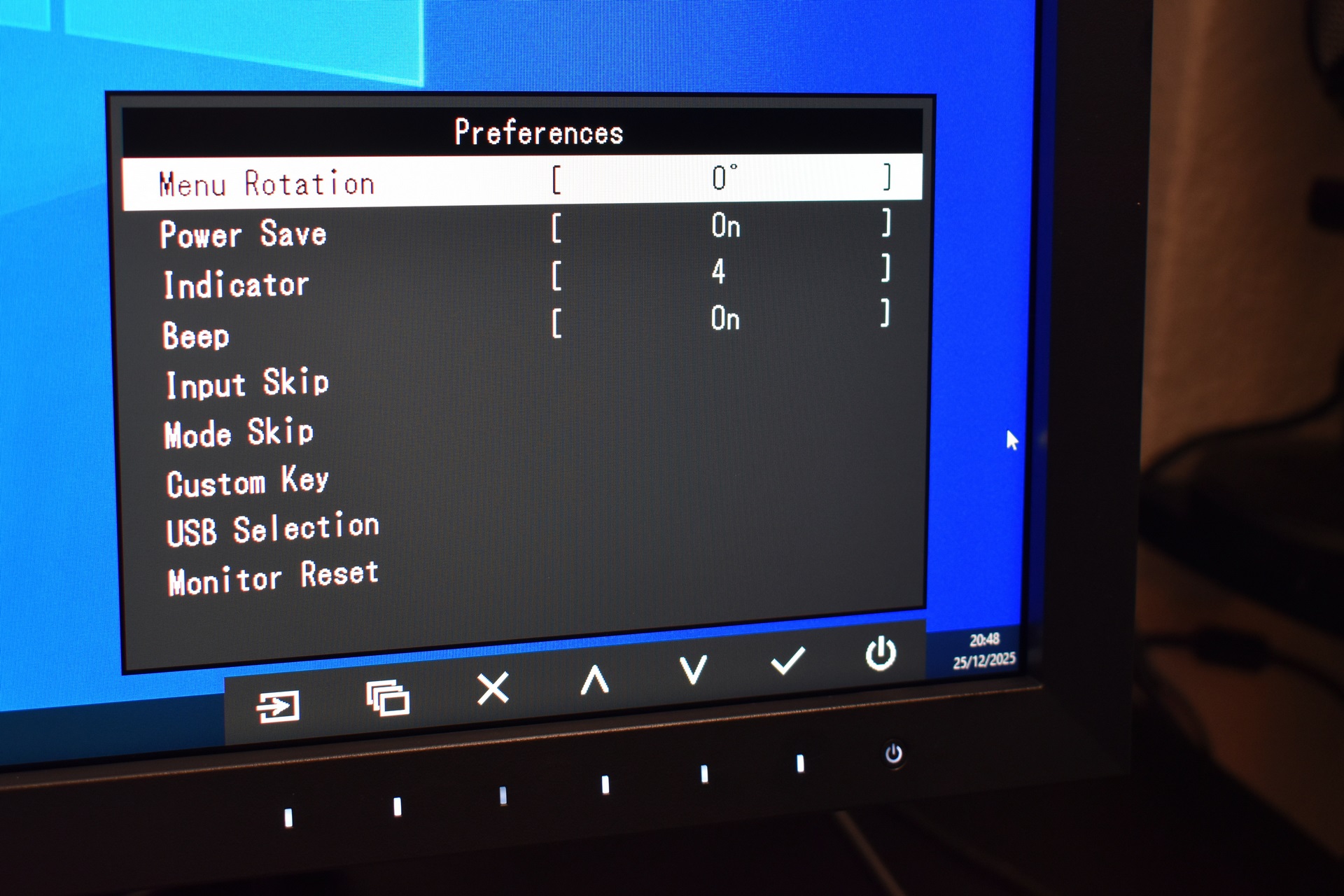
Inside the preferences tab you’ll find the usual settings for menu rotation, power save, USB selection and monitor reset.
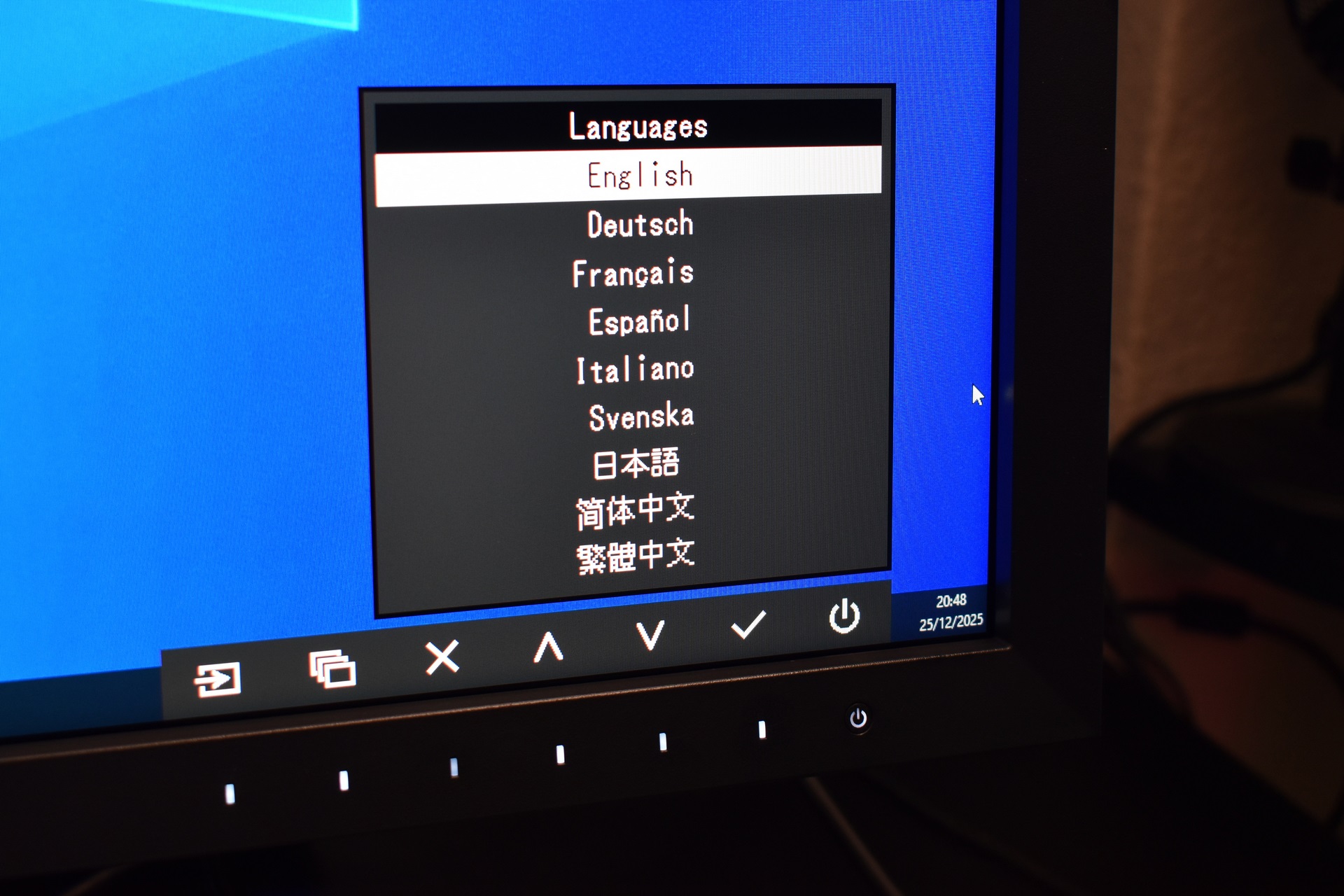
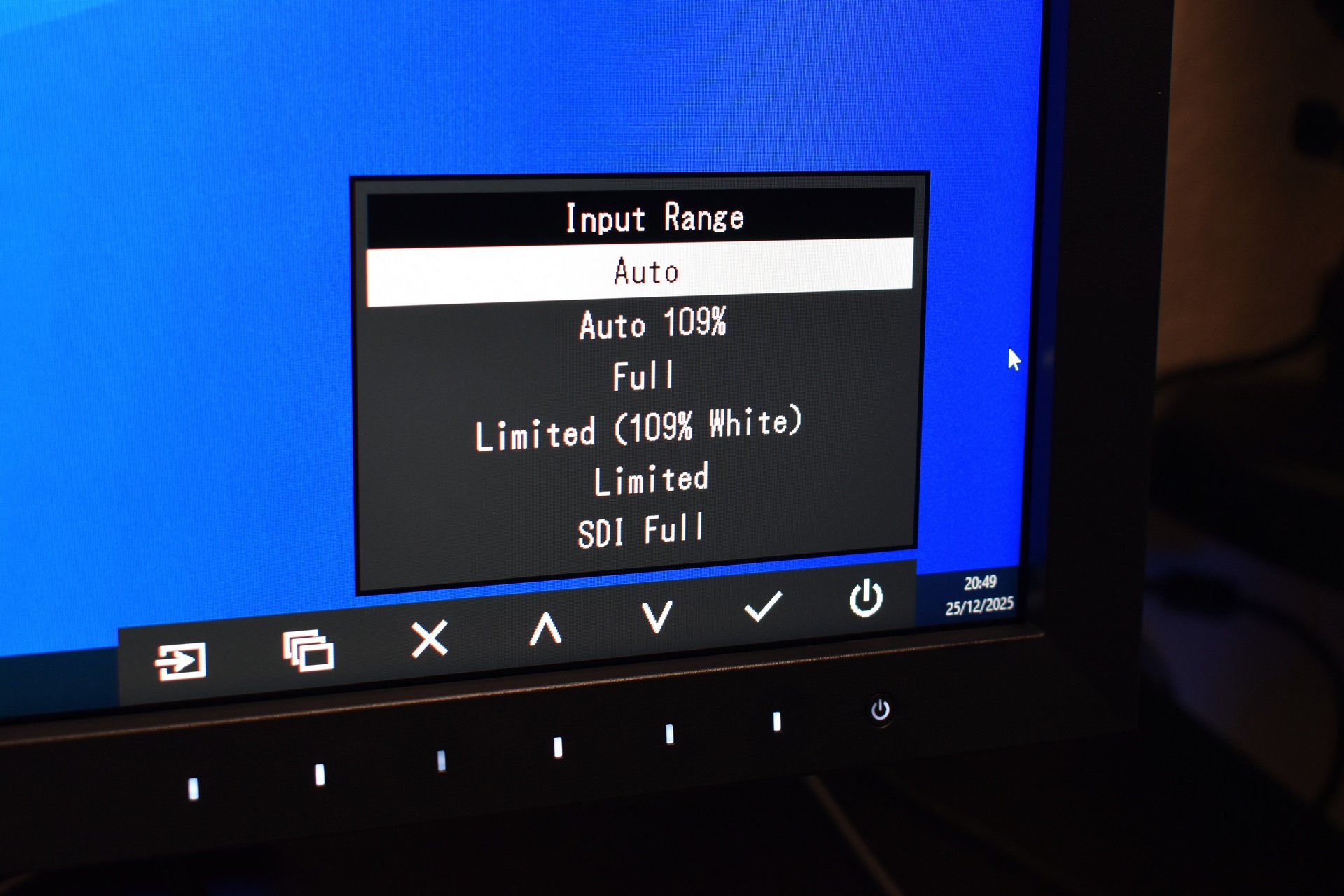
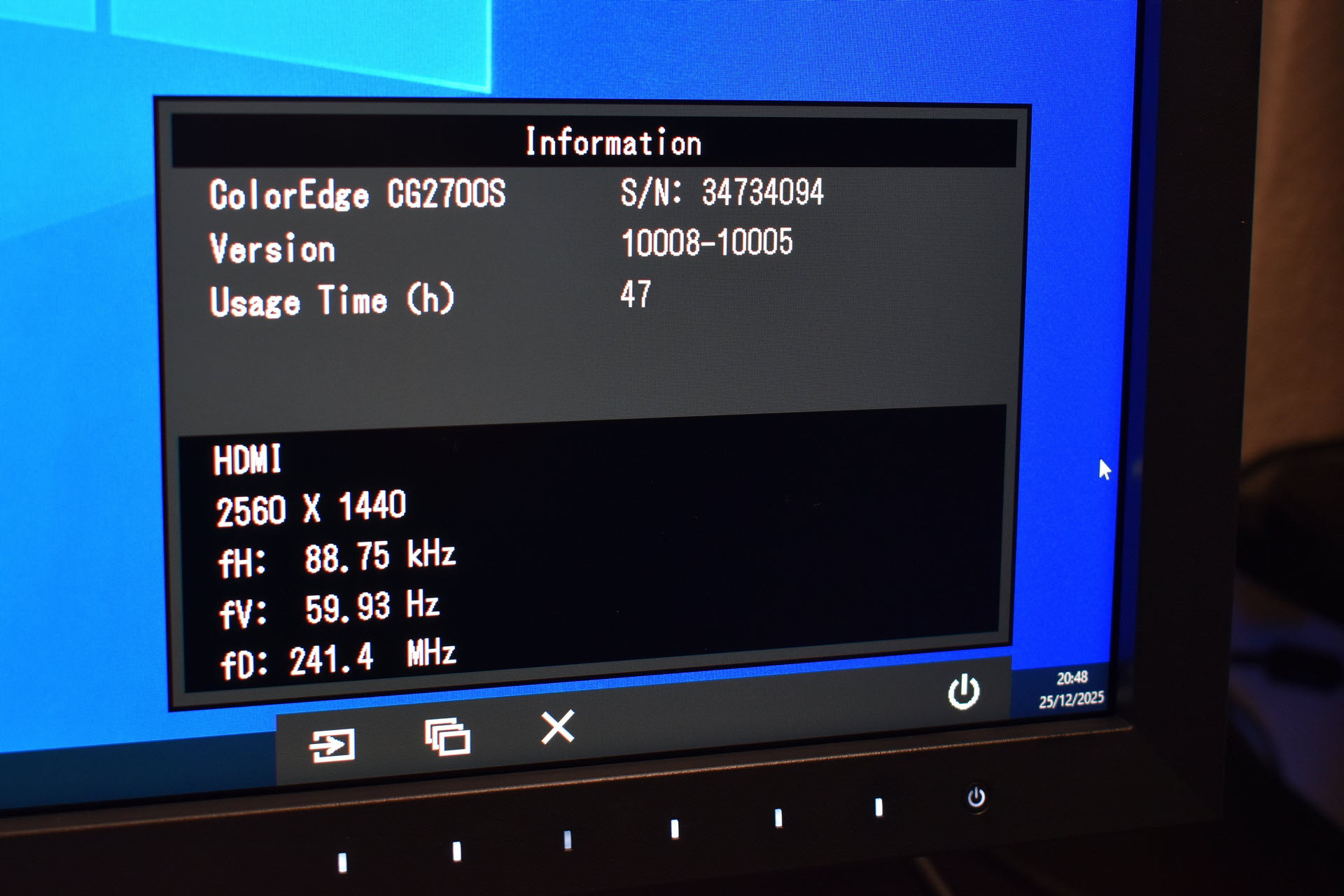
Needless to say, you can also change menu language, set the input range and access the information page.


.png)