O-Sense

.jpg)


INTRODUCTION
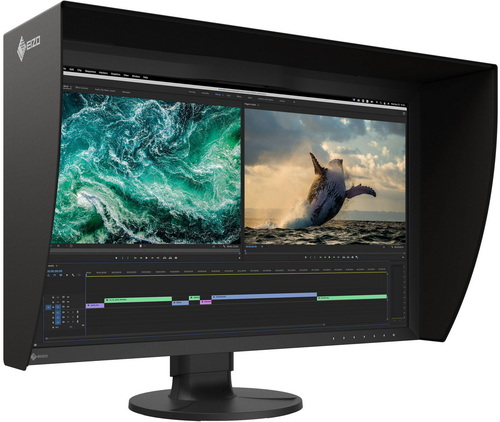
Most monitors are built for the masses. A bit of brightness, a splash of color, and a thin bezel, and they’re ready for anything from spreadsheets to Netflix. But professional work demands more than “ready for anything.” It demands accuracy, stability, and a panel you can trust day after day. That’s where professional displays step in, and few names carry as much weight in that space as EIZO. Their ColorEdge series has long been a reference point for color‑critical work. Today’s subject, the ColorEdge CG2700S, continues that lineage with a focus on precision and reliability and after using it daily for over 2 months I can finally publish my review of it.
EIZO GmbH is based in Ruelzheim (Pfalz), Germany and is a leading manufacturer of visual display solutions for medical imaging applications. The company portfolio includes a wide range of monitors, video management systems and related accessory products. EIZO GmbH is a group company of EIZO Corporation, a global leader offering total imaging solutions with a range of monitors, software, video capture, processing and distribution solutions, cameras, and advanced integrated technologies to meet the specialized needs of customers in business, creative fields, healthcare, air traffic control, maritime, security & surveillance, and more.
The EIZO ColorEdge CG2700S is a 27‑inch monitor (as always, available both in black and white colors) built around a 2K WQHD (2560X1440) IPS W-LED panel (10-bit / 16-bit 3D LUT) designed for color‑critical work. It delivers 400cd/m² brightness and a 1600:1 contrast ratio, paired with DUE (digital uniformity equalizer) ensuring stable display and HDR gamma support (HLG/PQ) for more accurate evaluation of high‑dynamic‑range content. The panel uses a 0.233mm pixel pitch and reaches 109ppi, with wide 178° viewing angles to maintain consistency across the screen. EIZO equips the ColorEdge CG2700S with a wide‑gamut display, uniformity correction, and a built‑in hardware calibration sensor that can run automatically to maintain long‑term accuracy. Connectivity includes USB‑C with video, data, LAN passthrough, and up to 92W power delivery, alongside DisplayPort, HDMI, USB‑A, USB‑B, and RJ45 LAN for flexible integration into professional workflows. Supported resolutions range from its native 2560X1440 down to 1080p, ensuring compatibility with various content pipelines.
SPECIFICATIONS AND FEATURES

PACKAGING AND CONTENTS

 EIZO uses the same minimal box as with previous models so on both sides there is only their logo and model name.

The electrical efficiency of the monitor along with its color, serial numbers and barcodes are all placed on the right side.

The CG2700S is wrapped inside a synthetic cover and placed between two thick foam spacers.

Along with the ColorEdge CG2700S inside the box you’ll also find a power cord (region specific), magnetic light shielding hood/shroud, USB-C cable, USB host cable, HDMI cable, monitor cleaning kit, factory calibration/uniformity paper, user manual in multiple languages, contact addresses for EIZO, recycling information paper, warranty paper and regulatory compliance paper.
THE COLOREDGE CG2700S

Just like every other EIZO screen I’ve tested to date the ColorEdge CG2700S arrives with the stand attached to it.

The screen of the CG2700S has a diagonal size of 684.667mm.

What stands out is the built-in hardware calibration sensor housing at the top of the screen.

Seven touch sensitive and illuminated buttons are located at the lower right of the screen.


When it comes to bezel thickness the top measures roughly 31mm whereas the side and bottom ones measure roughly 17mm.


The stand allows the screen to sit as low as 40mm or as high as 192mm from your desk.

As with past models the base allows for free motion left and right (up to 344 degrees).


Turning the screen around we find a large handle at the top center, punched metal which allows for warm air to exit the housing easier and the adjustable stand and its cable management clip.


At the rear we also find the on/off switch and the power, HDMI, DP, USB-C, RJ45 Ethernet and USB-B ports.

There are also two USB 3.0 and two USB 2.0 ports on the rear left of the screen.


 EIZO offers some of the best stands in the industry and as for this particular one it allows for +35-5 degrees tilt and up to 90 degrees right pivot.

The magnetic light shielding hood is light and very easy to mount.

One of the best features of the ColorEdge CG2700S is the built-in hardware calibration sensor (motorized).
MENUS
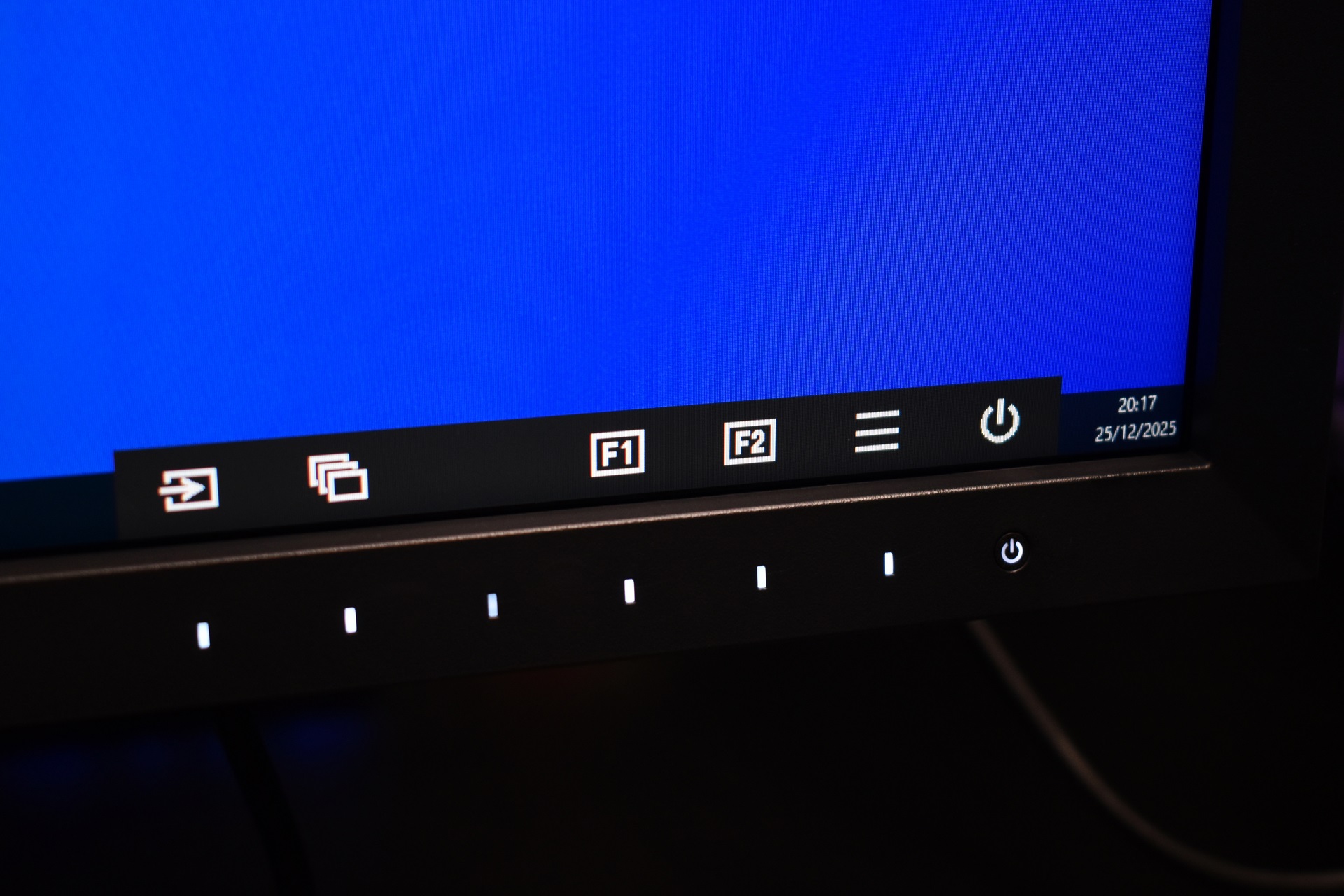
Menus are similar to those of the FlexScan line so one button access the bottom menu whereas the rest are used for specific settings and navigation.
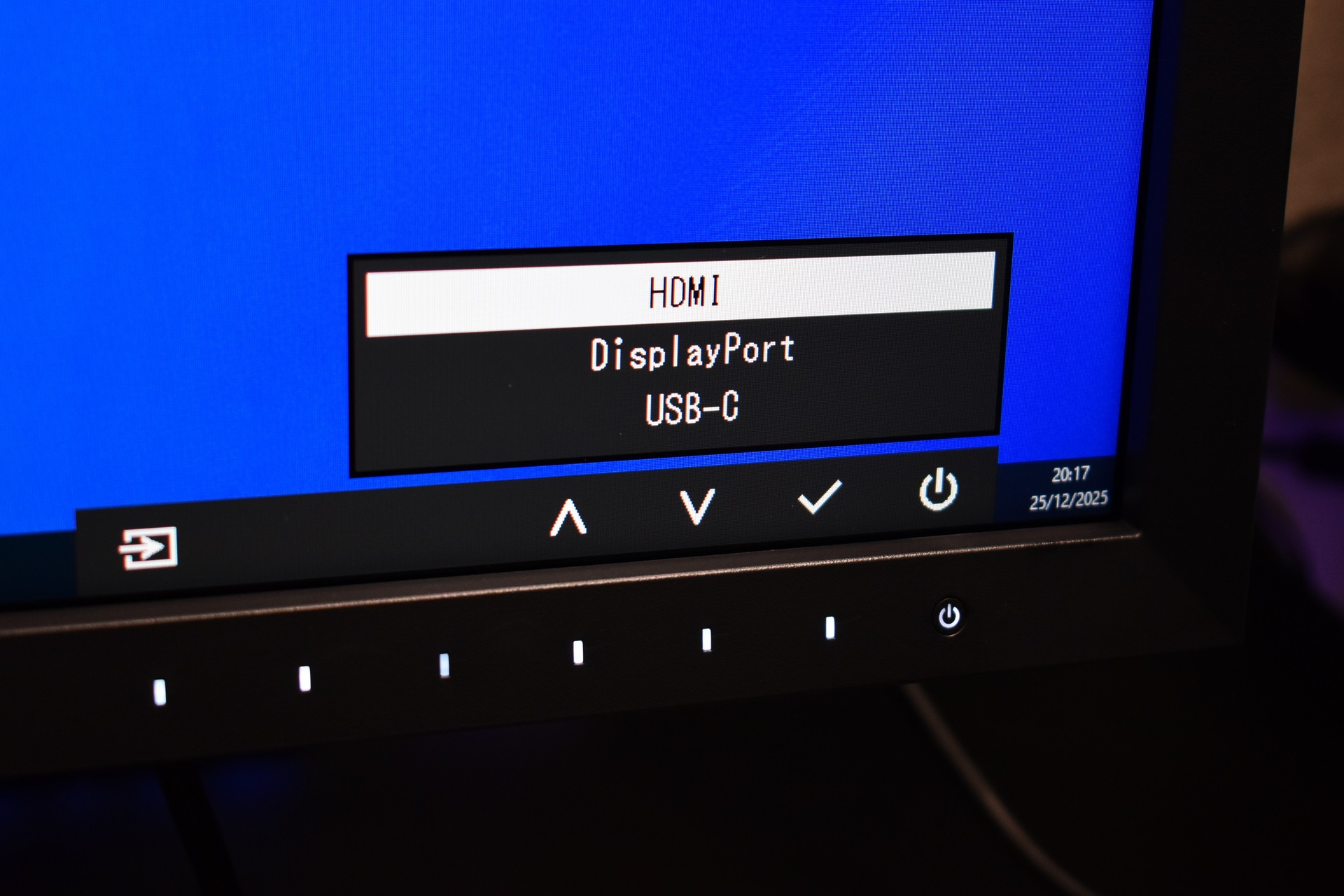
First tab allows you to switch between HDMI, DP and USB-C video inputs.
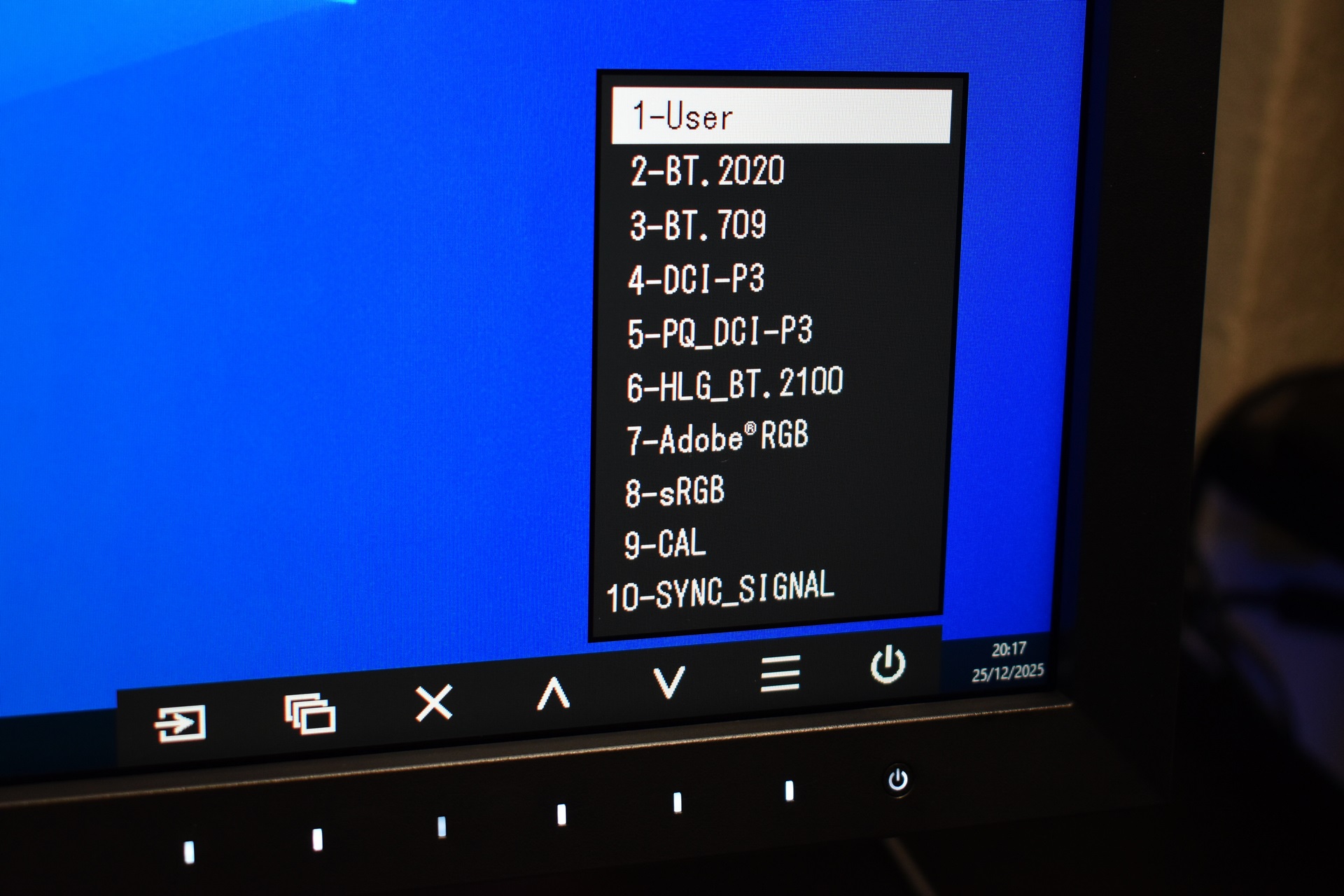
Second tab has a total of 10 different visual modes tailored for various professional usages.
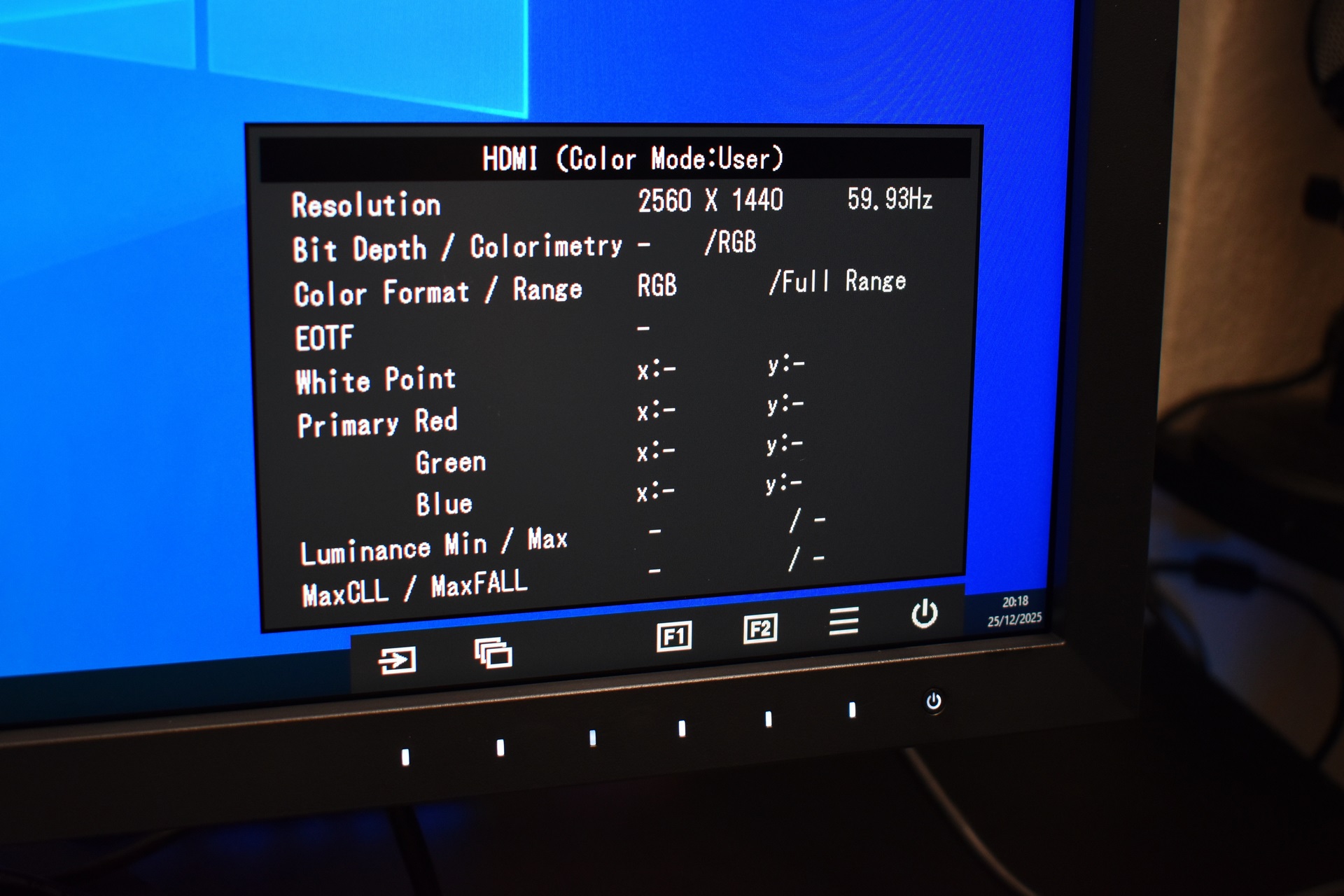
HDMI color information is also something you can access.
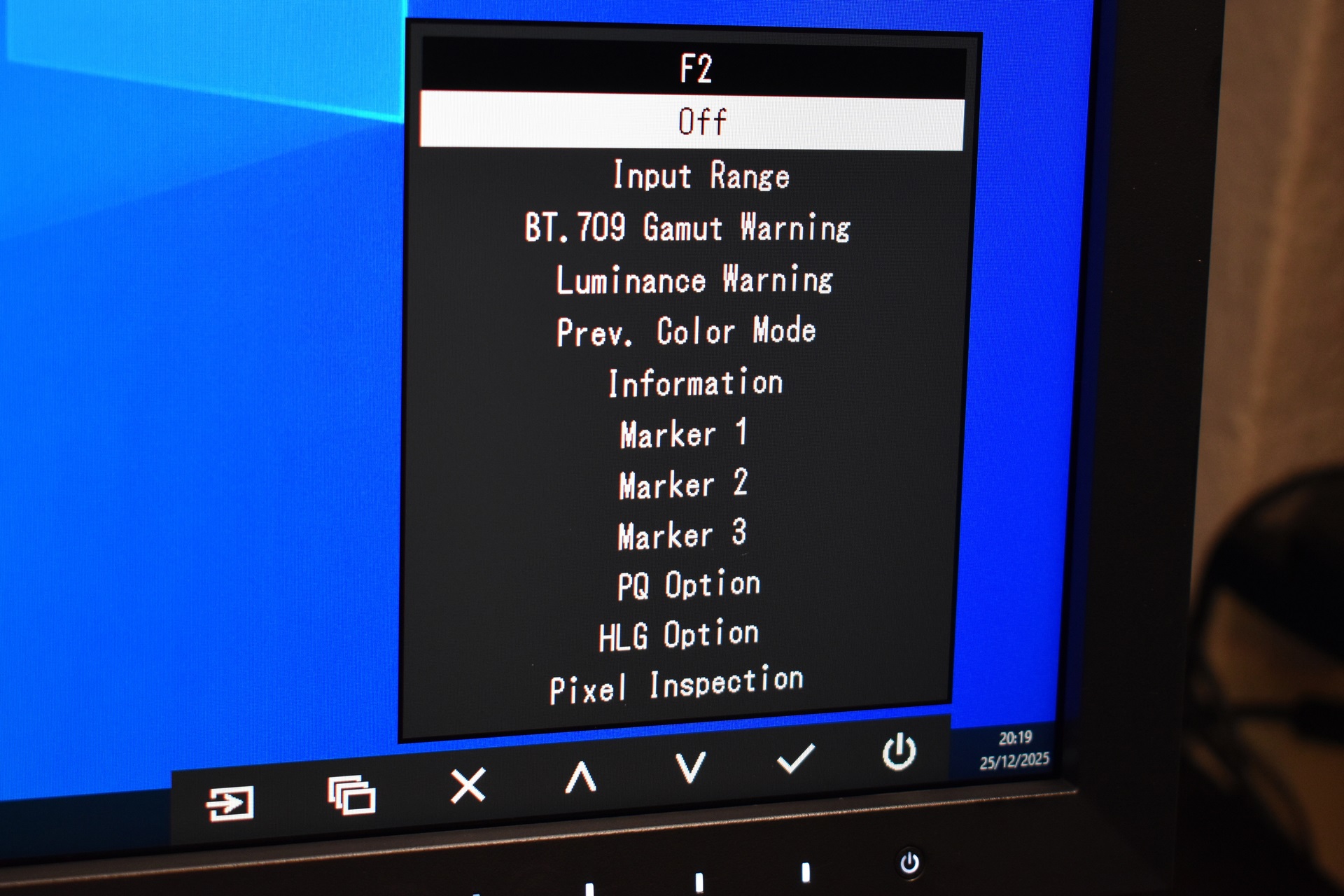
You can also access more in-depth settings like input range, BT.709 and luminance visual warnings, markers, PQ and HLG options and even pixel inspection.
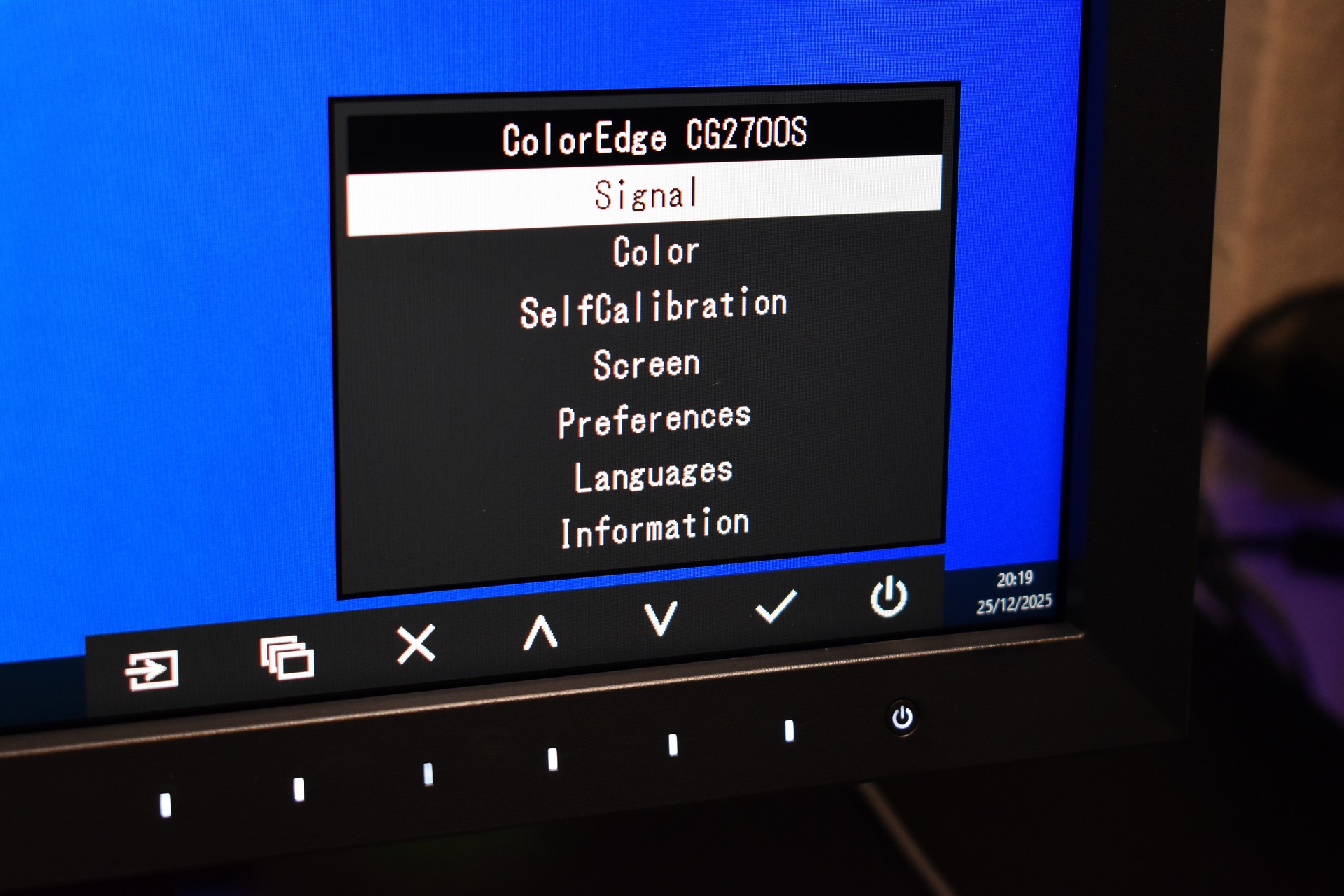
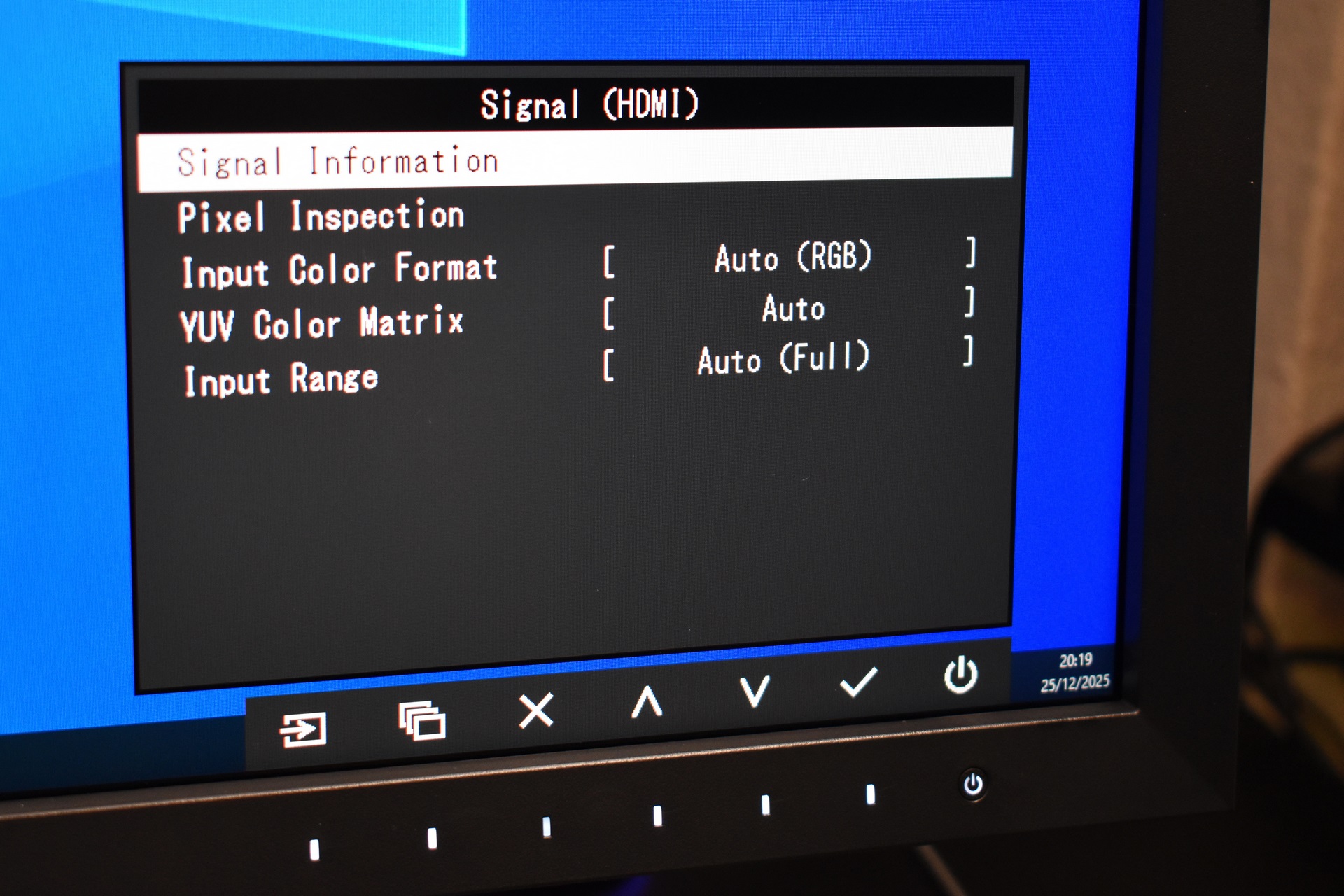
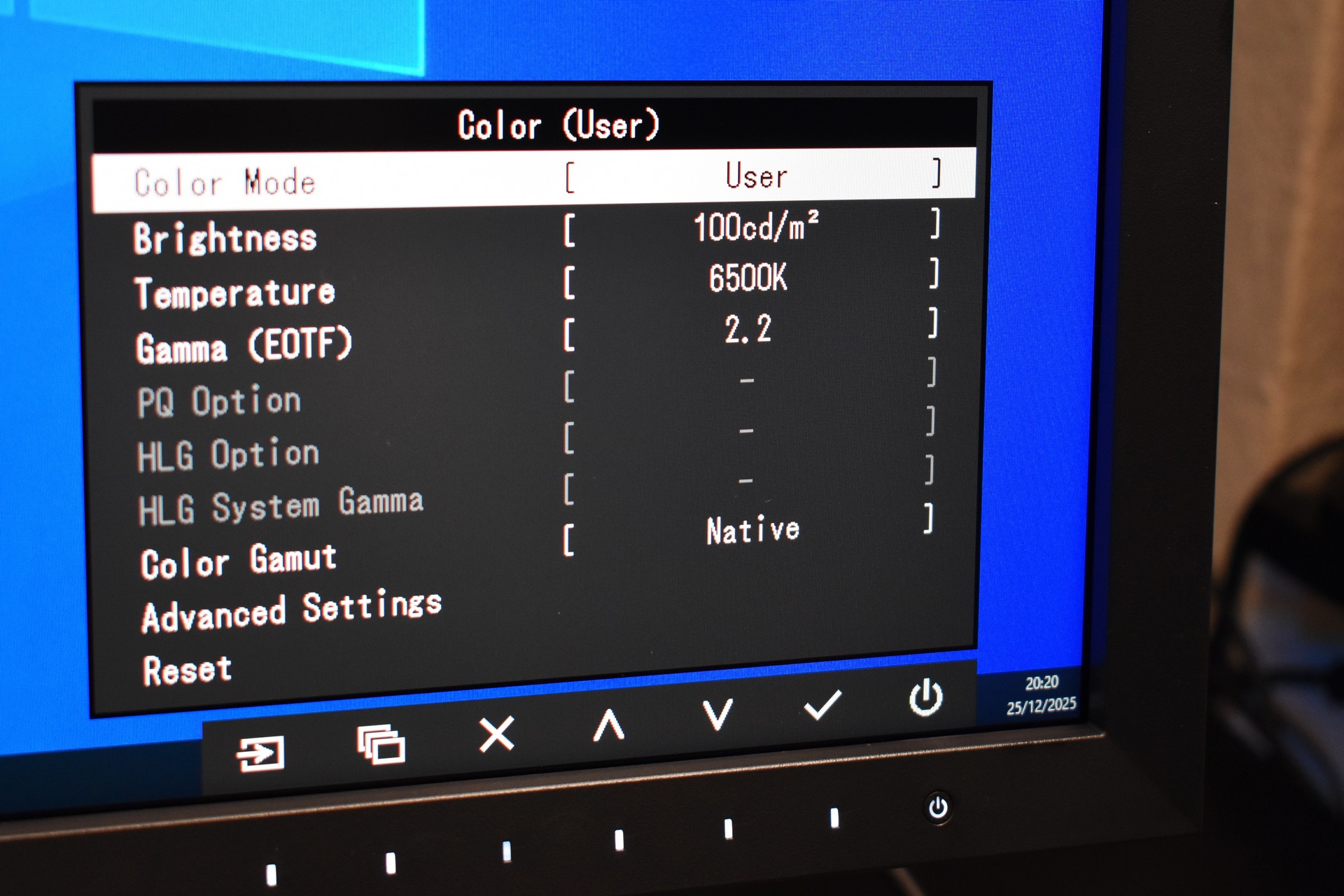
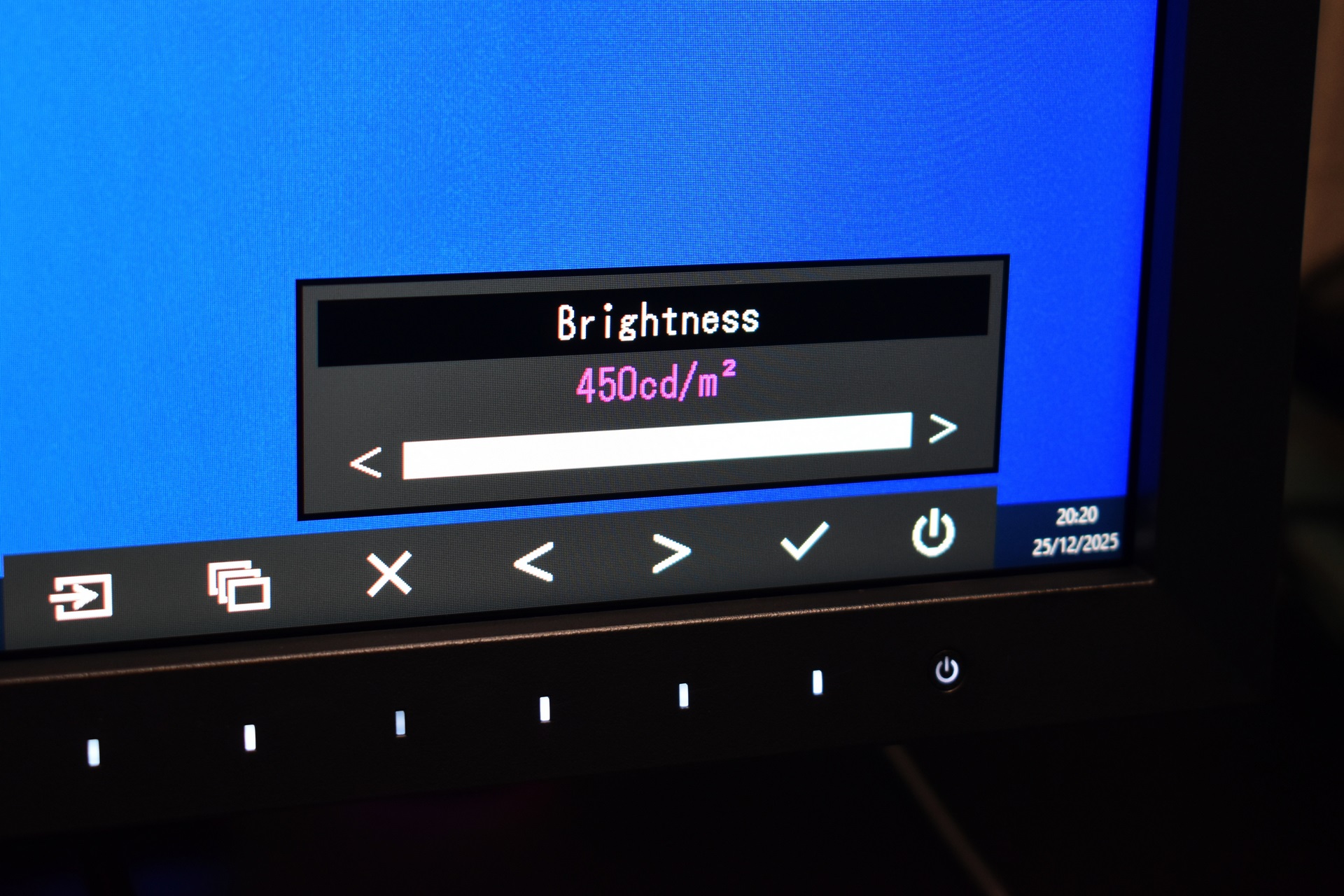
Through the main menu you can adjust signal settings, tweak color brightness and gamma (according to the CG2700S brightness peaks at 450cd/m2).
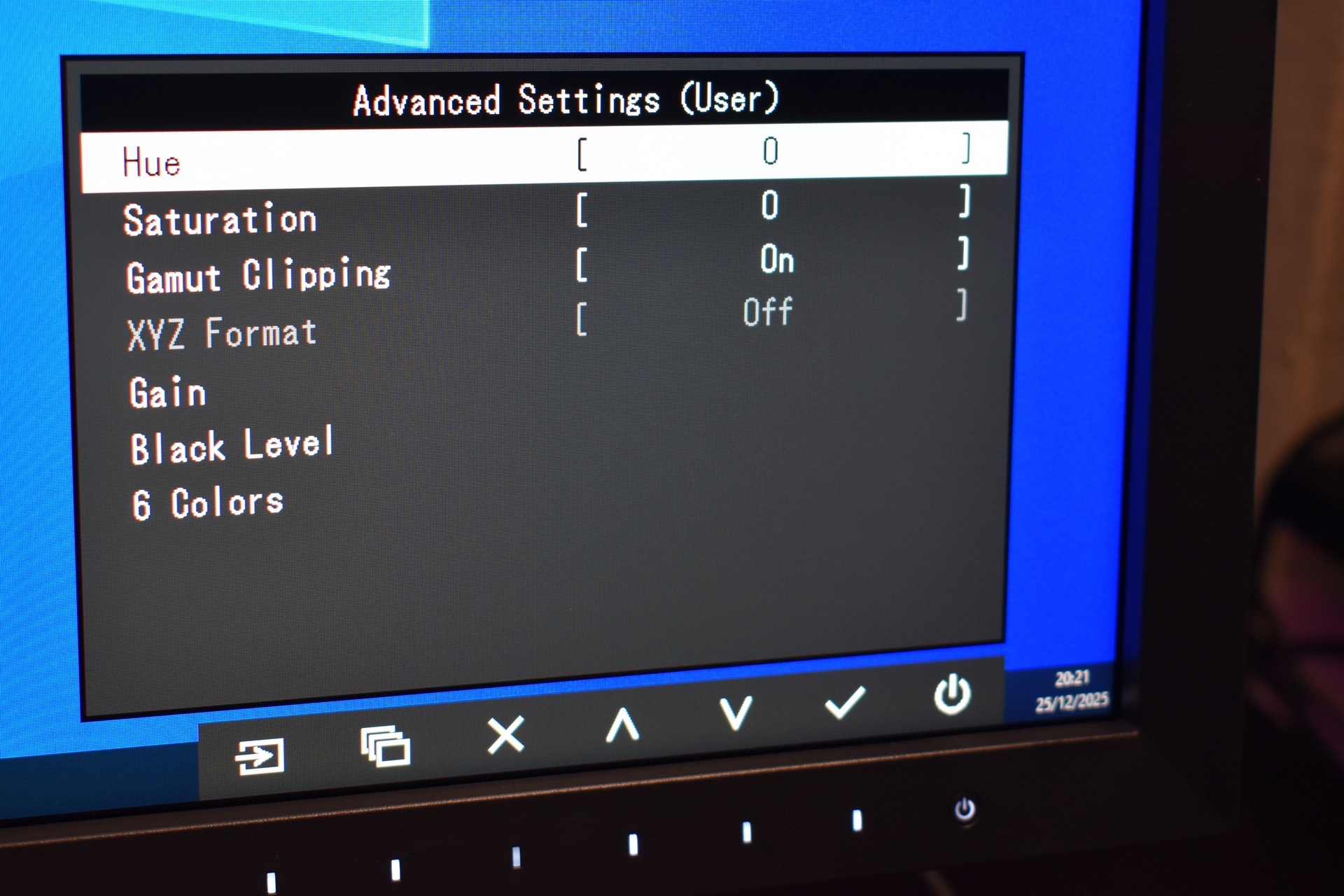
Hue, saturation, gamut clipping, gain and black level features are also available.
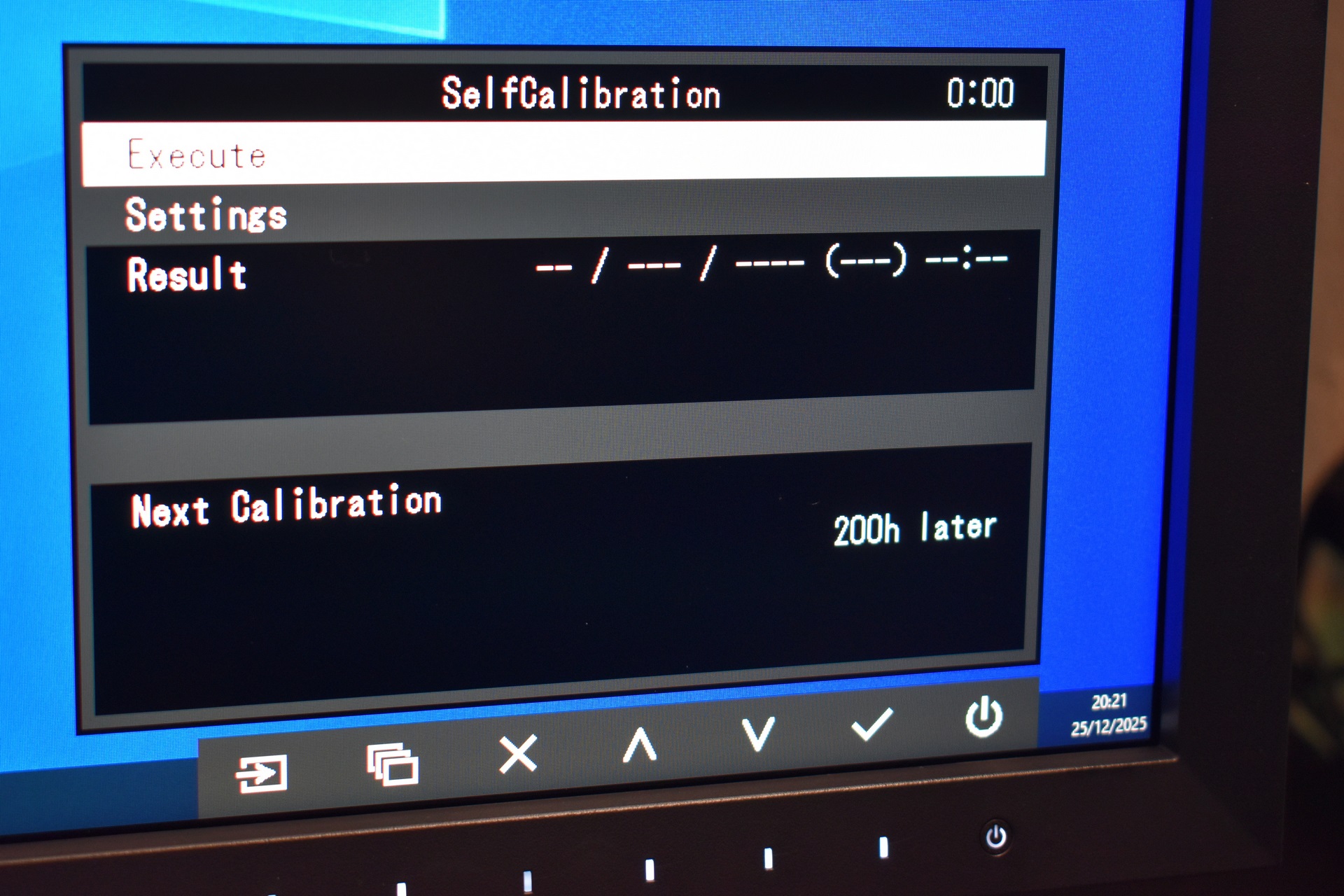
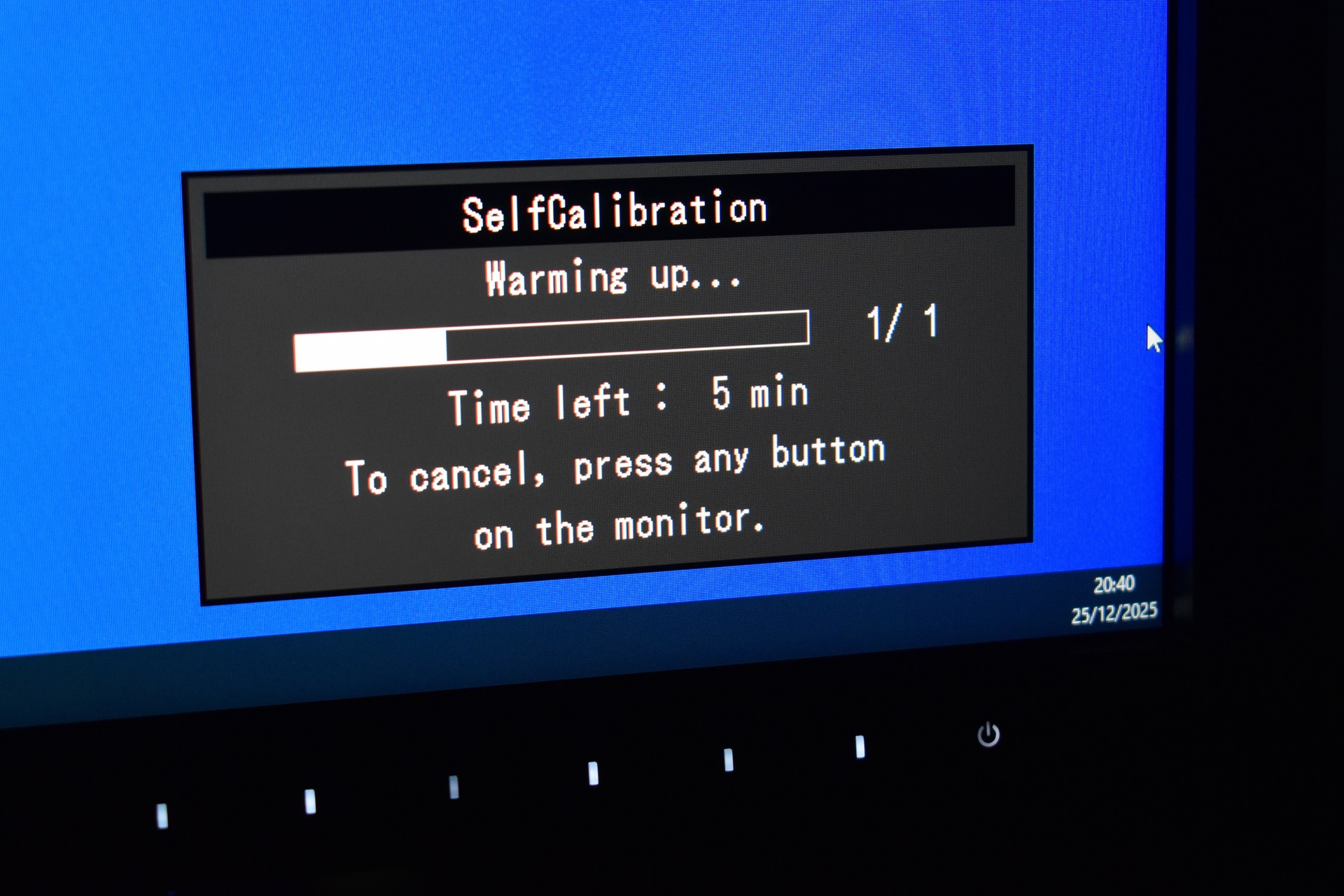
The self-calibration function is what stands out and takes up to 25 minutes to complete if you just turned on the monitor (without warmup it takes up to 7-8 minutes).
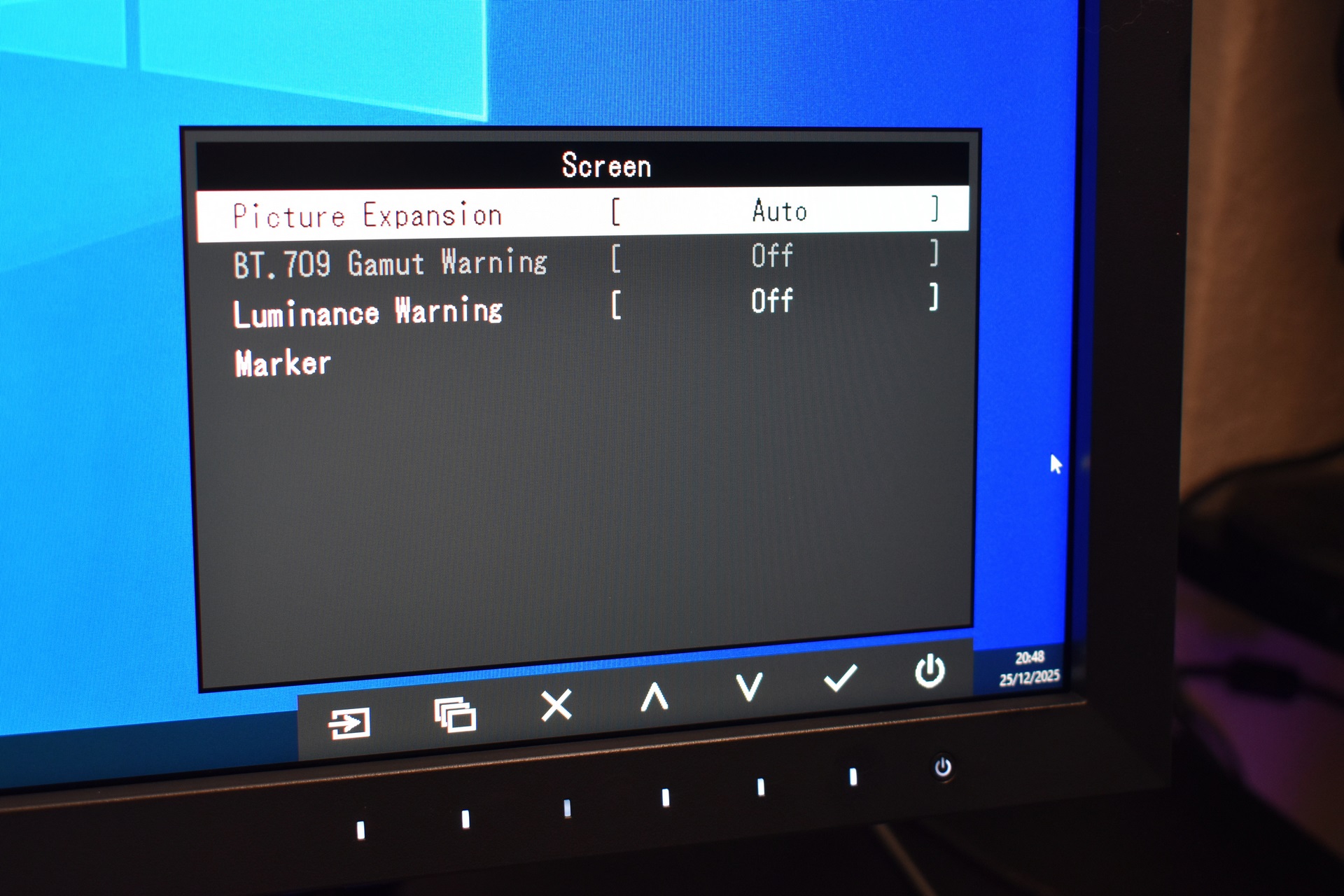
There are also some in-depth settings available here as well including picture expansion, BT.709 and luminance visual warnings and markers.
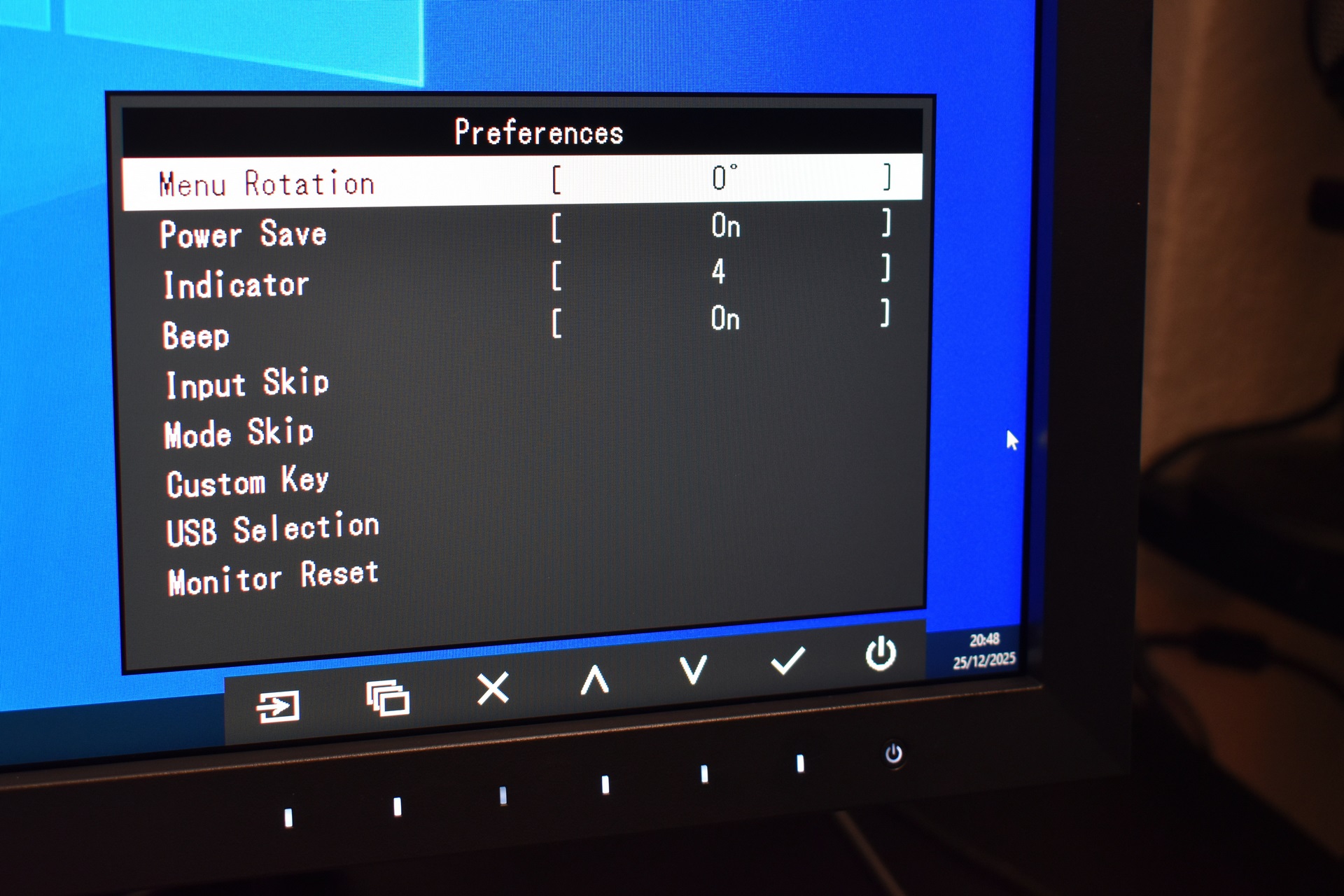
Inside the preferences tab you’ll find the usual settings for menu rotation, power save, USB selection and monitor reset.
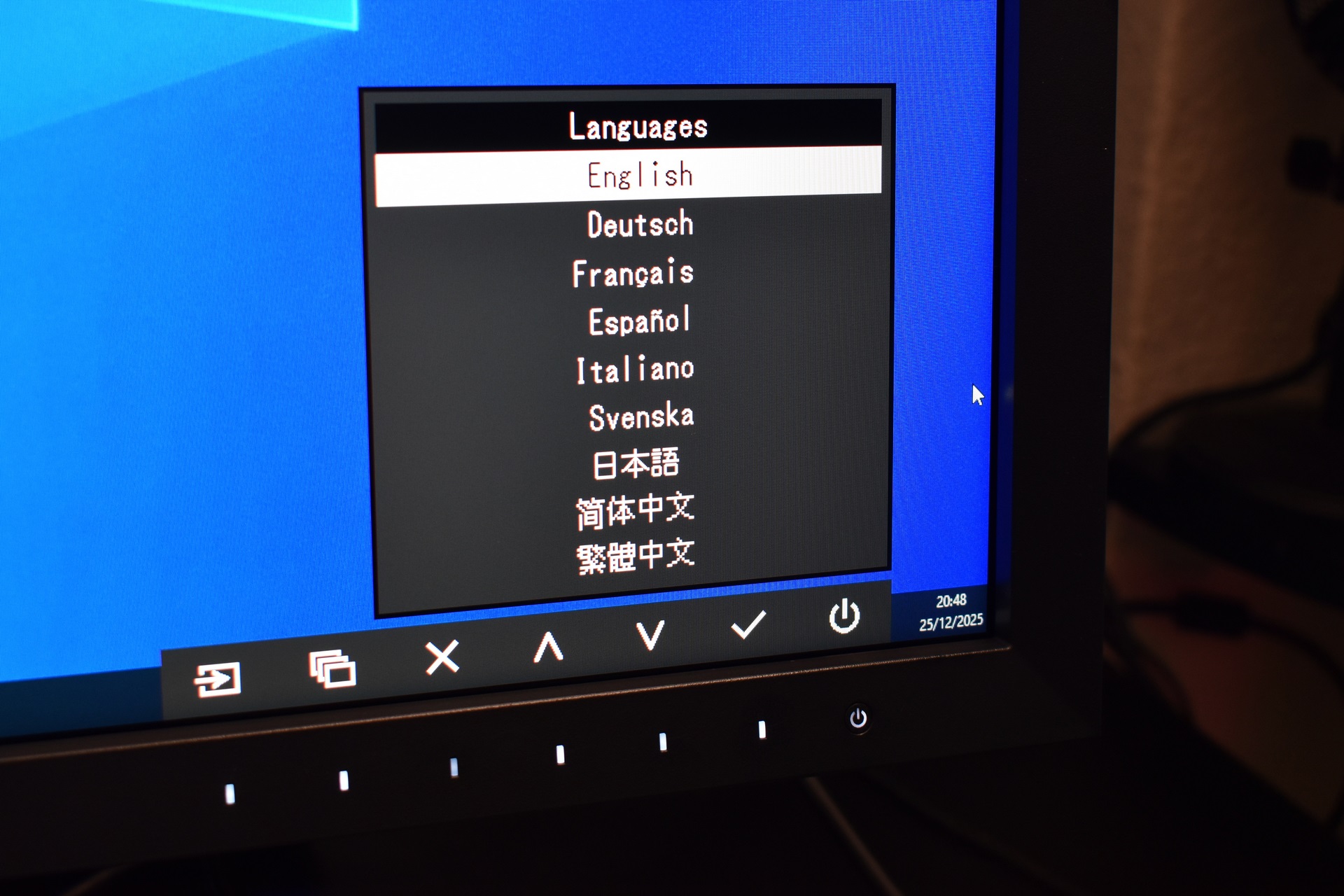
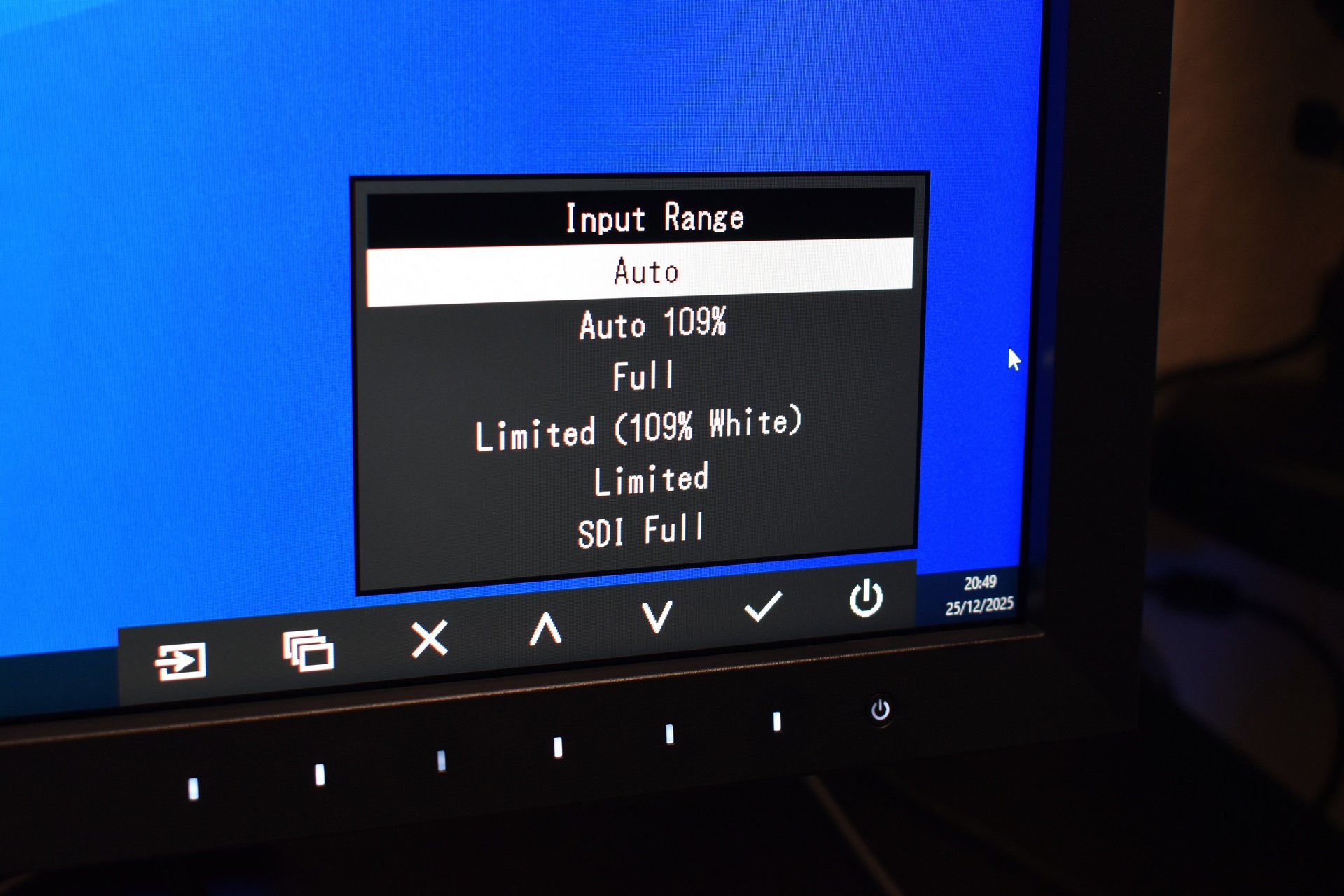
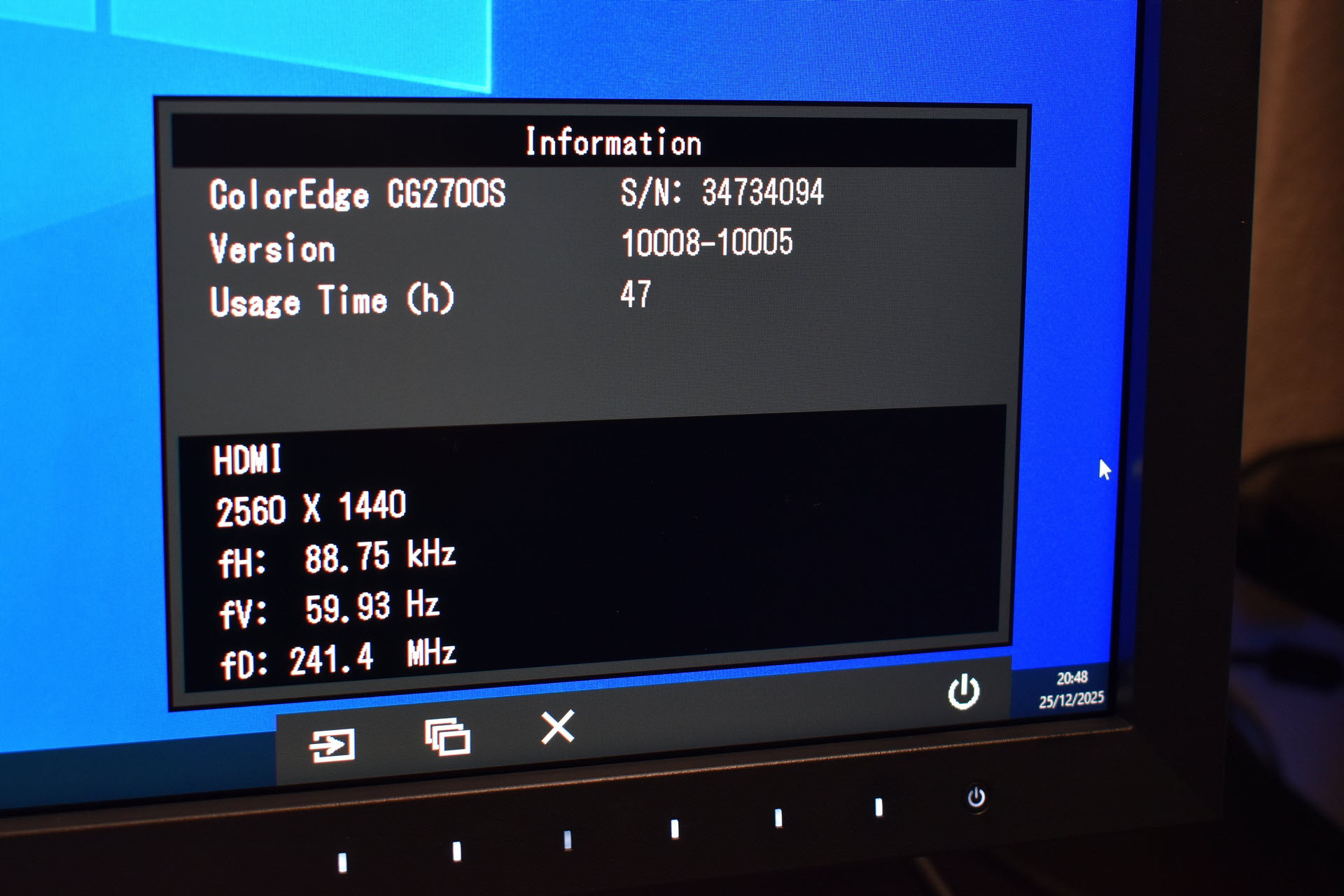
Needless to say, you can also change menu language, set the input range and access the information page.
COLORNAVIGATOR 7
Even though you can control most aspects of the CG2700S via its menus the ColorNavigator 7 software simplifies this.
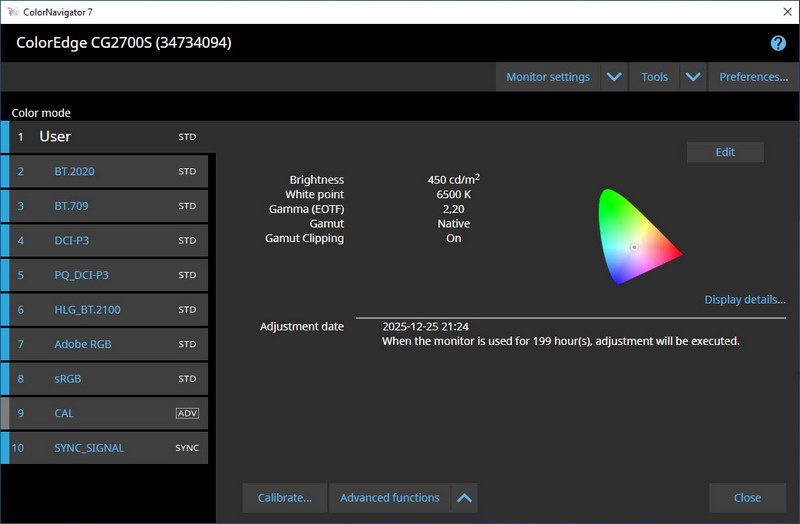


It lets you manage multiple color modes (User, BT.2020, BT.709, DCI‑P3, PQ_DCI‑P3, HLG_BT.2100, Adobe RGB, sRGB, CAL, and SYNC_SIGNAL) and adjust each with controls for brightness, white point, gamma/EOTF, gamut, gamut clipping, black level, and priority. You can set ICC profile policies, choose ICC version and tone curve, and decide whether profiles are created automatically at each calibration. The software also provides calibration scheduling, usage‑hour triggers, and built‑in sensor correlation. Monitor settings include management policy, key lock, DUE priority, and import/export of monitor configurations. Tools offer system information, test patterns, light‑booth matching, and device measurement. Preferences cover agent notifications, ICC profile storage, manual‑adjustment behavior, and startup checks. Advanced functions allow emulation and deeper calibration control. Manual adjustment lets you fine‑tune brightness and white point. A chromaticity diagram visualizes each target. Calibration, validation, and profile creation are all handled through the same unified interface.
VIEWING ANGLES / PICTURE QUALITY
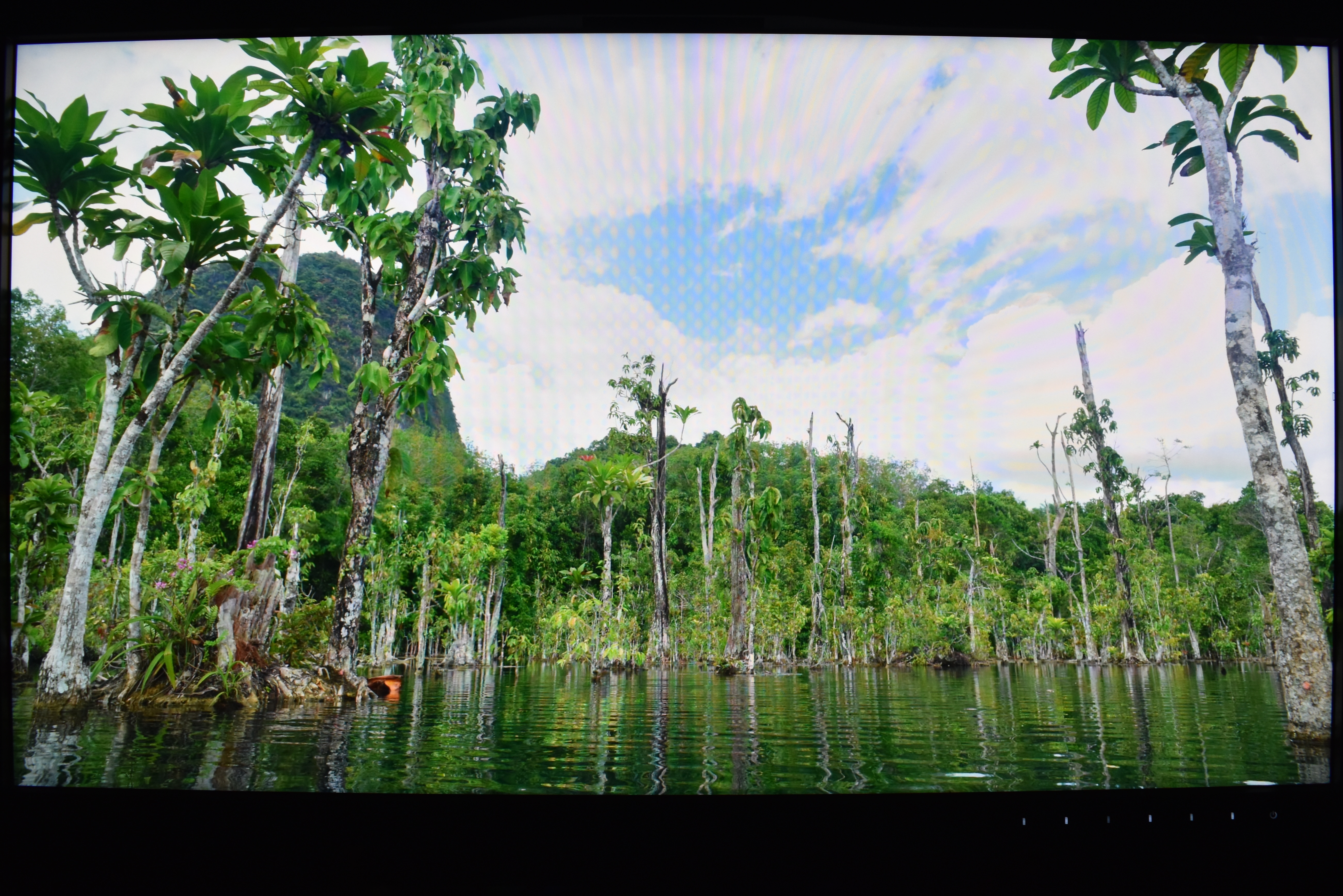


I’ve always wanted to get my hands on a ColorEdge model and the CG2700S doesn’t disappoint. Yes, it may not feature 4K resolution but it produces some of the most accurate and vibrant colors I’ve seen, even when taking into account several OLED/QD-OLED screens (same applies for detail).

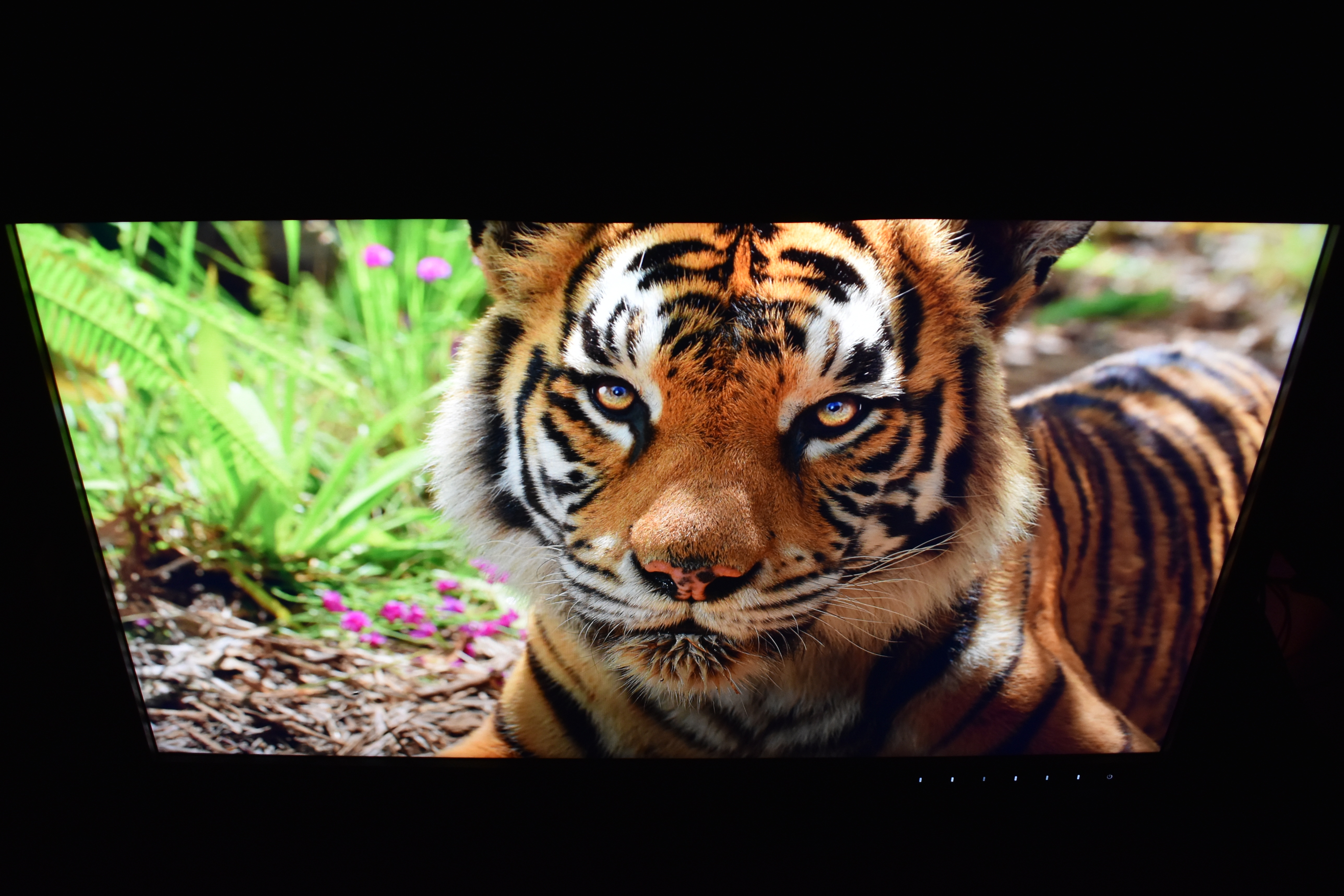

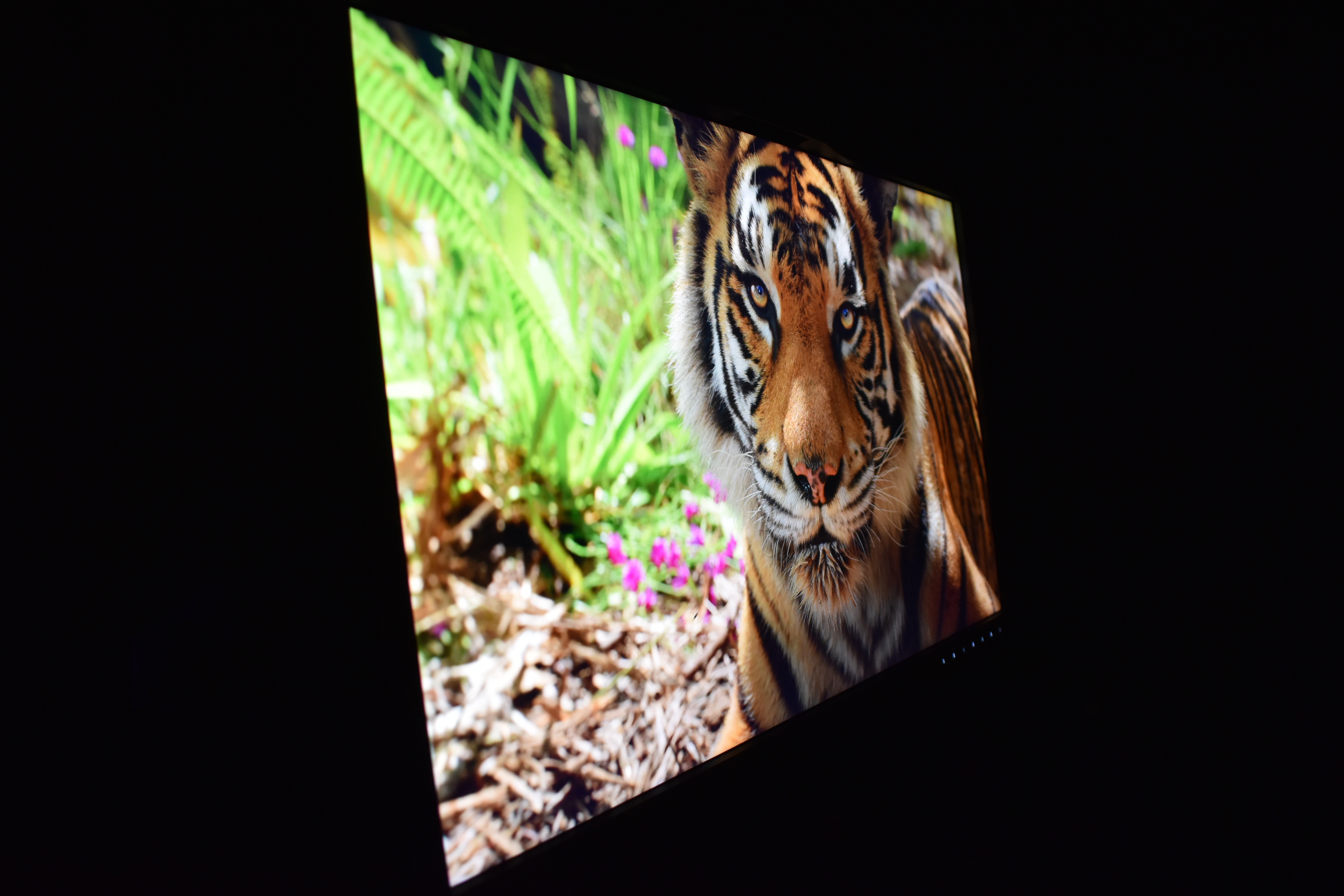
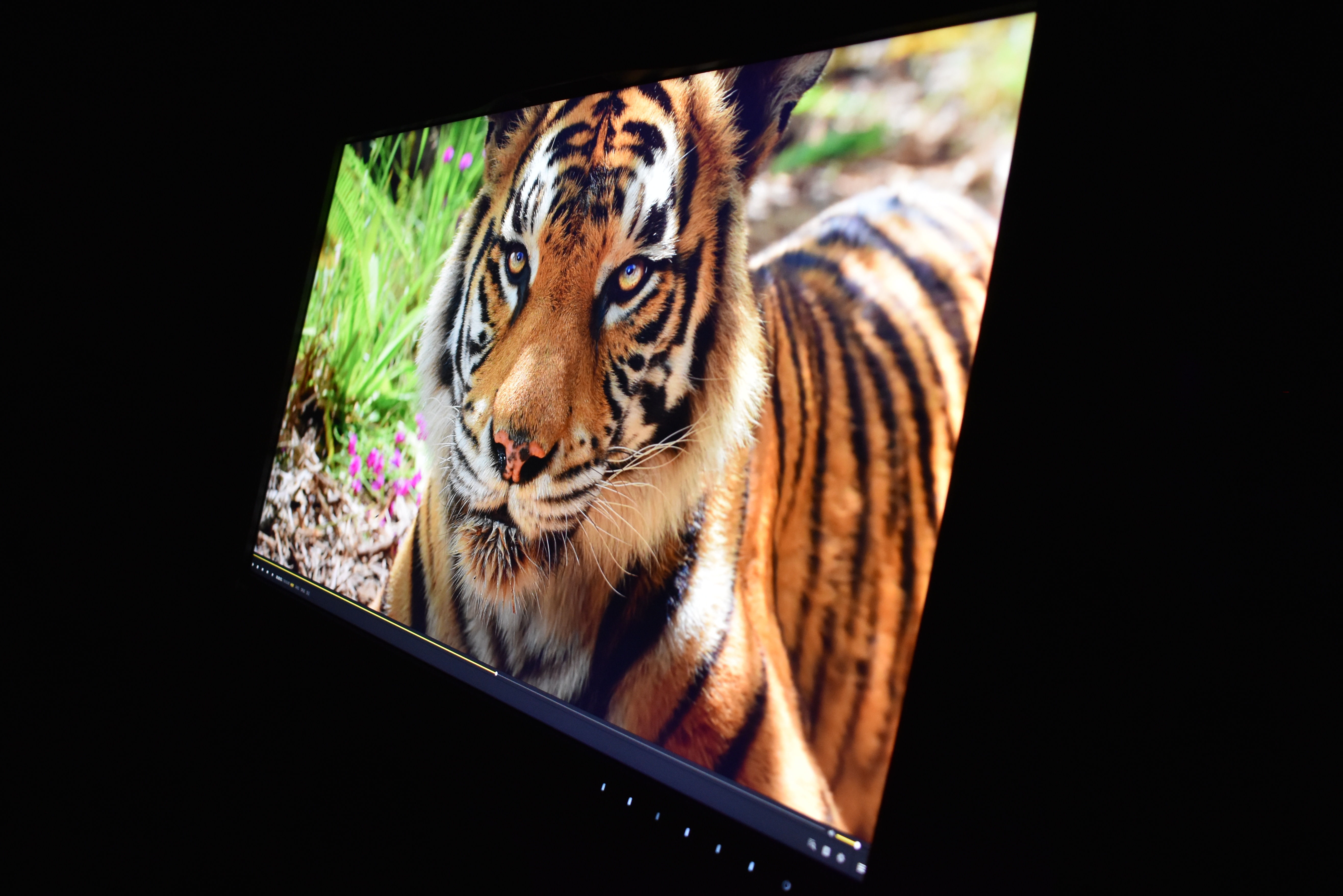
No problems when it comes to viewing angles either something which is also due to the DUE (digital uniformity equalizer) feature ColorEdge monitors have.
TEST RESULTS
DATACOLOR SPYDER PRO MEASUREMENTS
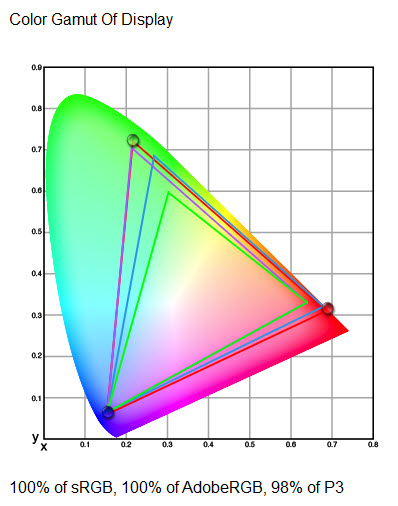
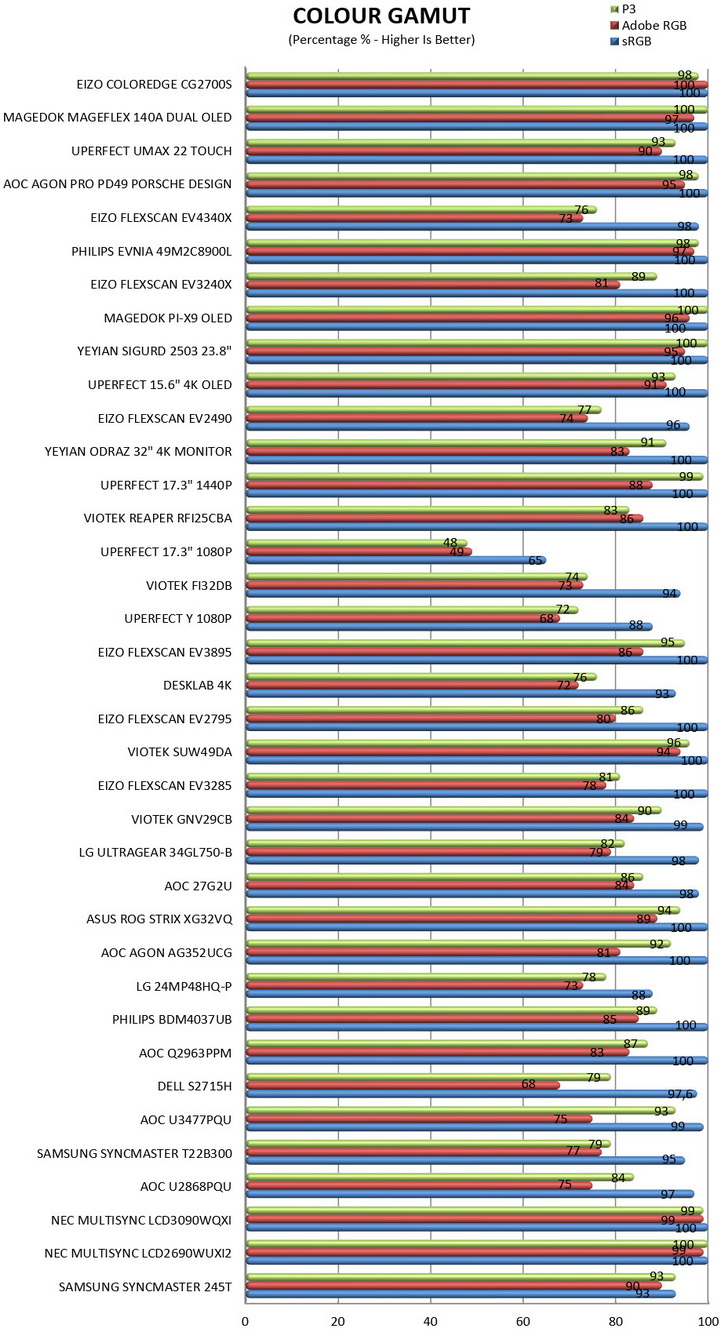
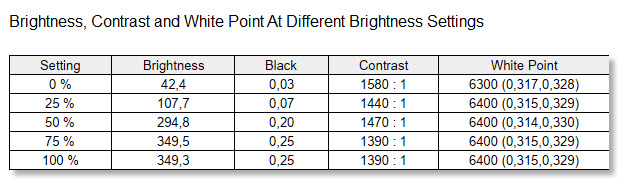
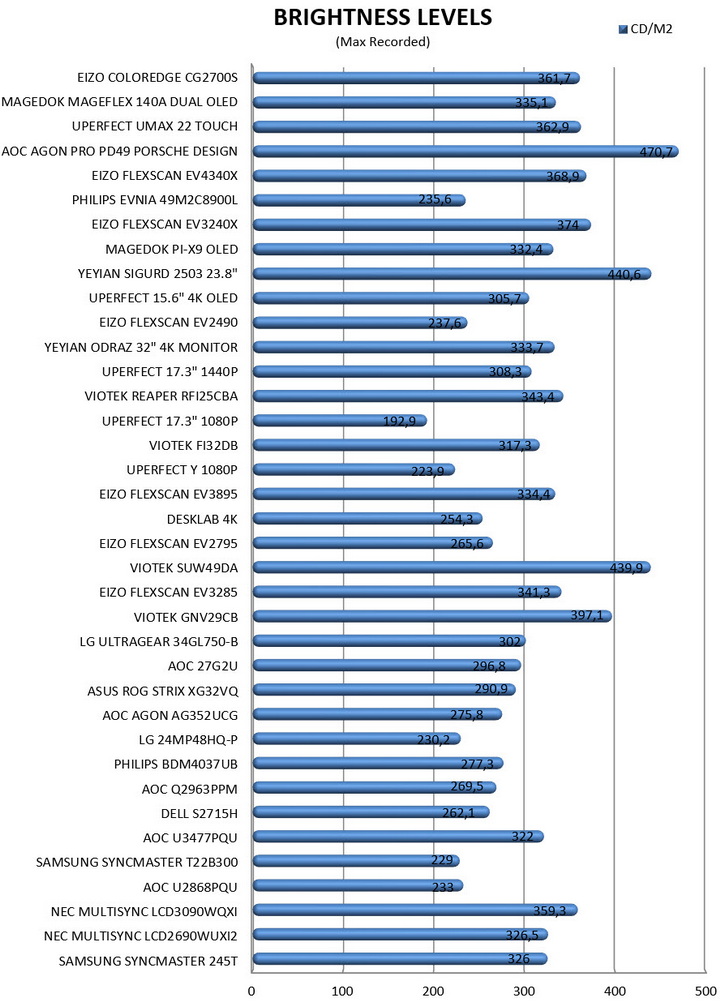
By using the Spyder Pro (2024) Colorimeter by Datacolor I measure both the color gamut (SRGB, AdobeRGB & P3) and the brightness levels of the monitor at hand (unlike past reviews where calibration was done via a Spyder hardware tool for this review I used the calibration by the built-in tool of the CG2700S – reason being, it produced slightly better results than when calibrated with the Spyder Pro).

Here you can see results for Color and Luminance Screen Uniformity (instead of just listing results at 100% brightness I’m listing all of them - 50/67/83/100%).
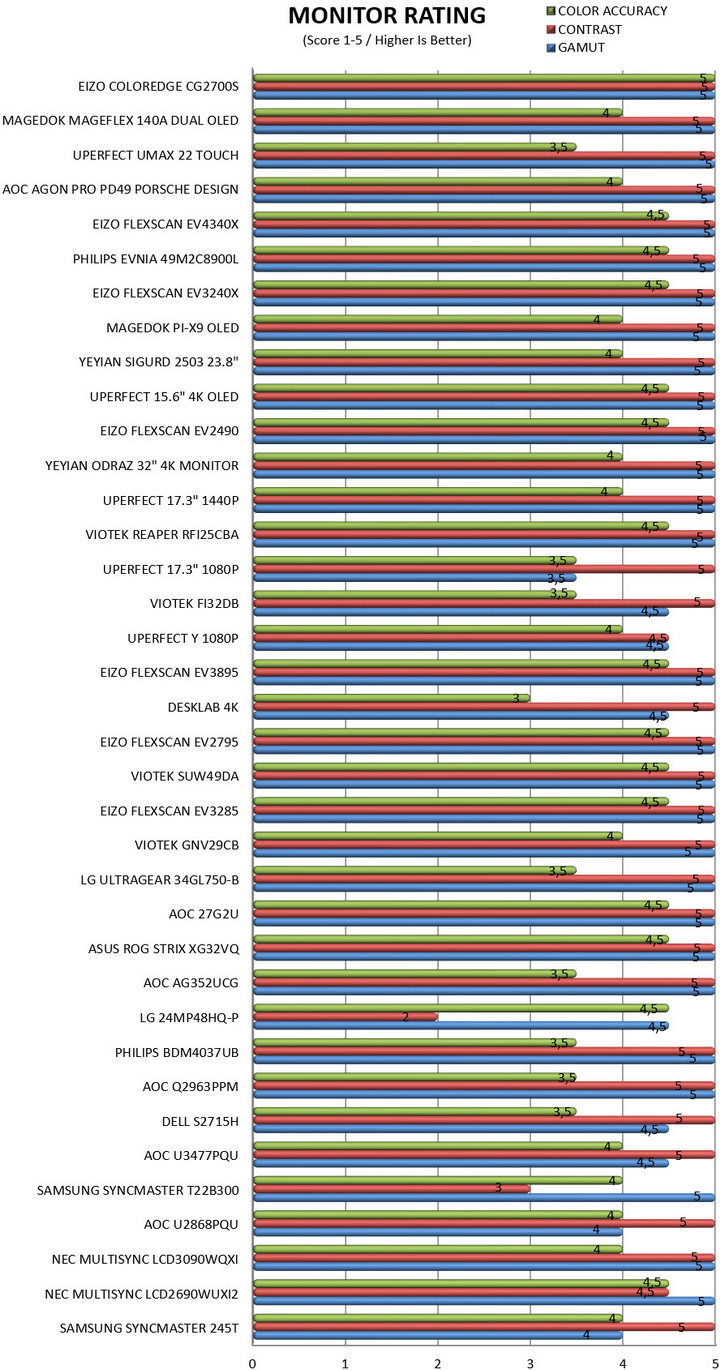
Datacolor rates monitors based on their overall results, so it was decided to include this chart as well.
POWER CONSUMPTION
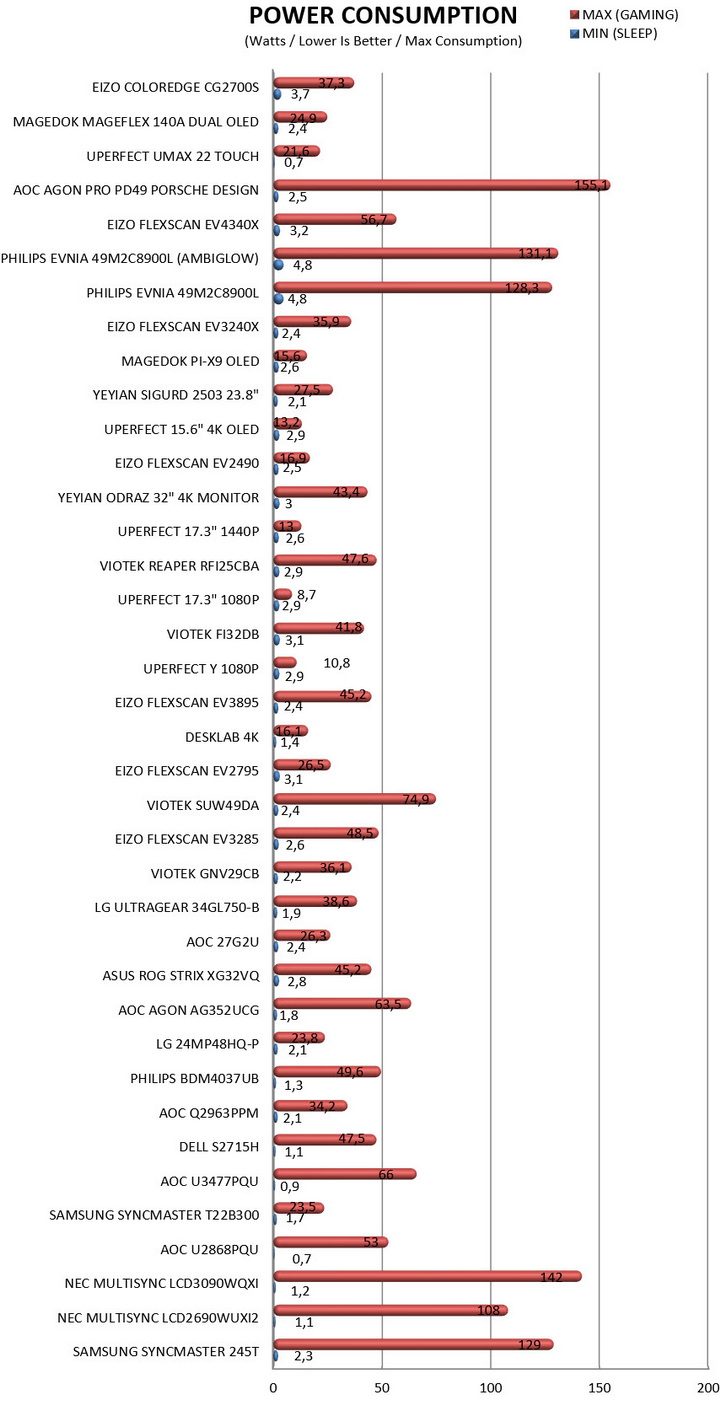
Power consumption may not be what most people look for when out to get a brand new monitor but at the end of the day it's still an important factor, so I do hope this is of interest to some of you.
CONCLUSION
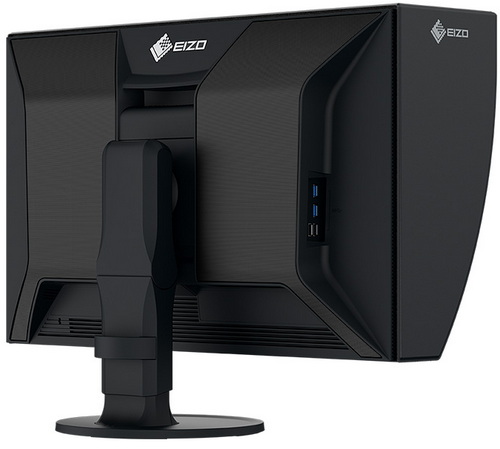
The ColorEdge CG2700S approaches color management as a fully integrated system rather than a collection of features. Its built‑in hardware calibration sensor works directly with the monitor’s 16‑bit 3D LUT, allowing precise, repeatable calibration without relying on the computer’s GPU. EIZO factory‑calibrates each unit for gamma, brightness, and chromatic uniformity, and the Digital Uniformity Equalizer maintains that consistency across the entire panel. Internal temperature sensors stabilize color and luminance over time, helping the display reach reliable output far faster than typical IPS panels. Wide‑gamut coverage, including Adobe RGB and DCI‑P3, ensures accurate reproduction for photo, print, and cinema workflows, while HDR gamma support provides a controlled preview of HLG and PQ content. All this ties into the ColorNavigator 7 software, which manages profiles, targets, and even schedules recalibration through direct hardware control. The result is a monitor designed to stay accurate on its own, with minimal drift and minimal maintenance. Now, I was thinking about "nagging" in this review because EIZO still uses IPS panels and has yet to move to OLED/QD-OLED yet, but I can't, not when the colors of the CG2700S look almost as vibrant as the ones of my QD-OLED screens (not to mention burn-in is still a serious issue for professionals). Would I like EIZO to move to QD-OLED panels and whatever comes next? Sure, especially when it comes to their FlexScan line (or a new gaming line - ColorEdge, not so much as long as burn-in persists), but I just cannot say the same about their ColorEdge line, not after testing the CG2700S (although I would be very curious to see what they could do with newer technologies if they can do this with IPS). So, if we are focused on drawbacks the only I can think of is Hz and again, not so much for the ColorEdge line since their target audience is too specific (still, I wouldn’t say no to more Hz without however sacrificing image quality).
EIZO currently sells their ColorEdge CG2700S Wide Gamut Monitor for USD2519 inside the USA (Amazon.com) and for 2098,51Euros inside the EU (Amazon.de) and so it’s more than clear that its target audience are professionals who put performance and efficiency above cost. At the end of the day monitor lines like ColorEdge are designed to leave all else in the dust both in performance and features and since that’s exactly what the CG2700S did it clearly deserves the Platinum Award.

PROS
- Build Quality
- Picture Sharpness
- Outstanding Uniformity (Digital Uniformity Equalizer)
- Wide Gamut Coverage / Color Accuracy (16‑bit 3D LUT / ColorNavigator)
- Built In Hardware Calibration Sensor
- Base / Stand (344 Degrees Rotation / +35-5 Dergrees Tilt / 90 Degrees Pivot)
- Magnetic Light Shielding Hood
- USB C 92W PD / LAN Passthrough
- Power Consumption
- 5 Year Limited Warranty
CONS
- 60Hz (Ideal For Grading & Photography, Dated For Anything Motion Sensitive)
- Price (For Some)


.png)