


Page 5 of 8
MENUS
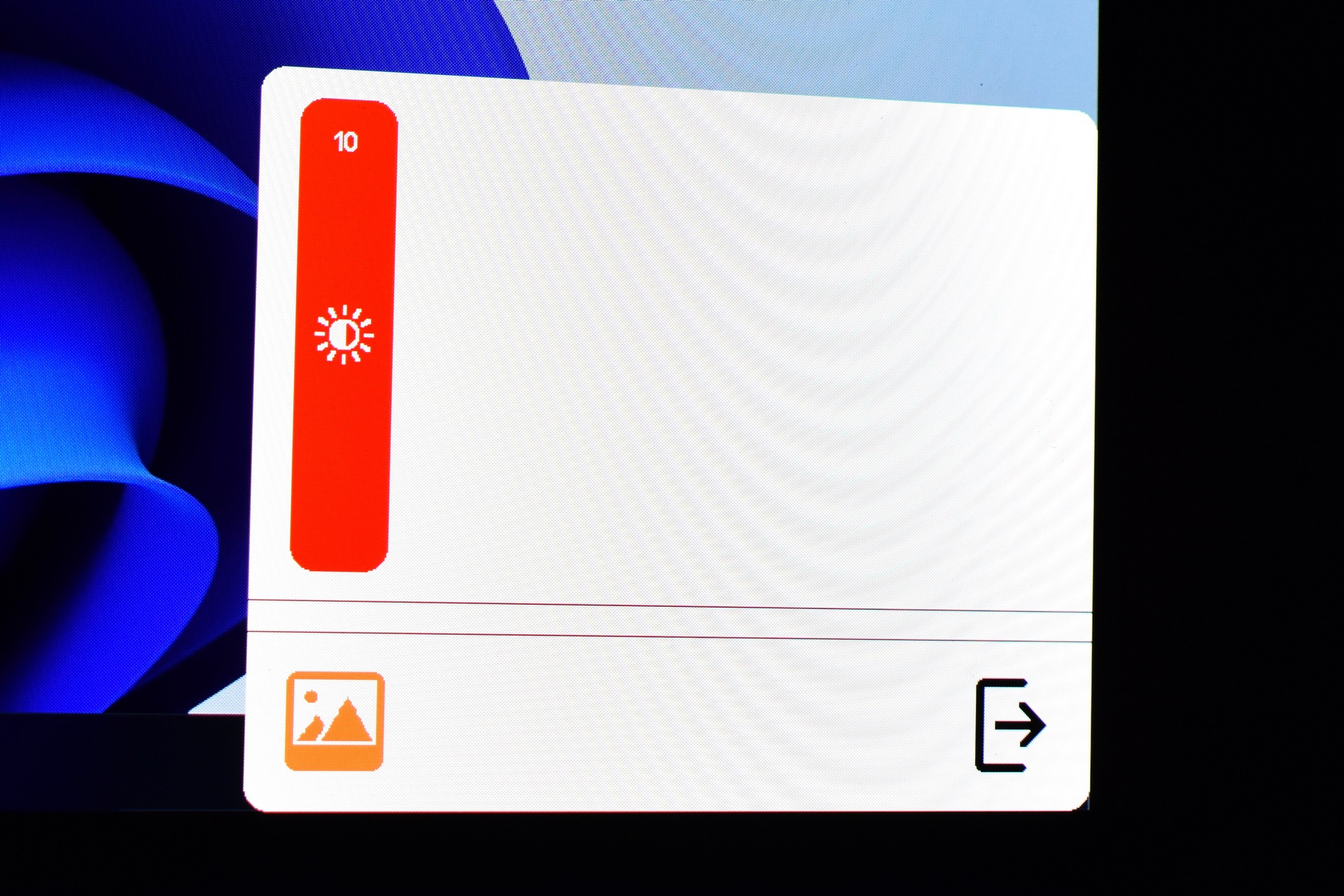
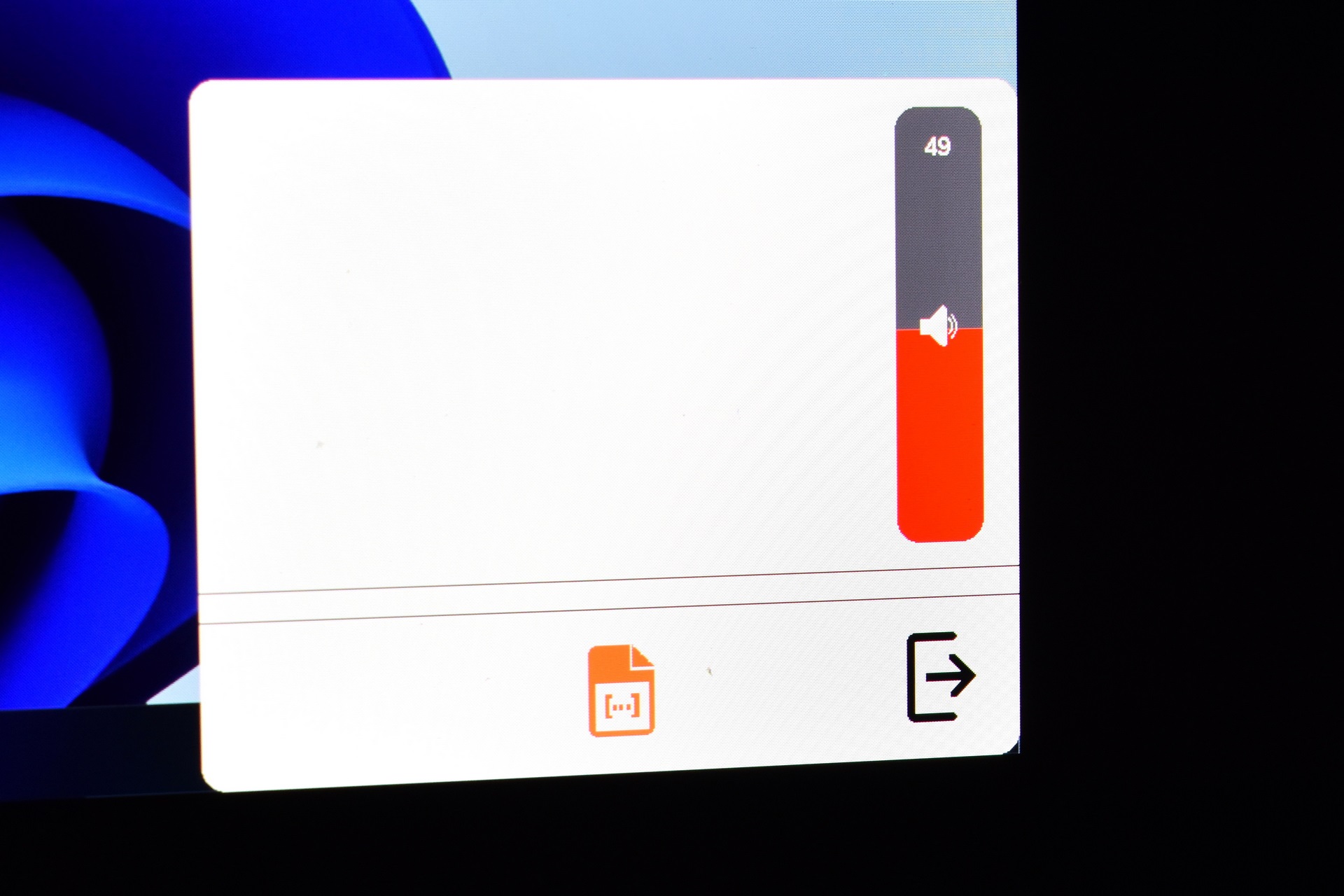
The Mageflex-140A has two quick menus from where you can adjust brightness and speaker volume.
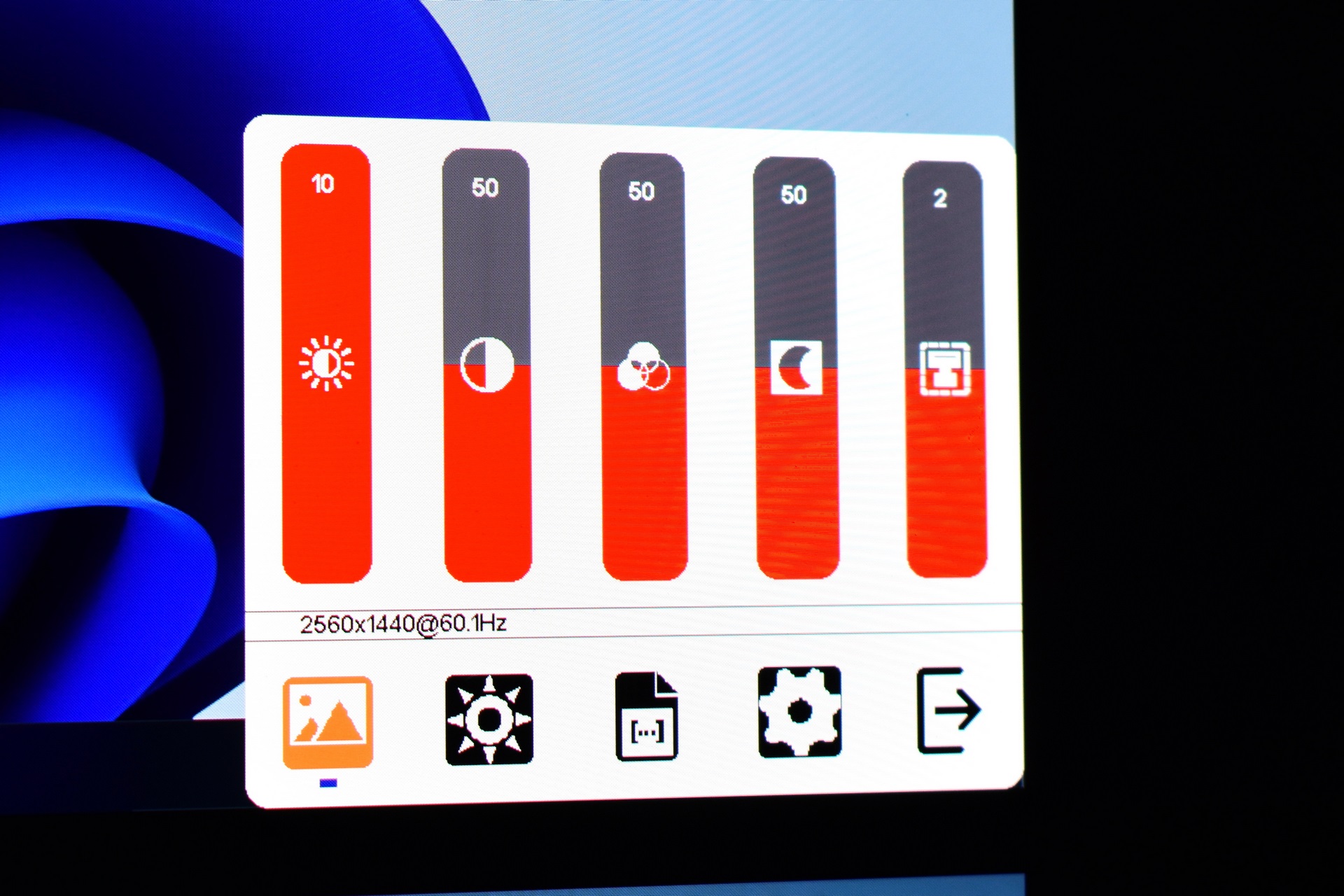
From the main menu tab, you can adjust brightness, contrast, hue, saturation and sharpness.
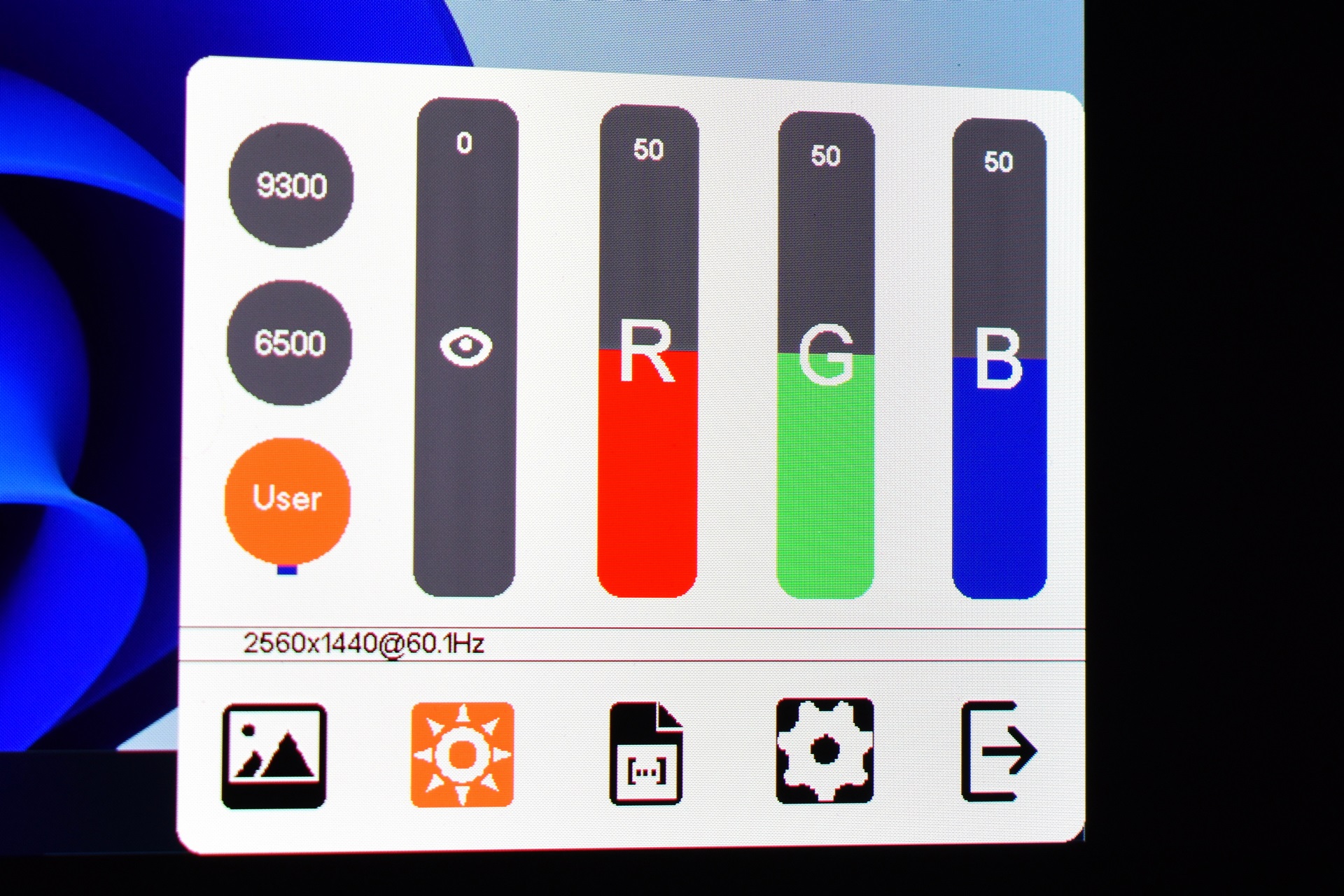
You can access the color temperature and adjust the colors from the next tab.
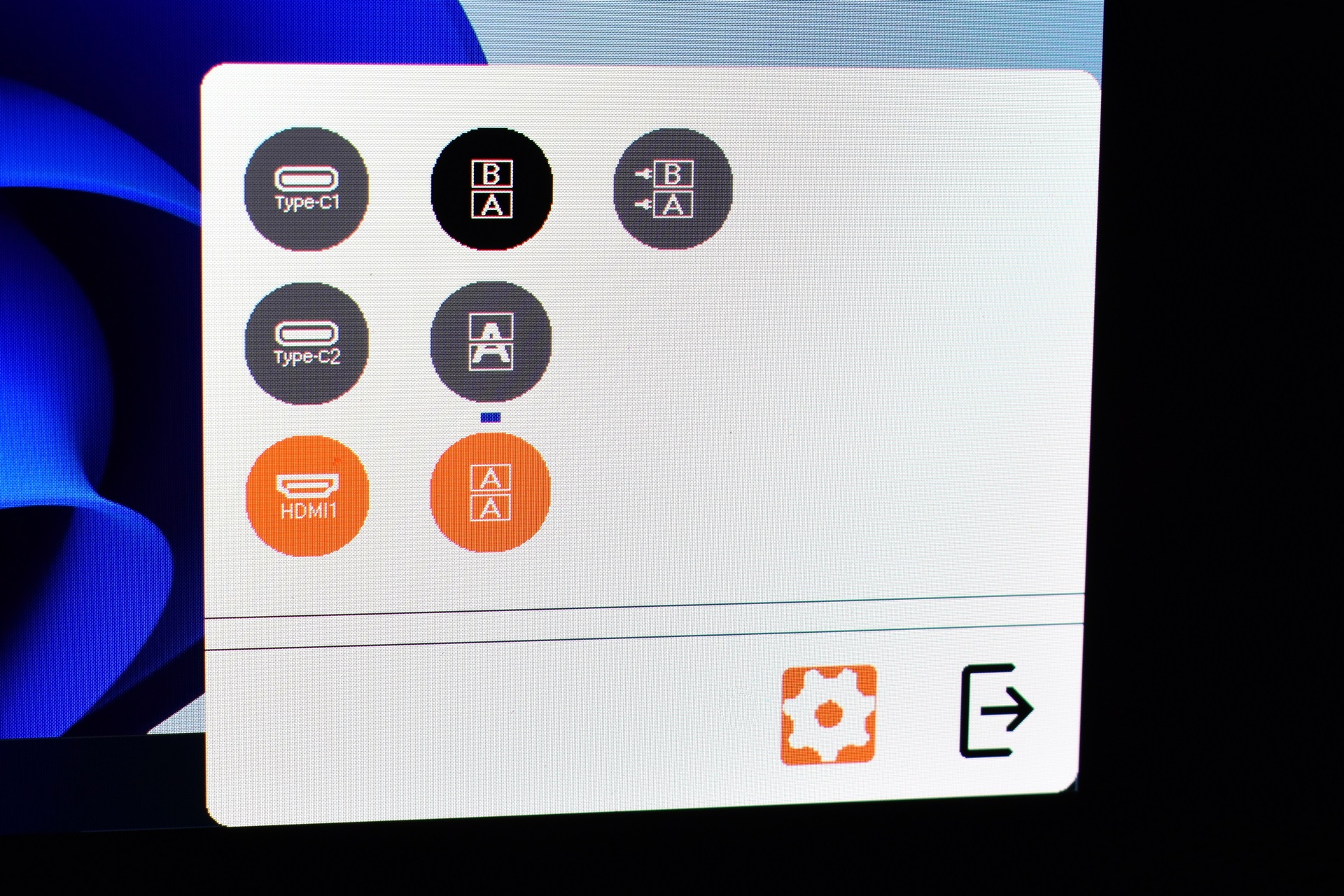
Signal source and screen mode (copy, extended, waterfall and independent) are also inside the settings menu.
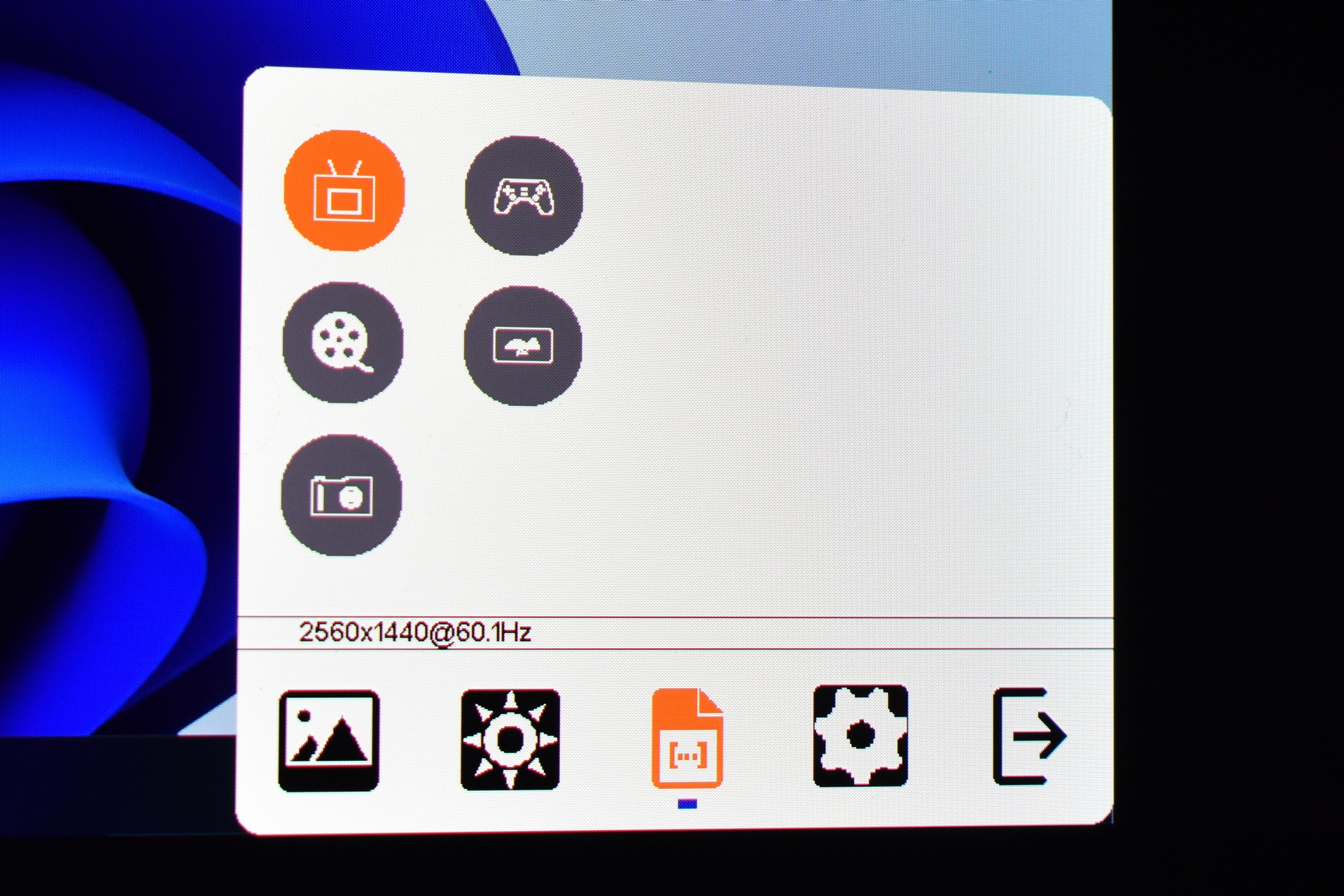
The screen image modes (eco, standard, movie, photo, game and vivid).