

INTRODUCTION
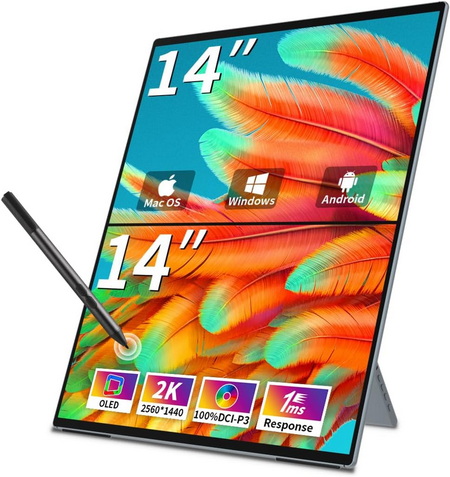
Portable monitors have become an essential tool for those who want flexibility without sacrificing productivity. Whether used for dual-screen setups on the go, presentations in client meetings, or simply expanding workspace at home, they offer a lightweight and versatile solution. Their slim profiles make them easy to carry, while modern panels deliver sharp visuals that rival traditional desktop displays. Gamers appreciate the added immersion, professionals value the efficiency boost, and creatives enjoy the freedom to edit or design anywhere. With USB-C and HDMI connectivity, they integrate seamlessly across laptops, tablets, and even smartphones. As demand grows, manufacturers are pushing boundaries with higher resolutions, faster refresh rates, and premium build quality. Among these innovations stands the brand new Magedok Mageflex-140A Dual OLED portable monitor, a striking example of how far portable display technology has advanced.
Magedok Was Founded In 2015 By A Group Of Experienced Chinese Creators Who Are Proficient In The Display Field, Magedok's Business Spans Across Over 150 Countries And Regions, With Over 400,000 End Consumers Choosing Our Products. We Have Developed About 80 + Models Of Portable Monitors To Meet The Needs Of Different Users. Whether It's Business,Industrial,Medical,Education, Magedok Can Provide You With The Right Display Solutions.
The Magedok MageFlex-140A Dual OLED portable monitor packs serious hardware into a slim, travel-friendly form. Each of its dual 14-inch QHD panels runs at 2560×1440p resolution, delivering crisp detail with 100% DCI-P3 color gamut coverage for professional-grade accuracy. The OLED technology ensures deep blacks and a striking 100,000:1 contrast ratio, while the 300 nits brightness keeps visuals clear even in brighter environments. With a 60Hz refresh rate, 1ms response time, and support for 1.07 billion display colors (8-bit + FRC), it’s equally suited for smooth video playback and creative workflows. Touch functionality is included (though not supported on macOS - touch input is supported by the lower screen only), and the monitor works with AES protocol stylus input for sketching or annotation. Practical touches like dual 1W speakers, VESA 100x100mm mounting, and a lightweight 1.35kg build make it versatile for both desk setups and mobile use.
SPECIFICATIONS AND FEATURES

PACKAGING AND CONTENTS
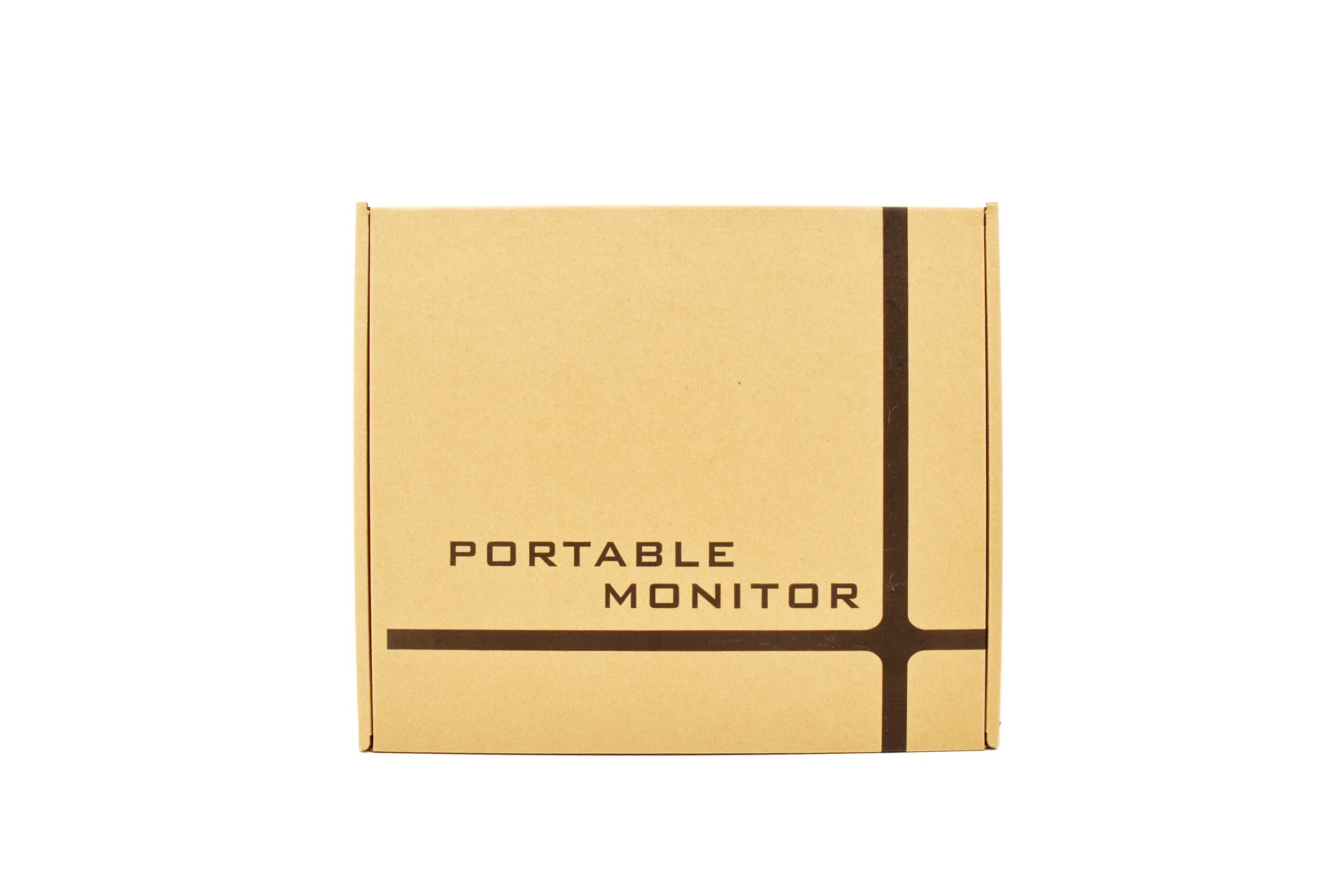
Magedok uses a typical cardboard box to ship their latest dual OLED model in the front of which only has a product description.
Several certifications and warnings are printed at the rear.
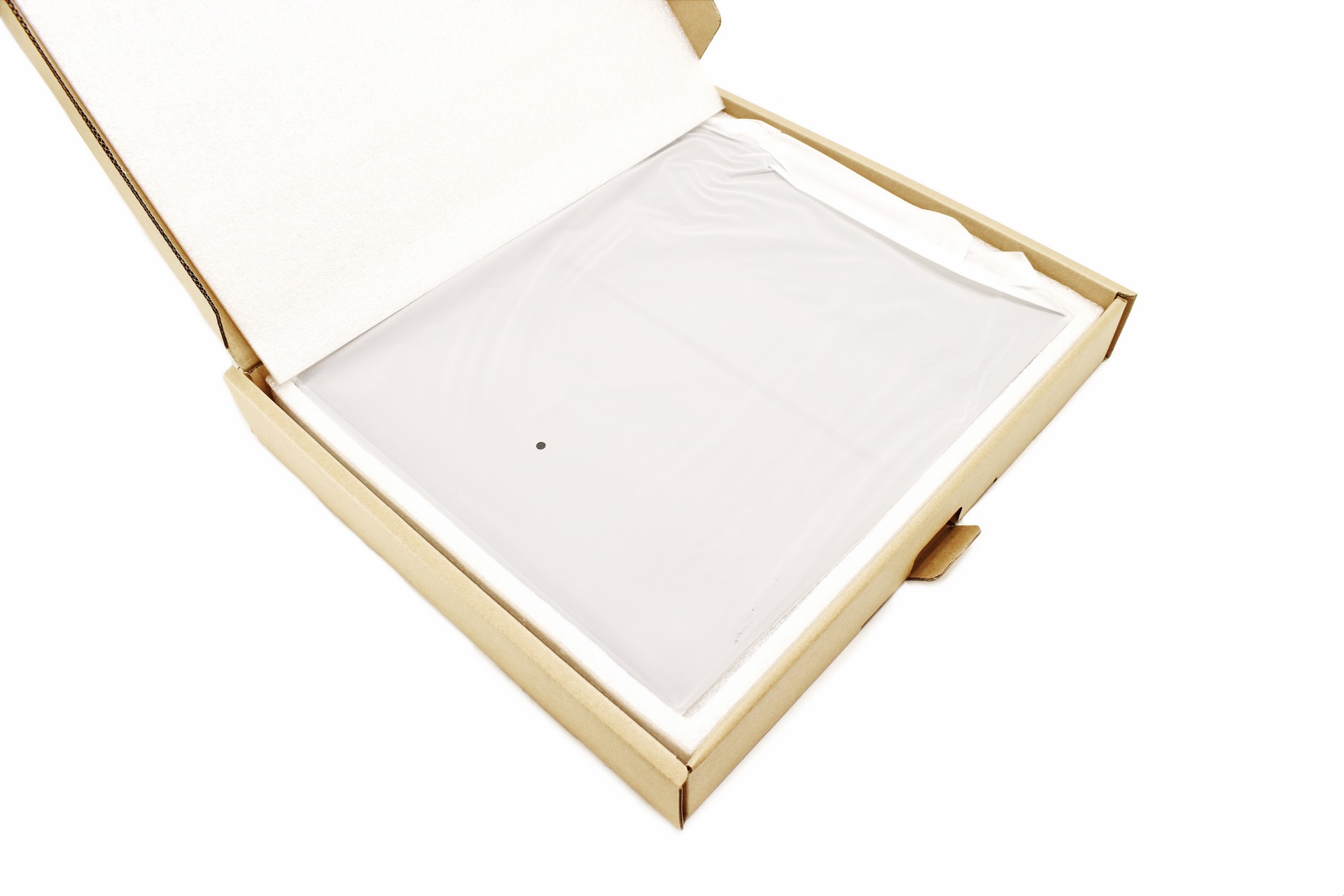
The screen is nicely wrapped inside a synthetic bag and placed inside a formed piece of foam.
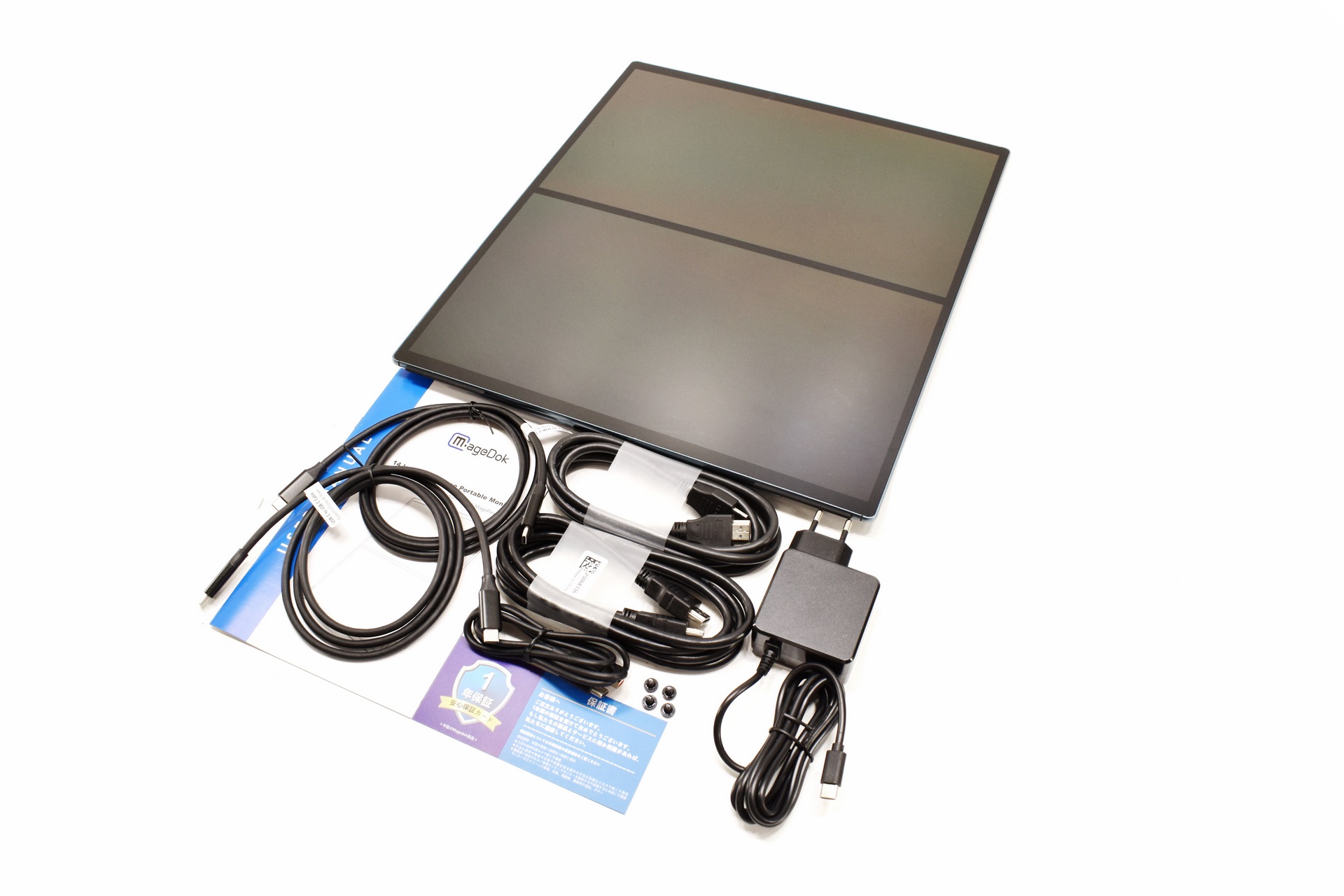
Along with the MageFlex-140A inside the box you'll find a USB-C to wall power adapter, 4 VESA screws, two HDMI cables, two USB-C cables, USB-C to USB-A cable, warranty card and the user manual.
THE MAGEFLEX-140A
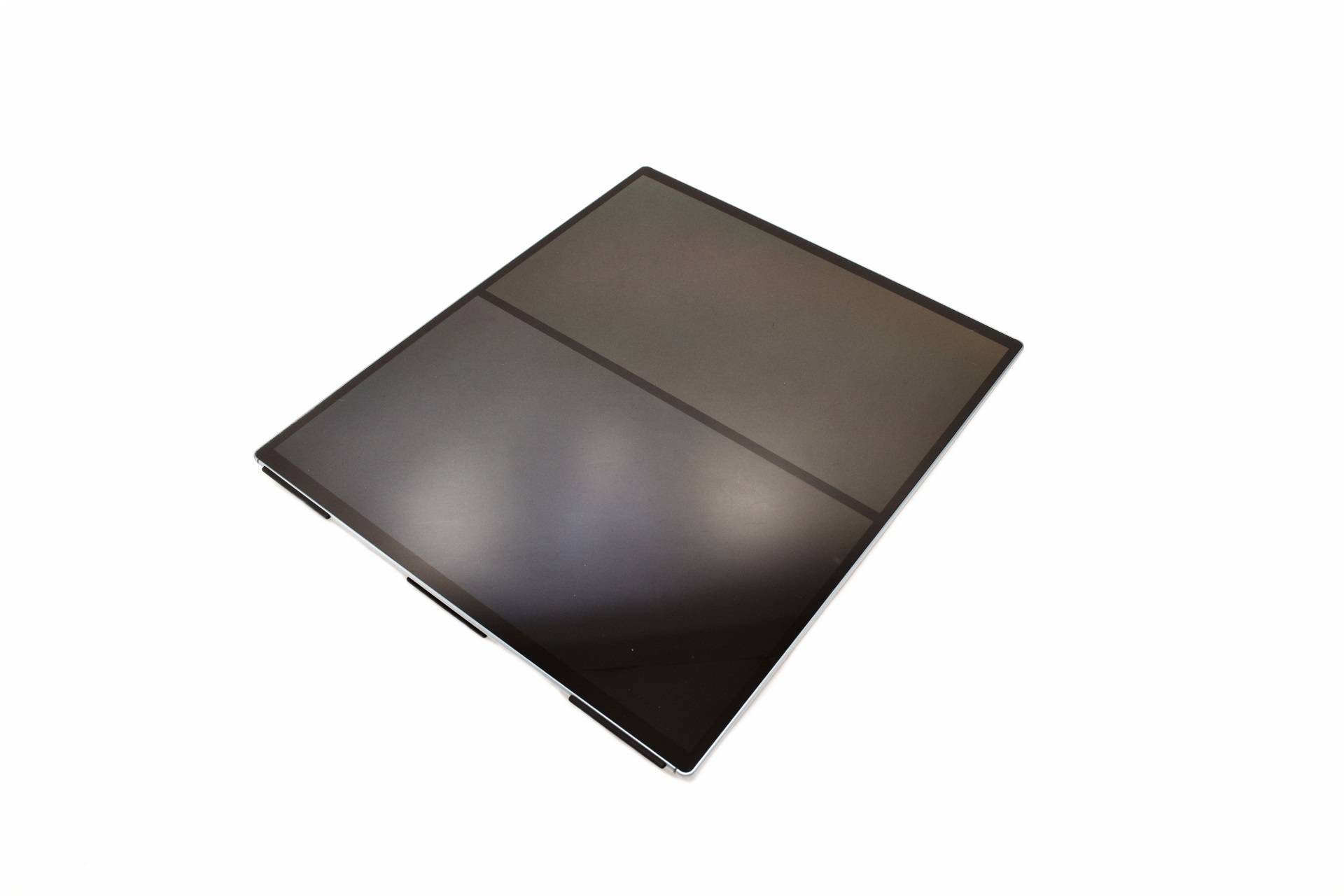
The 1.35Kg heavy Mageflex-140A dual 14-inch OLED screen by Magedok measures 325mm in length, 380mm in height/width and 14mm in thickness.
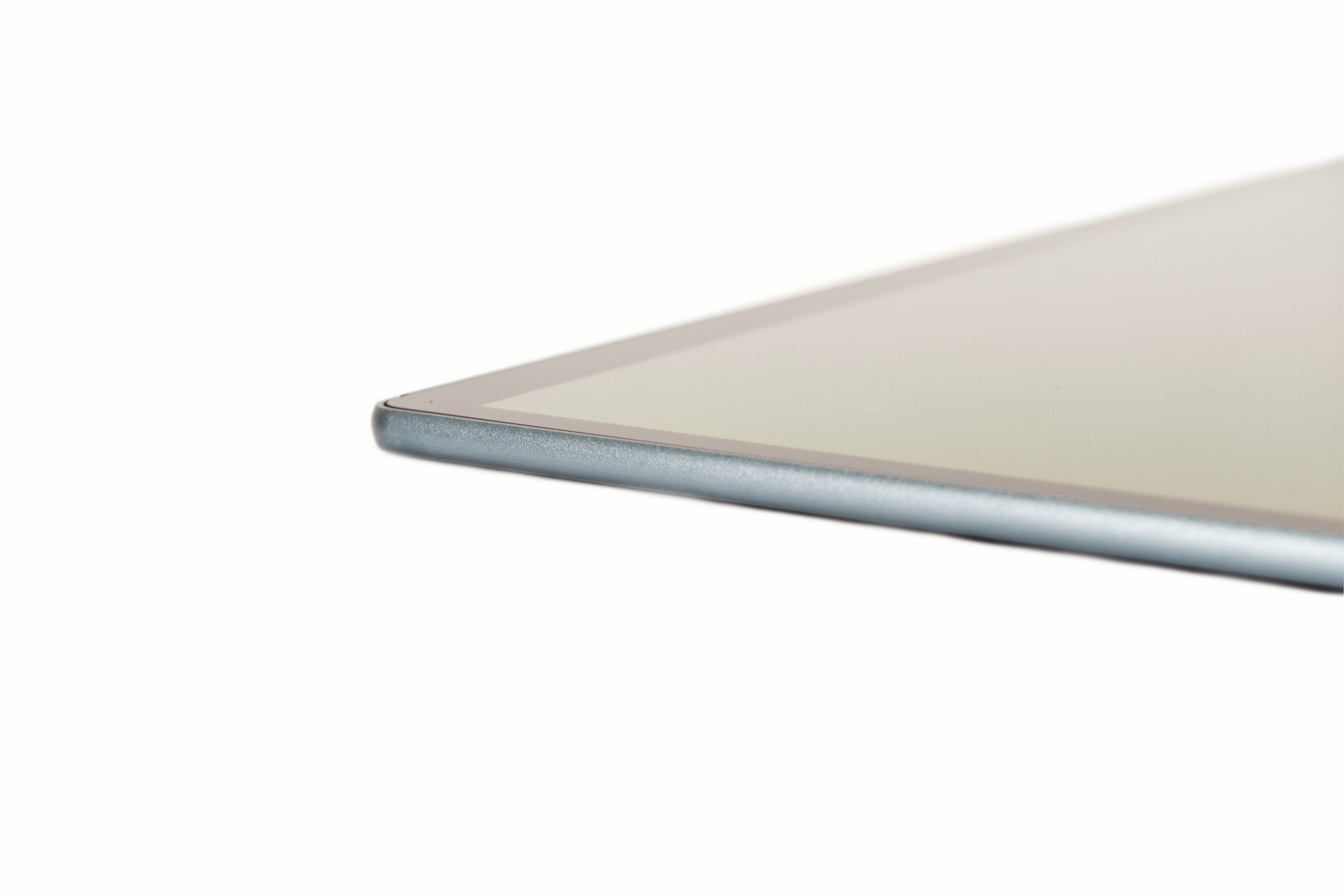
Leaving out the rear stand the entire screen is just 5mm thick.
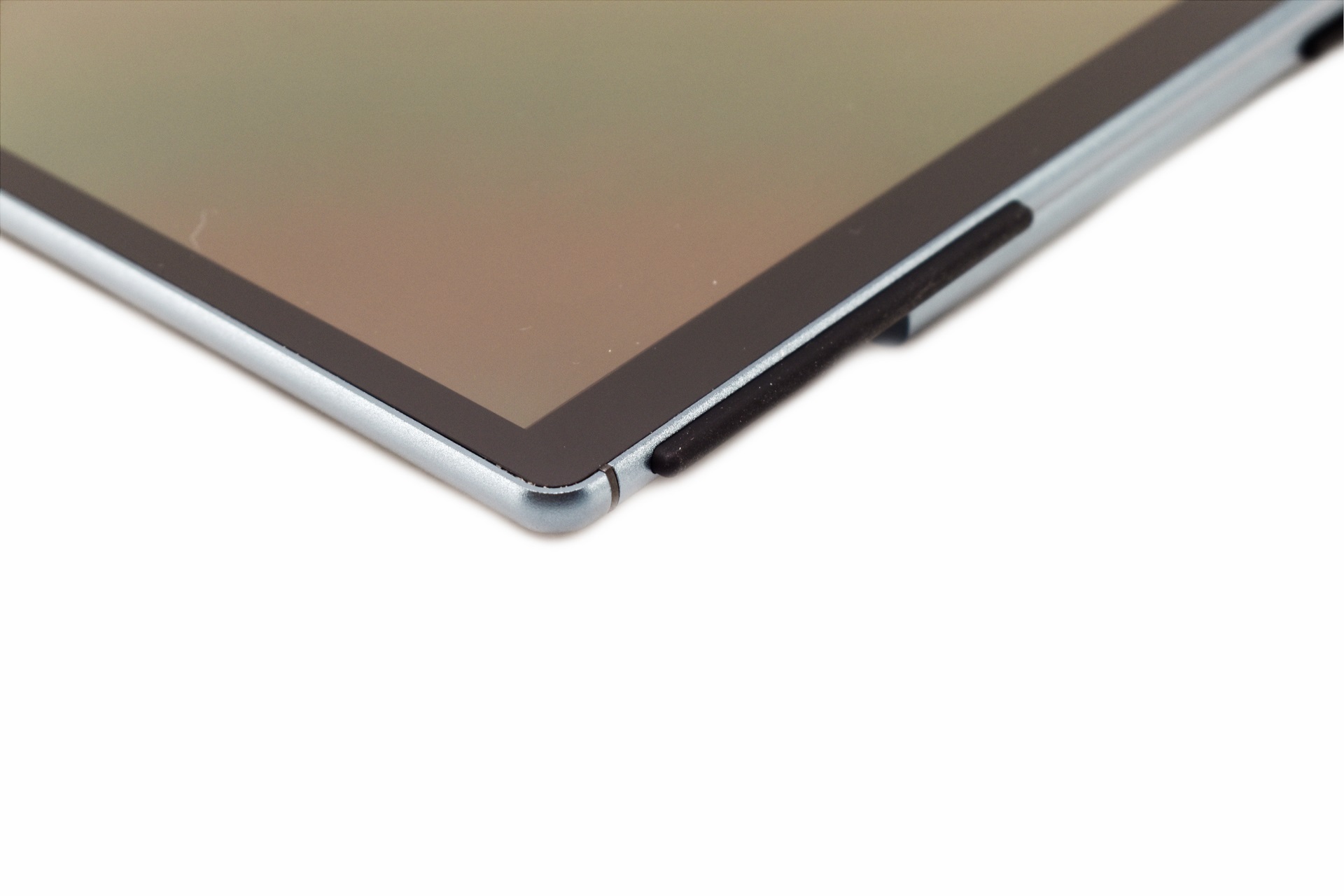
There are two long rubber feet on the lower end of the screen and one on the lower end of the rear stand.
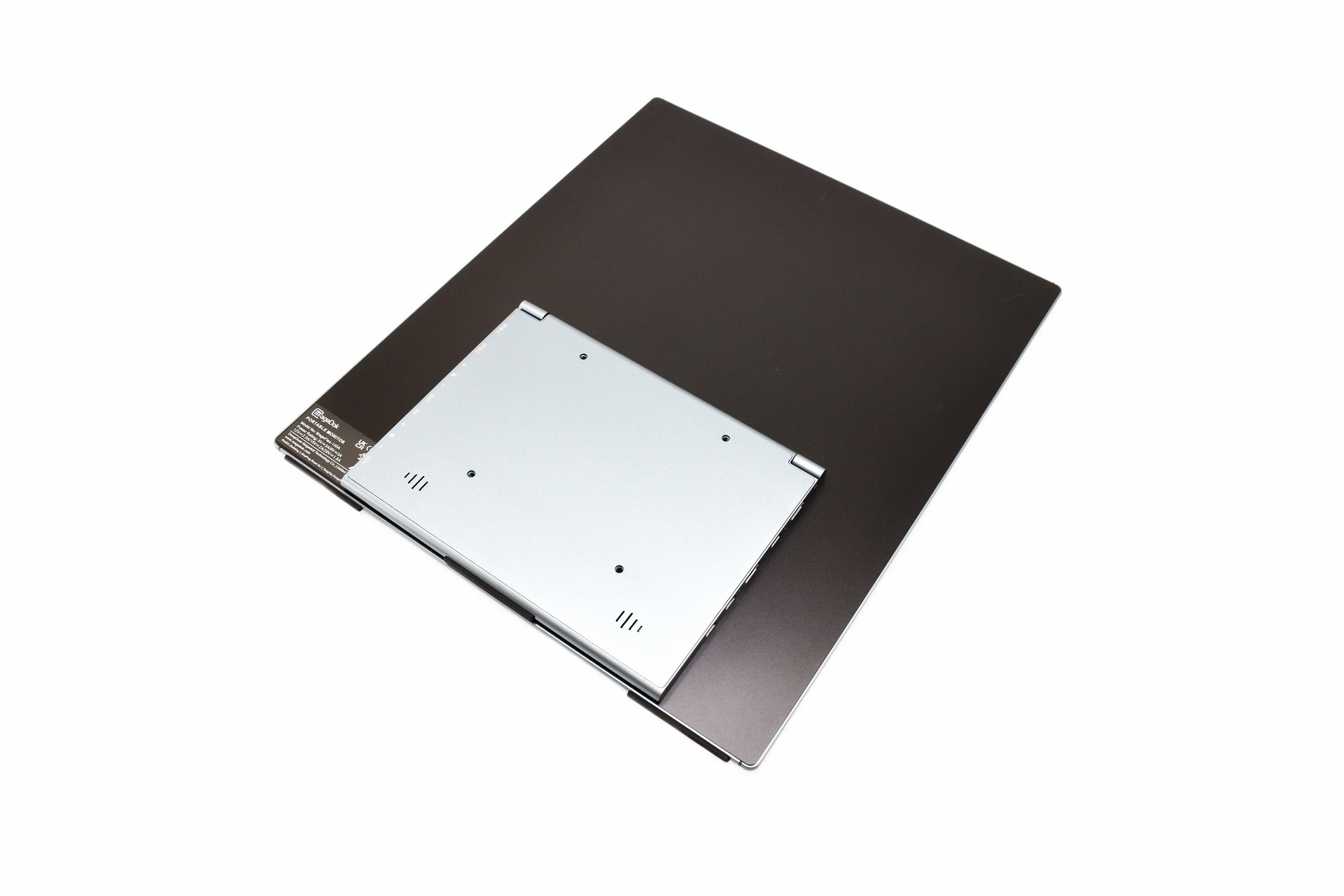
Turning the monitor over we see the rear stand.
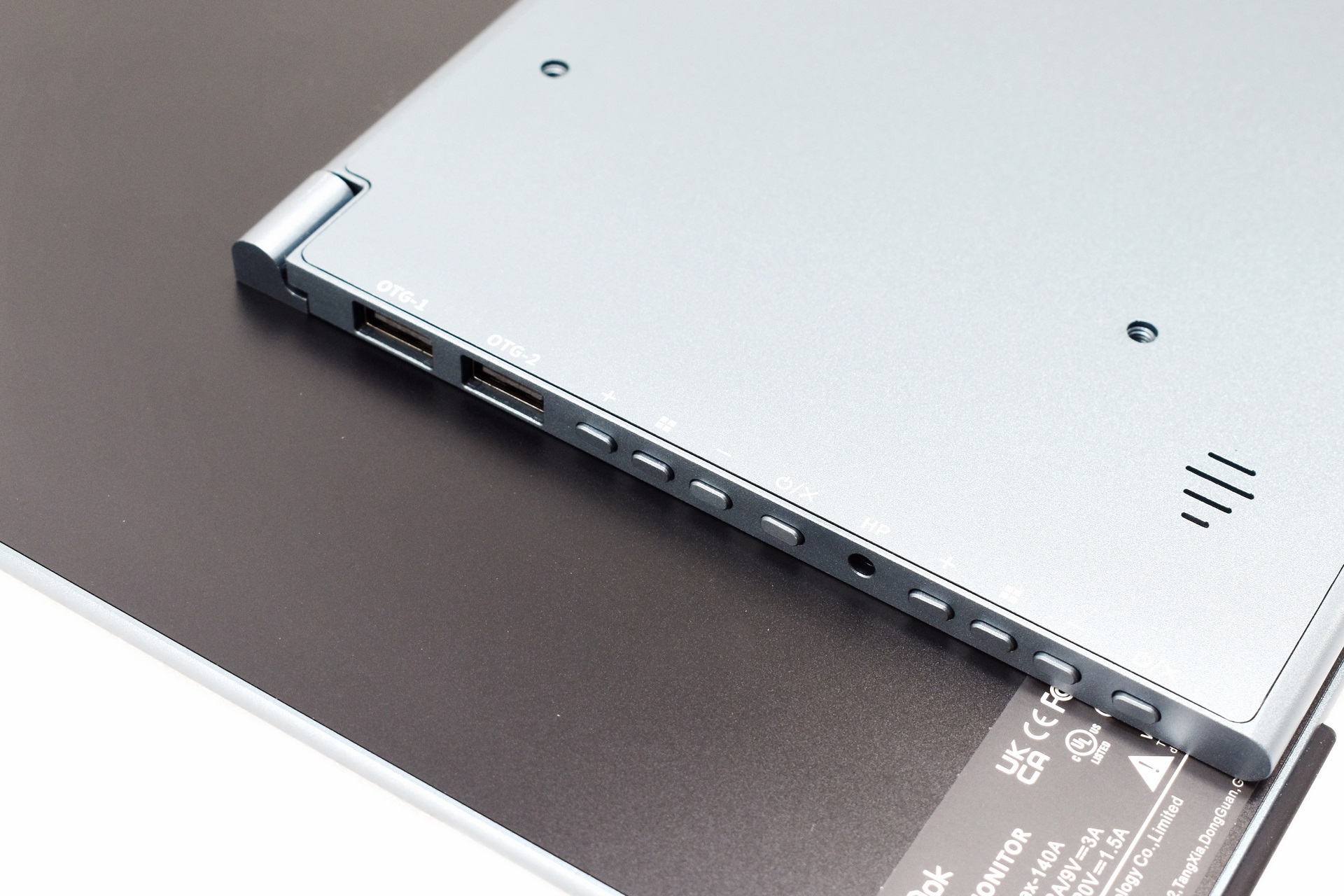
On the left side of the stand, we find two OTG USB-A ports, 3.5mm headphones port and the navigation buttons for both screens (each screen has its own).
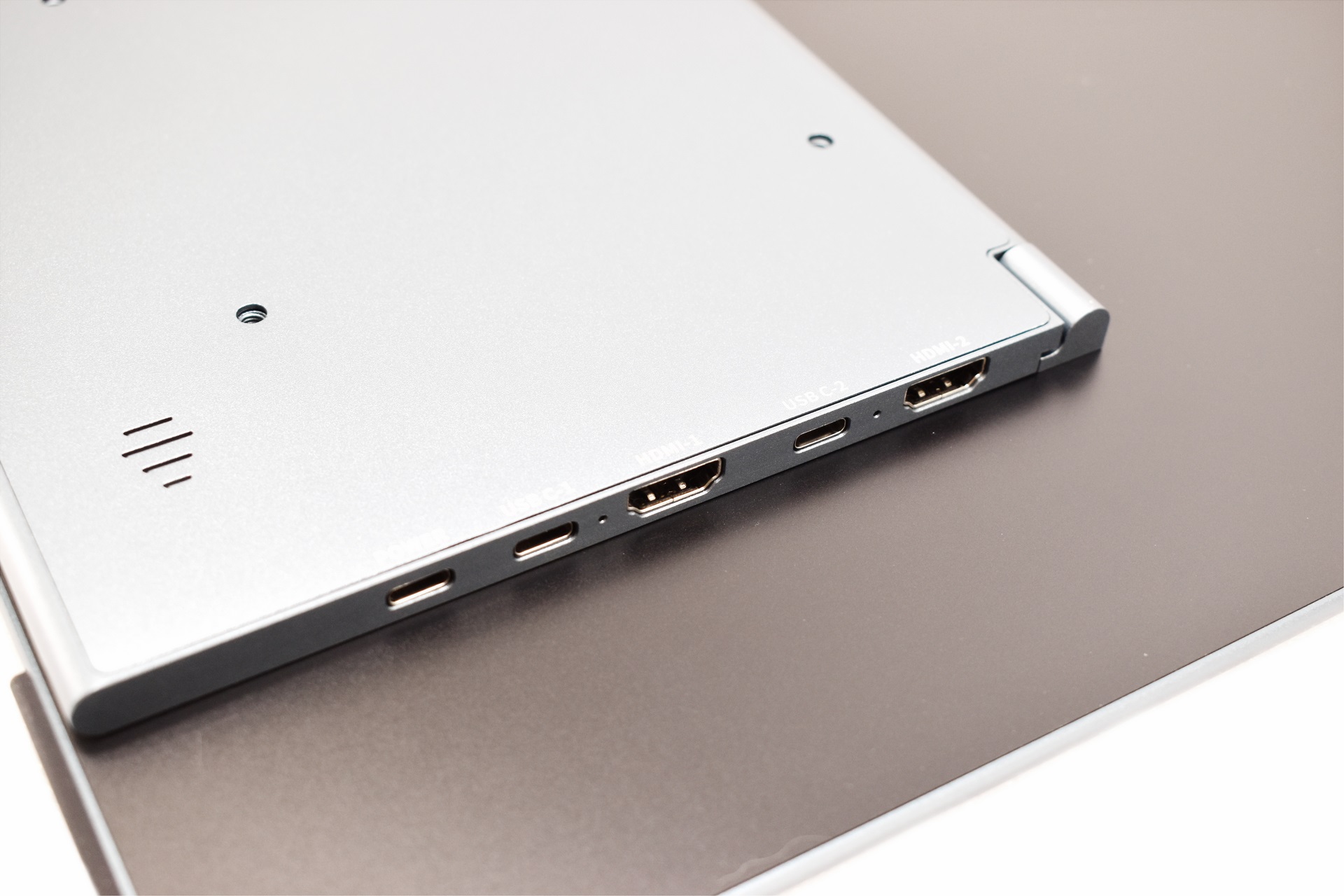
The USB-C power port, two USB-C ports and two HDMI ports are located on the other side of the stand.
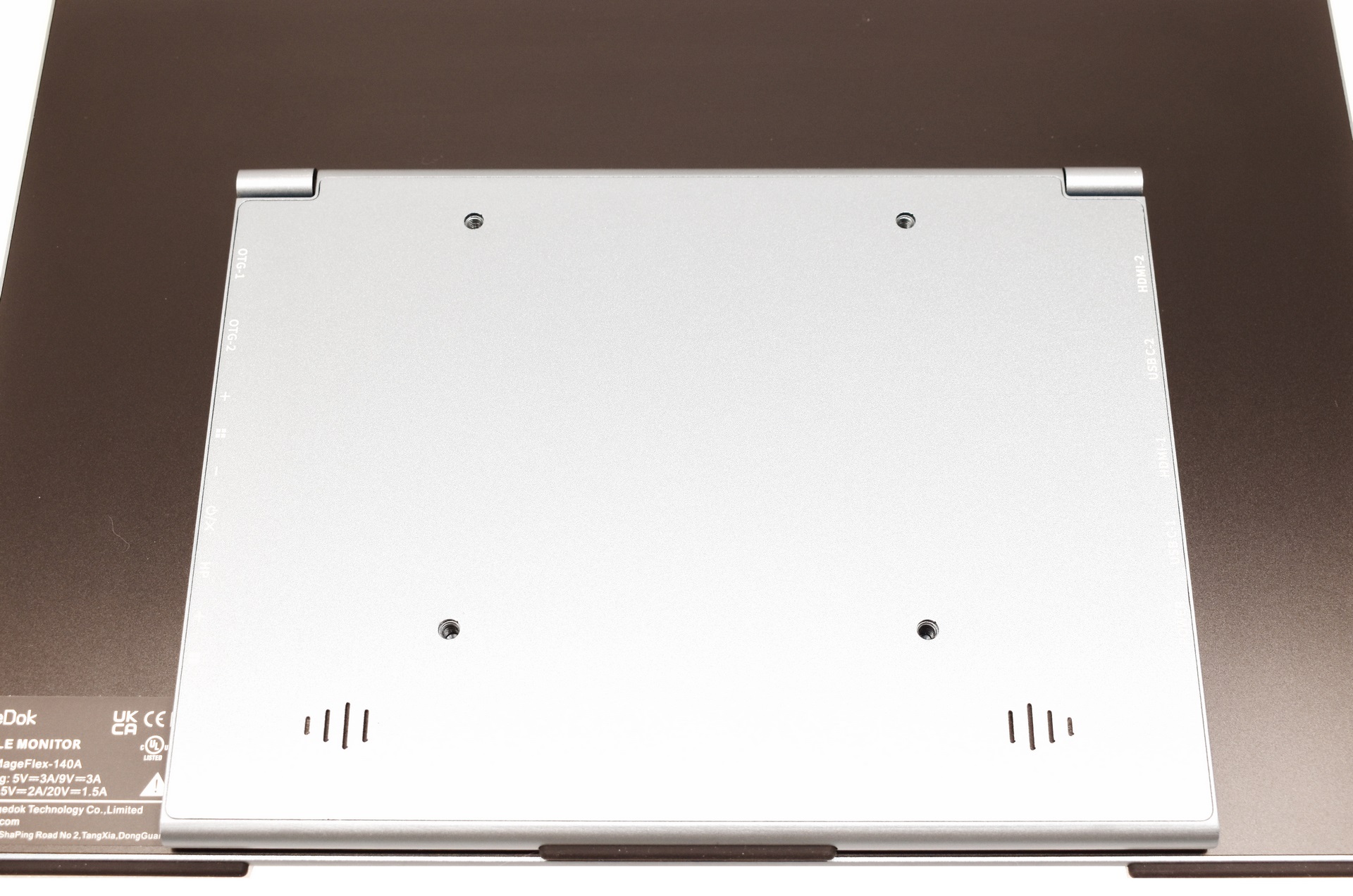
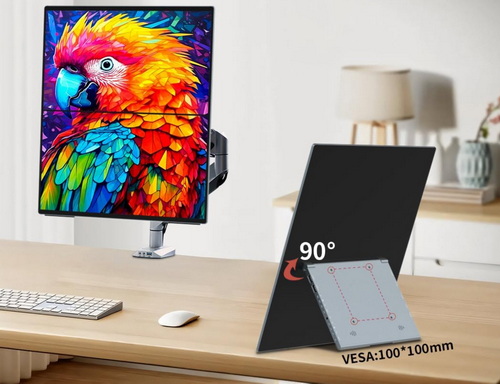
Magedok has also placed Vesa 100 mounting holes at the rear of the stand.
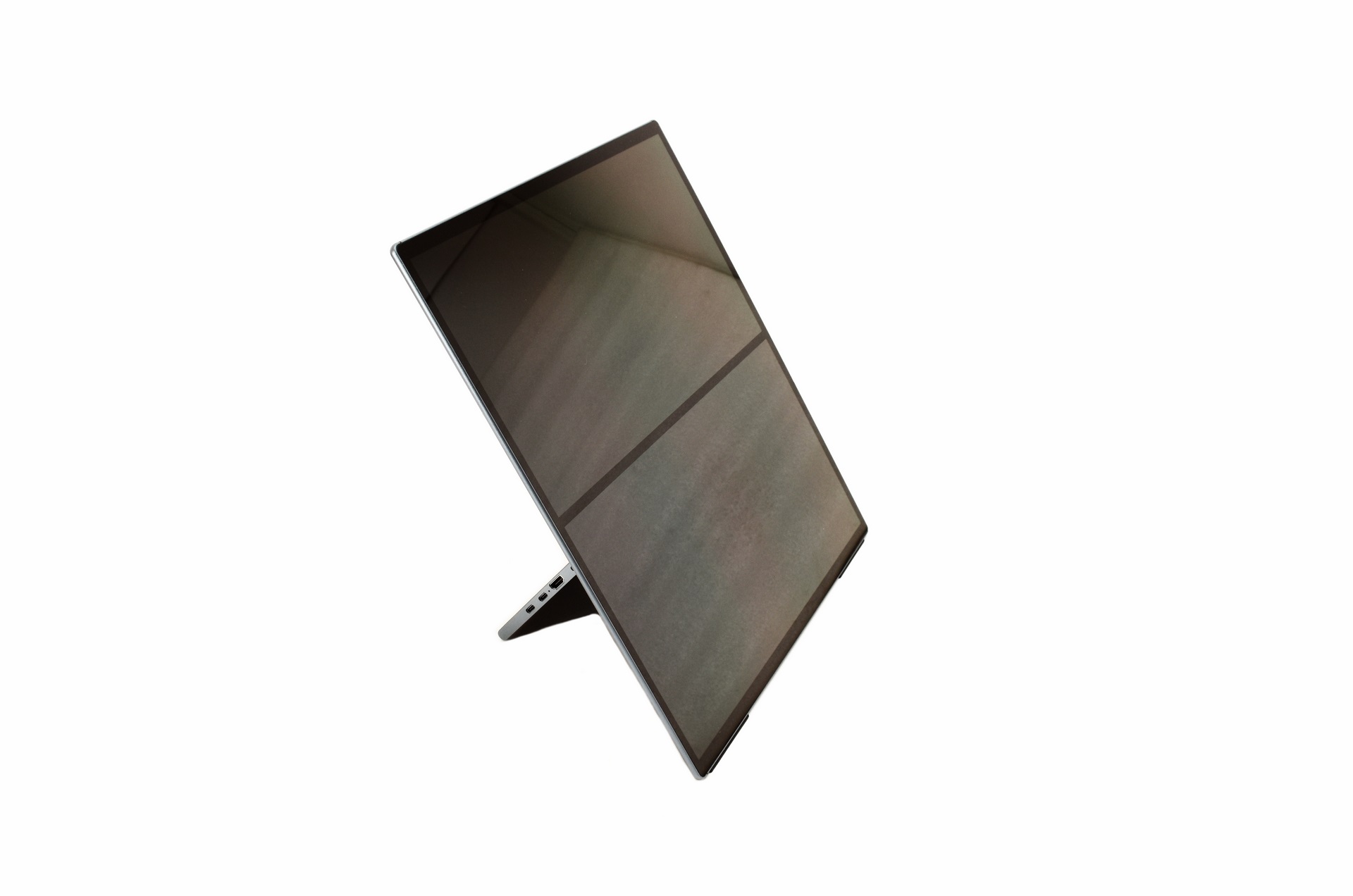
Thanks to its design the stand allows the end user to position the Mageflex-140A in many different angles.
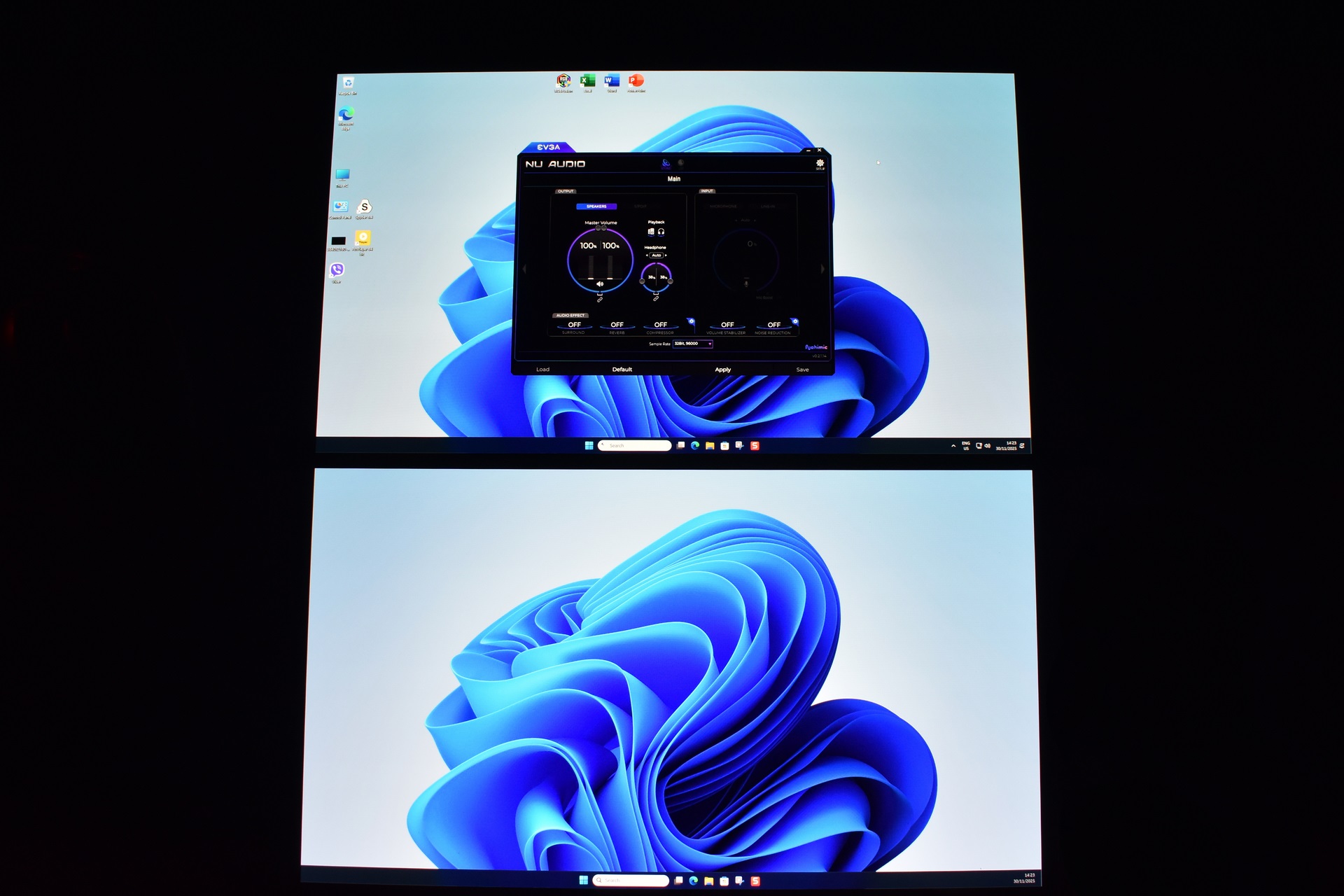
This is the very first dual OLED screen to arrive in the lab and I have to admit that it looks great.
MENUS
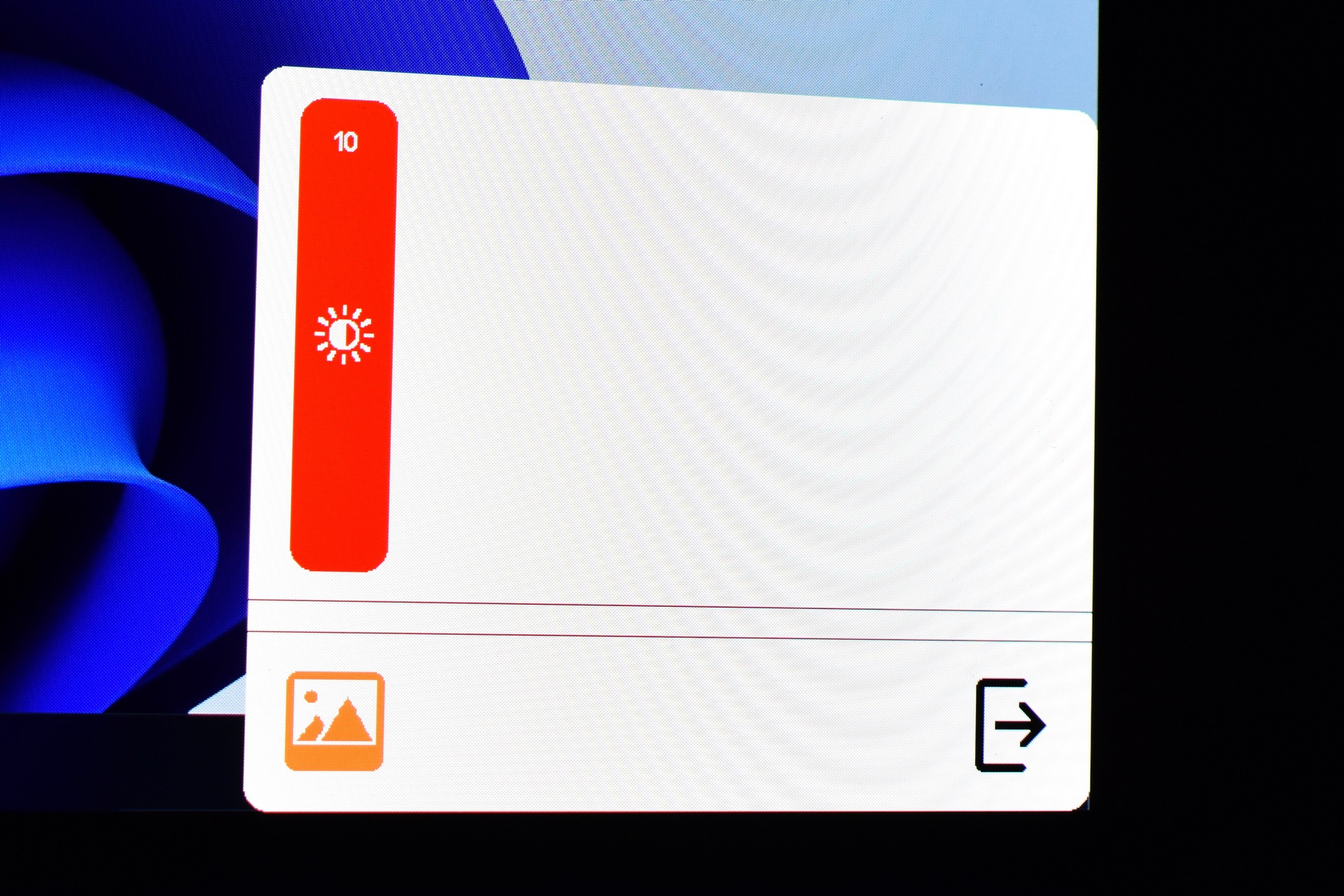
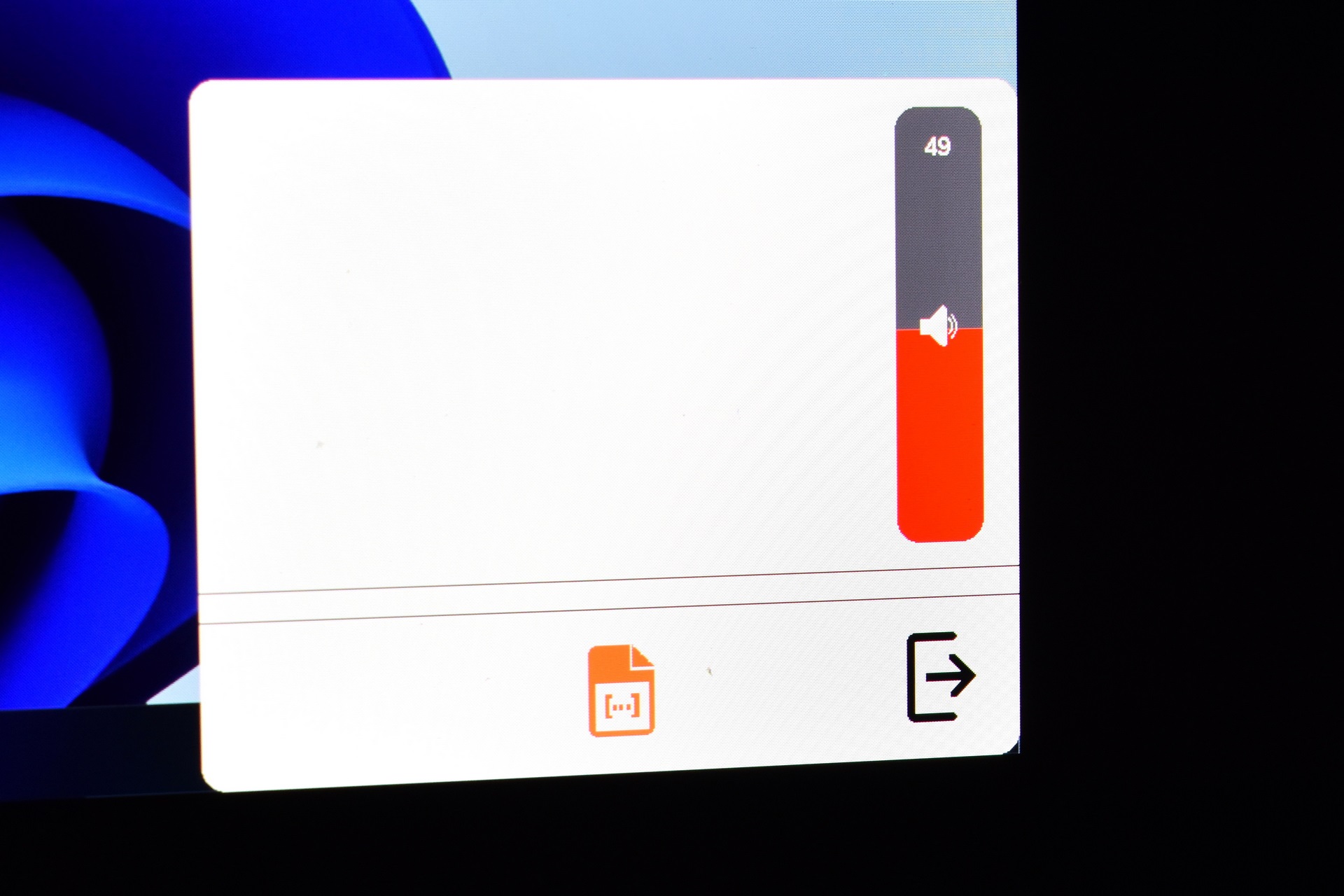
The Mageflex-140A has two quick menus from where you can adjust brightness and speaker volume.
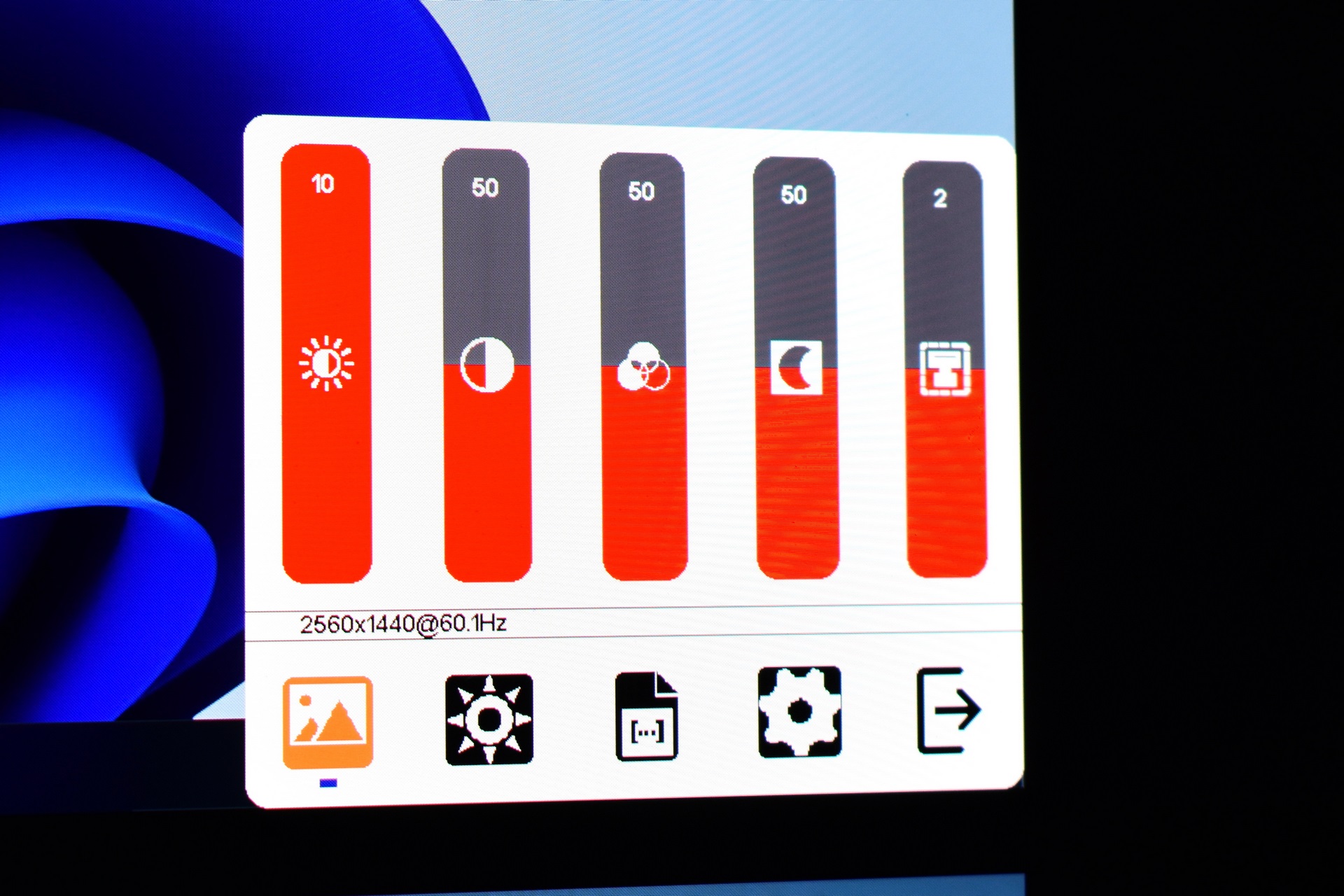
From the main menu tab, you can adjust brightness, contrast, hue, saturation and sharpness.
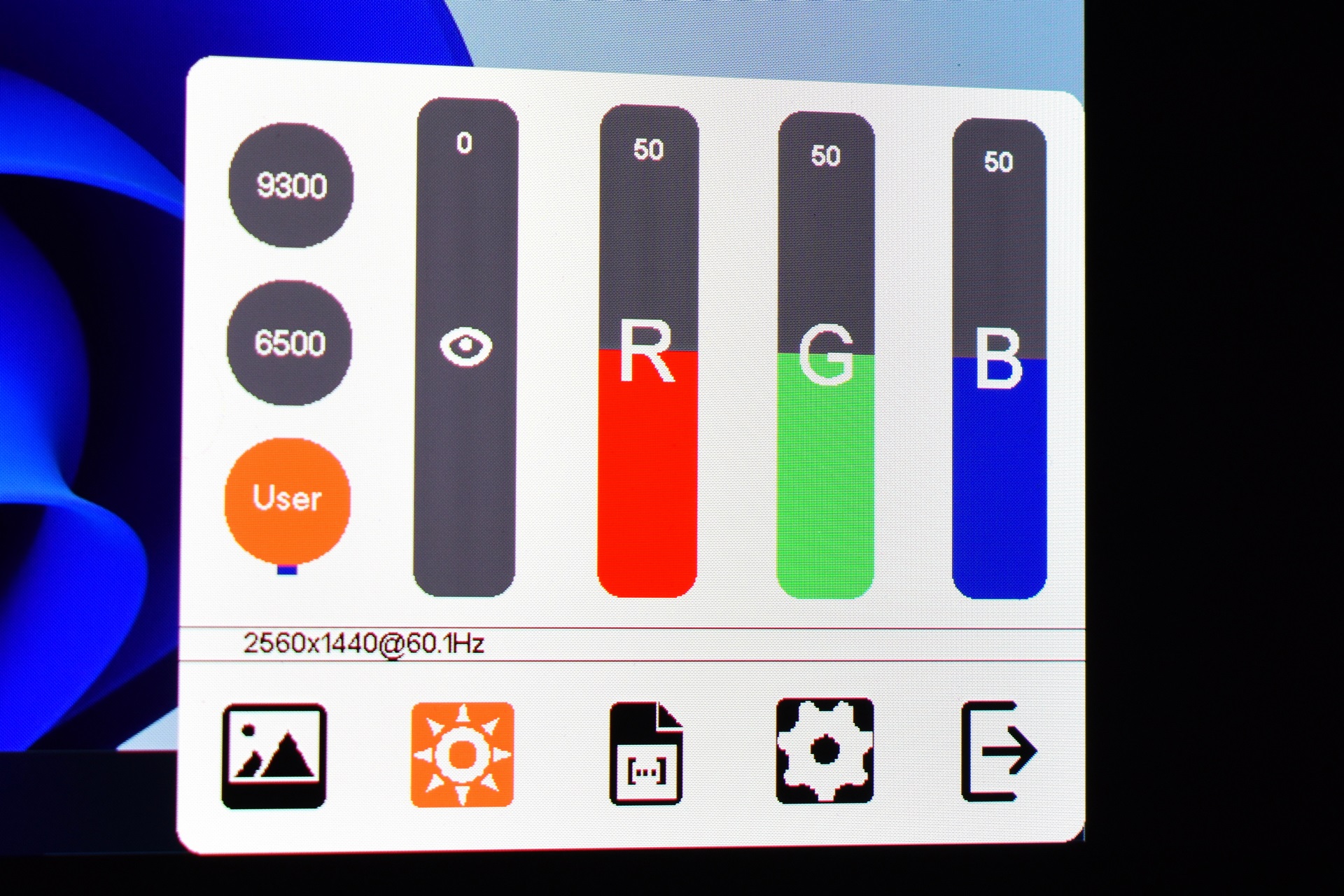
You can access the color temperature and adjust the colors from the next tab.
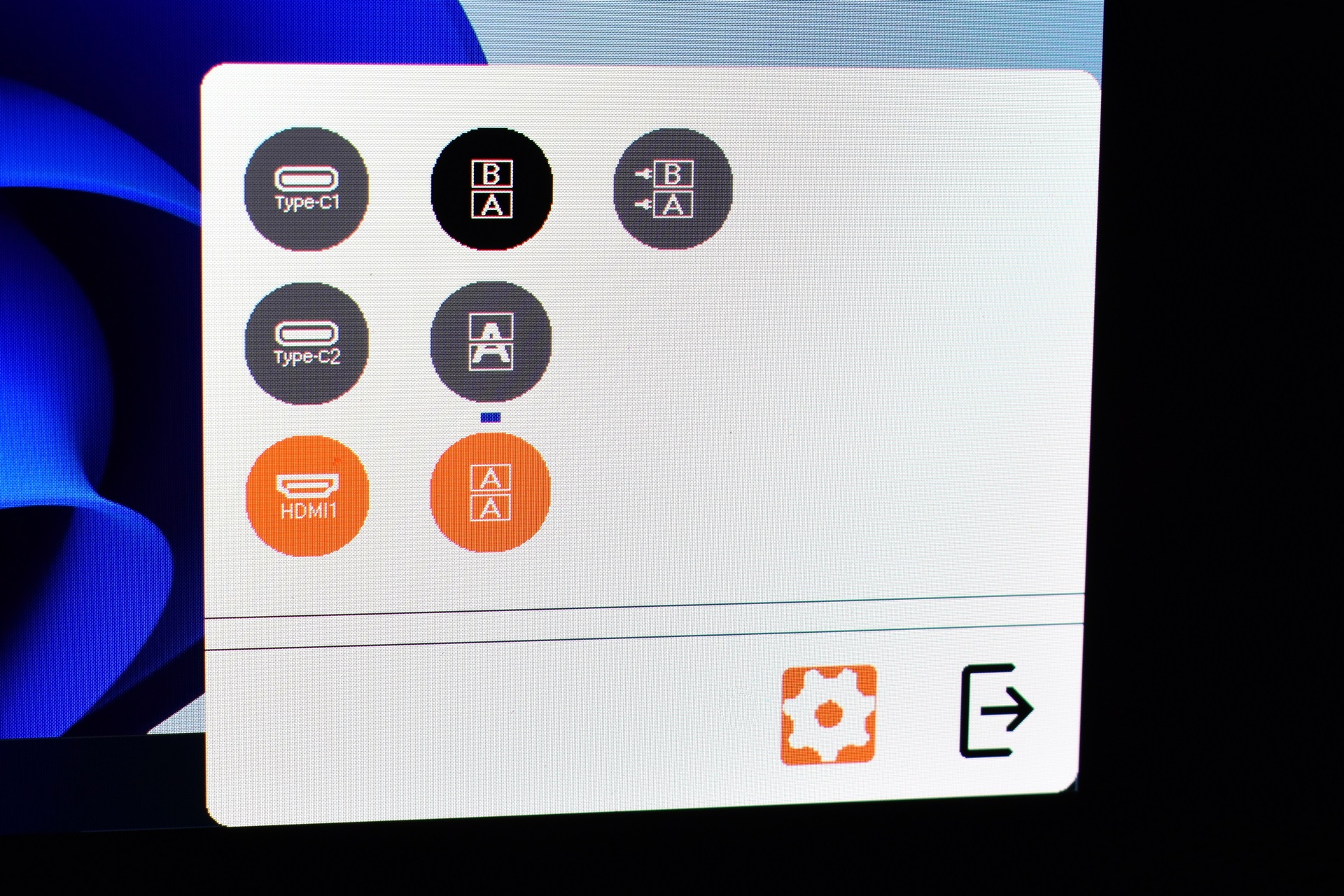
Signal source and screen mode (copy, extended, waterfall and independent) are also inside the settings menu.
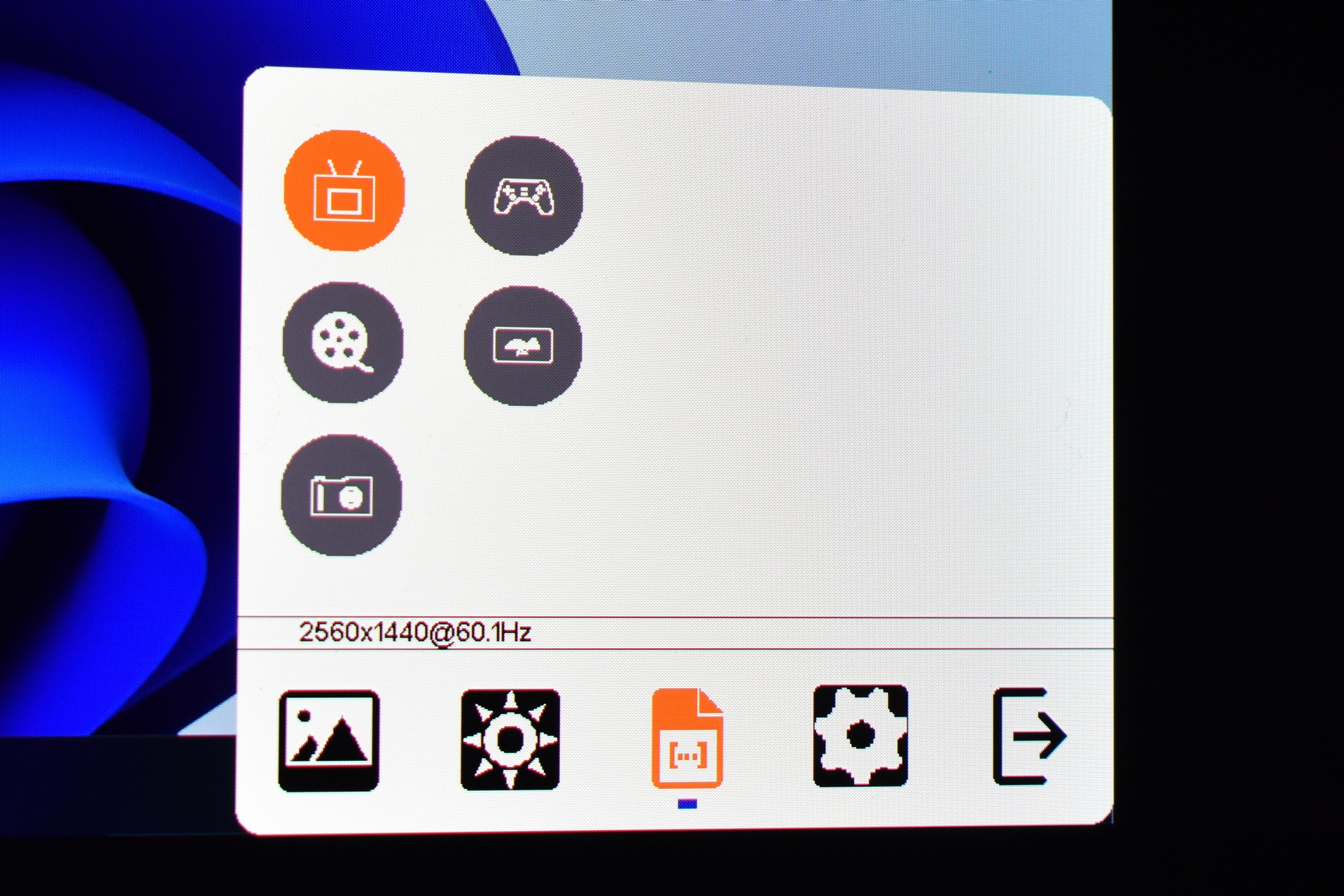
The screen image modes (eco, standard, movie, photo, game and vivid).
VIEWING ANGLES / PICTURE QUALITY
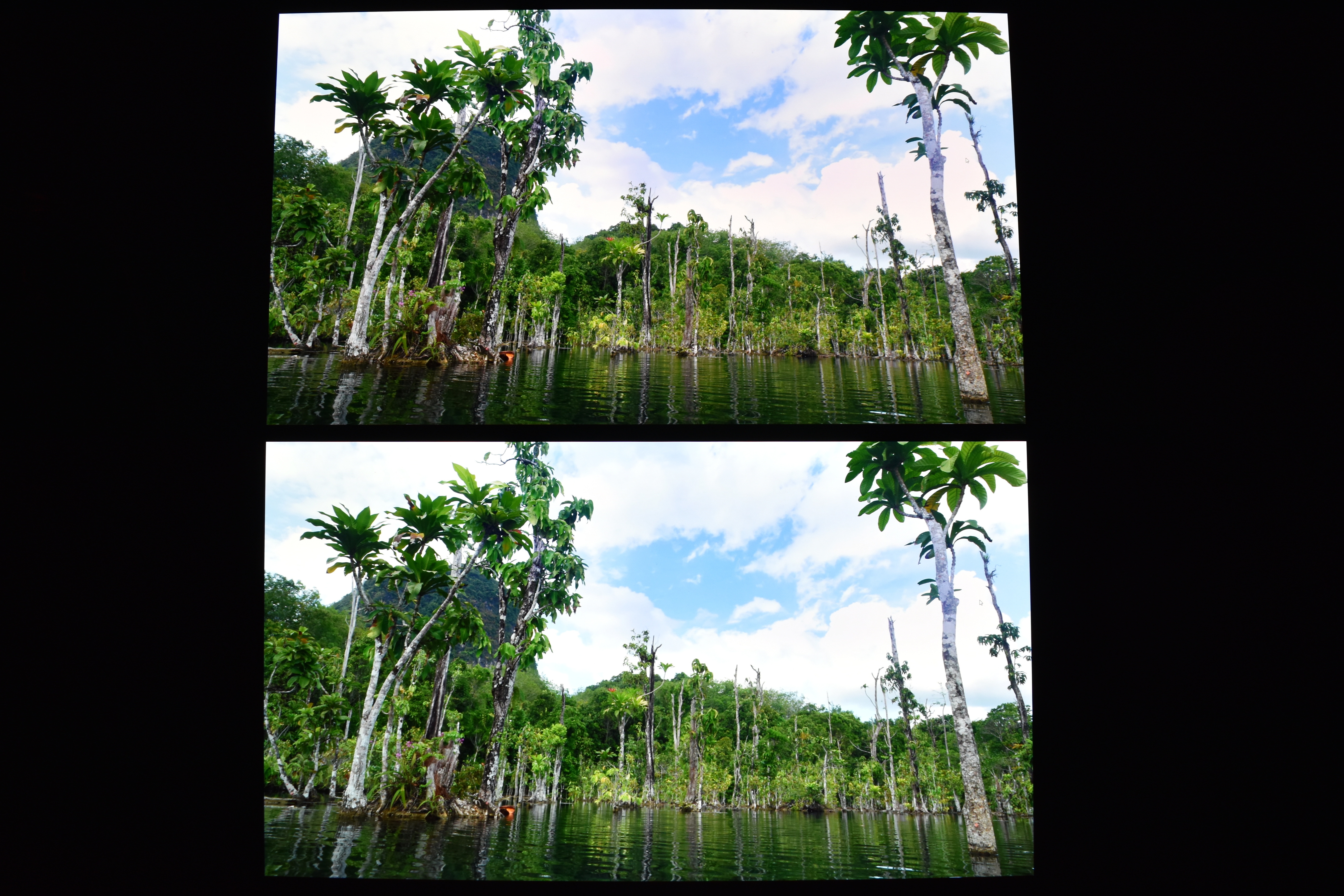
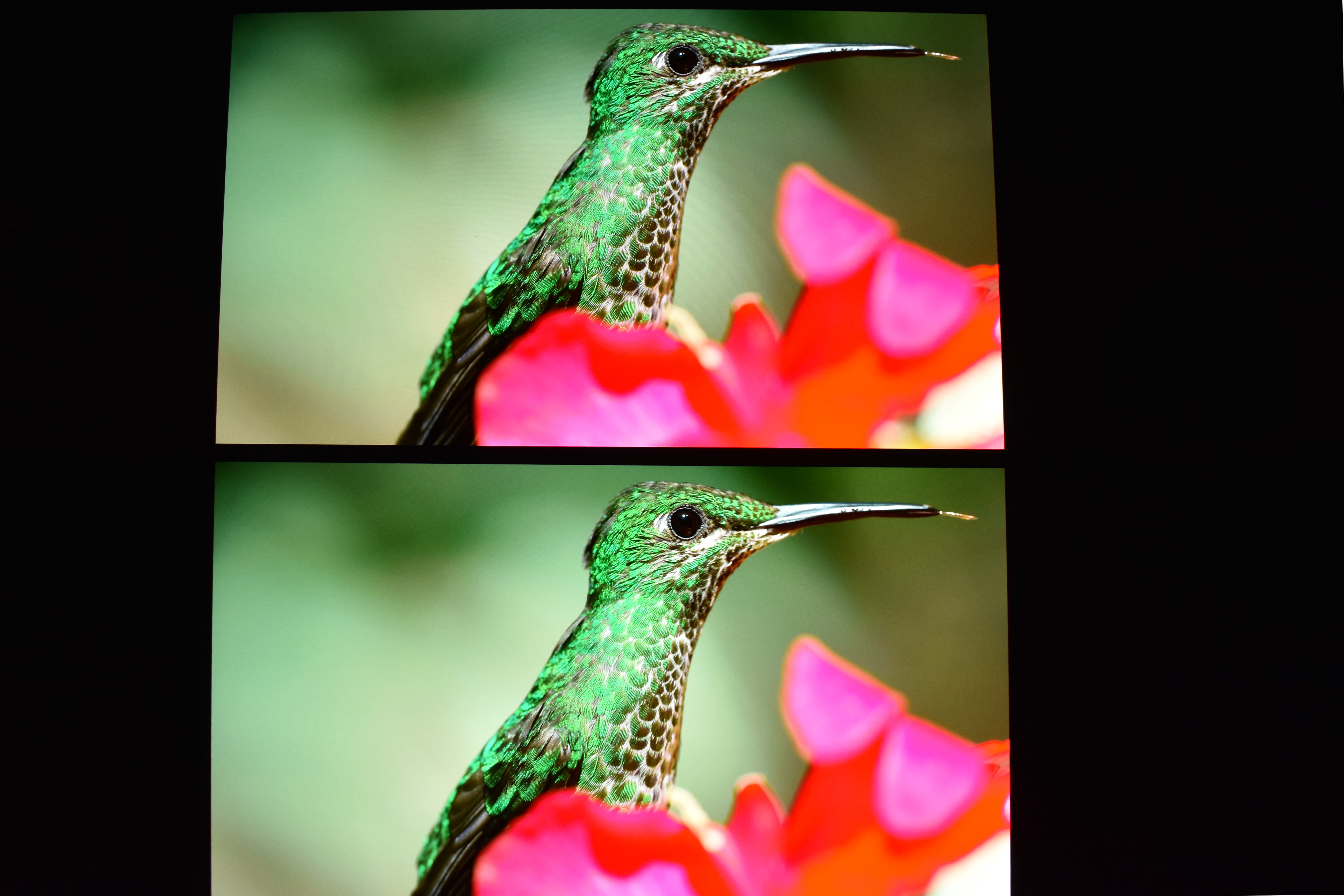
Image quality is just what you’d expect from an OLED monitor with deep blacks and a bit oversaturated but accurate colors (top screen is calibrated, bottom screen is not). I wouldn’t however say no to higher brightness levels.
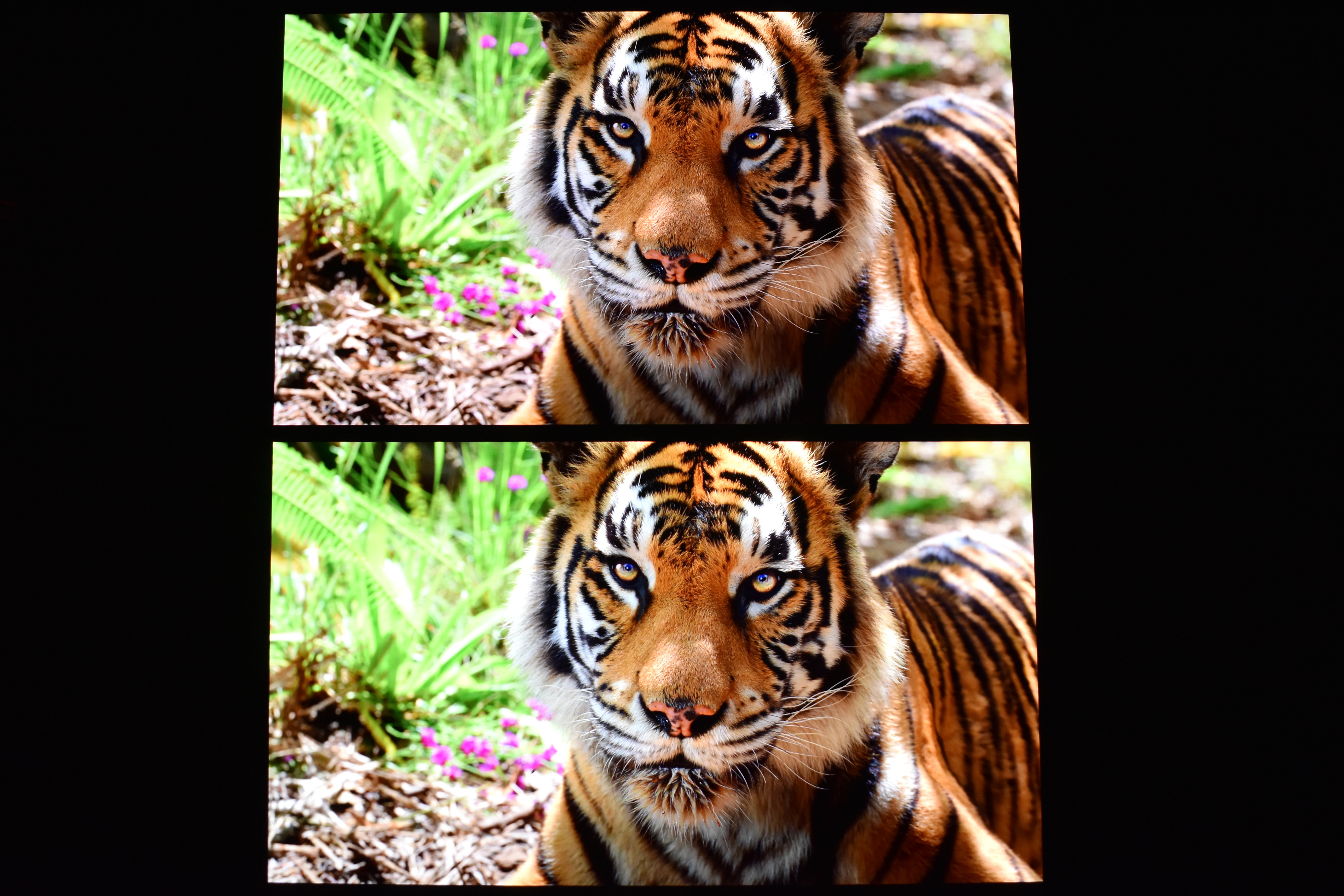
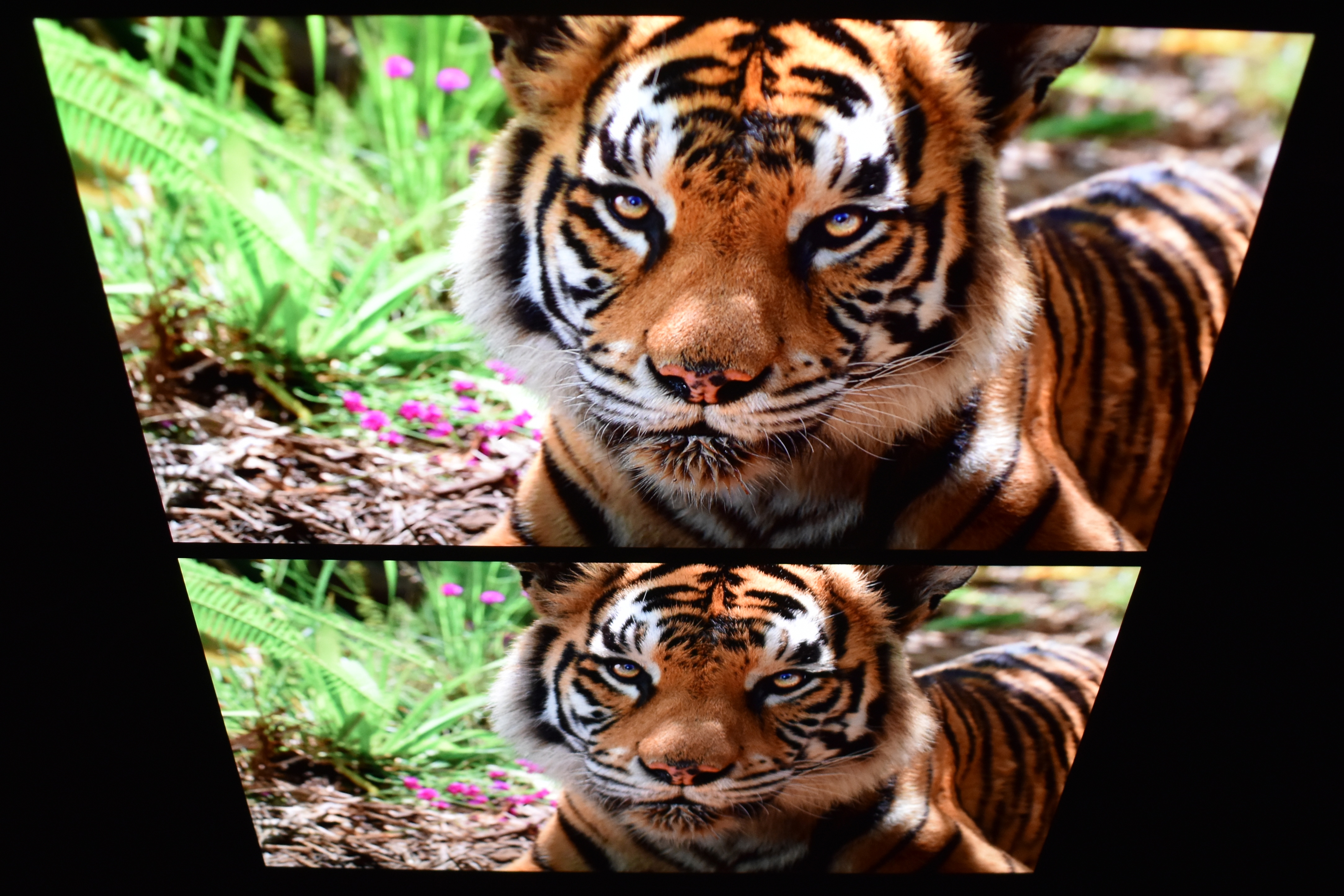
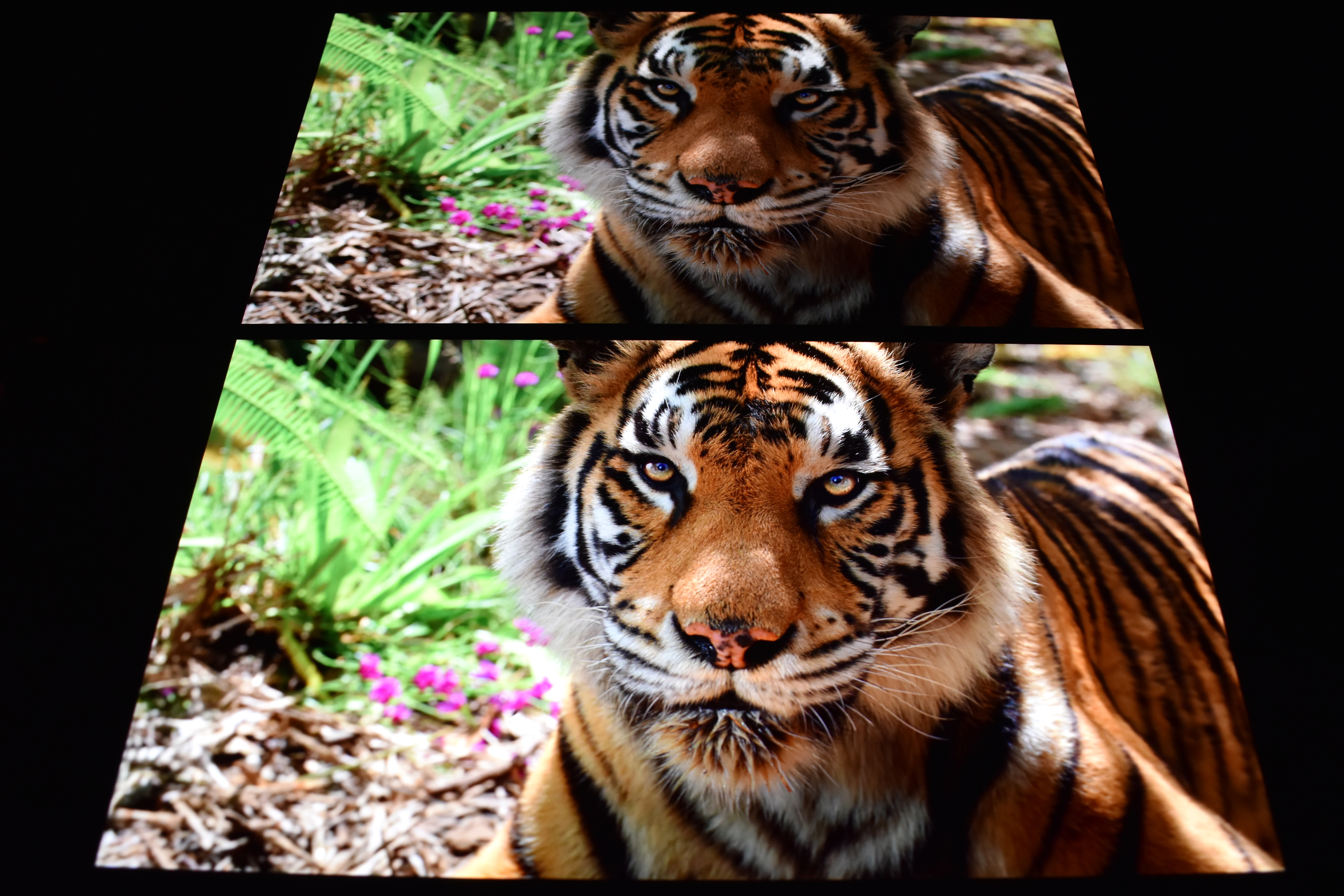
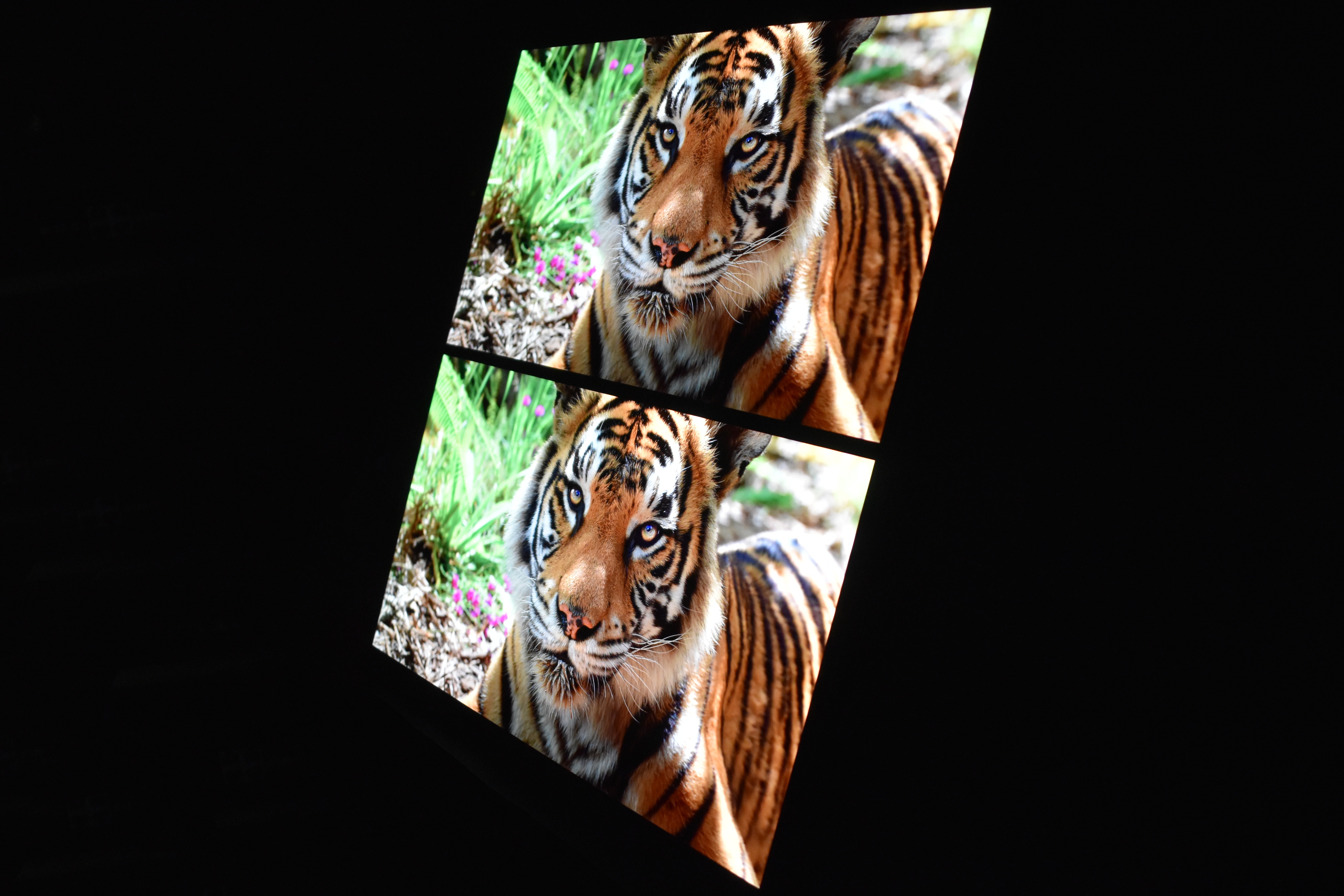
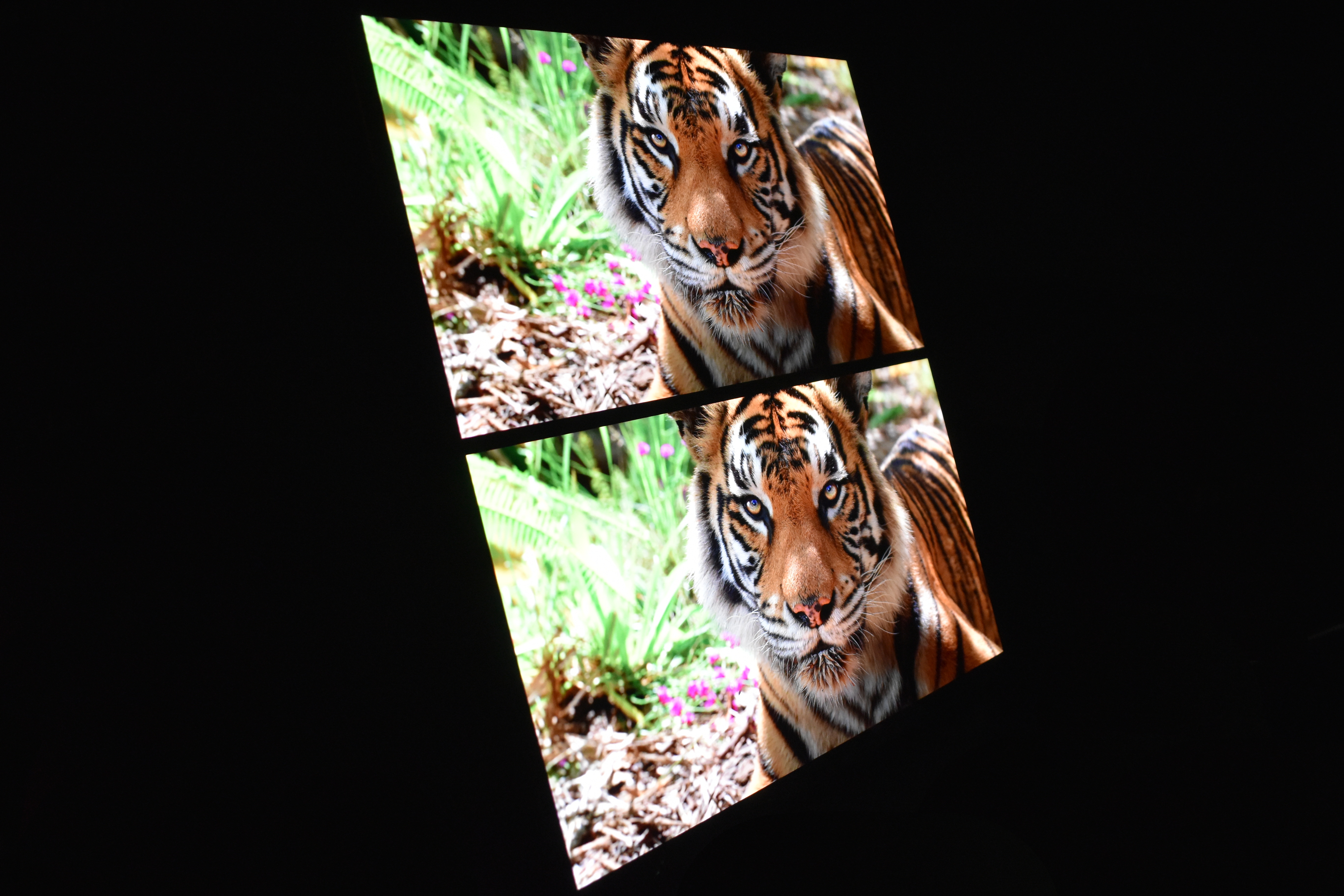
Viewing angles are pretty much excellent so no issue wherever you’re watching from.
TEST RESULTS
DATACOLOR SPYDER PRO MEASUREMENTS
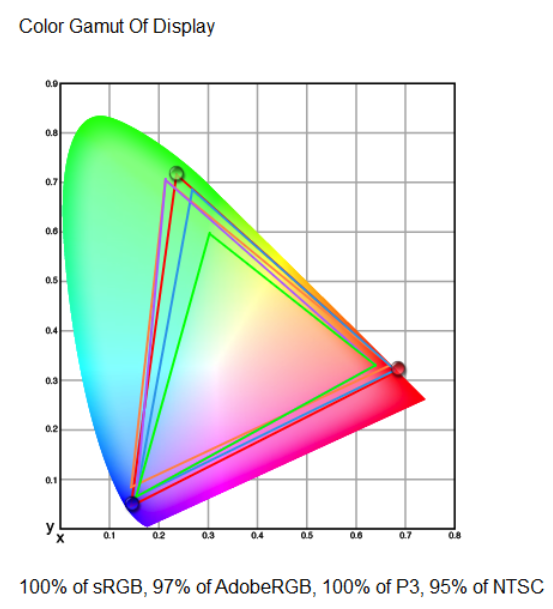
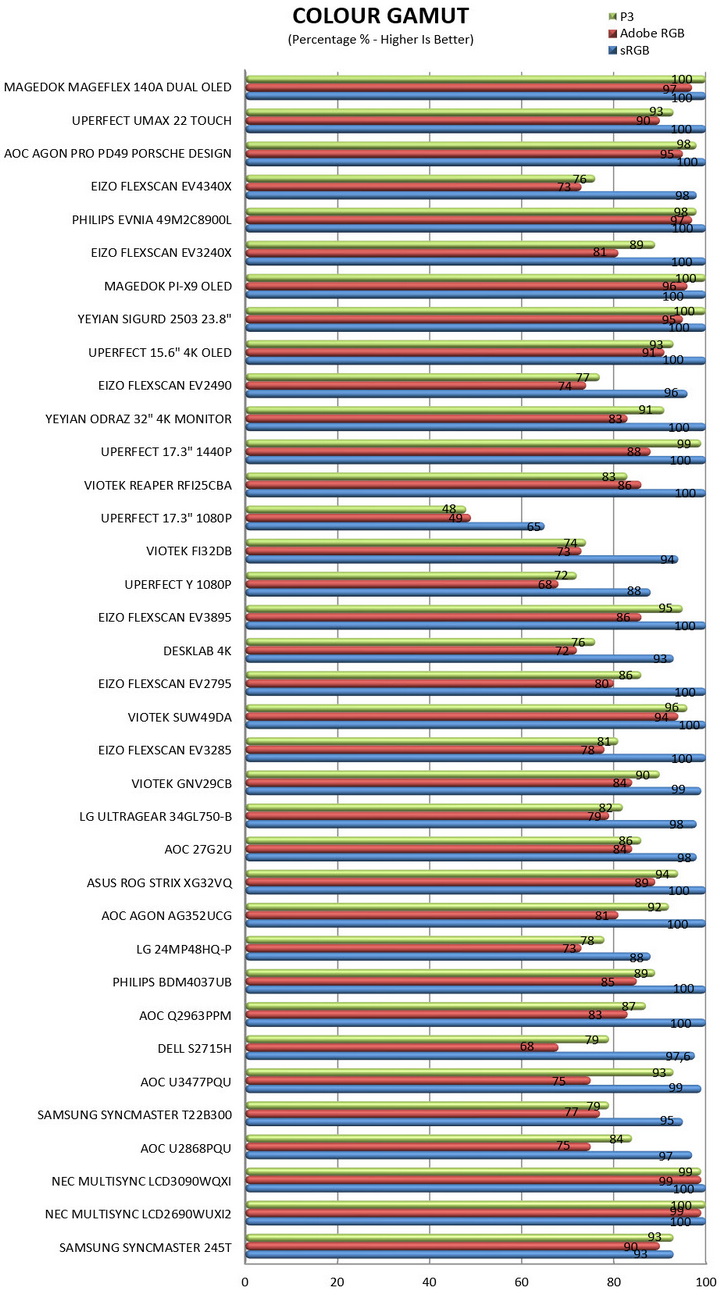
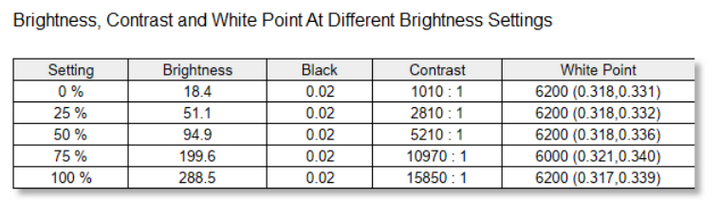
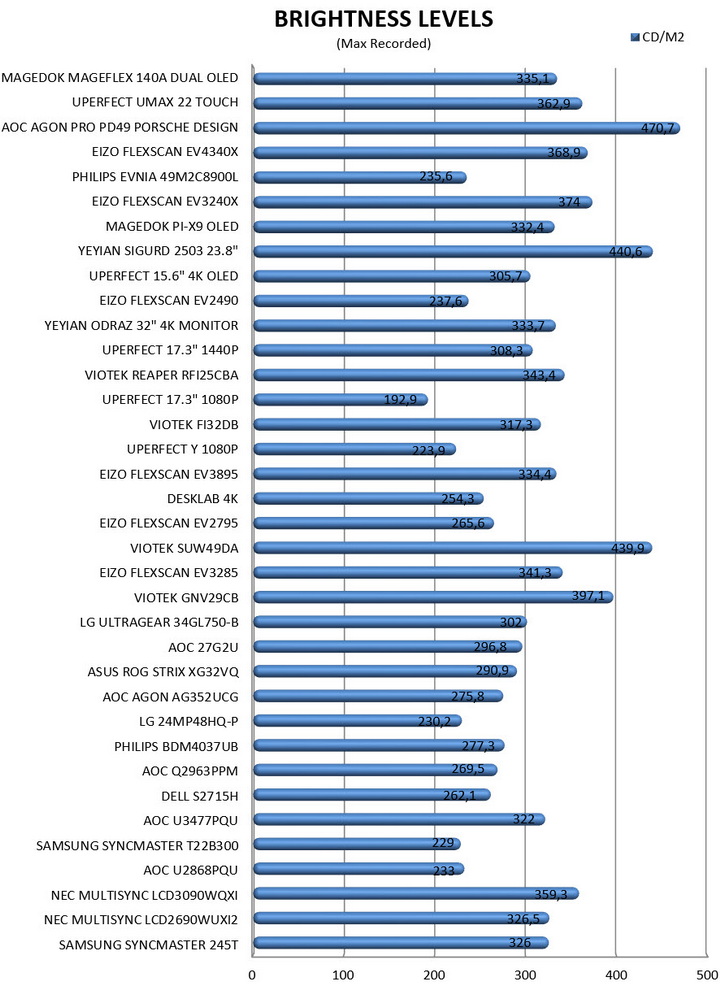
By using the Spyder Pro (2024) Colorimeter by Datacolor I measure both the color gamut (SRGB, AdobeRGB & P3) and the brightness levels of the monitor at hand.

Here you can see results for Color and Luminance Screen Uniformity (instead of just listing results at 100% brightness I’m listing all of them - 50/67/83/100%).
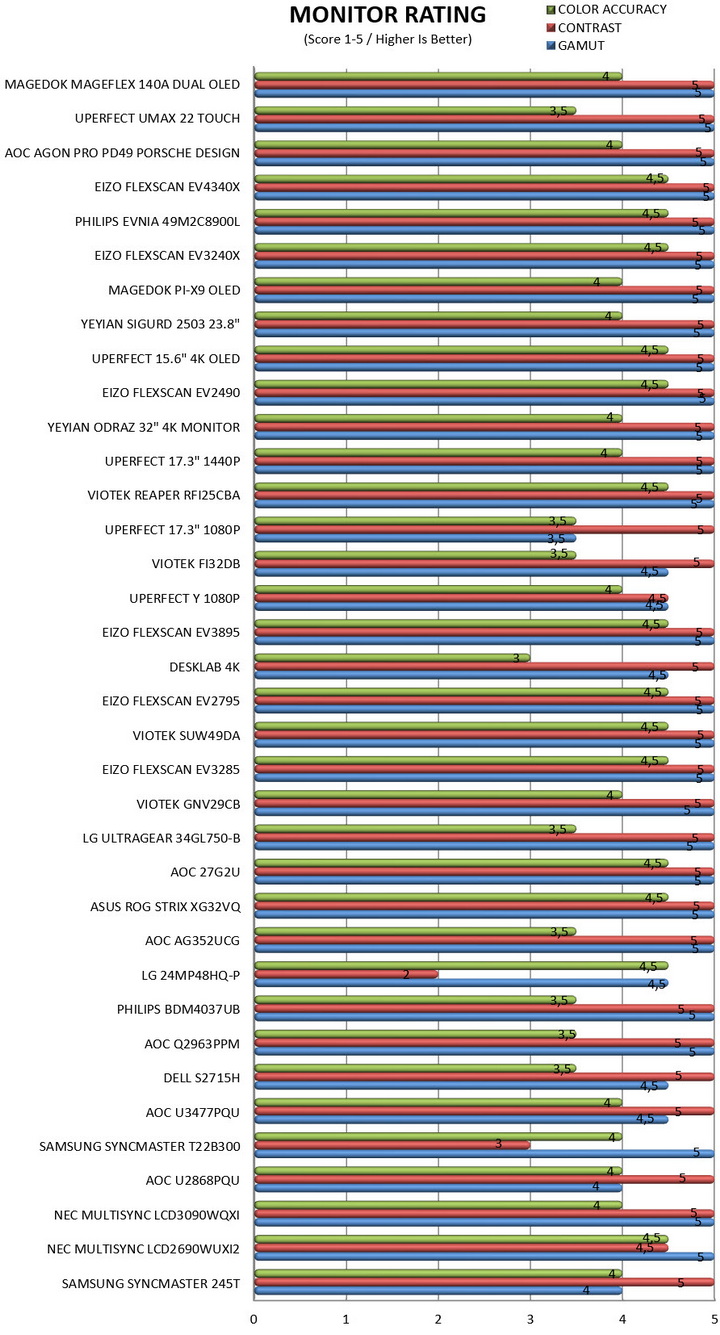
Datacolor rates monitors based on their overall results, so it was decided to include this chart as well.
POWER CONSUMPTION
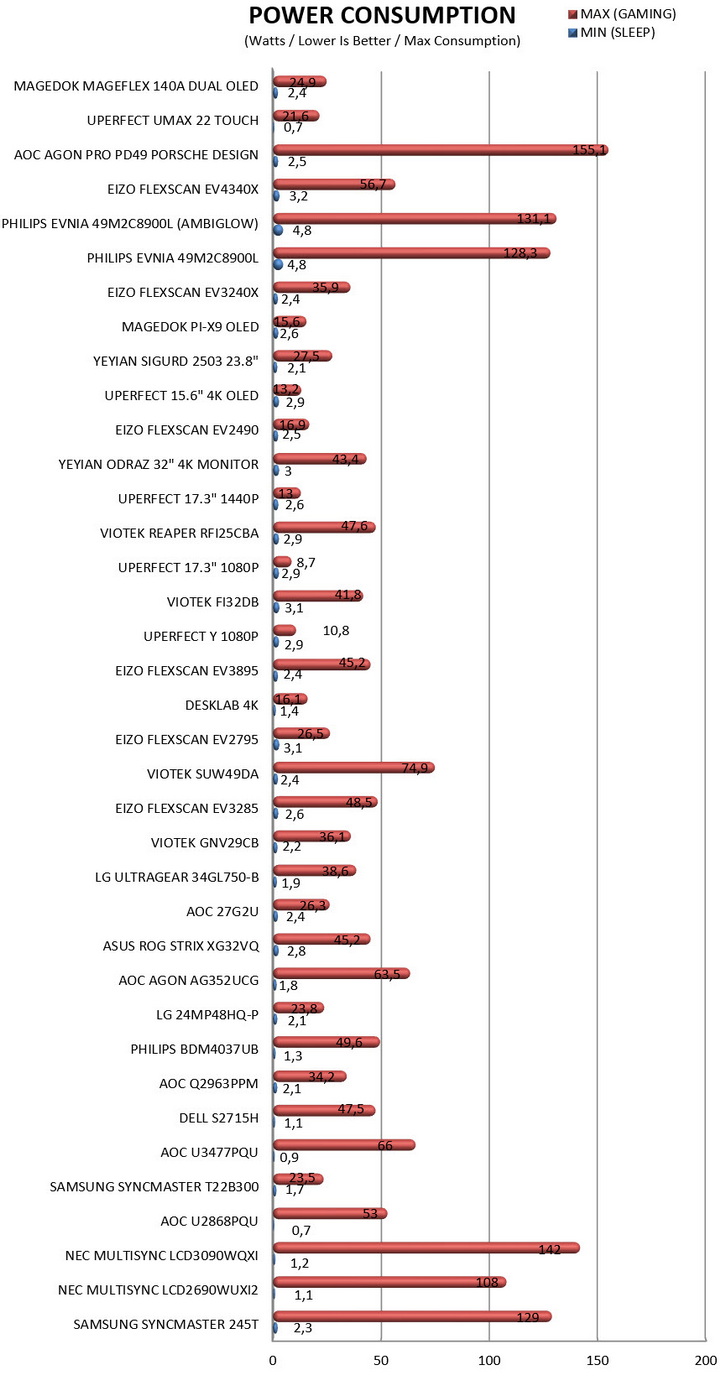
Power consumption may not be what most people look for when out to get a brand new monitor but at the end of the day it's still an important factor, so I do hope this is of interest to some of you.
CONCLUSION
The MageFlex-140A Dual OLED portable monitor by Magedok is a bold step forward in mobile display technology, offering clear strengths alongside a few trade-offs. On the plus side, its dual 14-inch QHD OLED panels deliver stunning visuals with deep contrast and accurate colors, making it ideal for creative professionals and media enthusiasts. The lower touchscreen with stylus support adds versatility (adding touch functionality only for the lower screen instead of both was a bit strange but my guess is that there's a hardware limitation for that), while plug-and-play dual USB-C/HDMI connectivity ensures seamless use across devices. Its lightweight 1.35kg build and VESA compatibility make it practical both on the desk and on the move. However, there are limitations, touch input isn’t supported on macOS, brightness at 300 nits may feel modest in very bright environments, and the 60Hz refresh rate won’t satisfy gamers seeking ultra-smooth motion. Reported power consumption at 30W was a bit off, still even the 24.9W recorded during my tests is higher than most (if not all) single-screen alternatives.
At the time of this review the Mageflex-140A Dual 14” OLED Portable Touch Monitor by Magedok retails for USD426.75 inside the USA (Amazon.com – 25% coupon applied) and so it’s priced very well (was unable to locate it however inside the EU). Overall, the MageFlex-140A excels as a premium productivity and creative tool and since it delivers where it matters the Golden Award is in order.

PROS
- Good Build Quality
- Dual 14” OLED Screens
- 2560x1440p
- Very Good Image Quality
- Touchscreen With Stylus Support (Lower Screen)
- Versatile Stand
- Available Ports (2xHDMI /3.5mm Mini Jack / 2xUSB C / 2xOTG)
- Stereo Speakers
- Compatibility (Smartphones/Tablets/Laptops/MacBooks/PCs)
CONS
- 60Hz Refresh Rate (Not For Fast Paced Gaming)
- Power Consumption (For Some)
- Touch Screen Not Compatible With macOS / Lower Screen Only