





EV SOFTWARE V3
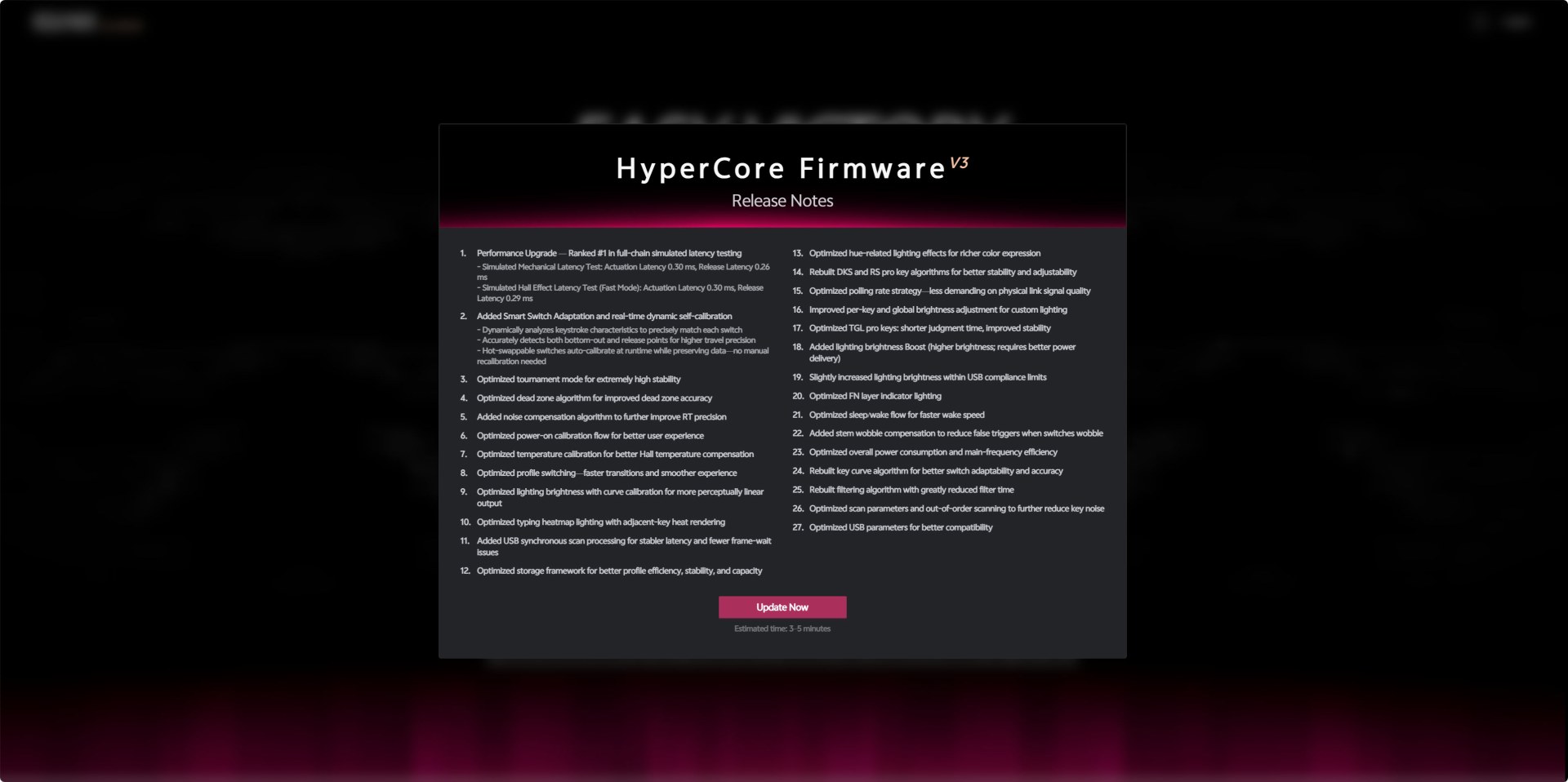
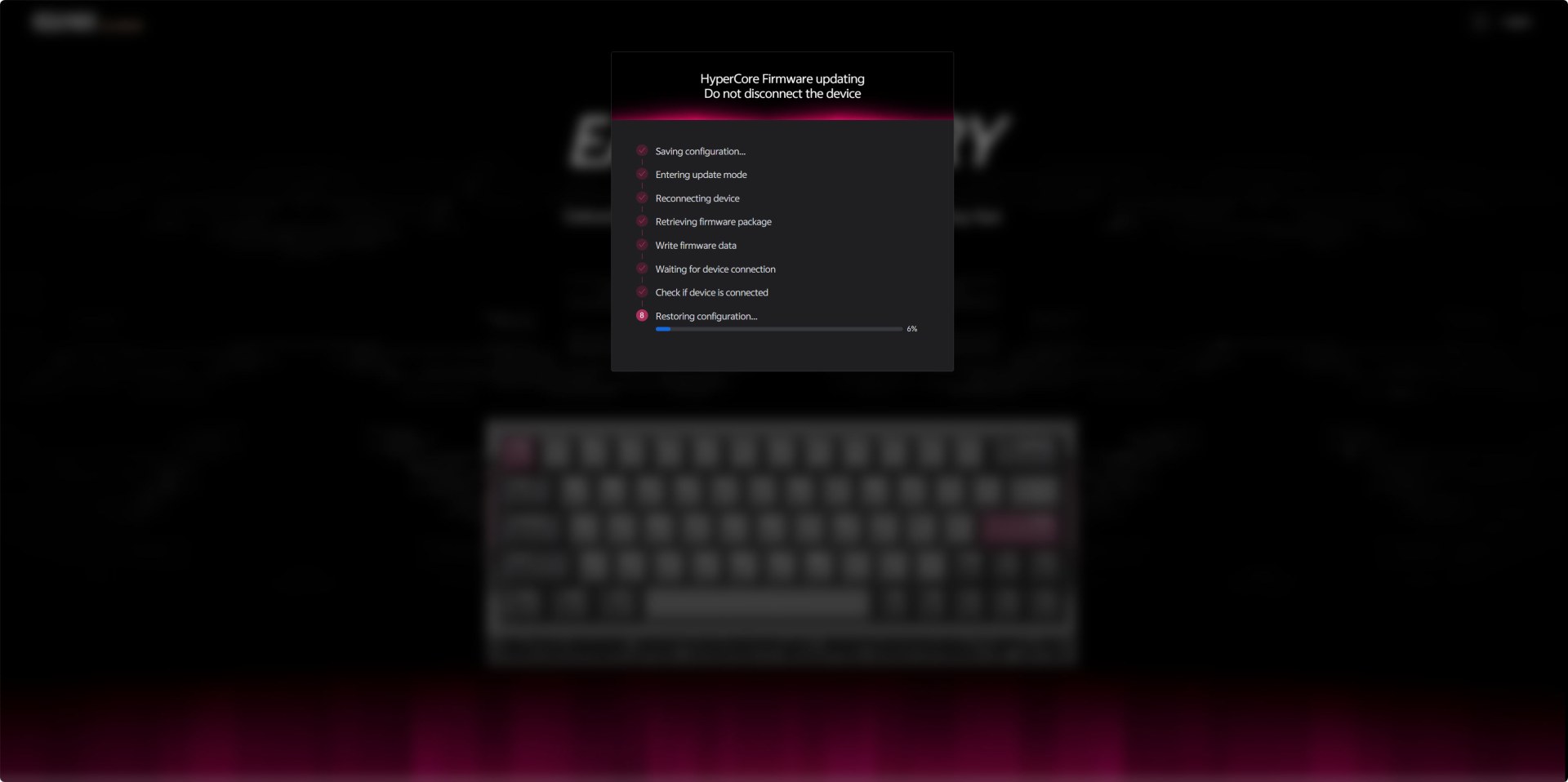
Once you access the web interface it will check for available updates as seen above.
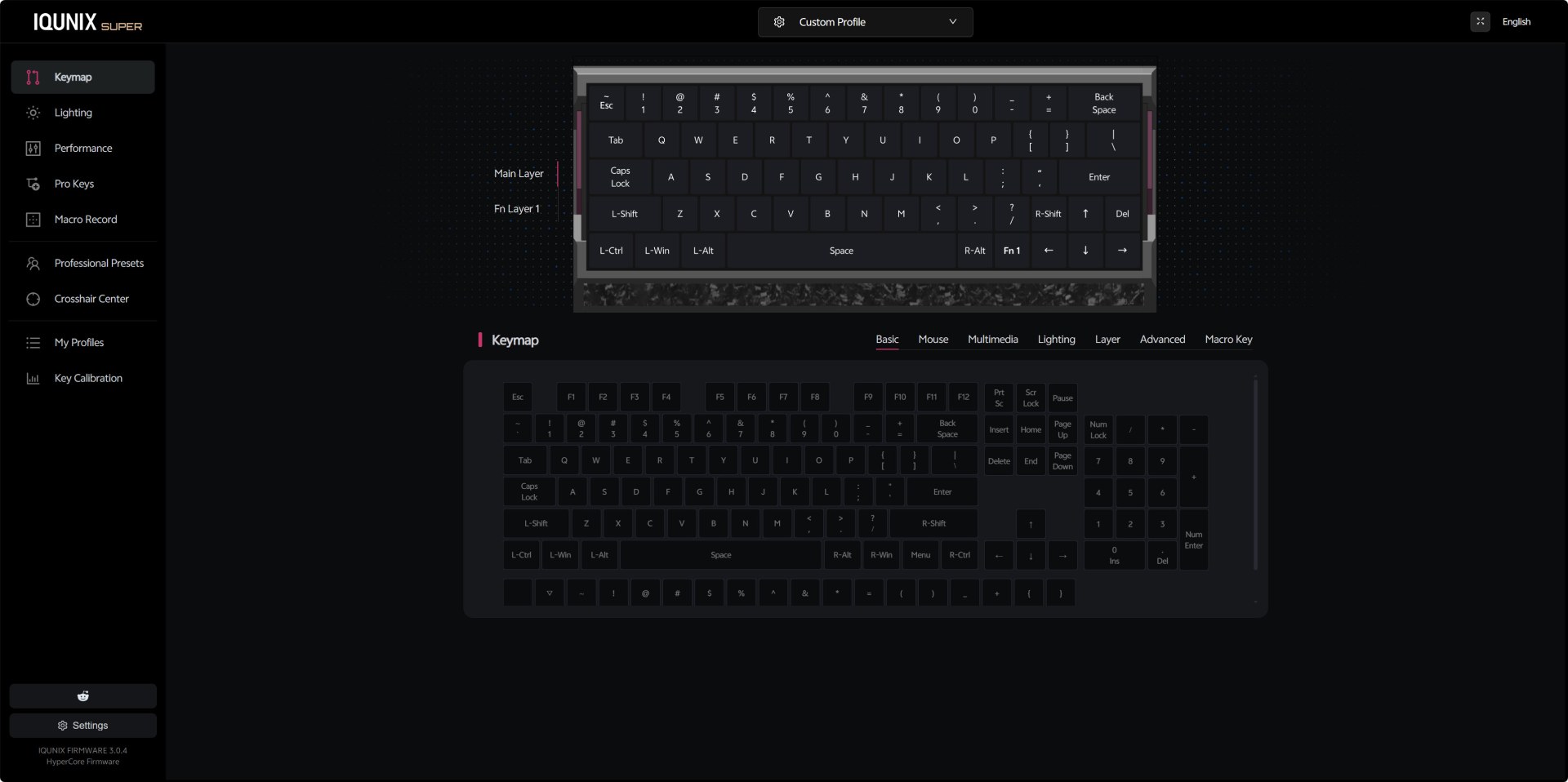
The Keymap section gives you a full visual representation of the EV63’s main and Fn layers. You can remap any key to basic functions, mouse actions, multimedia controls, lighting toggles, additional layers, or even macro triggers.
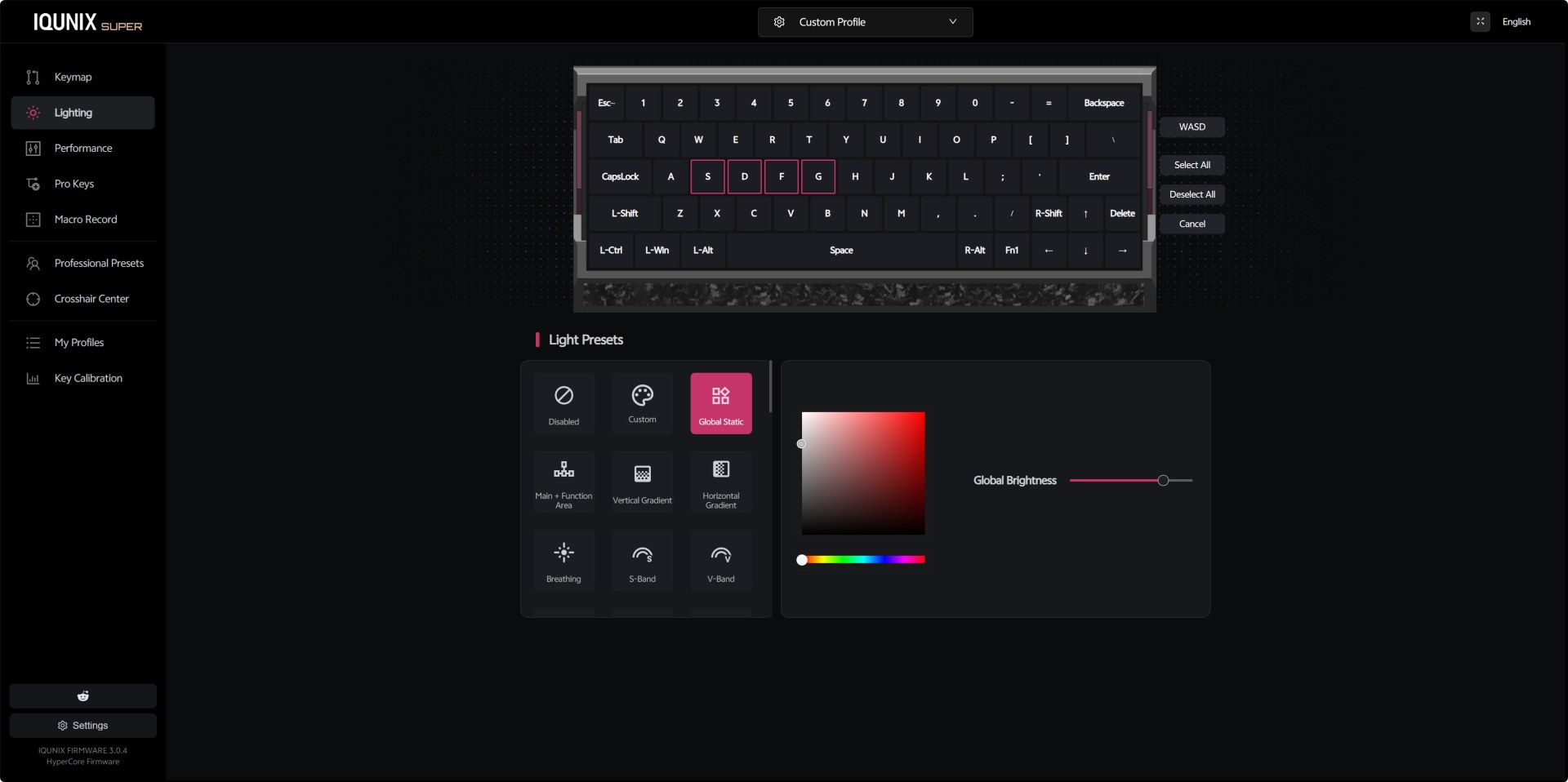
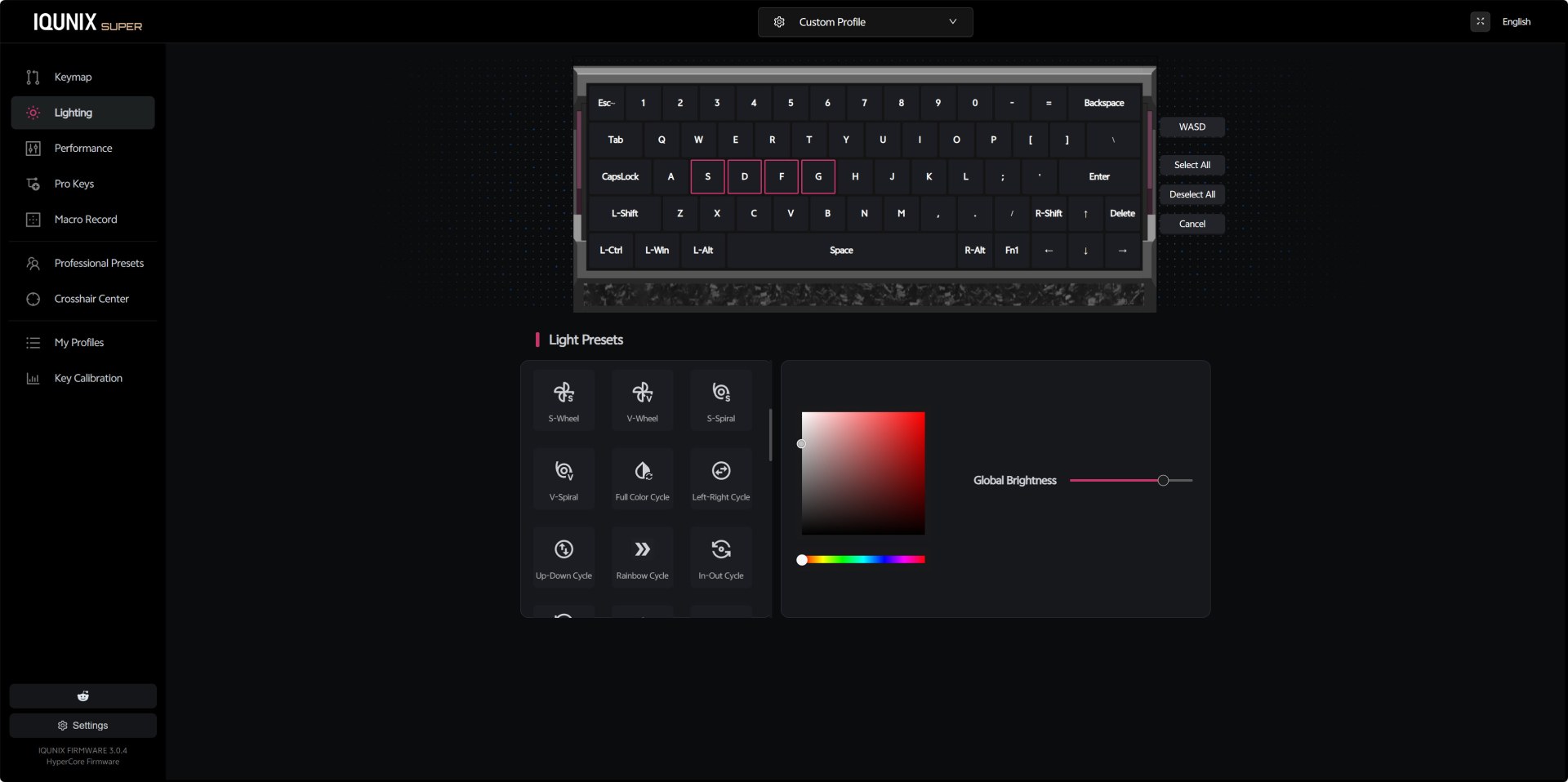
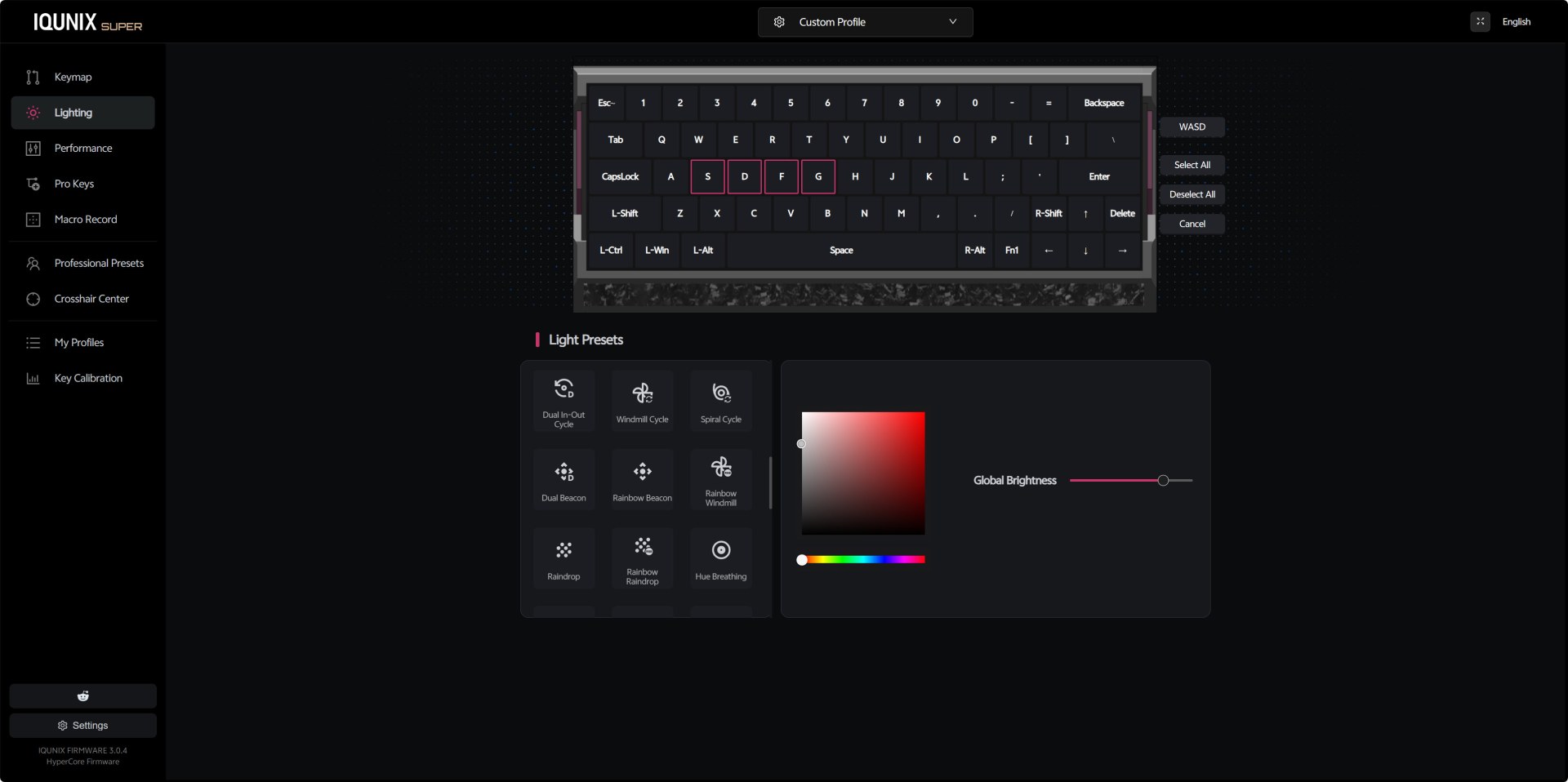
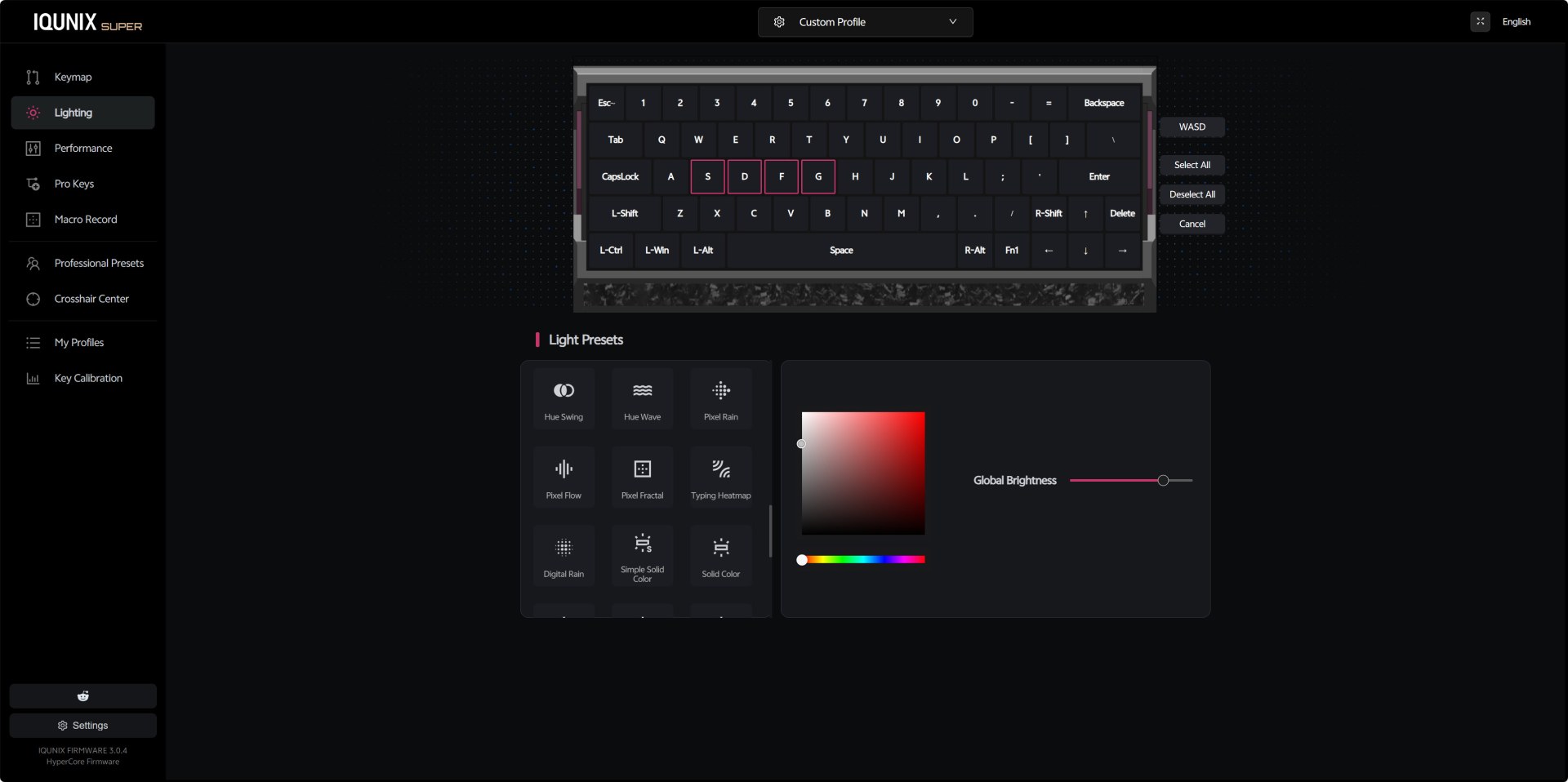
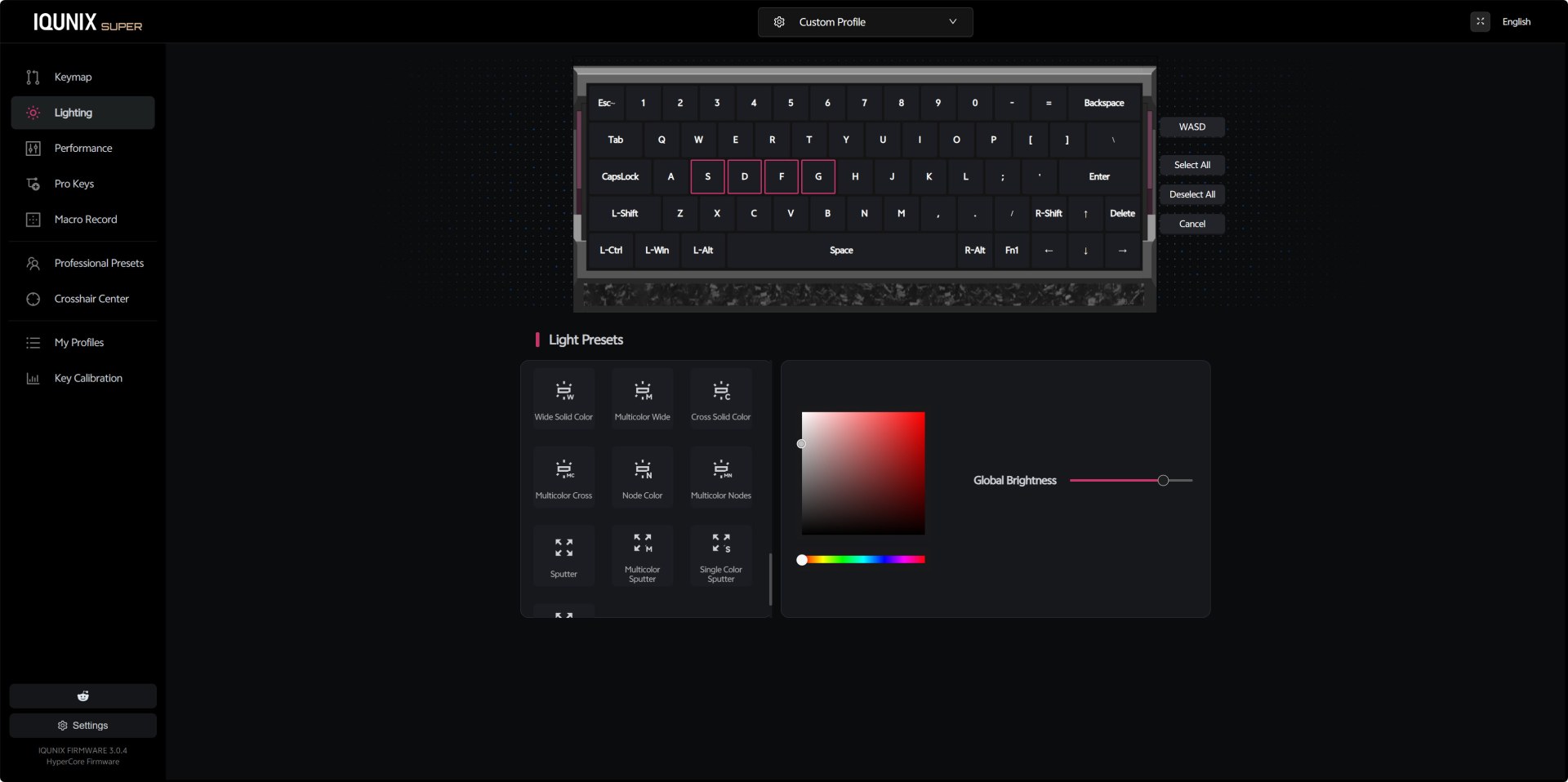
The lighting panel offers a wide range of presets (46 in total although not all are applicable to the EV63), from simple static colors to gradients, breathing modes, and directional effects. The color picker on the right is responsive and intuitive, letting you dial in exact hues and saturation levels, while the brightness slider gives you full control over intensity.
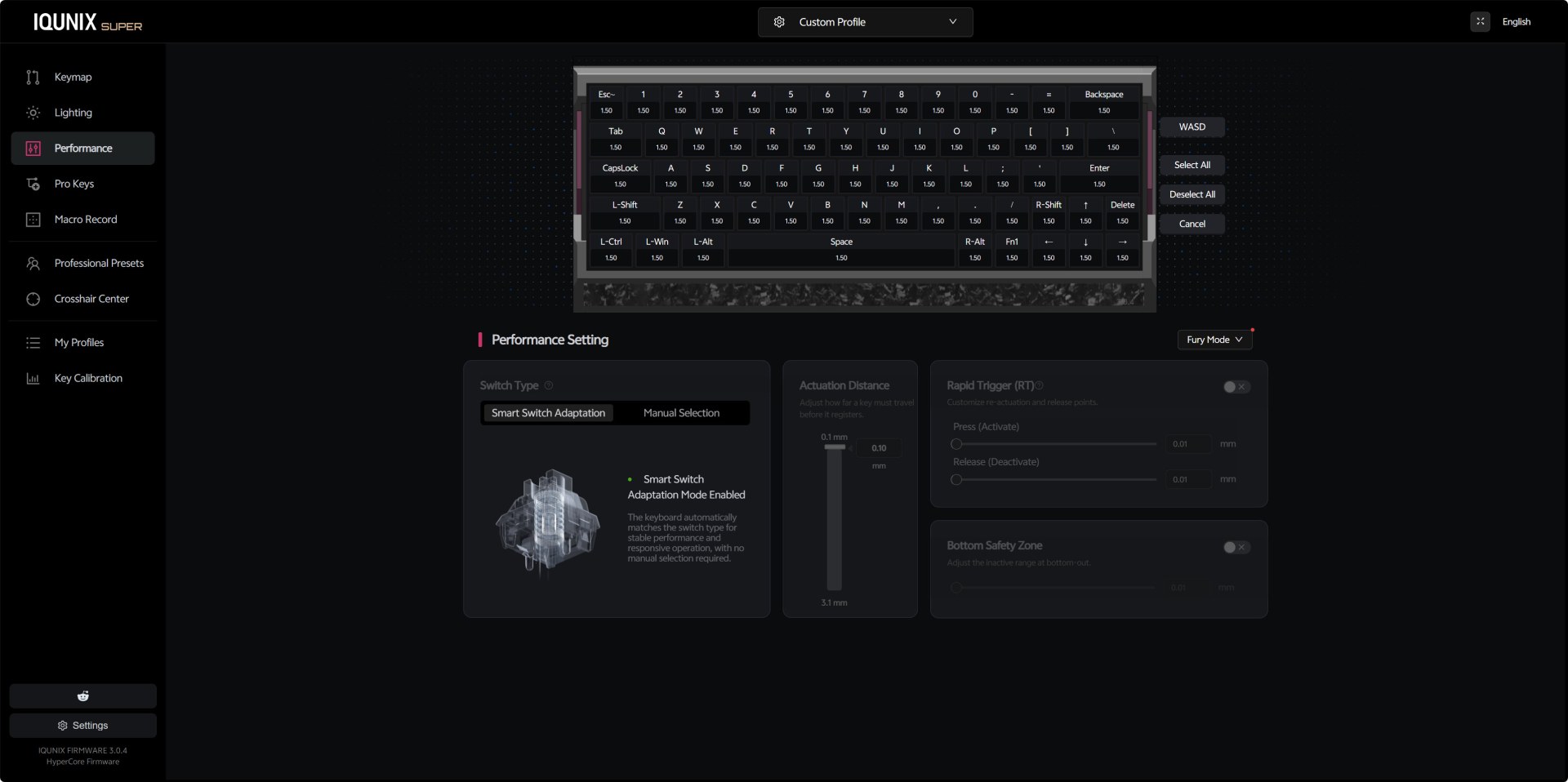
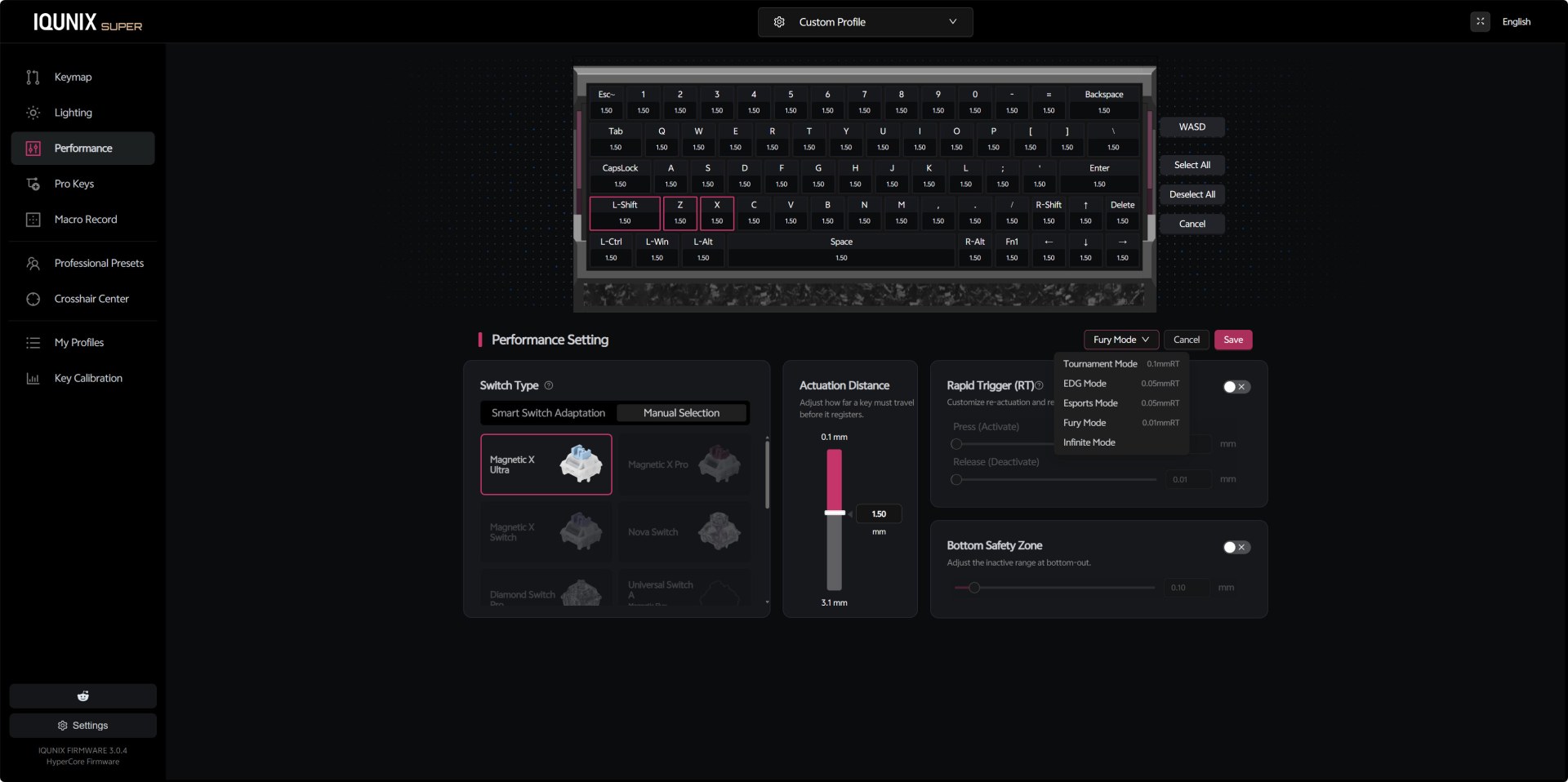
From the performance panel you can switch between Smart Switch Adaptation and Manual Magnetic X modes giving you direct control over actuation distance and Rapid Trigger behavior. You get a full per‑key actuation map, all set to 1.50mm by default. The actuation slider lets you adjust responsiveness from 0.1mm to 3.1mm, and the Bottom Safety Zone toggle helps prevent accidental re‑triggers at bottom‑out. The dropdown for Fury Mode includes multiple presets, Tournament, EDG, Esports, Fury, Infinite, each adjusting how quickly keys reset after being pressed.
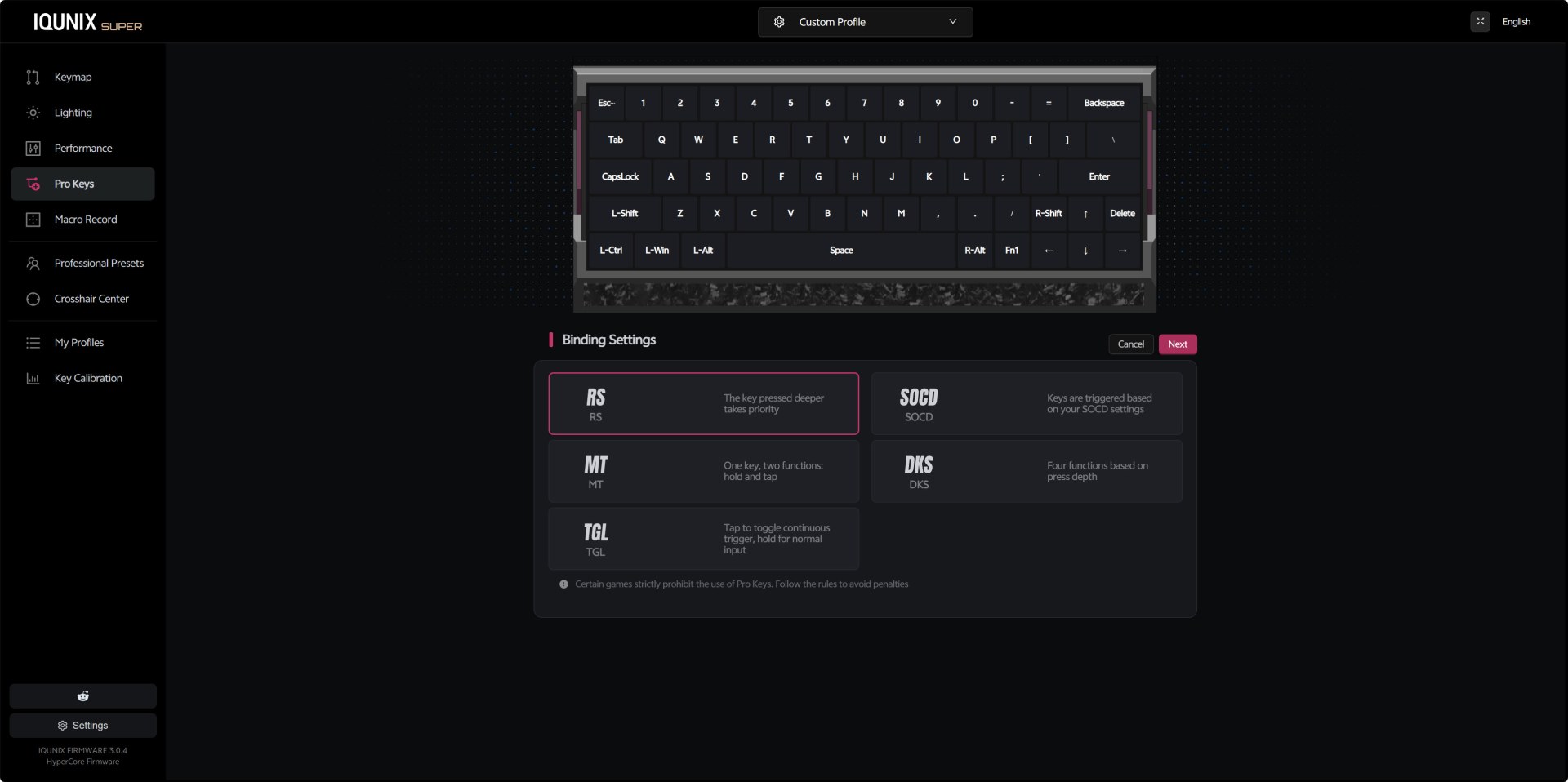
The Pro Keys section is where IQUNIX packs its most advanced input behaviors. You can assign RS (depth priority), SOCD cleaning, Mod Tap dual‑function keys, DKS four‑function depth keys, and toggle‑based continuous inputs.
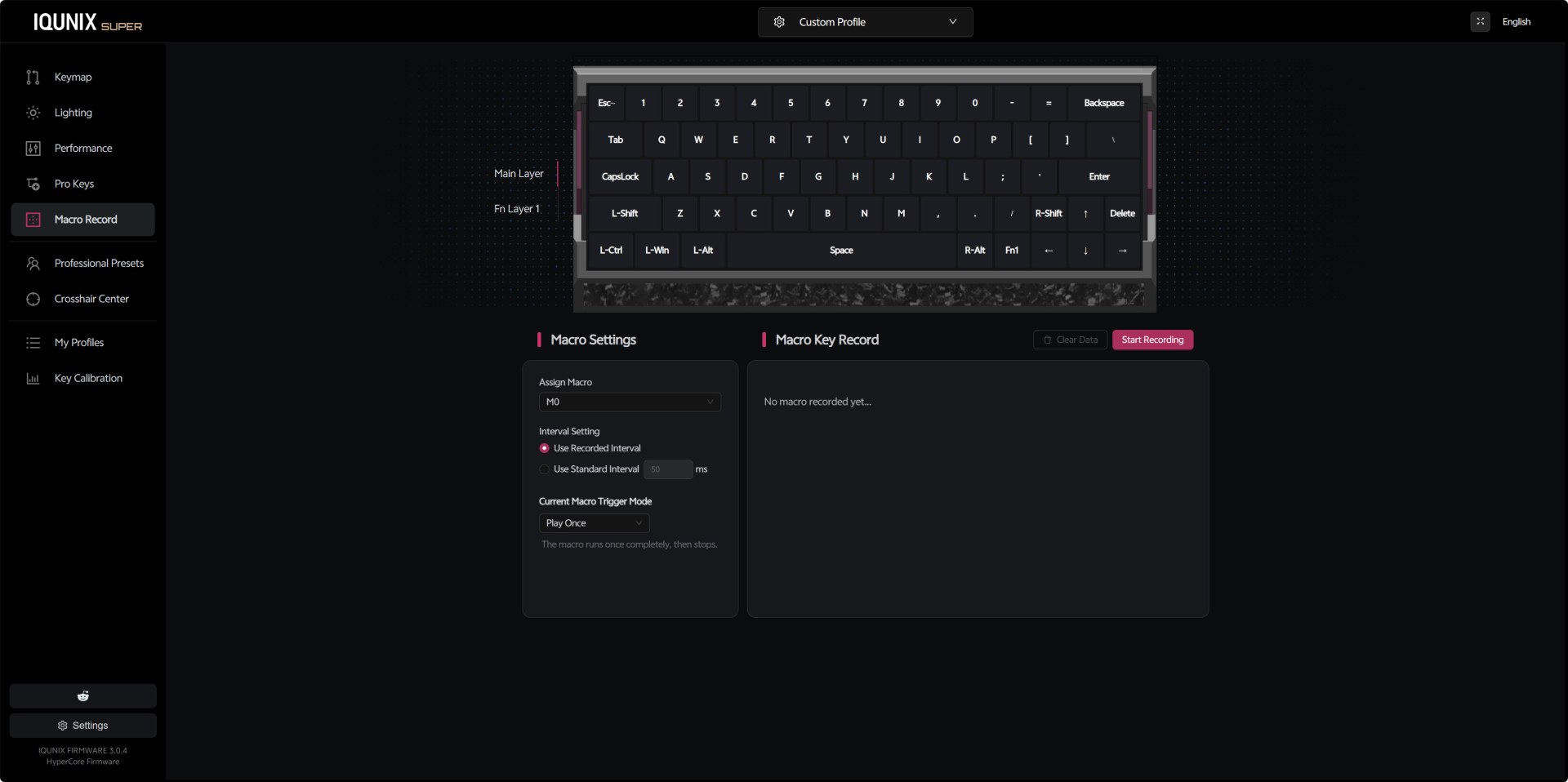
The macro recording interface is simple but effective. You can assign macros to slots like M0, choose between recorded intervals or fixed timing, and set the trigger mode (play once, loop, etc.). The recording panel shows each keypress as you capture it, and you can clear or restart the macro at any time.
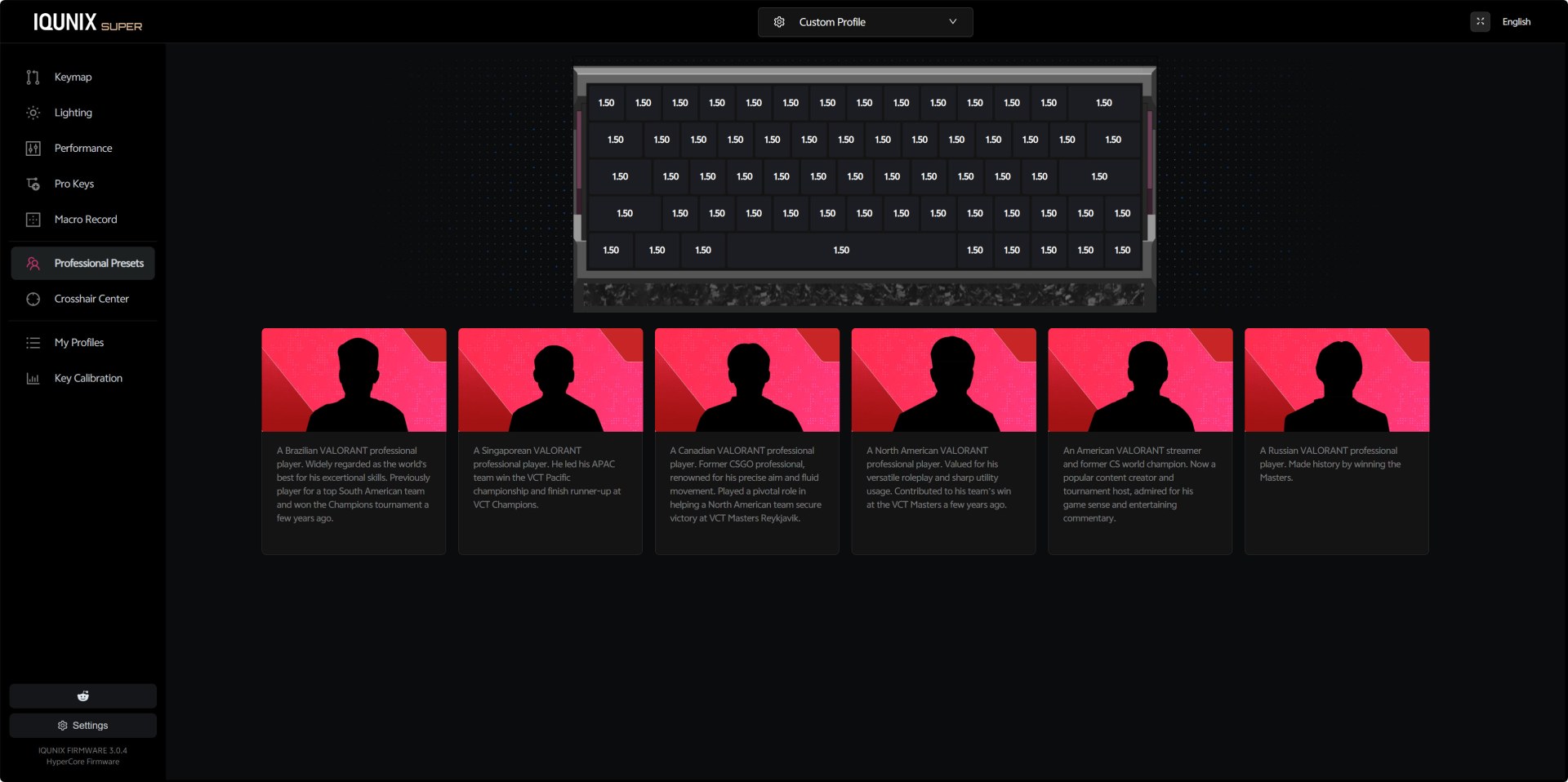
Inside the professional presets IQUNIX has placed profiles inspired by well‑known Valorant players. Each card includes a short description of the player’s background, and selecting one loads a preset tuned for their preferred playstyle.
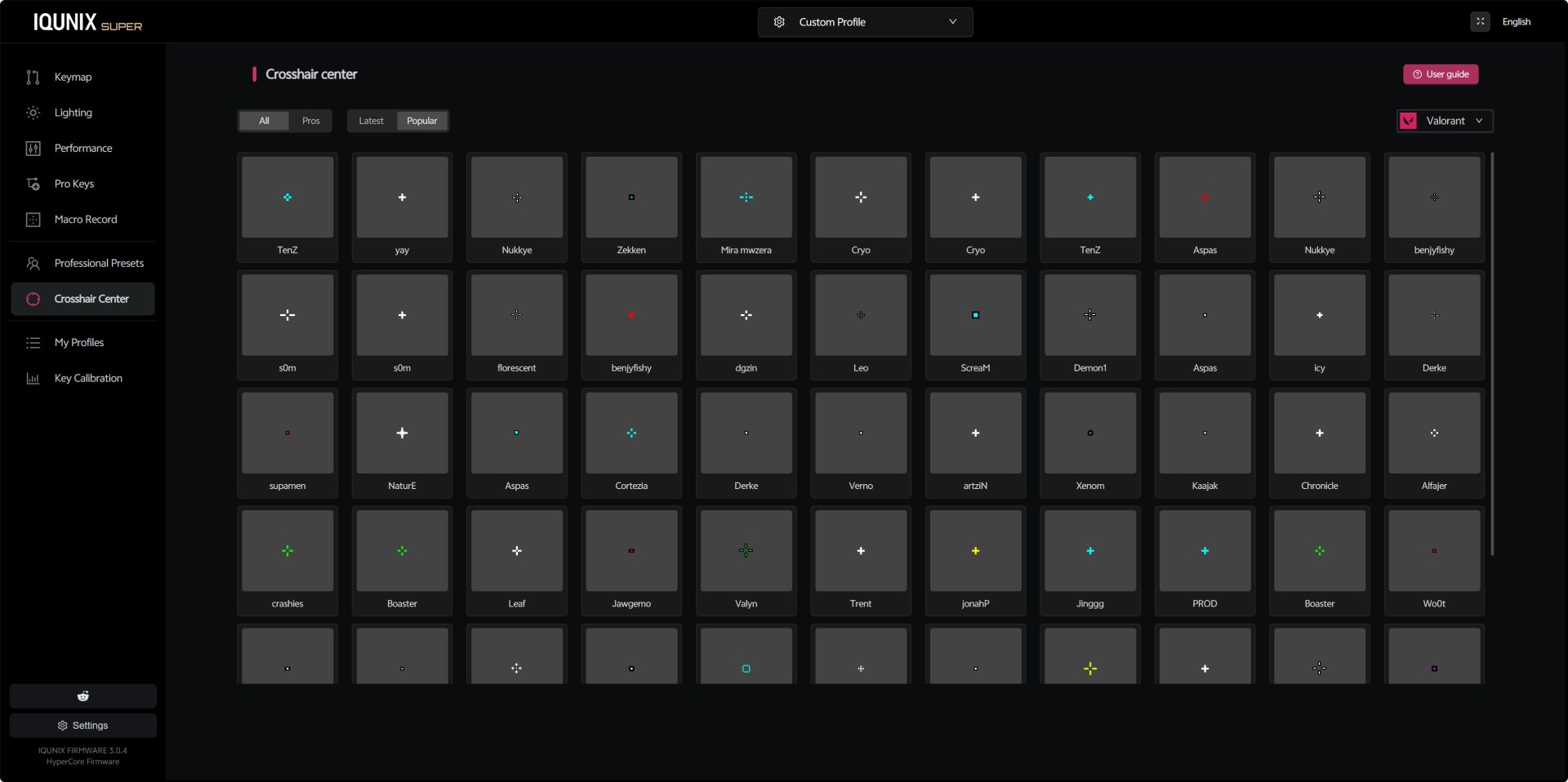
The Crosshair Center is a visual library of crosshairs used by popular Valorant pros. You can browse designs from players like TenZ, yay, ScreaM, Derke, and others, comparing shapes, colors, and styles (you still need to input these manually into the game).
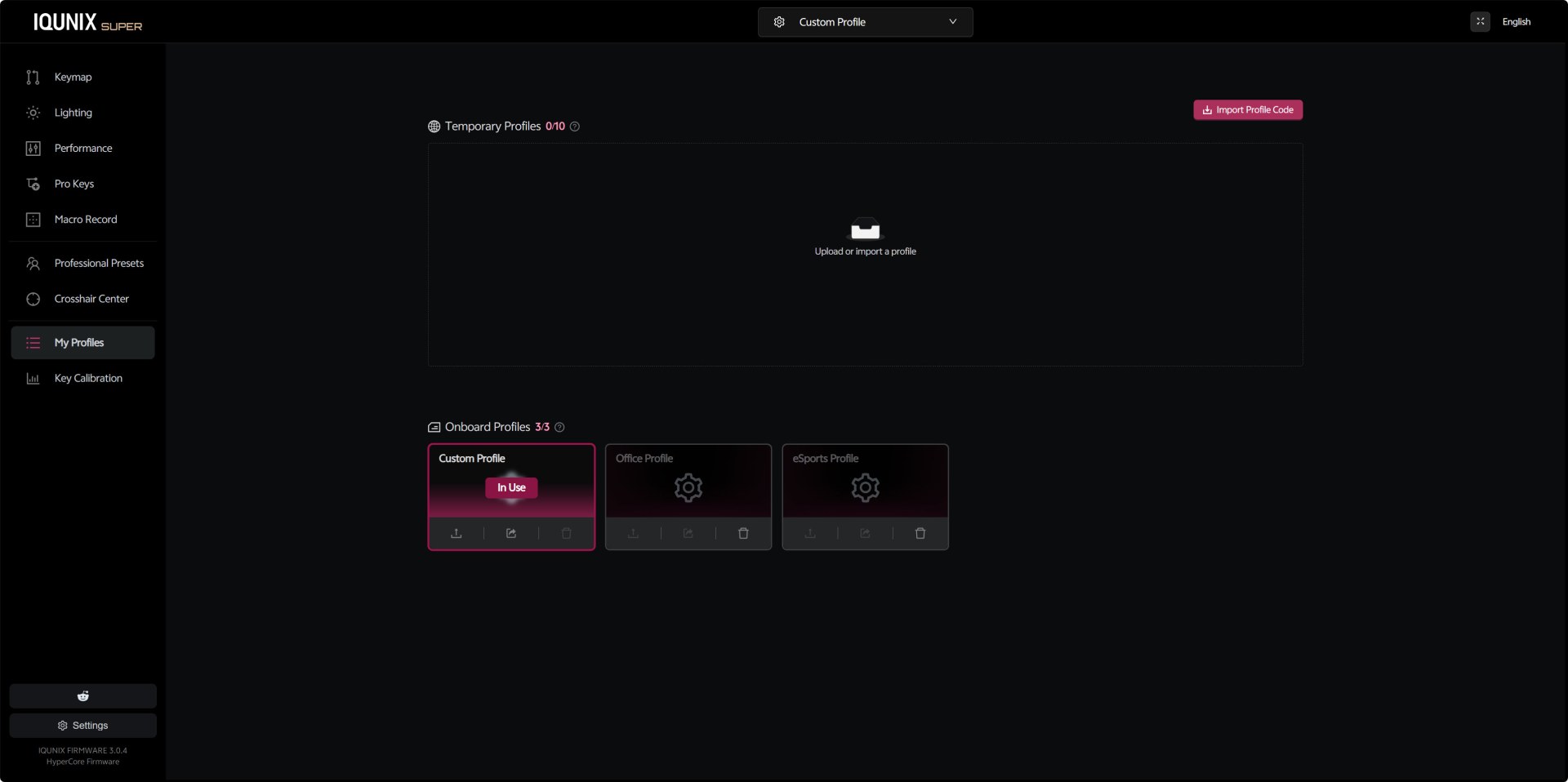
From the profiles tab you can store up to three onboard profiles and up to ten temporary ones. Switching between Custom, Office, and eSports profiles is instant, and each profile can contain its own keymap, lighting, performance settings, and macros.
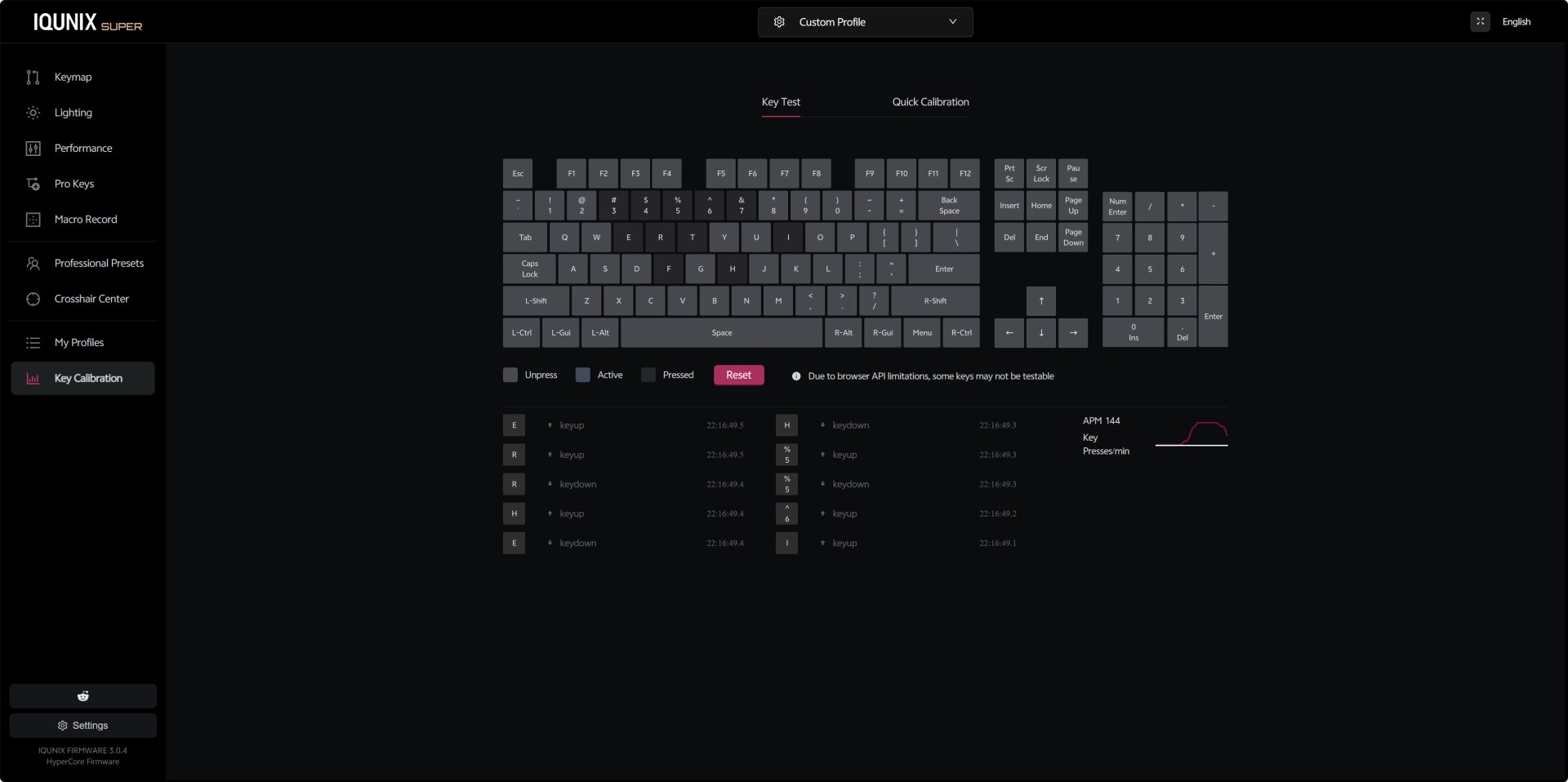
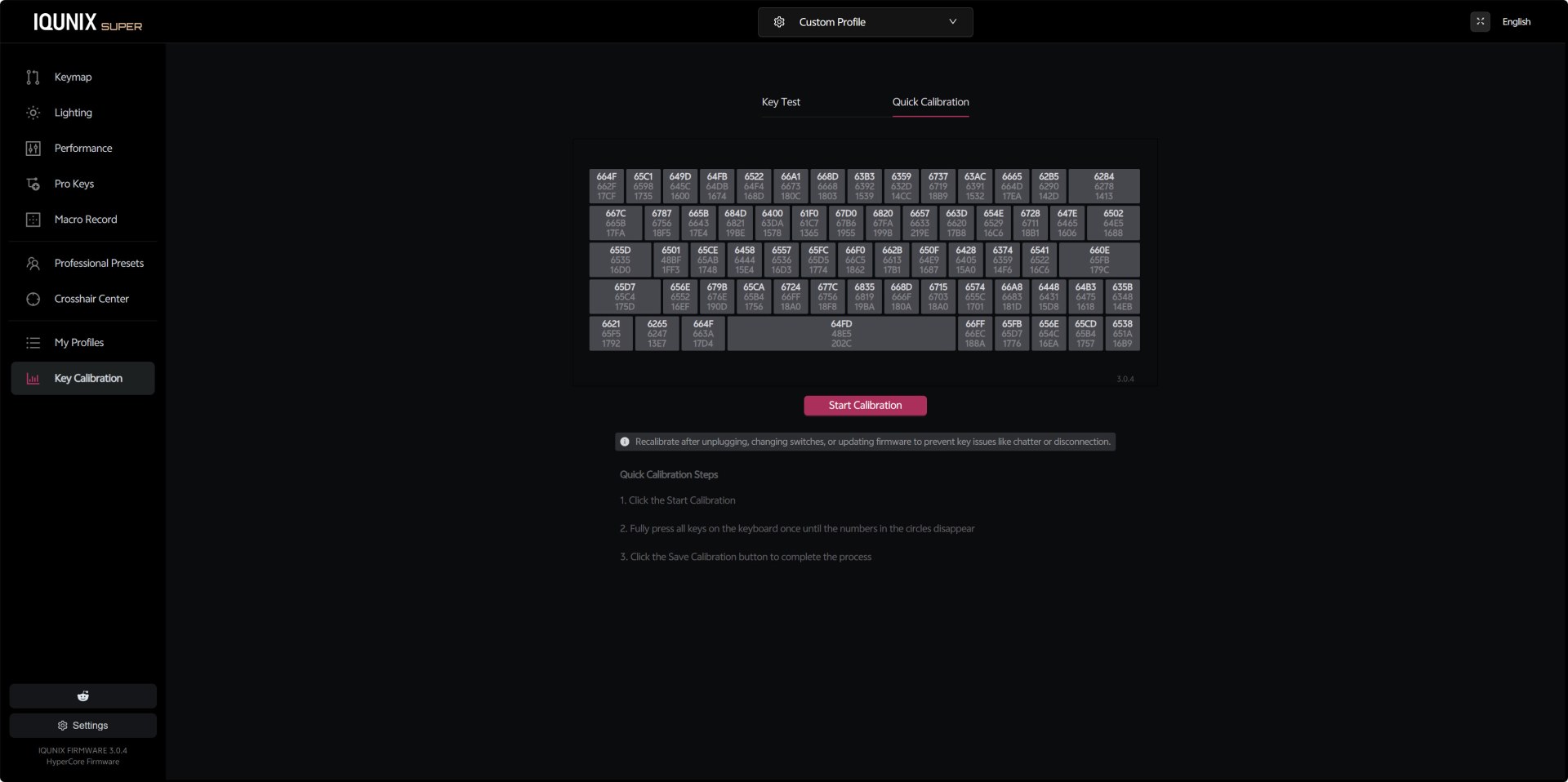
The Key Test panel shows live keypress logs, key states, and an APM graph that tracks your activity. It’s useful for diagnosing chatter, stuck keys, or inconsistent actuation. You can also use the quick calibration feature where each key displays a hex value representing its calibration state.
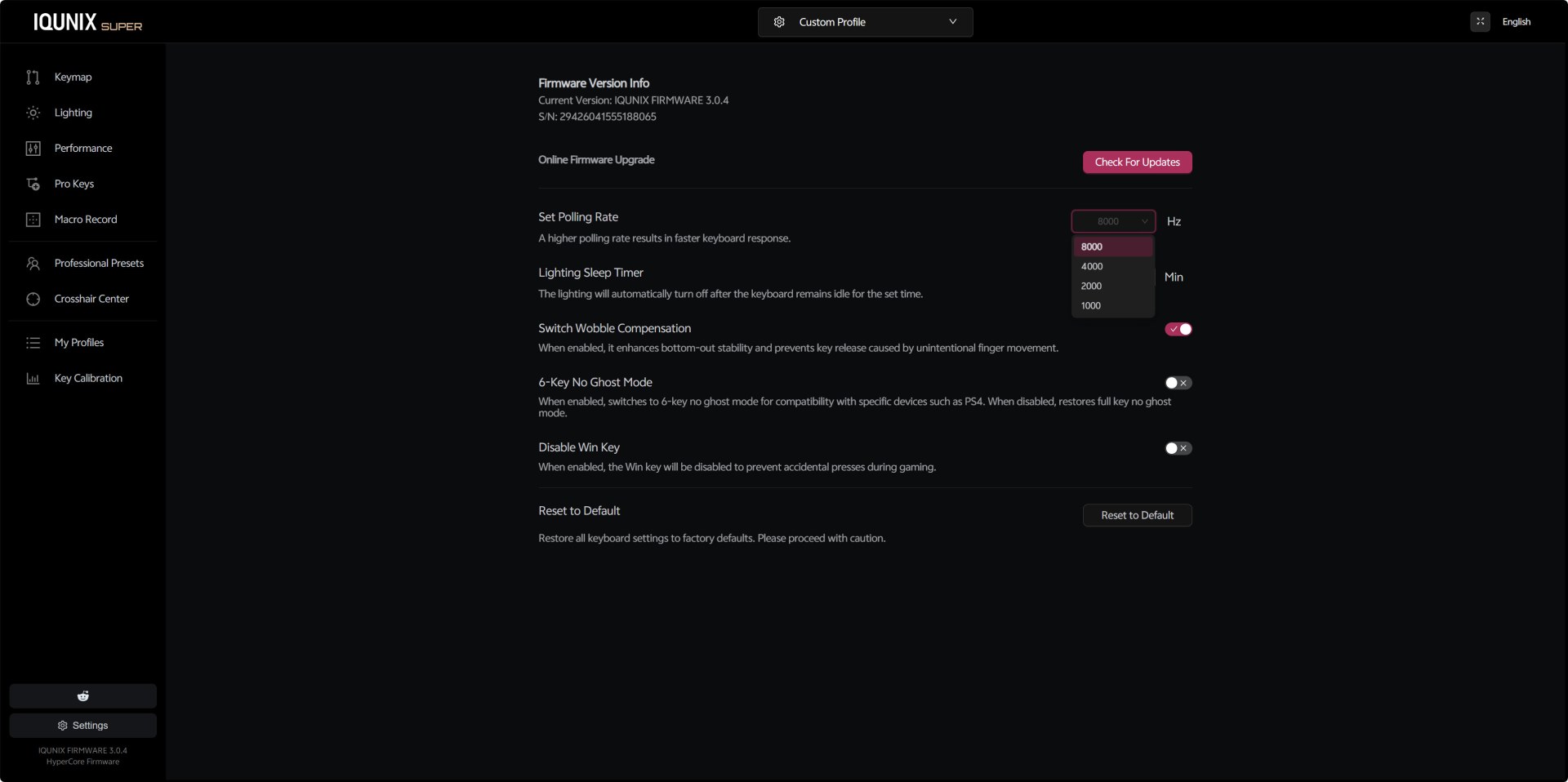
The settings tab includes everything else such us check for available updates, polling rate selection up to 8000Hz (1000/2000/4000/8000Hz), lighting sleep timer, switch wobble compensation, 6‑key no‑ghost mode for console compatibility, Win‑key lock, and a full factory reset option.





