





INTRODUCTION
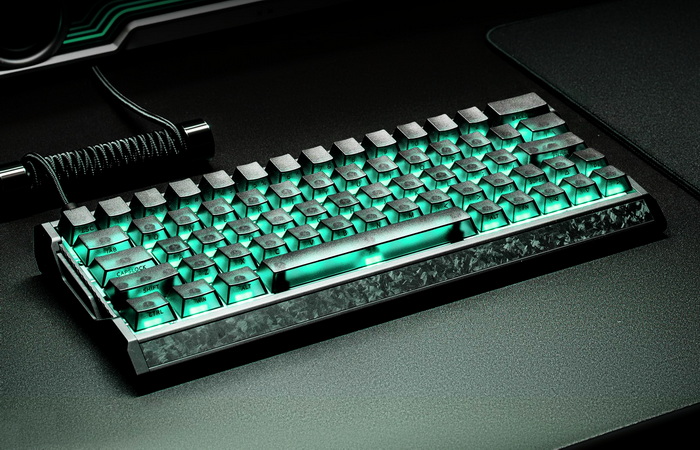
For gamers, the keyboard has become as important as the mouse, a core part of the setup that can influence reaction time, movement precision, and overall comfort during long sessions. Mechanical switches remain the backbone of the gaming world thanks to their reliable feel and predictable travel, but the rise of magnetic hall switches has introduced a new level of customization, adjustable actuation, analog input for smoother control, and near‑instant reset for rapid key cycling. These features matter when you’re juggling movement keys, tapping abilities, or trying to maintain rhythm in competitive play. IQUNIX’s EV63 Dark Knight Magnetic Switch Keyboard leans into that modern expectation, offering a compact footprint and Magnetic X Ultra switches designed to deliver both speed and consistency.
Founded in 2014, IQUNIX merges aesthetics with technology to create timeless desktop tech products. The brand aims to create desktop tech products that provide aesthetic pleasure and embody timeless design for users. Known for the award-winning ZX-1 ITX PC case, IQUNIX gained further acclaim in 2022 with a limited-edition keyboard collaboration with The Little Prince. Currently, IQUNIX offers high-quality, visually stunning keyboards and peripherals, continuously pushing the boundaries of design to meet users' functional and aesthetic needs.
IQUNIX’s EV63 is currently available in 5 color combinations (violet, dark knight, silver knight, ghost in the shell cyber blue and shell core) and is a compact, wired‑only 63‑key Hall effect gaming keyboard built around their proprietary Magnetic X Pro and Ultra switches and a very premium chassis. The board uses a CNC‑machined aluminum case paired with a forged carbon fiber front housing, giving it a dense 1206g weight, a contoured front edge for wrist comfort, and a visually unique, shimmering texture on each unit. Under the hood, you get 3rd gen rail‑to‑rail Hall sensors with a 400% wider voltage range for cleaner signal resolution, plus IQUNIX’s M.A.T. 2.0 (Magnetic Auto‑Tune) algorithm, which dynamically stabilizes performance during long, high‑pressure sessions. Actuation is fully adjustable per key, with a 0.01mm precision and a range up to 3.5mm on the Dark Knight variant, backed by a 480MHz MCU, native 8kHz polling, 16kHz scanning, and quoted input latency as low as 0.125ms with full‑link response under 0.5ms. The EV63 supports hot‑swap, N‑key rollover, south‑facing LEDs, full remapping via web‑based EV Software V3, and advanced functions like Rapid Trigger, Dynamic Keystroke (DKS), Rappy Snappy (RS), Mod Tap, Toggle Keys, and enhanced SOCD handling tuned for FPS titles such as Valorant and CS:GO. On the Dark Knight specifically, you get frosted translucent PC keycaps over an aluminum plate, with a tray‑mount internal structure, Poron foams and PET sheets for noise filtering and a more focused, “esport” sound profile, all set at a fixed 6° typing angle and covered by a 1‑year warranty.
SPECIFICATIONS AND FEATURES

PACKAGING AND CONTENTS
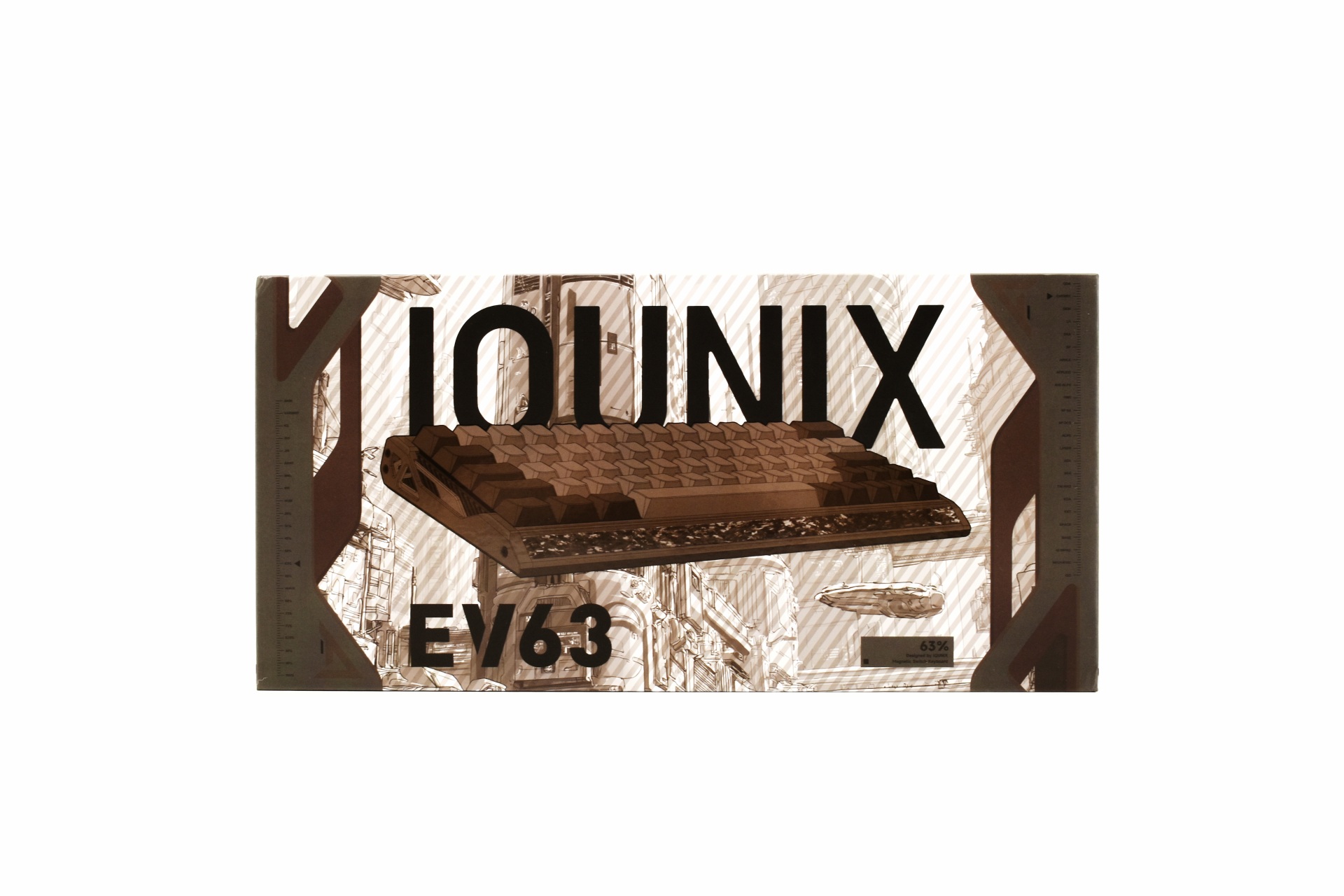
As always, the front features a product picture and the company logo.
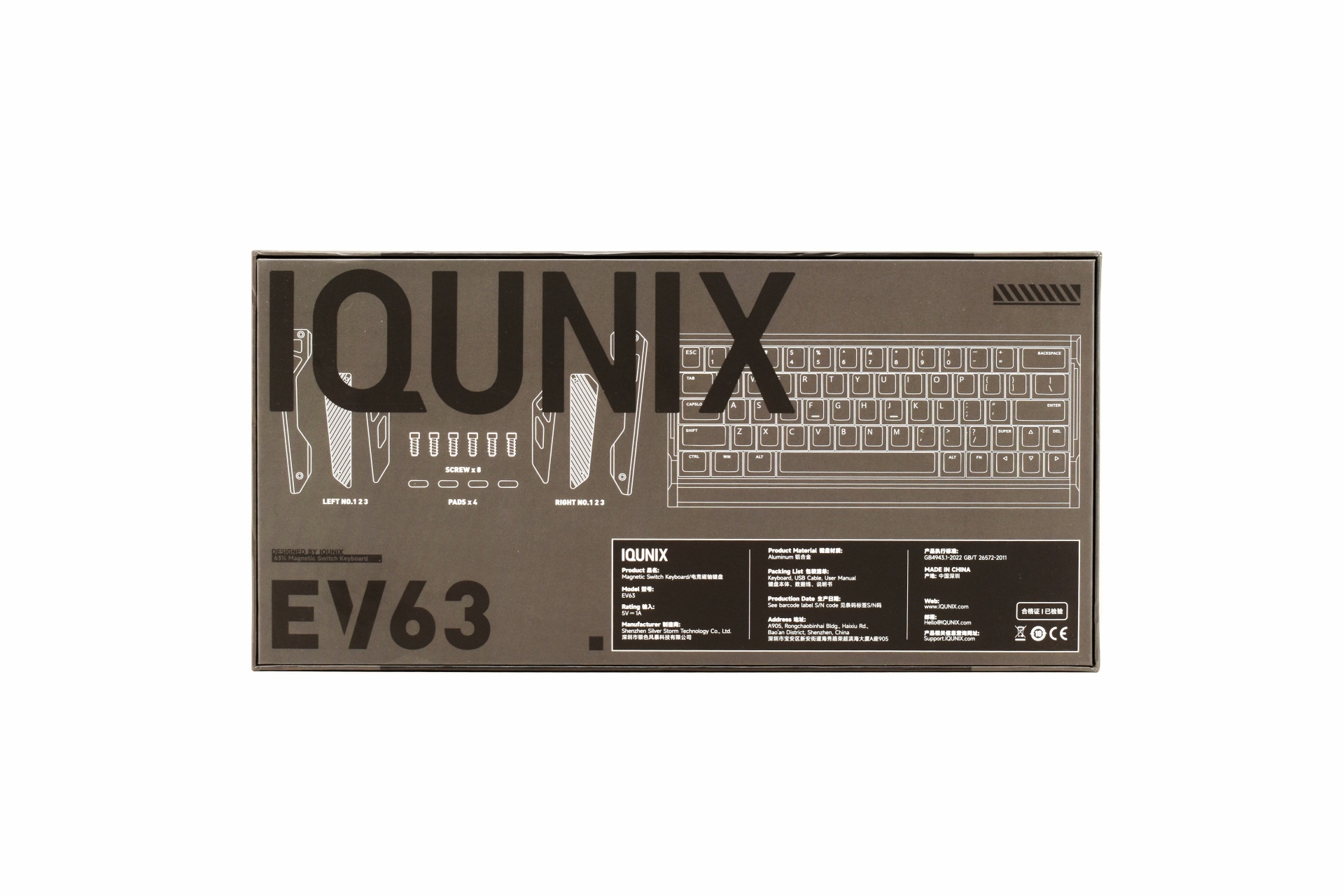
Several drawings showcasing the contents of the bundle (keyboard parts even though the keyboard is pre-assembled) along with details about the manufacturer are all printed at the rear.
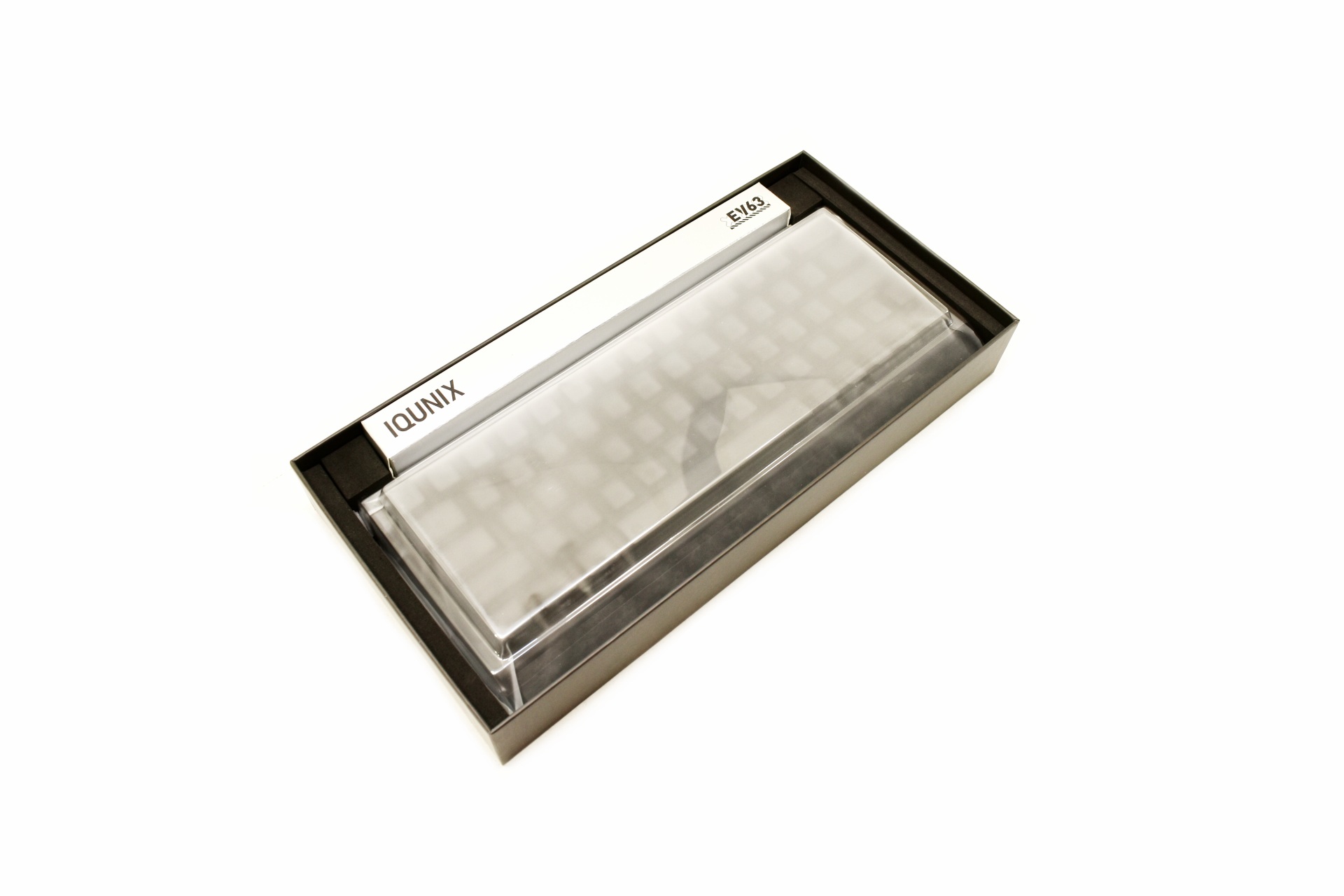
The keyboard is wrapped inside a synthetic cover and has a clear plastic cover over it (wish all manufacturers had that, great for keeping your keyboard clean).
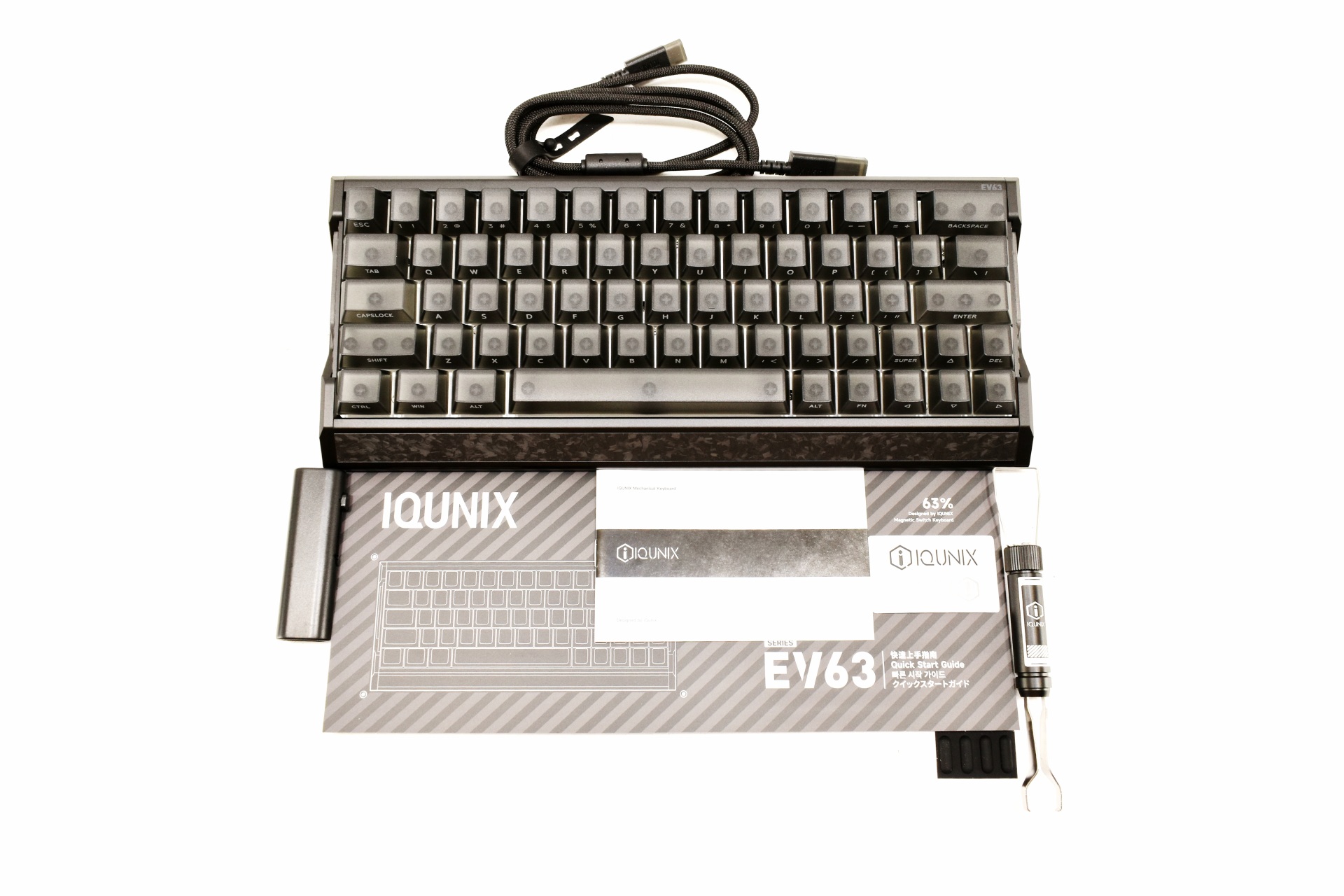
Inside the box you'll find the EV63 Dark Knight, detachable USB-C to USB-A cable, keycap and switch remover, 4 rubber feet, cleaning brush, quick start guide and the user manual.
THE EV63 DARK KNIGHT
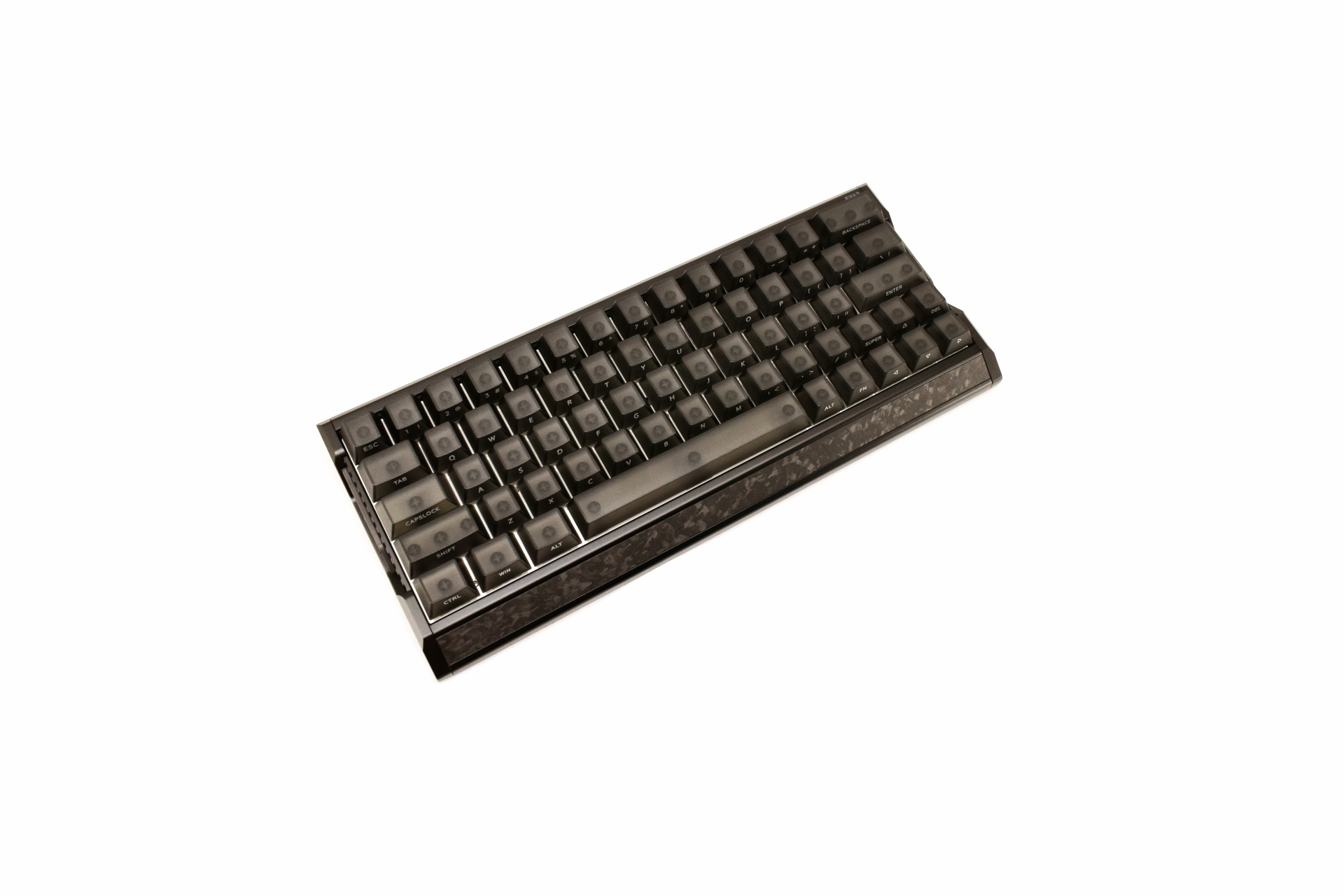
The 1.2Kg heavy EV63 measures 30.1cm in length, 12.6 in width and 3.9cm in thickness (highest point).
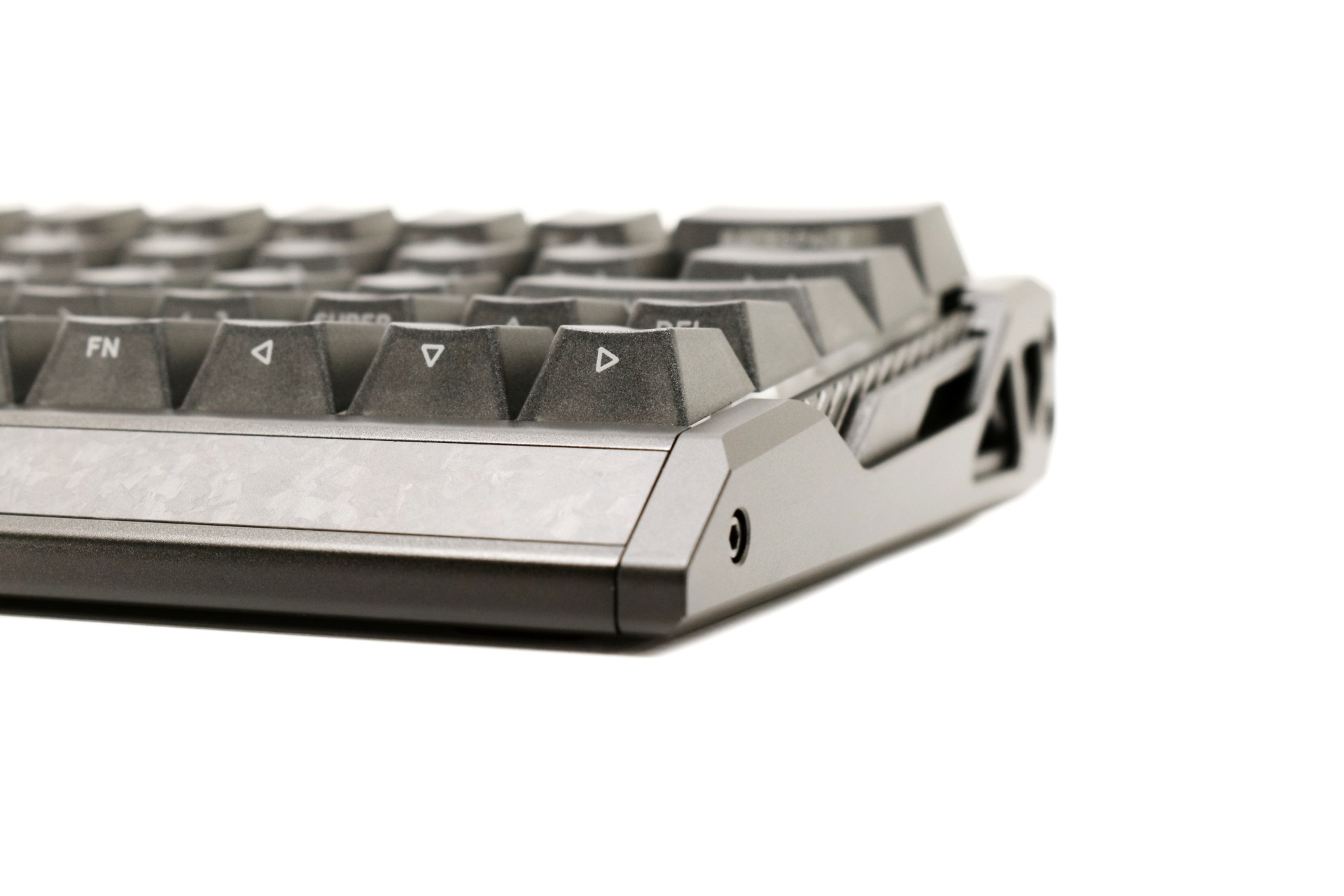
IQUNIX has also followed the floating keys design for the EV63.
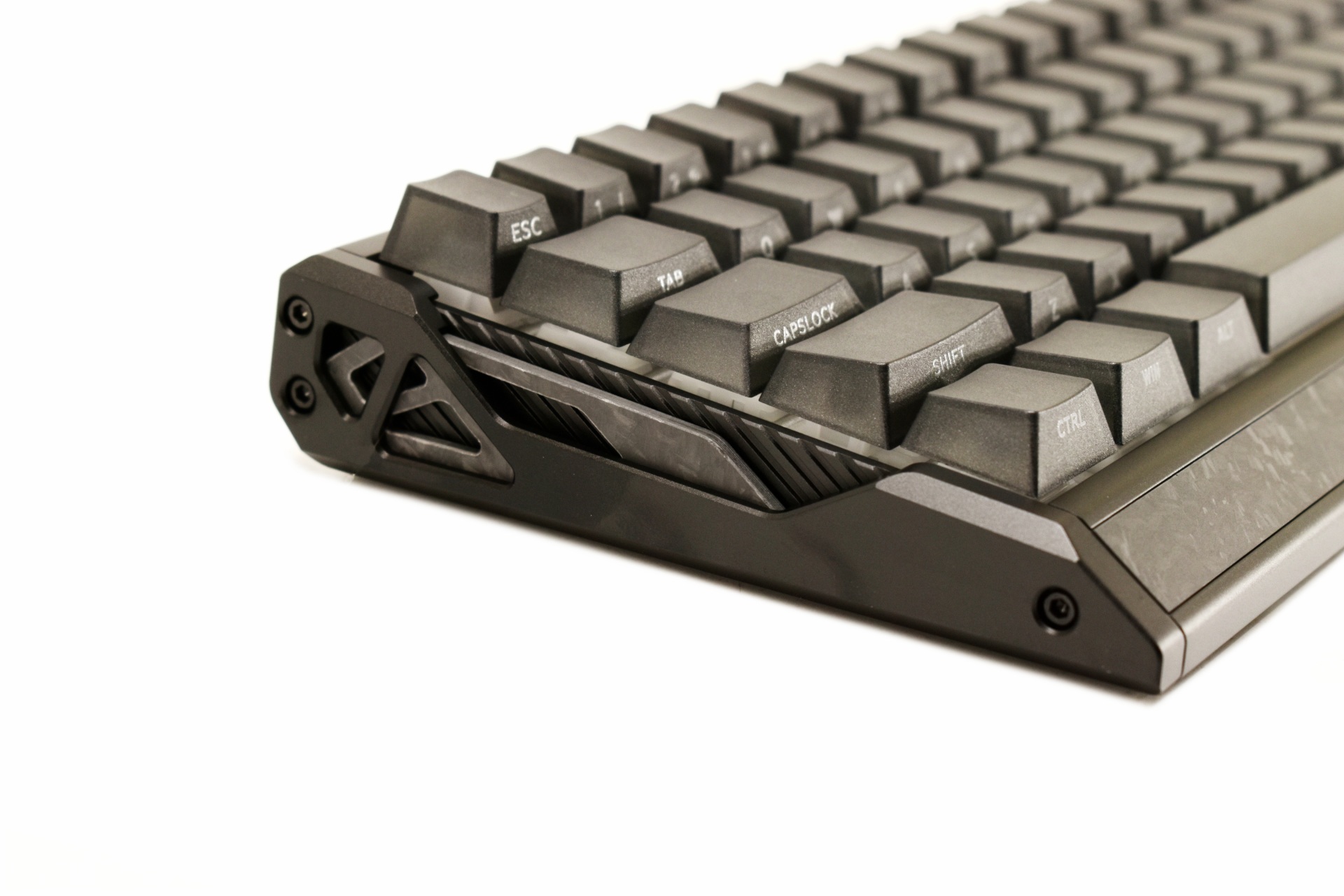
This keyboard is among the most robust models I've used to date.
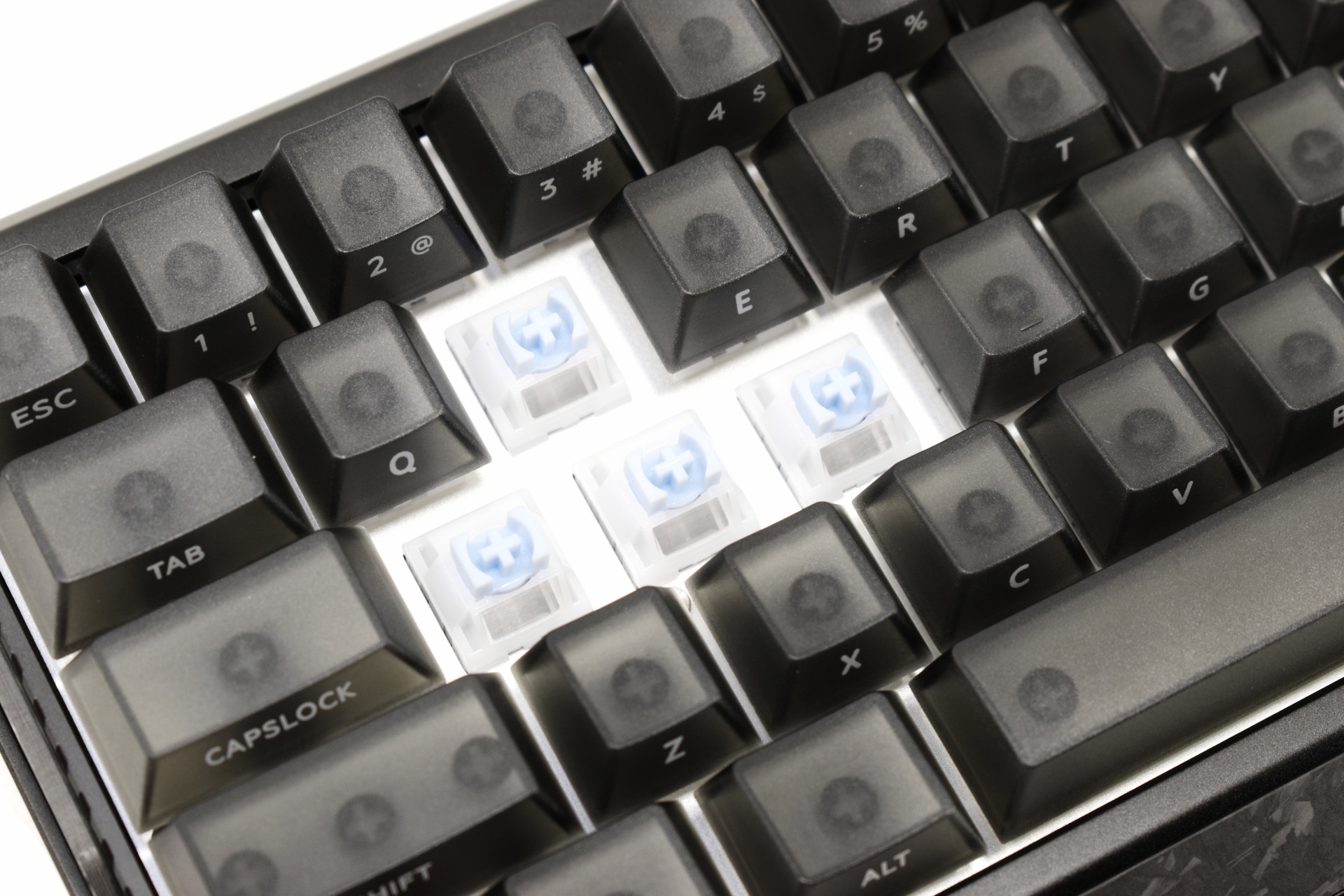
Here you can see the Magnetic X Ultra switches this particular model comes with.
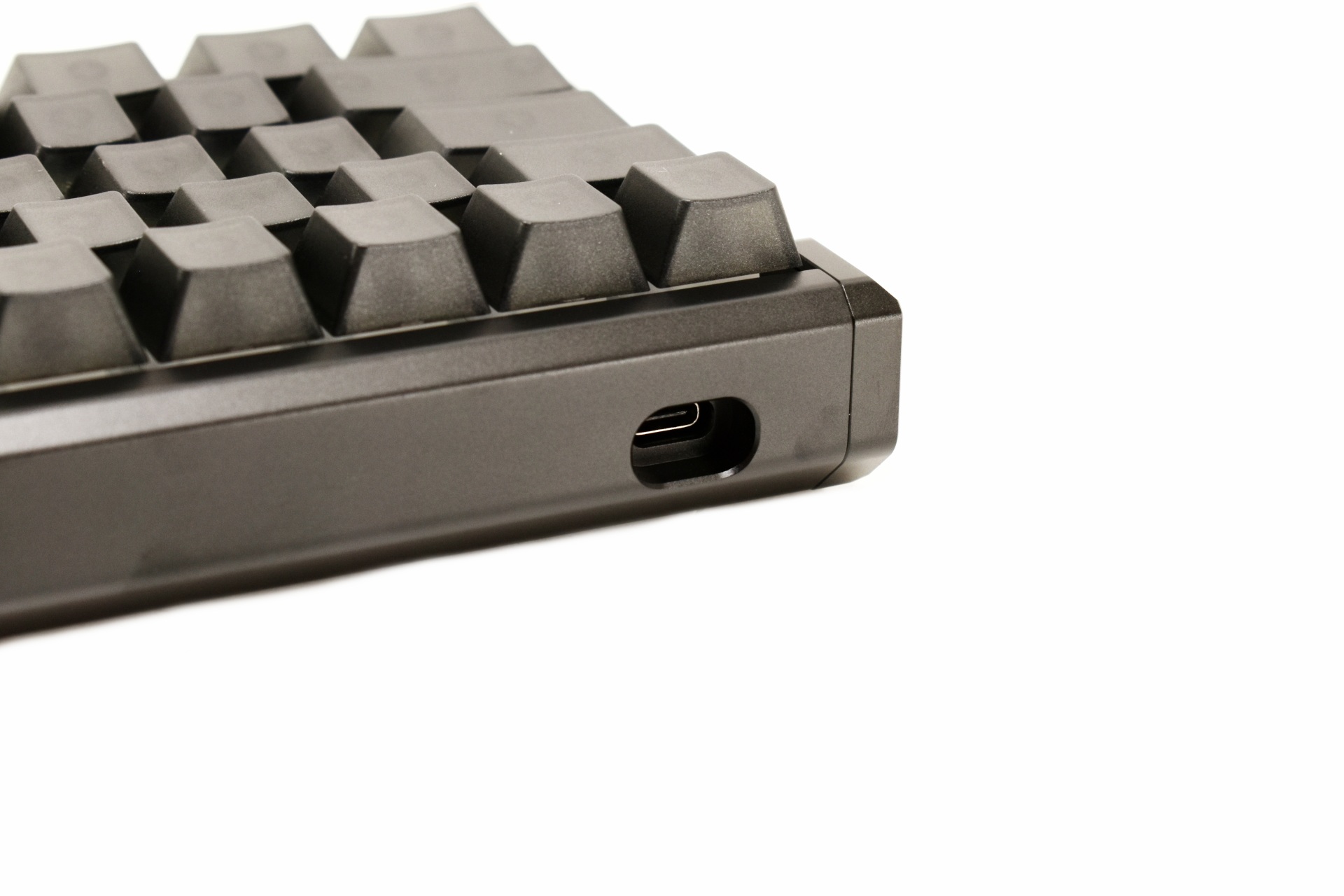
The USB-C port is located at the far-left side of the front.
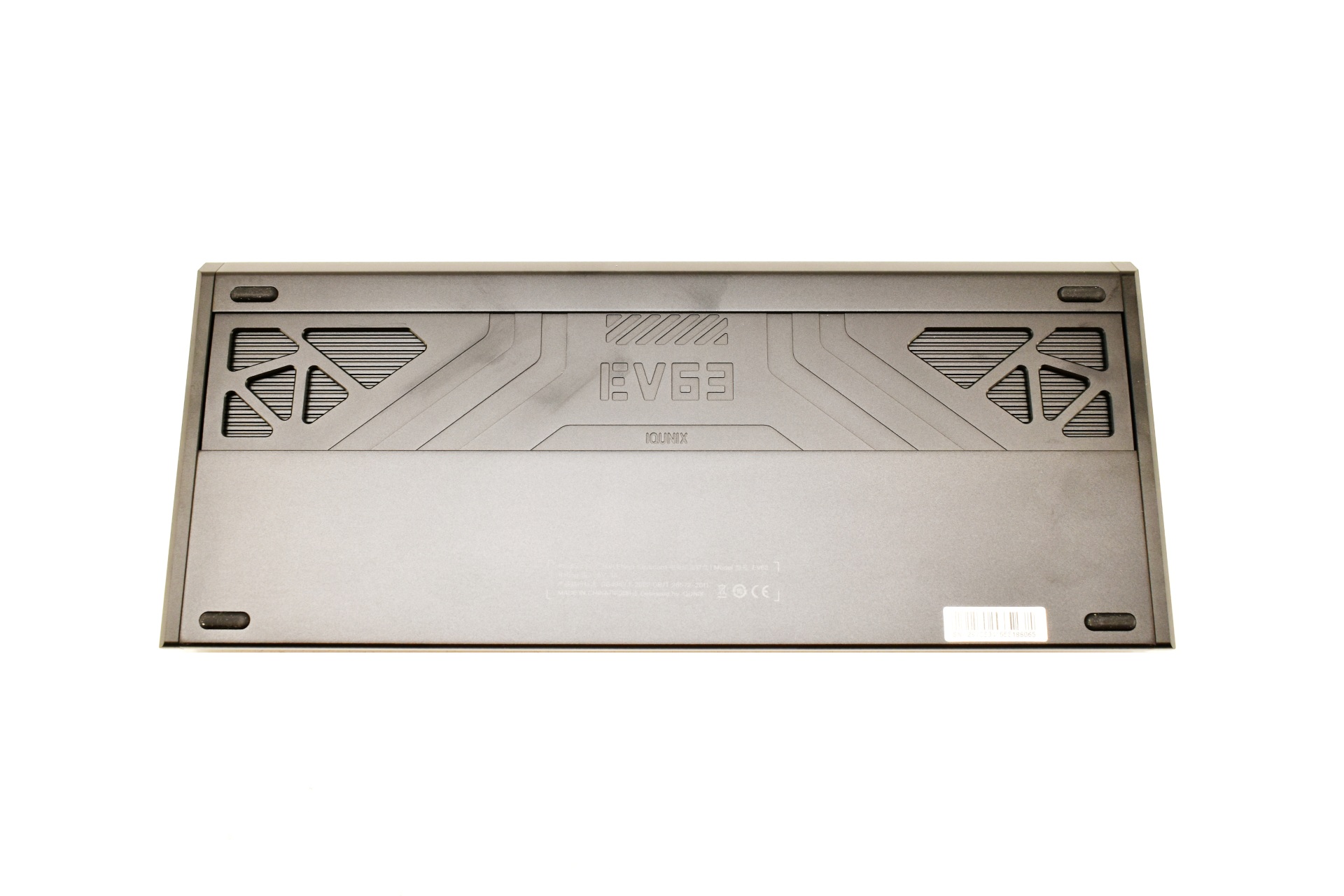
Taking a look at the base of the EV63 we see that it sits on 4 rubber feet (no adjustable feet/height adjusters).
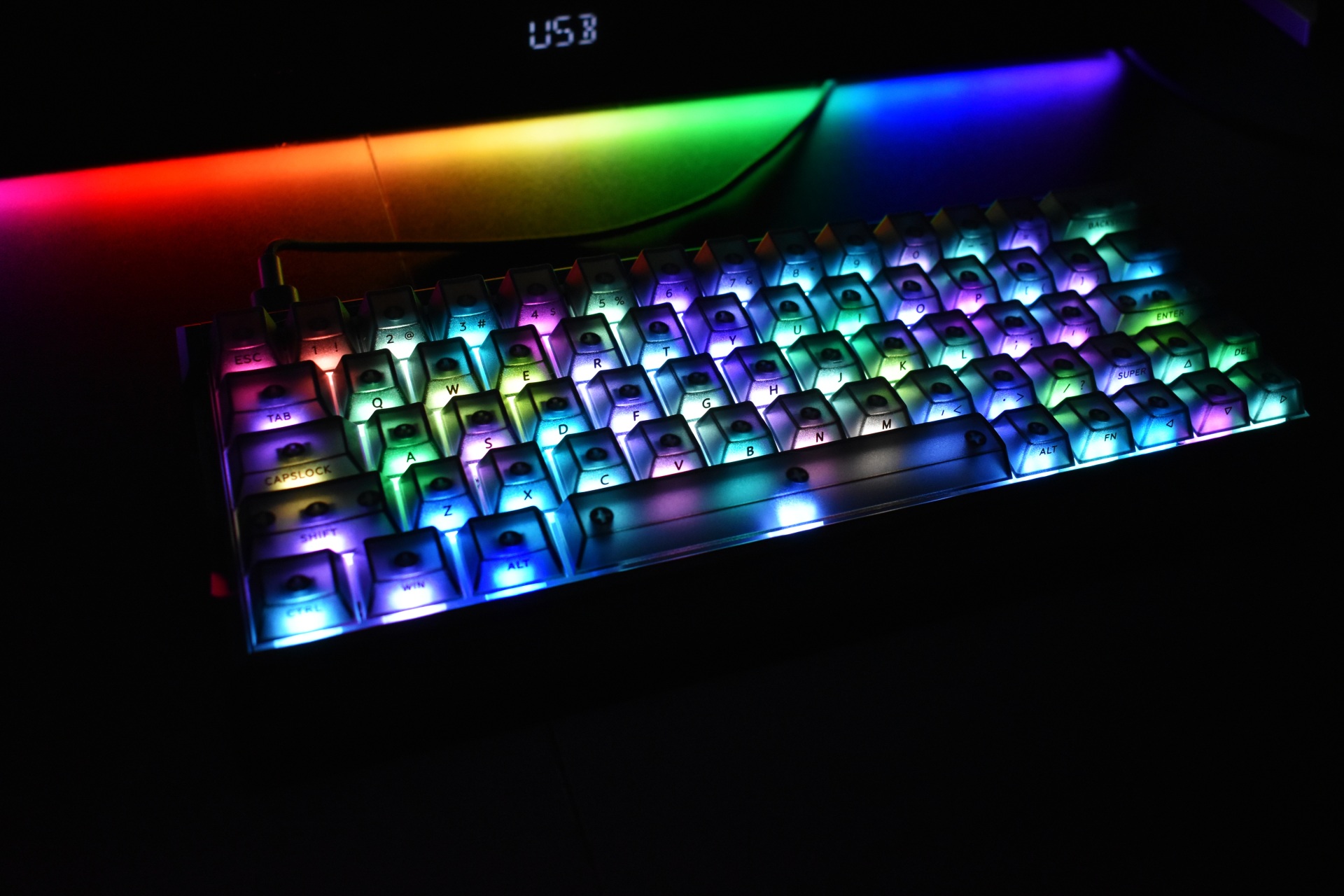
The frosted translucent PC keycaps look great and also allow the end user to easily see what's written on them (although that also depends on angle).
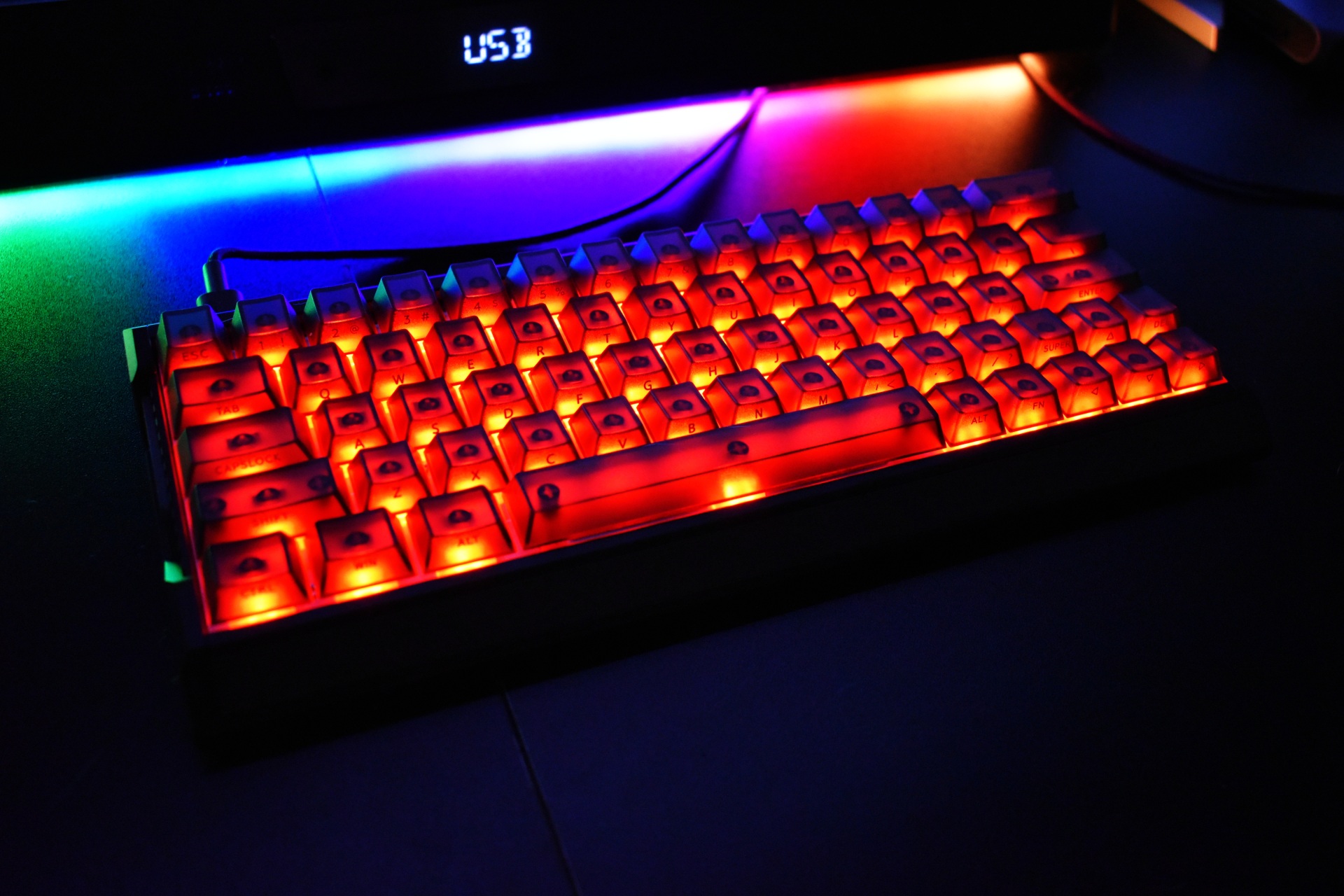
As usual there's a short clip available showcasing the RGB lighting of the keyboard both on YouTube and TikTok.
EV SOFTWARE V3
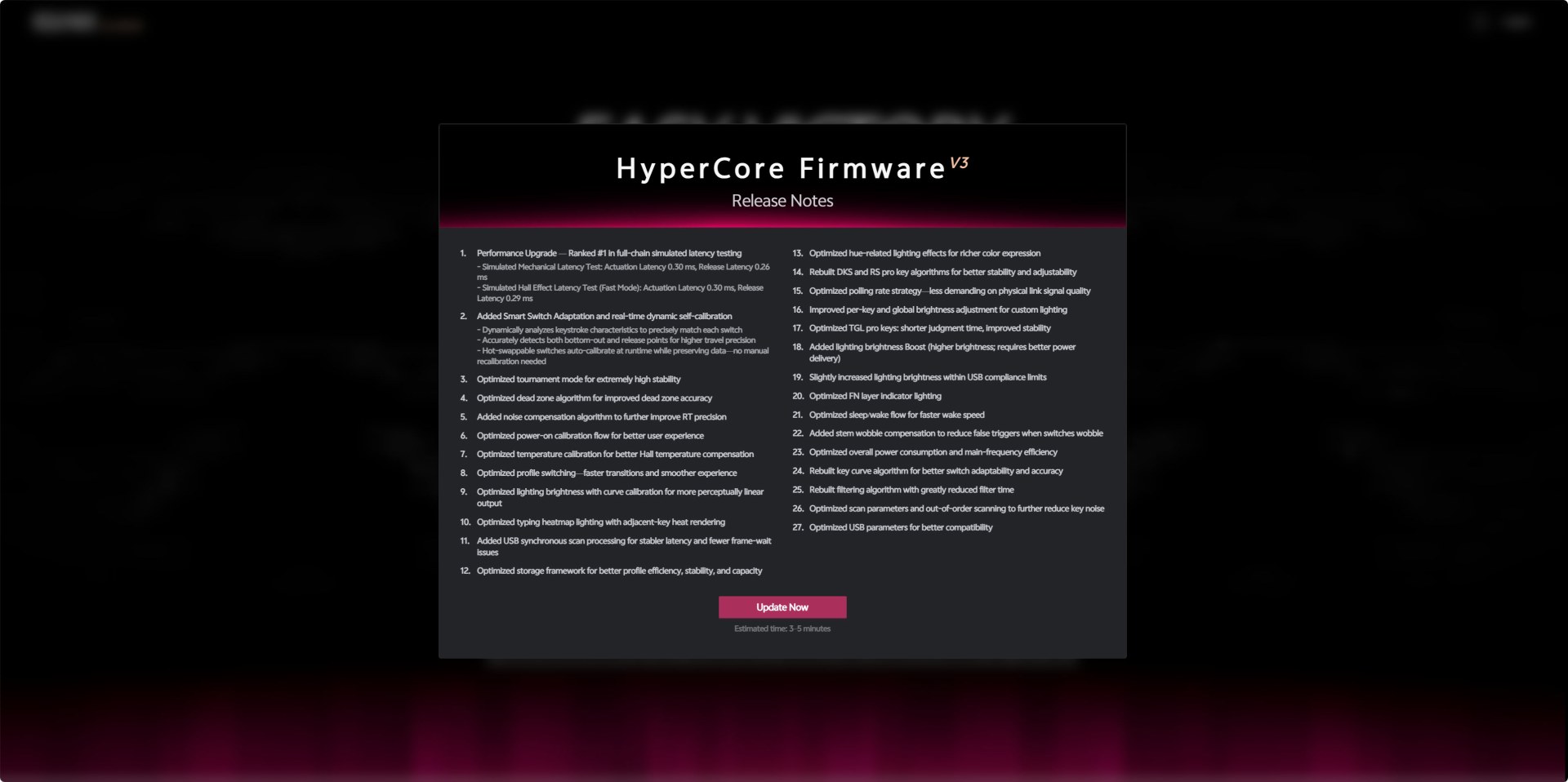
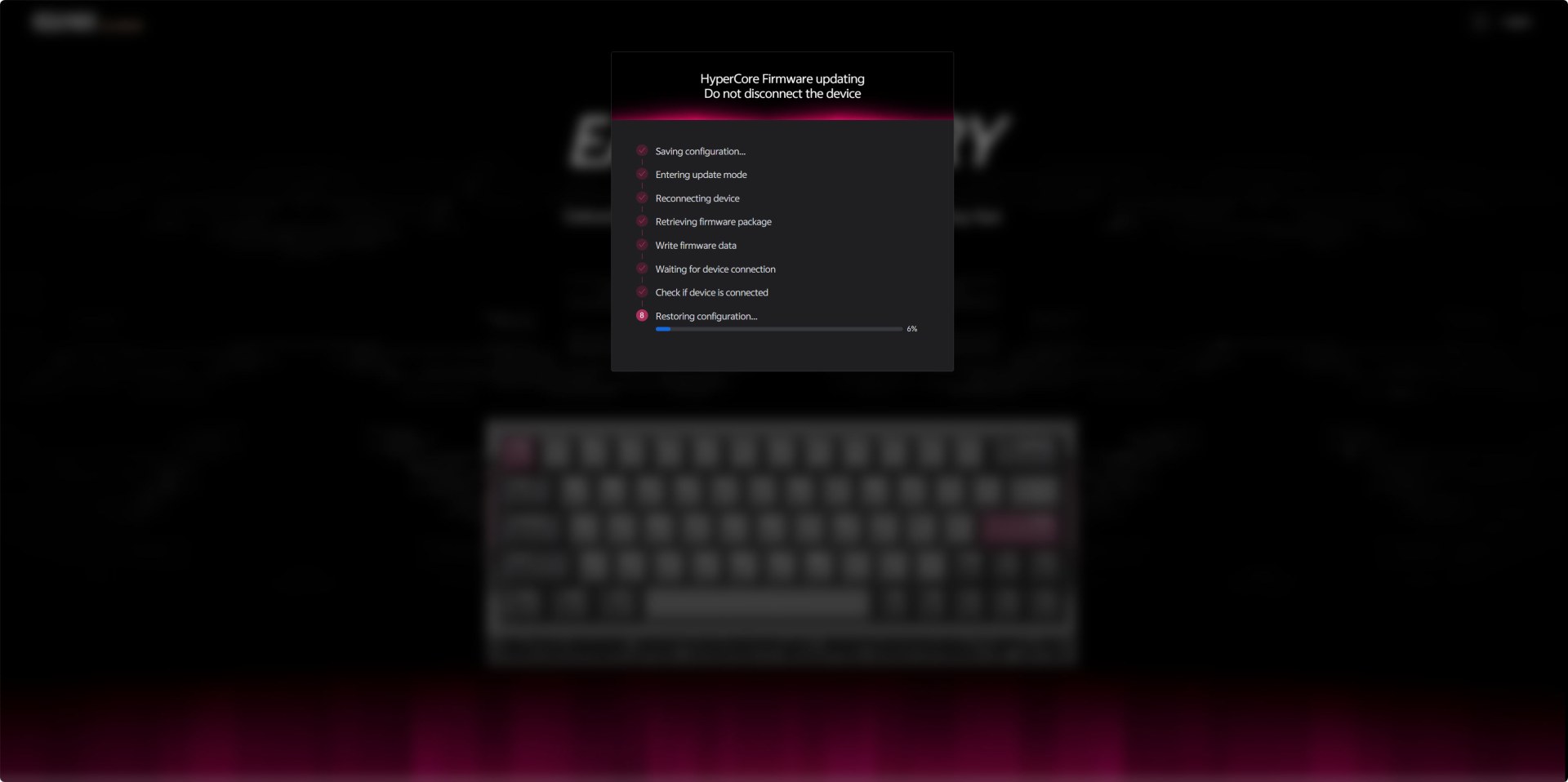
Once you access the web interface it will check for available updates as seen above.
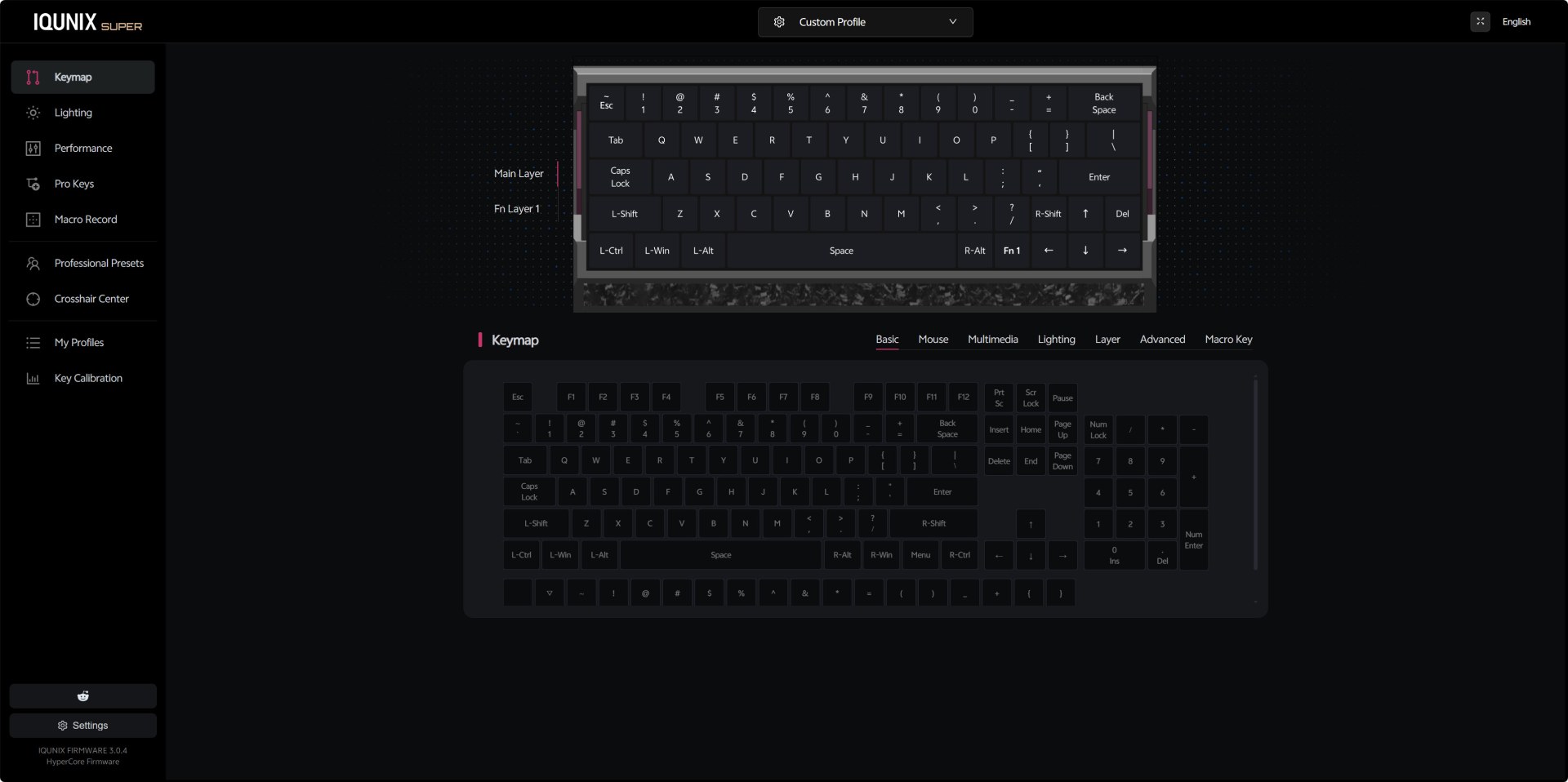
The Keymap section gives you a full visual representation of the EV63’s main and Fn layers. You can remap any key to basic functions, mouse actions, multimedia controls, lighting toggles, additional layers, or even macro triggers.
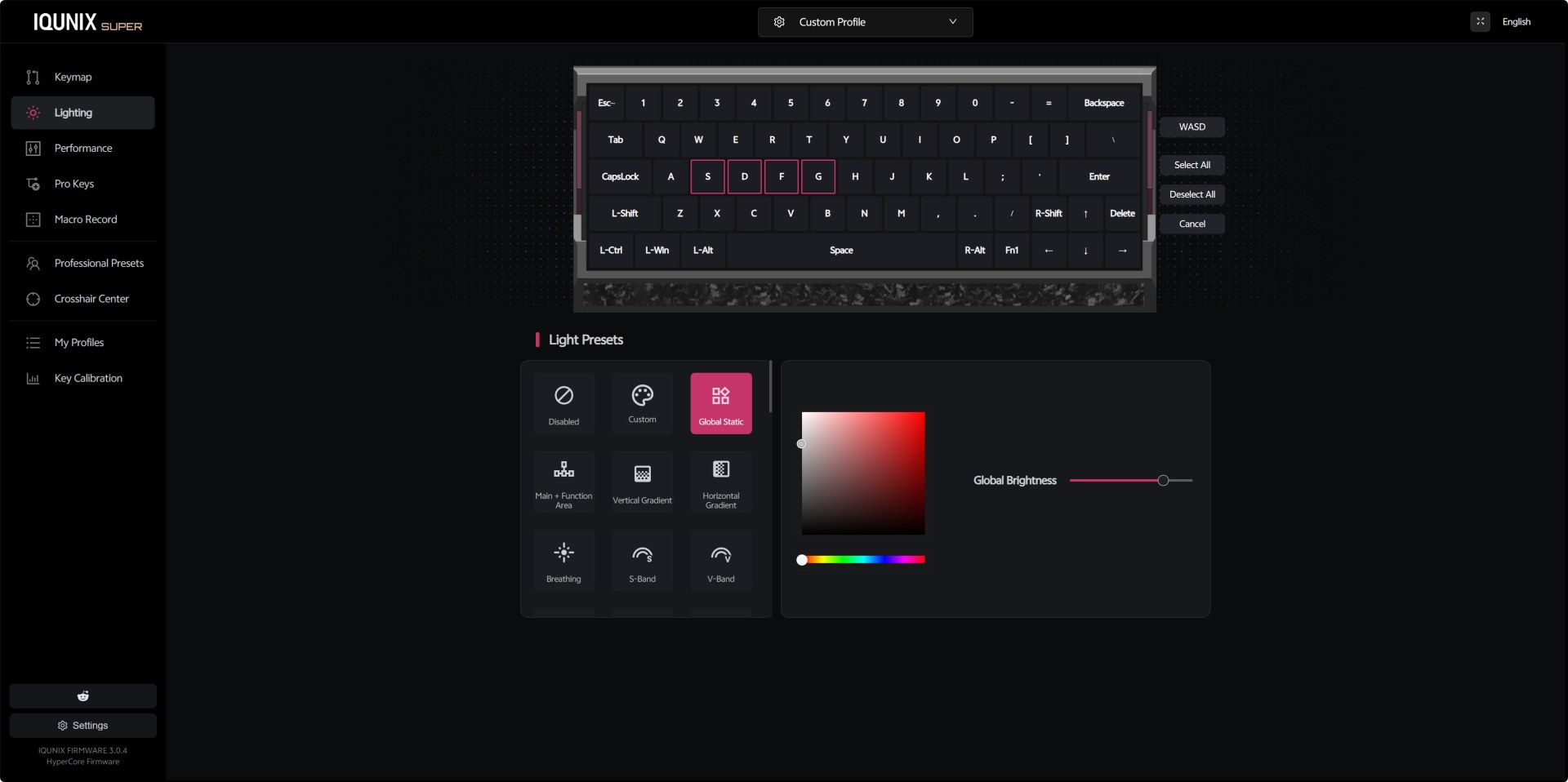
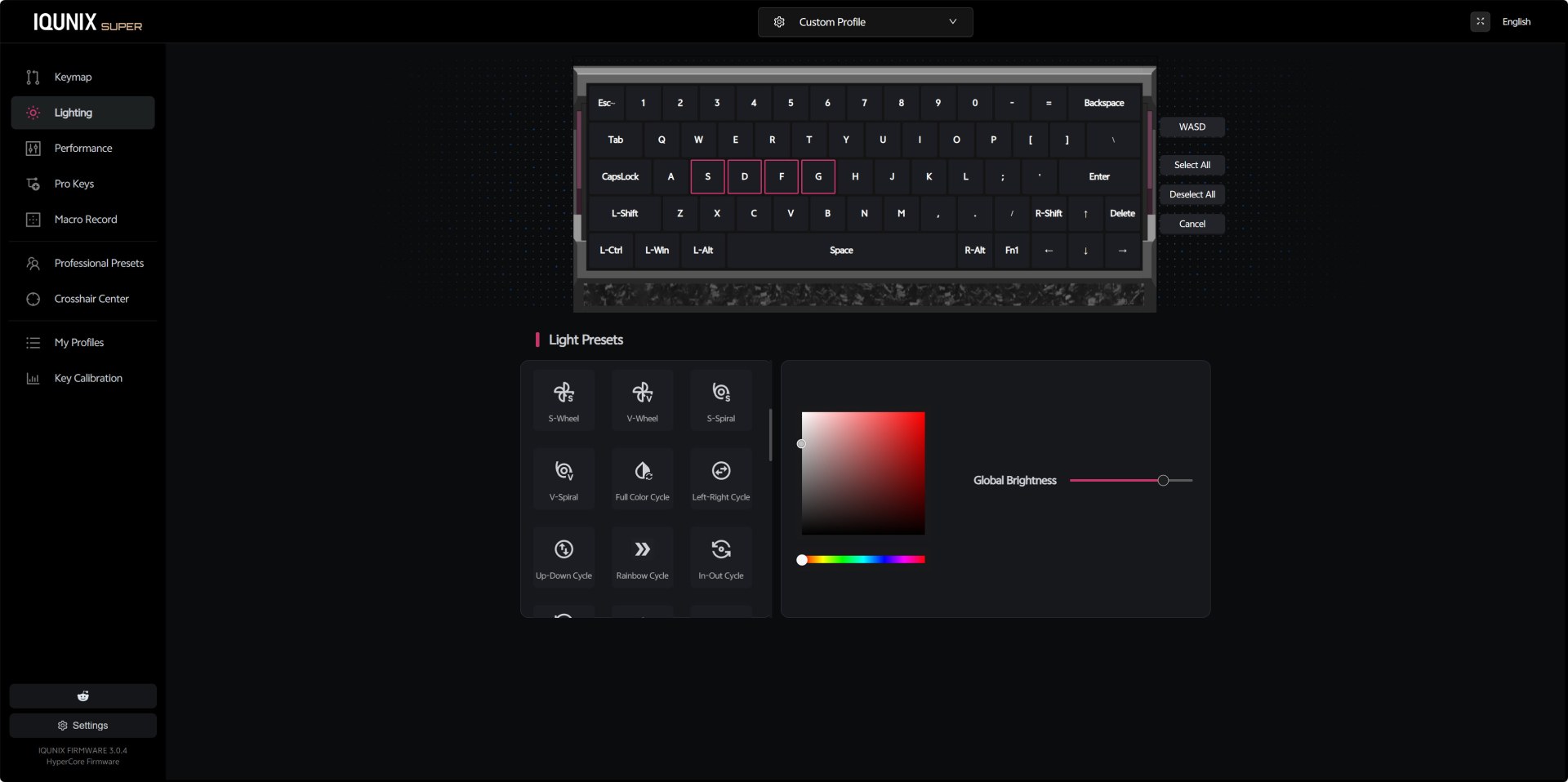
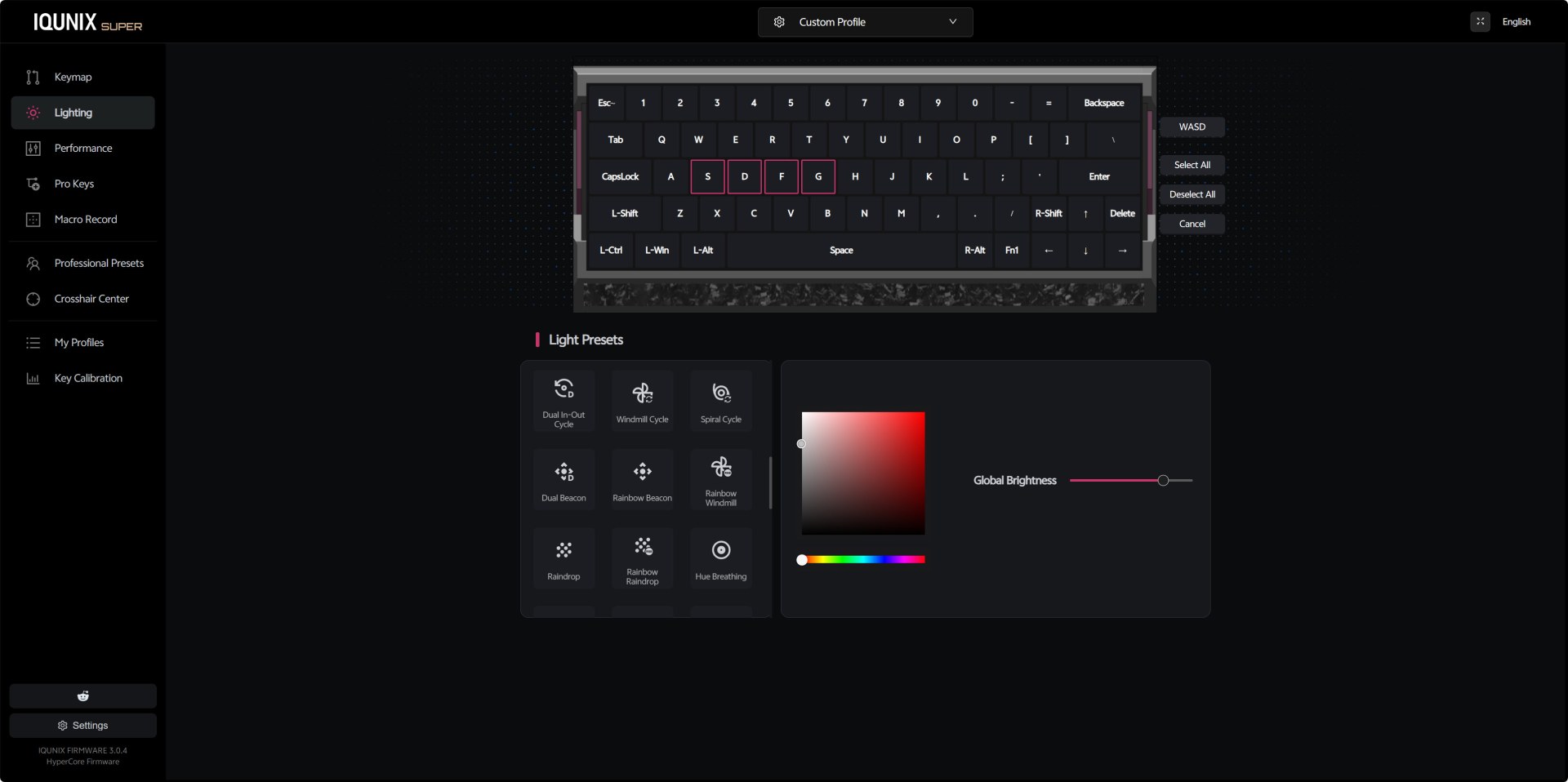
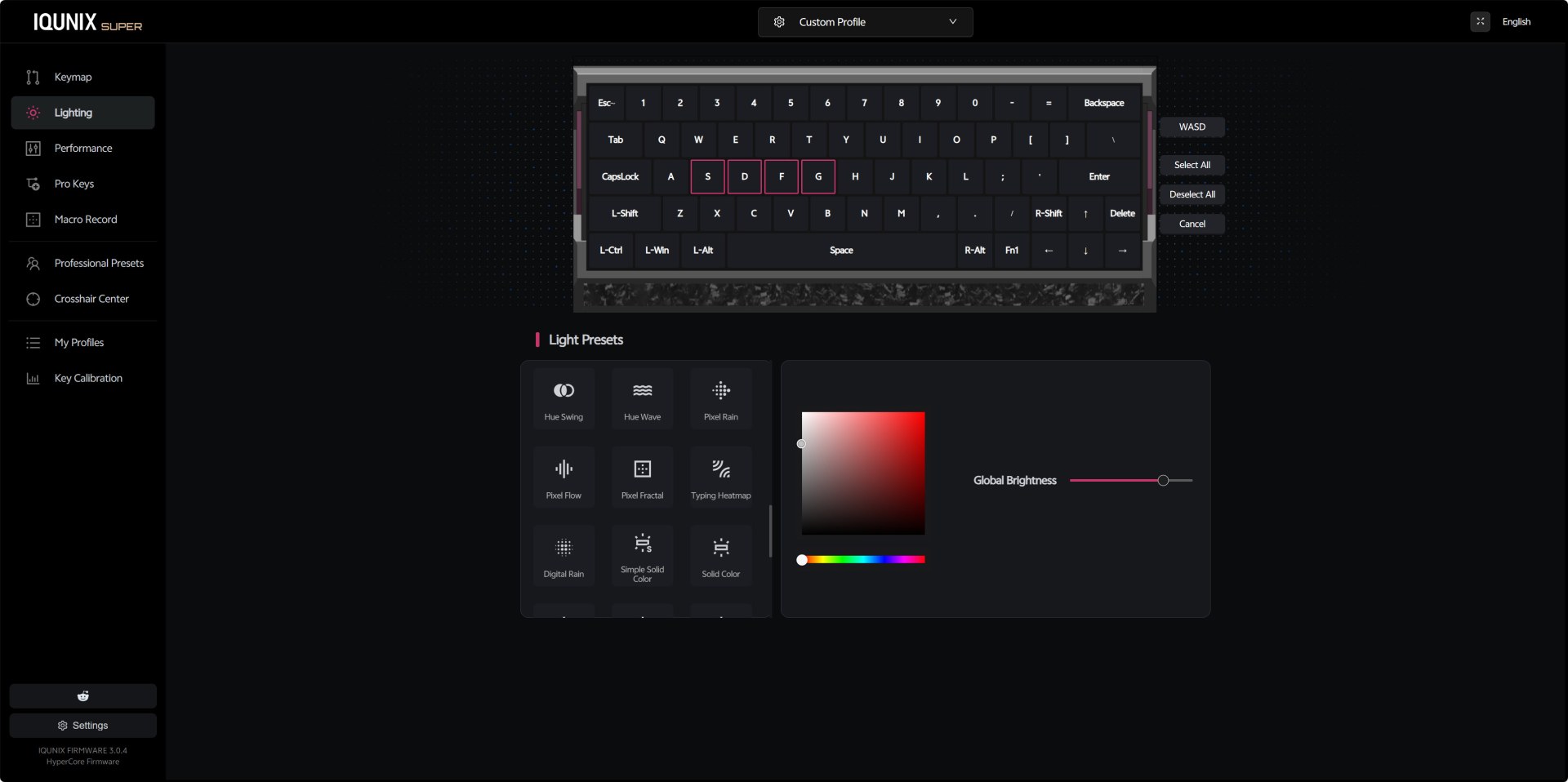
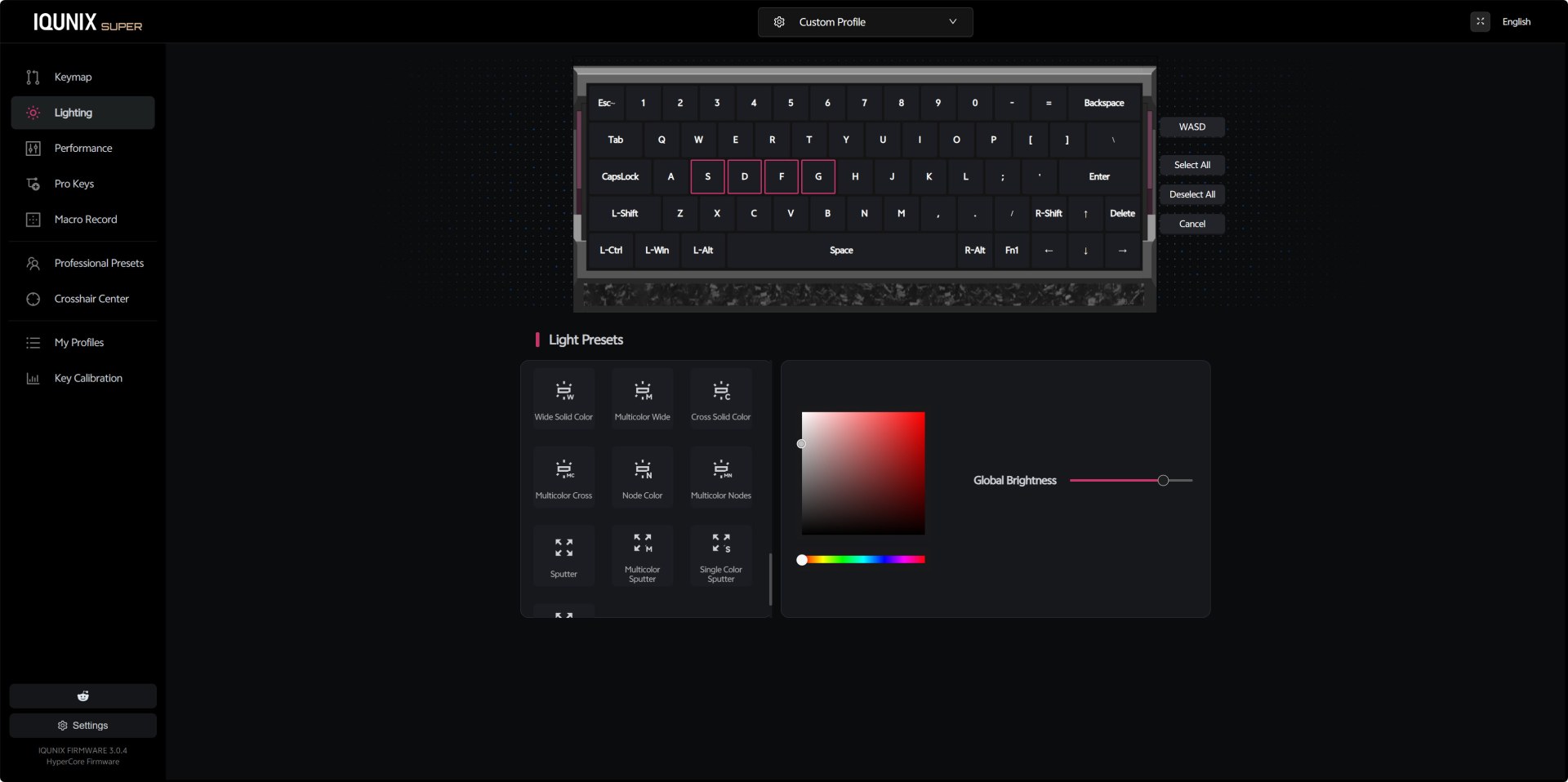
The lighting panel offers a wide range of presets (46 in total although not all are applicable to the EV63), from simple static colors to gradients, breathing modes, and directional effects. The color picker on the right is responsive and intuitive, letting you dial in exact hues and saturation levels, while the brightness slider gives you full control over intensity.
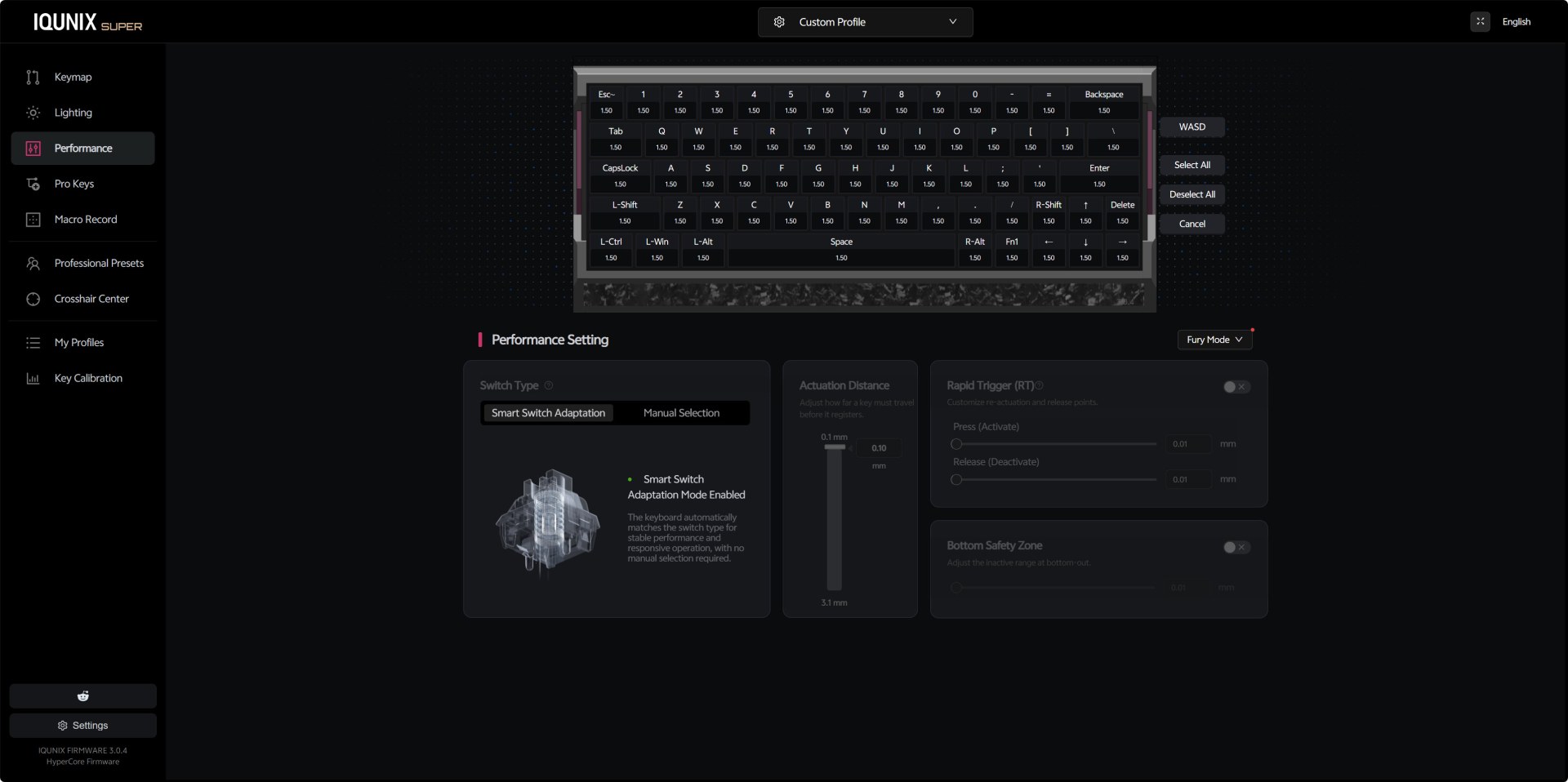
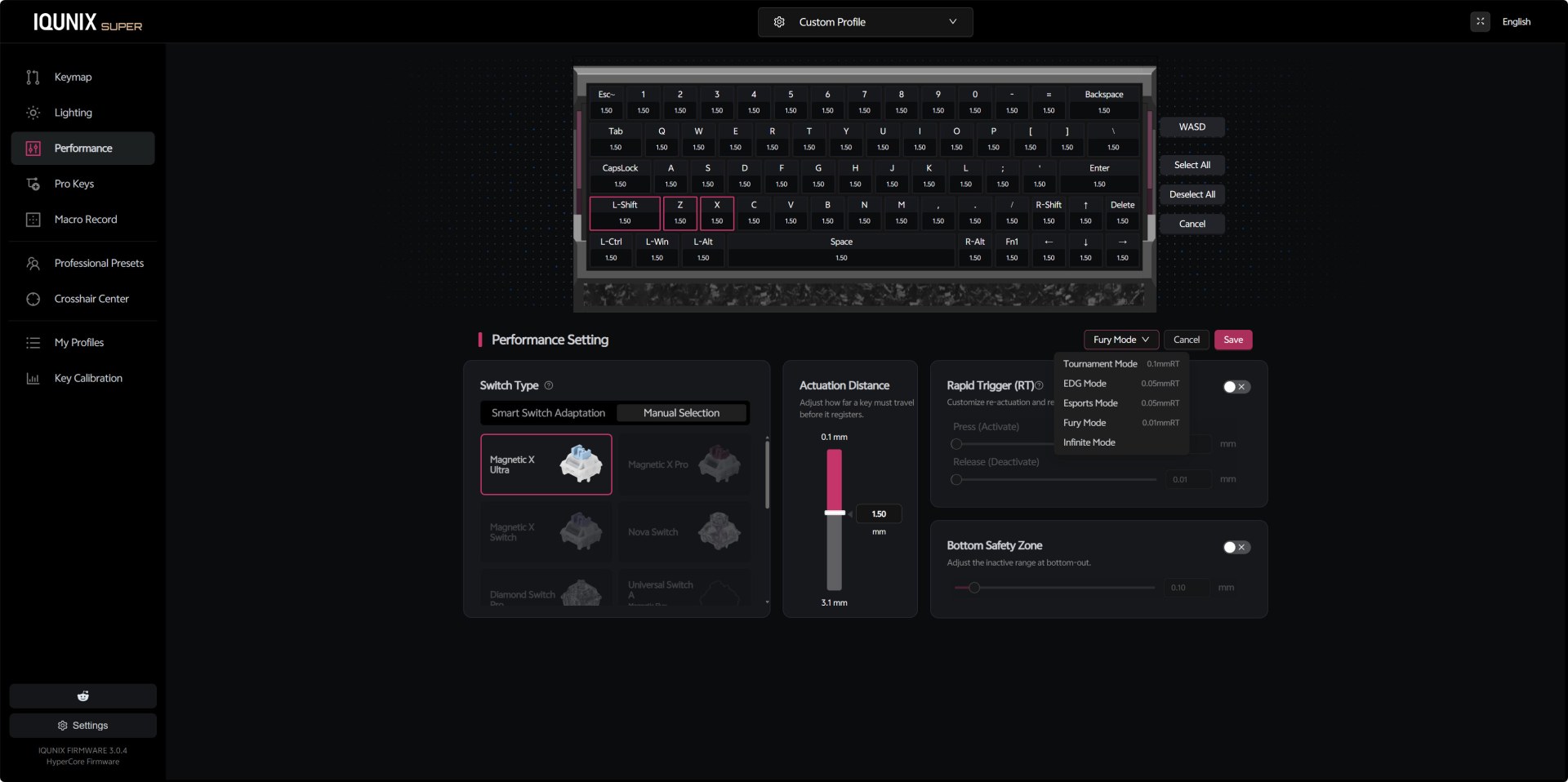
From the performance panel you can switch between Smart Switch Adaptation and Manual Magnetic X modes giving you direct control over actuation distance and Rapid Trigger behavior. You get a full per‑key actuation map, all set to 1.50mm by default. The actuation slider lets you adjust responsiveness from 0.1mm to 3.1mm, and the Bottom Safety Zone toggle helps prevent accidental re‑triggers at bottom‑out. The dropdown for Fury Mode includes multiple presets, Tournament, EDG, Esports, Fury, Infinite, each adjusting how quickly keys reset after being pressed.
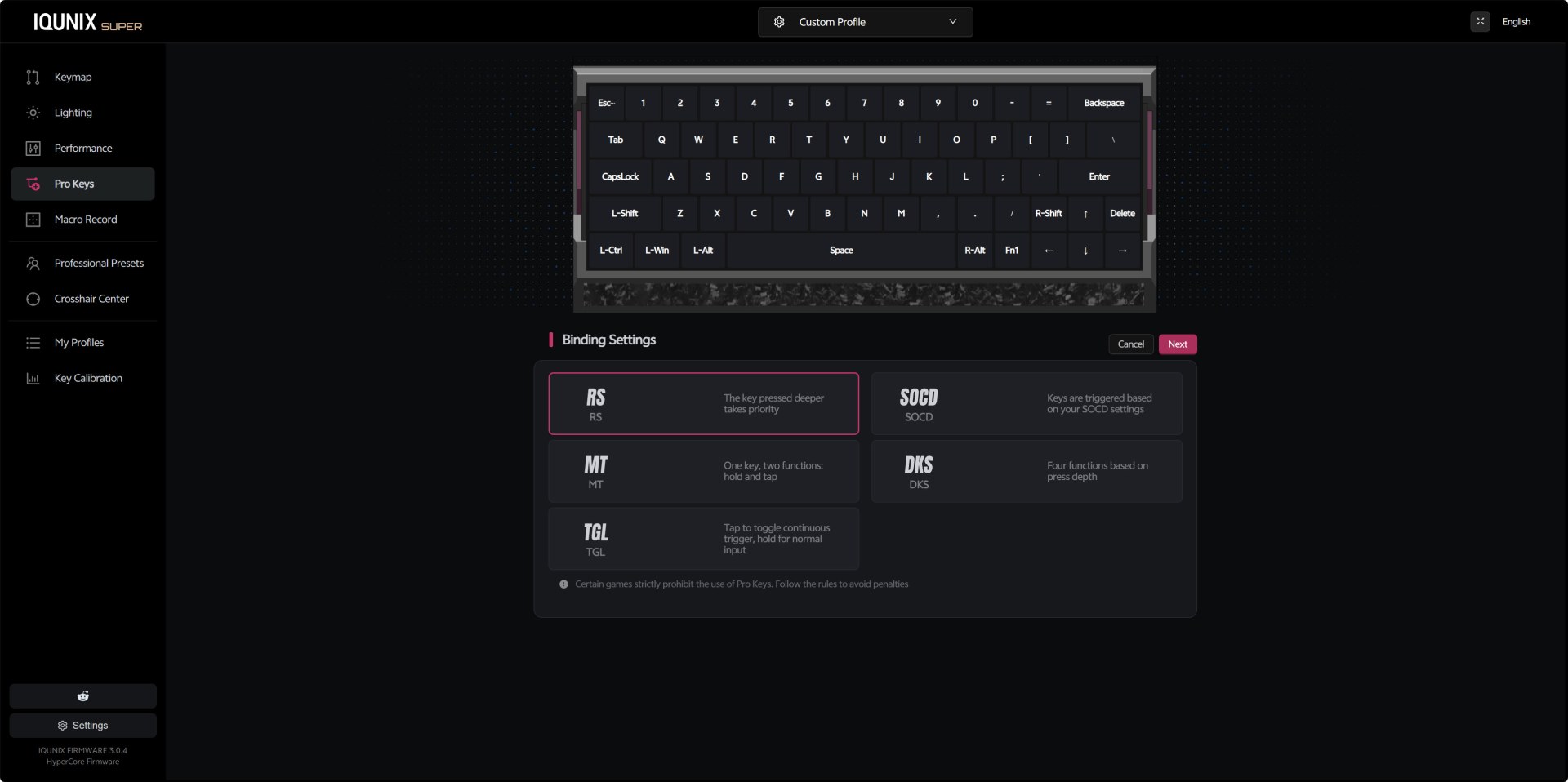
The Pro Keys section is where IQUNIX packs its most advanced input behaviors. You can assign RS (depth priority), SOCD cleaning, Mod Tap dual‑function keys, DKS four‑function depth keys, and toggle‑based continuous inputs.
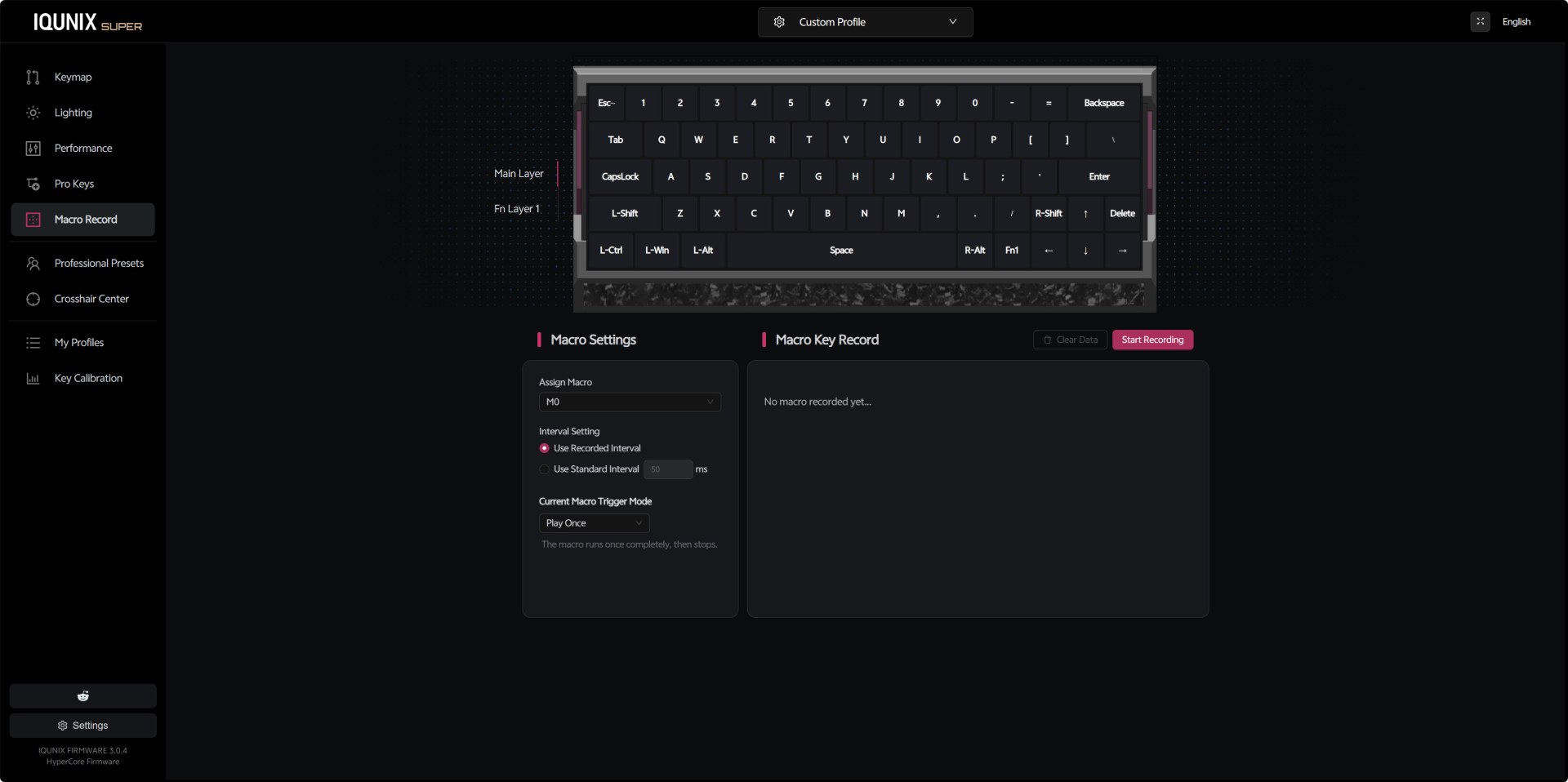
The macro recording interface is simple but effective. You can assign macros to slots like M0, choose between recorded intervals or fixed timing, and set the trigger mode (play once, loop, etc.). The recording panel shows each keypress as you capture it, and you can clear or restart the macro at any time.
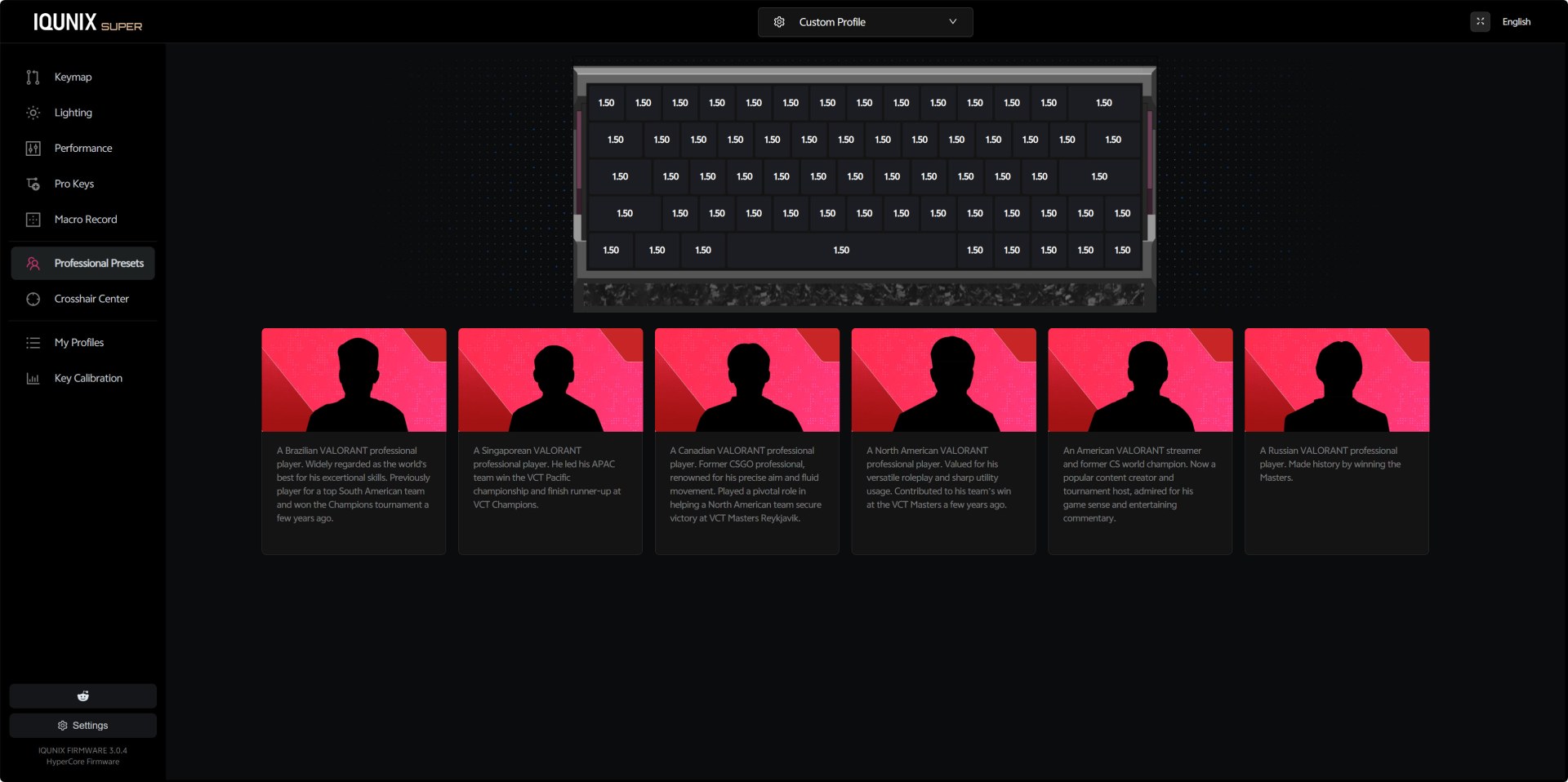
Inside the professional presets IQUNIX has placed profiles inspired by well‑known Valorant players. Each card includes a short description of the player’s background, and selecting one loads a preset tuned for their preferred playstyle.
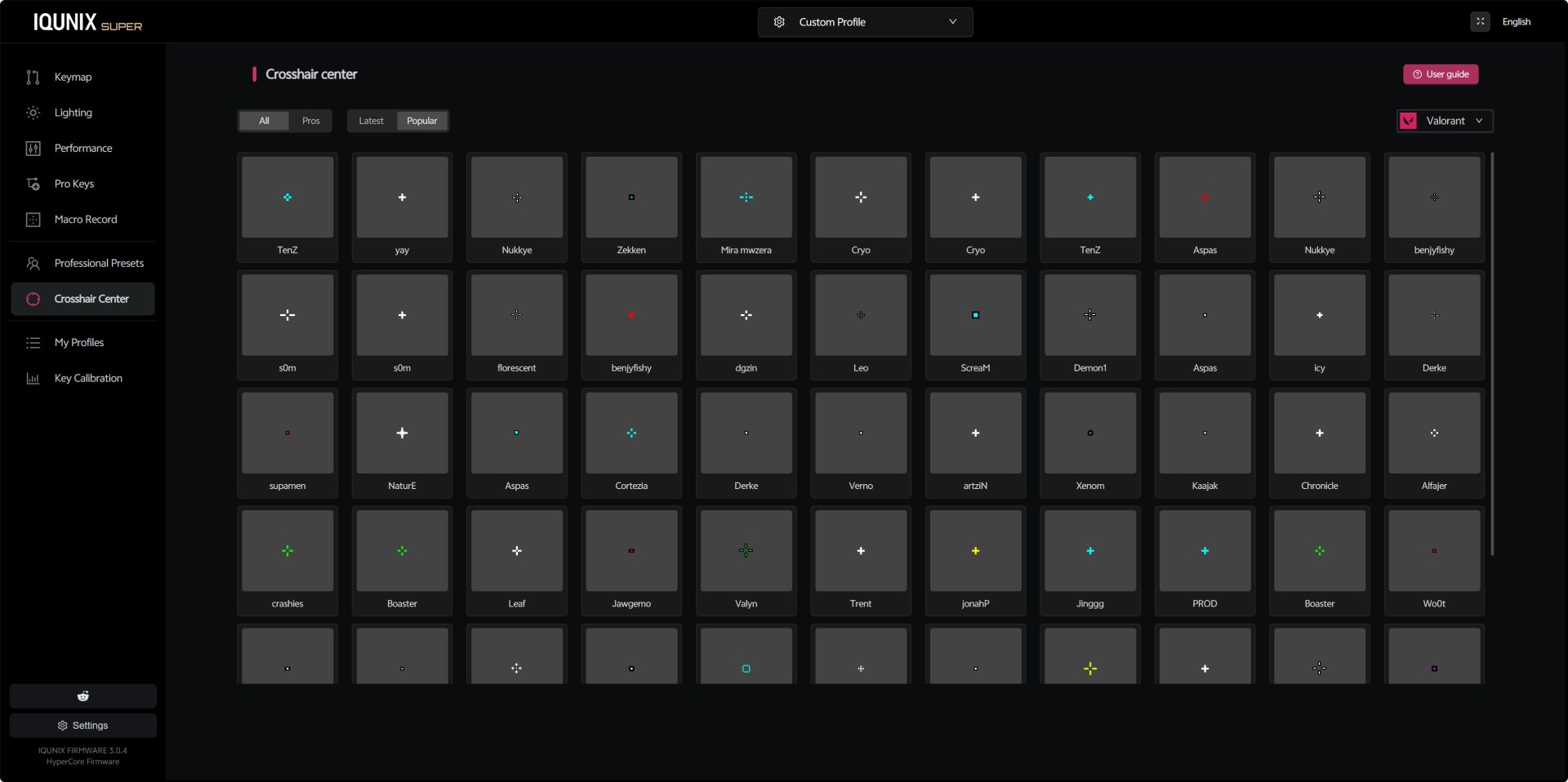
The Crosshair Center is a visual library of crosshairs used by popular Valorant pros. You can browse designs from players like TenZ, yay, ScreaM, Derke, and others, comparing shapes, colors, and styles (you still need to input these manually into the game).
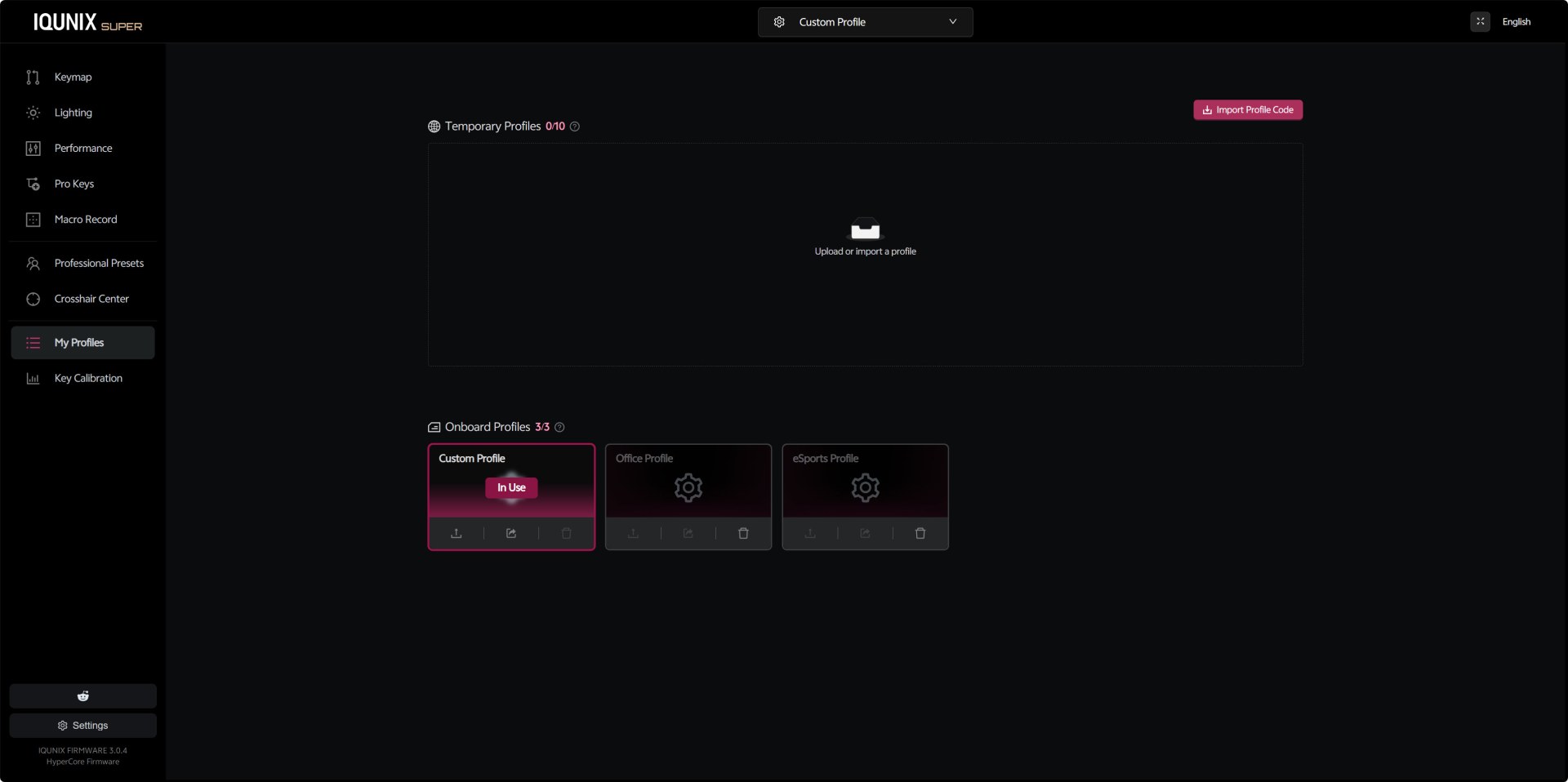
From the profiles tab you can store up to three onboard profiles and up to ten temporary ones. Switching between Custom, Office, and eSports profiles is instant, and each profile can contain its own keymap, lighting, performance settings, and macros.
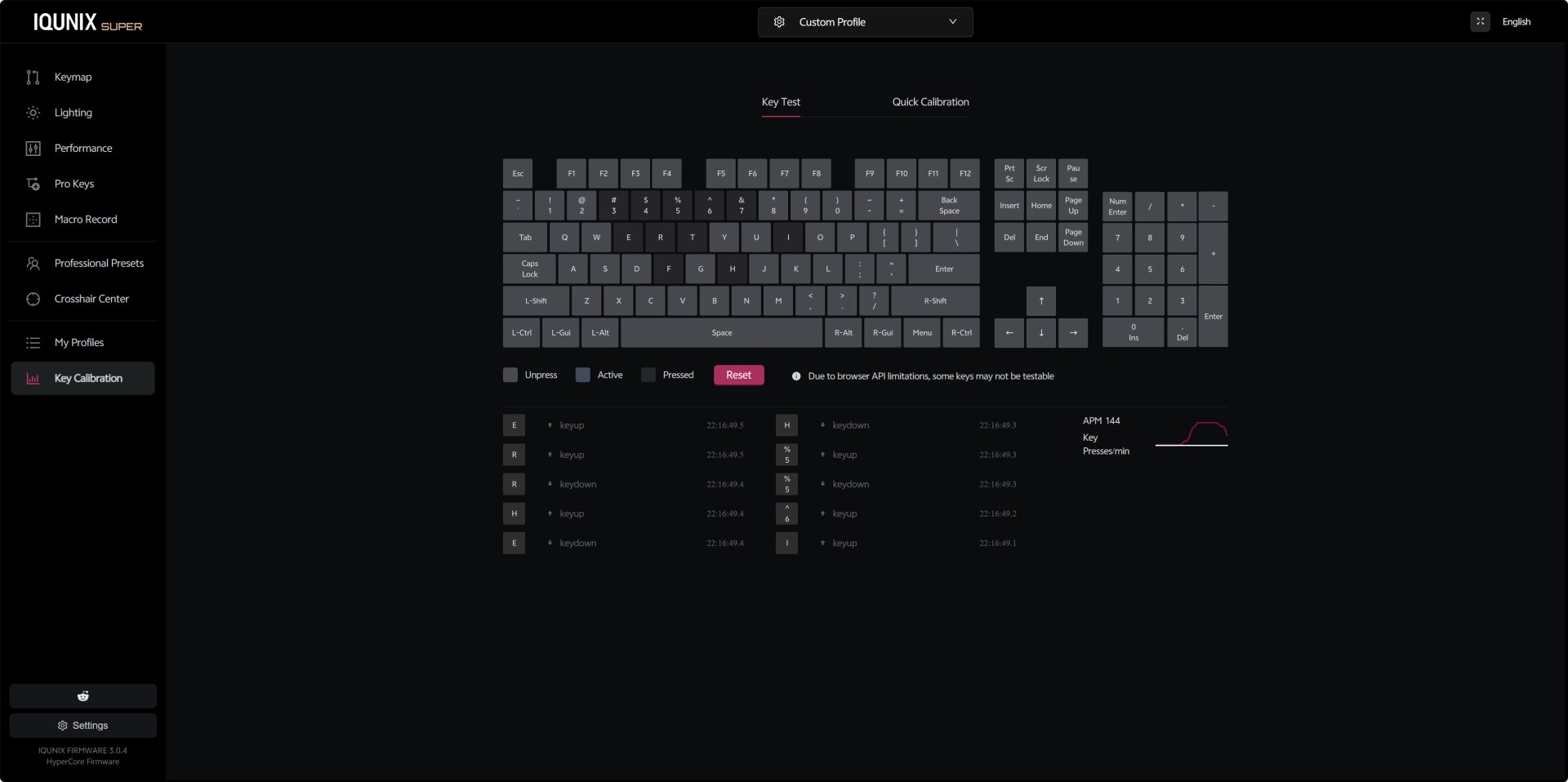
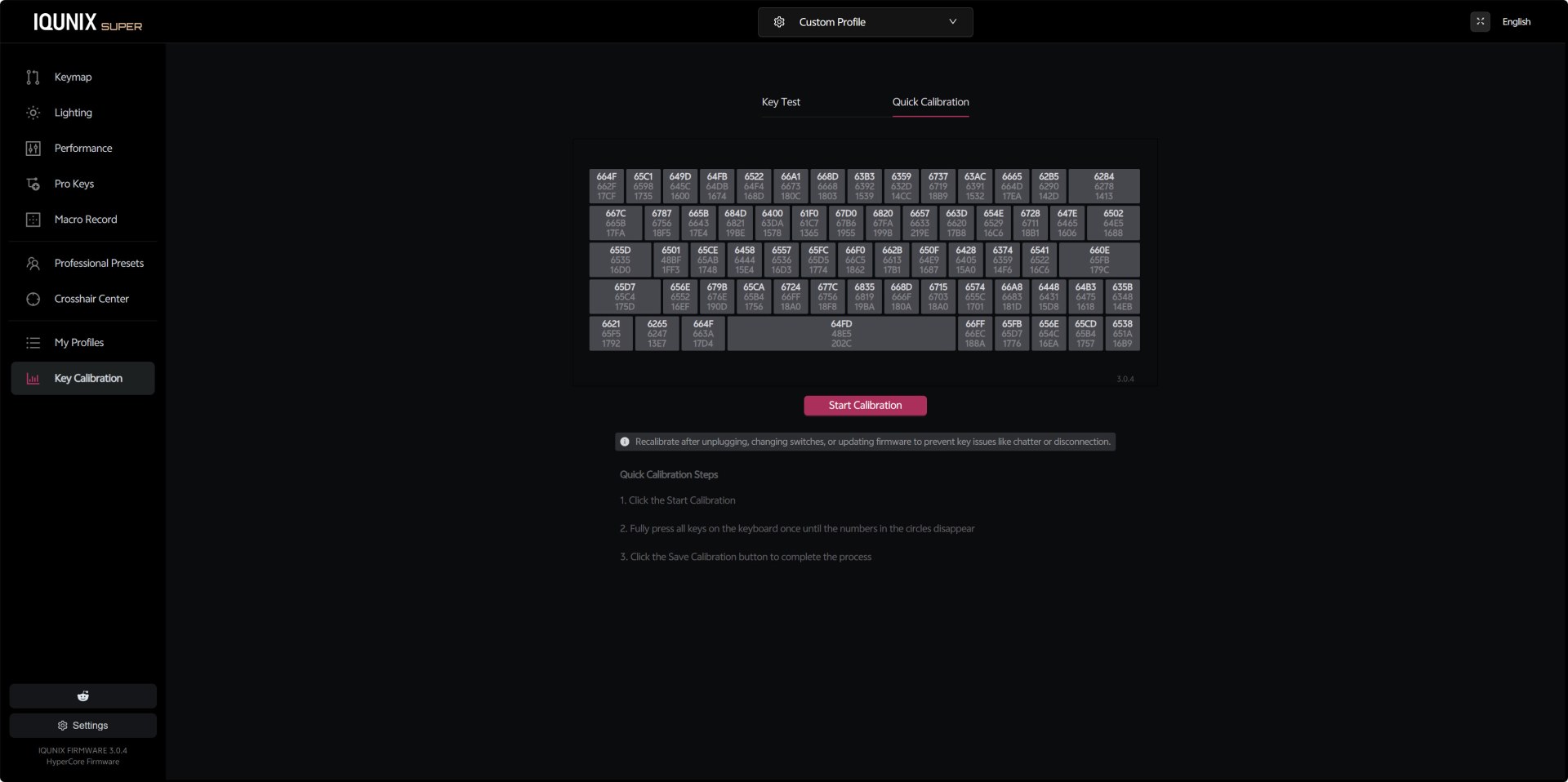
The Key Test panel shows live keypress logs, key states, and an APM graph that tracks your activity. It’s useful for diagnosing chatter, stuck keys, or inconsistent actuation. You can also use the quick calibration feature where each key displays a hex value representing its calibration state.
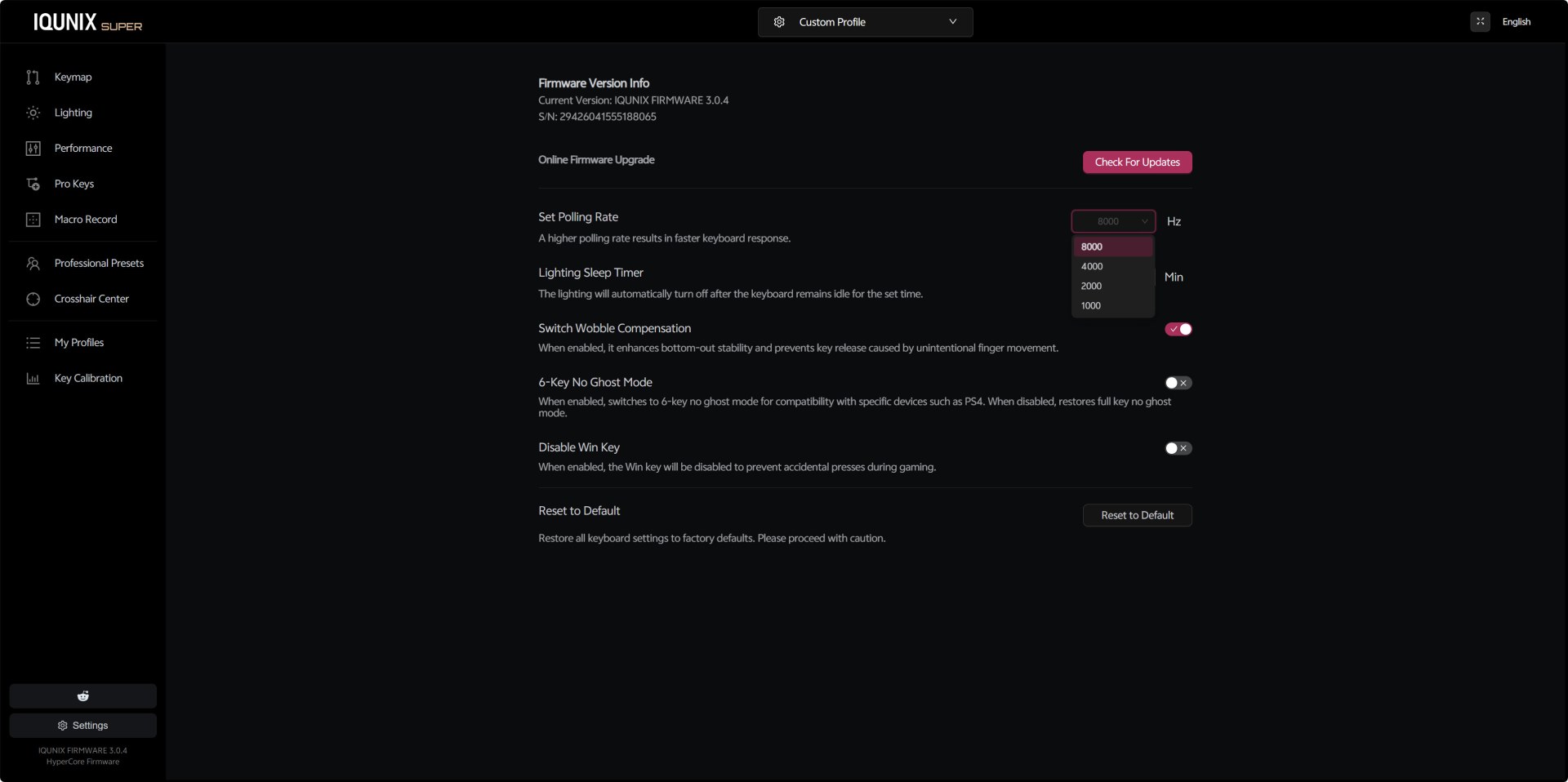
The settings tab includes everything else such us check for available updates, polling rate selection up to 8000Hz (1000/2000/4000/8000Hz), lighting sleep timer, switch wobble compensation, 6‑key no‑ghost mode for console compatibility, Win‑key lock, and a full factory reset option.
AUDIBLE FEEDBACK

Many people ask my opinion on what keyboard they should get for their needs. Some want a “silent” model for use in their living room or even in their bedroom while others ask for a model with good audible feedback for use in the office or for gaming. Because of this I decided to test keyboards by placing our ExTech HD600 vertically over each keyboard (5cm distance) and typing NikKTech a total of 6 times with each (after that the max recorded number - max hold - is placed in the graph). I have to admit that this methodology may not be 100% accurate but it does give a good idea on what you can expect from each model since aside the type of switches used keycaps and keyboard material also matter.
CONCLUSION
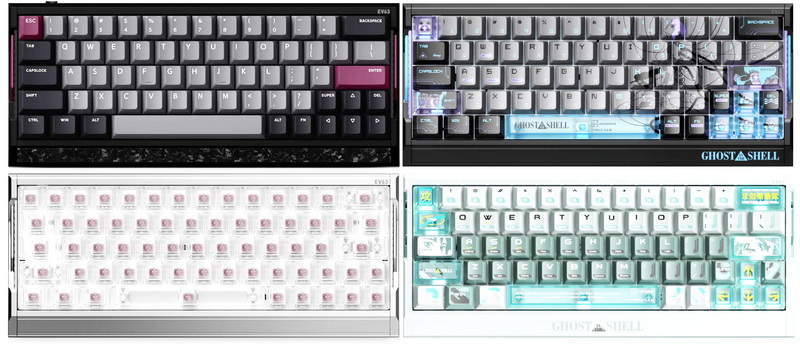
The EV63 Dark Knight feels like a keyboard built for people who care about both performance and craftsmanship. The solid aluminum body, the forged‑carbon detailing, and the overall weight give it a presence that’s hard to ignore. Pair that with adjustable Hall‑effect switches that let you fine‑tune actuation to the millimeter, and you get a board that feels genuinely dialed‑in. The fact that IQUNIX offers multiple styles and colorways (especially the newly added Ghost In The Shell variants) only adds to its appeal. Of course, it’s not perfect. The fixed angle means you’re stuck with one height, it uses a web-based software, the premium pricing makes it a considered purchase, and the switch acoustics can be livelier than expected. But if you value build quality, responsiveness, and a distinct design identity, the EV63 Dark Knight delivers on all three.
Right now, you can get your very own EV63 Dark Knight hall-effect keyboard for USD209 (IQUNIX.COM) and even though it’s a price tag more than balanced for everything IQUNIX has created, it will still feel far from affordable to some. Cost aside however the EV63 Dark Knight is one of the best mechanical keyboards I’ve ever used, again it’s not perfect but it truly delivers and for that the Golden Award is in order.

PROS
- Build Quality (CNC Machined Aluminum Case / Forged Carbon Fiber Housing)
- Mechanical Hall Effect Switches (3rd Gen Hall Sensors With Magnetic Auto Tune)
- 8000MHz Polling / 16kHz Scanning / 0.125ms Input Latency
- Nkey Rollover / Rapid Trigger / Dynamic Keystroke / Rappy Snappy / Mod Tap / Toggle Keys / Enhanced SOCD Handling)
- Per Key RGB Lighting
- Available In 5 Colors (Violet, Dark Knight, Silver Knight, Ghost In The Shell Cyber Blue / Shell Core)
- EV Software V3 (Easy To Use)
- Detachable USB Cable
CONS
- EV Software V3 (Internet Connection Required)
- Not Height Adjustable
- Noise Levels
- Price (For Some)





