




PC DRIVER
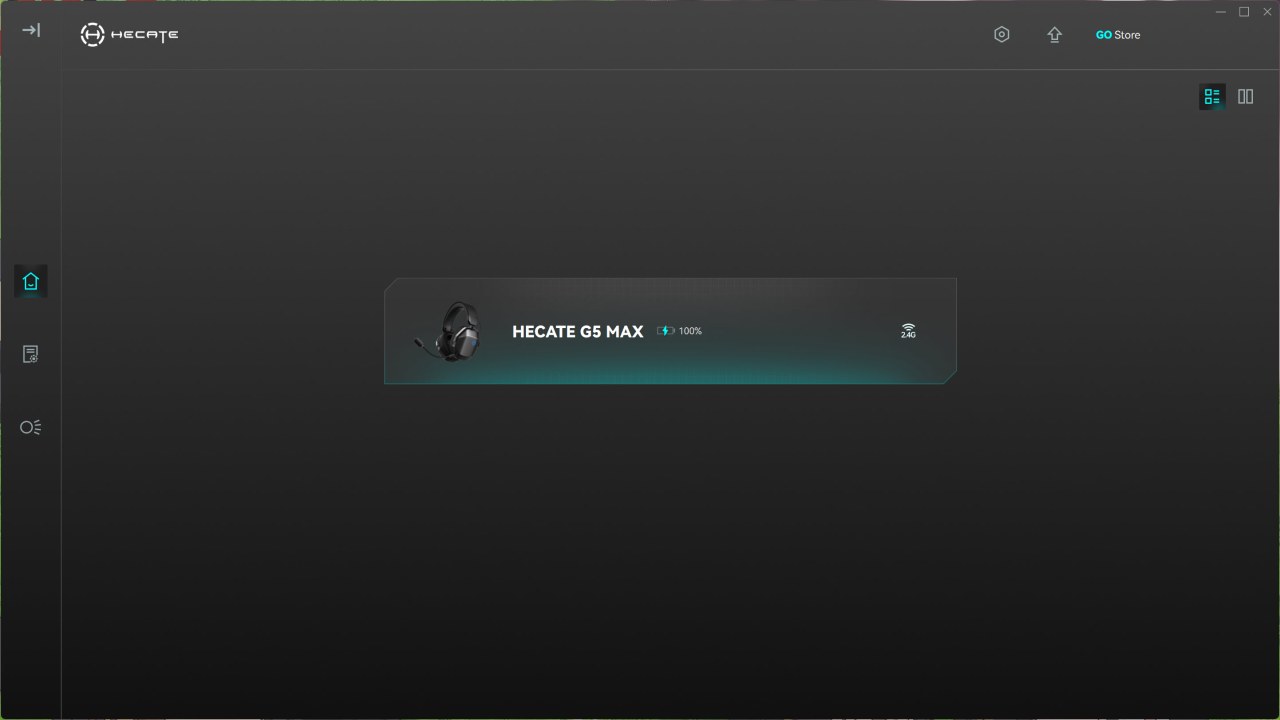
The PC software is very easy to use, just install it and when launched it will show detected devices at the center.
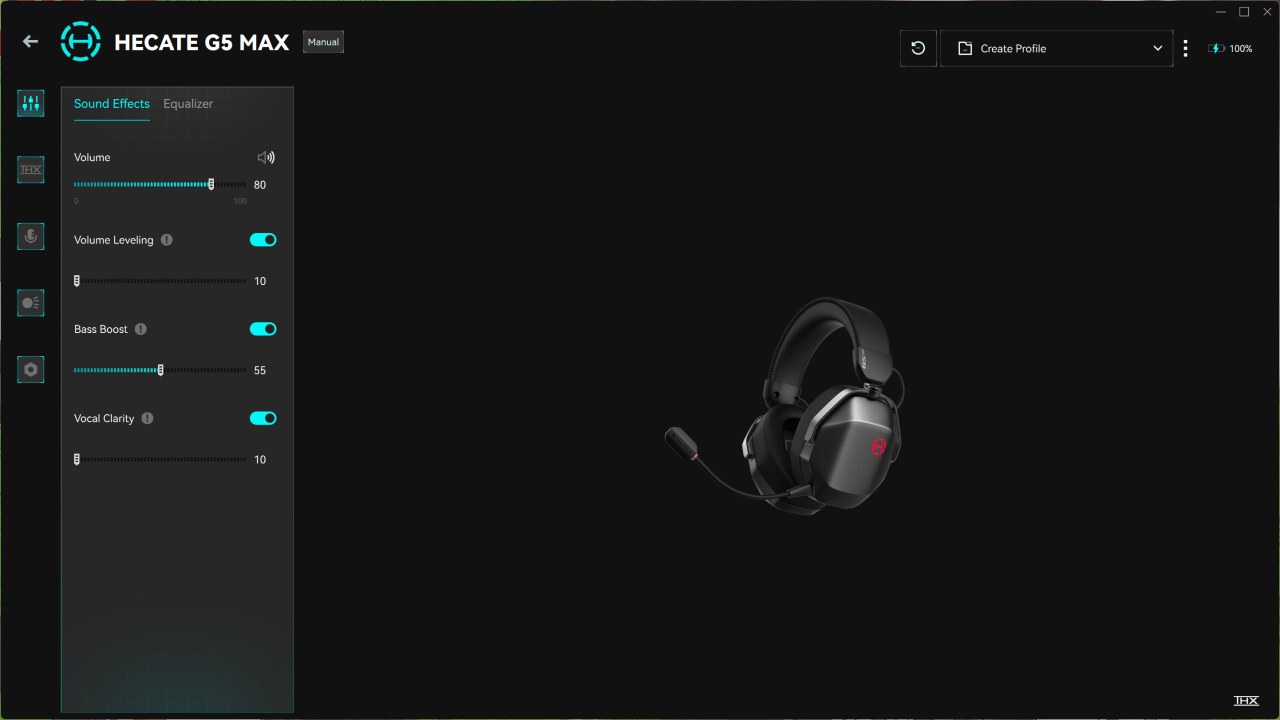
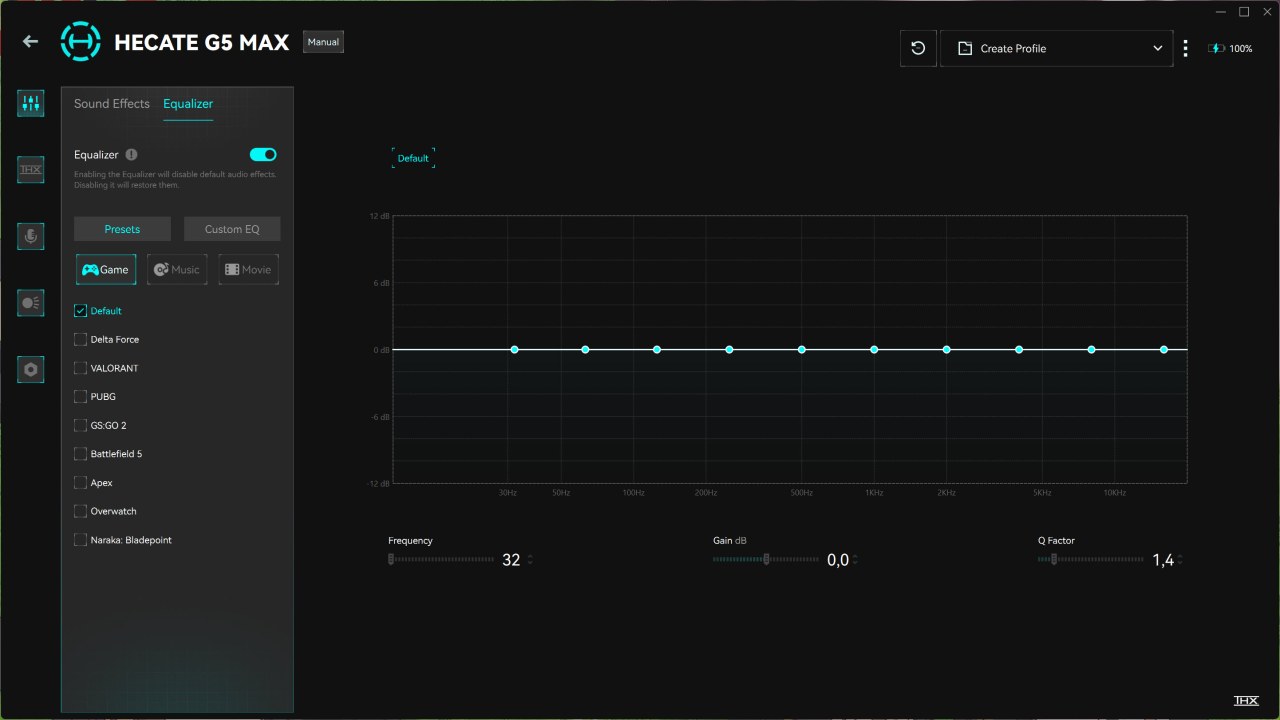
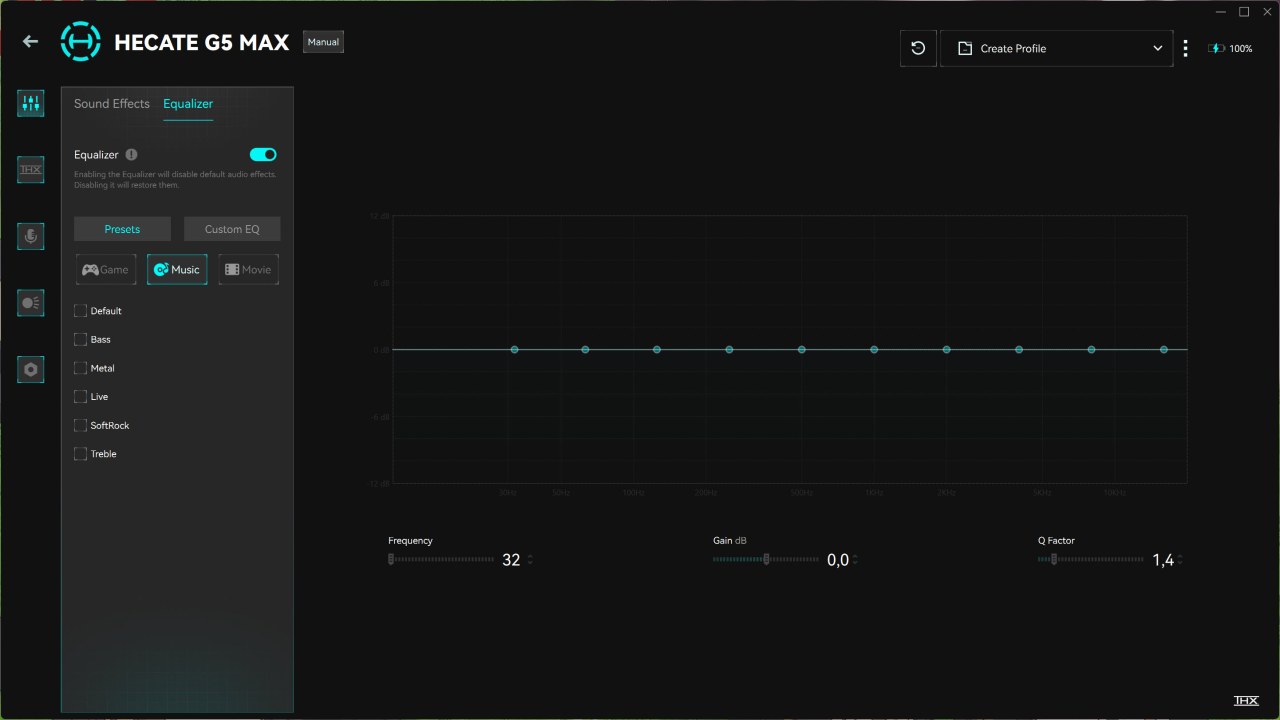
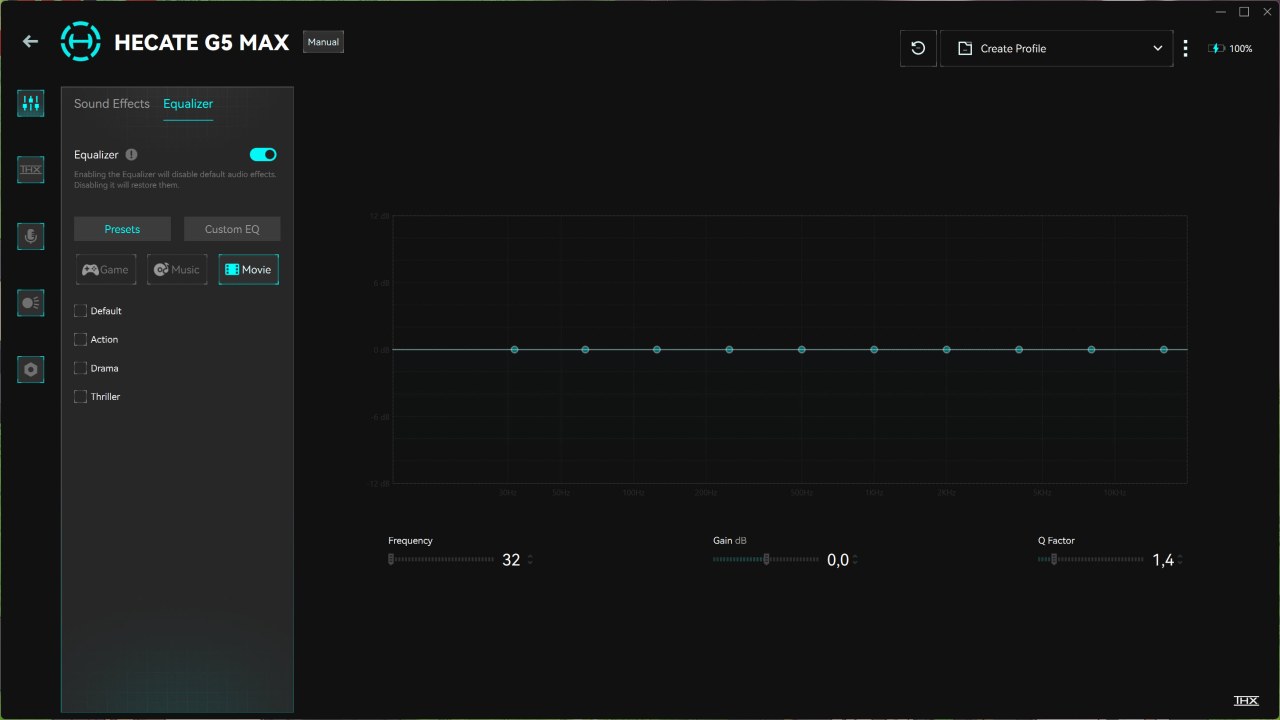
There’s a total of 5 tabs in this software, first is the audio tab from where you can adjust audio and select your preferred equalizer balance from 8 game presets, 5 music presets and 3 movie presets.
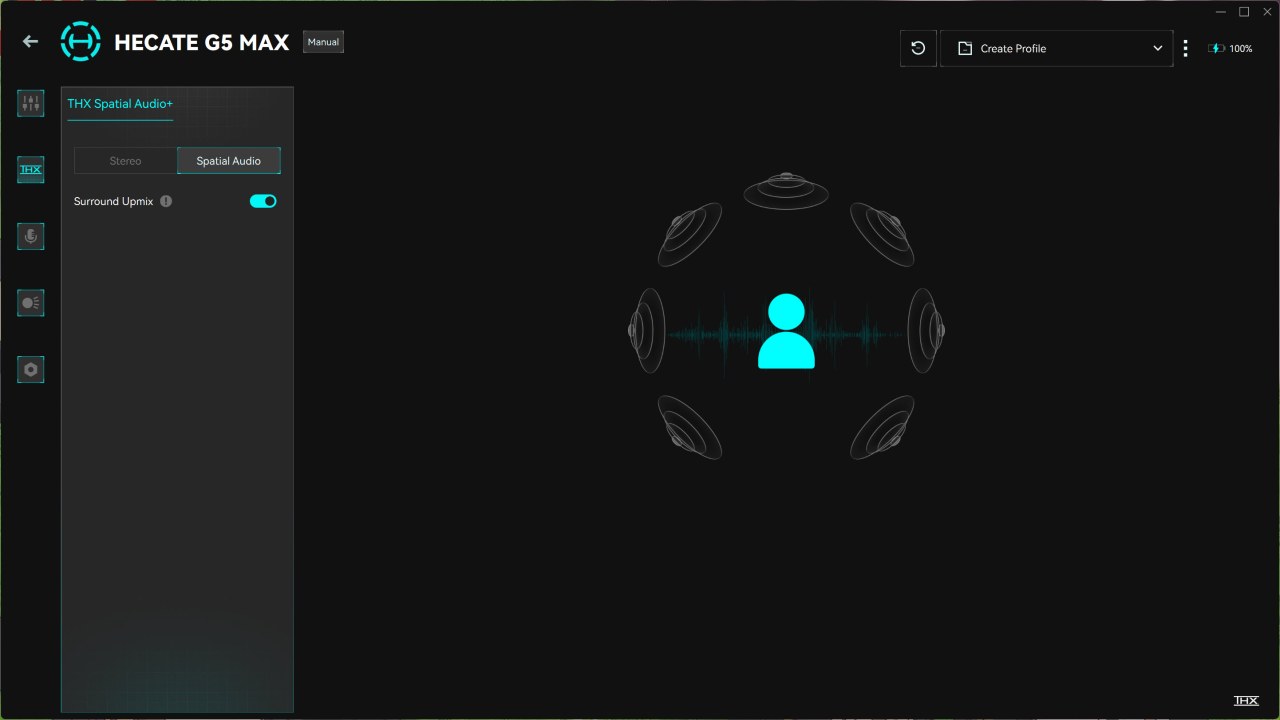
Second tab is all about THX spatial audio so from here you can set the G5 MAX to use either stereo or spatial audio.
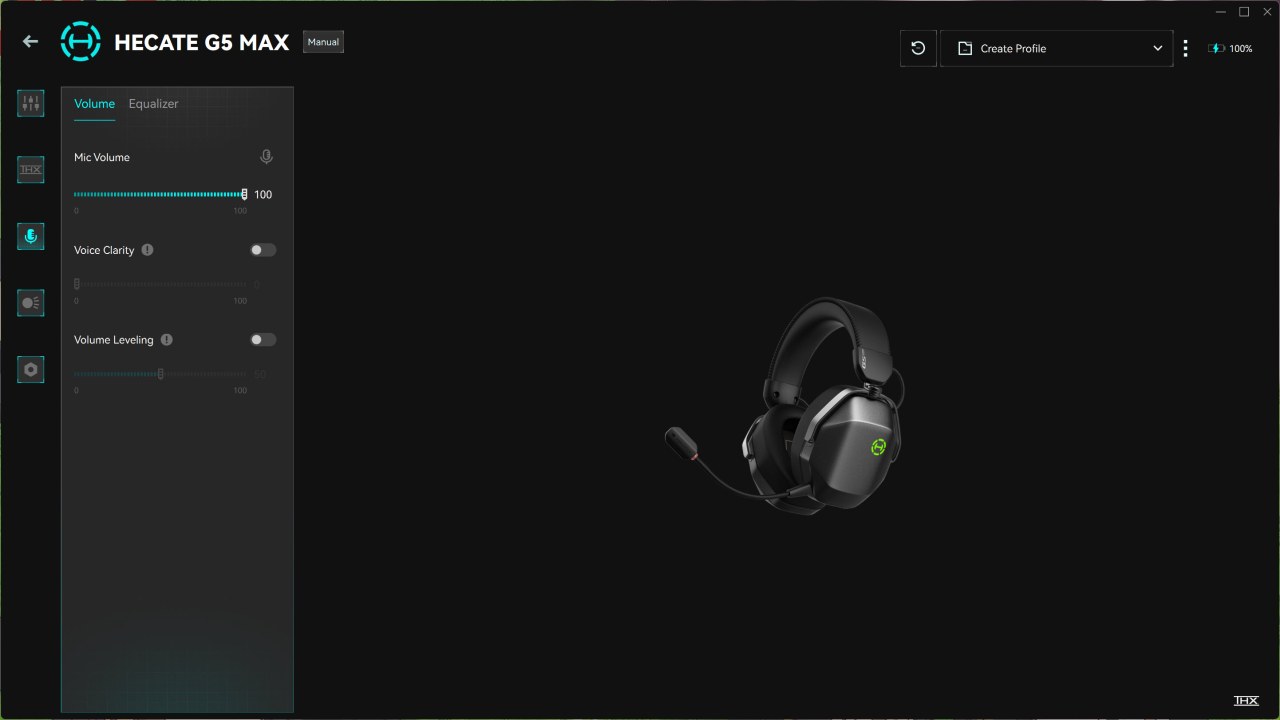
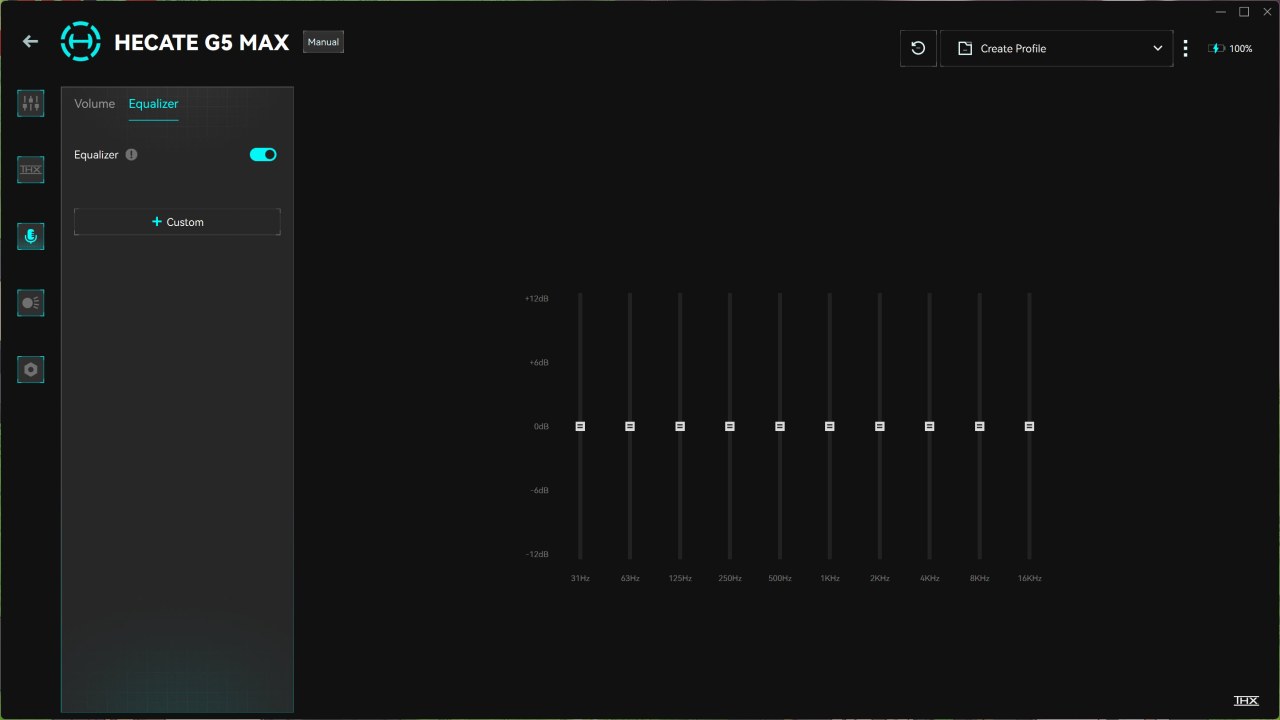
Third tab is about the microphone so you can adjust its values and also create your very own equalizer.
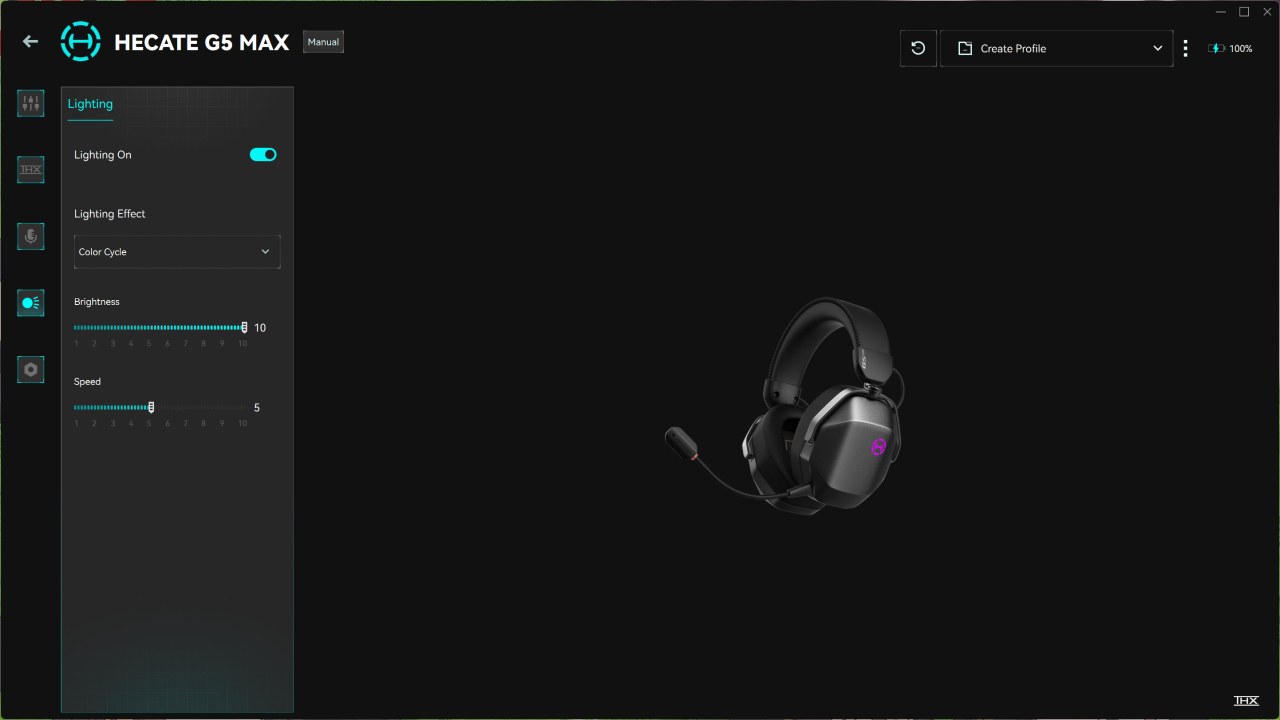
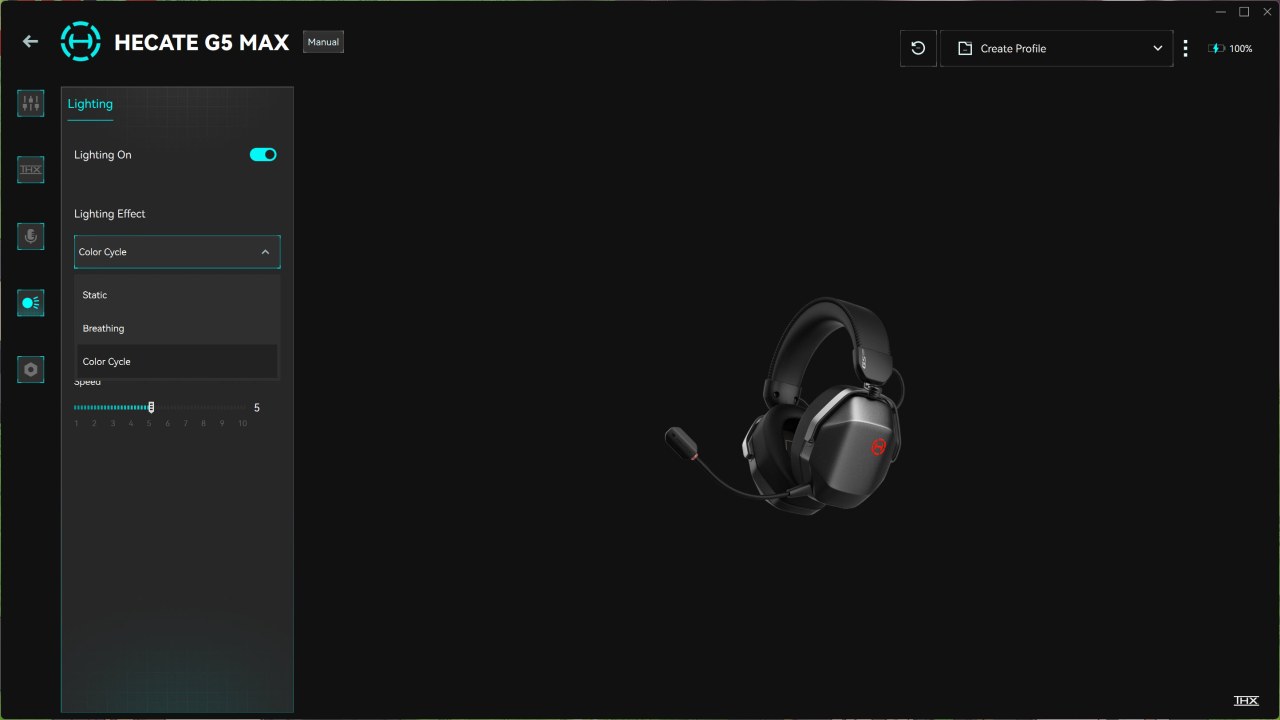
From the 4th tab you can adjust the lighting settings (3 effects).
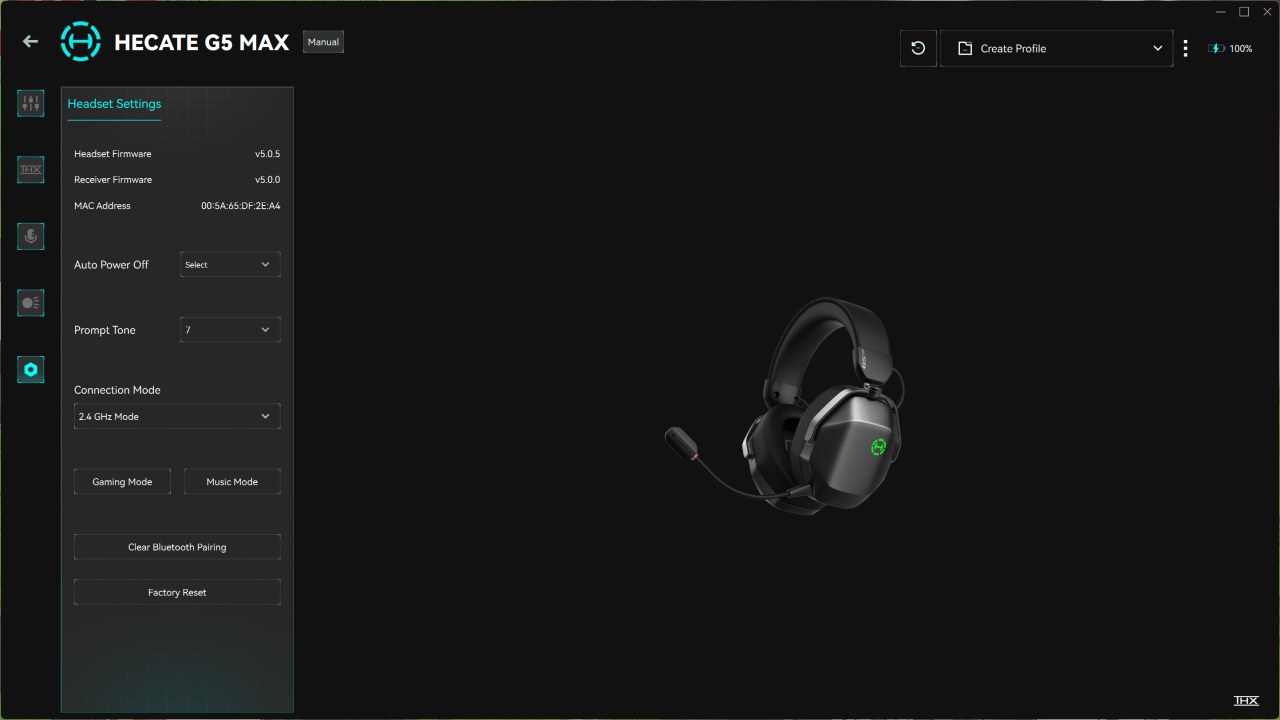
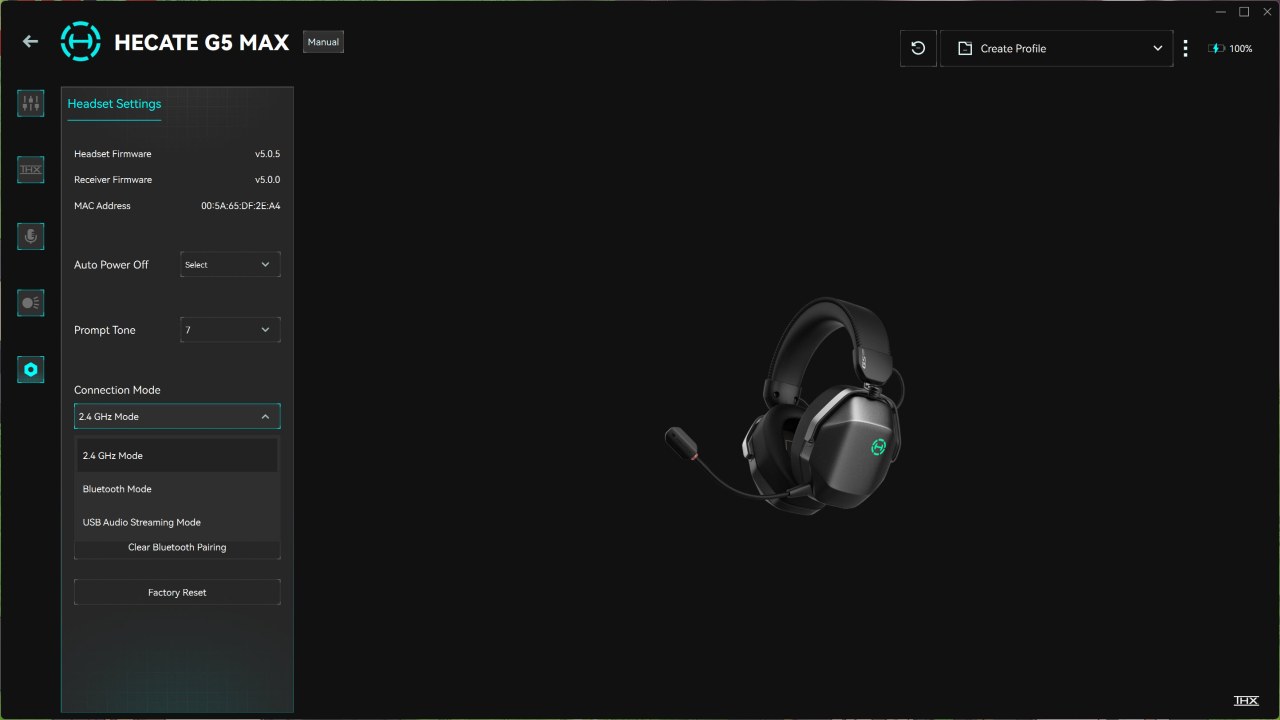
Finally, from inside the settings you can adjust the auto power off, adjust prompt tones, change connection mode, select between gaming and music modes, clear Bluetooth pairing and reset the headset to its factory settings.





