





Page 5 of 6
BEYERDYNAMIC APP
Since beyerdynamic doesn't have PC software for the MMX 150 you'll need to use their smart app (easier than using its buttons).
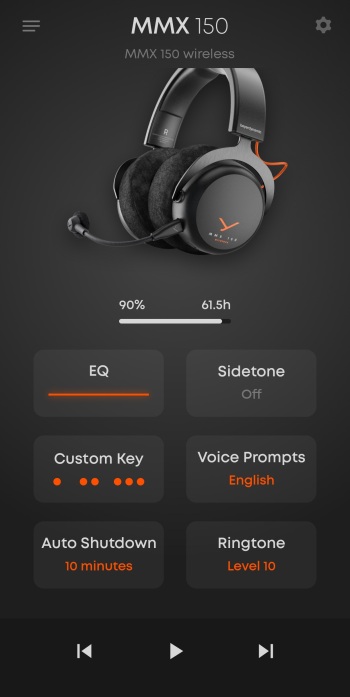
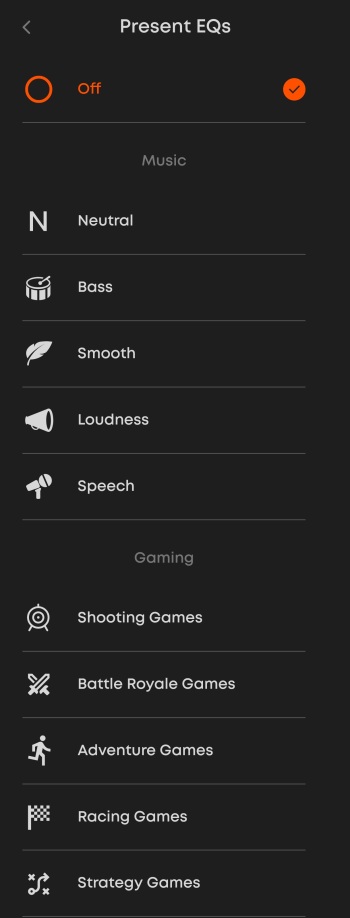
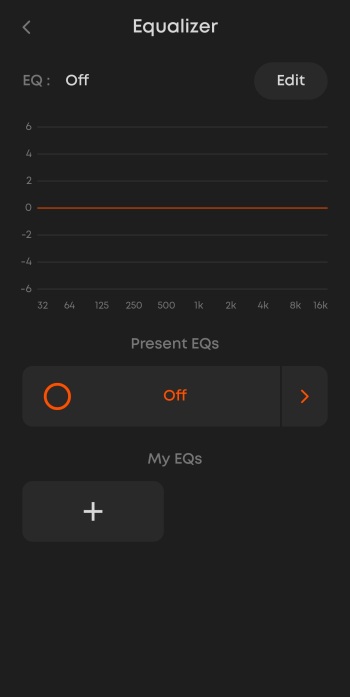
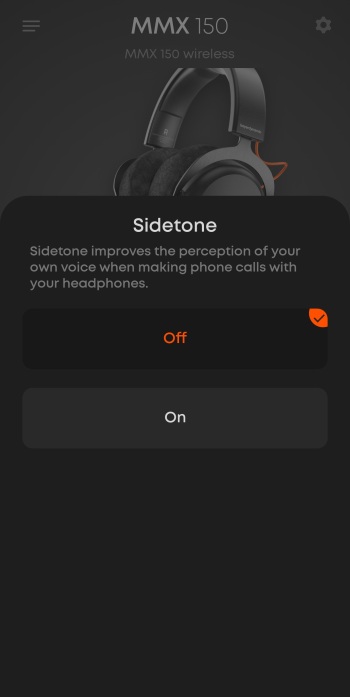
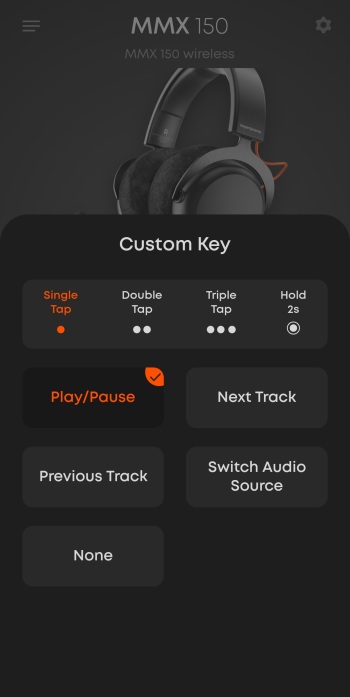
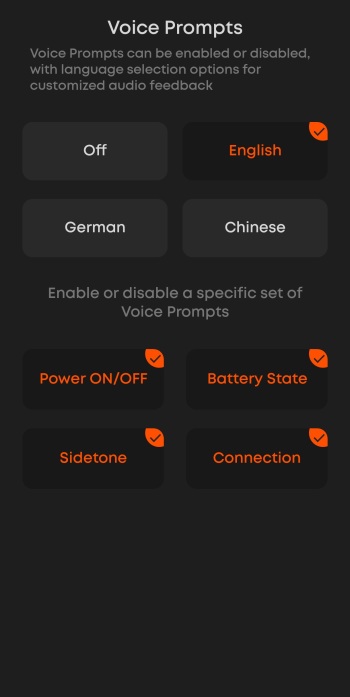
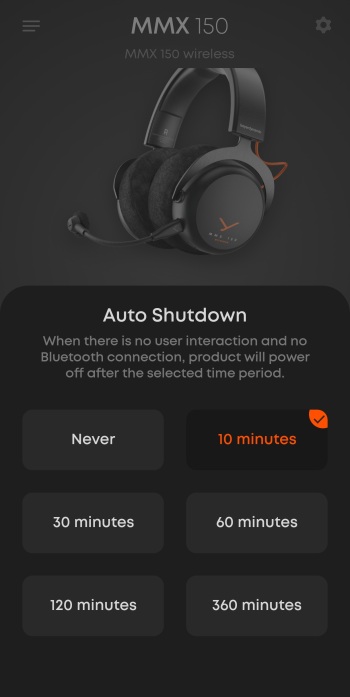
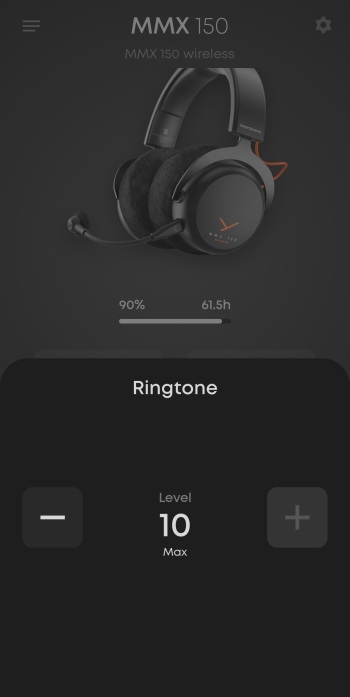
From the main tab you can adjust EQ (choose between 5 music and 5 gaming presets), enable/disable sidetone, configure custom key actions, enable/disable voice prompts, adjust auto‑shutdown timing, and set the ringtone volume (battery status is also displayed).
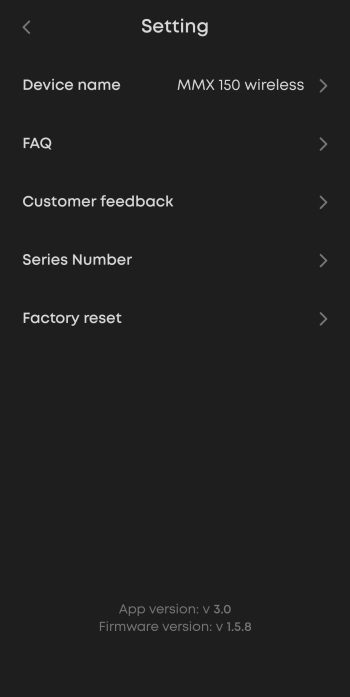
Inside the general settings tab you'll find the rename function, FAQs, feedback, serial number information, and factory reset options.





