


THE GAMEHUB


Initial tab showcases the 48kHz/24bit audio output, ChatMix wheel (shows how game and chat audio are balanced - can adjust via the wheel) and the current battery charge.


You can also switch between inputs, and access audio options like the equalizer (lets the end user choose or tweak a sound profile), gain (output strength), noise control (adjusts how much background noise gets filtered), microphone, connectivity, line out and audio output.


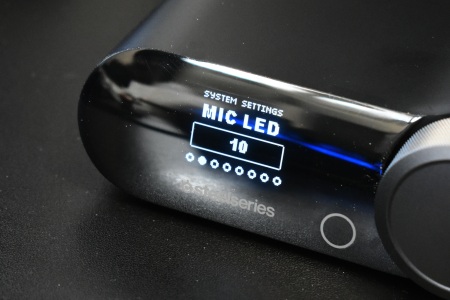


From inside the system settings area, you can adjust the display (brightness/behavior), mic LED intensity, Sounds (controls UI beeps), auto off (defines when the unit powers down) and power saving (toggles energy‑saving behavior).


Finally, we have the about (shows firmware and device info), tutorial and reset tabs.