



BIOS Z89AC515
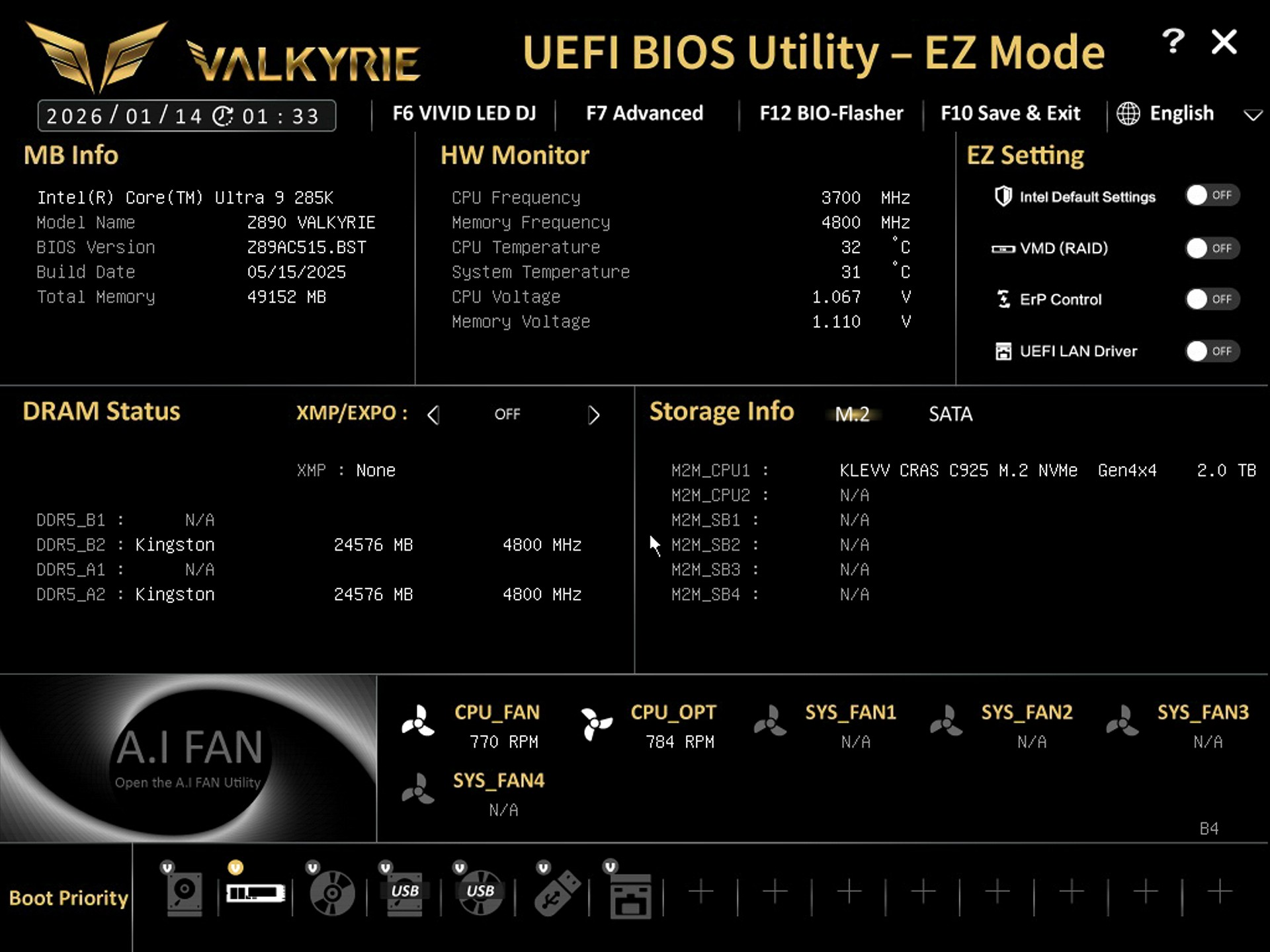
The EZ Mode screen includes basic toggles for XMP, fan profiles, boot priority, and quick monitoring.
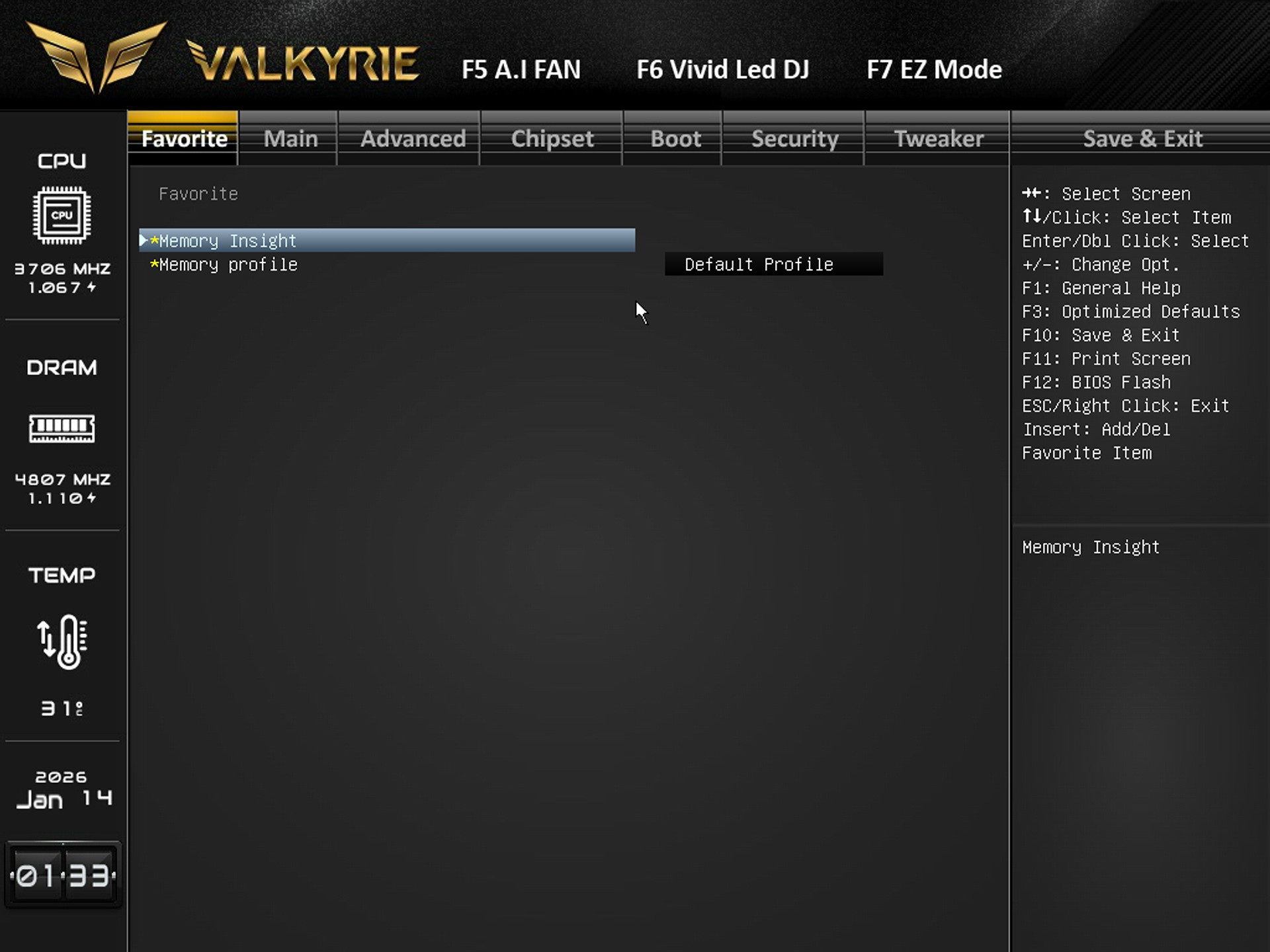
Inside the favorite tab you have quick access to memory tools like Memory Insight and Memory Profile selection.
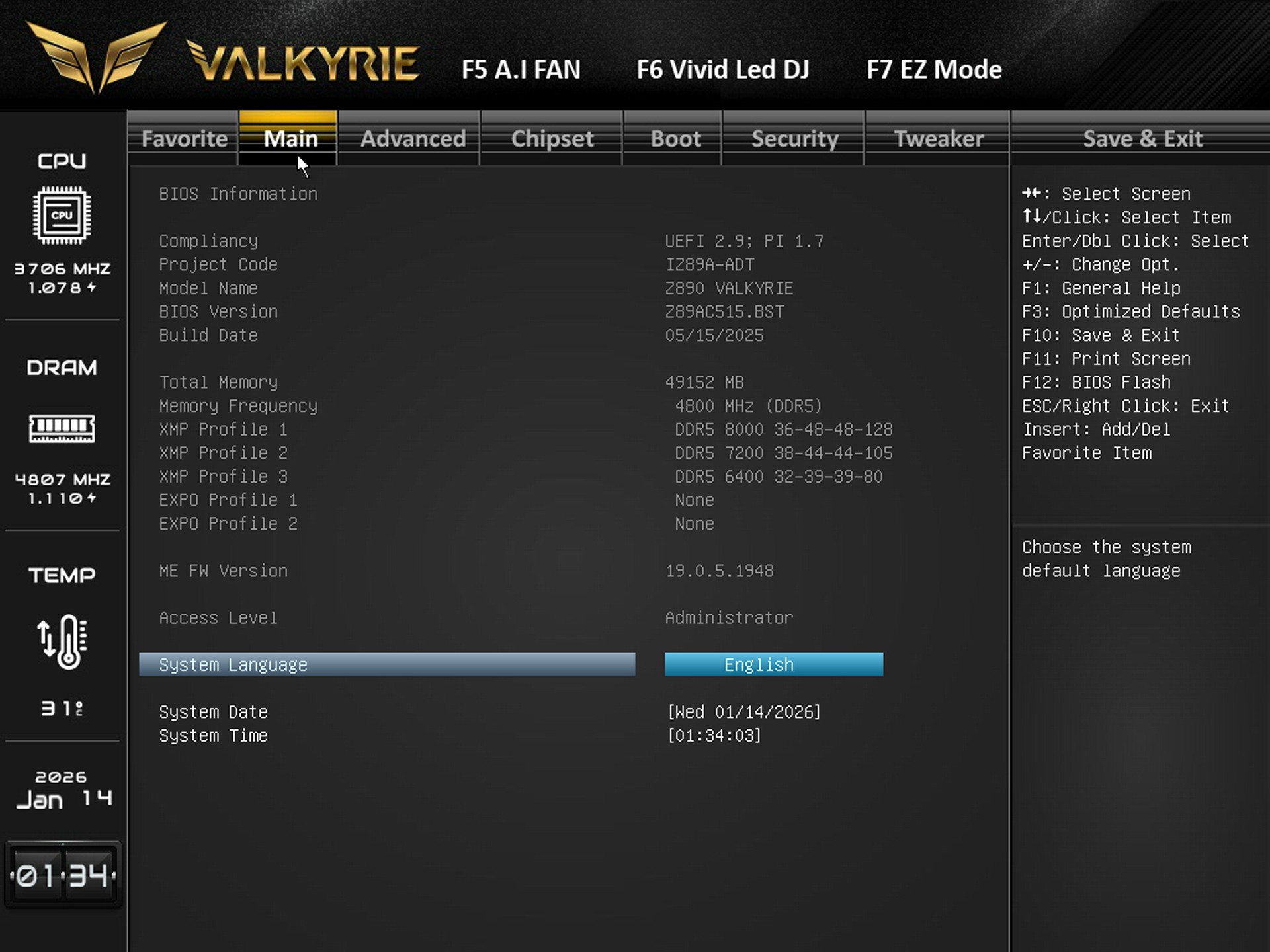
From the main tab you can adjust system language, date, time, and view BIOS/XMP profile availability.
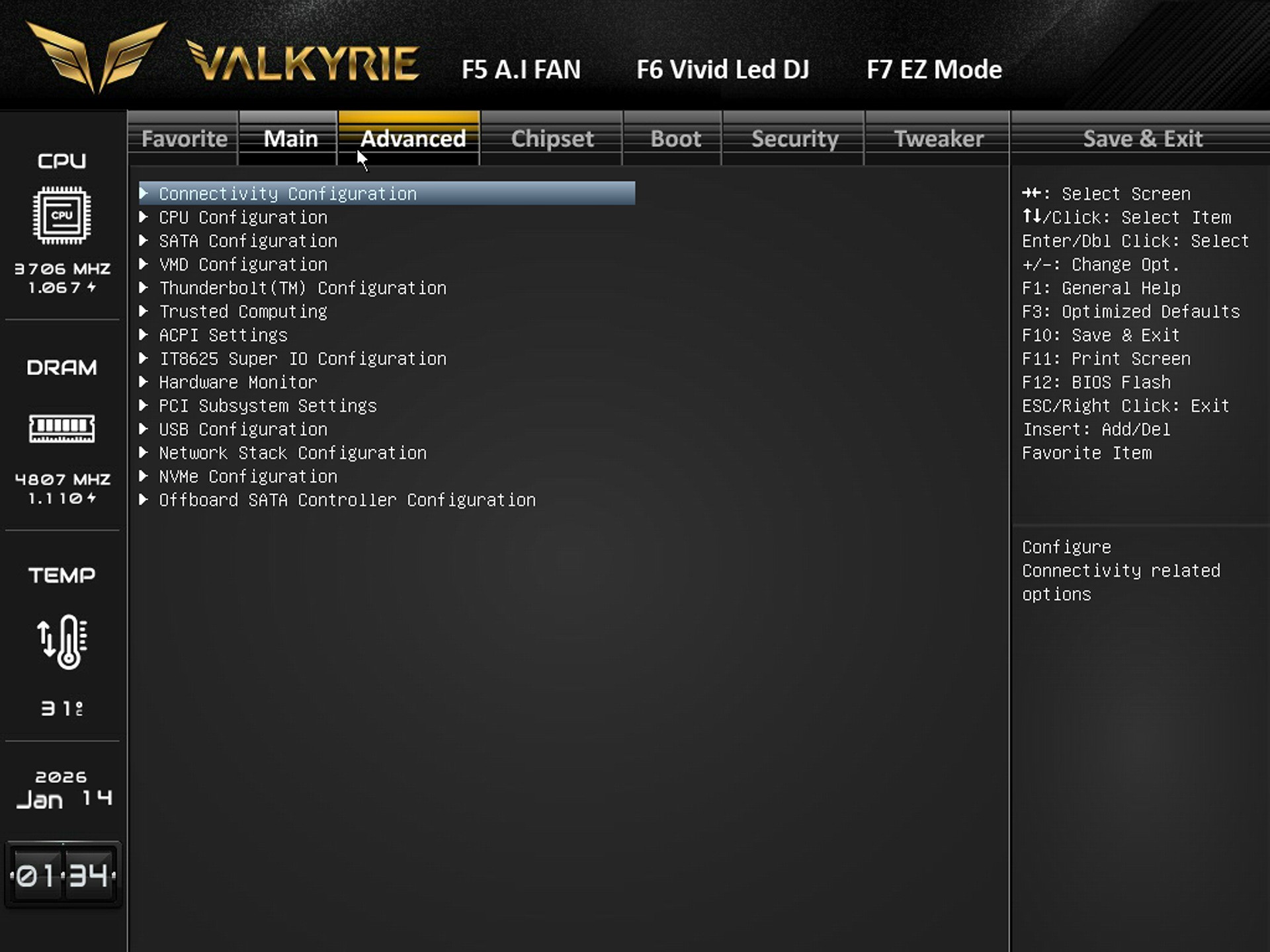
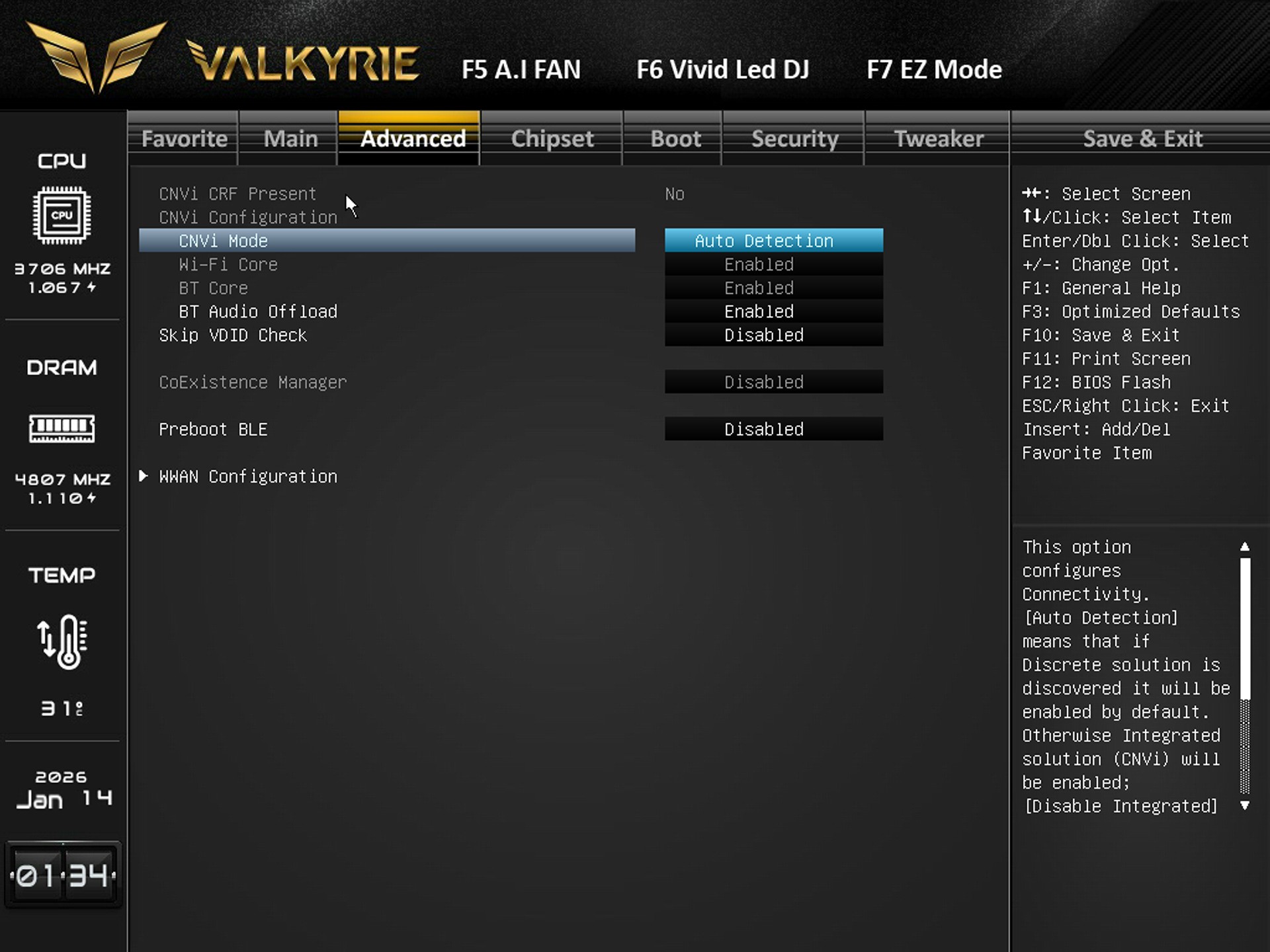
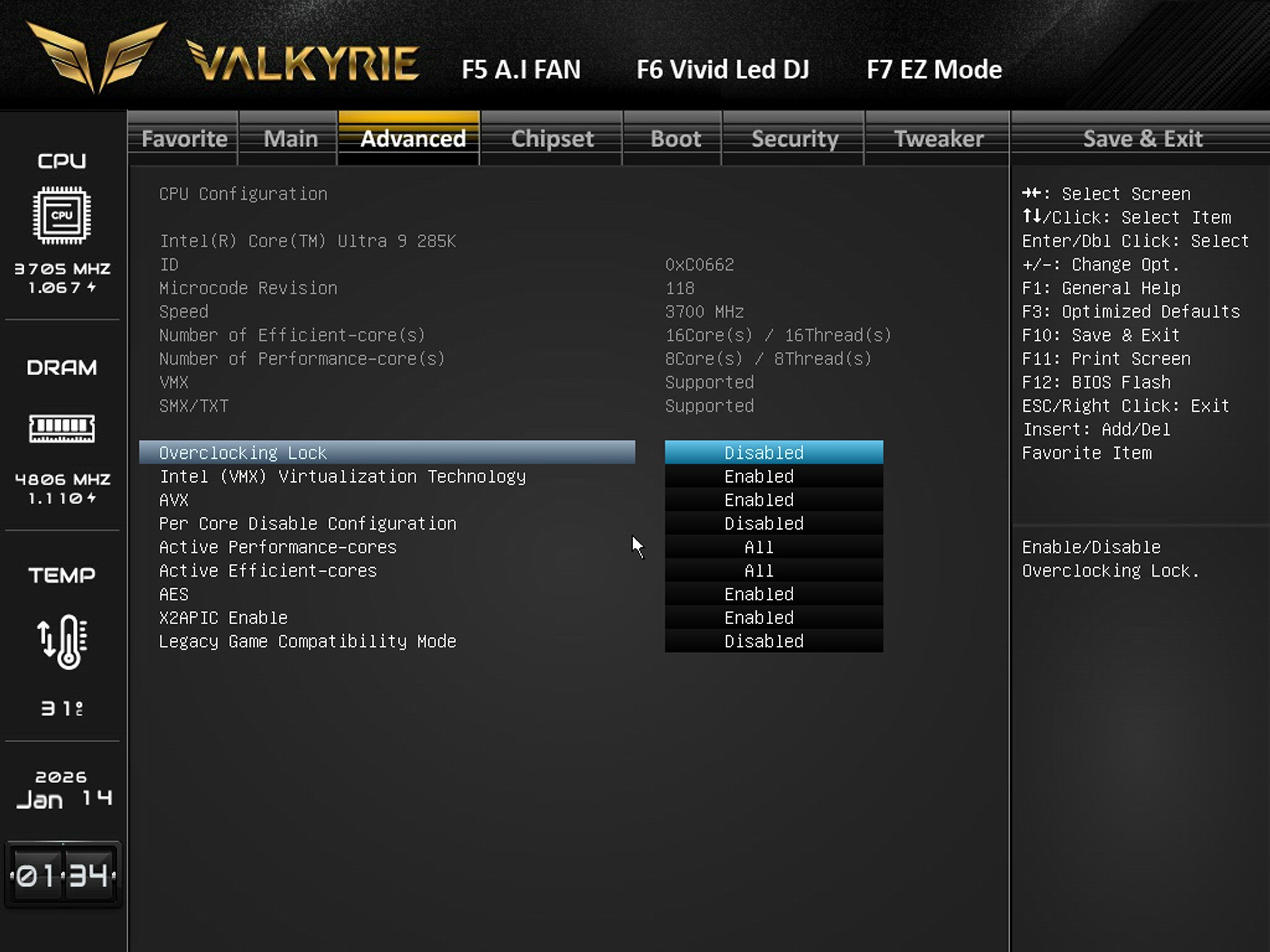
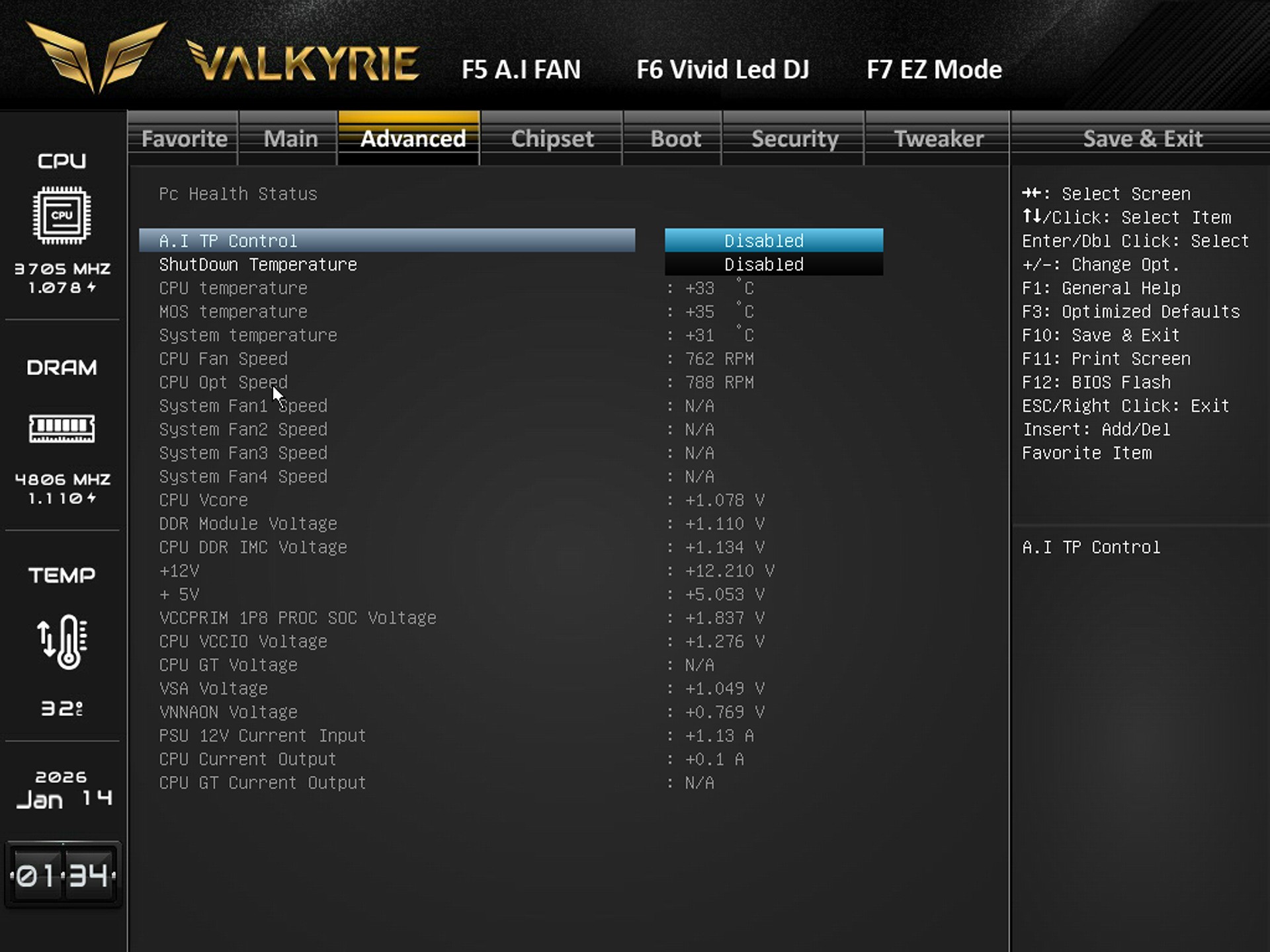
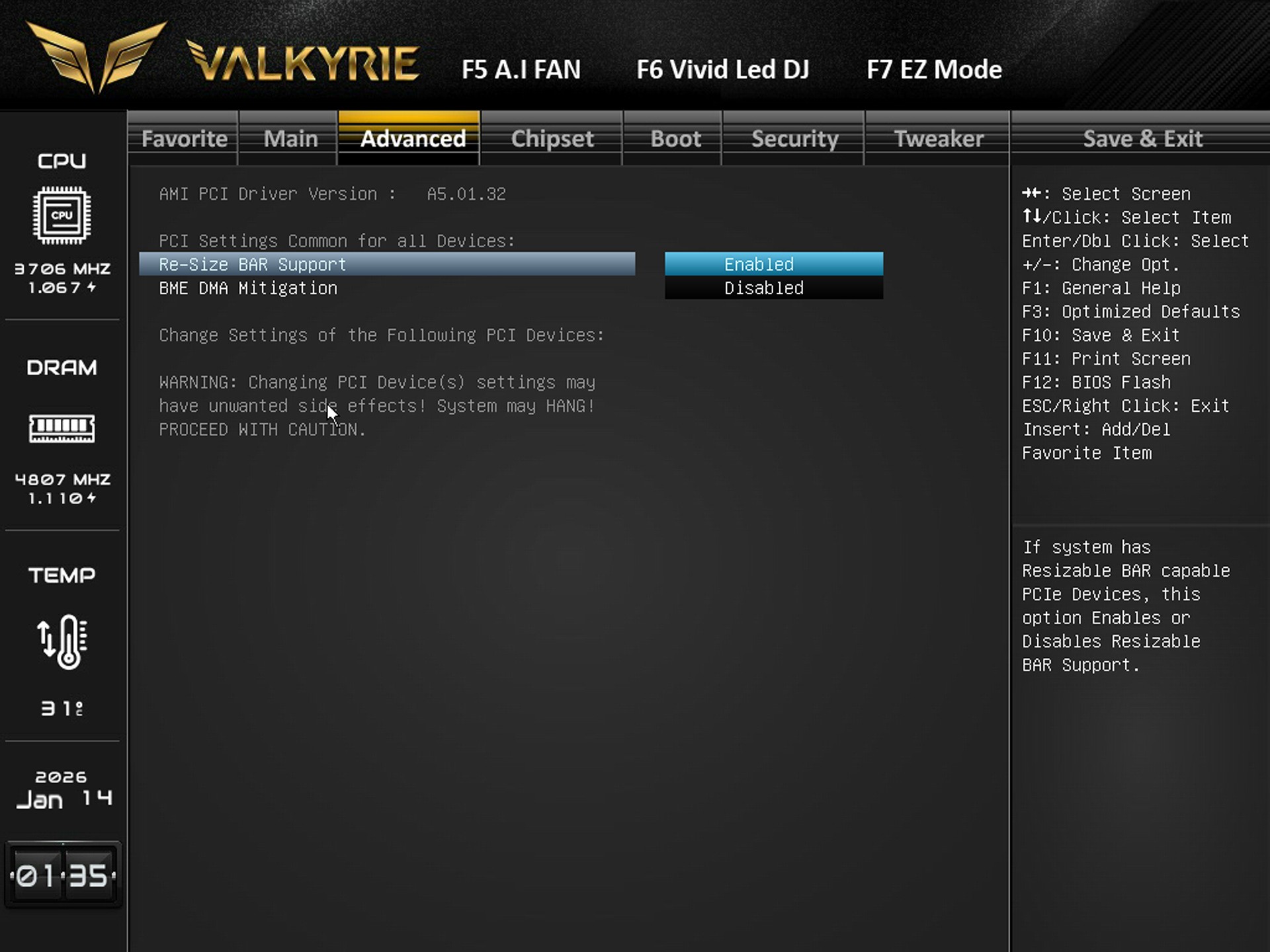
The advanced tab includes everything regarding the CPU, SATA, NVMe, USB, PCIe, ACPI, Thunderbolt, Super I/O, and hardware monitoring.
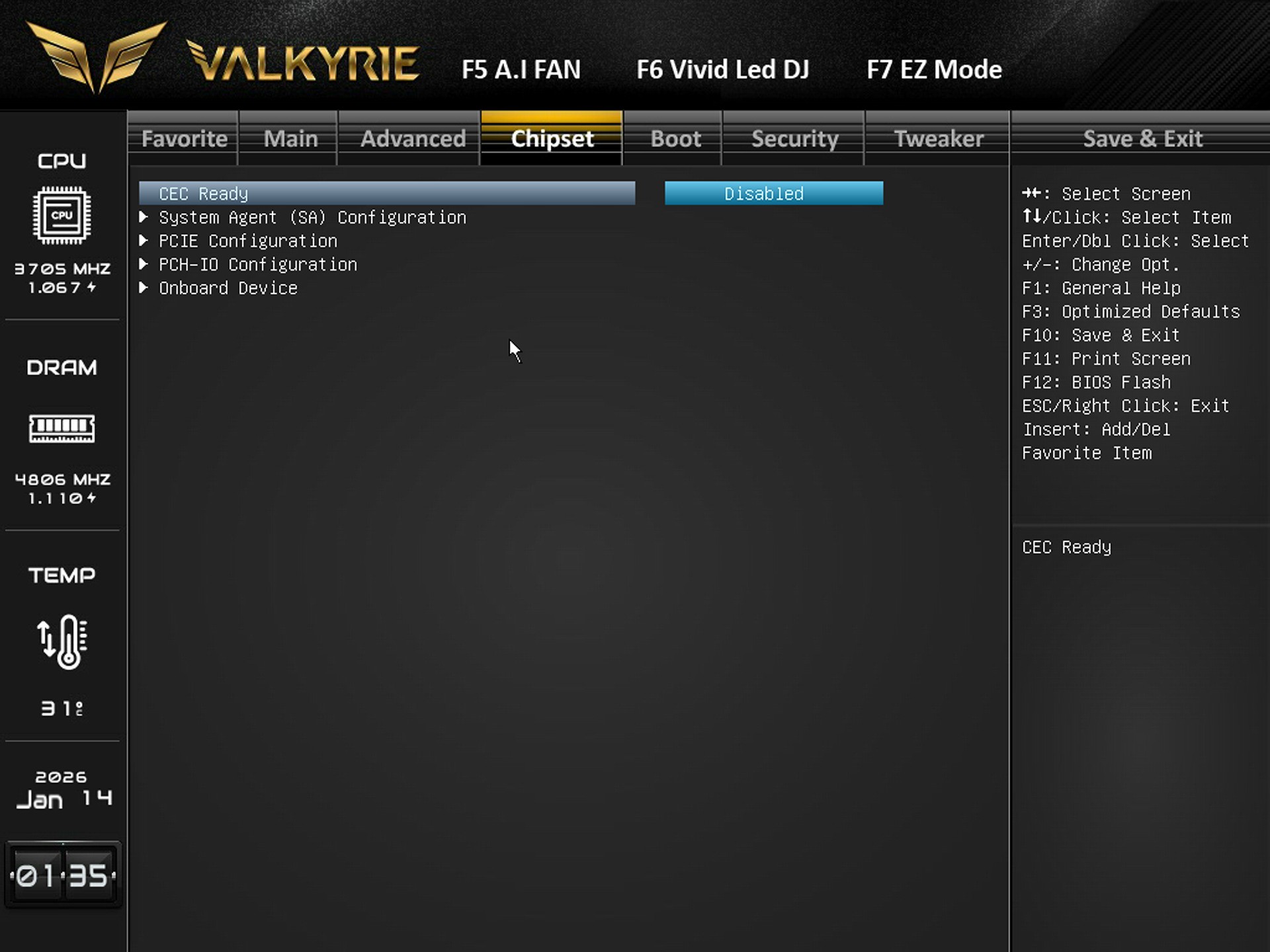
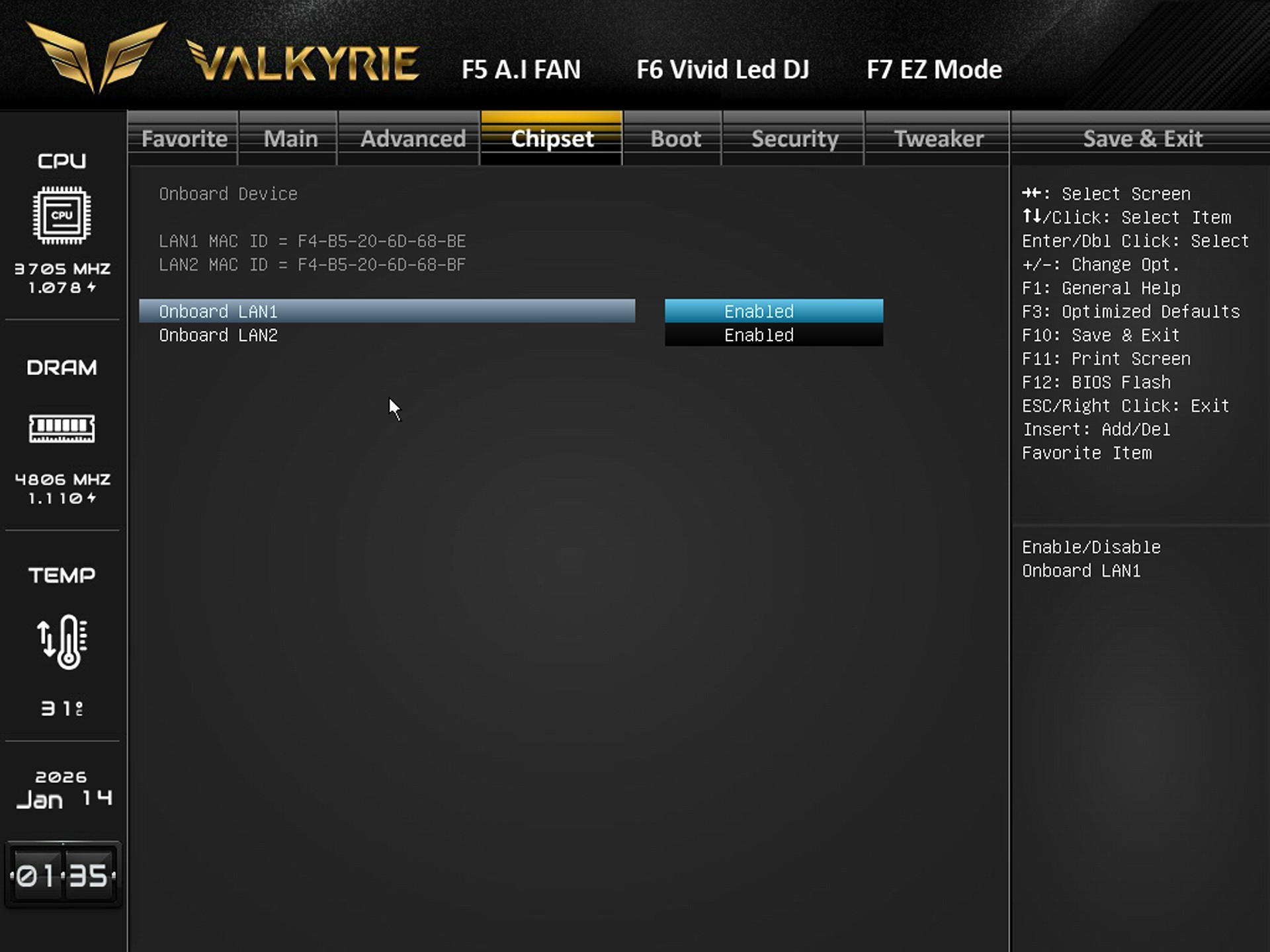
Available settings for system agent, PCIe lanes, PCH I/O behavior, and onboard device settings are all in the chipset tab.
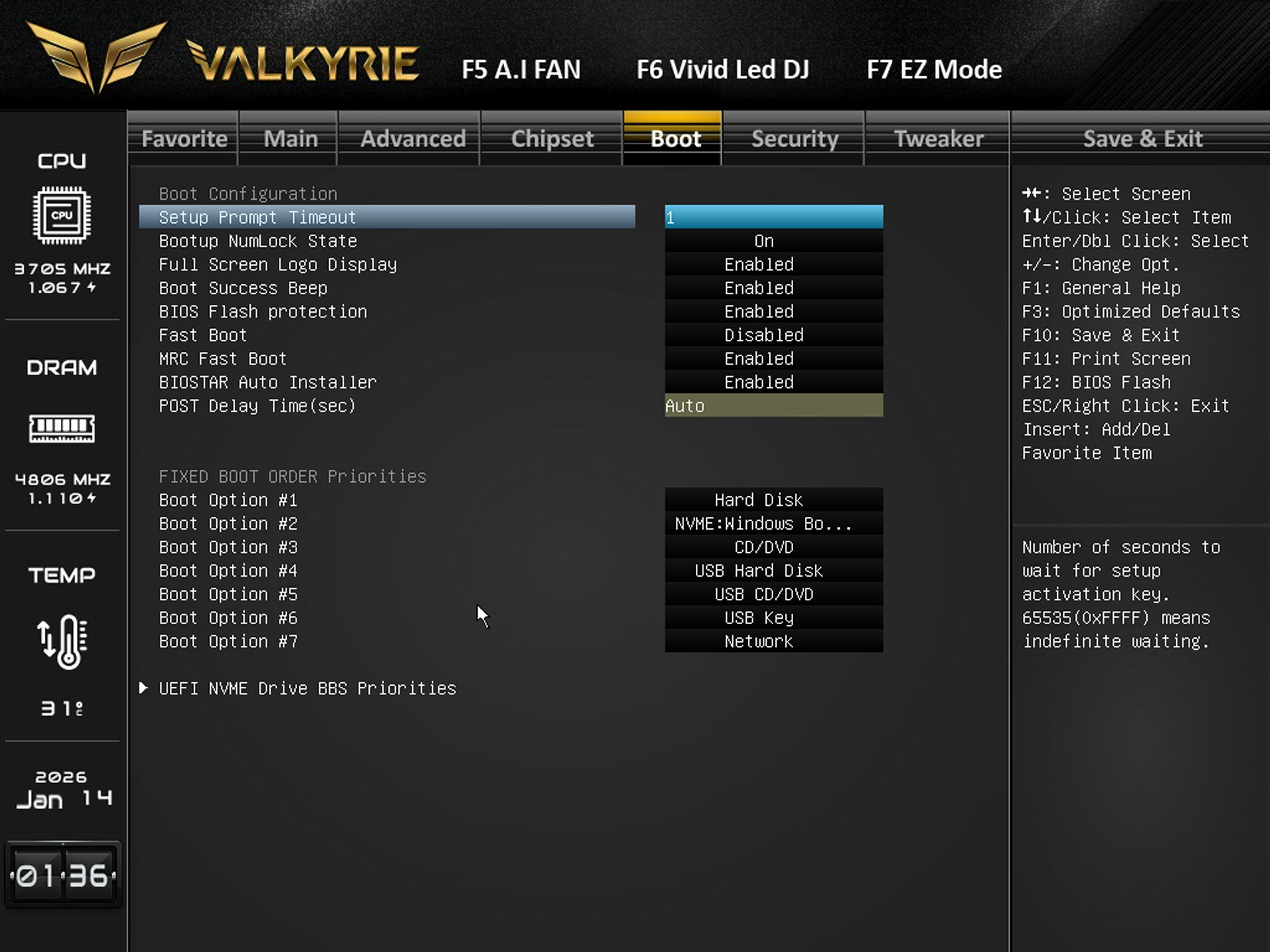
Boot tab includes the boot logo, fast boot, POST delay, NumLock, BIOS flash protection, and boot order priorities.
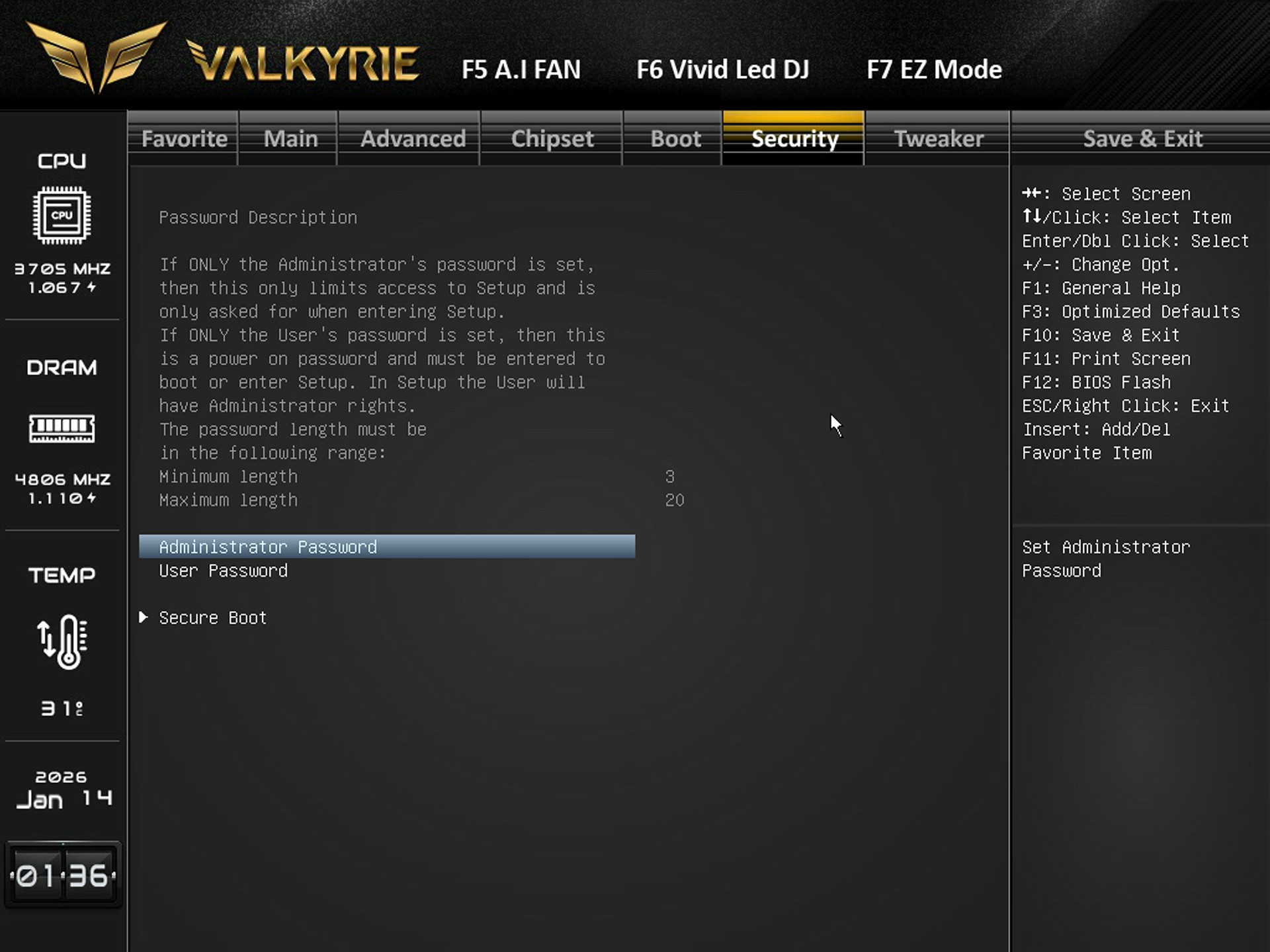
You can set administrator/user passwords and configure Secure Boot from the security tab.
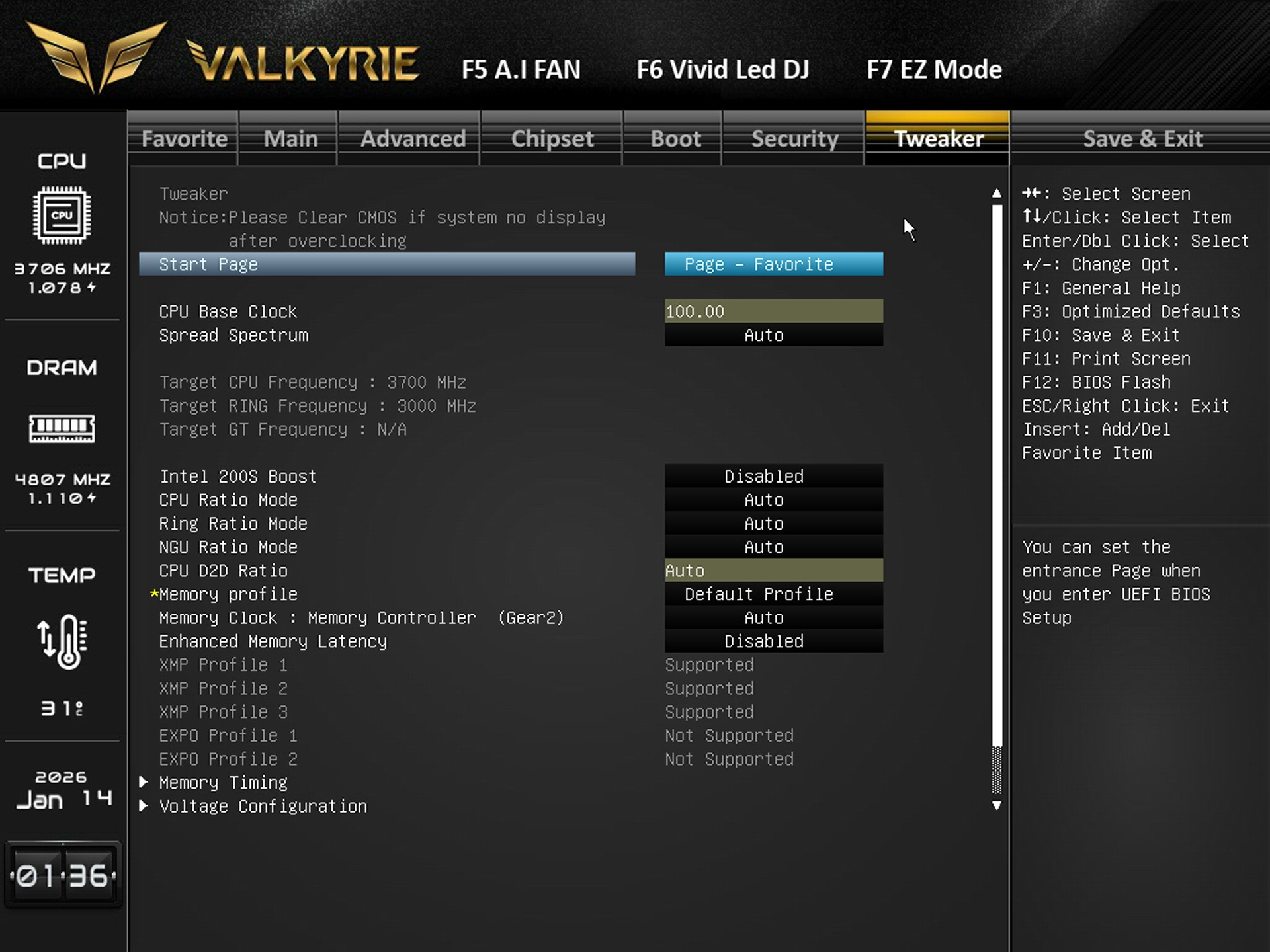
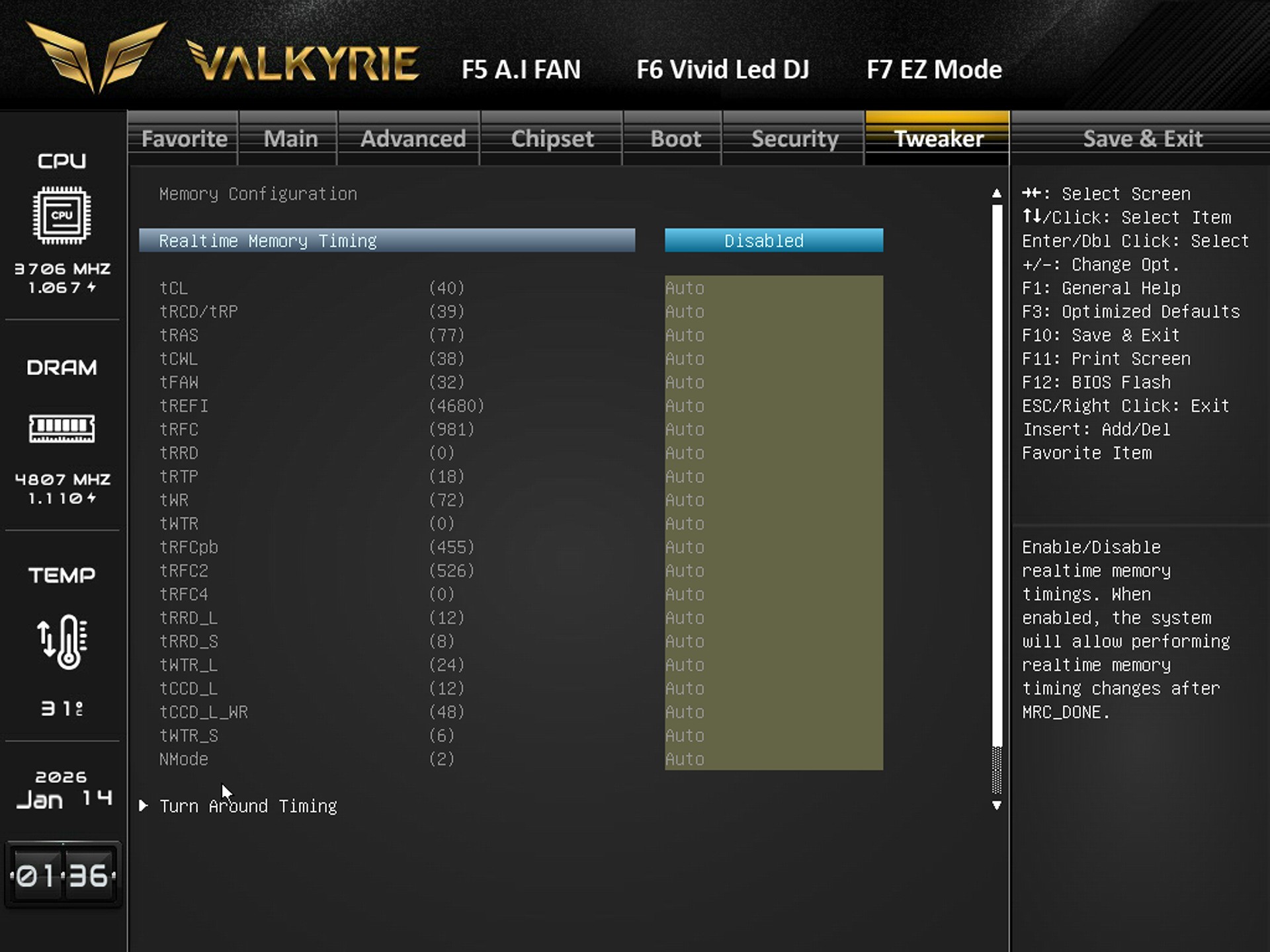
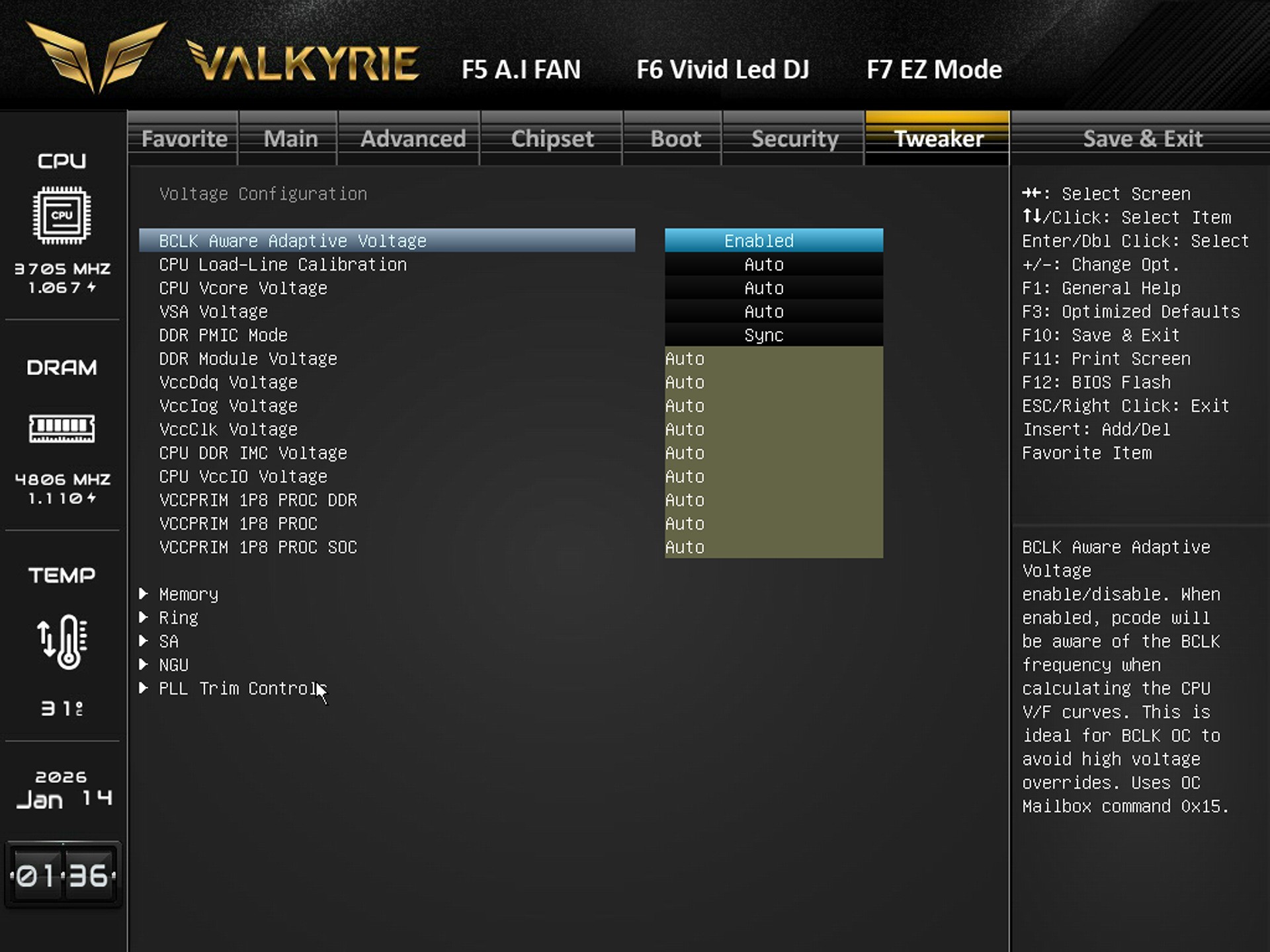
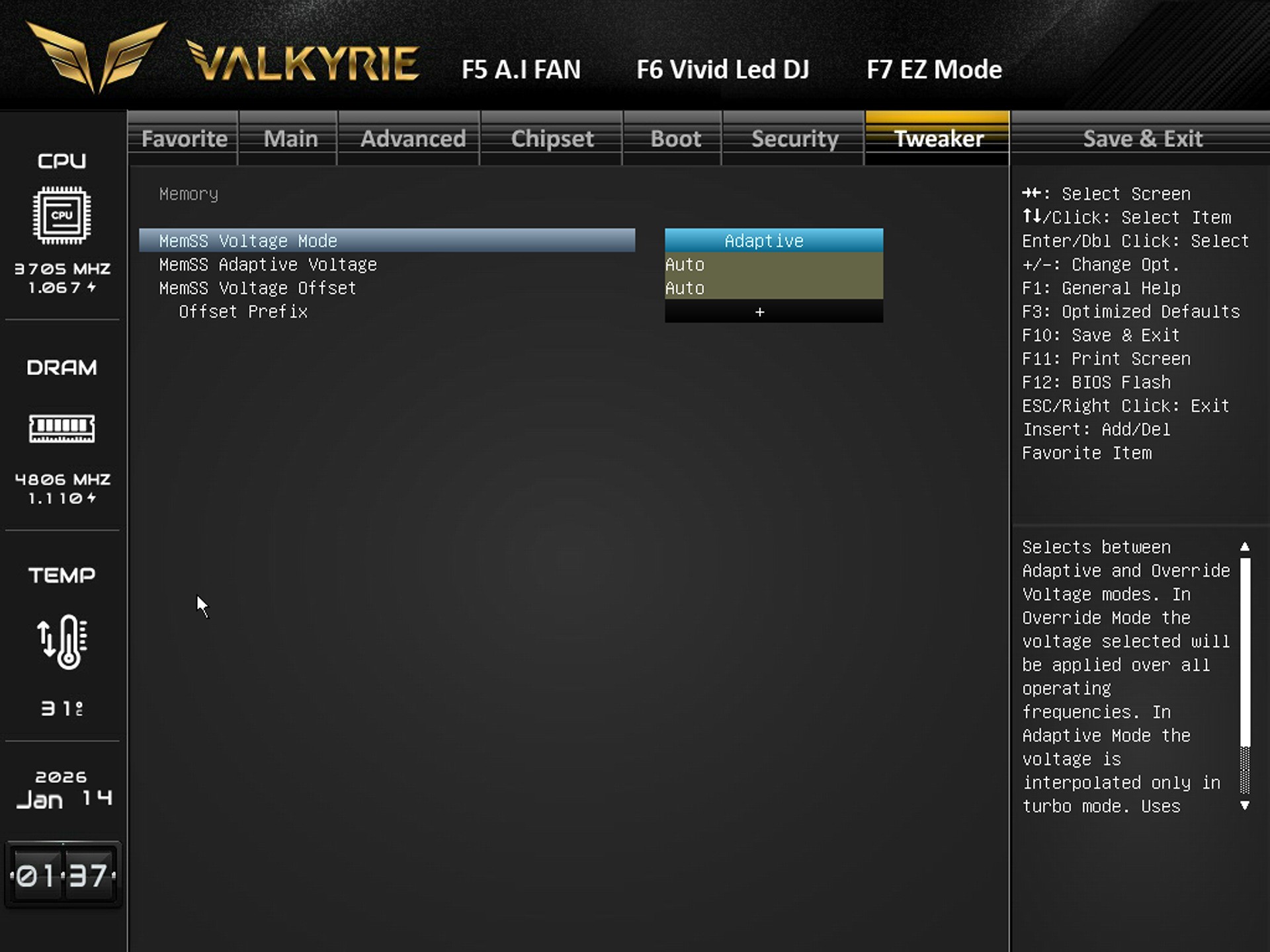
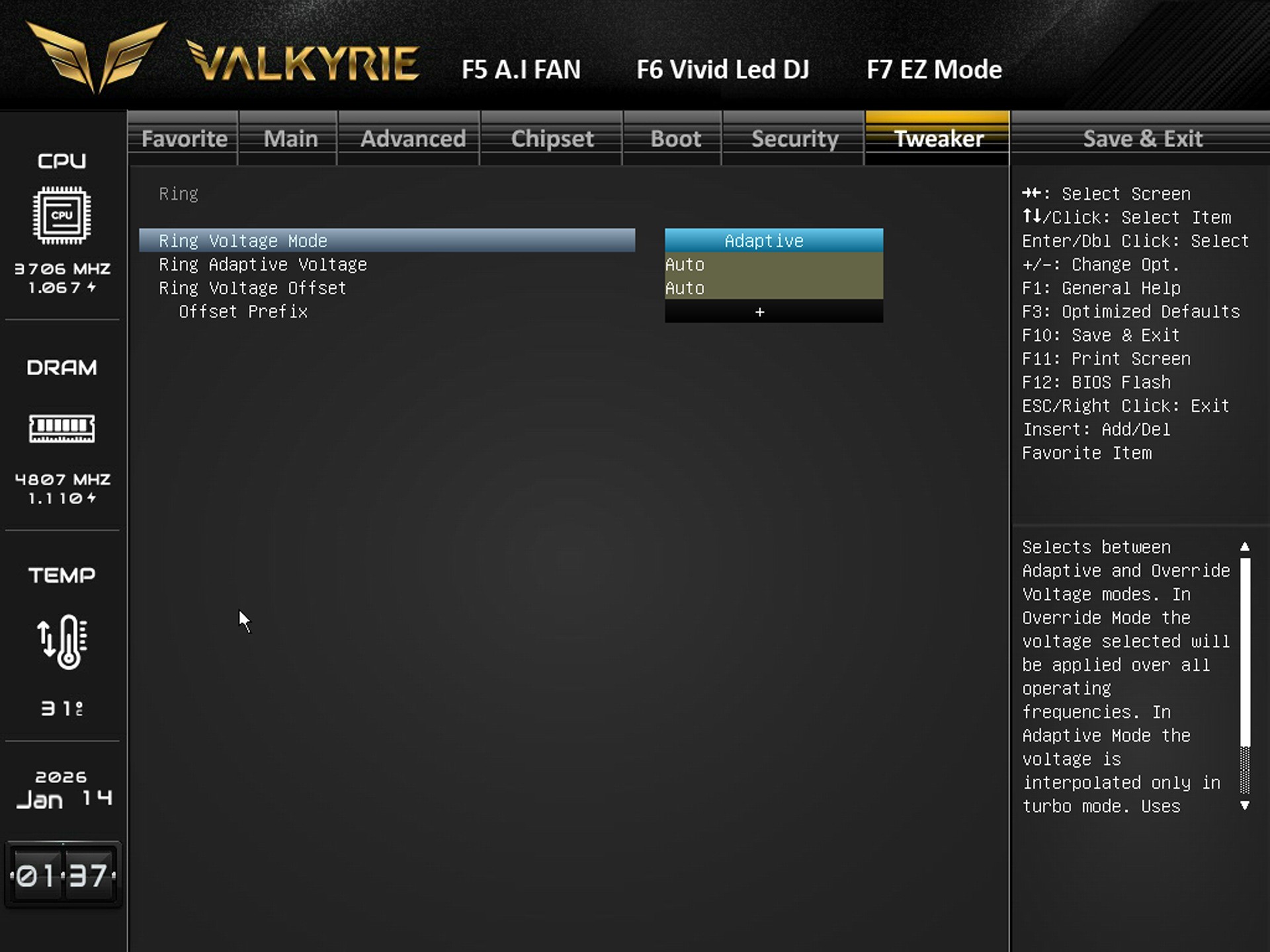
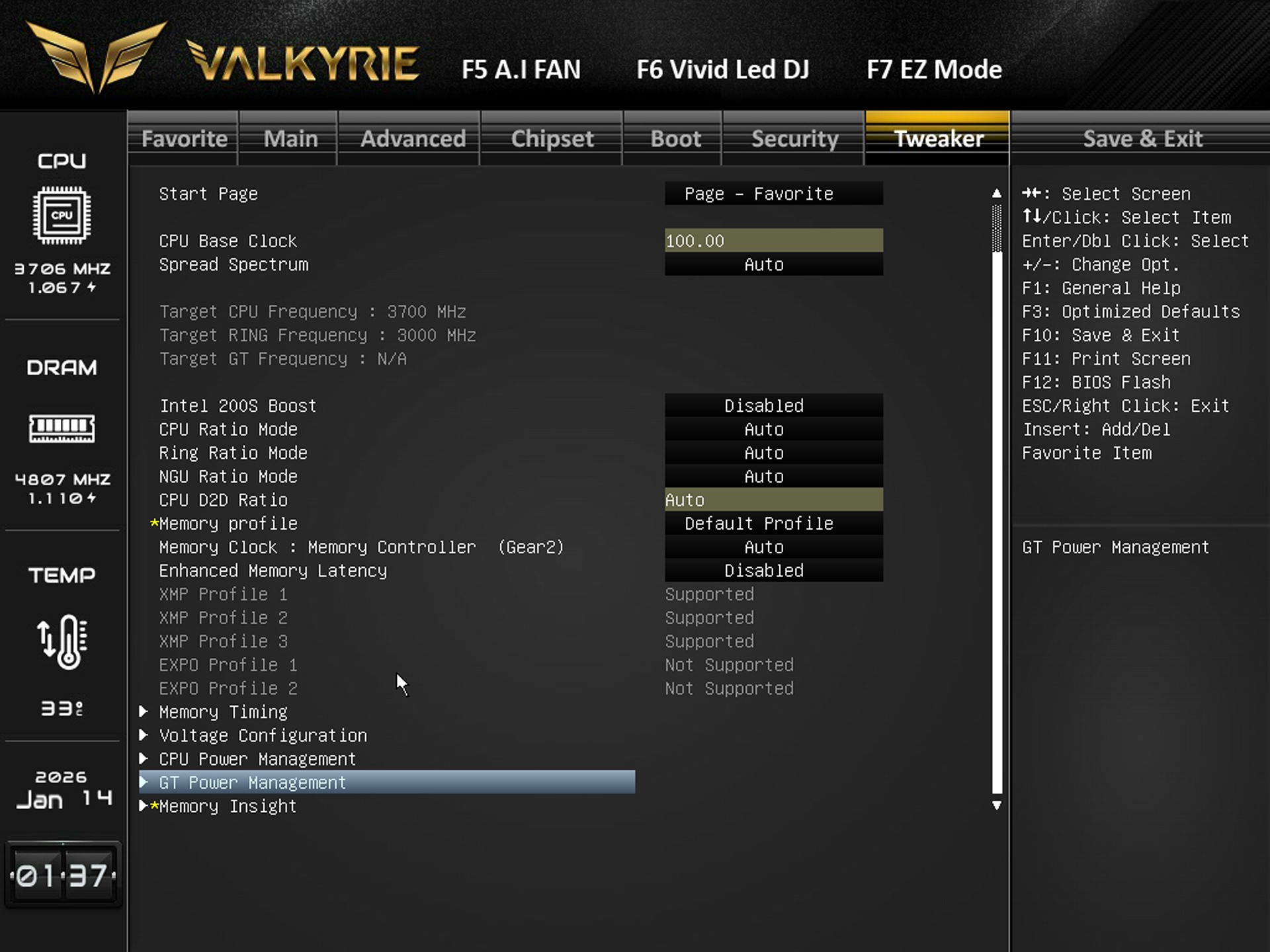
Finally the tweaker tab includes everything related to overclocking so from here you can adjust base clock, CPU ratios, ring ratios, memory profiles (XMP), memory gear mode, latency presets, manually tune individual DDR5 timings (tCL, tRCD, tRAS, etc.), adjust CPU Vcore, load‑line calibration, VSA, DDR voltages, IMC voltage, and other power rails, switch memory voltage between Adaptive and Override, and set voltage offsets, set ring voltage mode (Adaptive/Override) and adjust offsets, Select XMP profiles, adjust memory clock, enable/disable enhanced latency, and access deeper timing/voltage submenus.