





INTRODUCTION
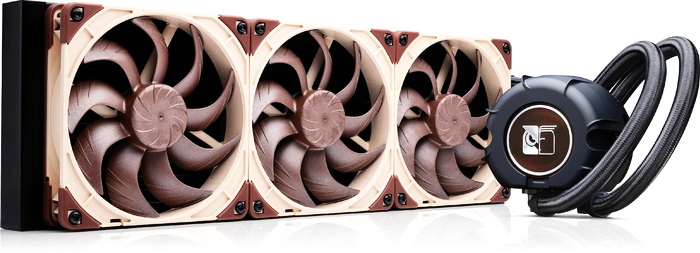
All‑in‑one liquid coolers have become a cornerstone of modern PC cooling, offering strong thermal performance without the complexity and significant cost of custom loops. While radiator size is without doubt the biggest factor (larger units provide more surface area for heat dissipation) fans play an equally important role. Their bearings, blade profiles, and motor tuning determine how efficiently air moves through the radiator, especially at low RPM where noise and static pressure matter most. Enter Noctua’s new (and very first) NL‑LC1 AIO series and more specifically the NL‑LC1‑42, a 420mm model that blends sheer radiator size with Noctua’s trademark low‑RPM acoustic performance.
Noctua’s award-winning, premium quality quiet cooling components are internationally renowned for their superb acoustics, industry-leading performance-to-noise efficiency and remarkable longevity. Since its foundation in 2005, the Austrian manufacturer’s engineering-first mindset, history of innovations and relentless pursuit of continuous optimisation have become just as iconic as its long-term product support and excellence in customer service. Today, PC enthusiasts and industry clients alike swear by the signature blend of cutting-edge performance, outstanding quietness and ultimate reliability that makes Noctua’s products unique.
The Noctua NL‑LC1‑42 is a 420mm ΑΙΟ (all‑in‑one) liquid CPU cooler built on Asetek’s Emma V2 pump platform, pairing a high‑capacity aluminum radiator with three NF‑A14x25 G2 PWM 140mm fans to deliver industry‑leading thermal performance at exceptionally low noise levels. The pump block stands 70mm tall and uses a three‑phase centrifugal motor with a ceramic sleeve and shaft, skived‑fin copper cold plate (55.5x55.5mm, CU1100 high‑purity copper), and a 4‑pin PWM interface while it offers three profiles, Quiet, Balanced, and Manual (2100/2600/3400RPM) with maximum pump noise staying below ~15dBA even in the fastest mode. Noctua’s custom NL‑PNA1 pump noise absorber surrounds the block with a three‑layer acoustic structure and tuned‑mass damper effect to cut both airborne noise and structure‑borne vibration, while an optional NL‑ACF1 80mm auxiliary fan can replace the magnetic metal faceplate to push airflow over nearby VRMs, RAM, or M.2 SSDs. The three NF‑A14x25 G2 fans (1500RPM/91.6CFM/2.56mmH₂O/24.8dBA) use second‑generation SSO2 bearings, advanced aerodynamics, and a deliberate speed‑offset strategy to avoid tonal harmonics and resonance, giving the cooler its characteristic “smooth” acoustic signature even under heavy load. Noctua Reveals its NL-LC1 AIO Series with Advanced Acoustic Design Coolant is a non‑toxic, electrically conductive mix of 22% propylene glycol / 78% water with anti‑freeze, anti‑corrosion, and anti‑biological inhibitors, routed through 450mm long braided EPDM tubes (12.5mm outer, 7mm inner, 26mm minimum bend radius) for robust, flexible installation. Mounting is handled by the SecuFirm2+ multi‑socket system with offset options, supporting AMD AM4/AM5 and Intel LGA1700/LGA1851, and tuned contact pressure for optimal hotspot alignment and as for warranty Noctua backs the NL-LC1 line with a 6‑year limited one.
SPECIFICATIONS AND FEATURES

PACKAGING AND CONTENTS
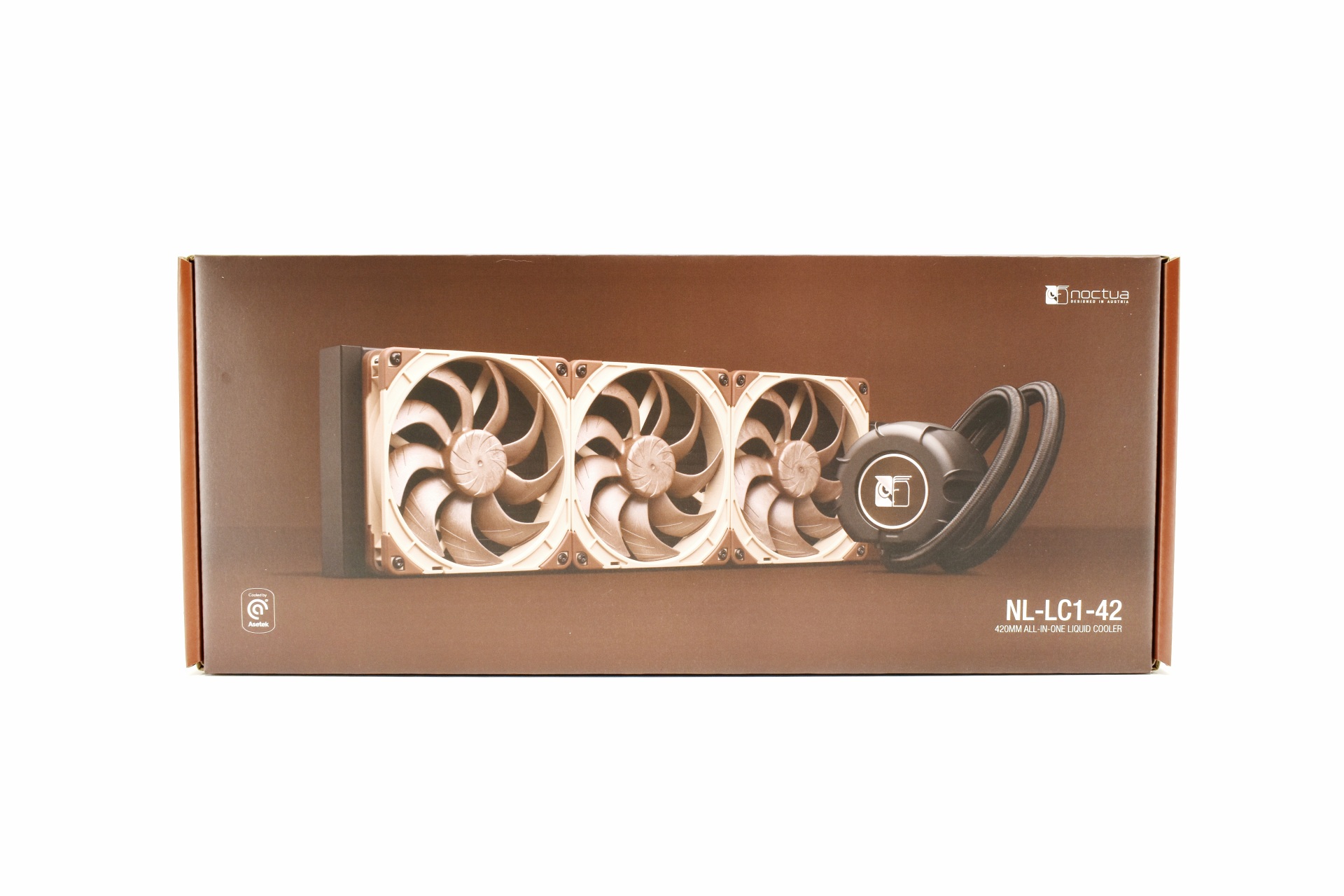
Noctua uses their usual color them for the box the front of which is taken by a large product picture, their logo, Asetek logo and the product name.
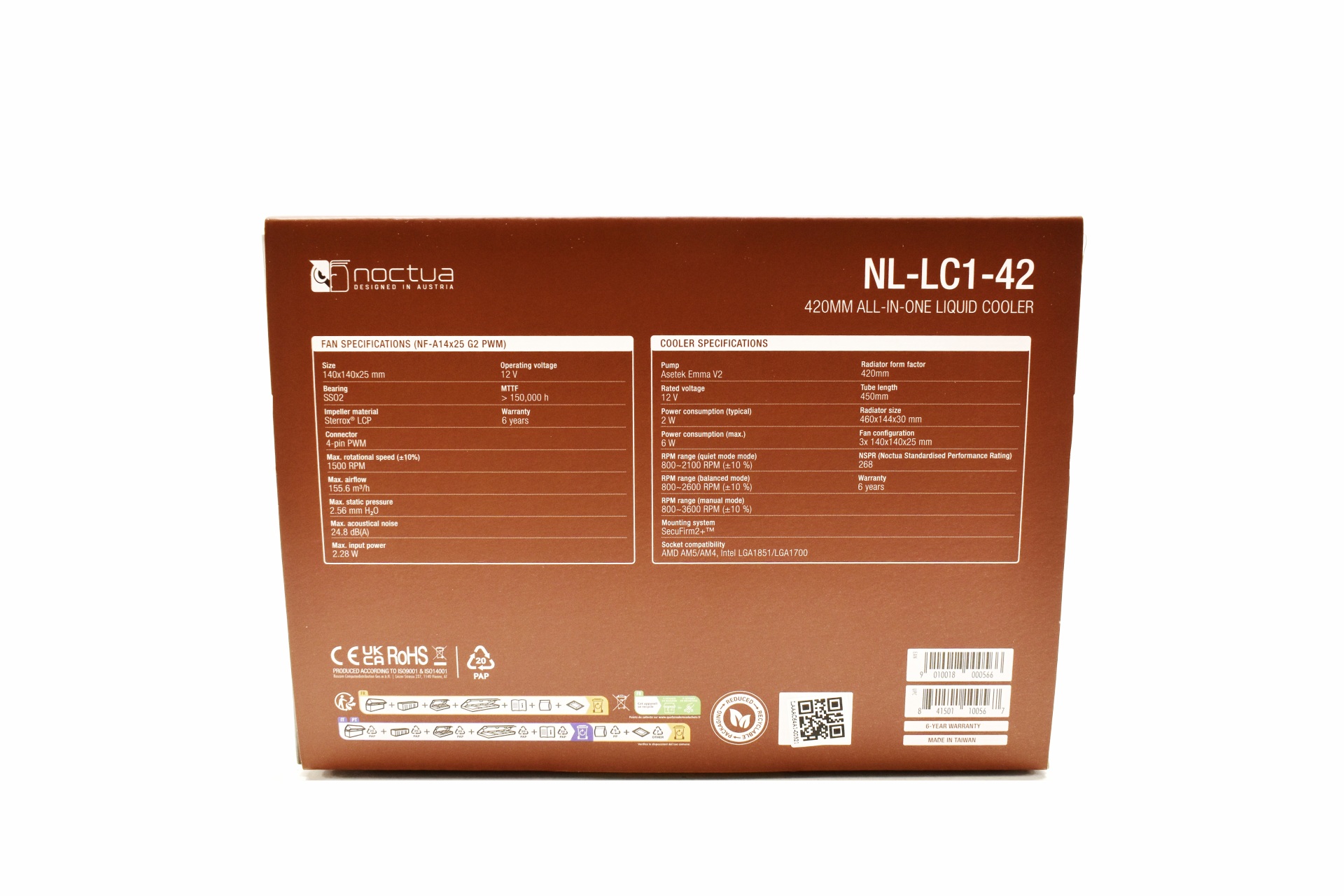
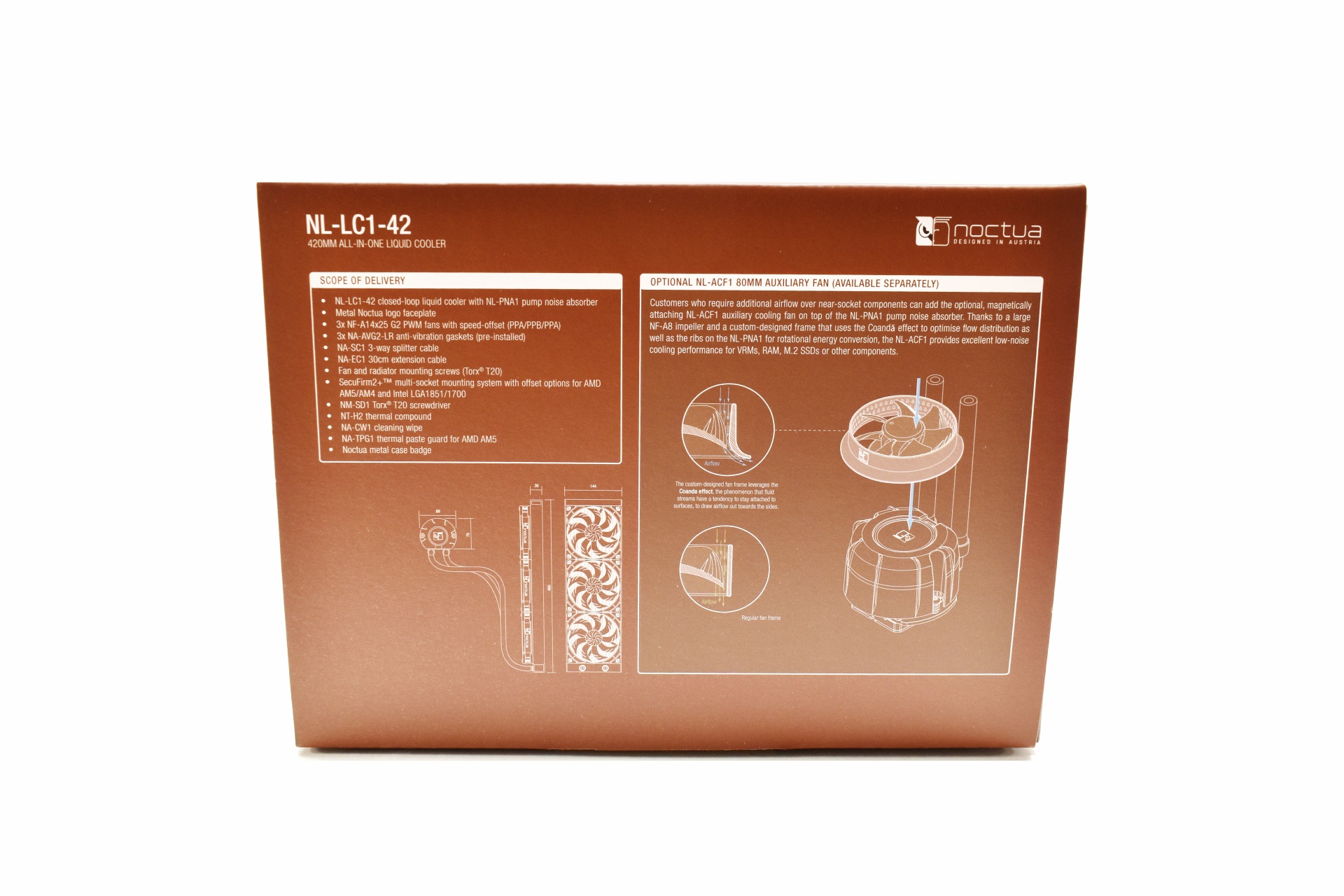 The fan and cooler specifications are available on the right side while on the left we find the bundle contents, two product drawings and a box in which Noctua speaks about the NL-ACF1 80mm auxiliary fan (optional).
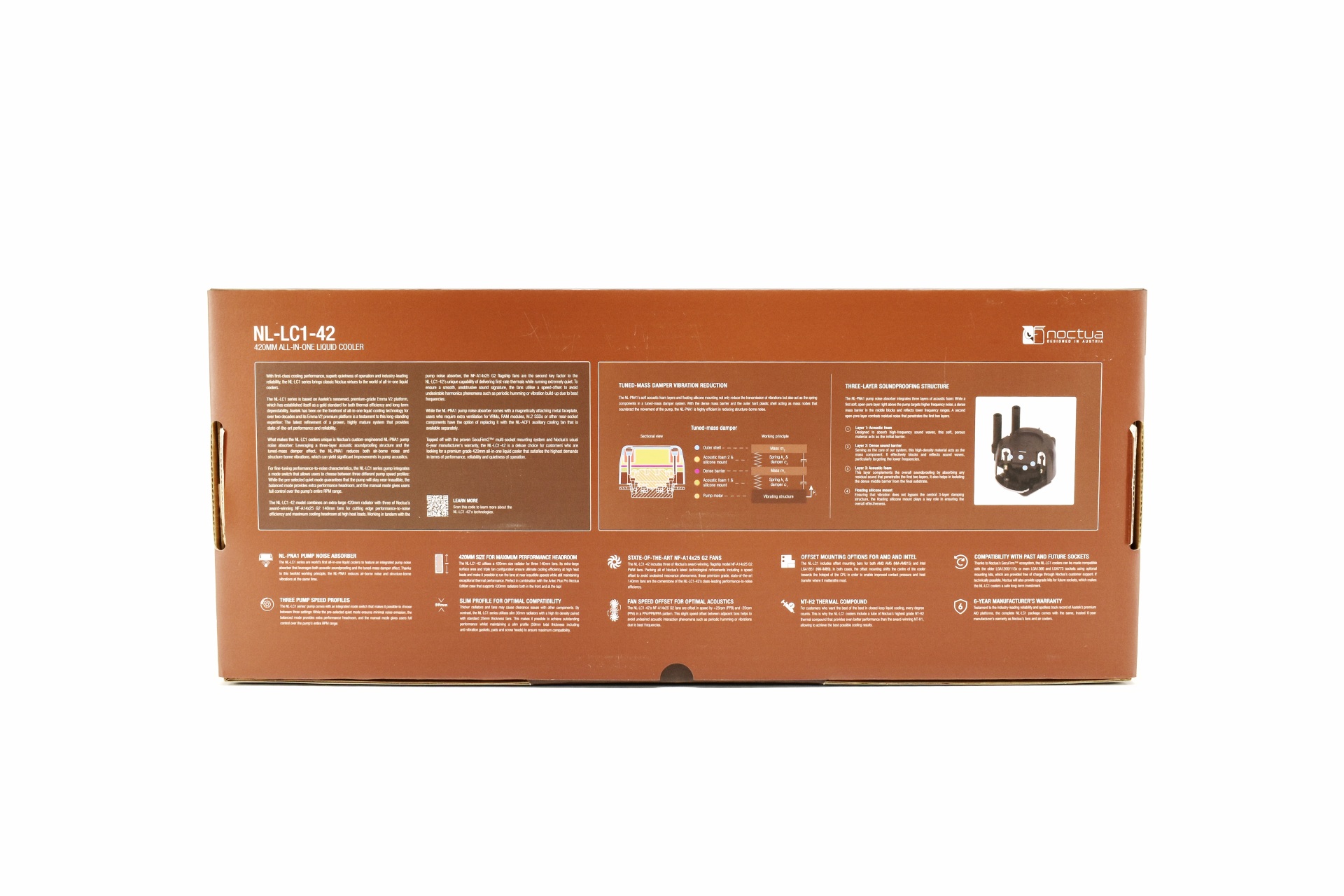
The features of the NL-LC1-42 are explained in depth at the rear of the box.
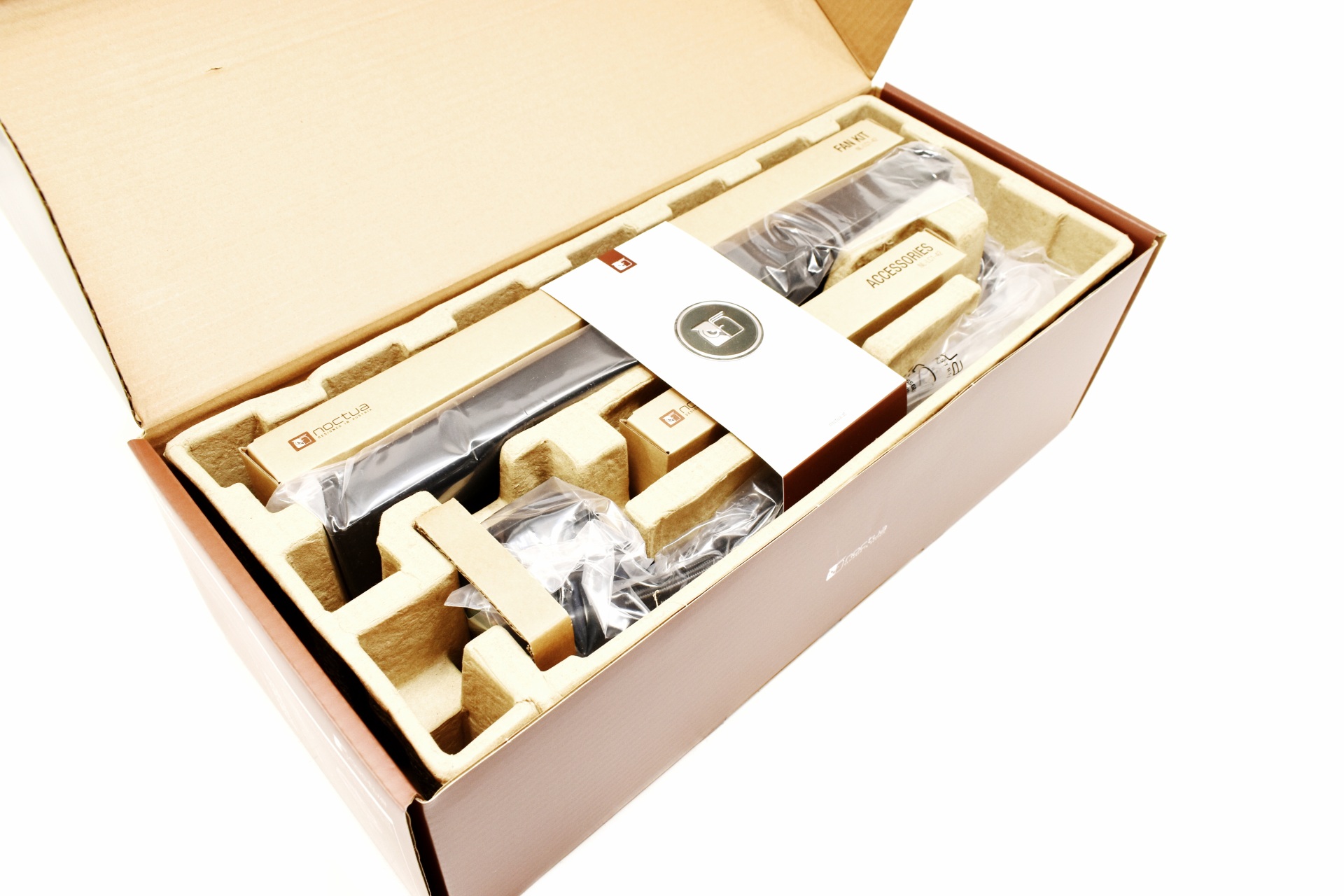
Typically, the entire bundle is placed in a formed piece of cardboard.
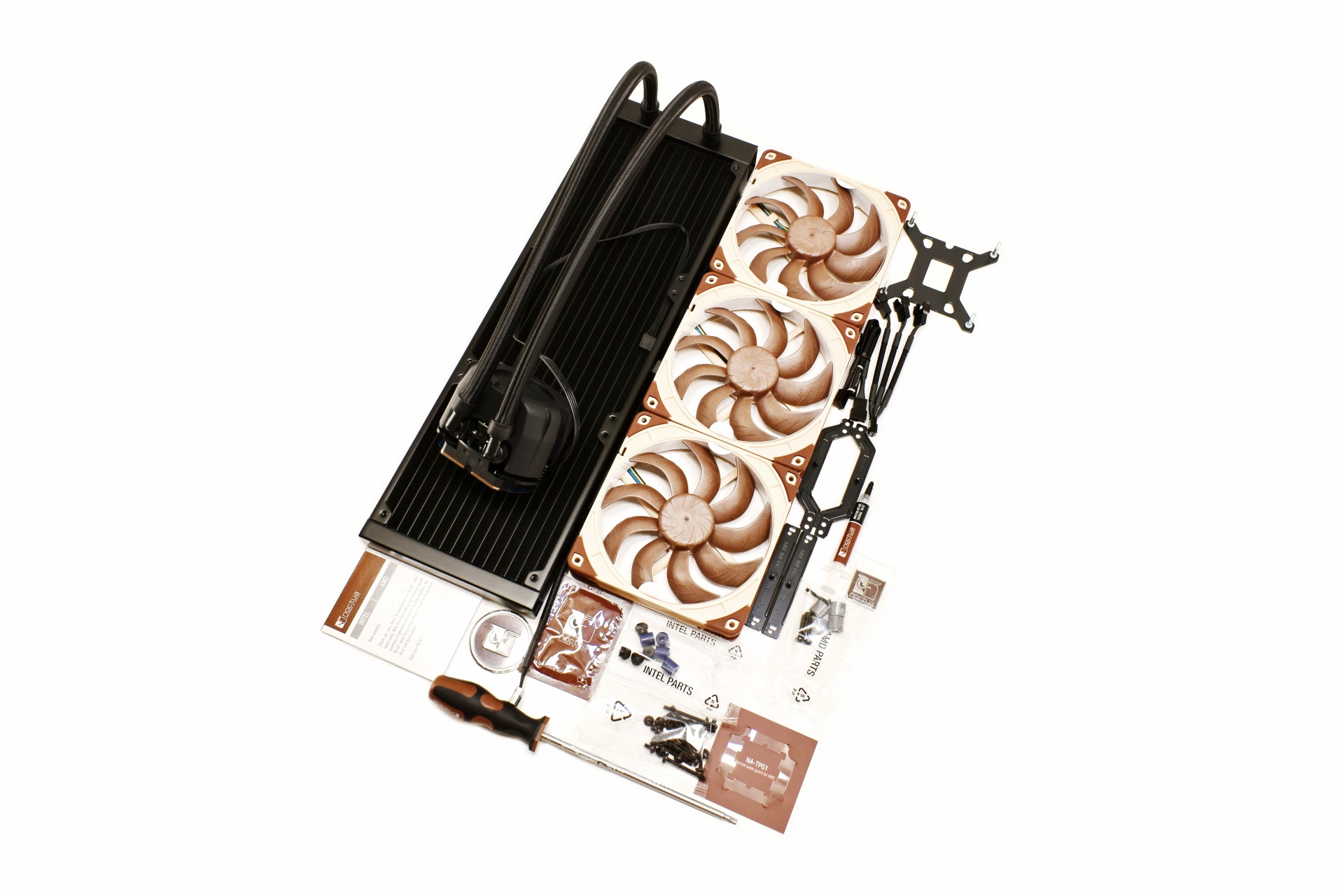
Along with the NL-LC1-42 radiator and pump combo inside the box you'll also fine three NF-A14x25 G2 PWM fans, backplate, 3-way splitter cable, fan extension cable, Torx T20 screwdriver, NT-H2 thermal paste tube, cleaning wipe, thermal paste guard for AMD AM5 motherboards, metal Noctua faceplate, metal Noctua case badge, user manual and all the necessary pieces needed to install the cooler onto Intel LGA1700/1851 and AMD AM4/AM5 motherboards.
THE NL-LC1-42
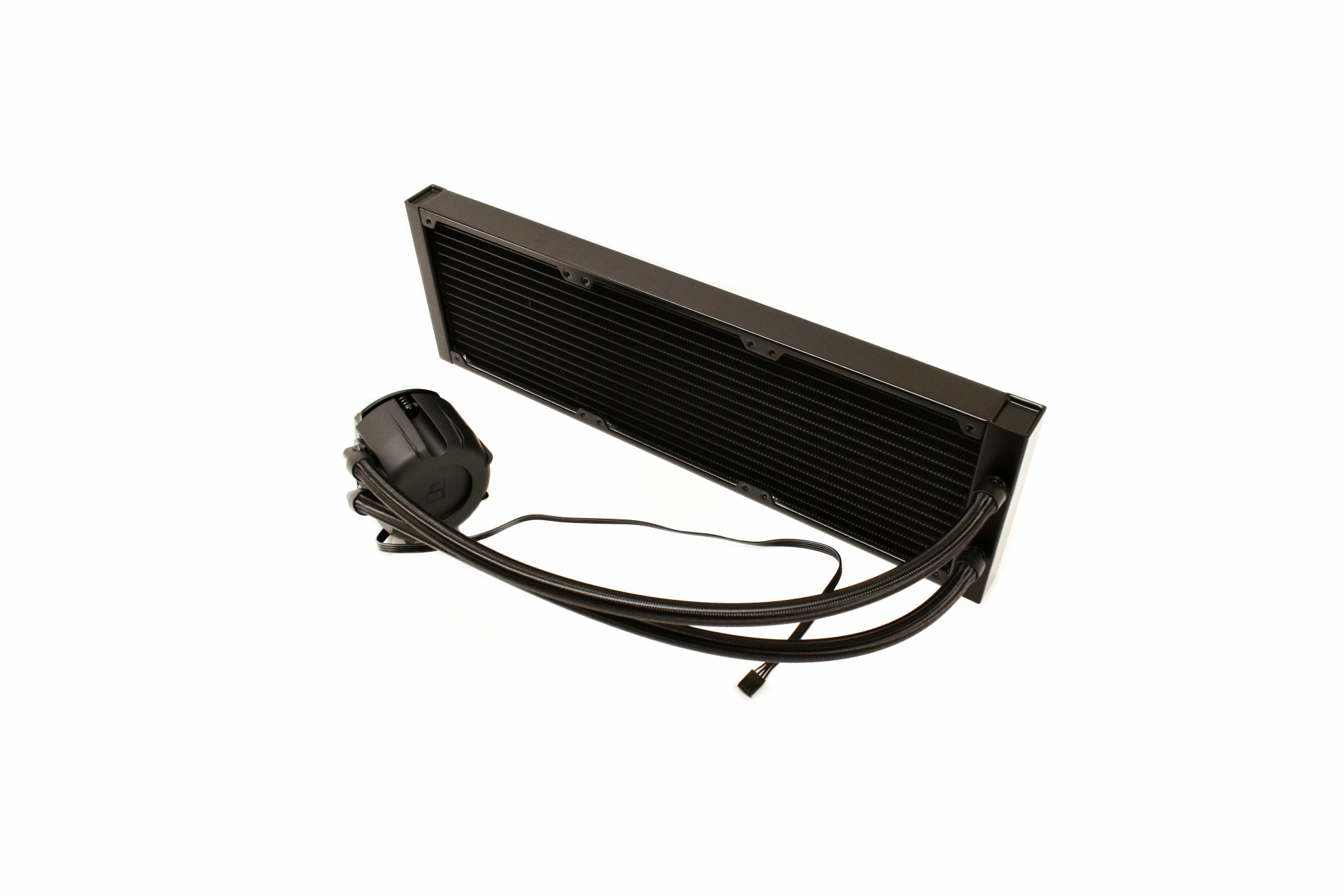
Unlike with past Asetek models the NL-LC1-42 stands out quite a bit thanks to the Emma V2 pump.
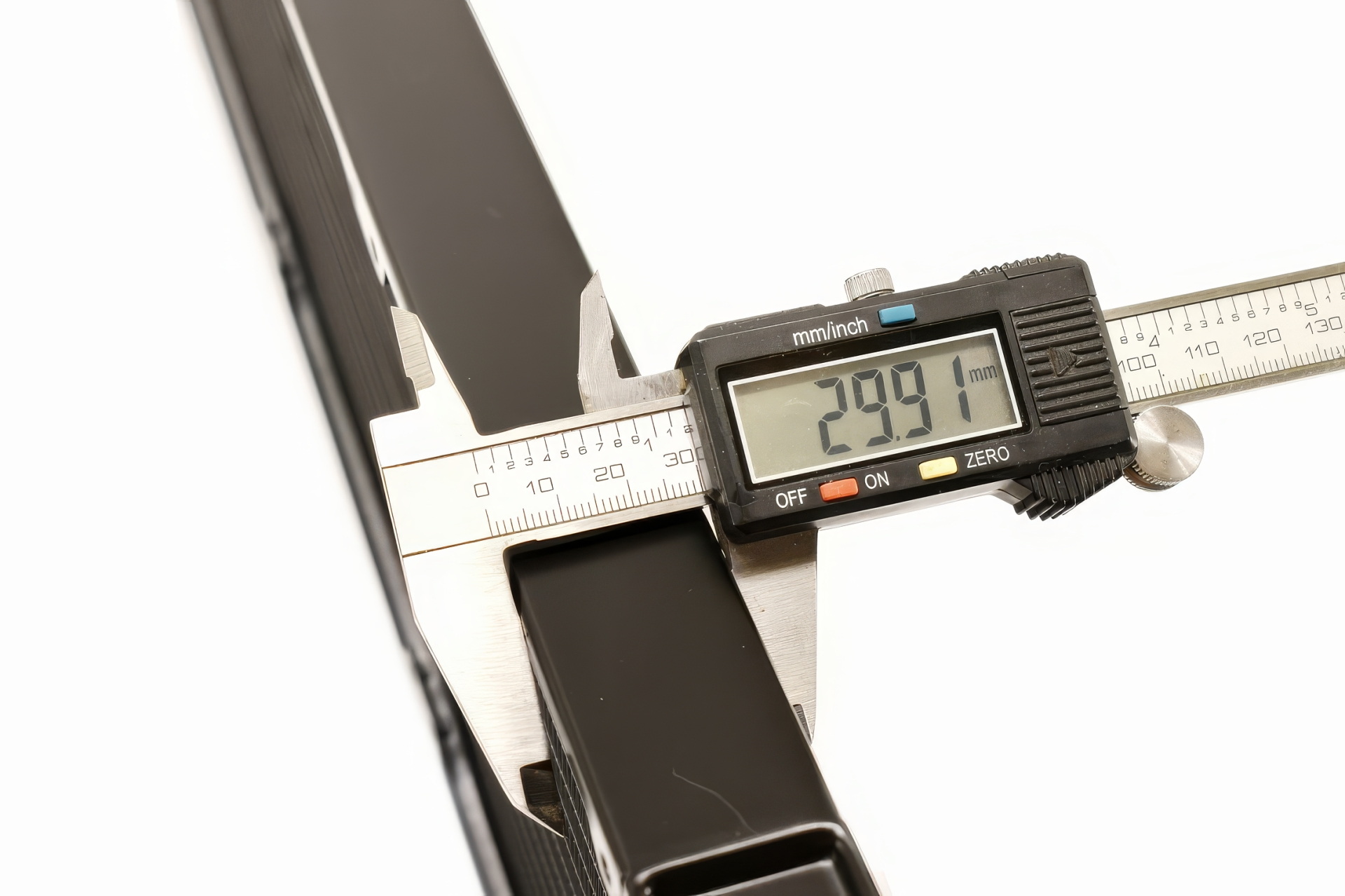
The 459.5mm long and 143.7mm wide aluminum radiator is roughly 30mm thick.
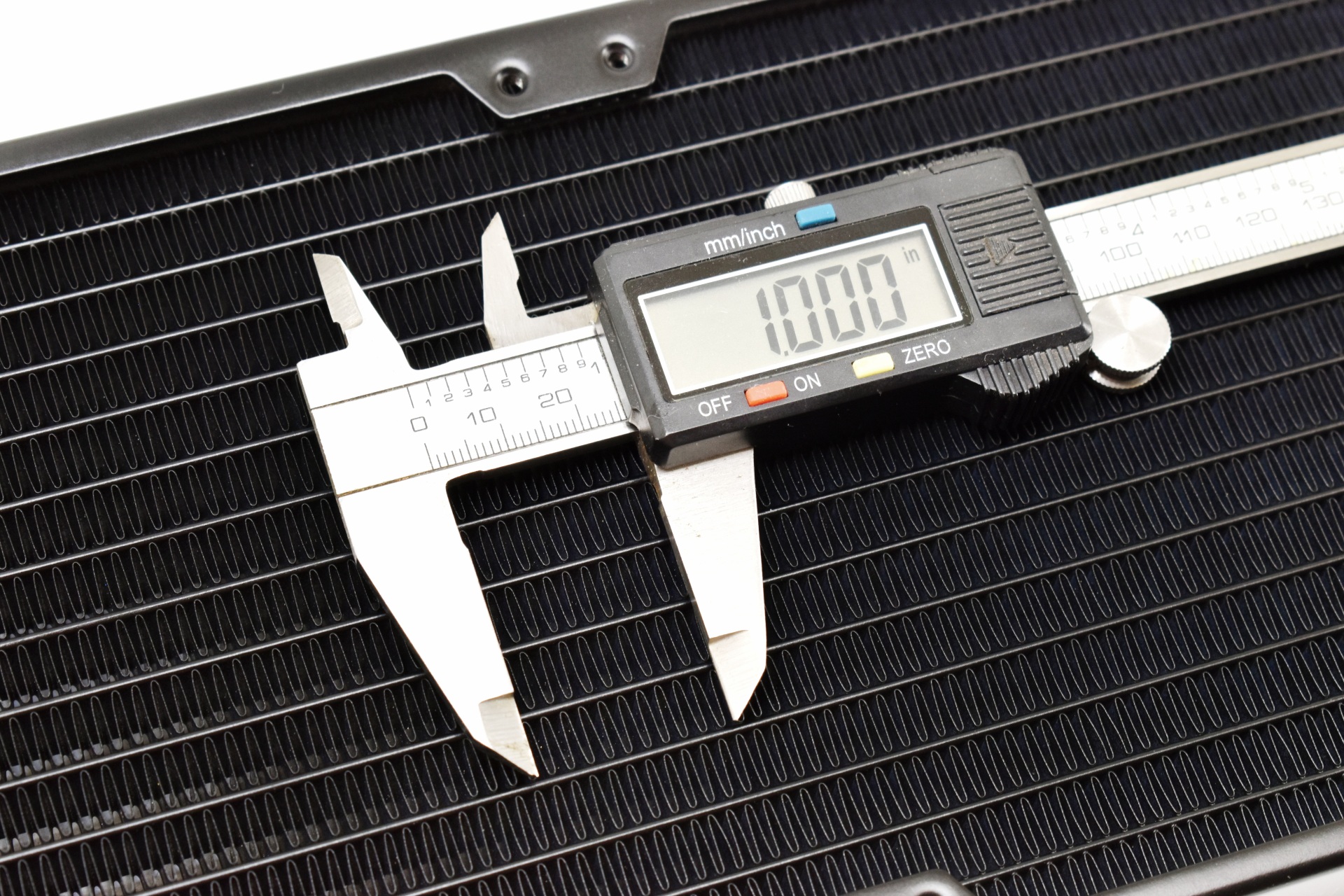
FPI (fins per inch) count according to my tool is closer to 21 than the reported 20 but small difference.
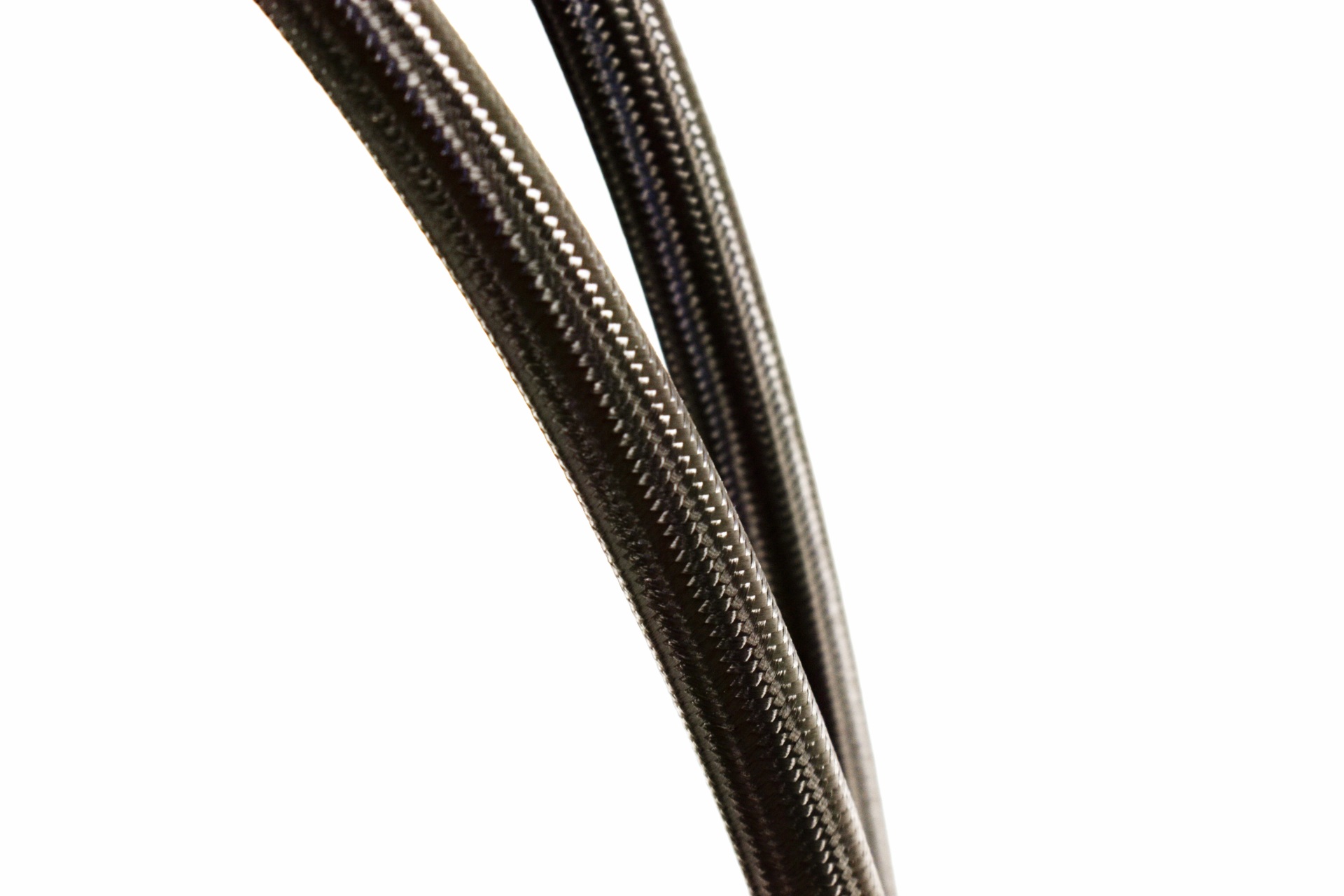
Using 450mm braided (EPDM) tubes is ideal for such a long AIO.
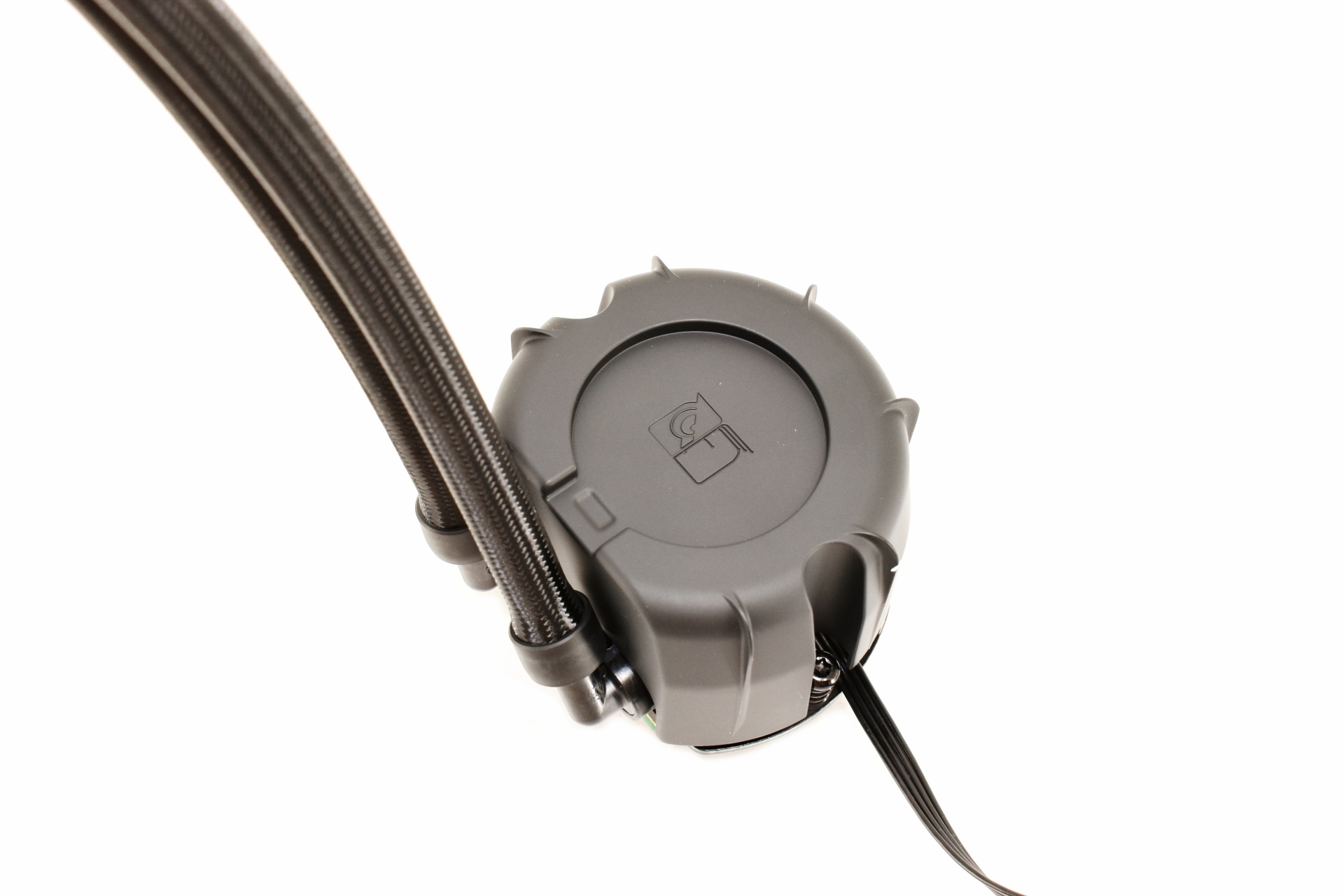
The 70mm tall pump/water block combo has the company logo on top and that's also where you can mount the bundled faceplate (or the NL-ACF1 80mm auxiliary fan).
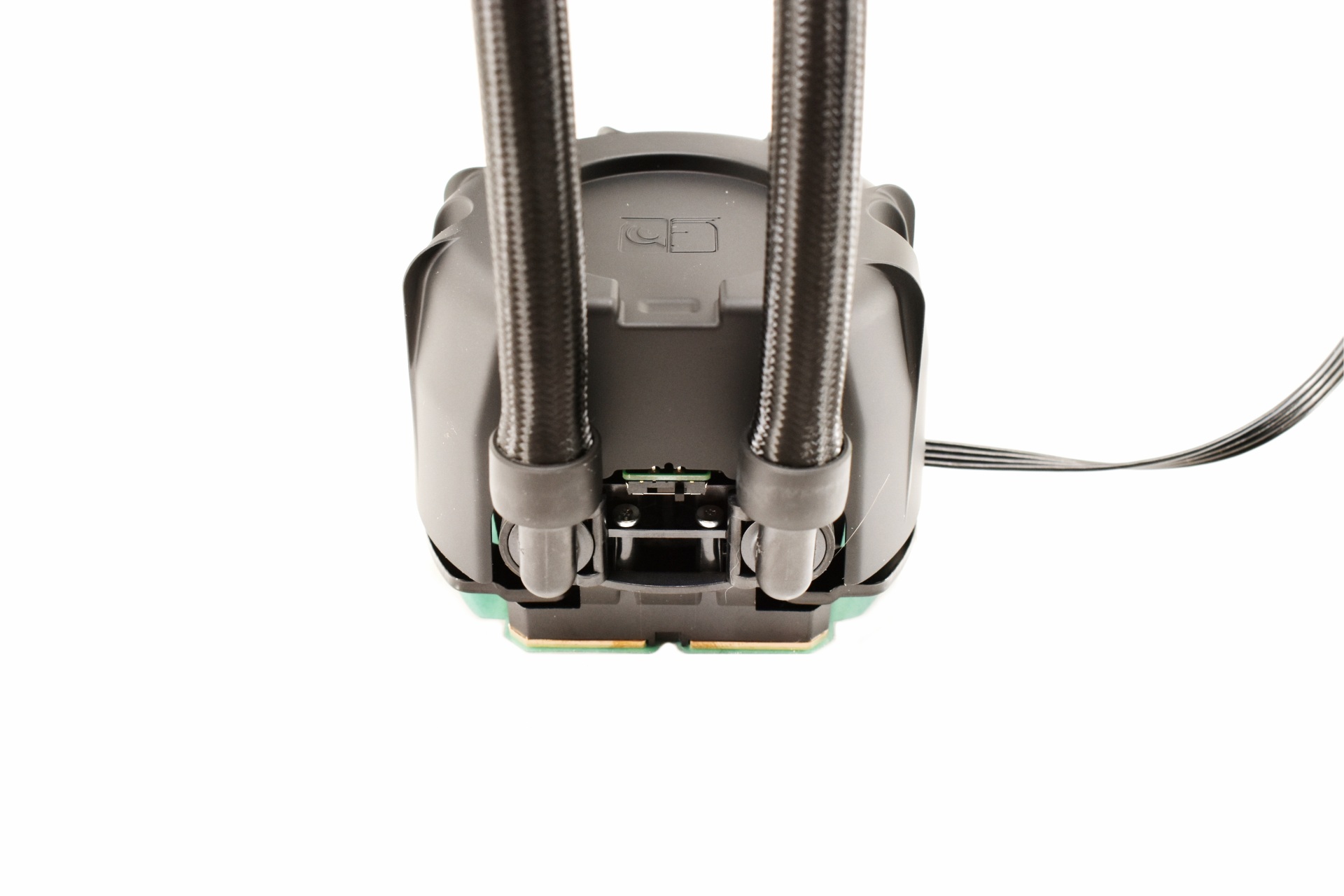
Both tubes can rotate from the base and here we also find the pump speed switch (quiet/balances/manual).
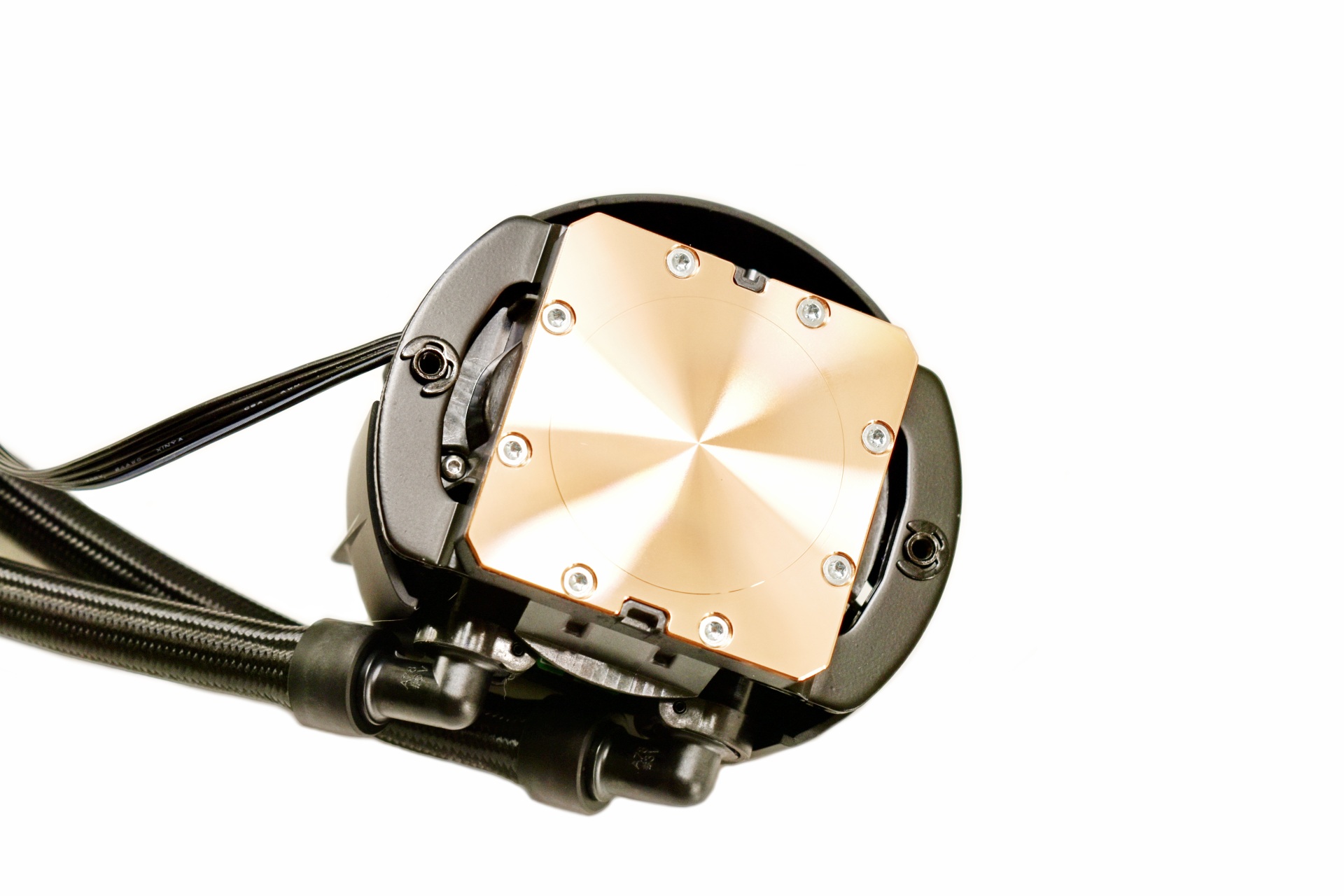
The Copper (CU1100) cold plate is also quite large and measures 55.5mm in length and width.
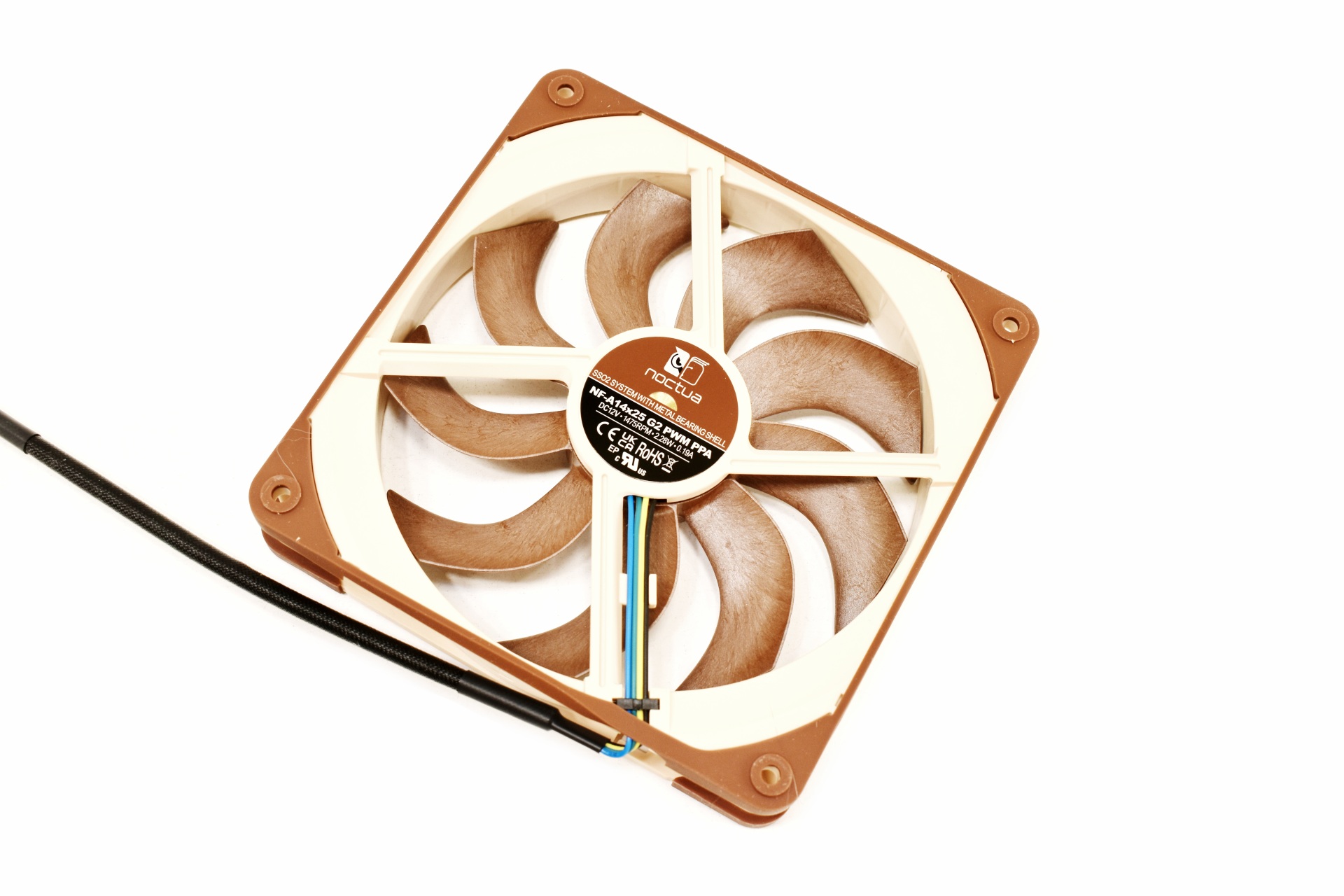
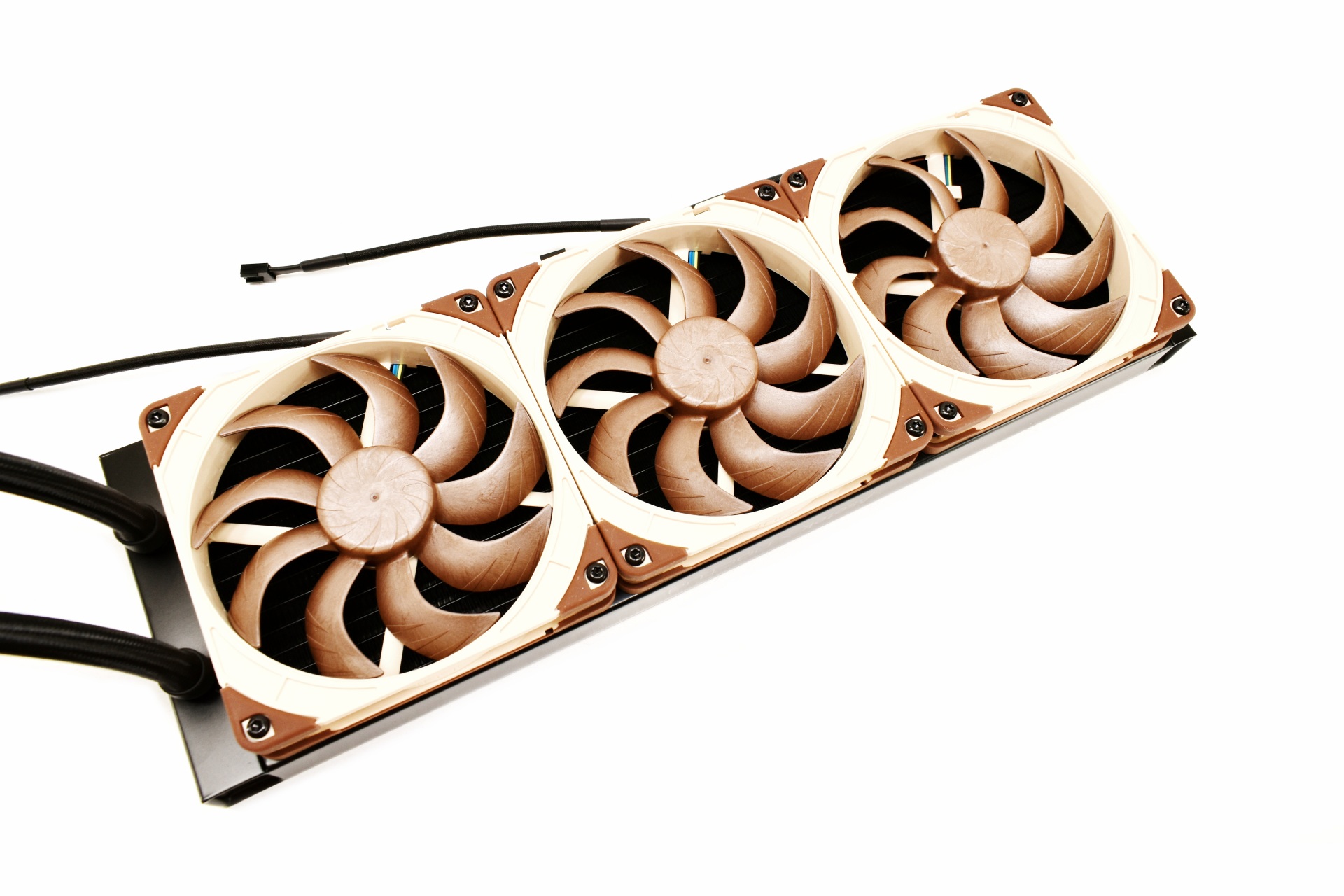 Noctua has paired the NL-LC1-42 model with their NF-A14x25 G2 fans which can reach up to 1500RPM to produce airflow levels of up to 155.6m3/h (91.6CFM) and 2.56mmH2O of air pressure with just 24.8dBA of noise.
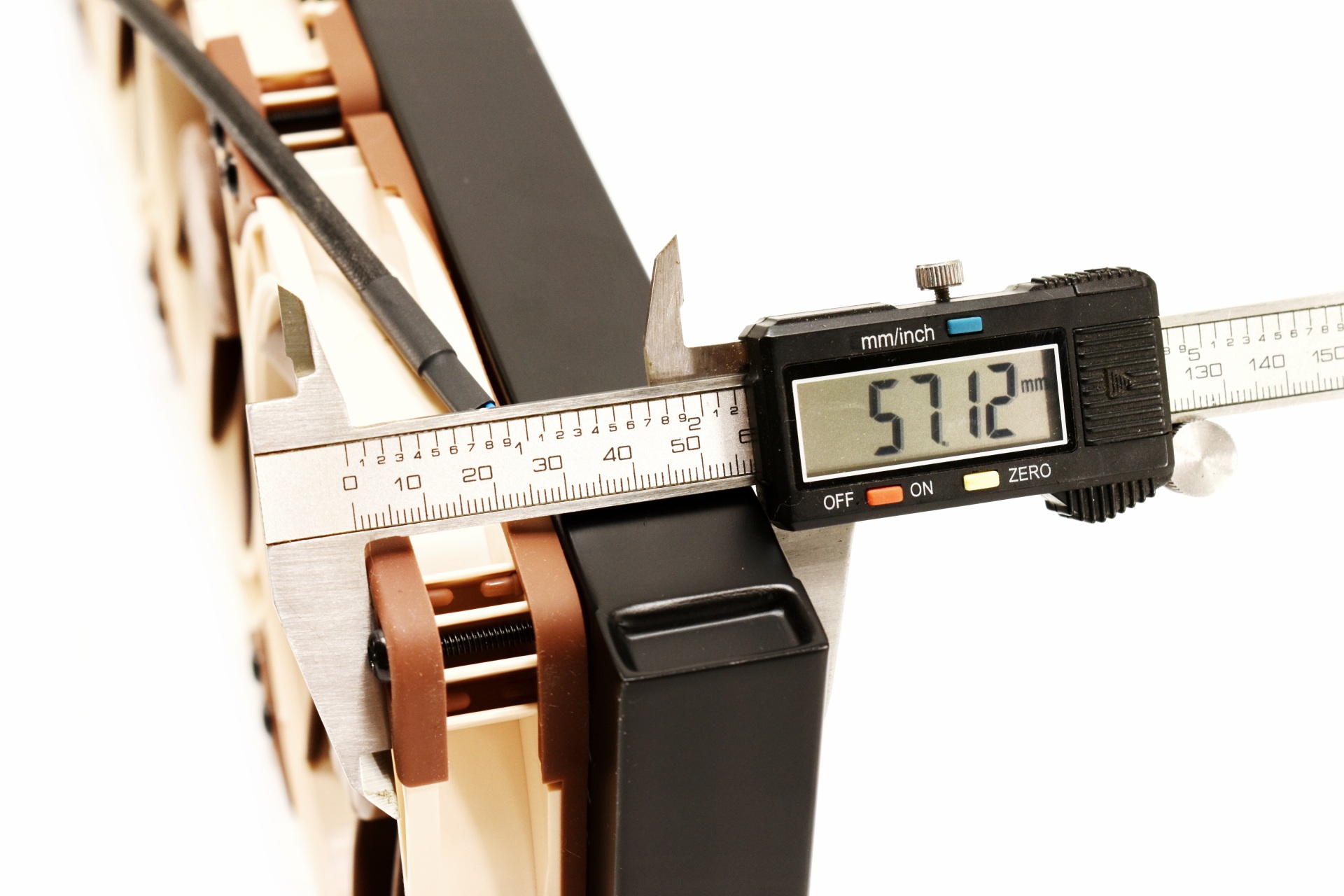
With the fans mounted thickness jumps to just over 57mm.
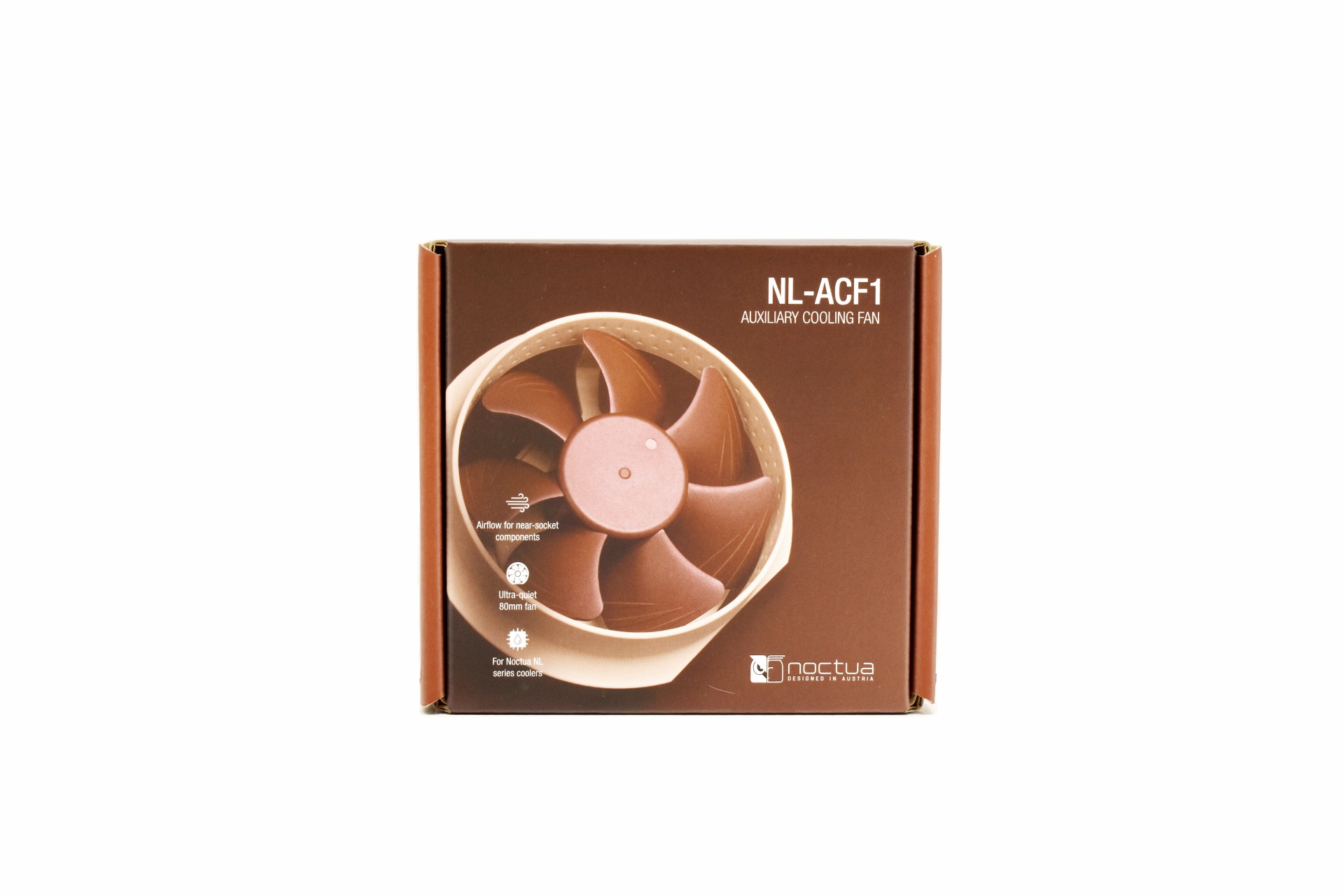
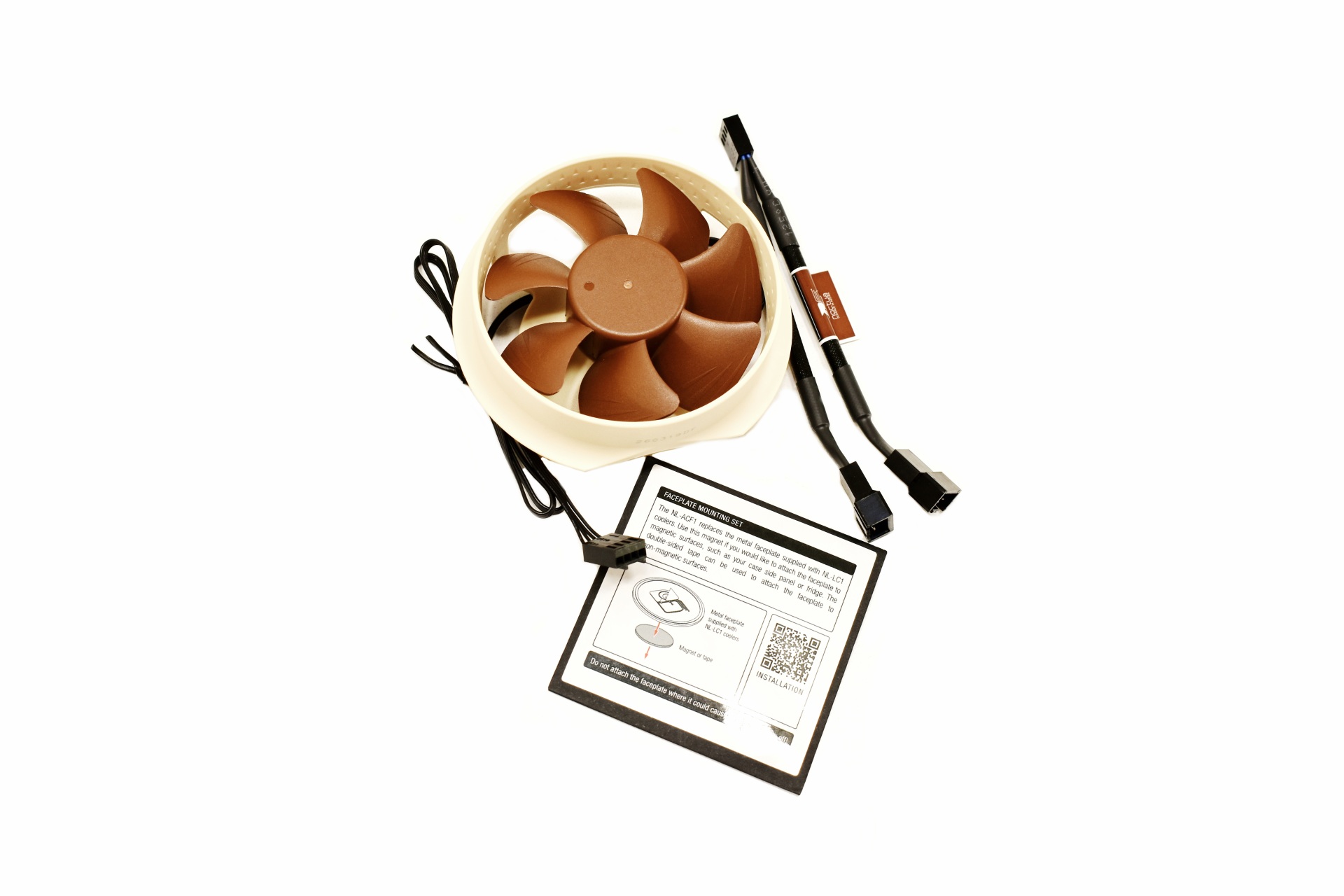 Users who'd like to also provide cooling for motherboard components surrounding the CPU socket can also get the NL-ACF1 auxiliary cooling fan.
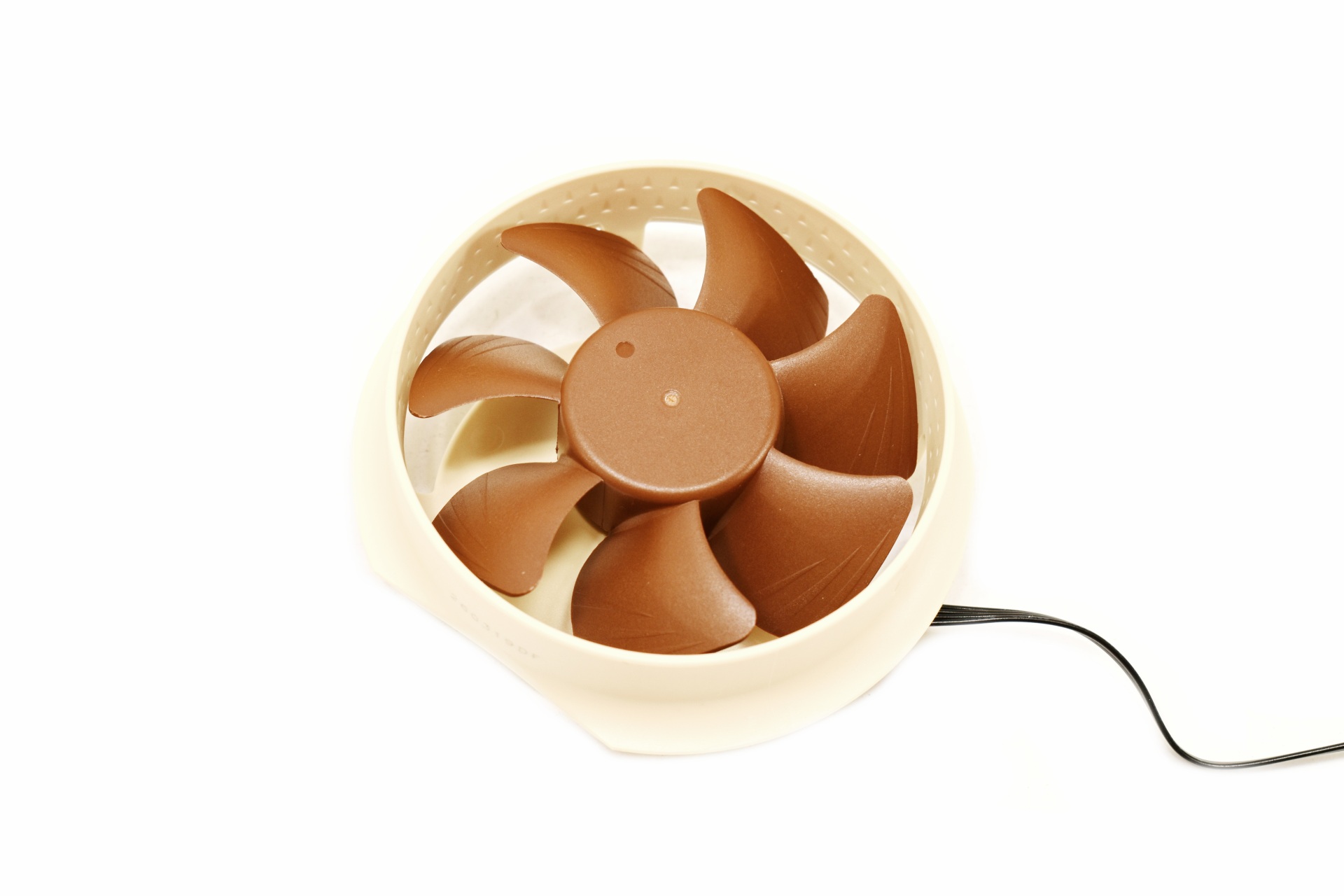
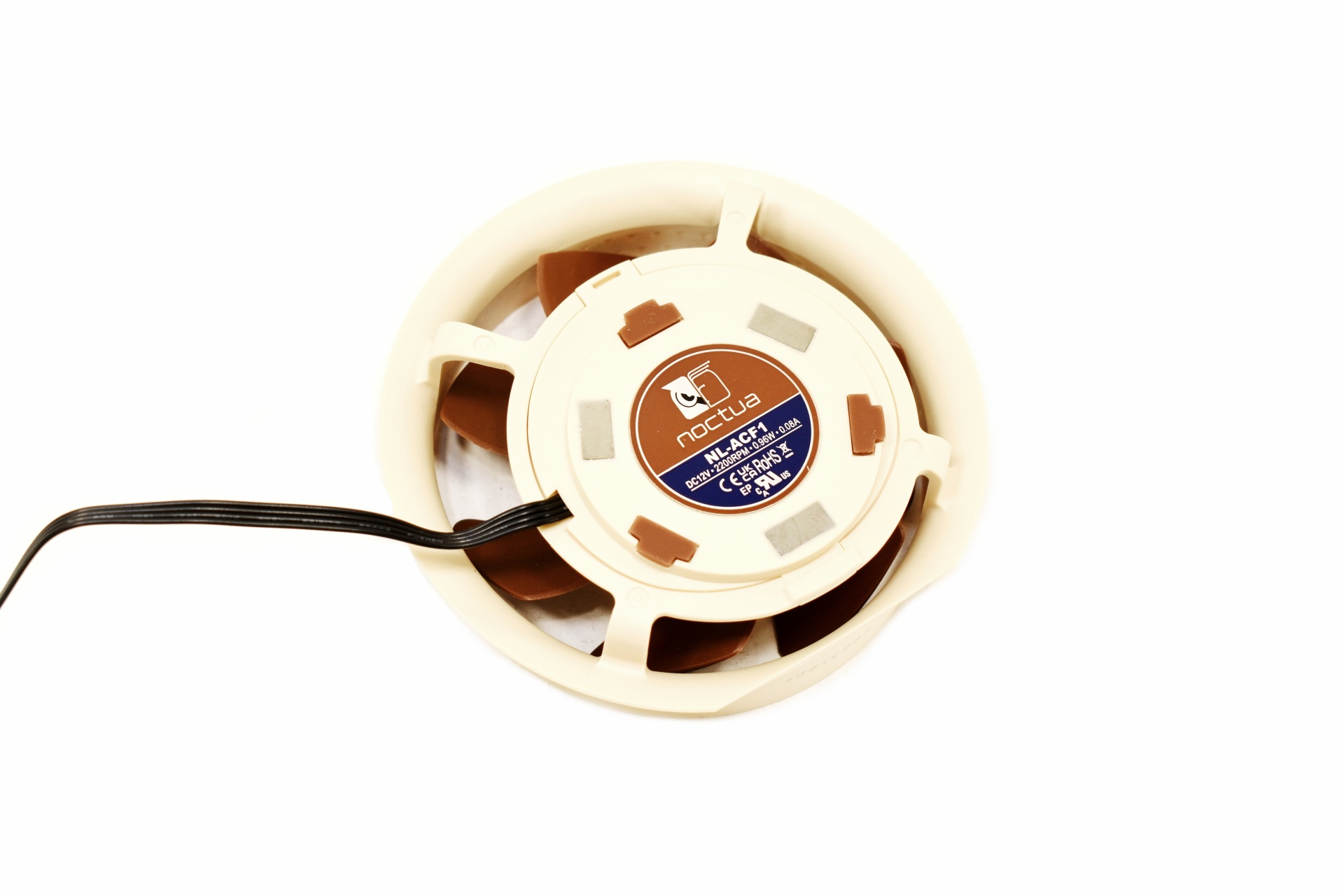 This is a small 80mm fan that can spin up to 2200RPM.
INSTALLATION
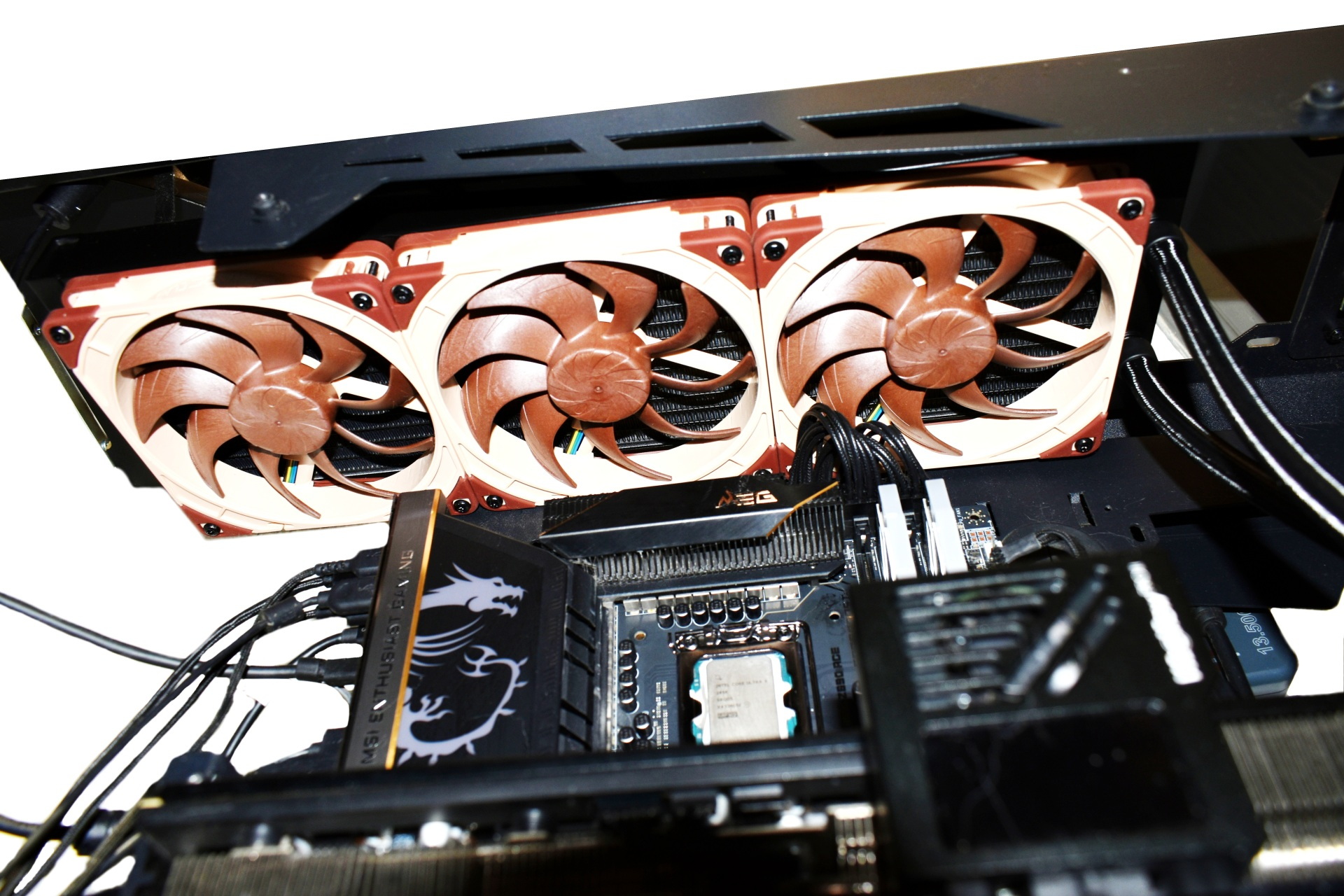
Size is always an issue with 420mm AIO coolers but with open-air cases/towers this is usually easy to resolve.
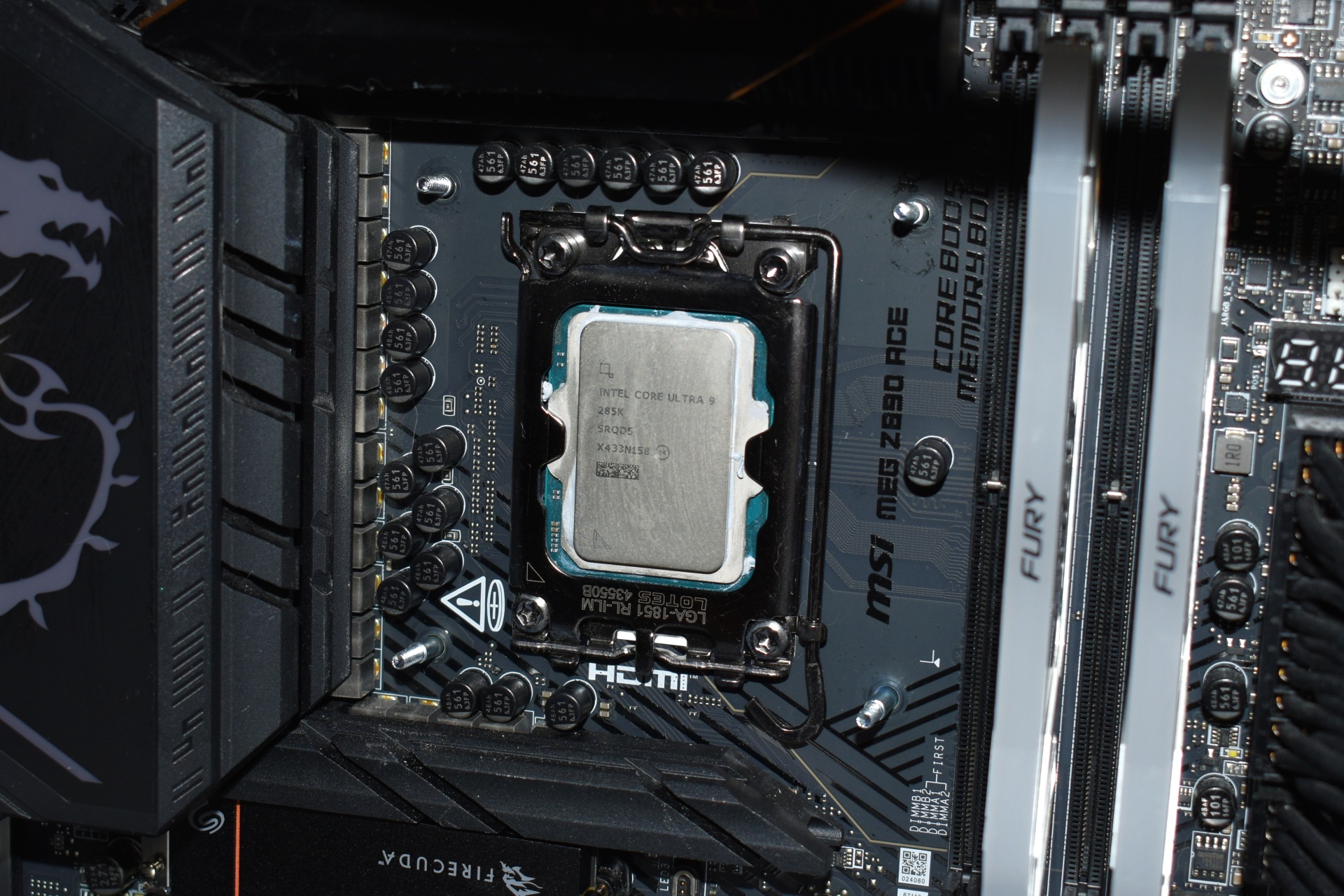
After the radiator you will need to place the backplate at the rear of the motherboard plate.
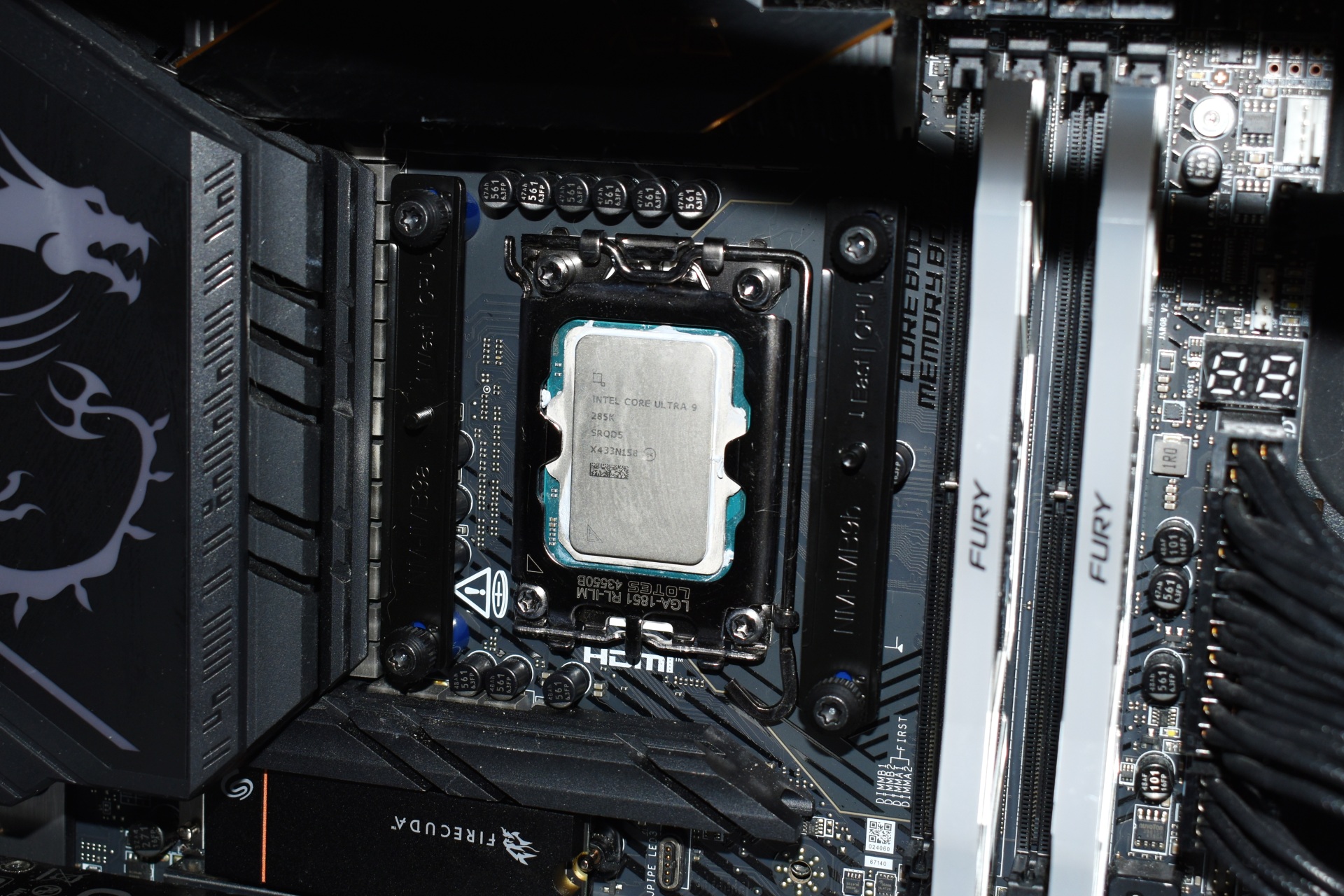
Next place the plastic standoffs on the inside side and secure the metal brackets with the Torx screws.
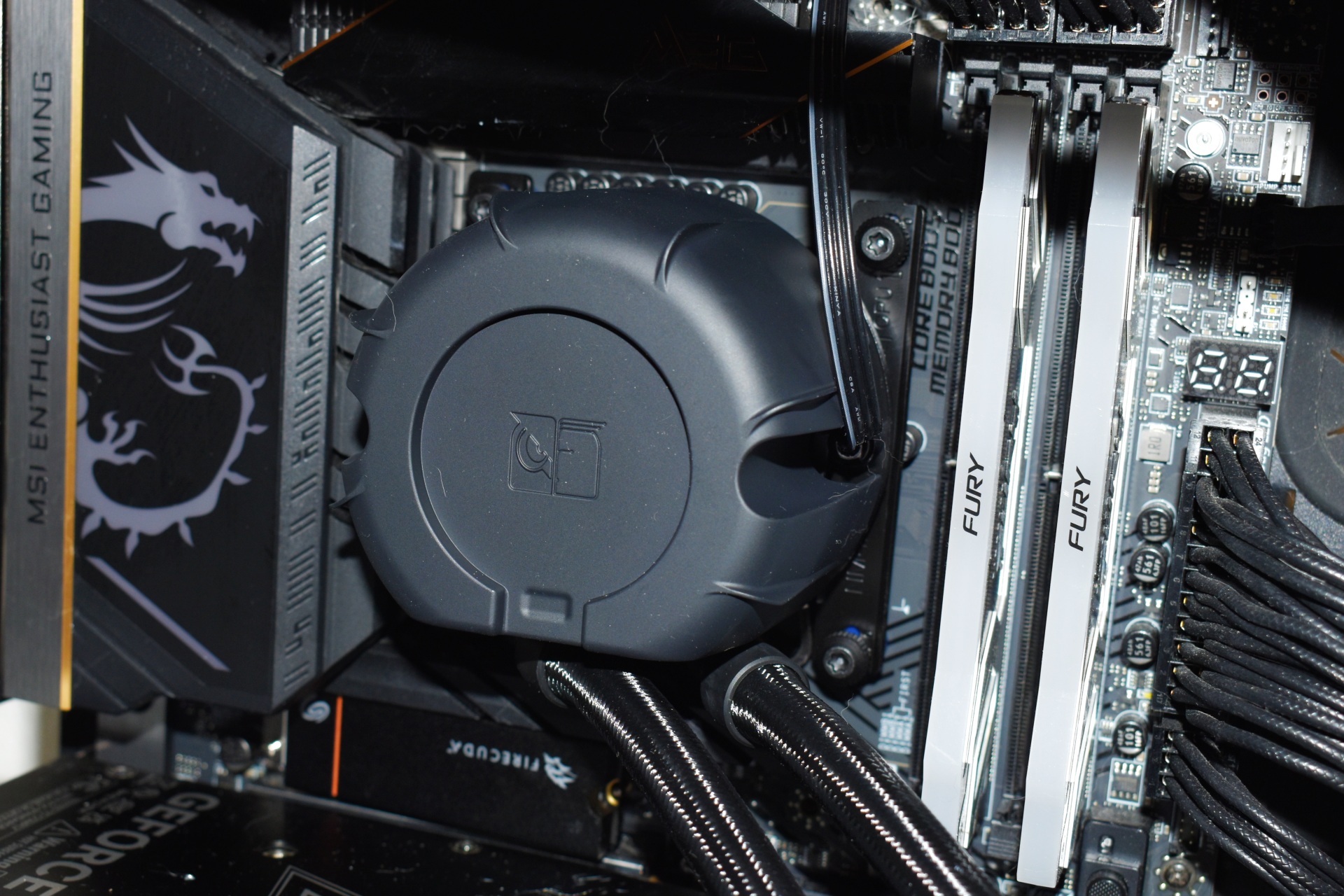
The pump is quite large (70mm tall, 89mm long and 78mm wide) but still a lot smaller compared to an air cooler.
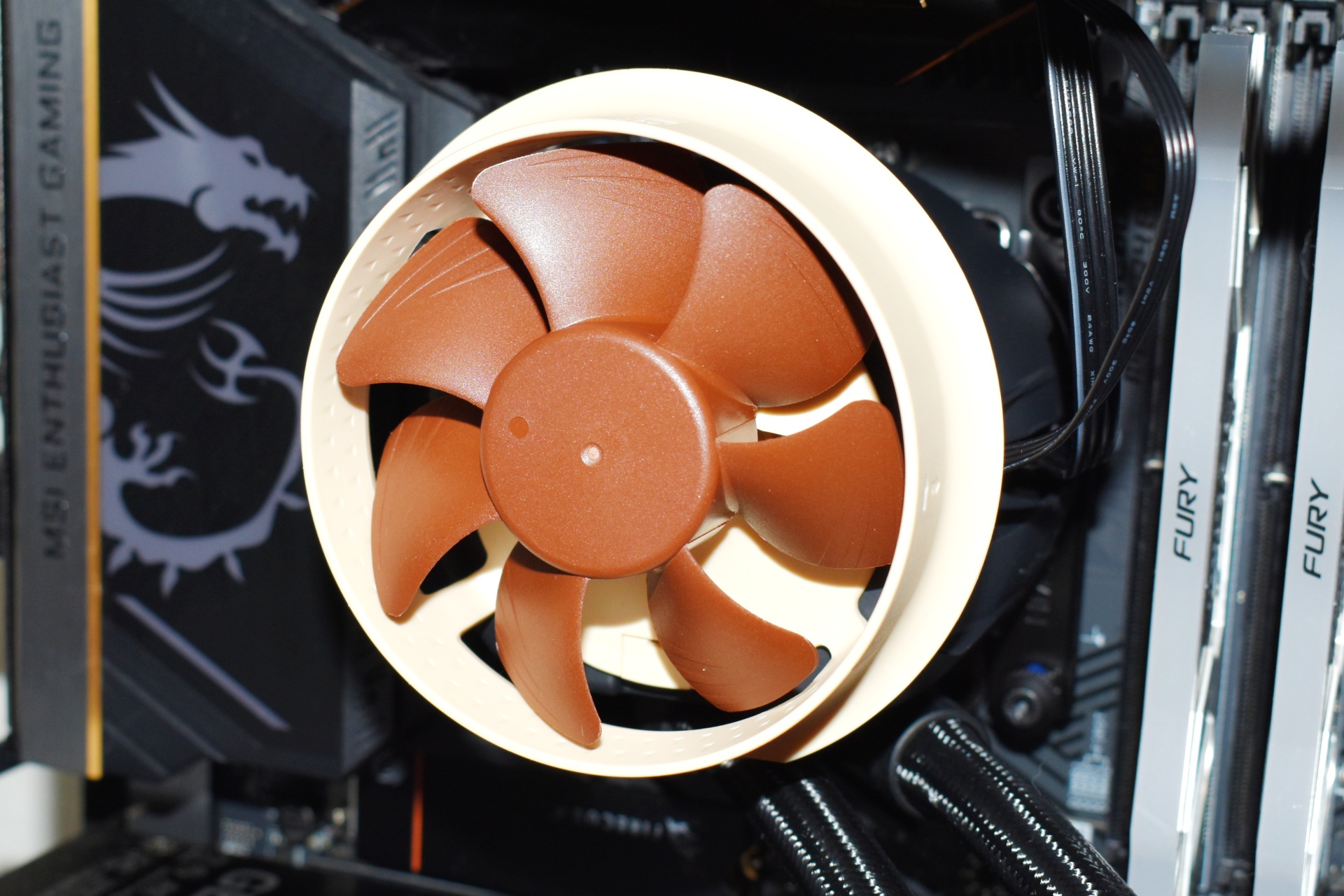
Mounting the NL-ACF1 auxiliary cooling fan increases height to around 100mm (short video is available both on TikTok and YouTube).
TEST BED

TESTING METHODOLOGY
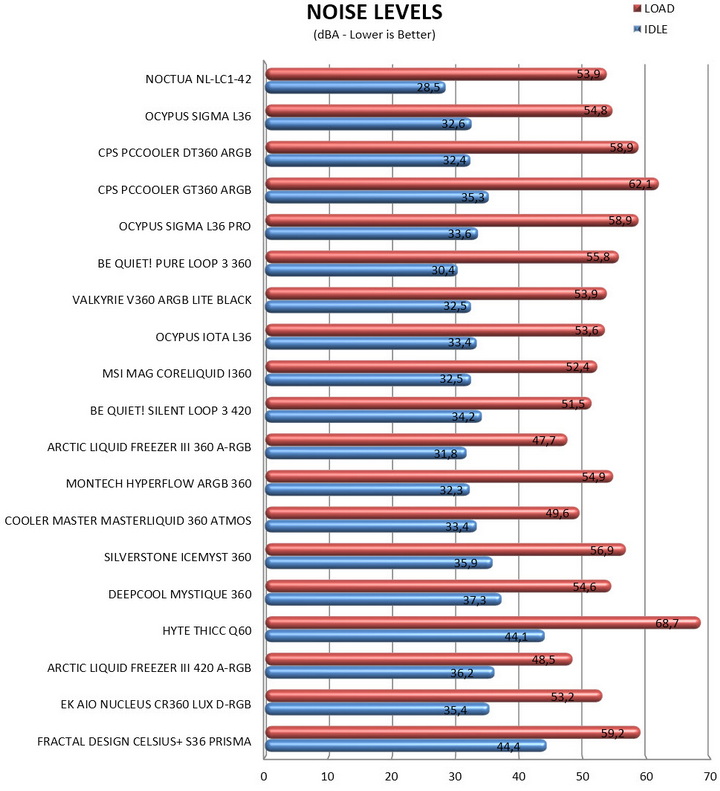
Testing complete water-cooling kits or individual radiators is no different than testing CPU Coolers and since we want all of you to be able to compare similar products, we created new and separate charts (you can still cross-compare results however since we are using the same test rig). So once again single (120/140mm) watercooling solutions are tested with the radiator mounted at the rear of our test rig while dual/triple/quad (240/260/280/360/420/480/560mm) solutions with the radiator mounted at the top. For the dBA tests complete water cooling kits or radiators with bundled fans are measured both while on idle mode or with the fan controller in the minimum setting and while on extreme load or with the fan controller all the way to the highest possible setting (PWM fans do that on their own without our intervention). Every single test takes place in a temperature-controlled room of 23 degrees Celsius Ambient Temp with the help of two AC units placed diagonally inside the room and as for thermal paste I’m using the NT-H2 by Noctua. Finally, much like when testing CPU Coolers, it's very important to point out that just because a water-cooling kit (or an AIO) outperforms another when tested with our test rig (when we test complete water-cooling kits) that does not necessarily mean that the same performance differences will apply 100% for other CPU models and in other situations (such as different ambient temps and system configurations).
To successfully record the load temperatures, we use the latest OCCT application for around 6-10 minutes to push the processor to its limits and after that is done and the temperatures are recorded, we wait for about 10-20 minutes for the CPU to cool down and record idle temperatures. This is done to allow time for the thermal conductive material to achieve the optimal performance level. Same procedure is then repeated with the Passmark BurnIn Test as a failsafe just in case the OCCT results are wrong. This procedure takes a lot more time than the usual peltier/thermometer tests, but this way not only can we deliver real world results to our readers based on real CPUs, but we can also triple check the results using a variety of programs. Last but not least the temperatures were recorded using the latest version of AIDA64 while noise level tests (when fans exist in the bundle) are performed using a high precision ExTech HD600 Decibel Meter placed about 10-15cm above the radiator. Still although the same testing procedure applies to all units do take into consideration that unlike the official numbers which are measured in special noise isolated labs with just the fans here, we also have both the rest of the cooler and the rest of the system (although all system fans are turned off when recording noise levels).
* Since some manufacturers have ceased support for the Intel LGA 2011-3 platform, for such coolers, I’ll be using the Ryzen 7900X / ASRock X670E test rig.
** After high demand since September 2024, I’ll be including average temperatures in my AMD Ryzen 9 7900Χ/Χ670Ε charts (under light load such as Internet browsing and Office use).
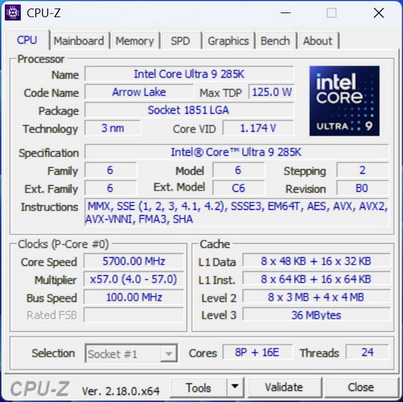
*** Since November 2024 I swapped test systems with the Intel Core Ultra 285K (same methodology as with the AMD Ryzen 9 7900X).
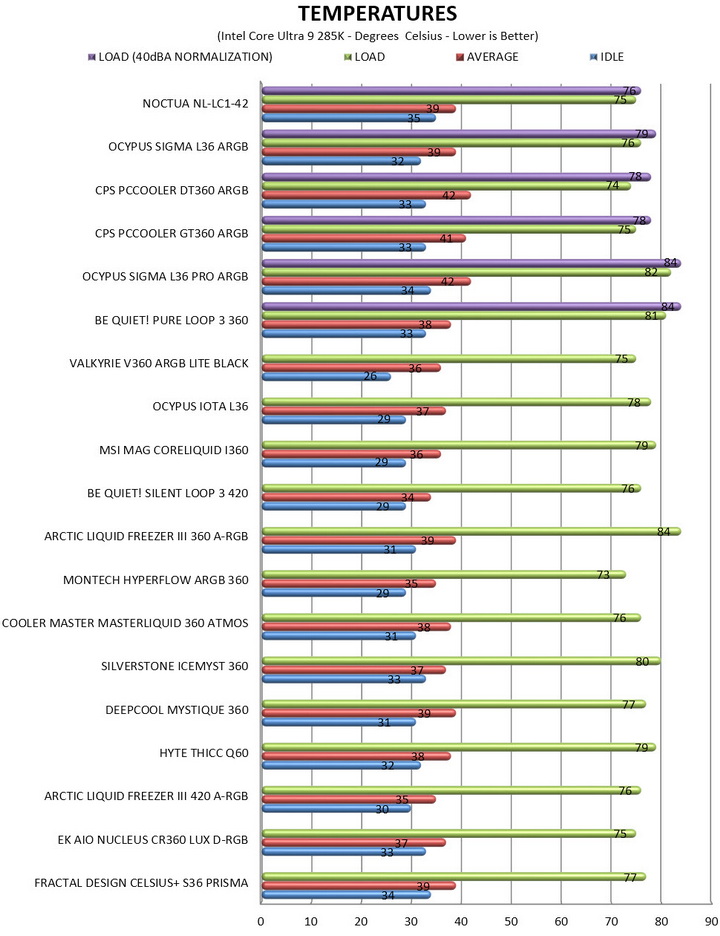
**** Following numerous reader requests from July 2026, I’ve added a load‑temperature test conducted with fan noise normalized to 40 dBA.
TEST RESULTS
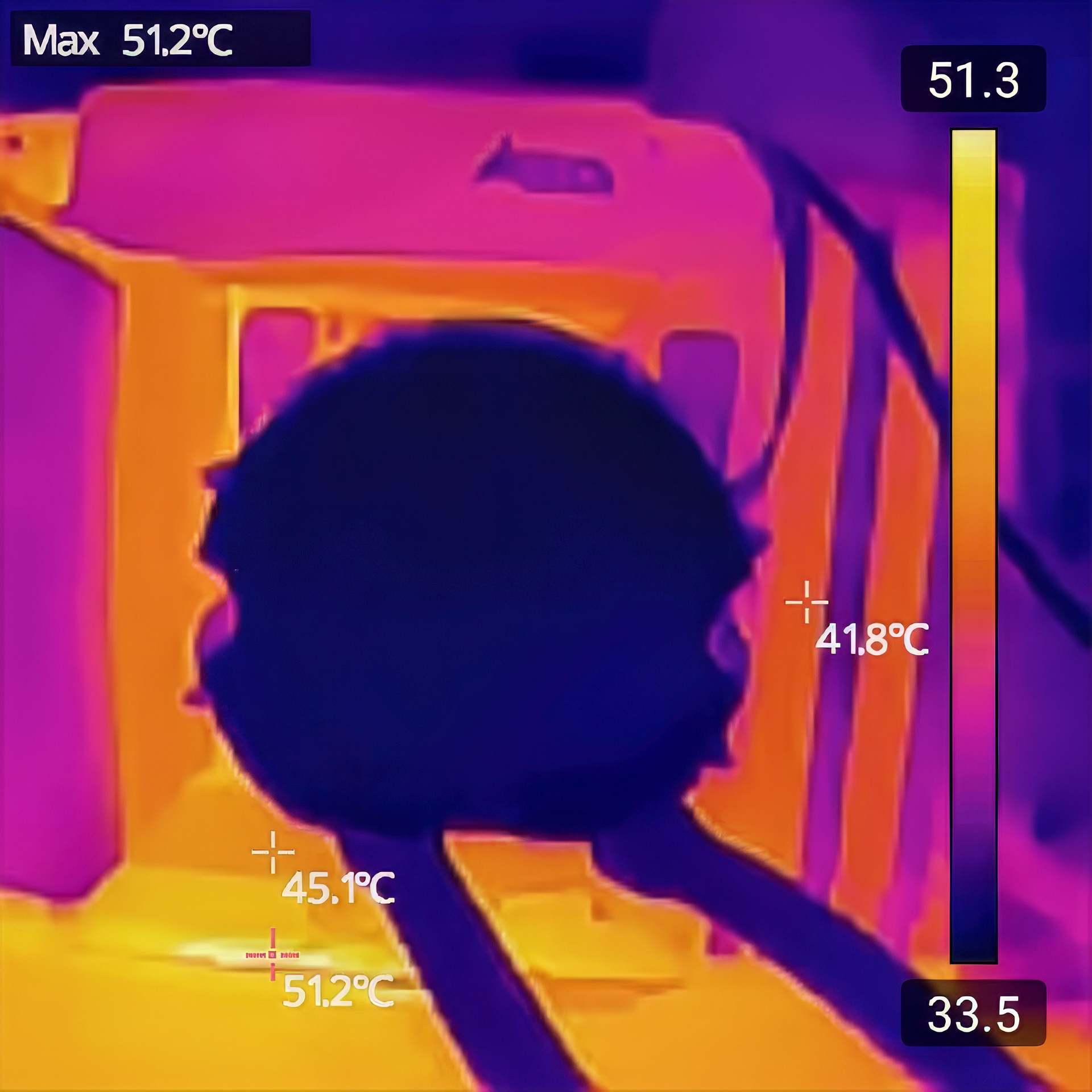
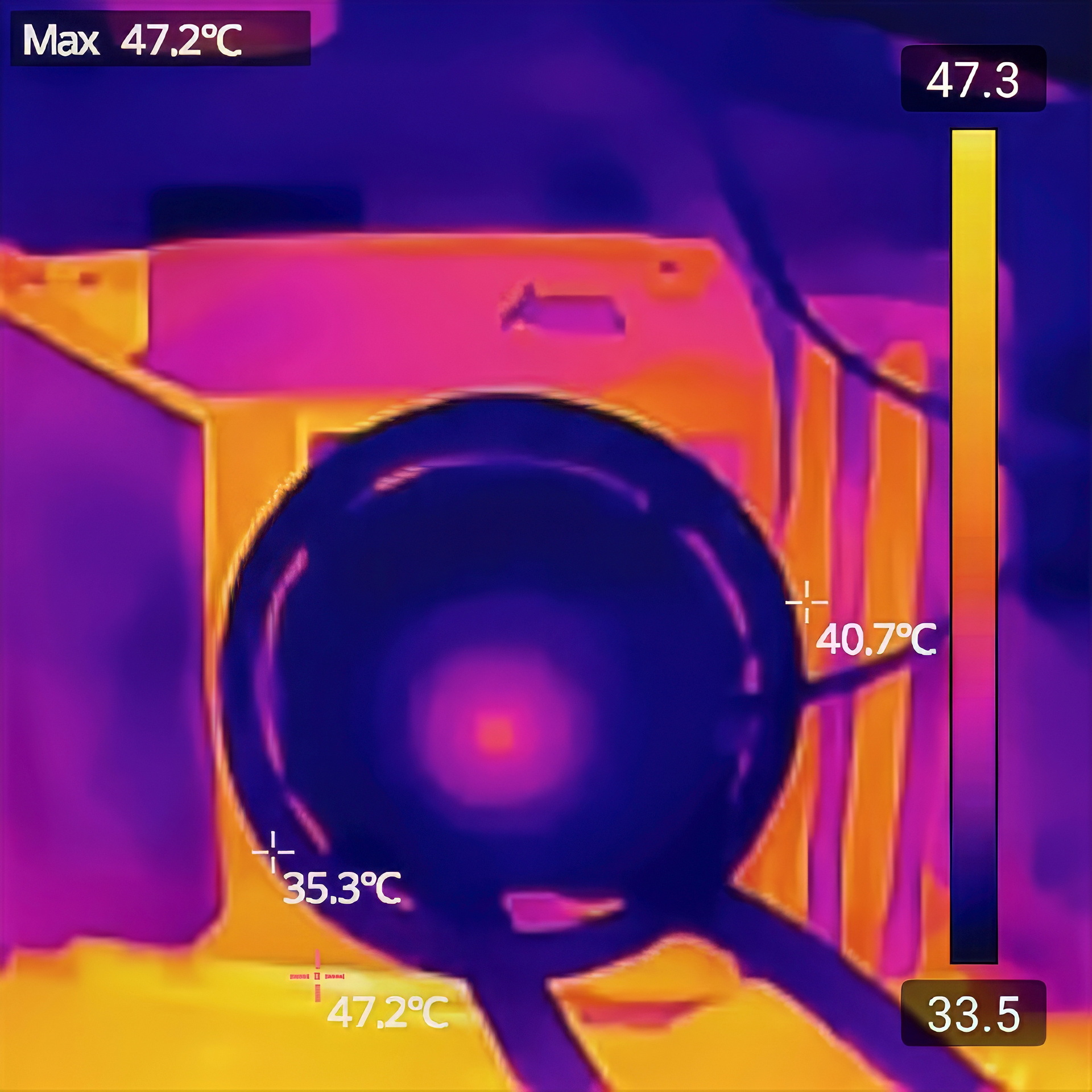
For users wondering whether or not the 80mm auxiliary fan (NL-ACF1) works and just what kind of cooling you can expect around the socket the above thermal images prove it does (don’t expect miracles, still 4 degrees Celsius overall temperature decrease is not bad).
CONCLUSION
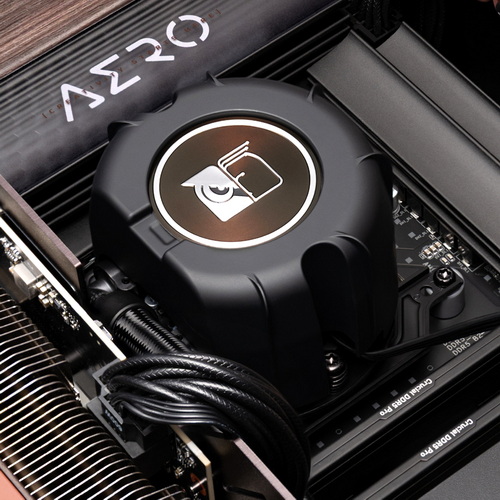
The Noctua NL‑LC1‑42 leaves a distinctly premium impression thanks to its exceptional build quality, the refined acoustics of the Emma V2 pump platform, and the remarkably low noise levels delivered by the NF‑A14x25 G2 fans, even when normalized at 40dBA, where its superior cooling efficiency stands out clearly against typical 420mm AIOs. The tuned‑mass damping, multi‑layer pump isolation, and PWM offset fan behavior all contribute to a cooler that feels engineered for long‑term acoustic stability rather than brute‑force airflow while Noctua’s 6‑year warranty reinforces that reliability-first philosophy. The NL-ACF1 80mm auxiliary fan is also a good addition to the NL-LC1 AIO line by Noctua, yes it may not be a game changer but it does help with component and RAM/SSD temperatures around the CPU socket. And while the NL‑LC1‑42’s size, signature color scheme, and high cost may limit its appeal for some builds, these drawbacks fade quickly once you consider what it delivers.
At the time of my review the NL-LC1-42 AIO cooler by Noctua retails for USD279.95 inside the USA (Amazon.com) and for 291.66Euros inside the EU (Amazon.de) and even though it’s what we’ve all come to expect from a Noctua product it’s also priced significantly higher compared to similar 420mm AIO coolers. Cost aside the NL-LC1-42 delivers as advertised and so for people who are looking the best cooling efficiency and have room for it it’s a one way and since it’s clearly the best AIO liquid cooler to arrive in the lab to date the Platinum Award is in order.

PROS
- Build Quality
- Excellent Cooling Efficiency
- Noise Levels
- Large Coldplate
- Three Mode Pump (quiet/standard/manual)
- Auxiliary 80mm Cooling Fan
- Up to Six 140mm Fans in Push & Pull
CONS
- Size (For Some)
- Price (For Some)
- Color Theme (For Some)





