




Page 6 of 9
OCYPUS DISPLAY SOFTWARE
You can download and install the Ocypus Display software for control of the screen on the Sigma L36 ARGB.
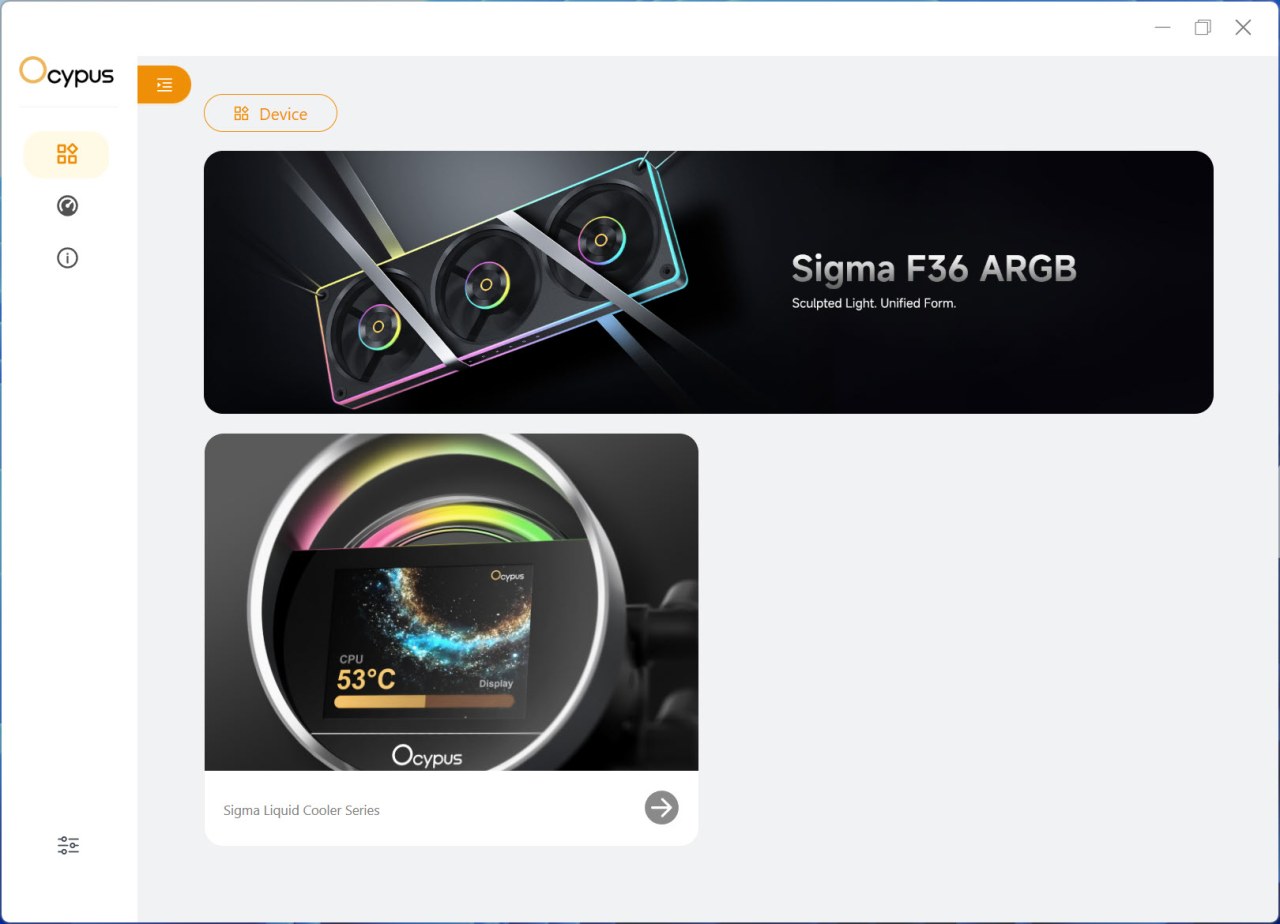
The main tab shows connected devices and advertises the latest products by Ocypus.
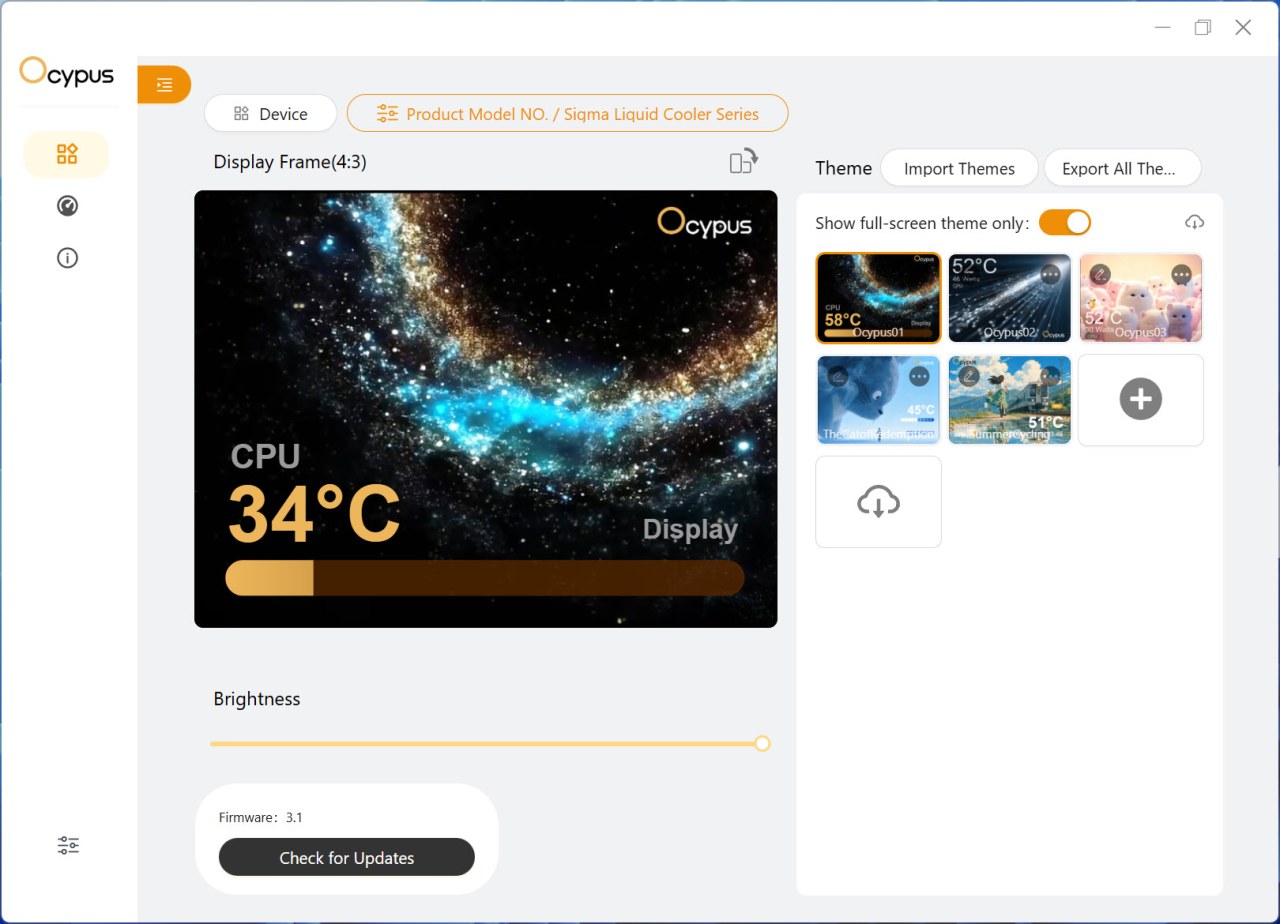
From the device tab you can adjust the brightness level, check for firmware updates, choose one of the 5 full screen animations and load your very own.
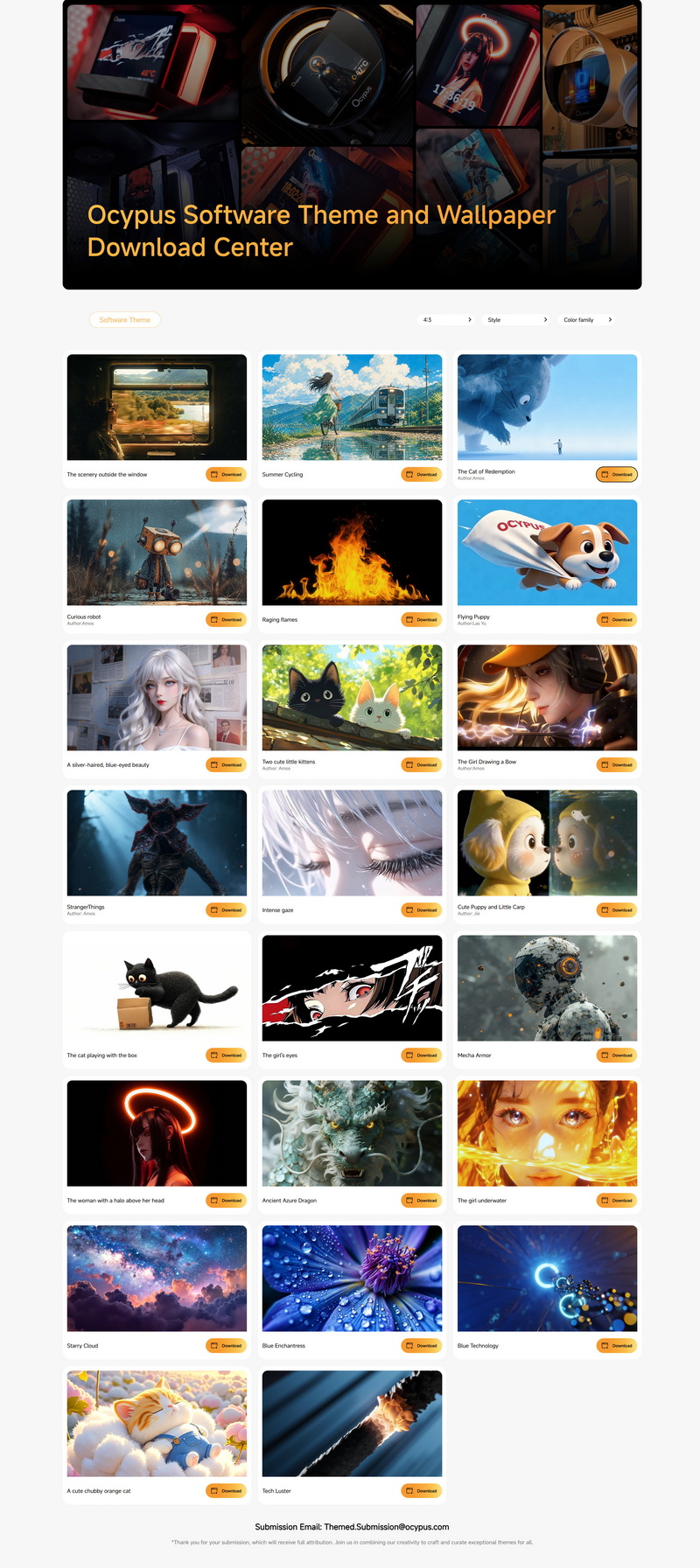
There’s a total of 23 available screens available from Ocypus.
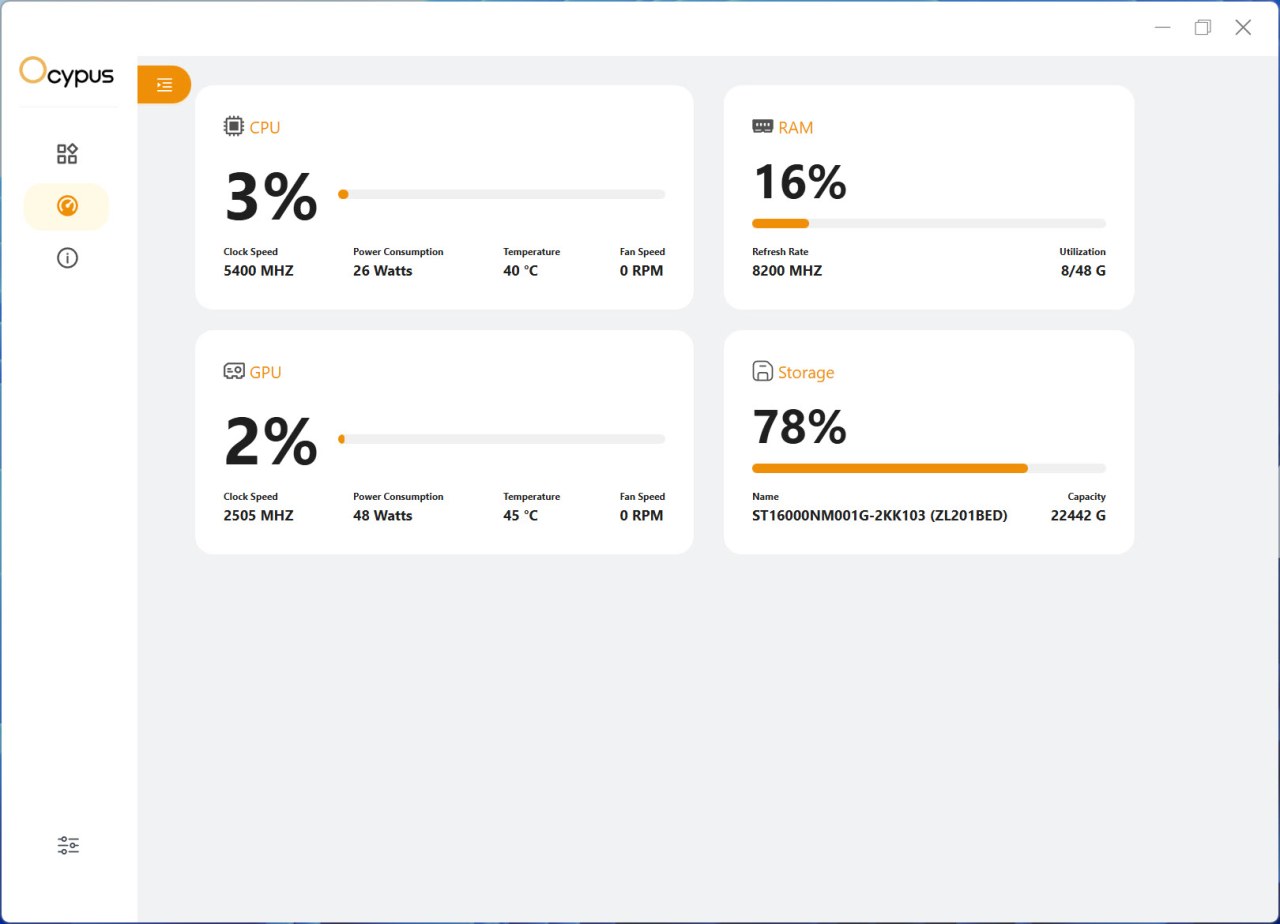
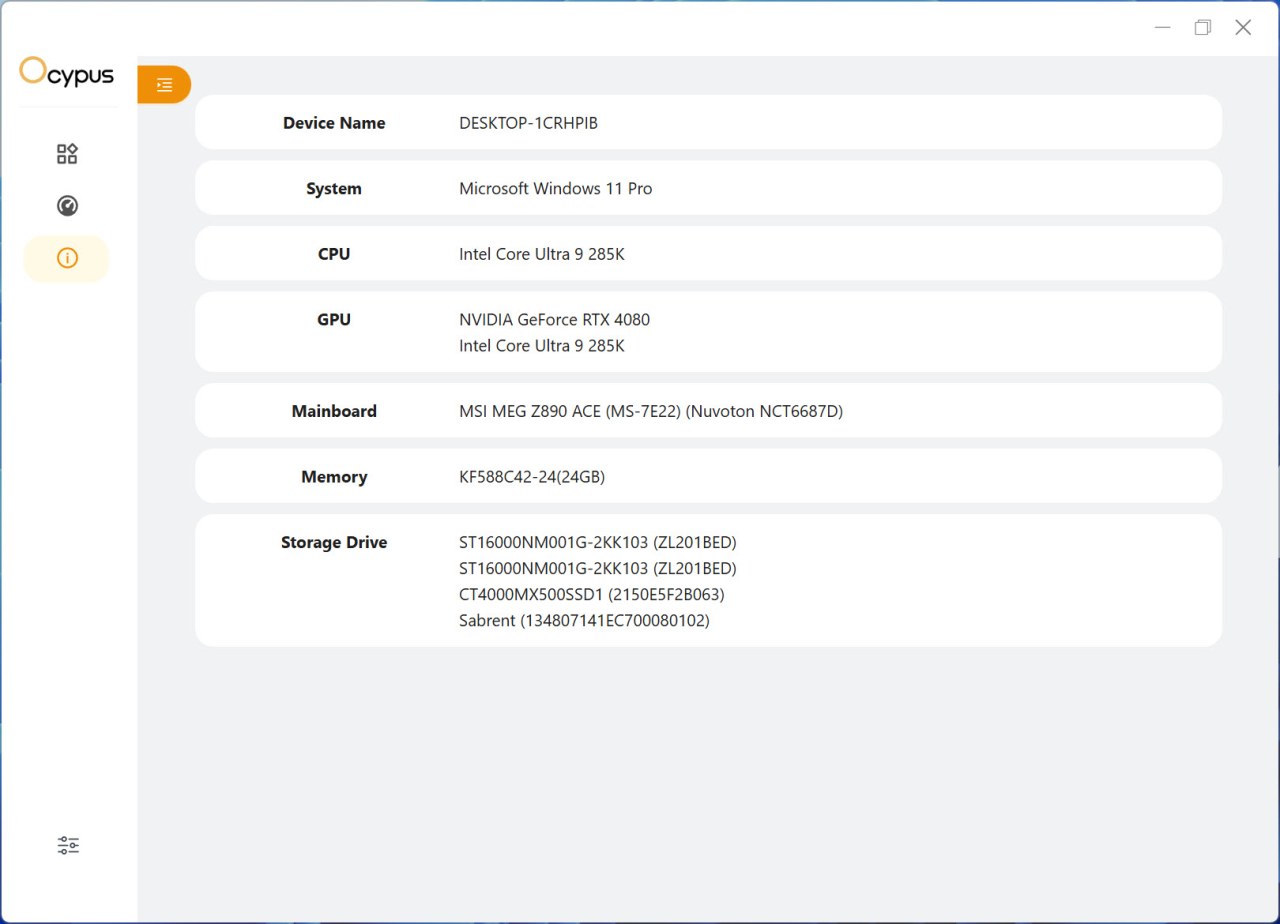
The software also offers system monitor and information tabs.
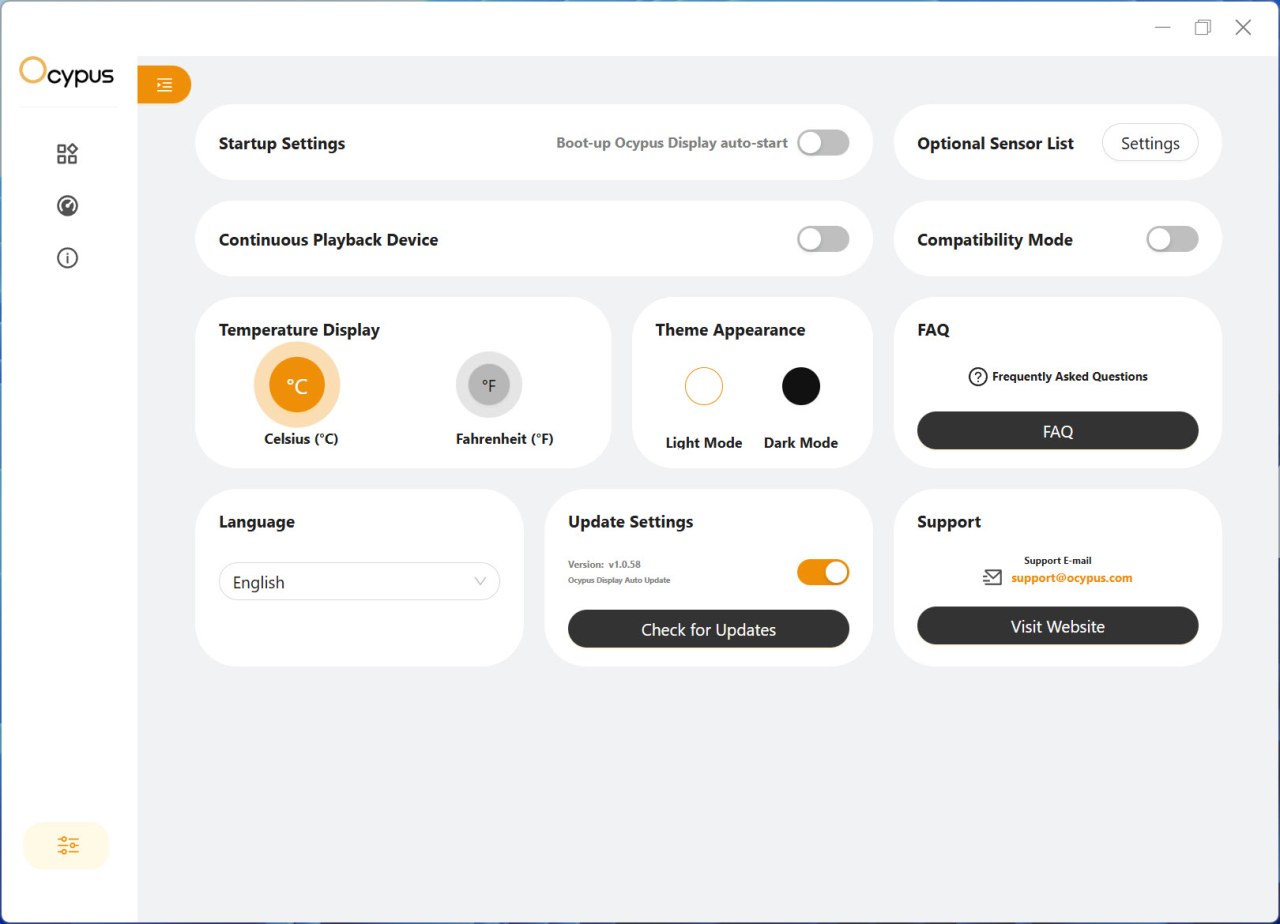
From the settings tab allows the end user to change between Celsius and Fahrenheit, change the appearance of the software (dark/light) check for updates, enable compatibility and continuous playback modes and have the software load at boot.





