




INTRODUCTION
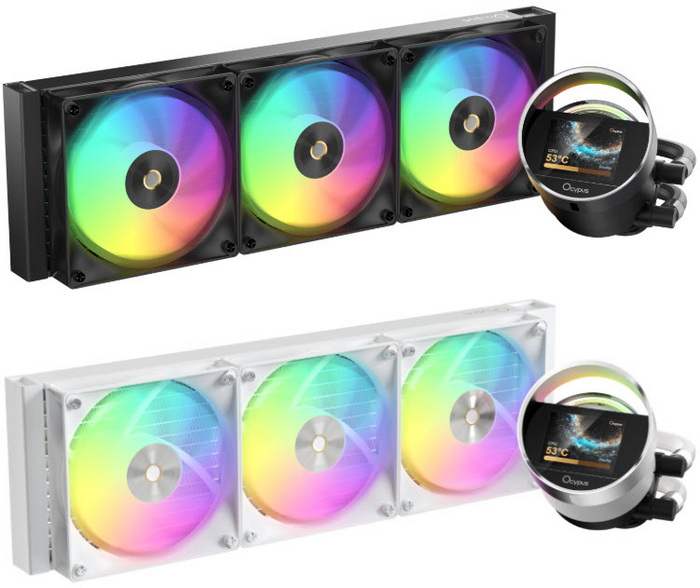
AIO liquid coolers have become essential for today’s high‑power CPUs, where sustained workloads routinely push thermal output beyond what traditional air coolers can manage. Even robust 360mm units eventually reach a point where the processor’s aggressive power draw becomes the limiting factor, not the cooler itself. In this environment, radiator efficiency, pump acoustics, and fan tuning define real‑world performance and the Sigma L36 ARGB by Ocypus fits neatly into this category.
Our core mission is to create ideal products for gamers, and this goes beyond distinctive design, it involves meeting the authentic needs of gamers and crafting a more thoughtful user experience.
The Sigma L36 ARGB is built as a flagship‑style 360mm AIO (300W TDP) that blends cooling performance with a strong visual identity. Ocypus frames it as “craftsmanship reimagined,” and the design leans heavily into that idea, the pump housing integrates a 2.4" IPS display (320×240px) surrounded by a uniform ARGB ring, giving the cooler a futuristic, pixel‑driven aesthetic rather than the usual rectangular LCD block. The 397x120x27mm aluminum radiator follows a clean, minimalist layout, while the ARGB implementation across the 120mm ARGB fans (2000RPM/73CFM/4.3mmH₂O/29dBA) and 3-phase, 6-pole ceramic pump (3100 RPM ±10%, 27dBA) is tuned for uniform diffusion rather than harsh hotspots. Available in both BK (black) and WH (white) variants, the Sigma L36 ARGB positions itself as a premium visual centerpiece for high‑end builds, pairing its design language with the expected 360mm thermal capacity for modern CPUs.
SPECIFICATIONS AND FEATURES

PACKAGING AND CONTENTS
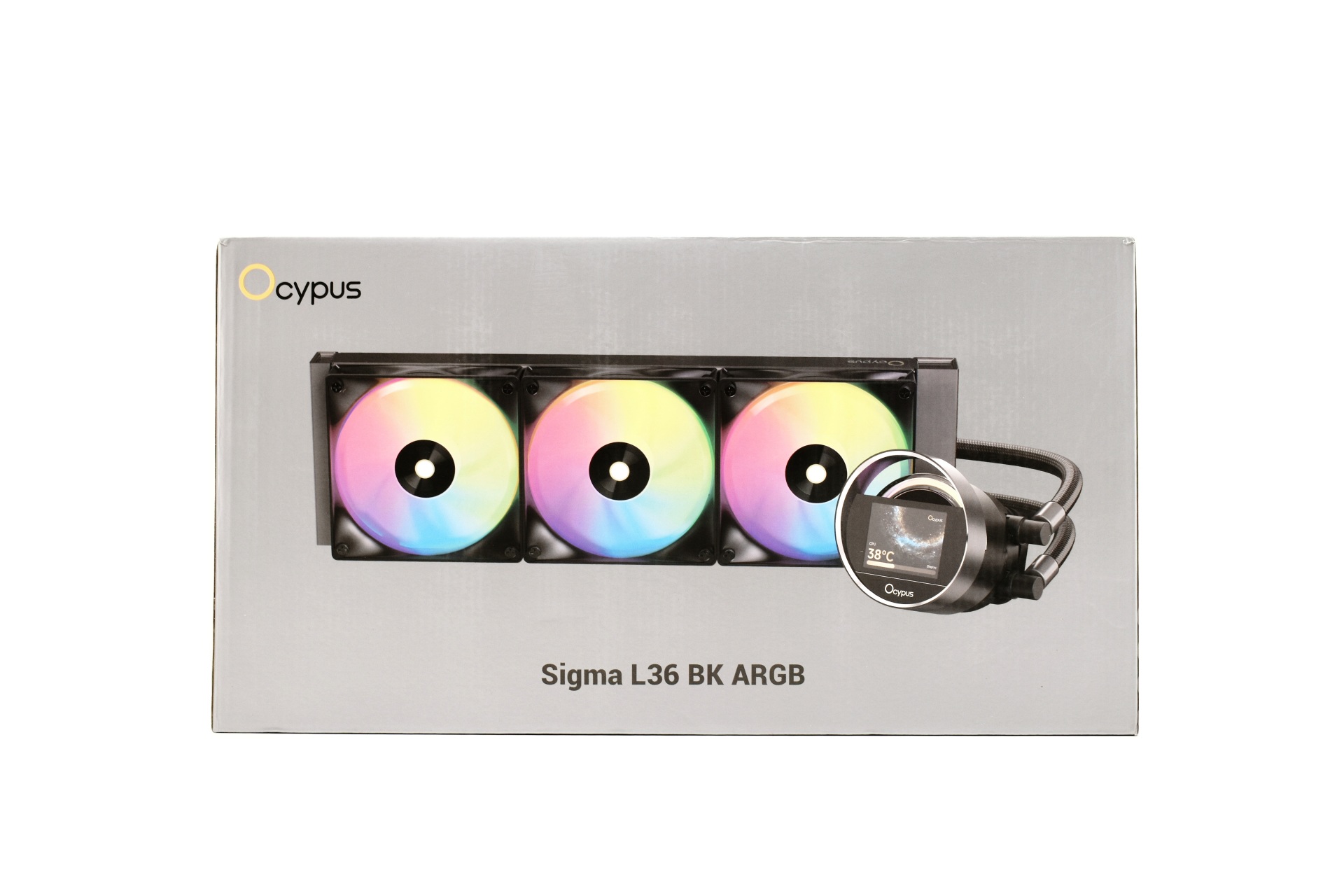
Ocypus packs the Sigma L36 inside a silver box the front of which is taken by a large product picture and their logo.
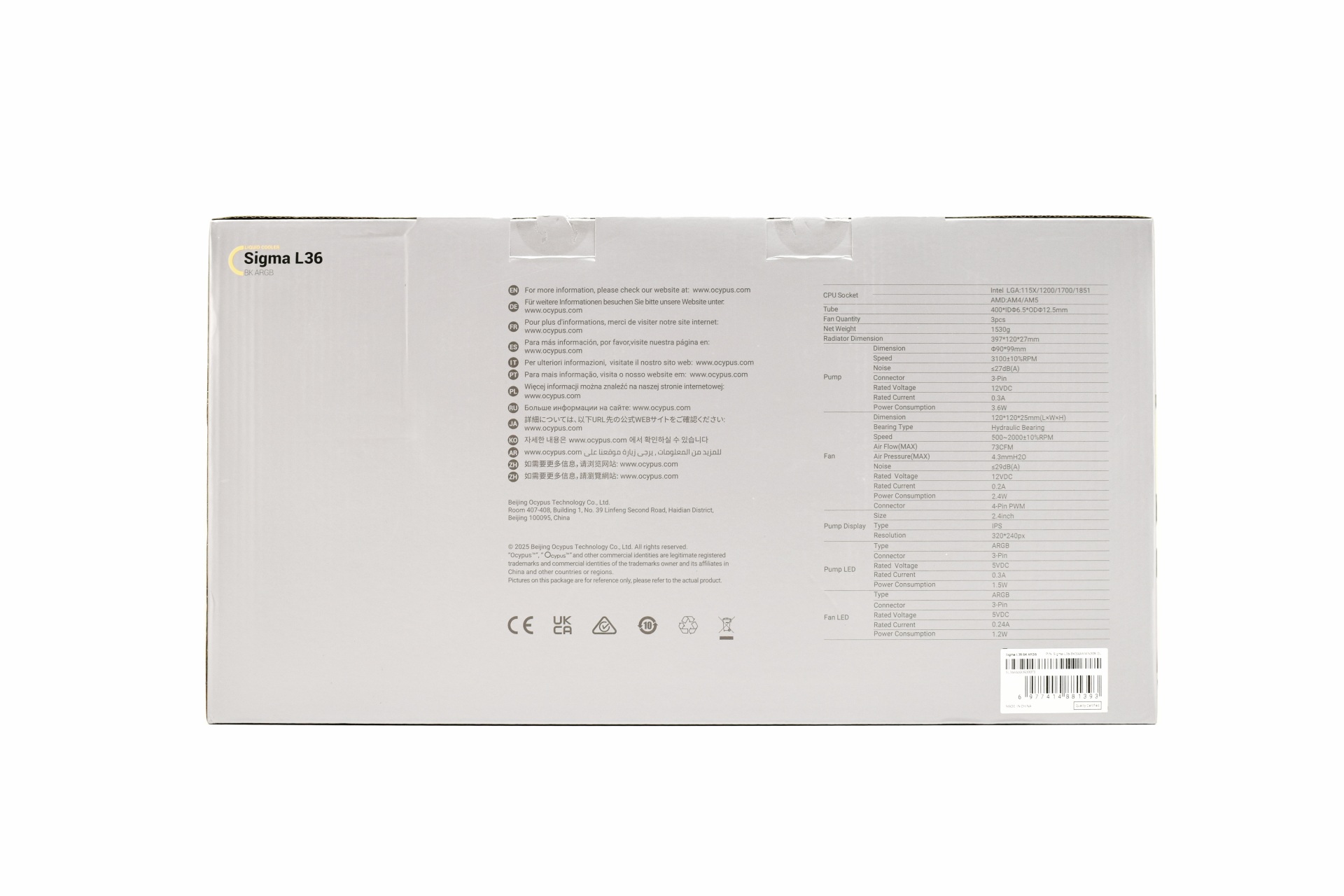
The product specifications are printed at the rear of the box.
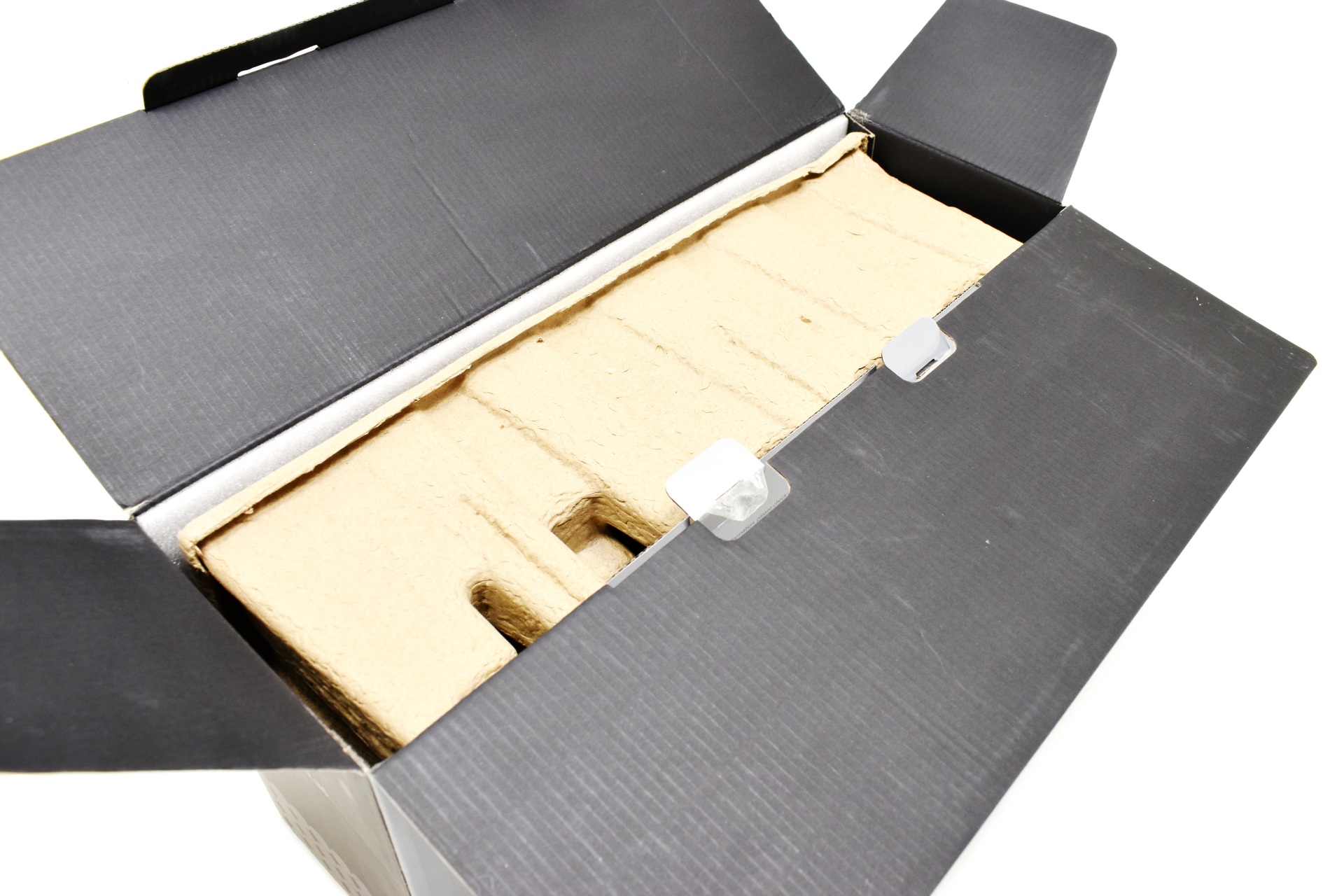
Typically, the AIO is placed inside a formed piece of cardboard.
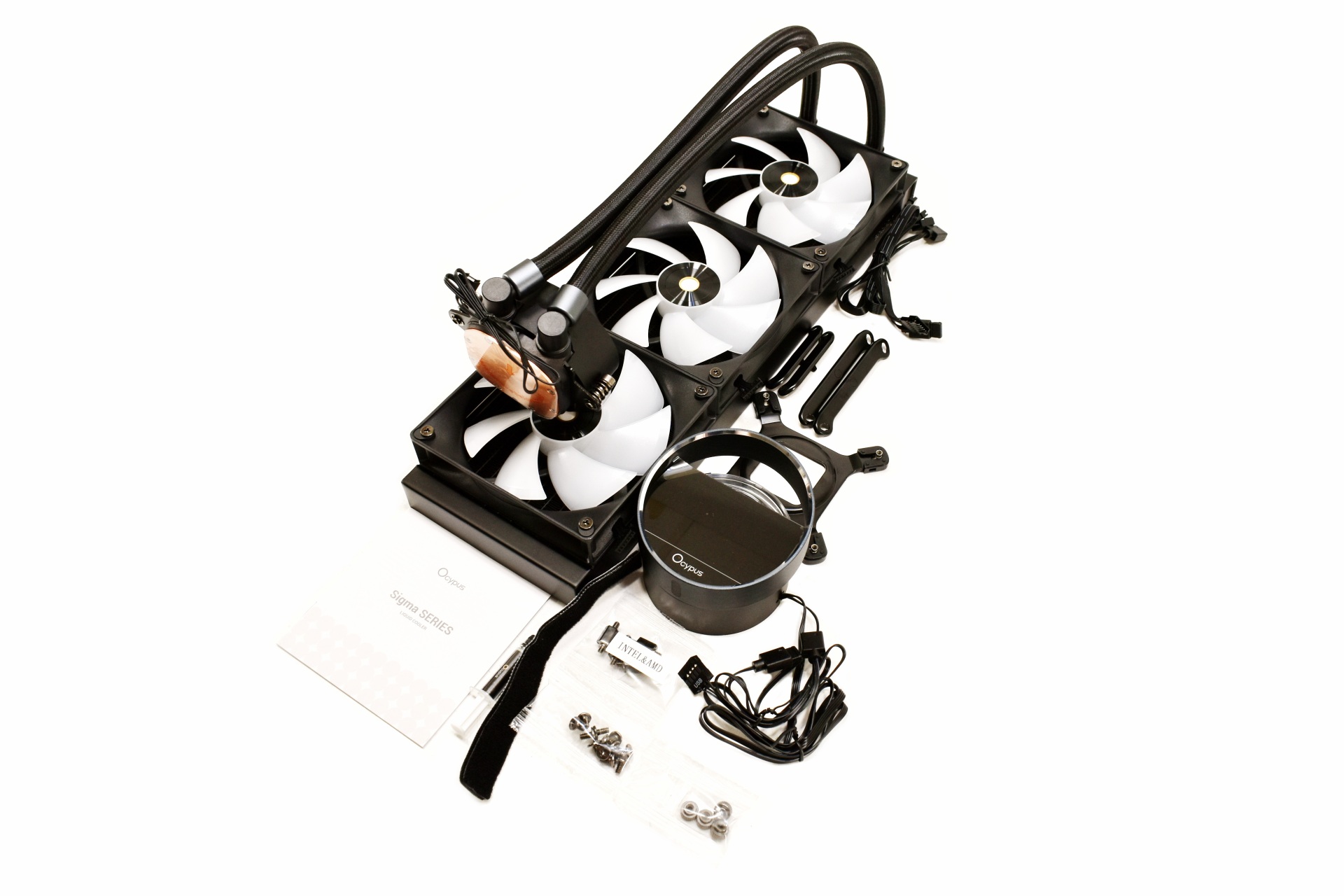
Along with the Sigma L36 and its three 120mm ARGB fans (pre-mounted) inside the box you'll also find the magnetically attached 2.4" IPS display, thermal paste tube, small 3-pin extension cable, backplate and all the necessary bits to install the AIO onto LGA 1150/1151/1155/1200/1700/1851 and AMD AM4/AM5 motherboards.
THE SIGMA L36 ARGB
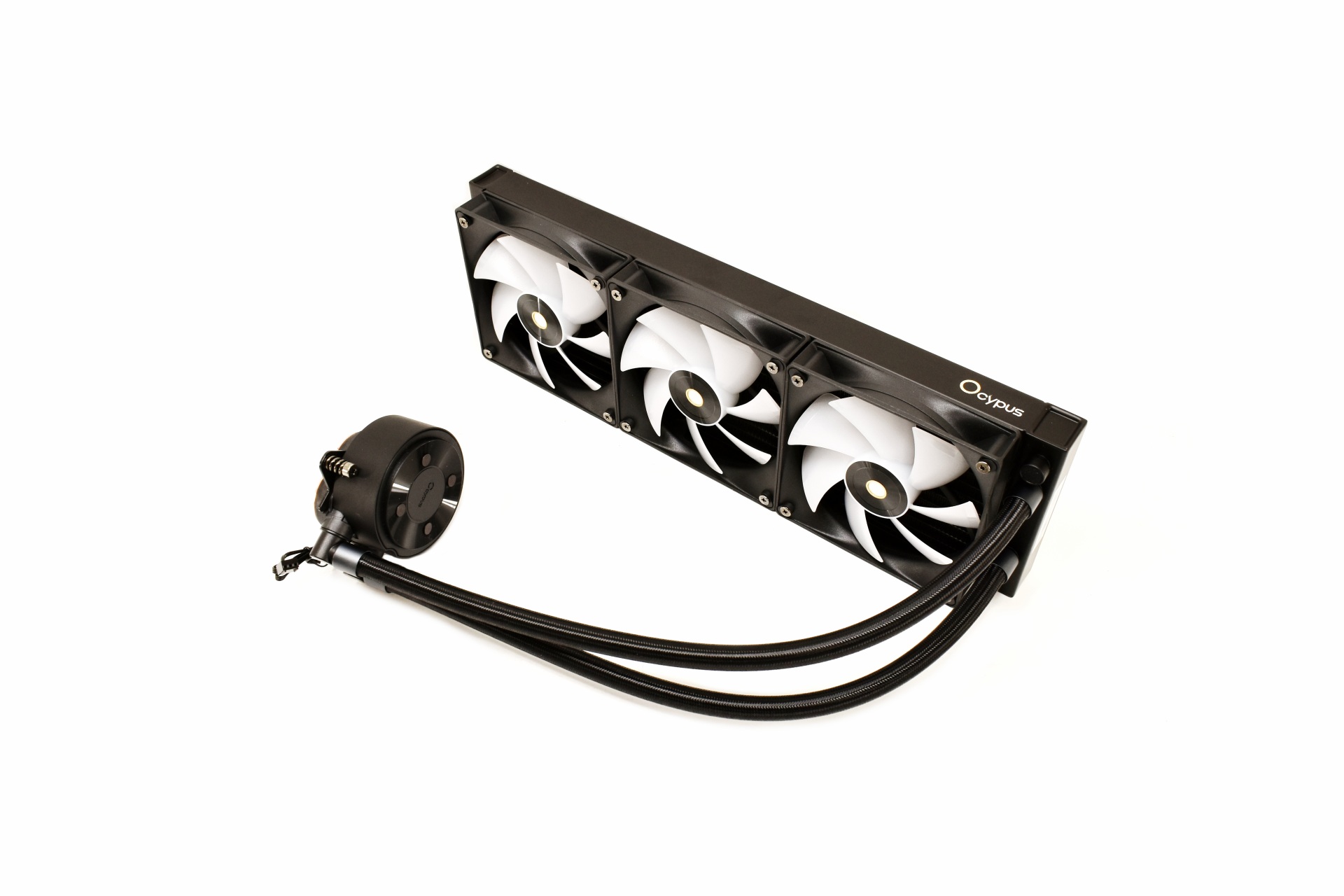
Just like with the L36 Pro the Sigma L36 ARGB doesn't stand out without its IPS screen attached.
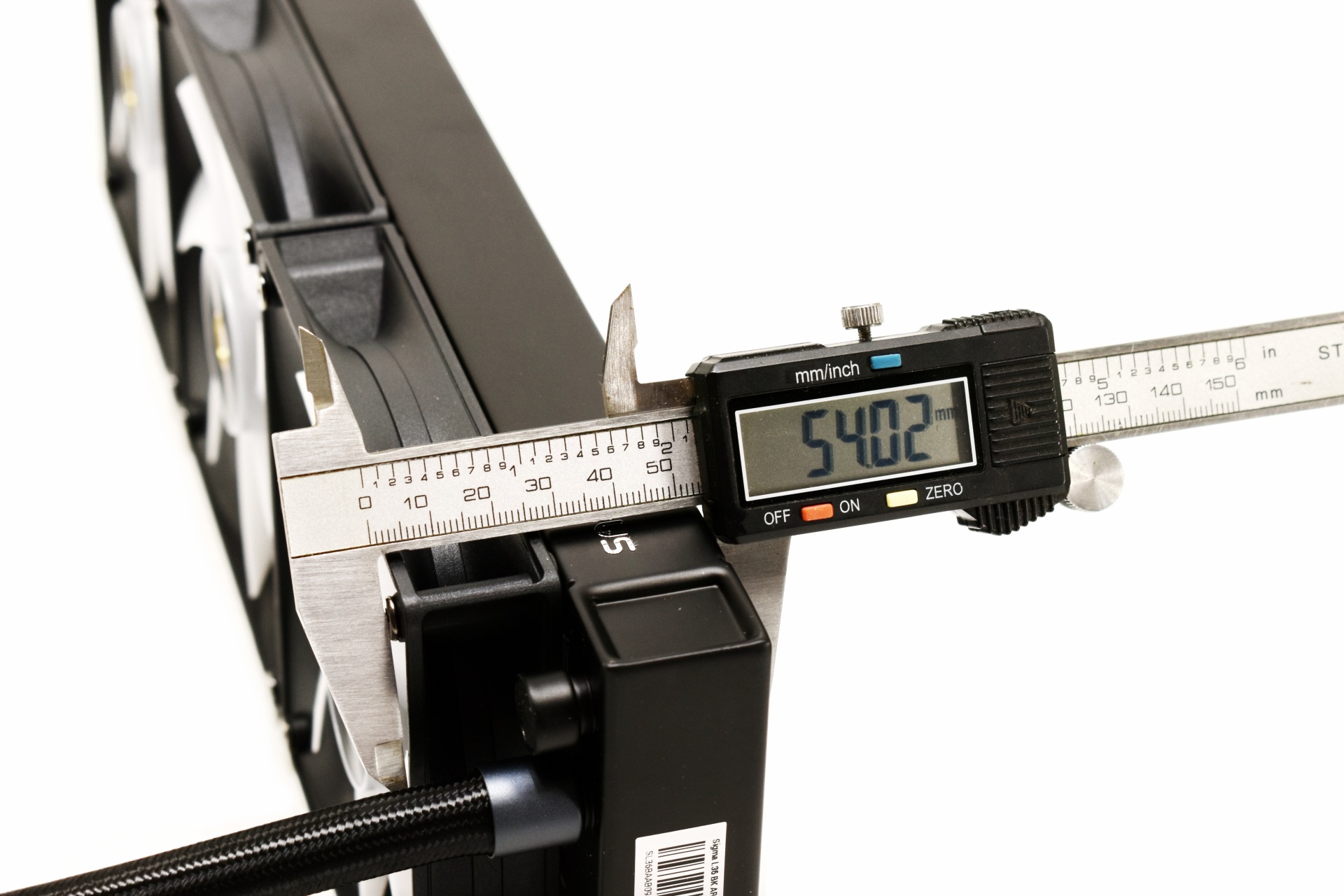
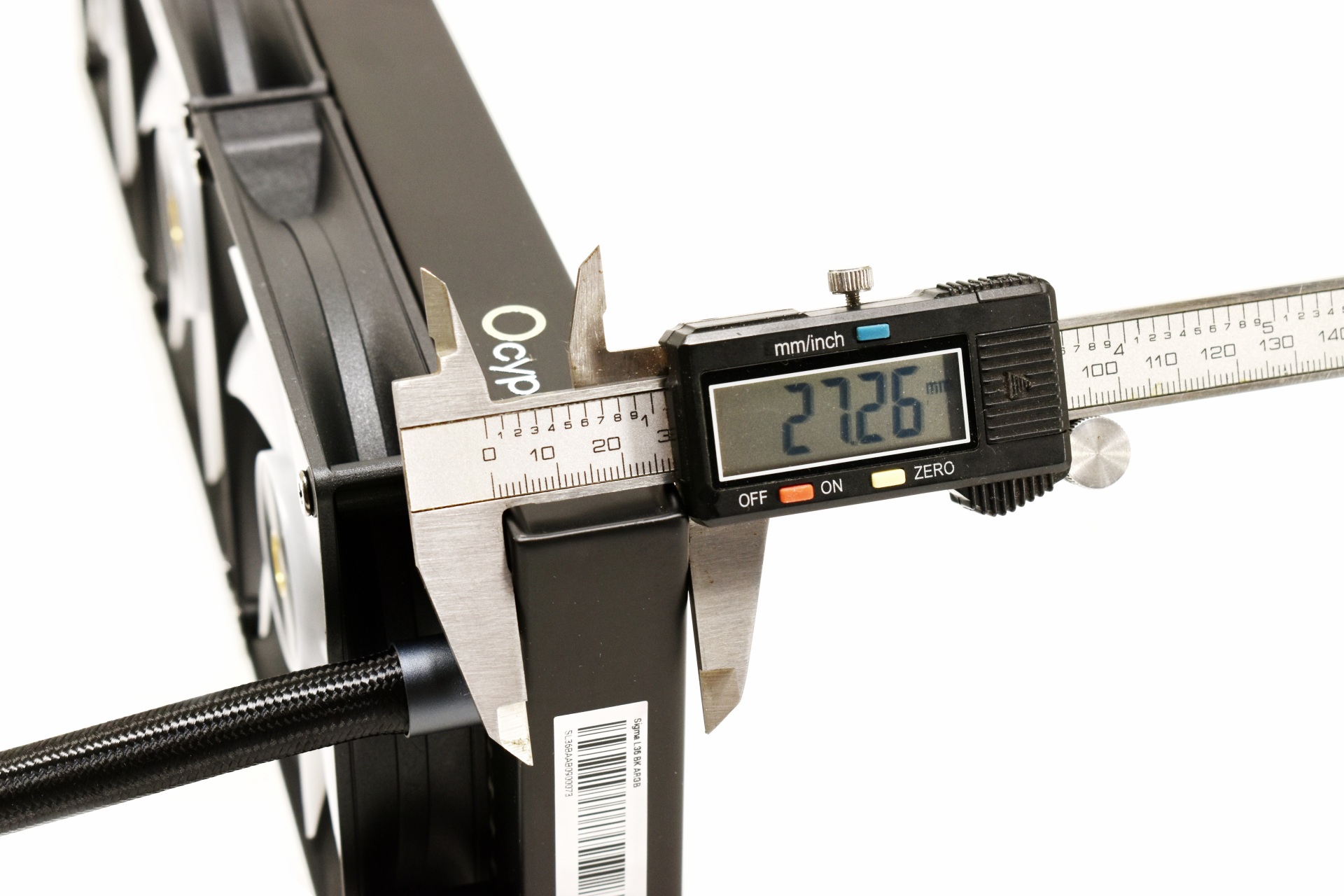
The 397mm long aluminum radiator measures around 27mm in thickness without the fans and 54mm with them.
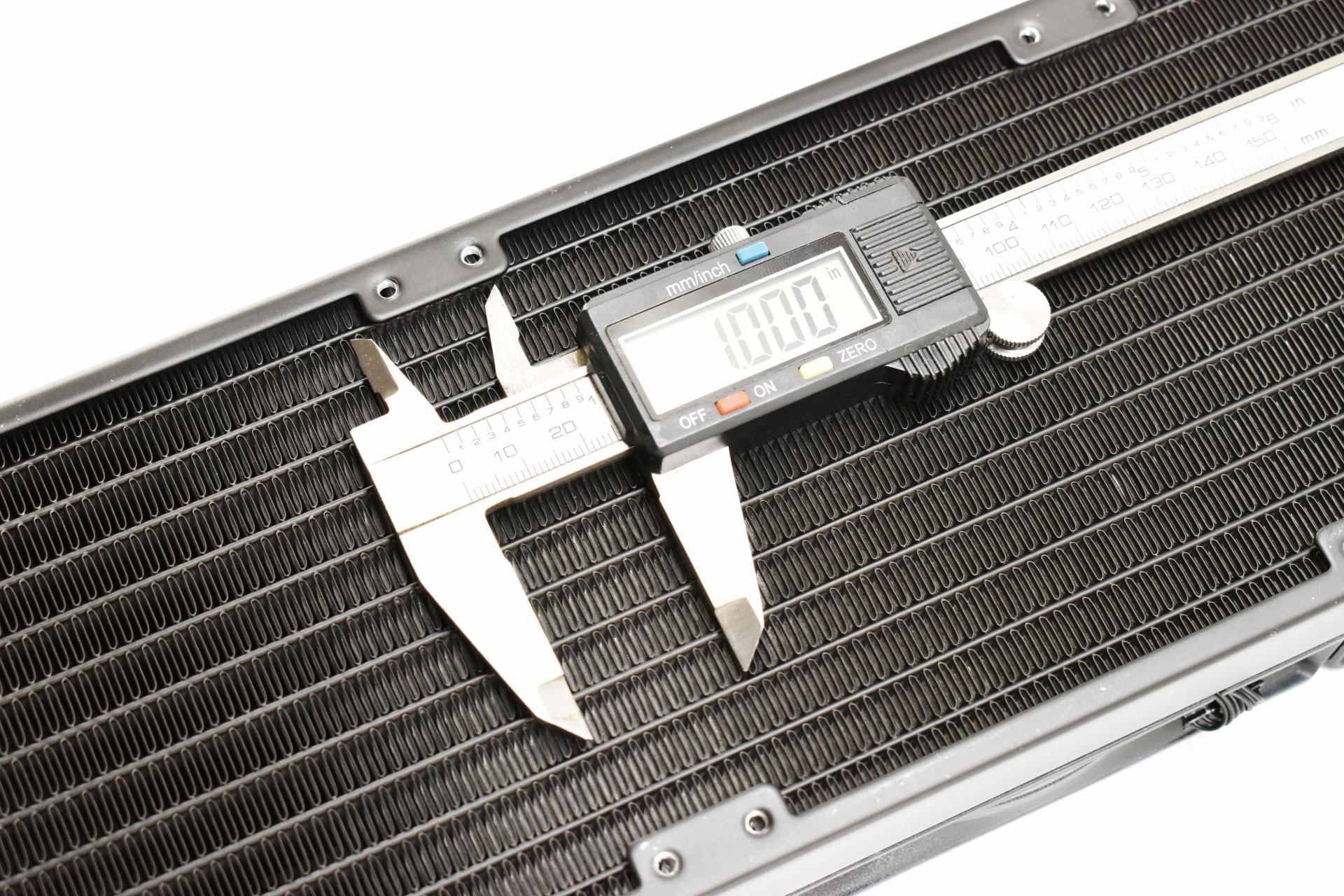
FPI count for the specific radiator is 20.
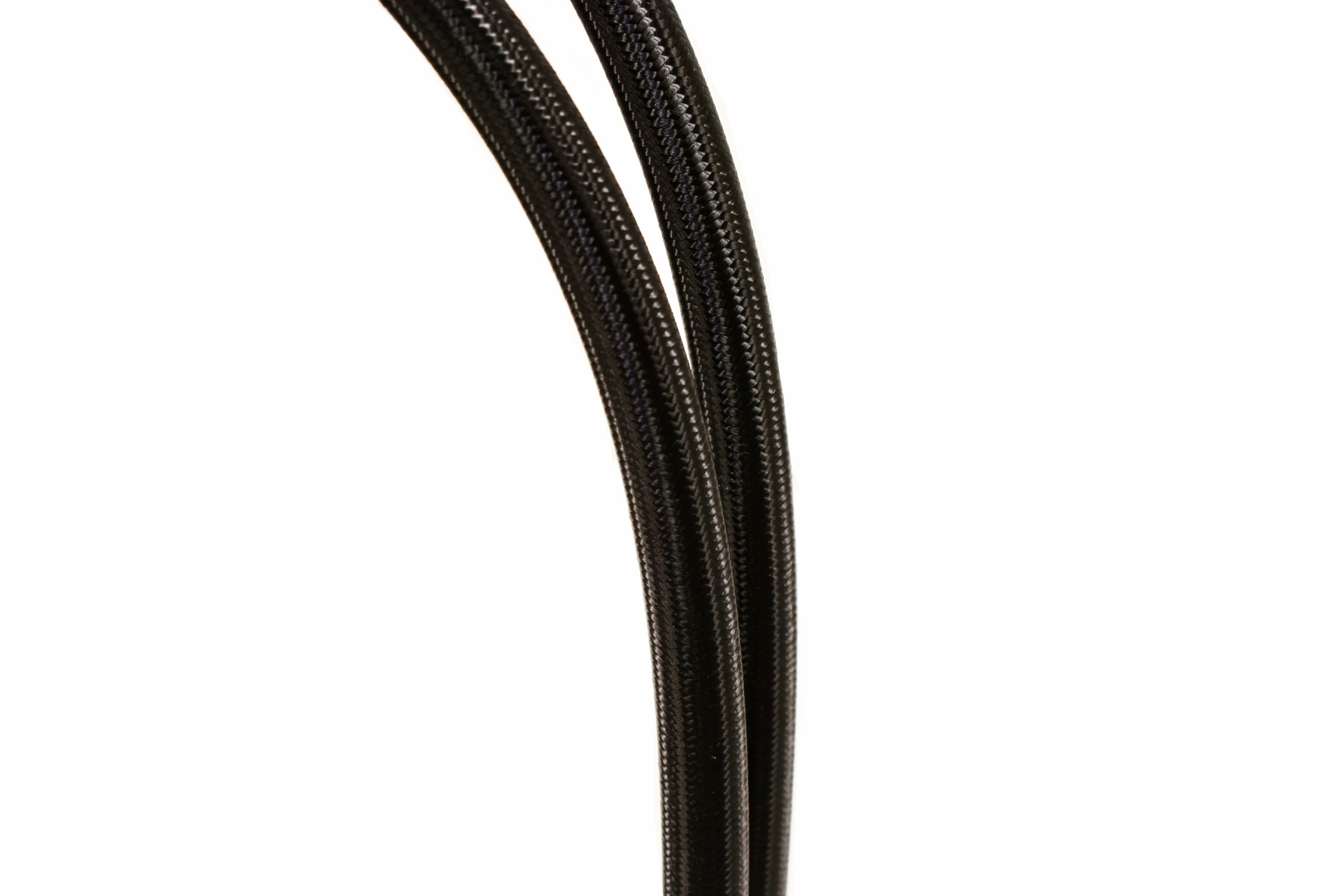
Ocypus has equipped the Sigma L36 with 400mm long tubes which should be sufficient for most cases.
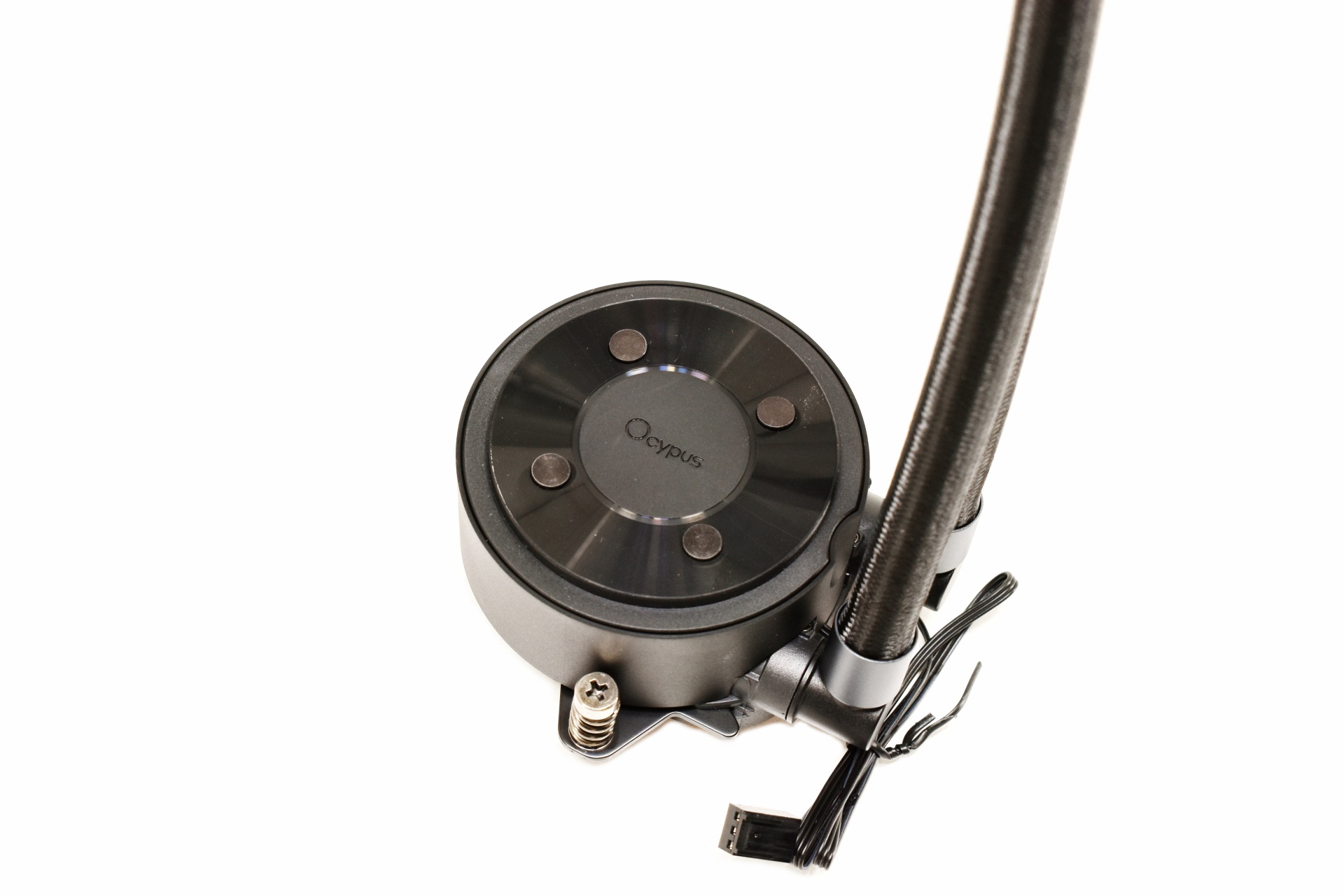
The company name is placed on top of the pump along with 4 round metal pieces.
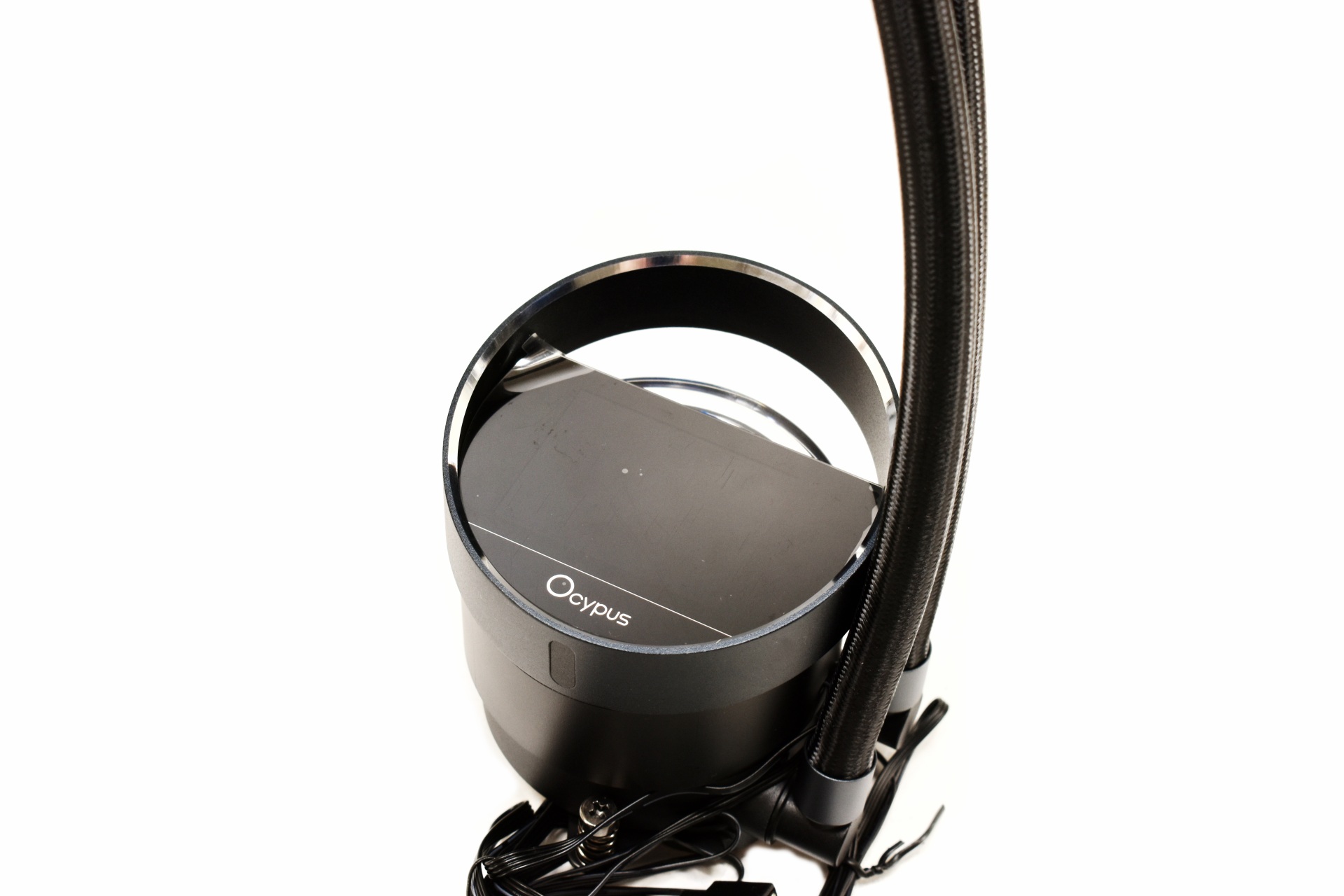
Once again, the magnetically attached IPS display is very convenient and again you can use the AIO even without attaching it.
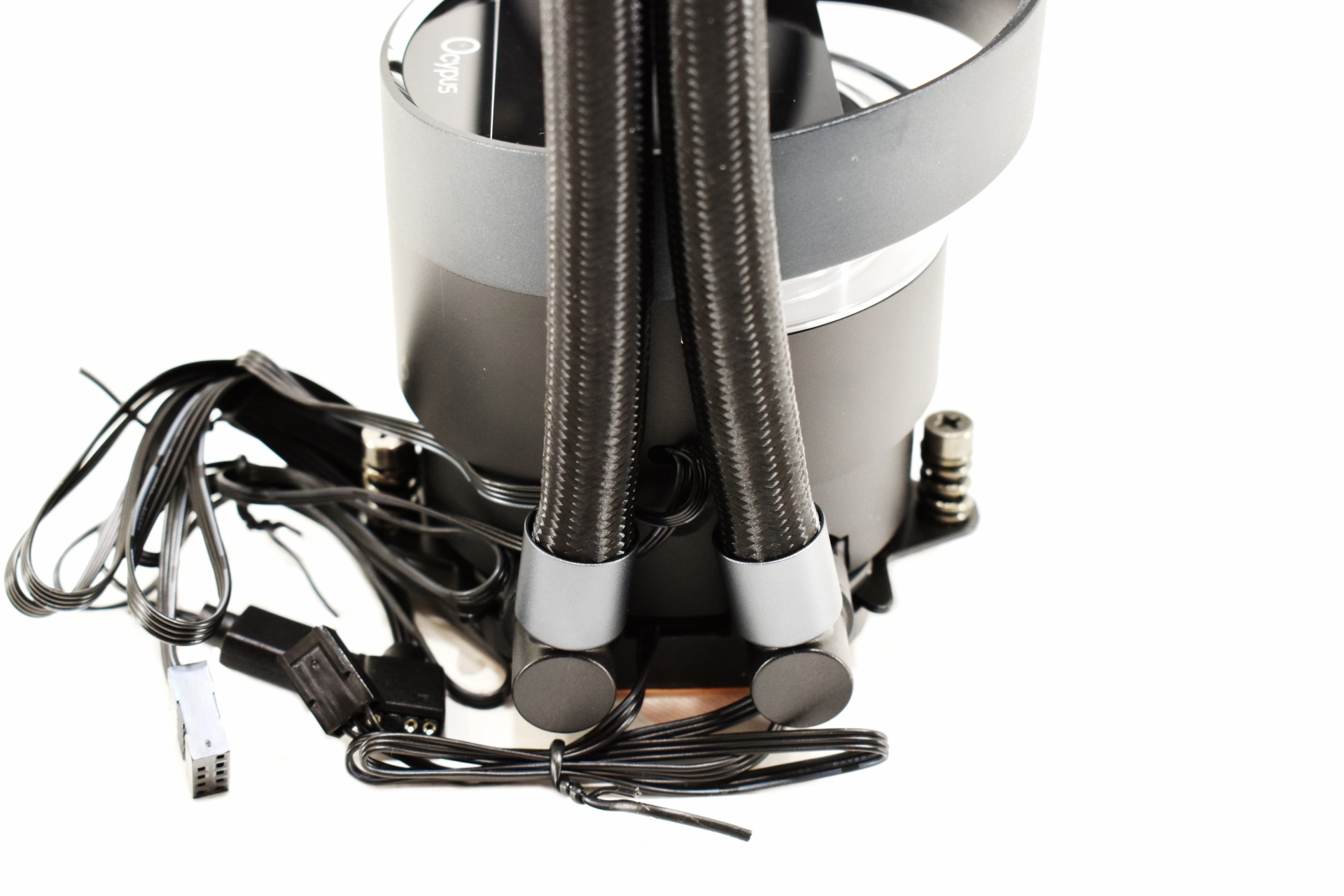
Typically, the tubes can rotate up to slightly over 90 degrees from the base.
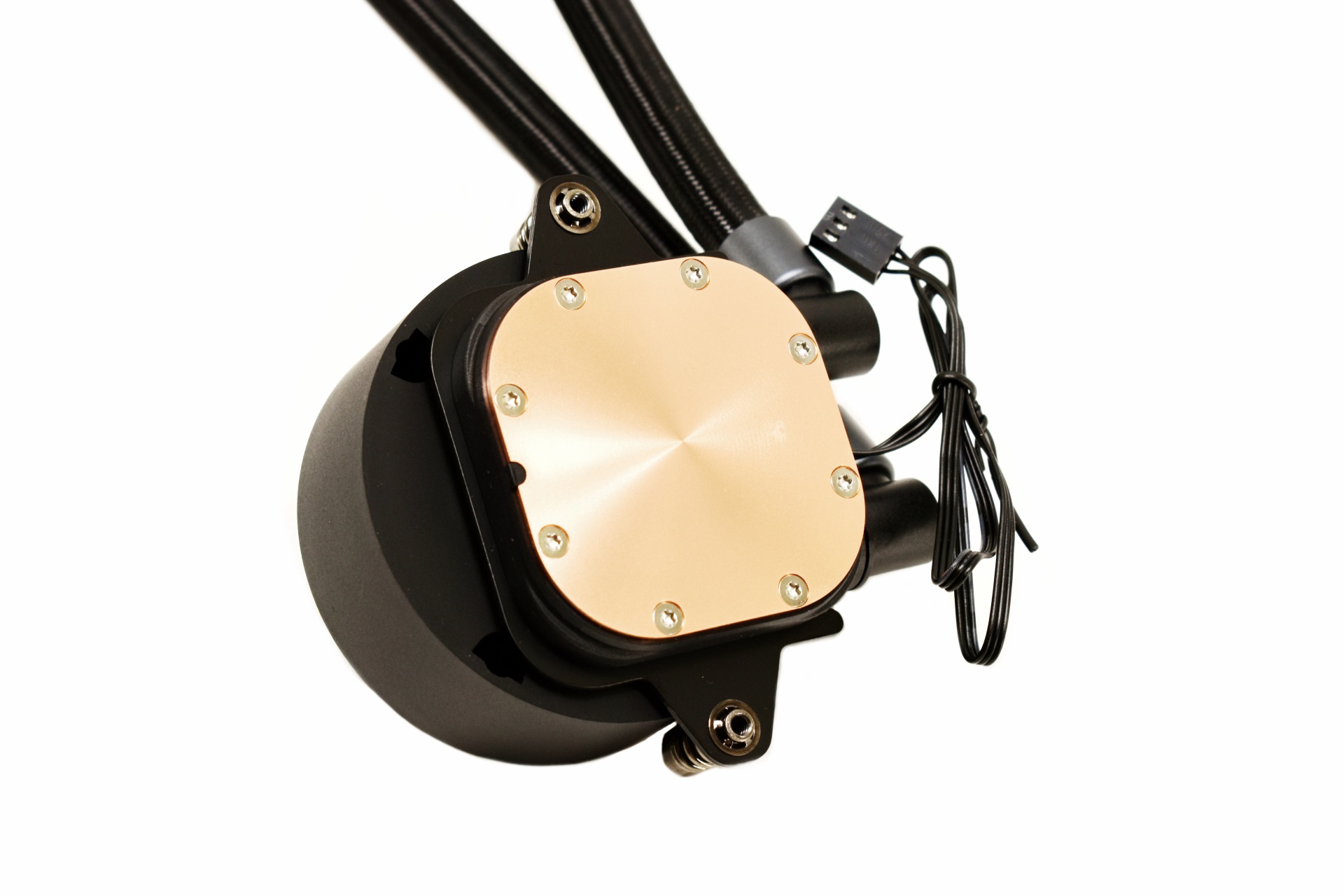
The L36 ARGB has a smaller Copper base compared to the L36 Pro and well, depending on the CPU that may actually be a good thing.
INSTALLATION
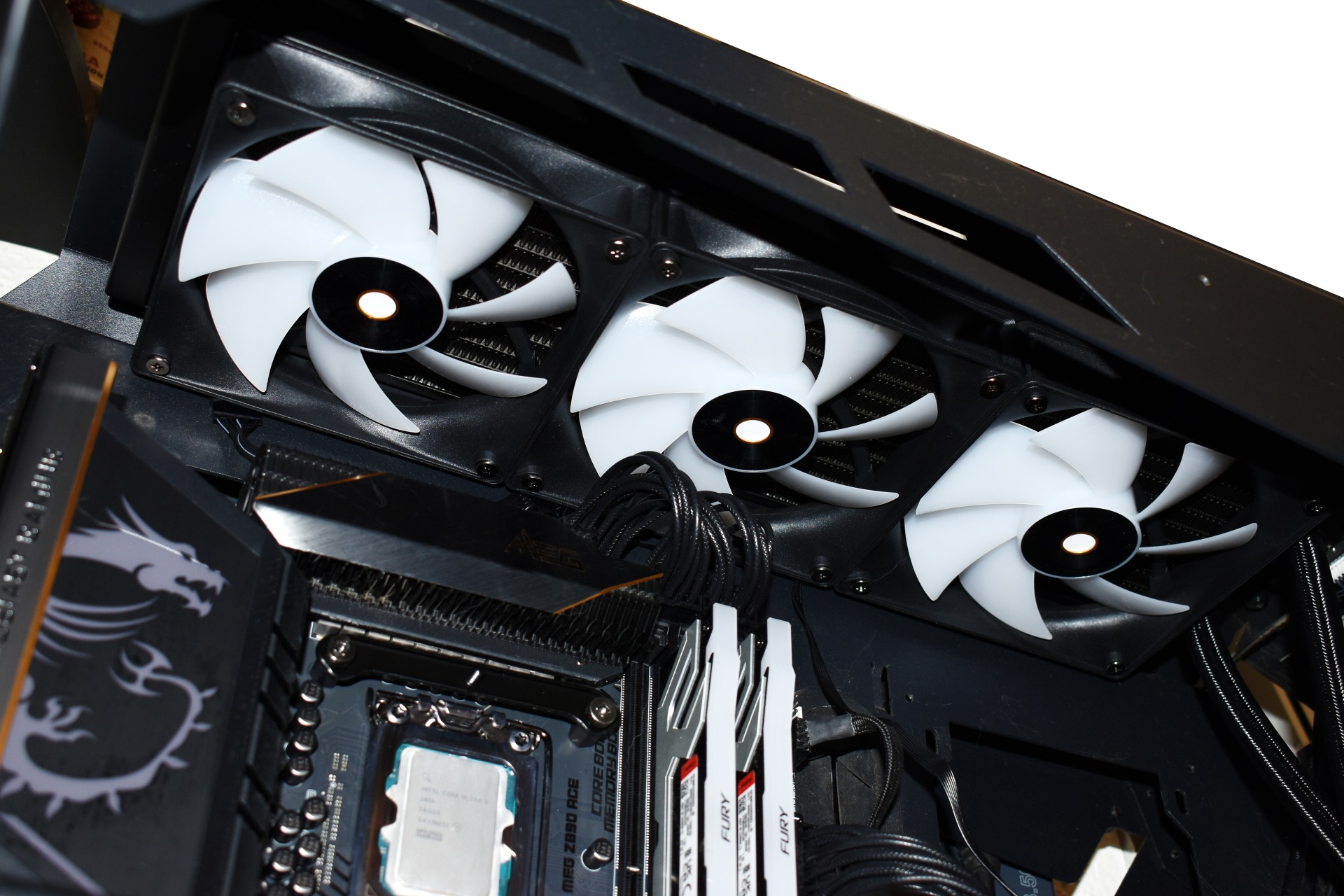
Let's begin by mounting the radiator on top as always.
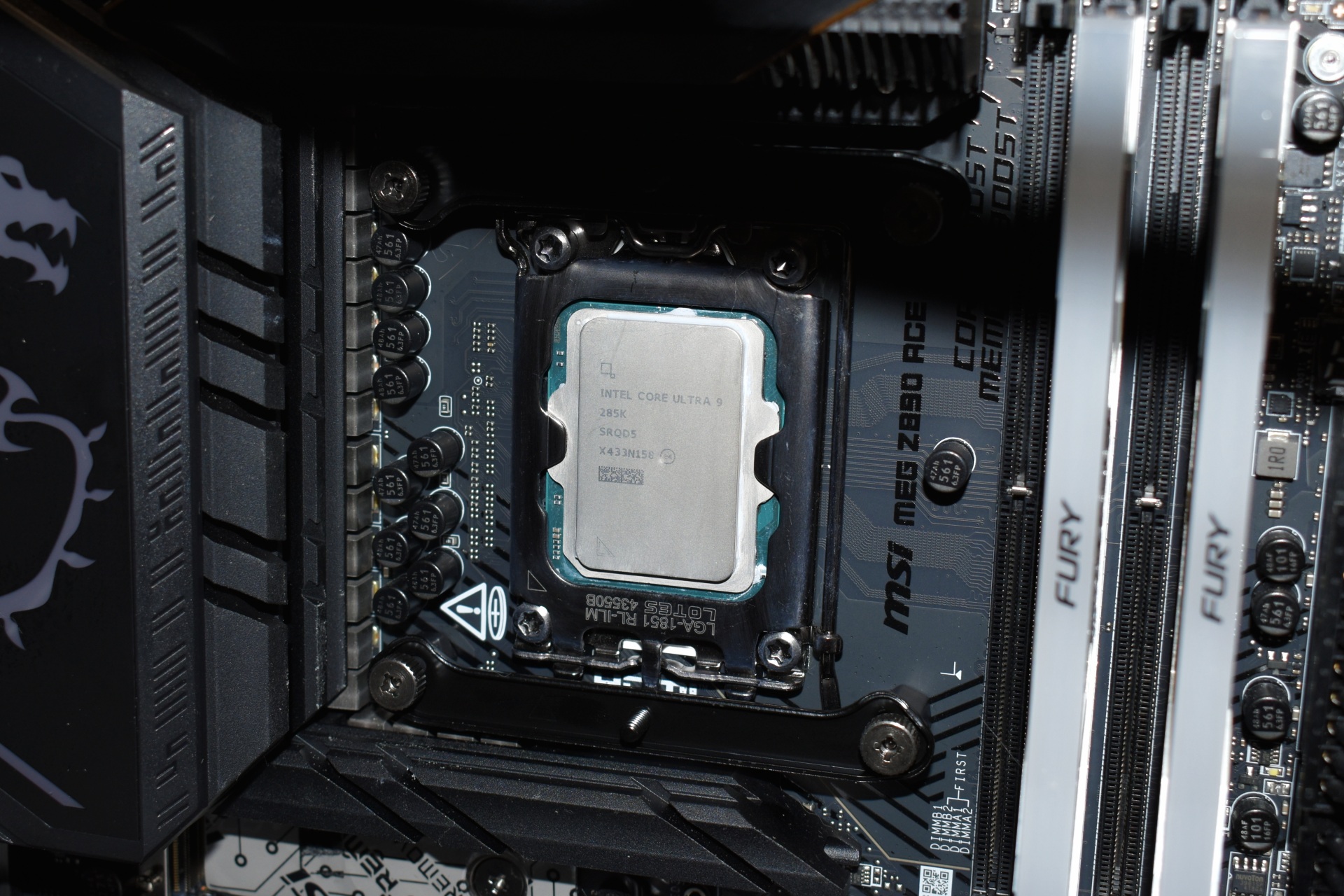
After the radiator you will need to place the backplate at the rear, place the plastic standoffs on the inside side and secure the metal brackets with the thumbscrews.
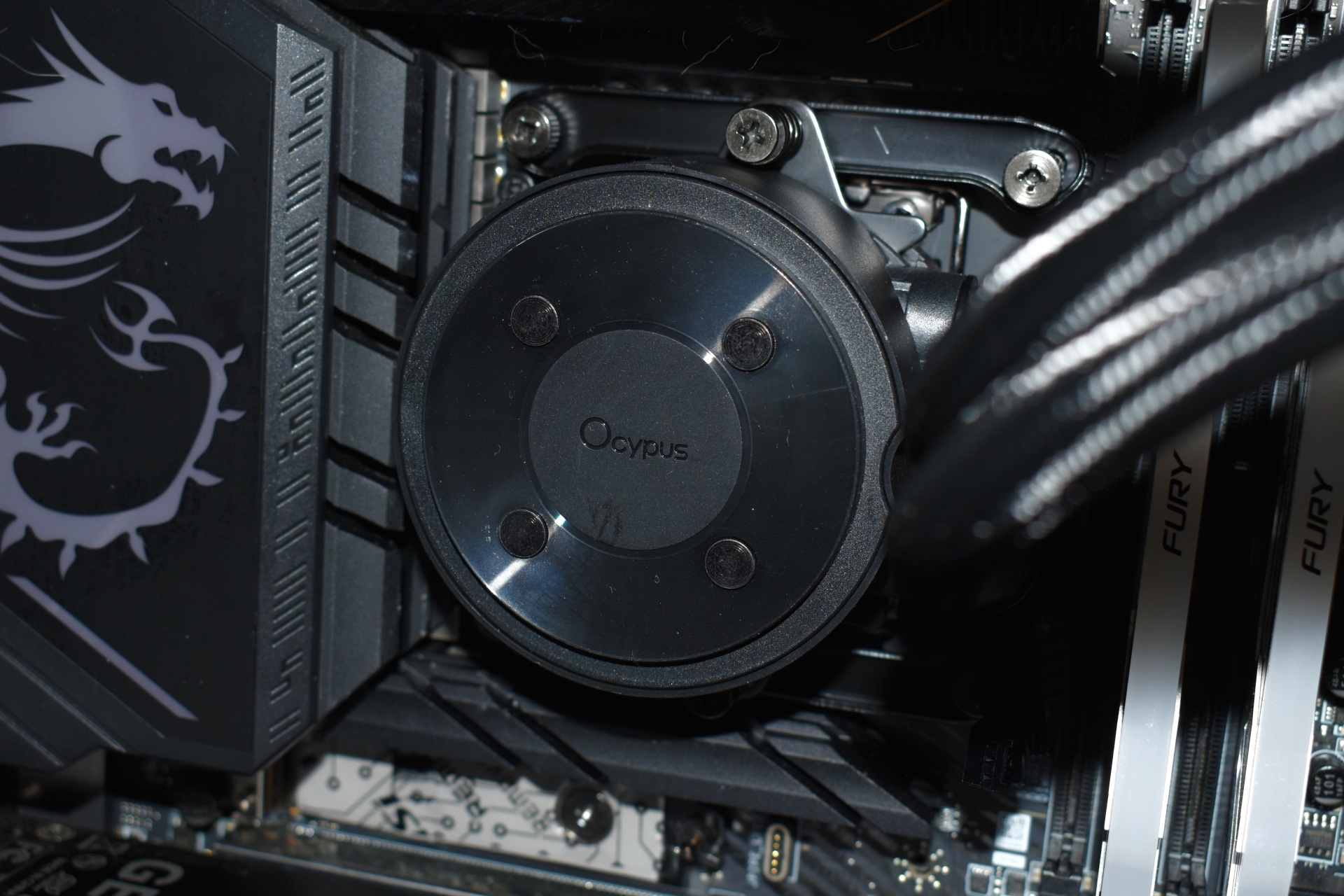
Next is mounting the base as seen above.
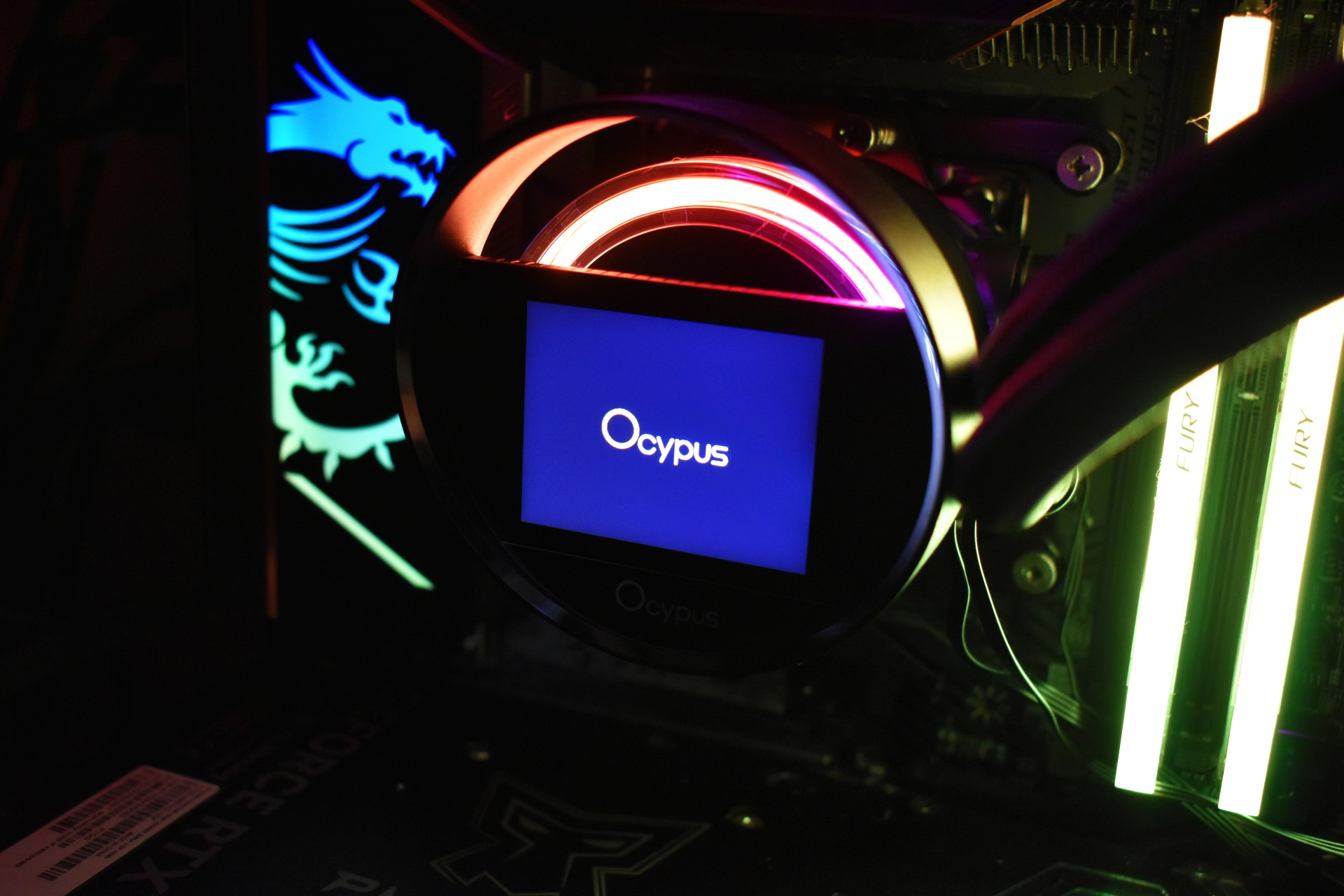
Final step of course is to attach the IPS display and connect it with a motherboard USB and ARGB headers (as usual a short clip is available on TikTok and YouTube).
OCYPUS DISPLAY SOFTWARE
You can download and install the Ocypus Display software for control of the screen on the Sigma L36 ARGB.
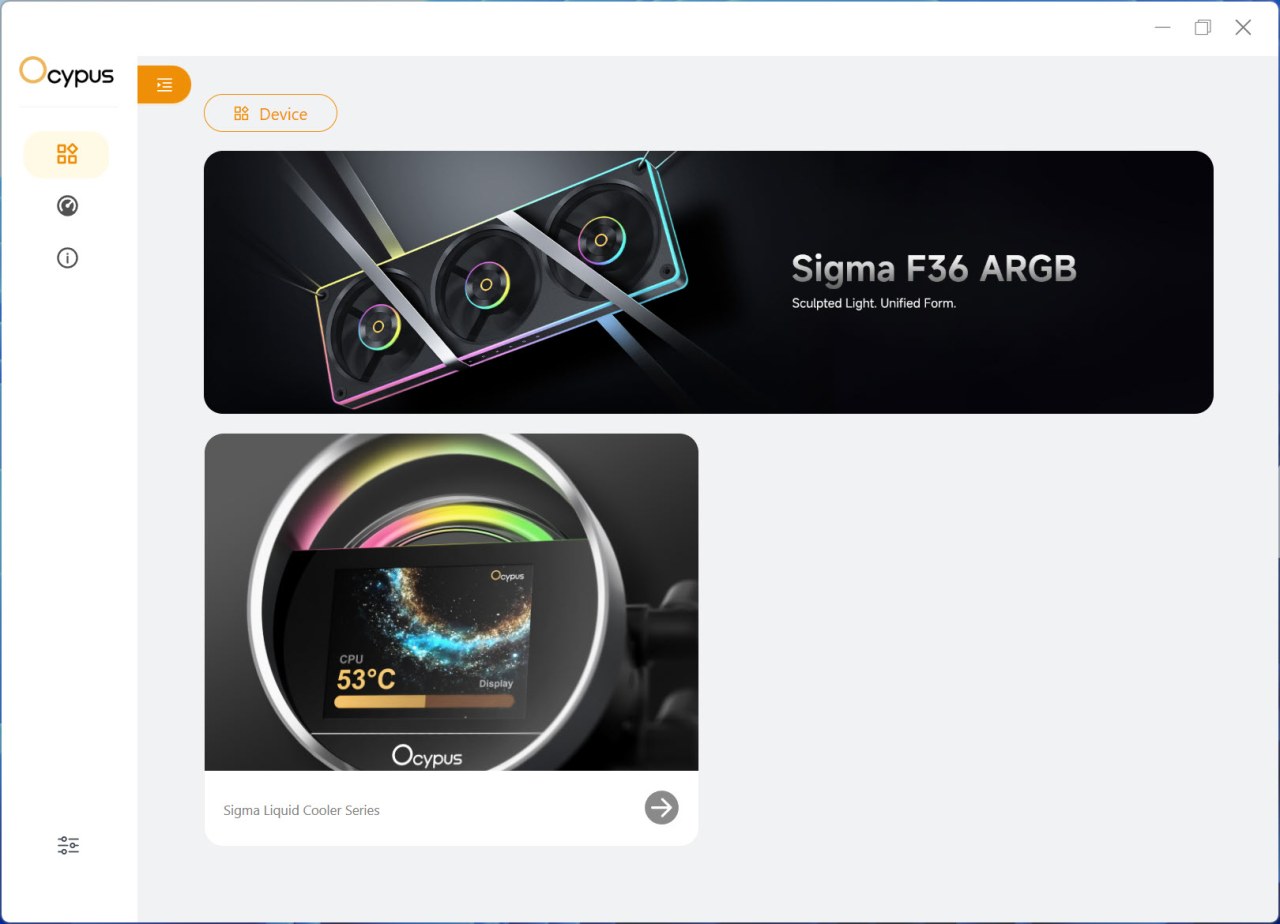
The main tab shows connected devices and advertises the latest products by Ocypus.
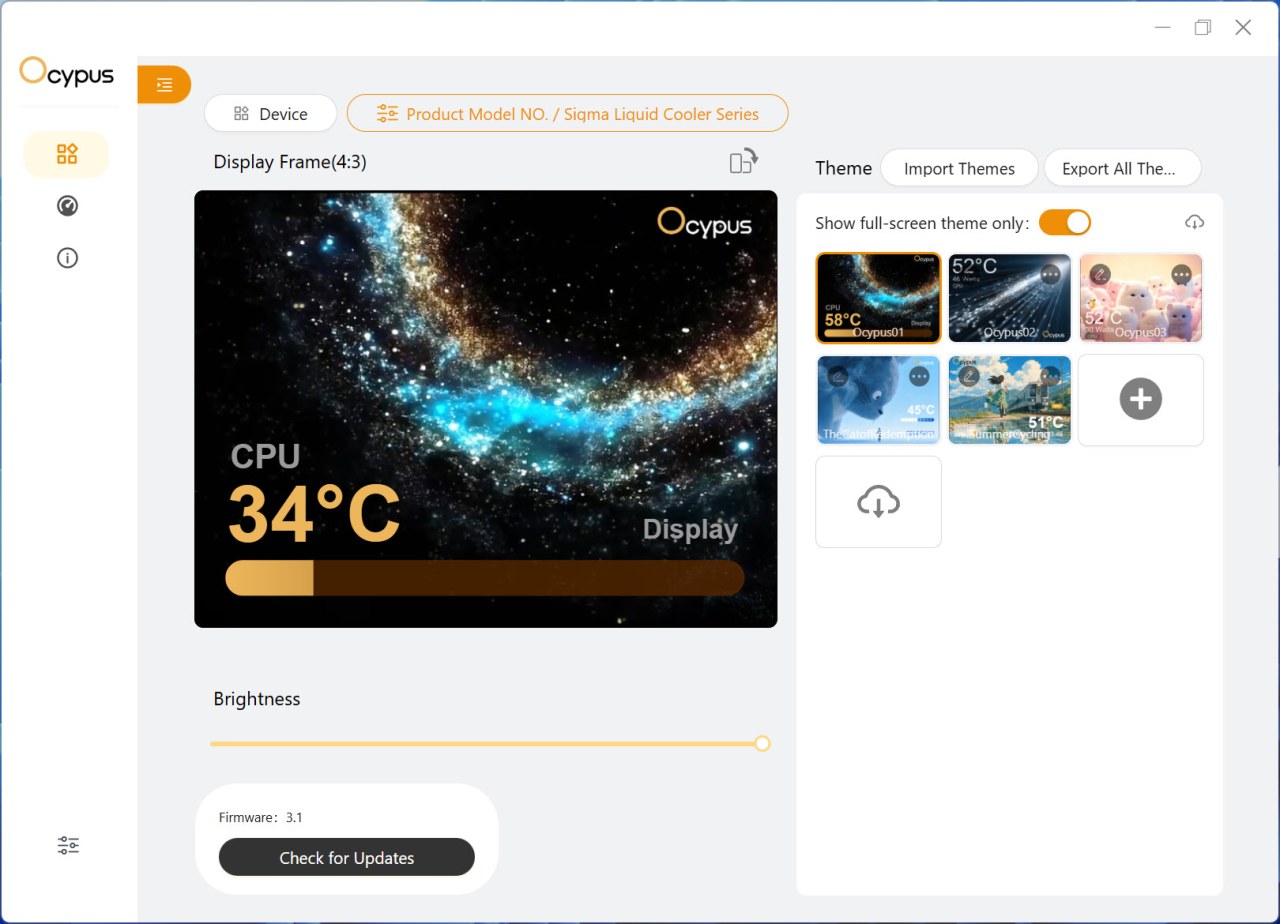
From the device tab you can adjust the brightness level, check for firmware updates, choose one of the 5 full screen animations and load your very own.

There’s a total of 23 available screens available from Ocypus.
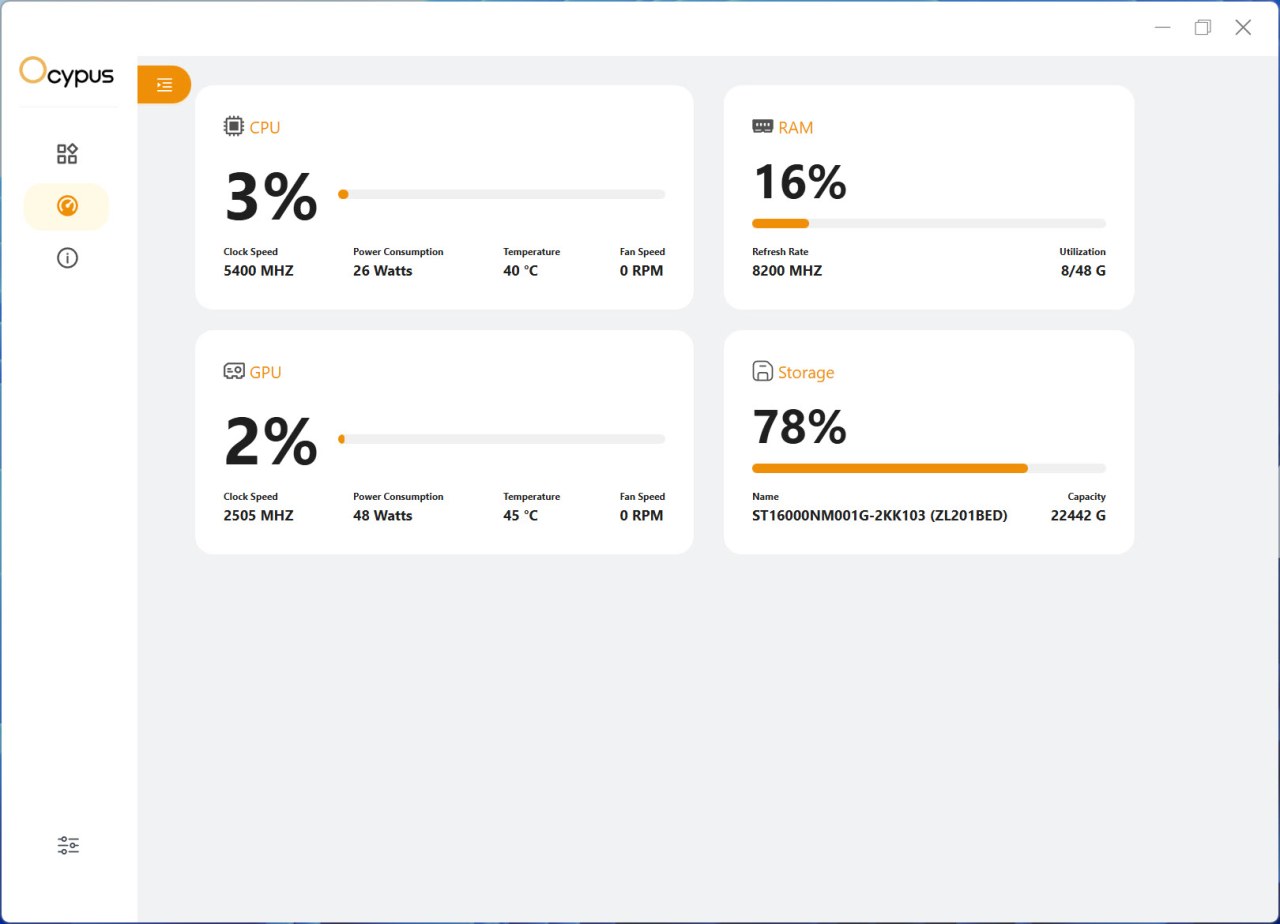
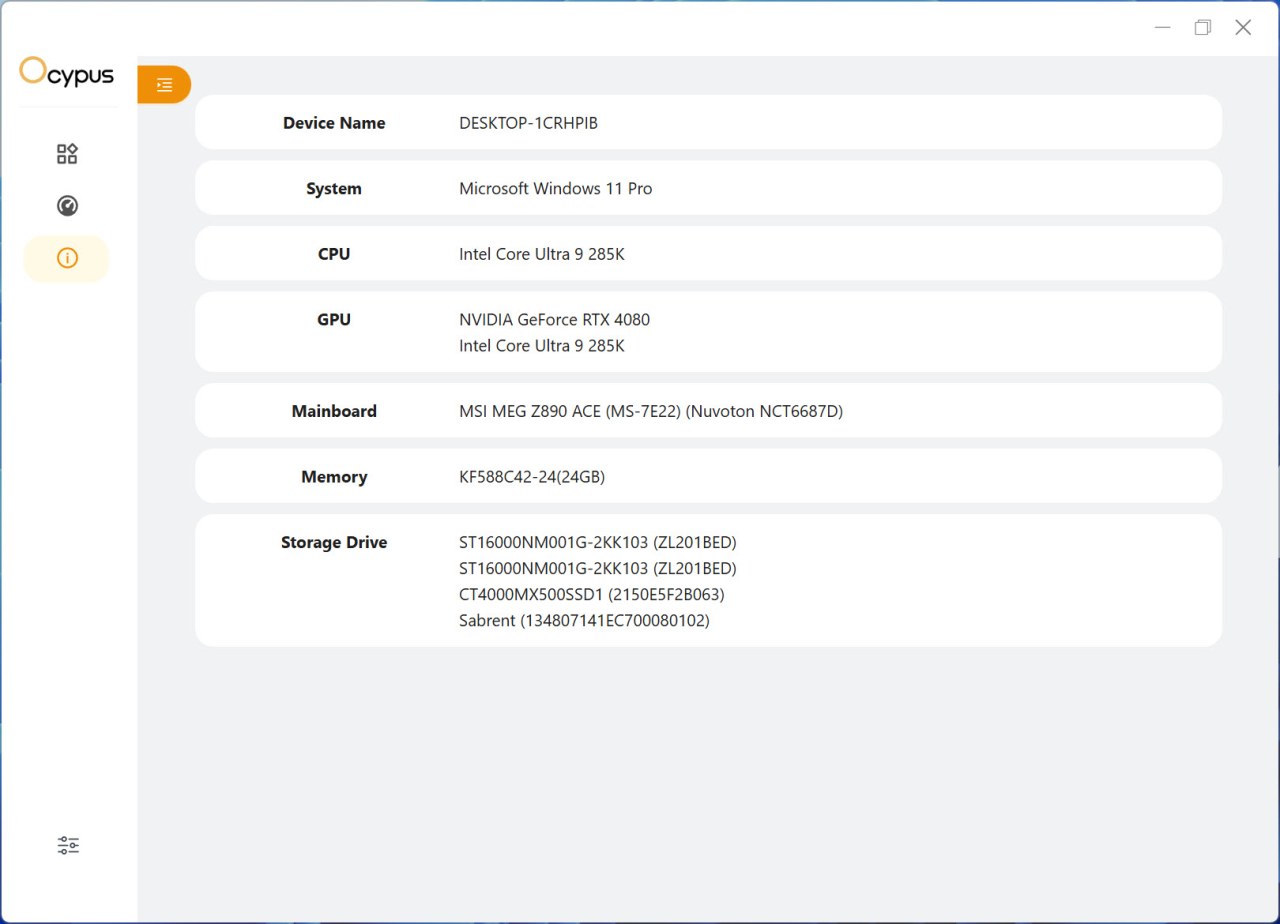
The software also offers system monitor and information tabs.
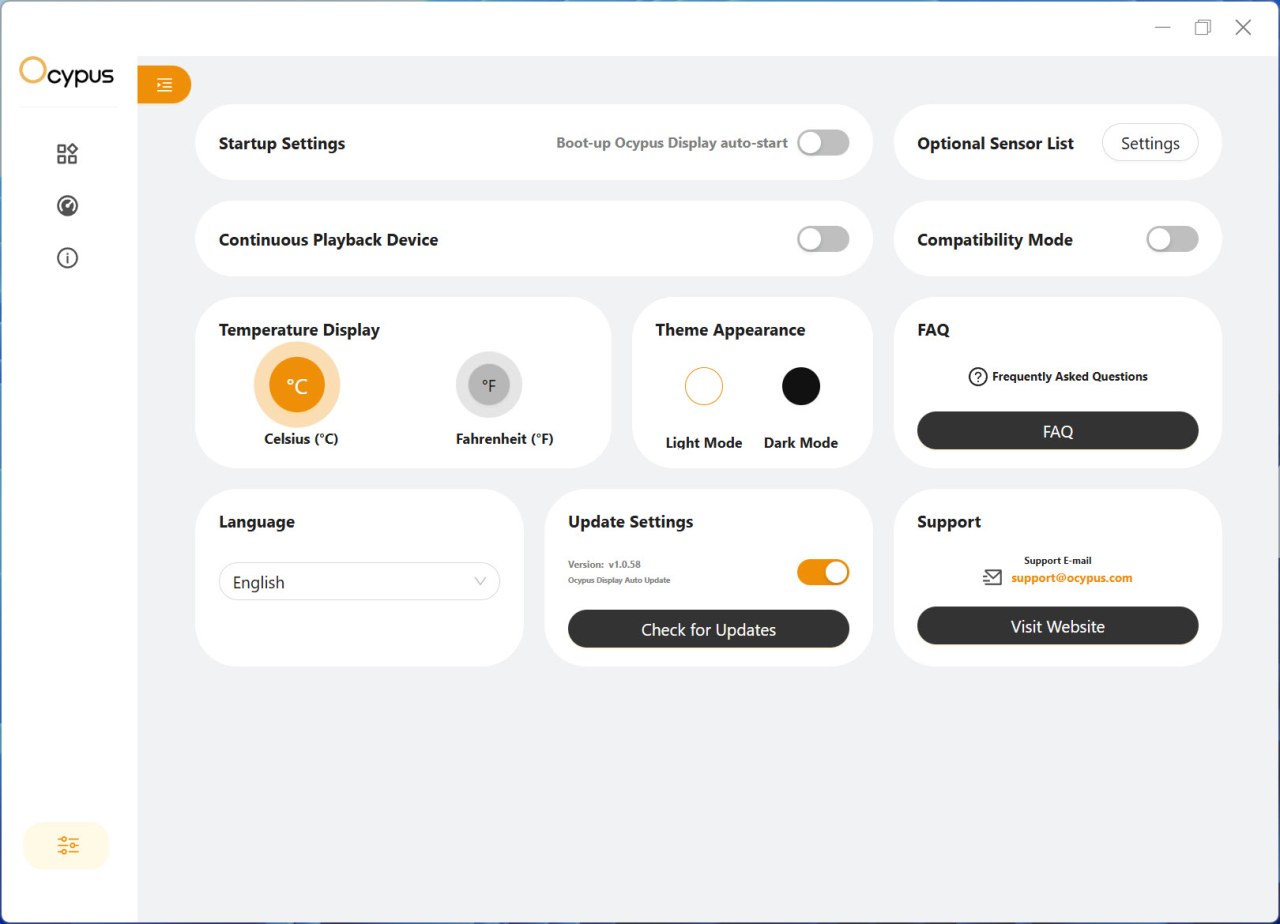
From the settings tab allows the end user to change between Celsius and Fahrenheit, change the appearance of the software (dark/light) check for updates, enable compatibility and continuous playback modes and have the software load at boot.
TEST BED

TESTING METHODOLOGY
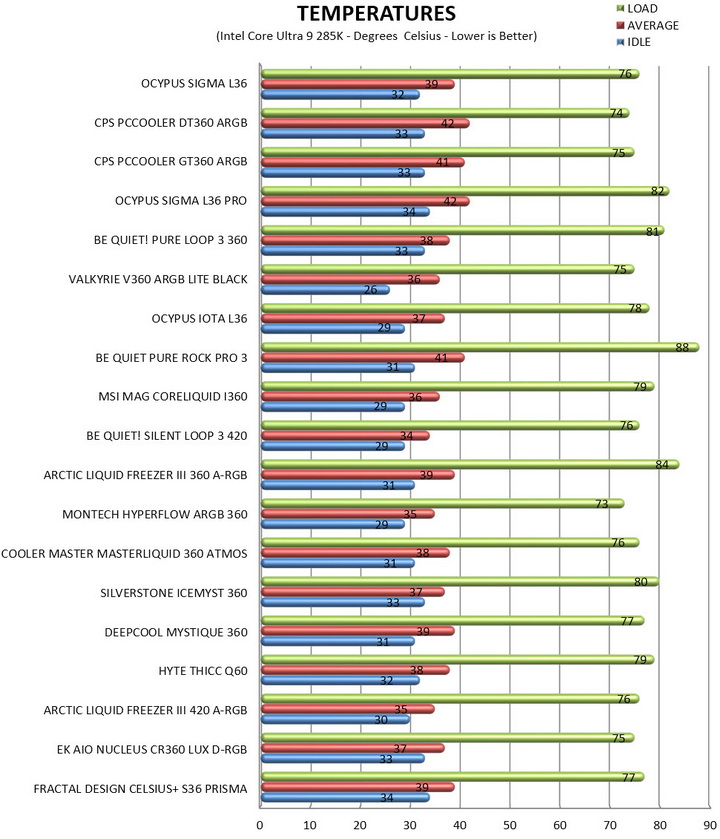
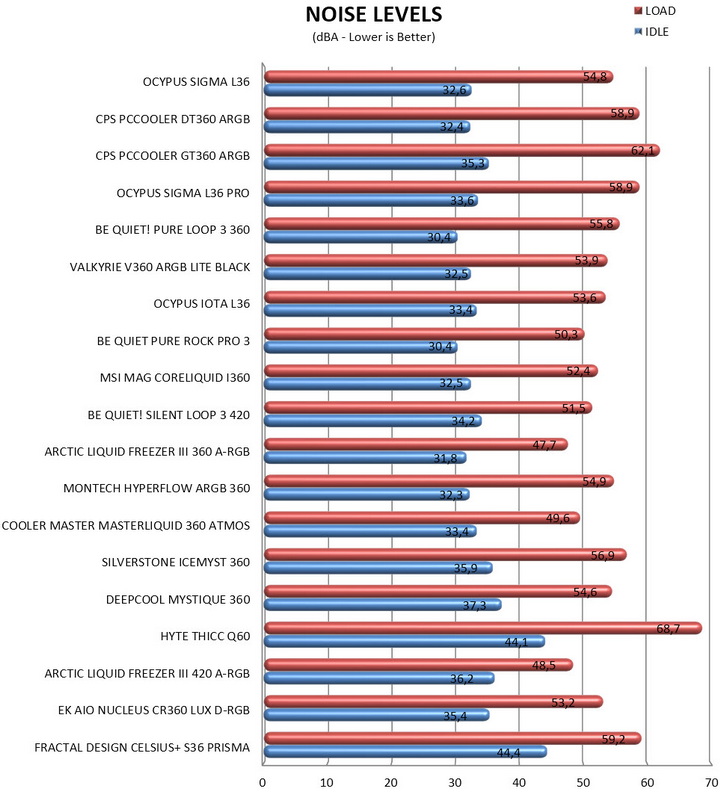
Testing complete water-cooling kits or individual radiators is no different than testing CPU Coolers and since we want all of you to be able to compare similar products, we created new and separate charts (you can still cross-compare results however since we are using the same test rig). So once again single (120/140mm) watercooling solutions are tested with the radiator mounted at the rear of our test rig while dual/triple/quad (240/260/280/360/420/480/560mm) solutions with the radiator mounted at the top. For the dBA tests complete water cooling kits or radiators with bundled fans are measured both while on idle mode or with the fan controller in the minimum setting and while on extreme load or with the fan controller all the way to the highest possible setting (PWM fans do that on their own without our intervention). Every single test takes place in a temperature-controlled room of 23 degrees Celsius Ambient Temp with the help of two AC units placed diagonally inside the room and as for thermal paste I’m using the NT-H2 by Noctua. Finally, much like when testing CPU Coolers, it's very important to point out that just because a water-cooling kit (or an AIO) outperforms another when tested with our test rig (when we test complete water-cooling kits) that does not necessarily mean that the same performance differences will apply 100% for other CPU models and in other situations (such as different ambient temps and system configurations).
To successfully record the load temperatures, we use the latest OCCT application for around 6-10 minutes to push the processor to its limits and after that is done and the temperatures are recorded, we wait for about 10-20 minutes for the CPU to cool down and record idle temperatures. This is done to allow time for the thermal conductive material to achieve the optimal performance level. Same procedure is then repeated with the Passmark BurnIn Test as a failsafe just in case the OCCT results are wrong. This procedure takes a lot more time than the usual peltier/thermometer tests, but this way not only can we deliver real world results to our readers based on real CPUs, but we can also triple check the results using a variety of programs. Last but not least the temperatures were recorded using the latest version of AIDA64 while noise level tests (when fans exist in the bundle) are performed using a high precision ExTech HD600 Decibel Meter placed about 10-15cm above the radiator. Still although the same testing procedure applies to all units do take into consideration that unlike the official numbers which are measured in special noise isolated labs with just the fans here, we also have both the rest of the cooler and the rest of the system (although all system fans are turned off when recording noise levels).
* Since some manufacturers have ceased support for the Intel LGA 2011-3 platform, for such coolers, I’ll be using the Ryzen 7900X / ASRock X670E test rig.
** After high demand since September 2024, I’ll be including average temperatures in my AMD Ryzen 9 7900Χ/Χ670Ε charts (under light load such as Internet browsing and Office use).
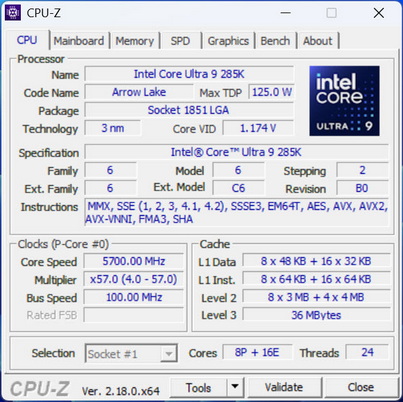
*** Since November 2024 I swapped test systems with the Intel Core Ultra 285K (same methodology as with the AMD Ryzen 9 7900X).
TEST RESULTS
CONCLUSION
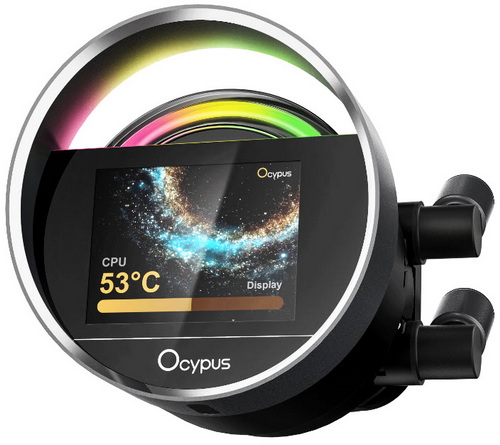
The Ocypus Sigma L36 ARGB wraps up as a cooler that confidently delivers on the fundamentals, excellent cooling efficiency, low noise output, and a distinctive, premium aesthetic built around its circular 2.4" IPS display and clean ARGB diffusion. In real‑world use, it behaves exactly like a well‑engineered 360 mm AIO should, stable under sustained load, quiet even when the pump is running at full tilt, and visually refined enough to become a centerpiece in both black and white builds. What stands out most is how balanced it feels, the pump’s three‑phase six‑pole motor stays smooth, the fans maintain strong airflow without becoming harsh, and the radiator’s layout avoids the turbulence issues that plague more aggressively tuned designs. Now as to the reason the L36 outperformed its more advanced brother, the L36 Pro, well, the Pro’s higher fin density and more complex impeller design are probably to blame. As for downsides, the Sigma L36 ARGB doesn’t present any meaningful functional flaws. If anything, the only minor nitpick comes from the nature of its design since the IPS display isn’t the largest, brightest or highest‑resolution panel in the category.
With a current price set at around USD140 inside the USA (no EU availability) the Sigma L36 ARGB AIO by Ocypus is priced well (more or less). Unfortunately, the fact that availability on this side of the Atlantic is limited at best is a serious issue but it is what it is. Overall, the Sigma L36 ARGB delivers on everything that makes a good AIO and that’s why it gets the Golden Award.

PROS
- Build Quality
- Very Good Cooling Efficiency
- 2.4” IPS Display (320x240p)
- ARGB Lighting (Motherboard Sync Compatible)
- Motherboard Compatibility
- Up to Six 120mm Fans in Push & Pull
- Available In Black & White Colors
CONS
- EU Availability





