




Page 6 of 9
DISPLAY SOFTWARE
To control either AIO you will need to connect them to your motherboard's USB header and download the CPS Display software.
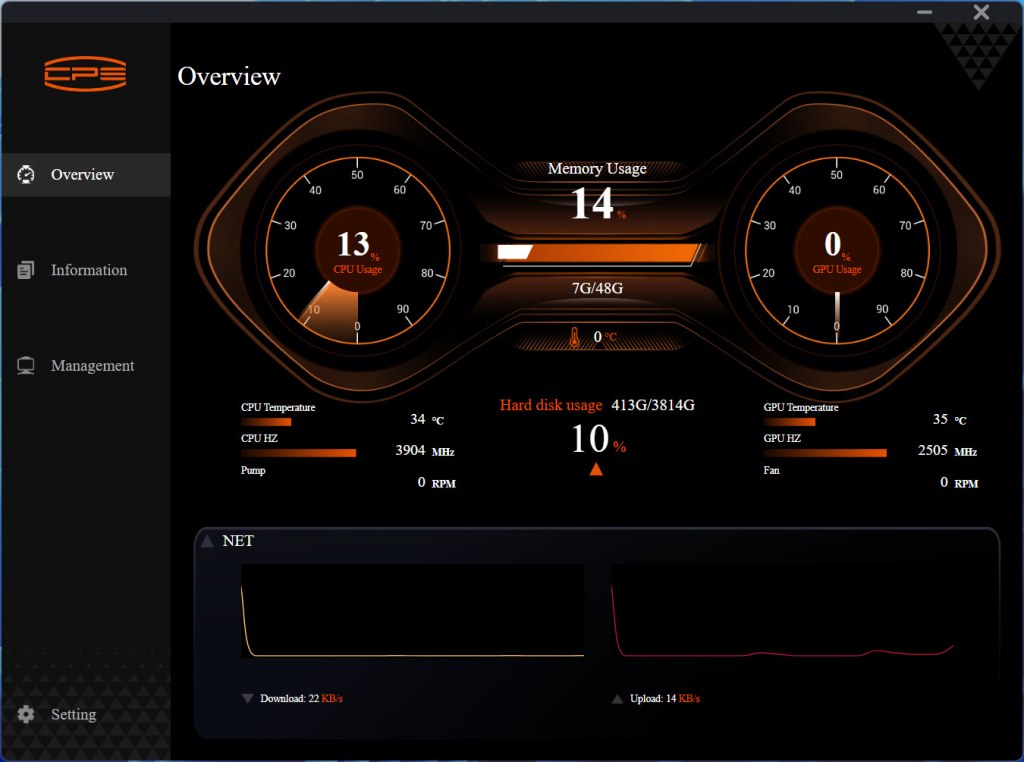
The initial tab of this software is basically a system monitor tool.
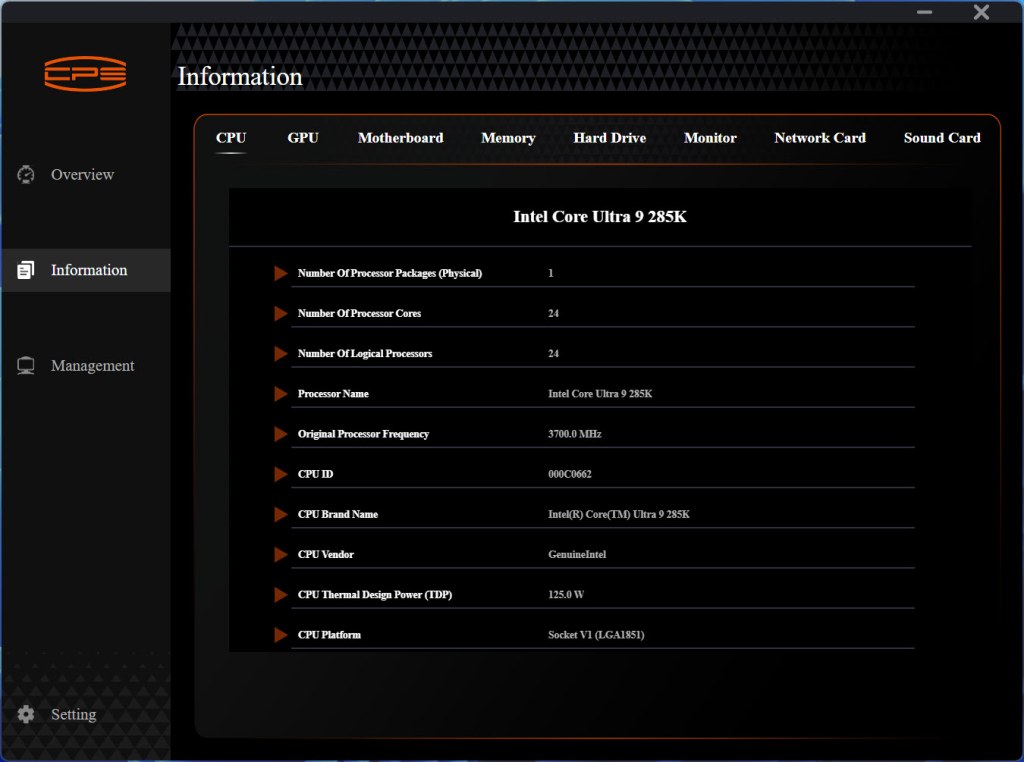
You can also access system information from the second tab.
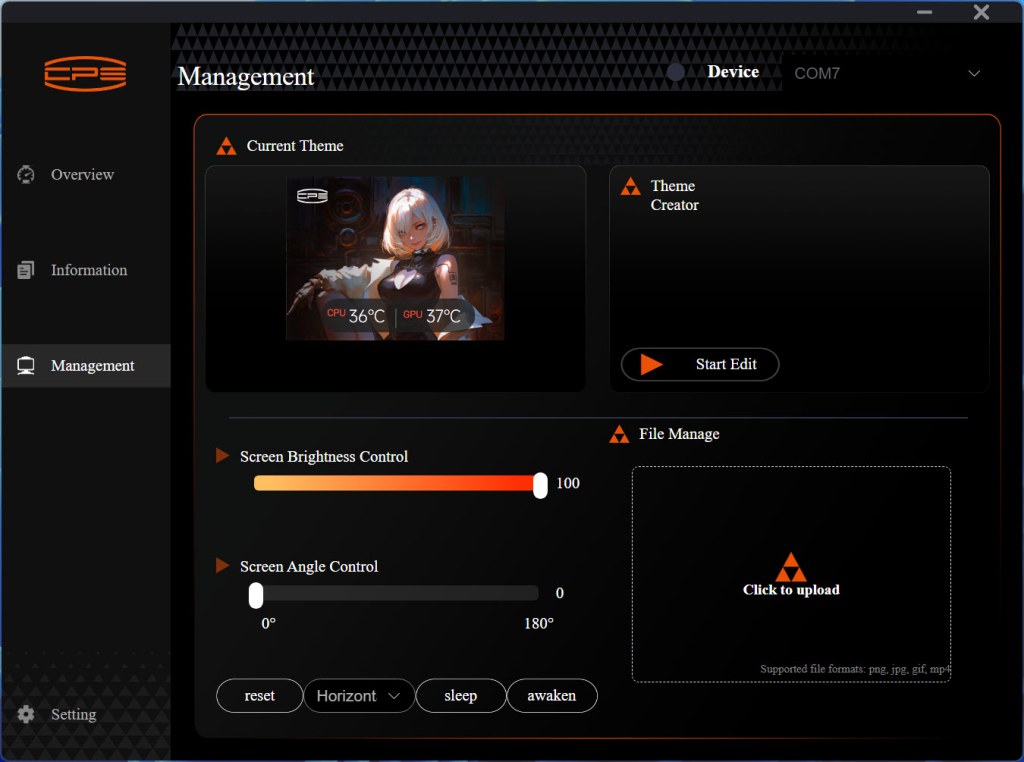
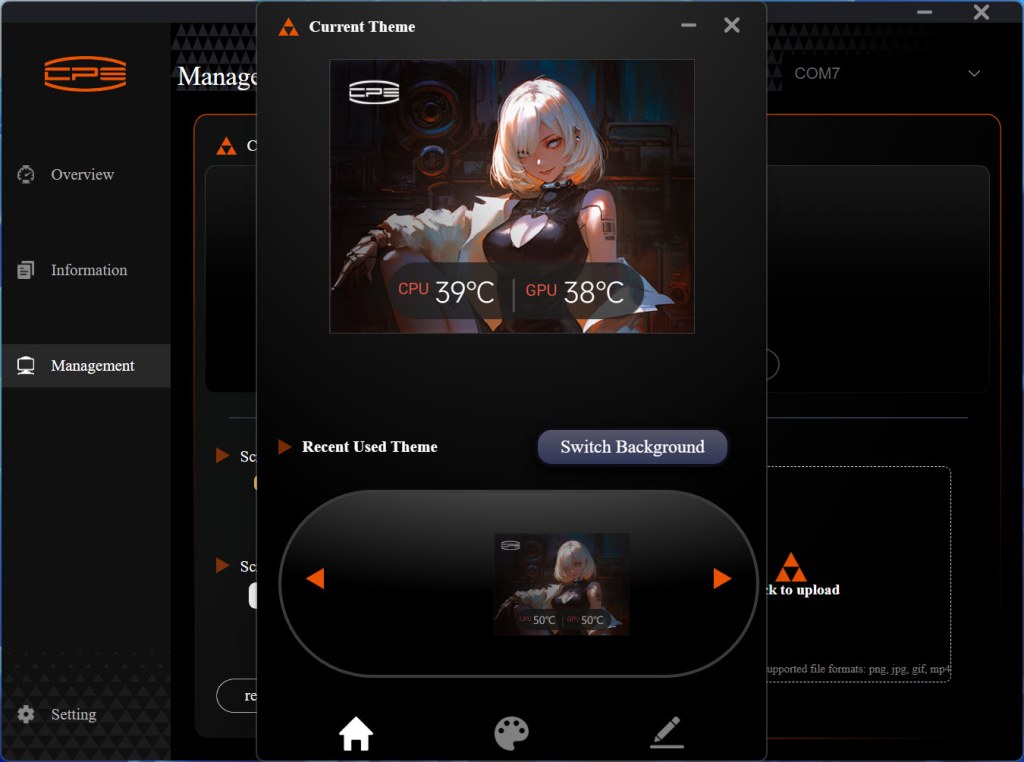
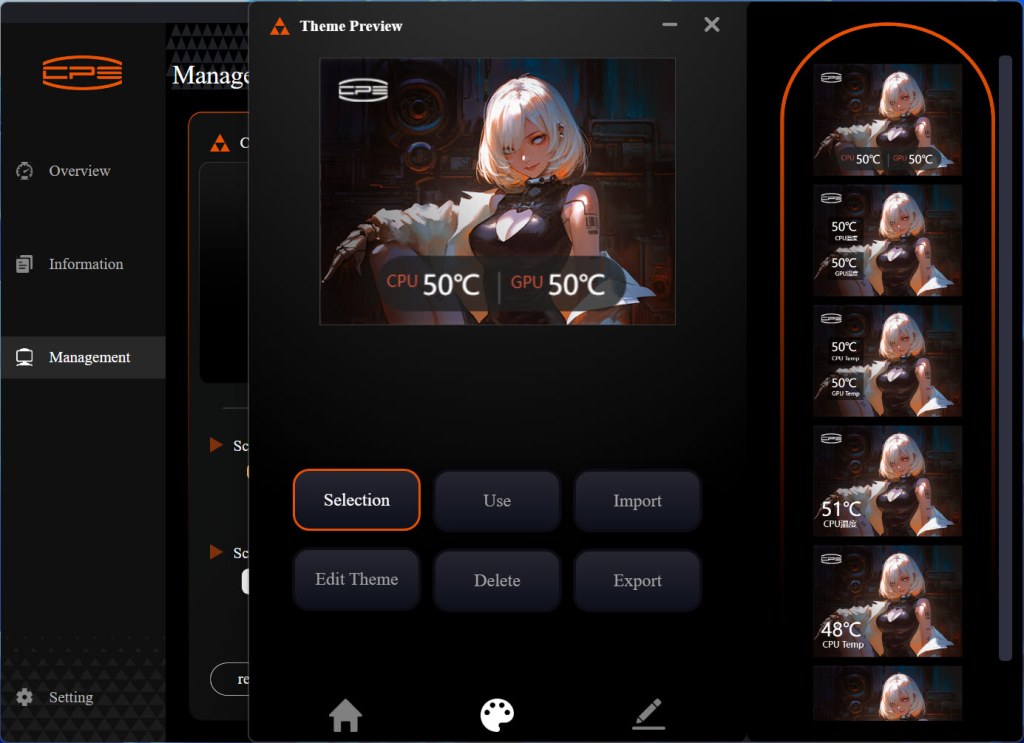
From the management tab you can control the LCD screen brightness, screen angle, background (input pictures), temperature location, and even edit the graphic of the screen.
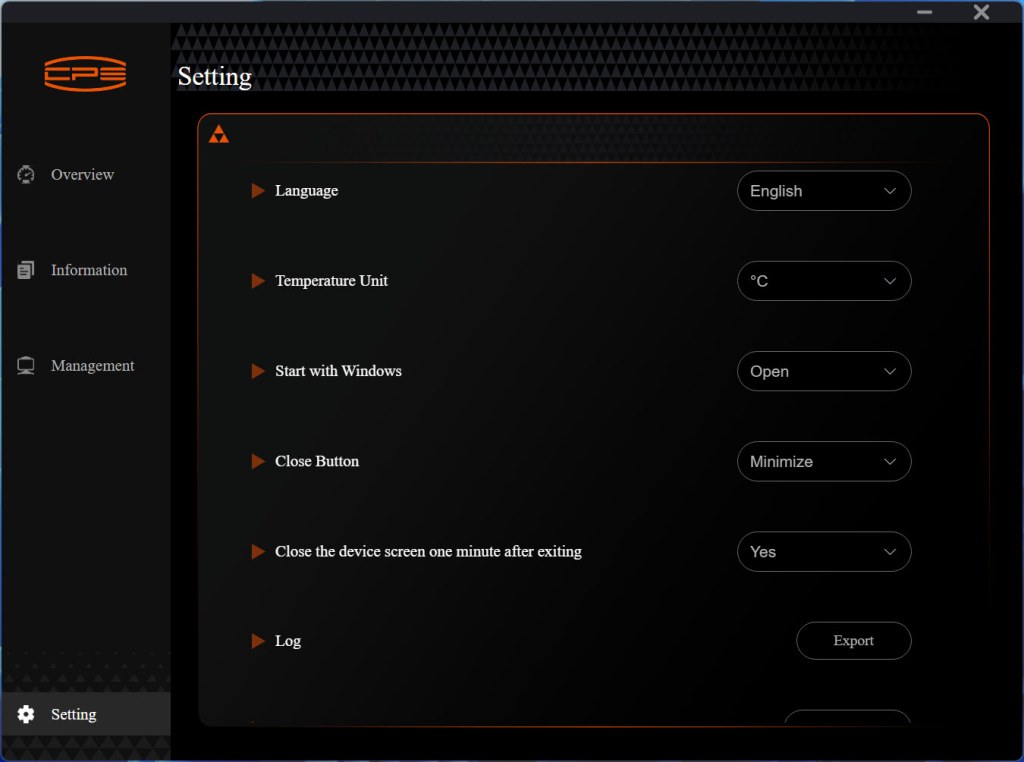
Finally, from the settings tab you can change the language and temperature unit.





