




KANALI SOFTWARE
To control the 5-inch IPS screen of the TURRIS 620 you'll need to install the KANALI software.
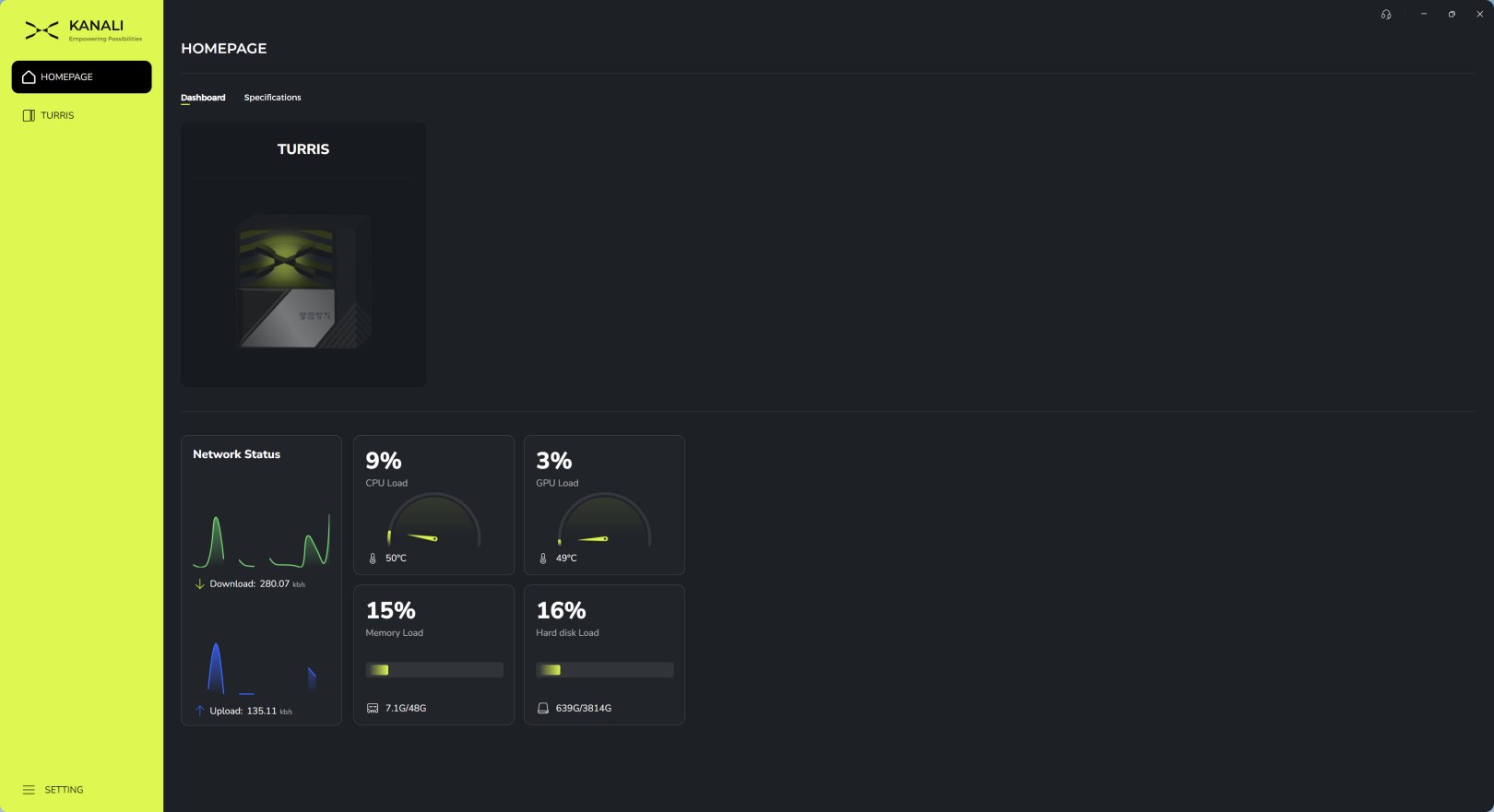
Once you launch the software it will detect compatible devices and list them under the main tab (there's also a useful system monitor here).
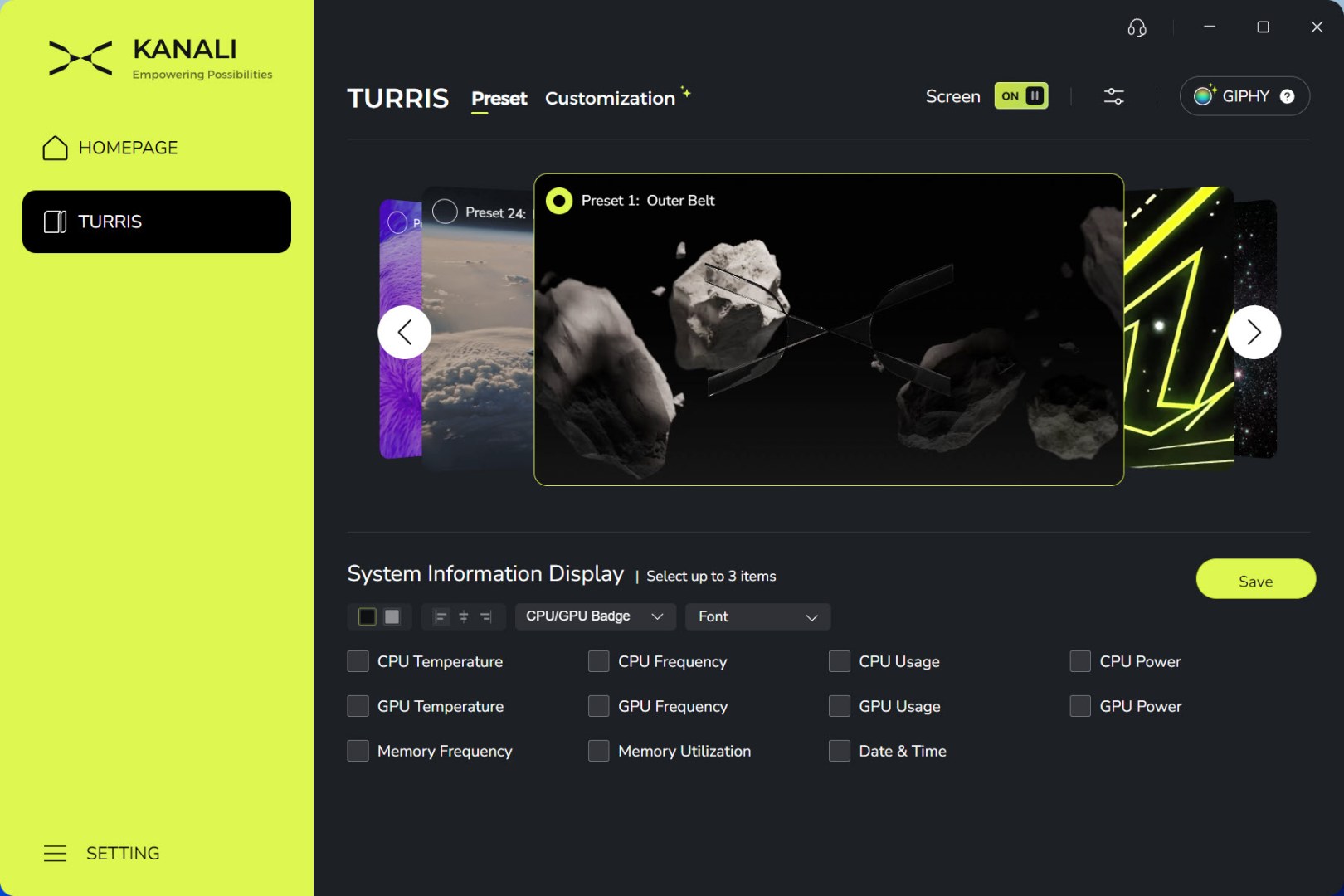
From the preset tab you'll be able to swap between numerous available screens (most will need to be downloaded) and/or choose what system information you'd like to showcase on it.
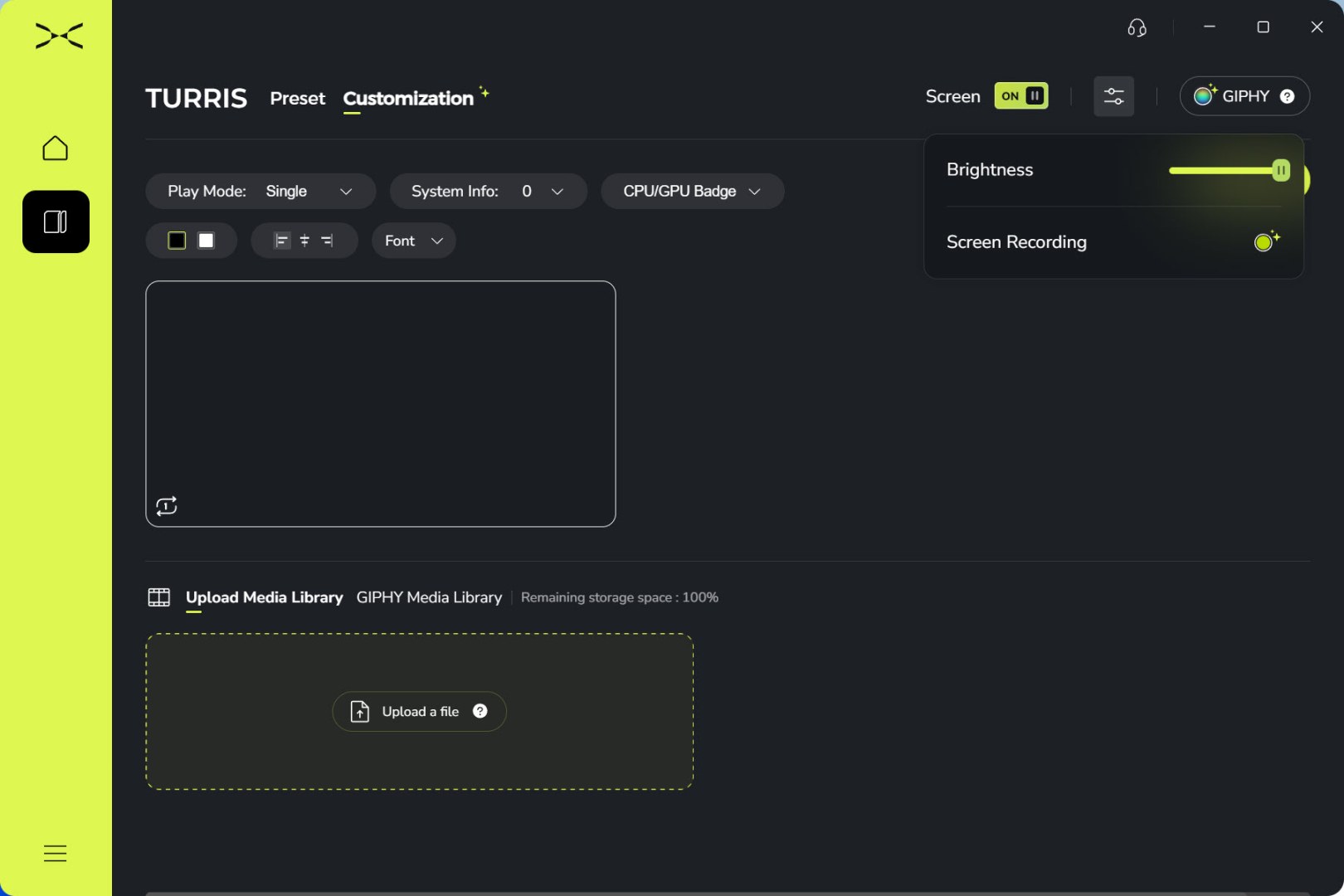
You can upload your own media and/or use media from the GIPHY library (brightness and screen recording options are placed on the top right of the software).
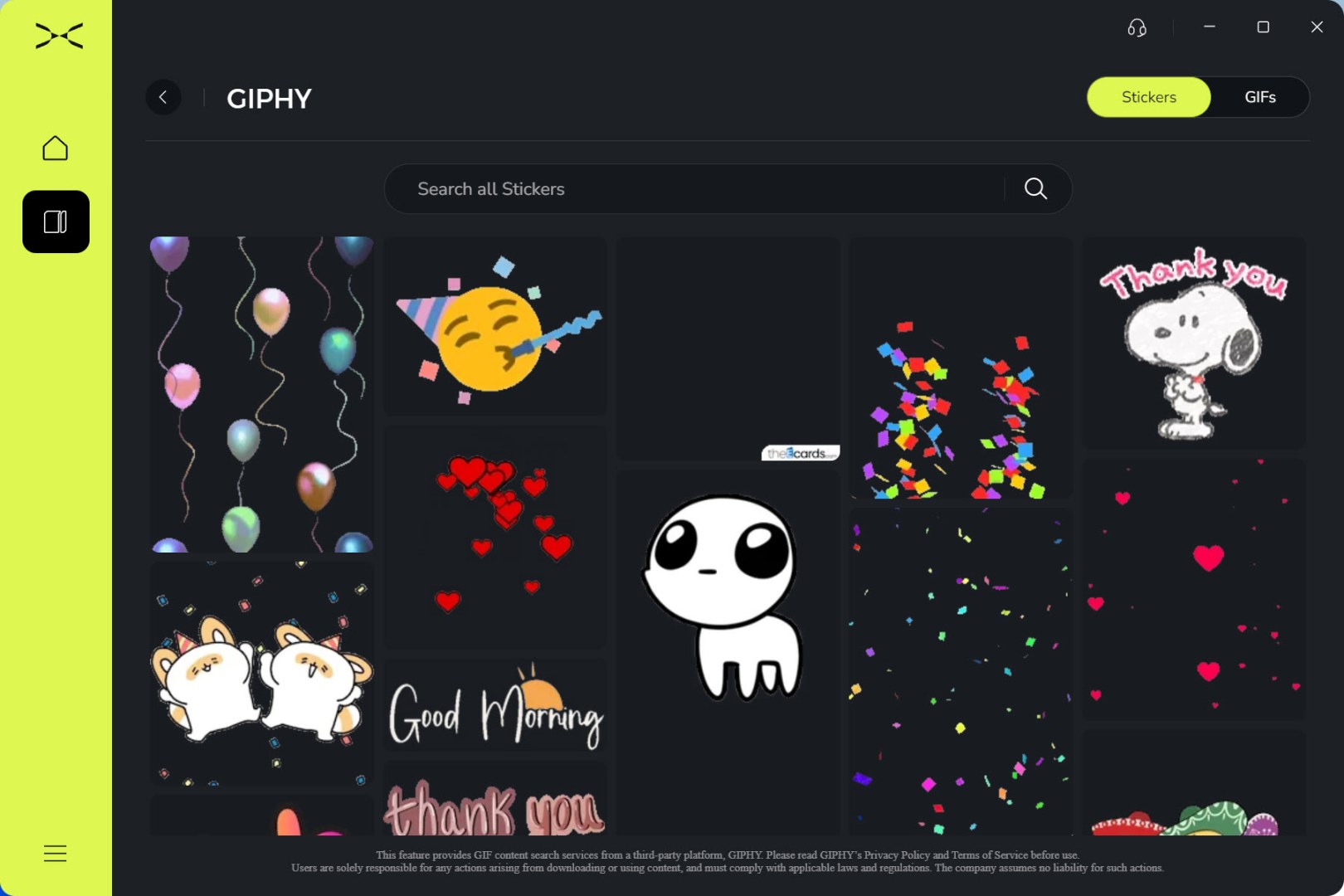
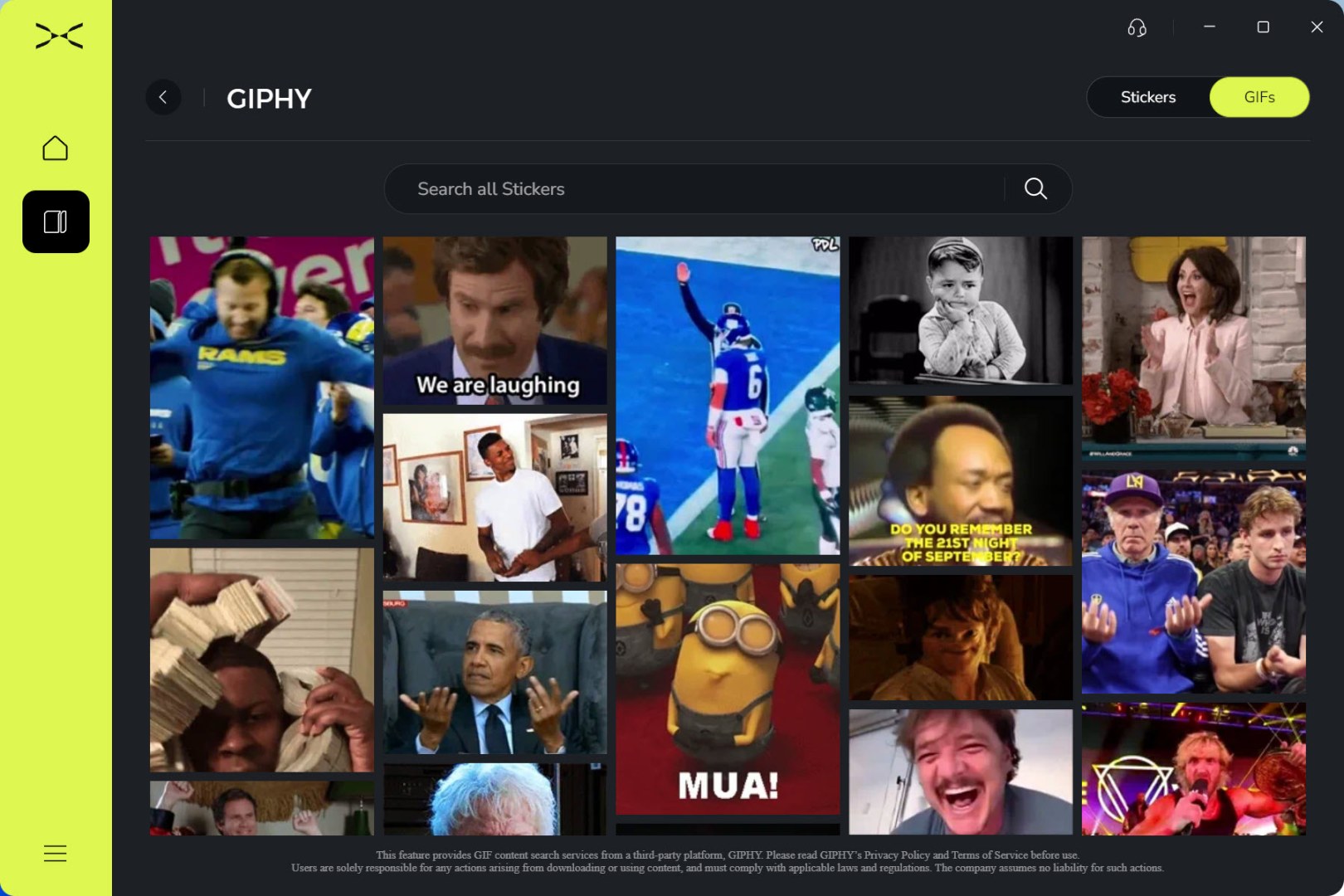
GIPHY gives you access to many sticker and GIFs media.
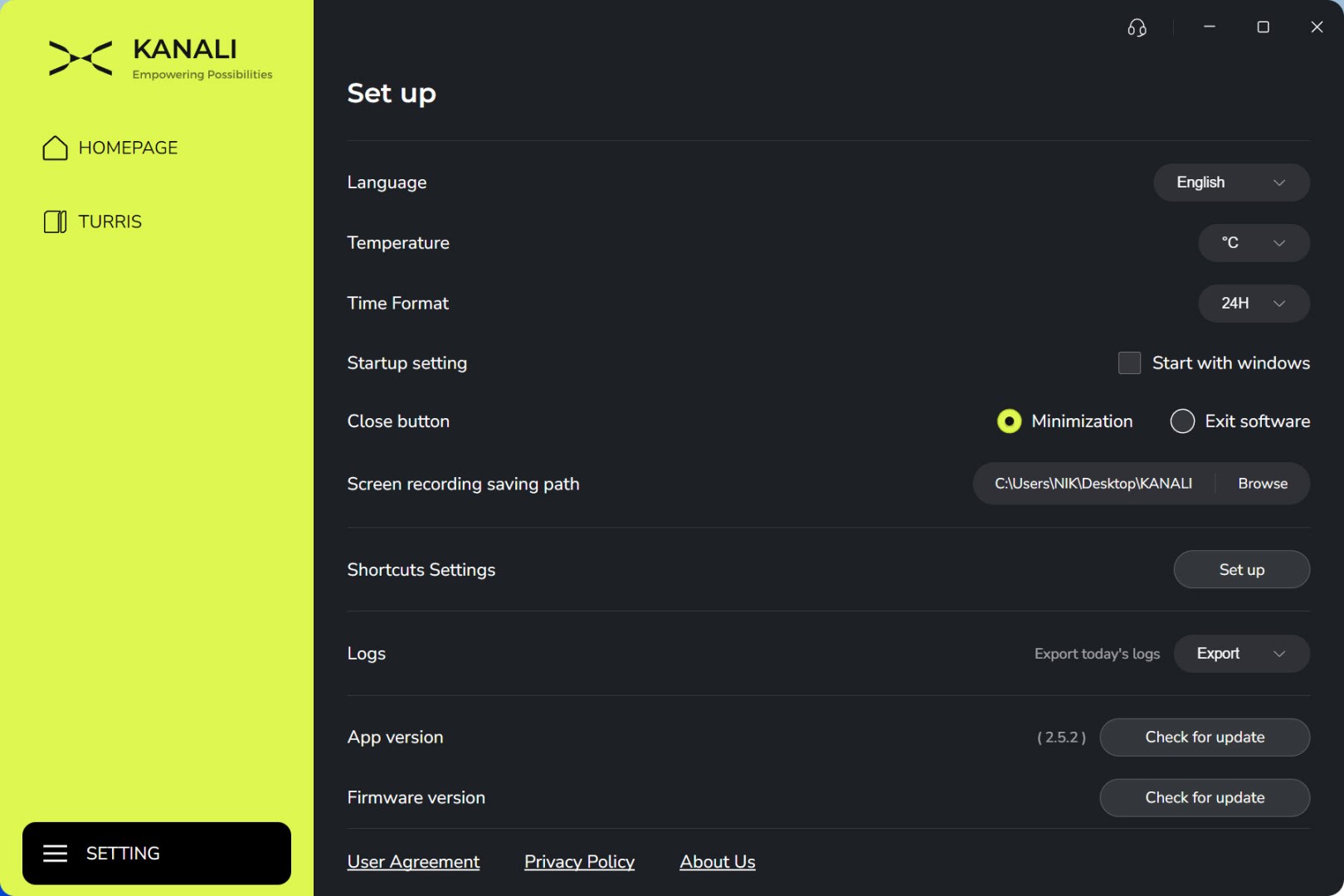
From inside the settings tab, you can change the language, temperature and time formats, set the screen recording path, adjust software shortcuts and check for software and firmware updates.





