





INTRODUCTION
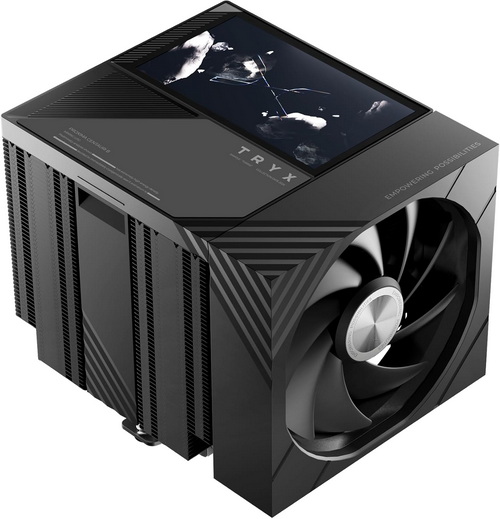
For years, CPU air cooling has remained one of the most reliable and cost-effective ways to keep modern processors operating within safe temperatures. While all-in-one liquid coolers often grab the spotlight with their sleek aesthetics and premium positioning, high-performance air coolers continue to offer excellent thermal performance, lower maintenance requirements, and long-term reliability. As today's CPUs push higher clock speeds and power limits than ever before, the demand for efficient cooling solutions has only intensified. At the same time, the air cooler market has undergone a significant transformation. What was once a category dominated by large heatsinks and functional fan designs has evolved into a showcase for advanced engineering and visual customization. Features such as RGB and ARGB lighting have become commonplace, allowing enthusiasts to synchronize their cooling hardware with the rest of their system. More recently, manufacturers have also begun incorporating LCD displays into their cooling products, bringing real-time system monitoring, custom graphics, and personalized flair directly into the heart of the build. Enter the TRYX TURRIS 620, a dual-tower air cooler that aims to combine robust thermal capabilities with the company's distinctive approach to design and feature integration.
TRYX was founded by a group of enthusiasts in technology & gaming with the aim of providing personalized computer devices for the younger generation. We firmly believe that imagination and creativity are the irreplaceable core of humanity in the age of AI. TRYX's mission is to empower individuals and allow gamers to define their uniqueness. "Empower Your Possibilities" is the value we aspire to offer our users through our products.
Unlike most premium air coolers that focus almost exclusively on thermal performance, the TRYX TURRIS 620 takes a different approach by making the cooler itself a central visual element of the system. Built around a dual-tower heatsink with a rated 280W TDP cooling capacity, the TURRIS 620 combines six copper heat pipes, a micro-convex copper base, densely packed aluminum fins, and TRYX's next-generation soldering process to maximize heat transfer efficiency. What immediately sets it apart, however, is the integrated 5-inch IPS display, which sits above the heatsink and delivers a crisp 1280x720p resolution, 16.7 million colors, 294PPI, and 60Hz refresh rate, giving users enough clarity for custom wallpapers, animations, hardware monitoring, and system statistics. Rather than relying solely on motherboard-based control, the display is powered by an embedded processor and managed through TRYX's KANALI software suite, allowing users to upload media, monitor system metrics, and customize the cooler's appearance directly from a unified interface. Cooling duties are handled by a pair of rail-mounted ROTA fans operating between 500 and 1850 RPM and delivering up to 66.32CFM airflow while maintaining a rated noise level of just 27.42dBA, making the TURRIS 620 an intriguing blend of high-end air cooling, system monitoring, and showcase aesthetics in a market where traditional tower coolers rarely venture beyond RGB illumination.
SPECIFICATIONS AND FEATURES

PACKAGING AND CONTENTS
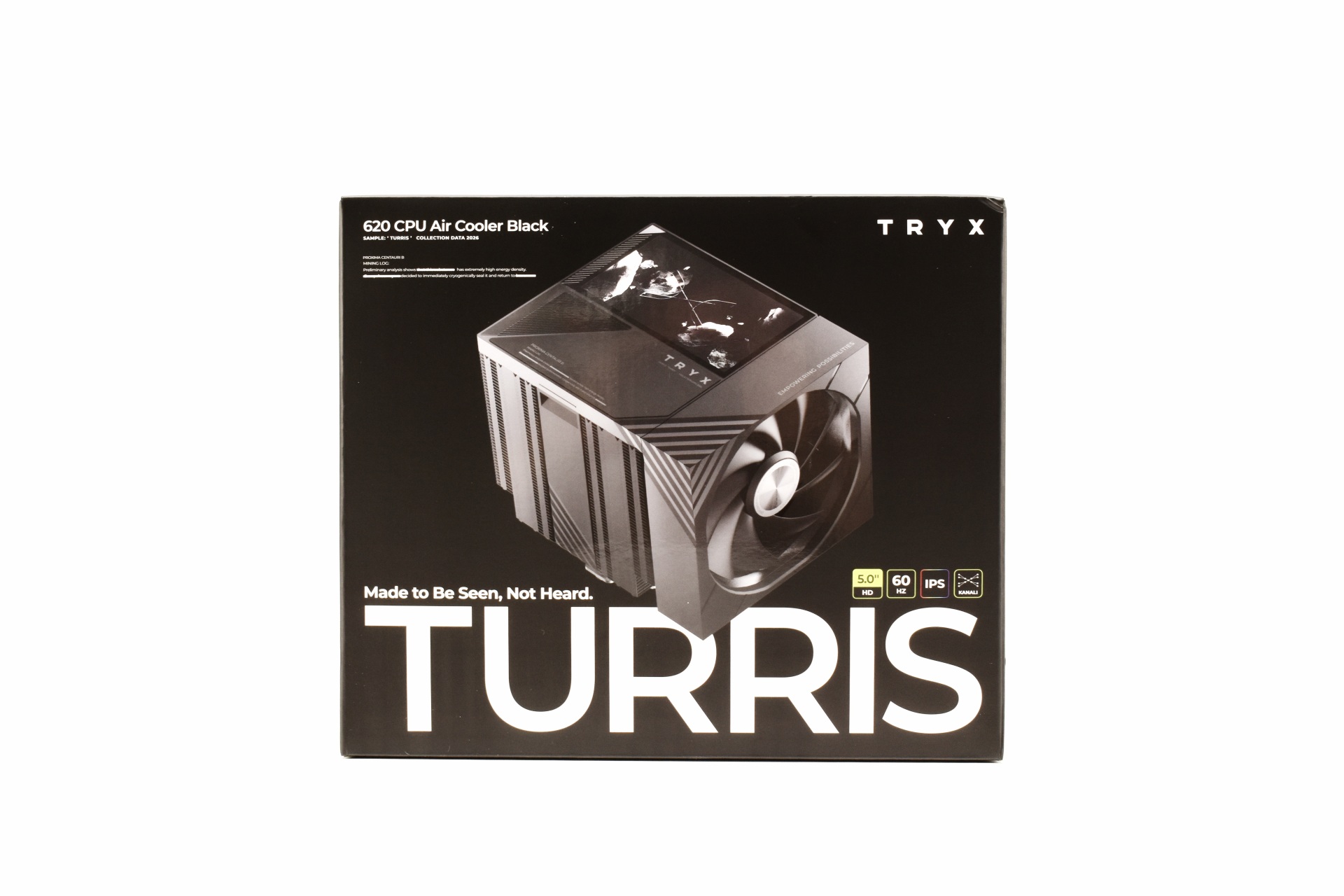
We received the TURRIS 620 inside a black box the front of which has a large product picture and the main product features.
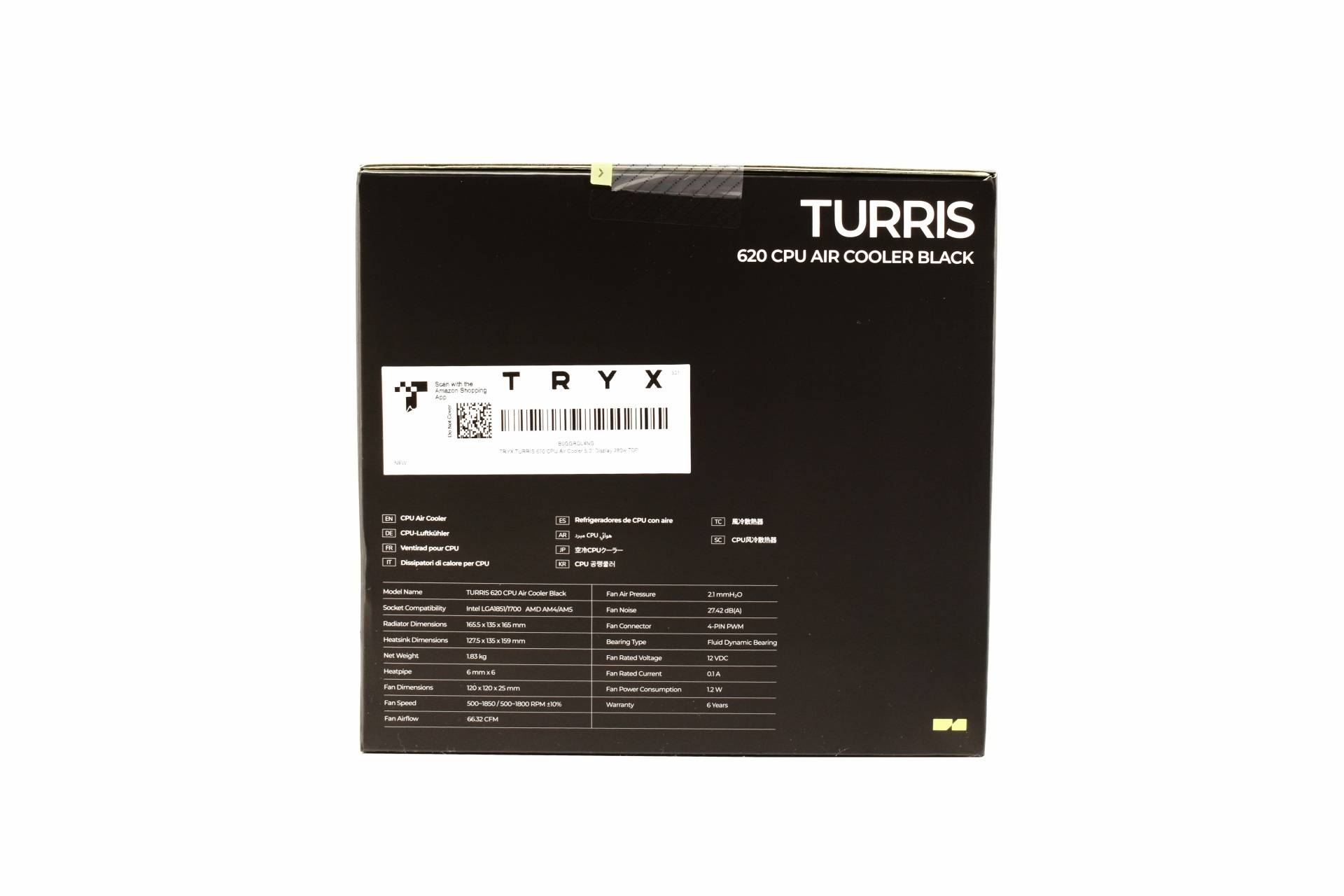
The product specifications are printed on the right side.
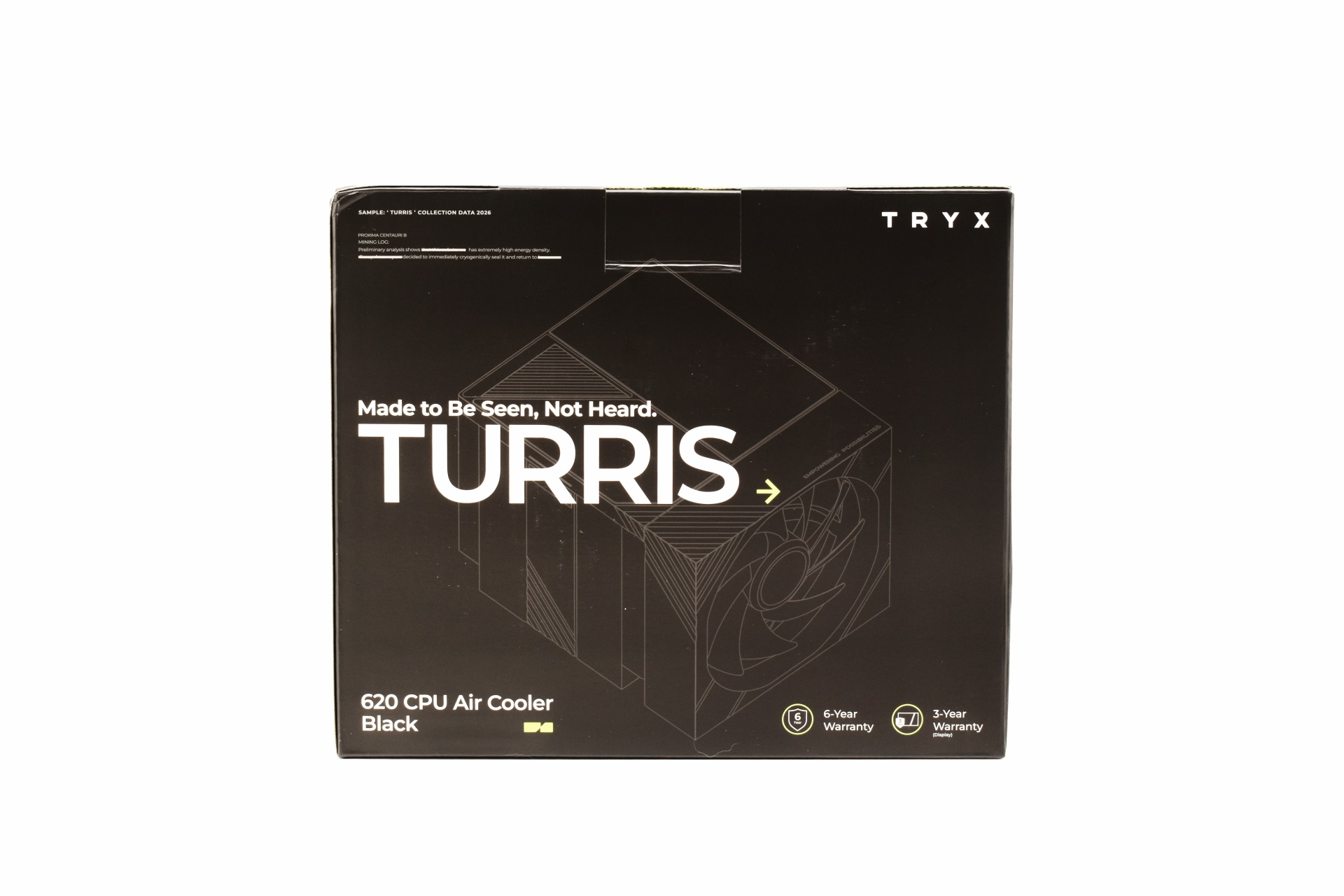
A product drawing and warranty details (3-years for the IPS display and 6-years for the rest of the cooler) are placed at the rear.
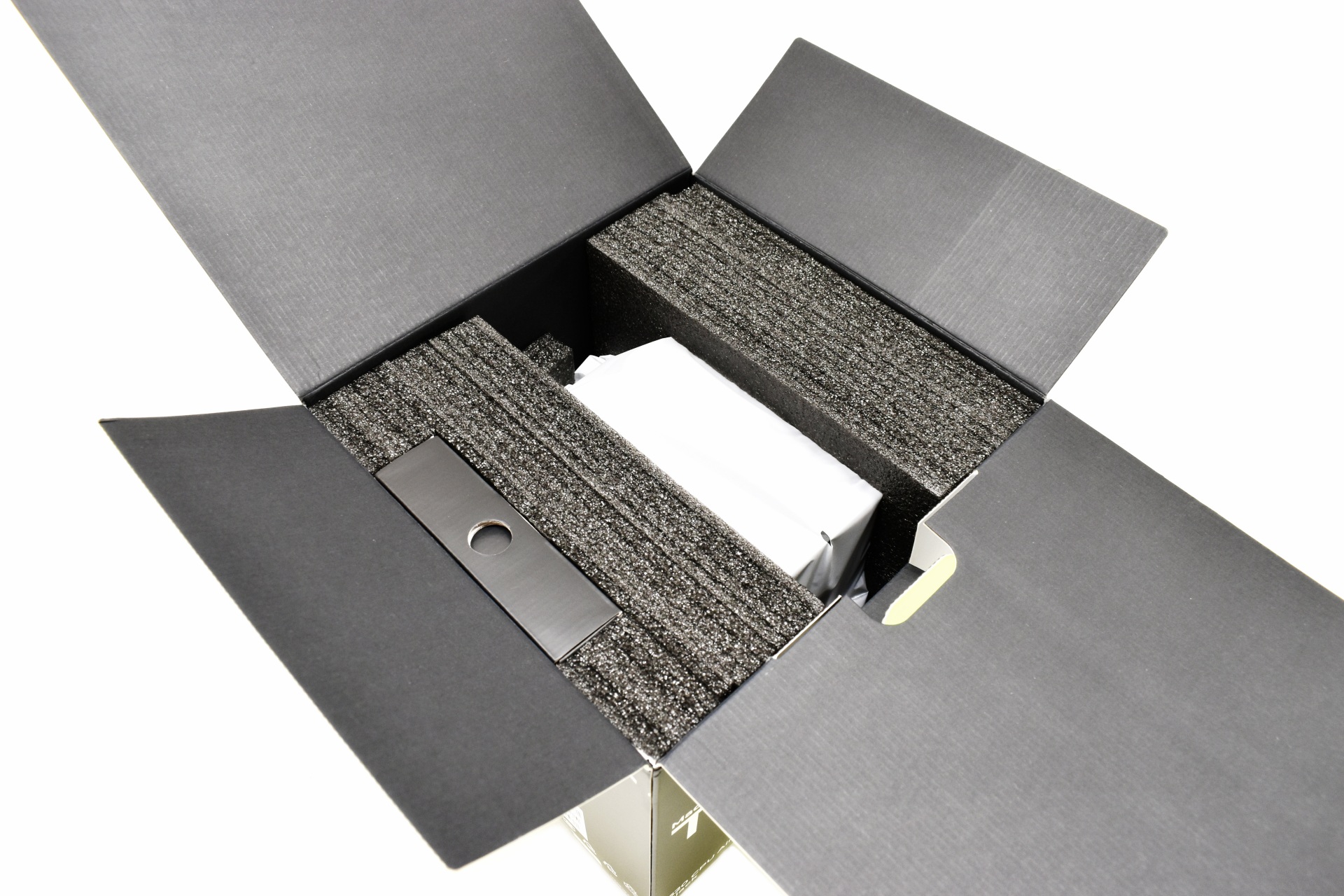
As expected, the cooler is wrapped inside a synthetic cover and placed between two pieces of foam.
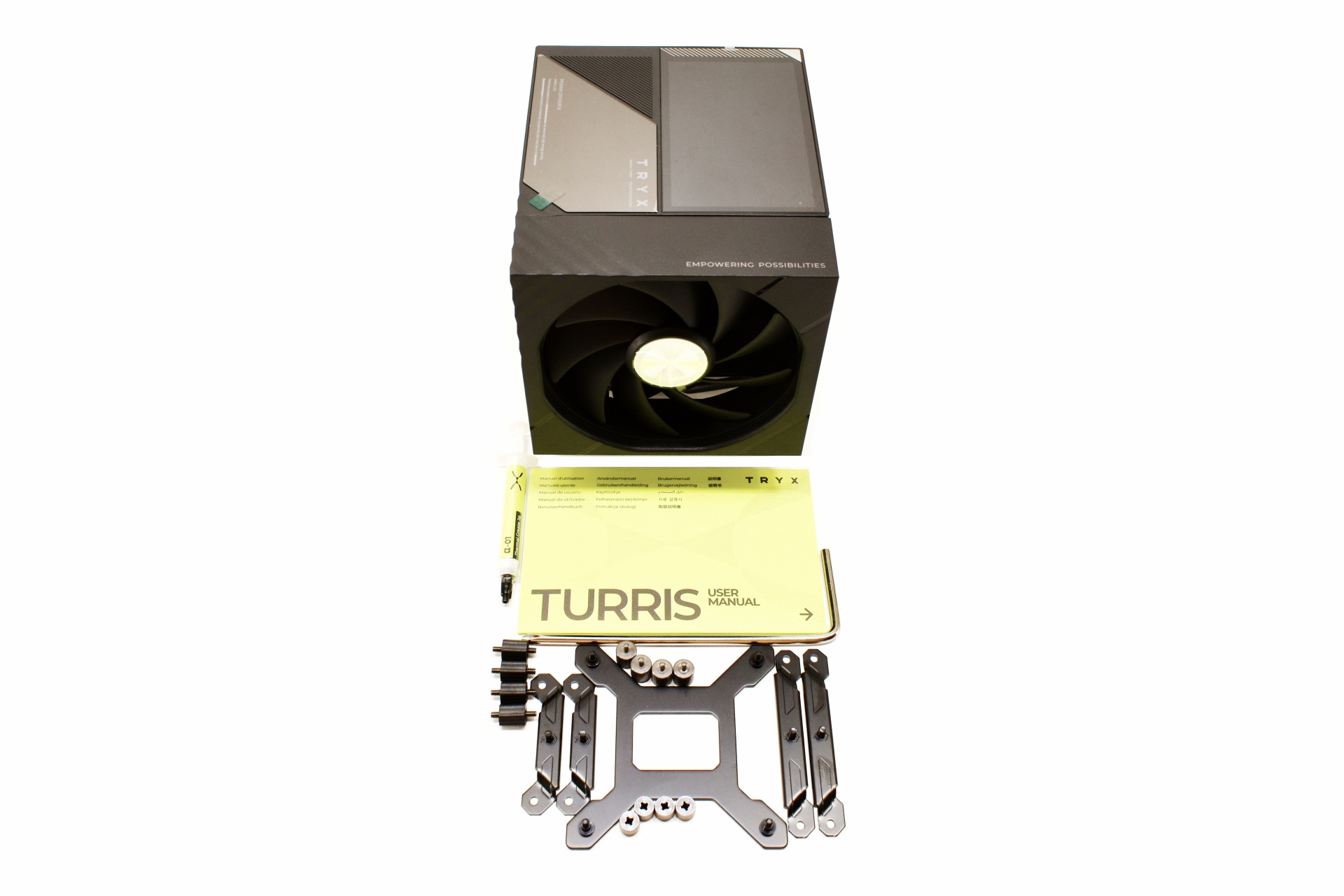
Bundle is quite standard and so aside the TURRIS 620 CPU cooler inside the box you'll also find a thermal paste tube, long Philips screwdriver, backplate and all the bits and pieces needed for Intel LGA1700/1851 and AMD AM4/AM5 motherboard installation.
THE TURRIS 620
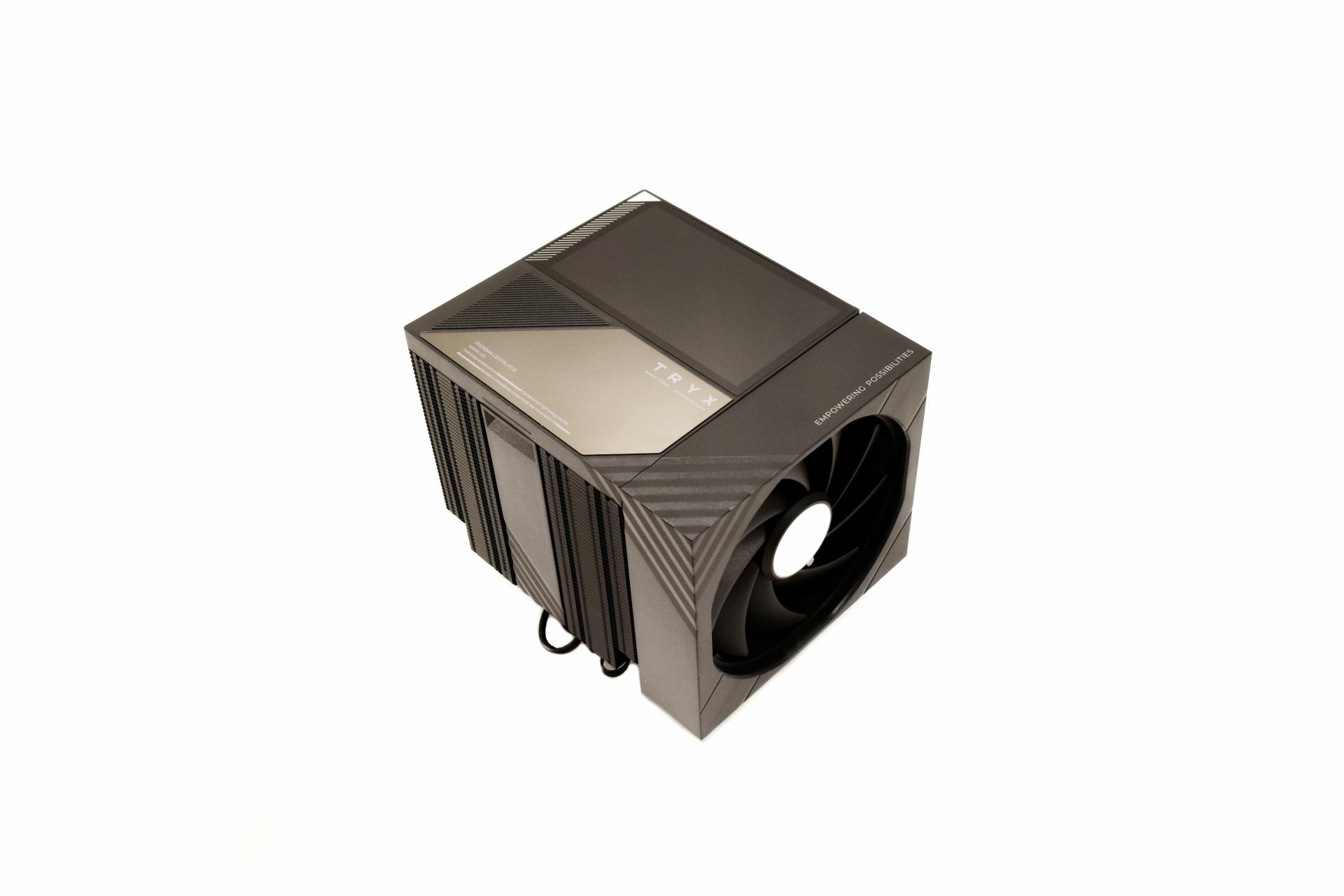
The 1.83Kg heavy TURRIS 620 is a large dual-tower model that measures 135mm in width, 165.5mm in length and 165mm in height.
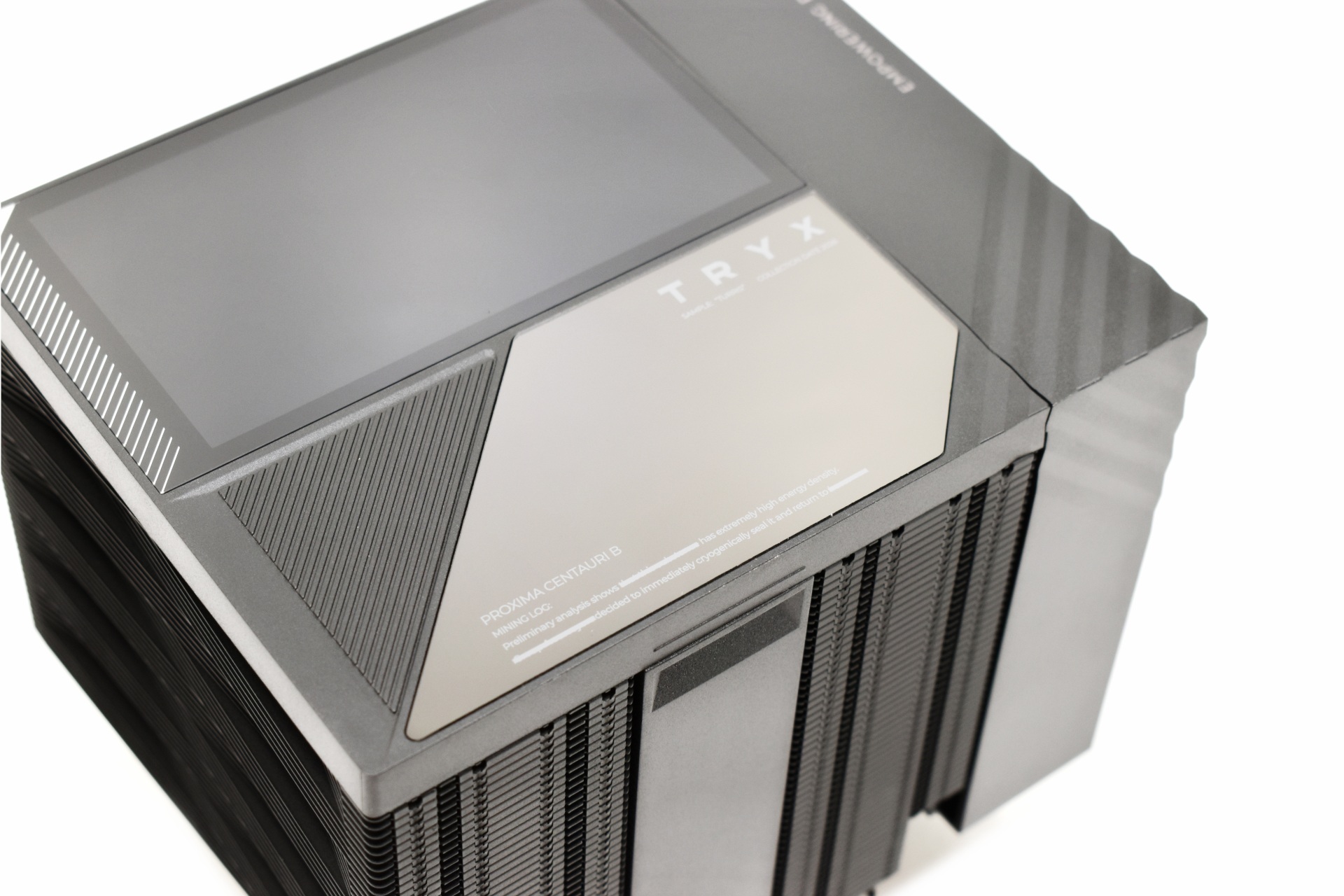
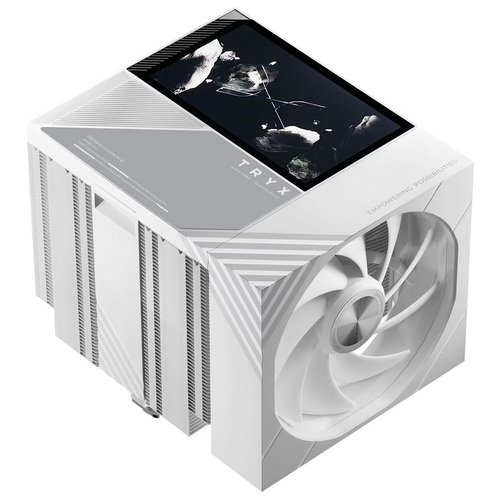
At the top TRYX has placed the 5-inch IPS display and a mirror-like area right beneath it (magnetically attached piece).
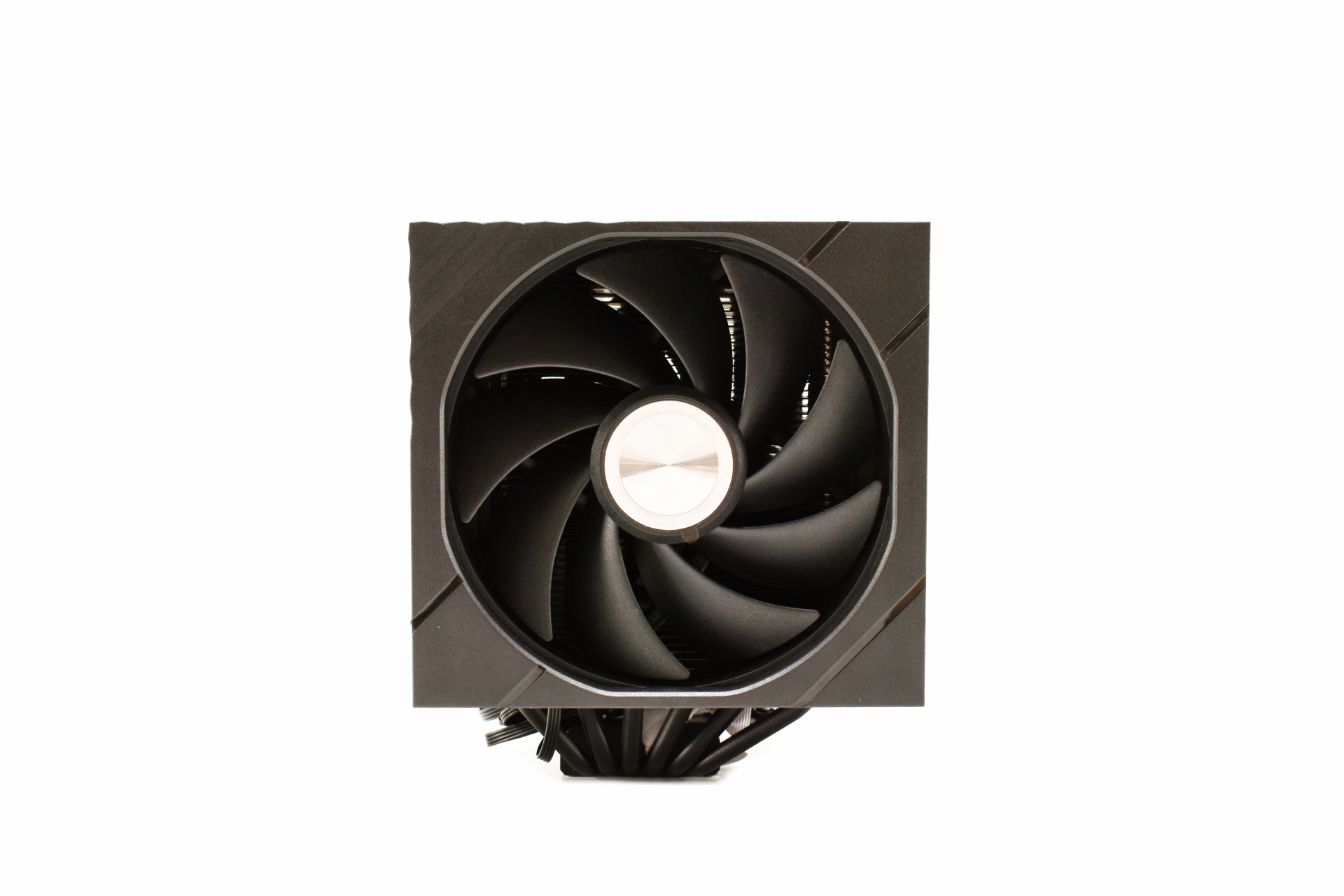
The two rail mounted ROTA fans are 120mm in size and can reach speeds of up to 1850RPM to produce up to 66.32CFM of airflow and 2.1mmH2O airflow at just 27.42dBA of noise.
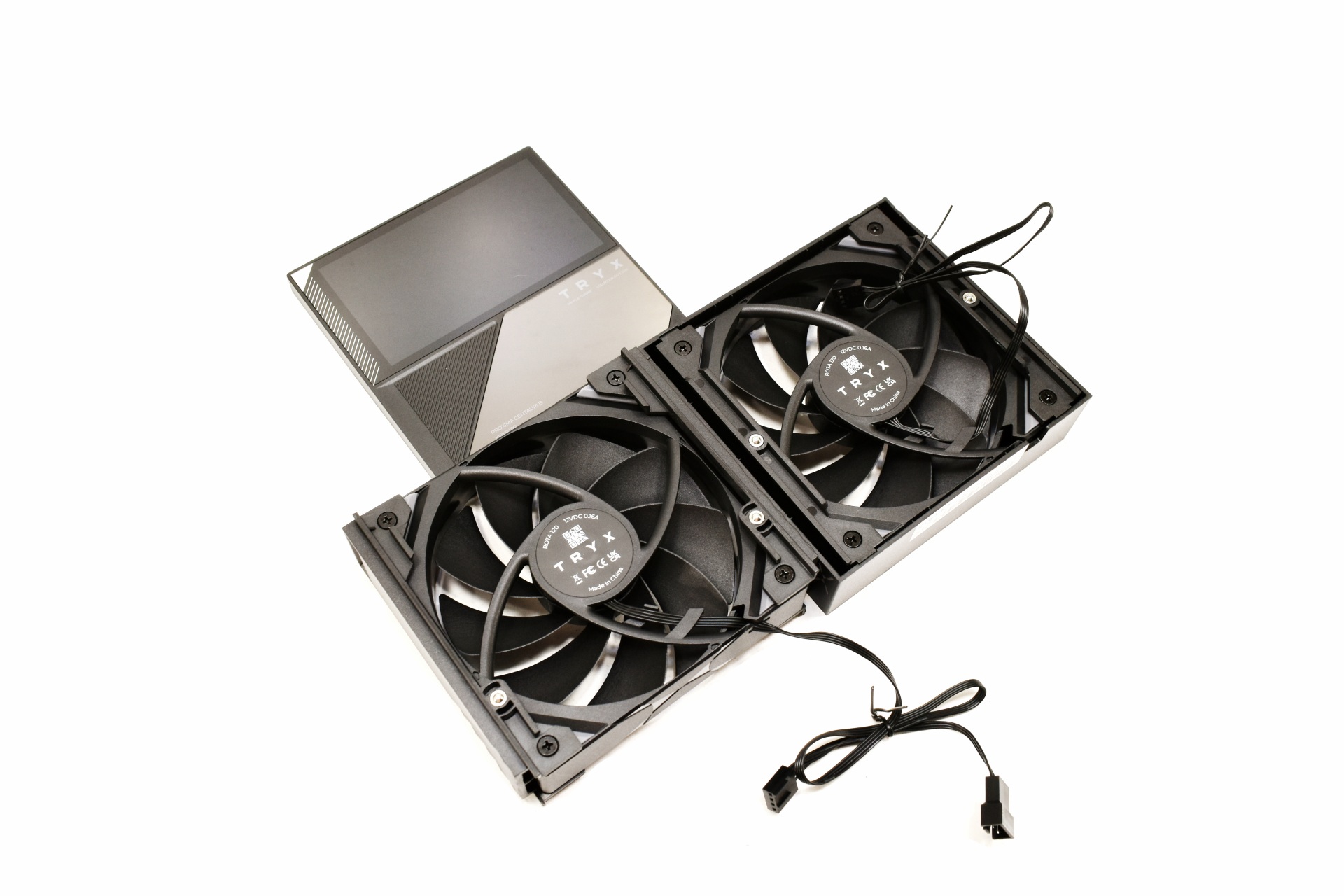
Above you can see both ROTA fans and the top piece.
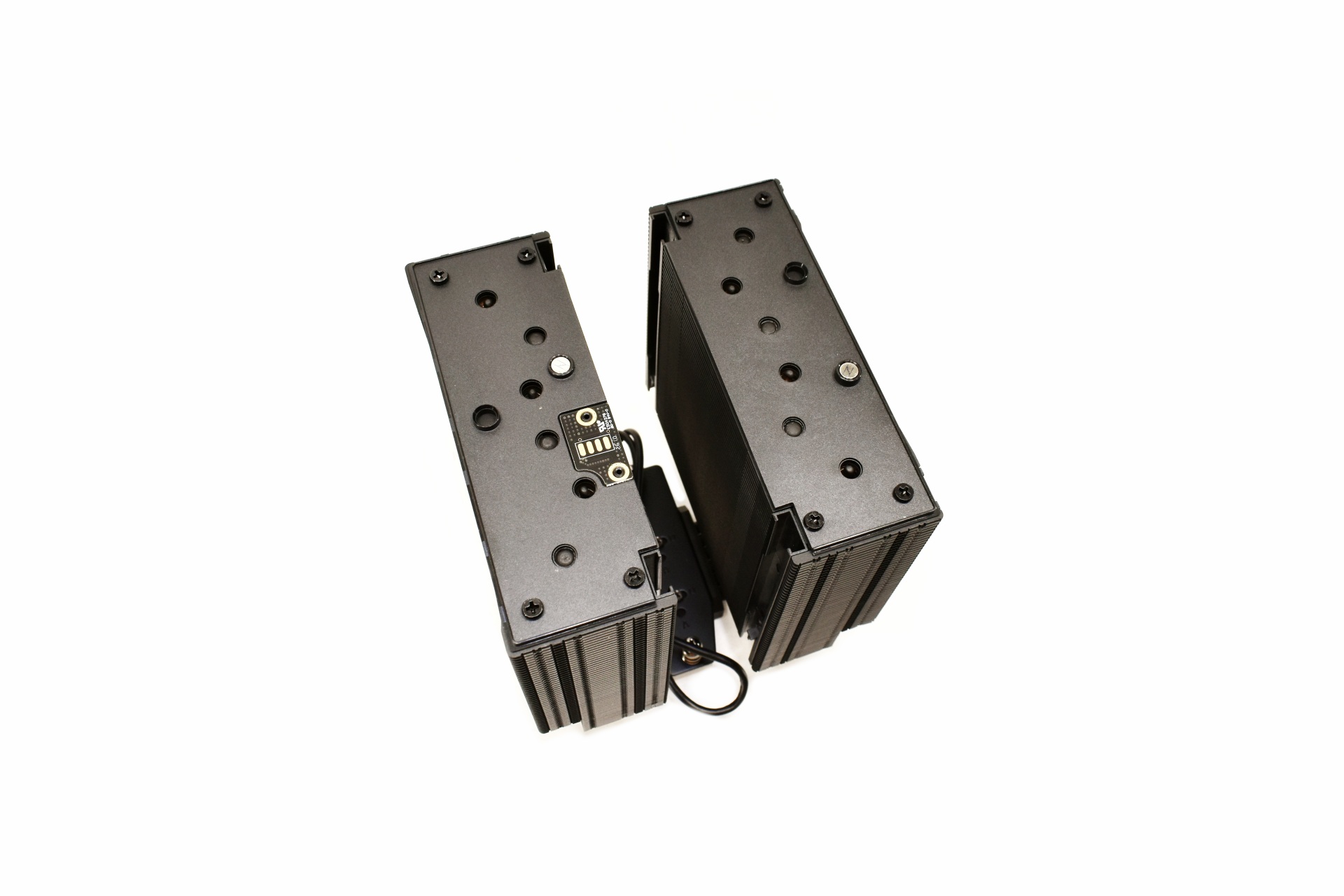
Here you can see the dual-tower heatsink with the rail system and the IPS display connection.
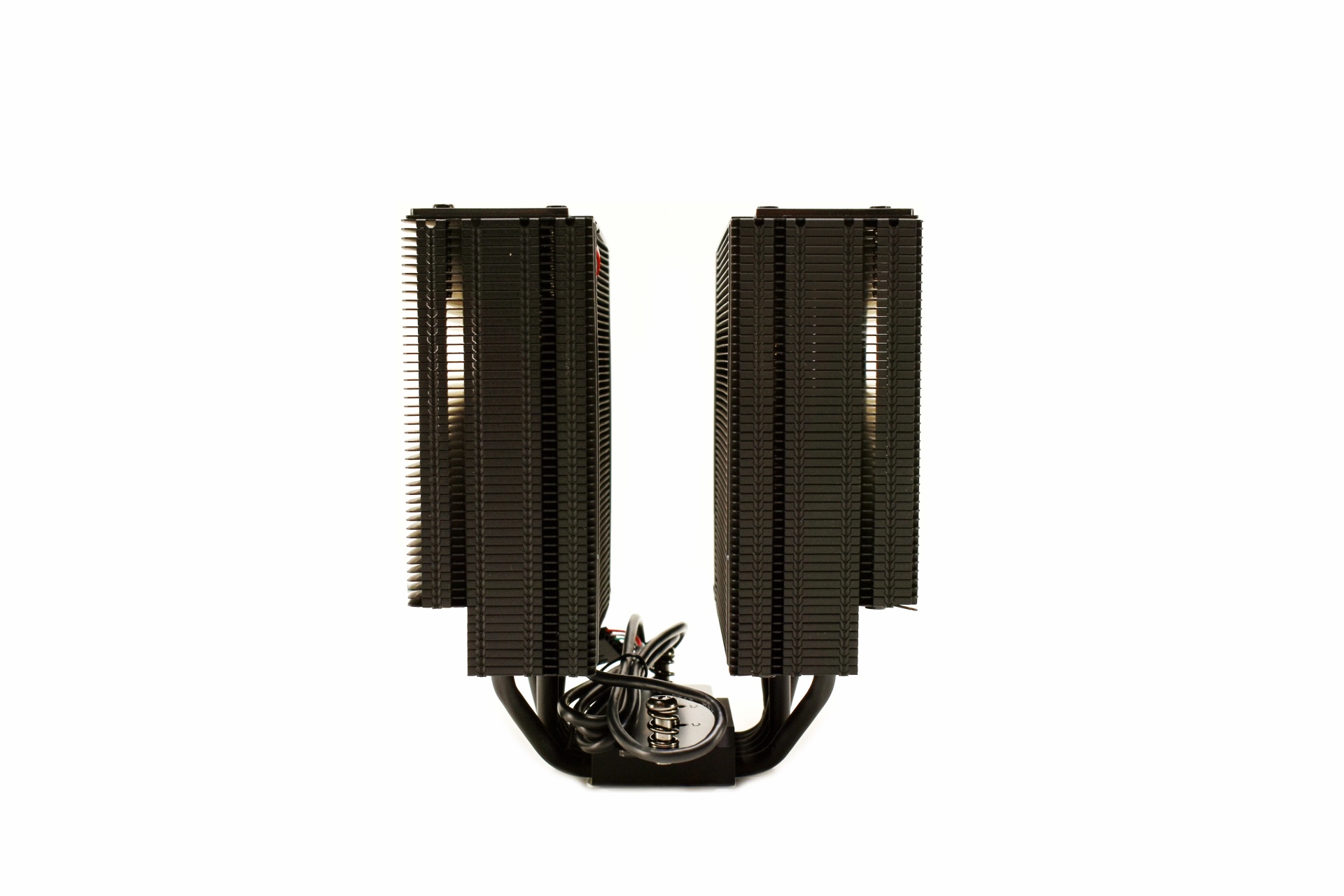
Each tower has a total of 53 aluminum fins all of which are partially bend on both sides.
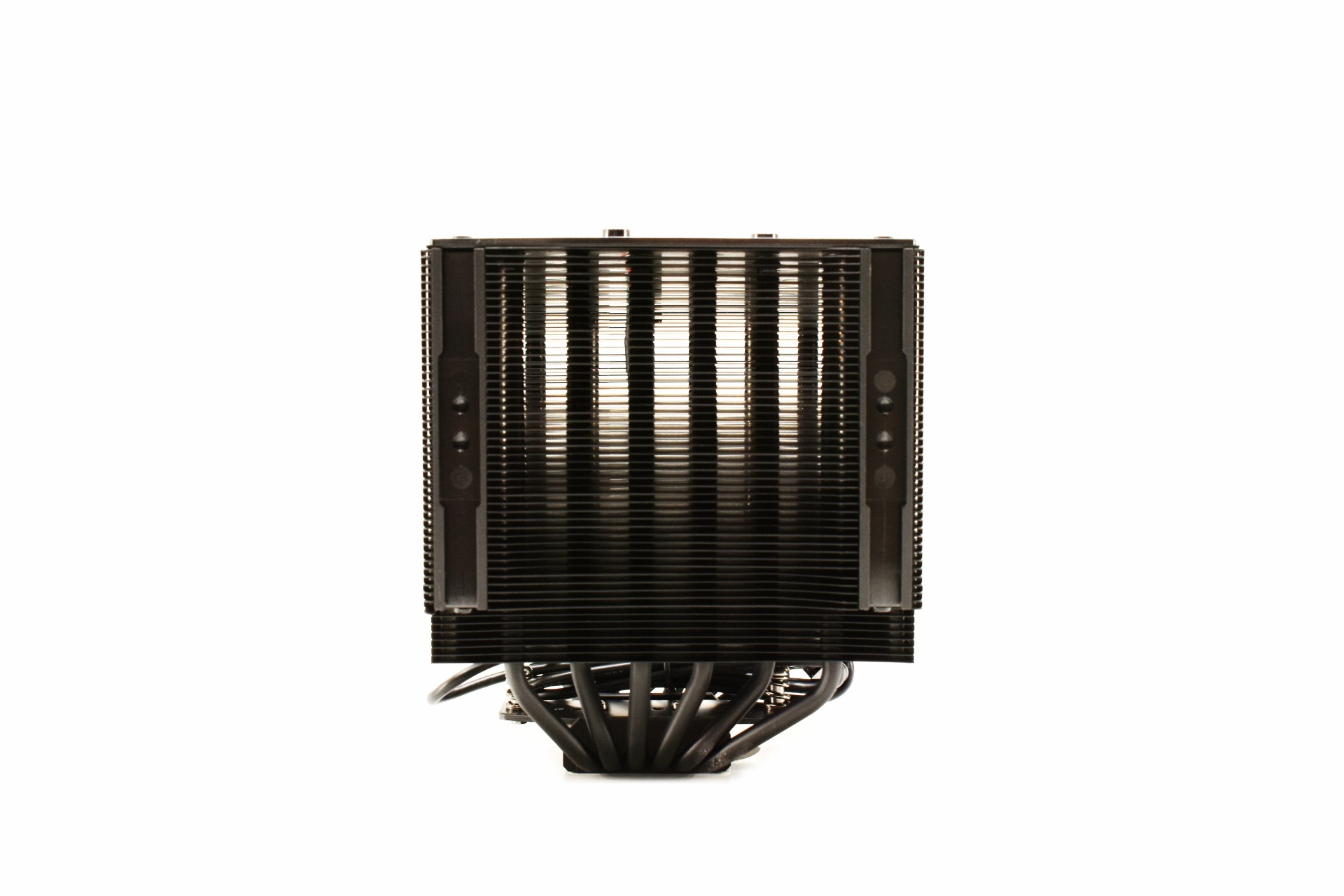
Unlike the middle rail system which can be used from the top the front rail system begins from the bottom.
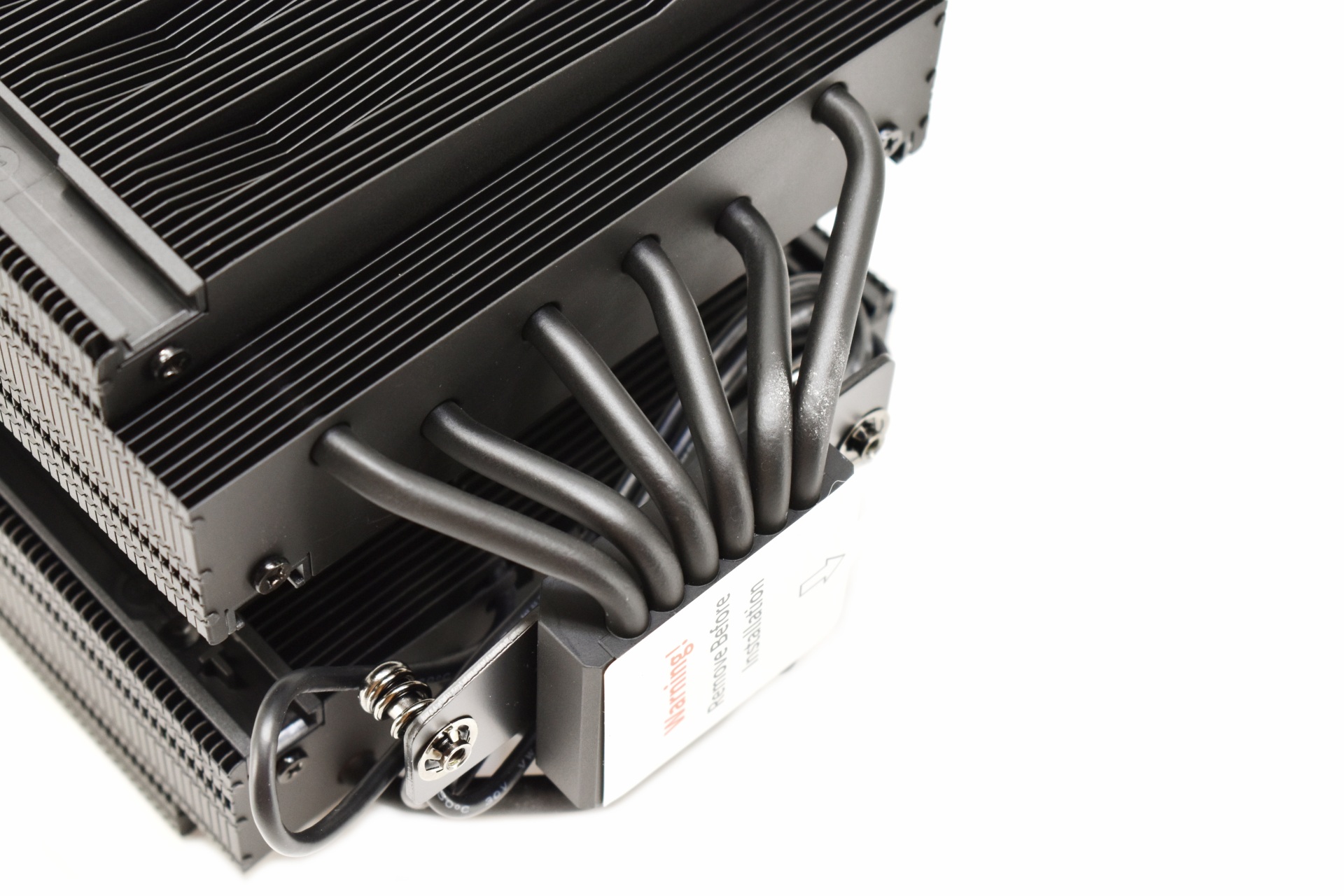
There are six 6mm thick copper heatpipes that pass from the base to the towers.
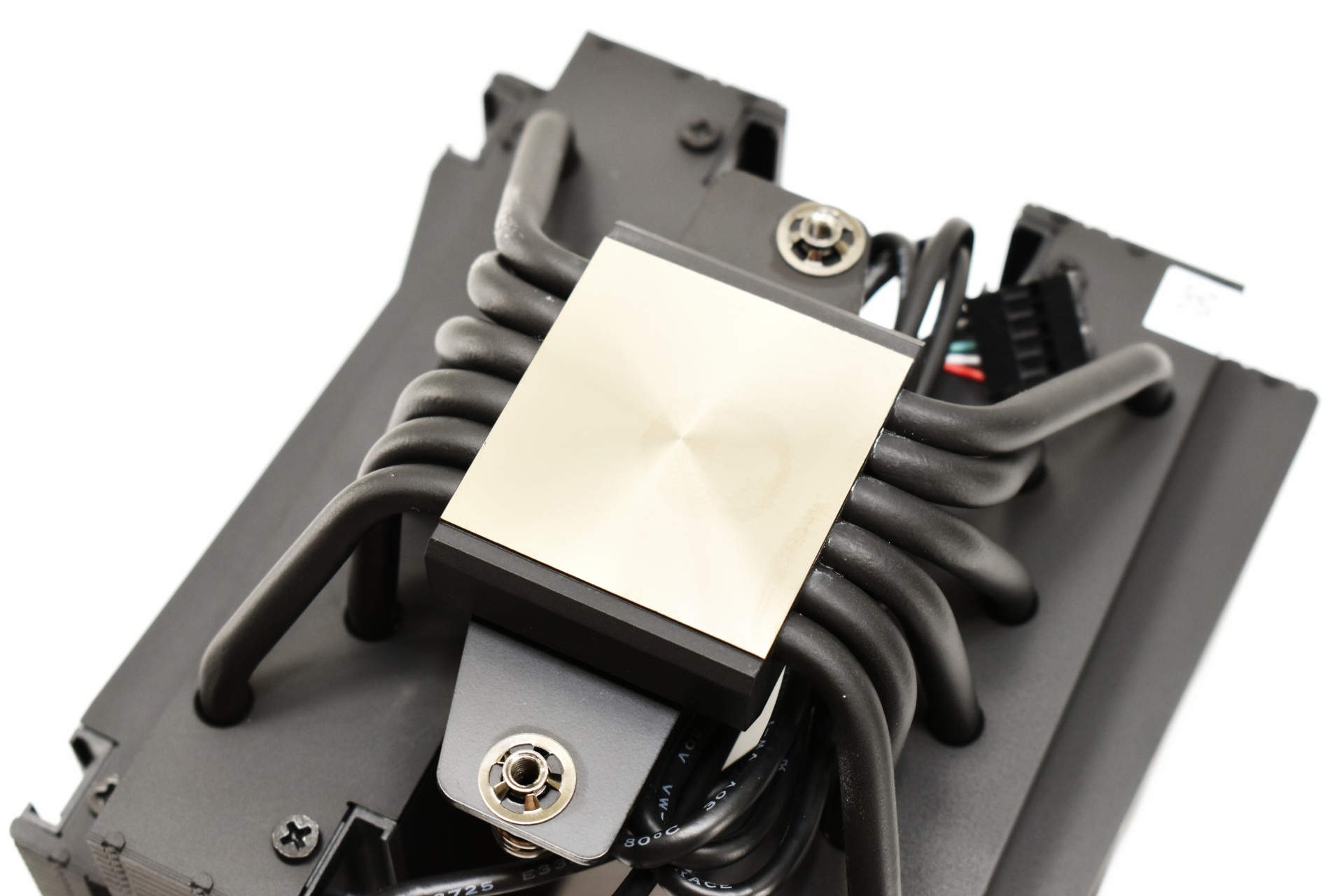
The copper base features a mirror like finish.
INSTALLATION
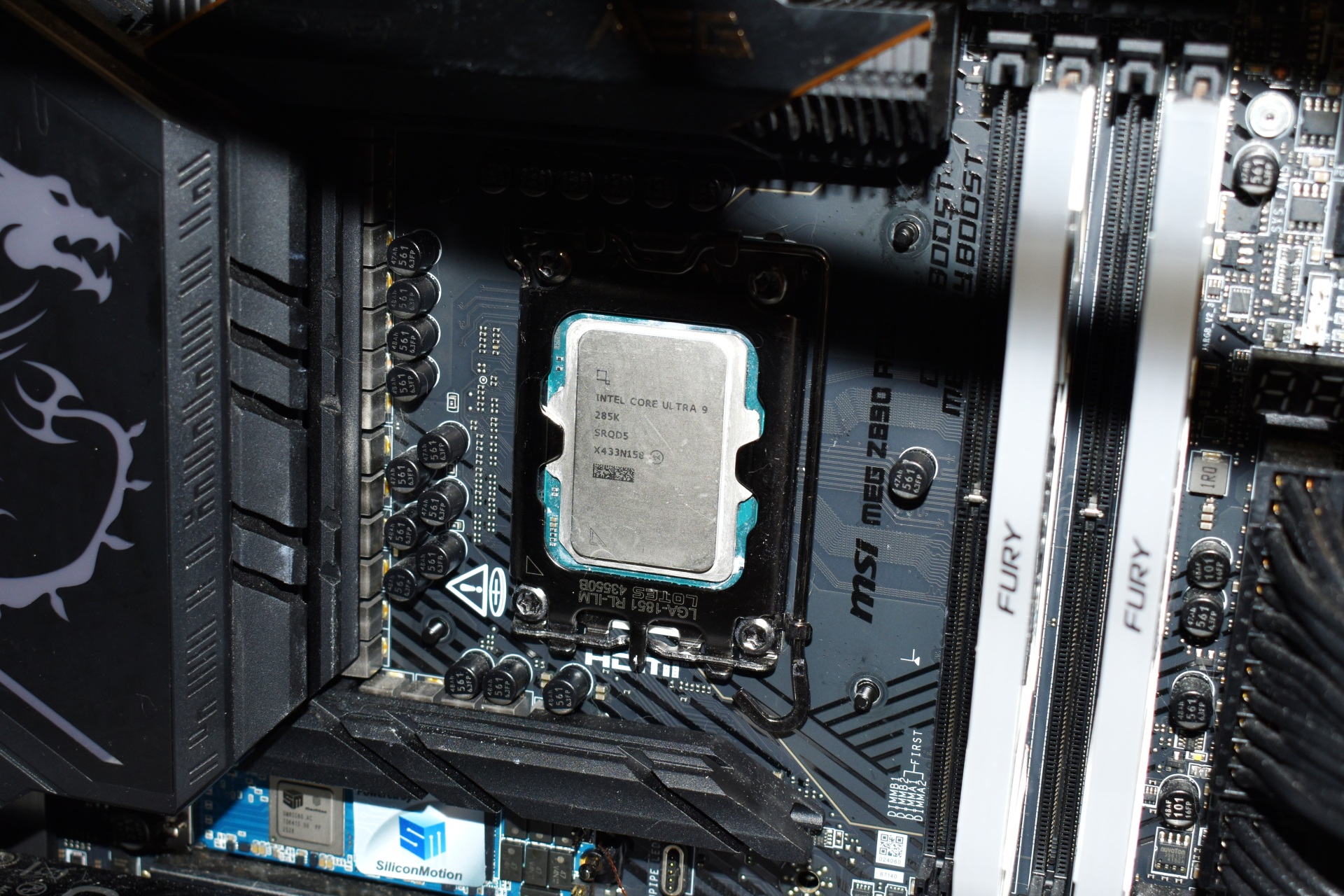
As always first step is to mount the backplate bundled with the cooler.
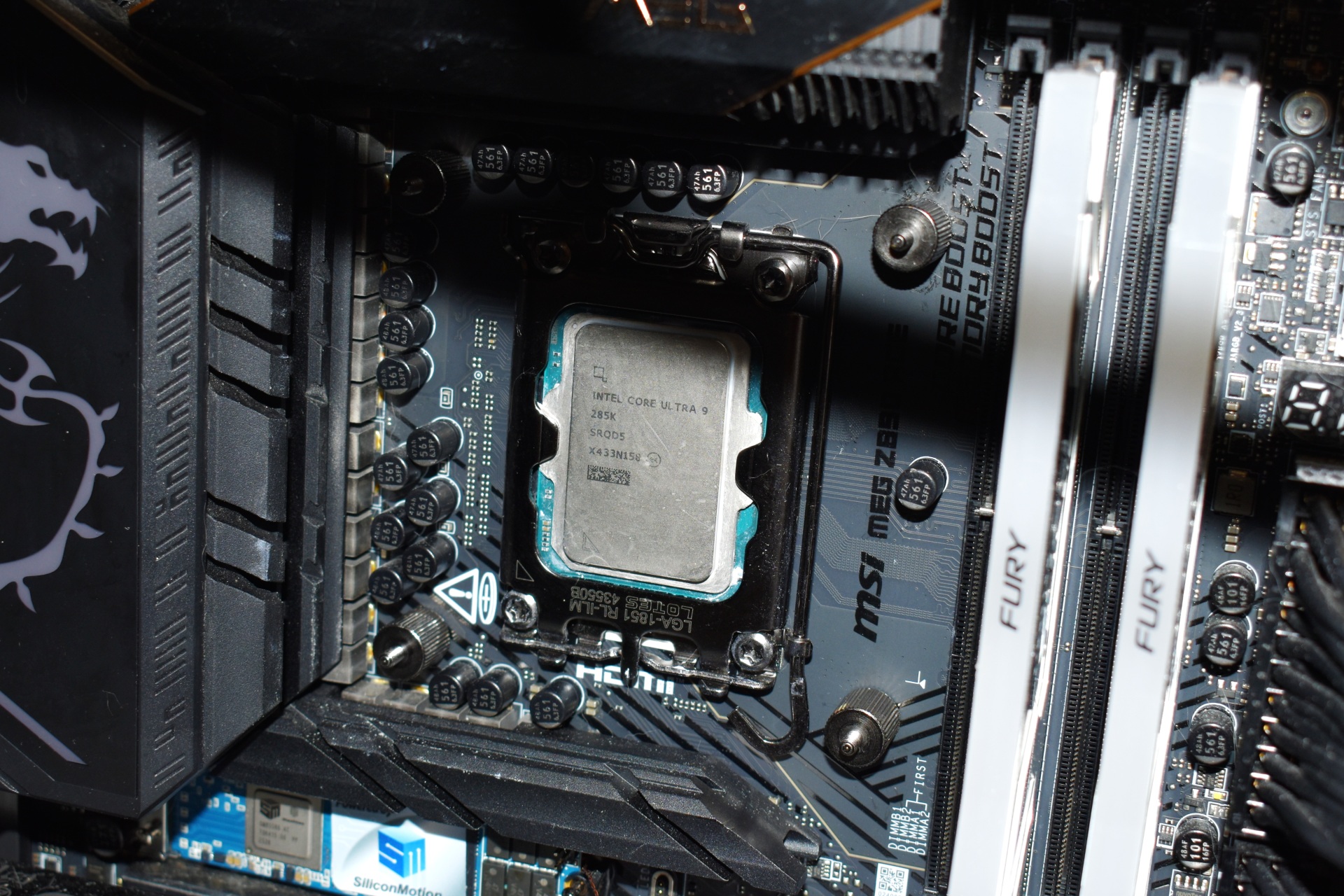
Then you'll need to secure the backplate in place with the bundled thumb mounts.
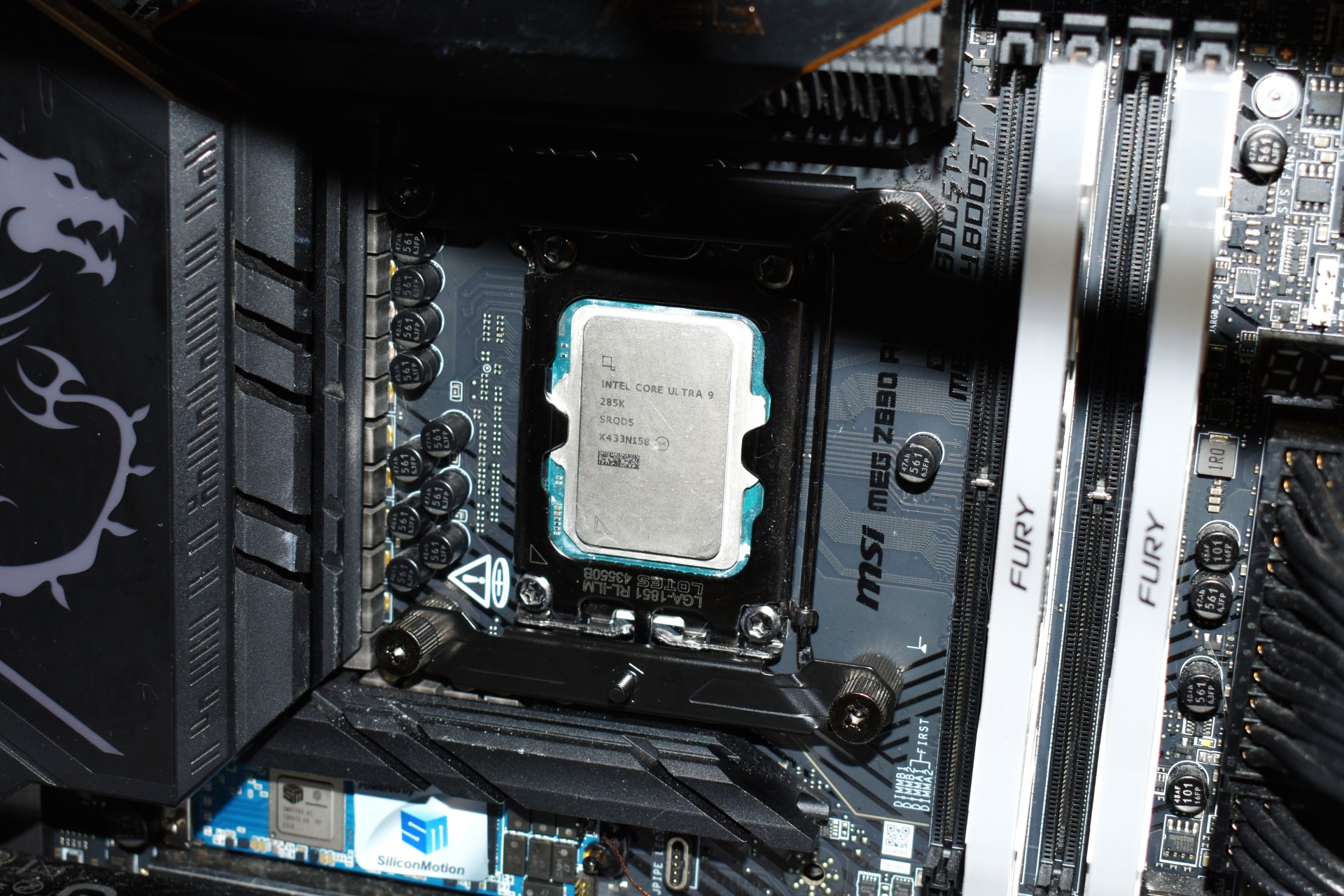
After that place the two mounting brackets (top/bottom) with the supplied thumbscrews.
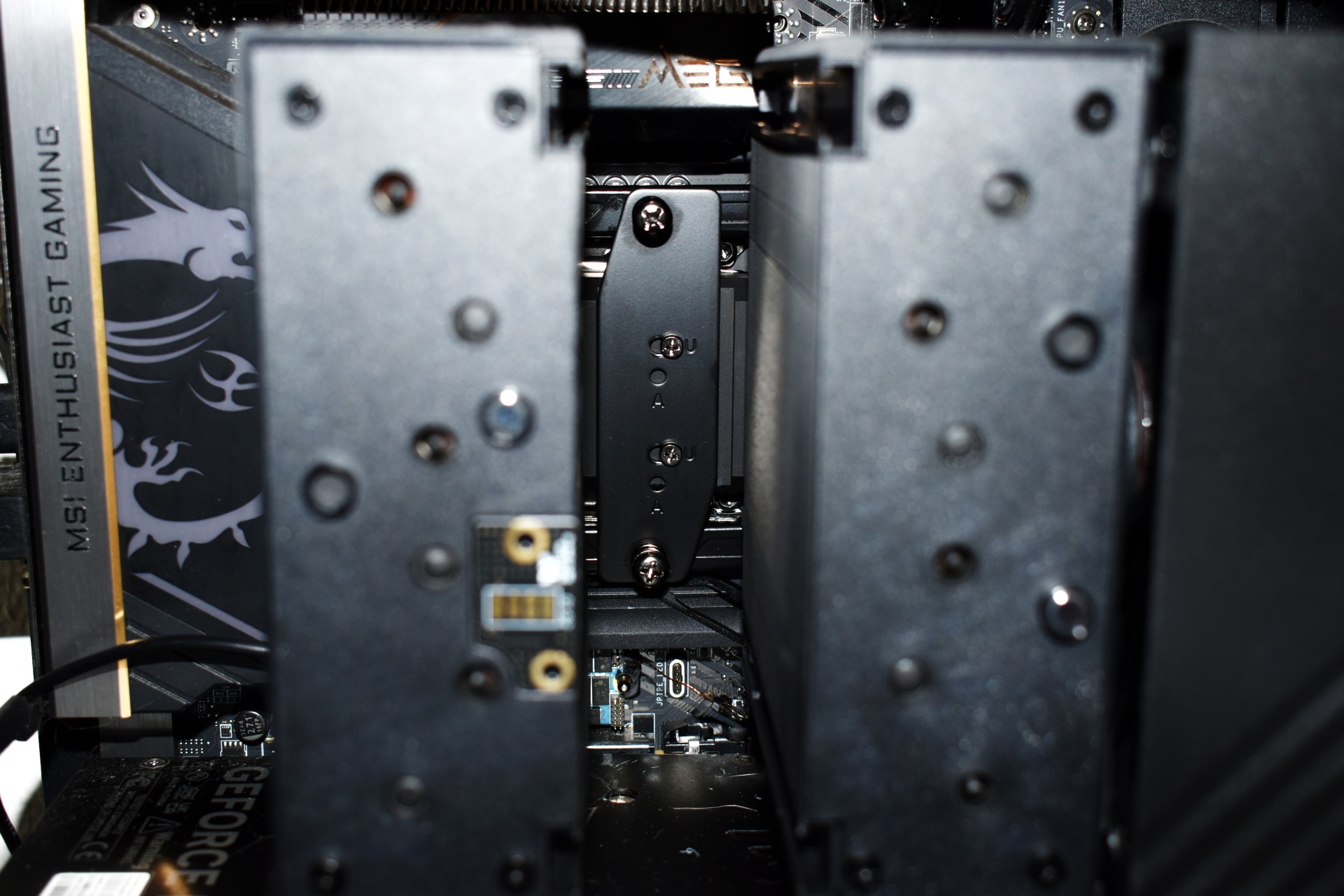
Thanks to the mounting system TRYX has used you can "tailor" the TURRIS 620 to fit your CPU.
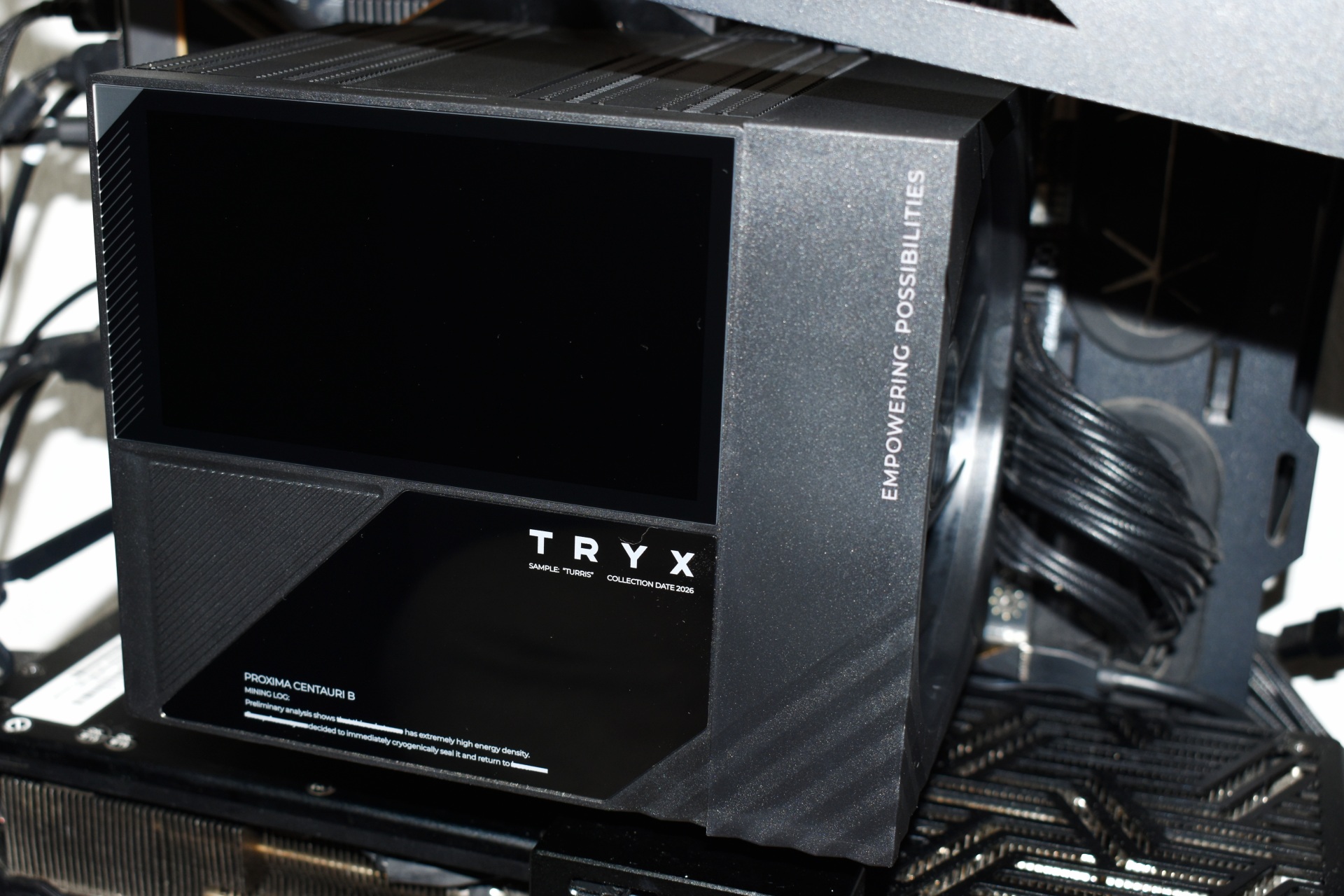
The TURRIS 620 is a large CPU Cooler rivaling other models from Noctua and be quiet!.
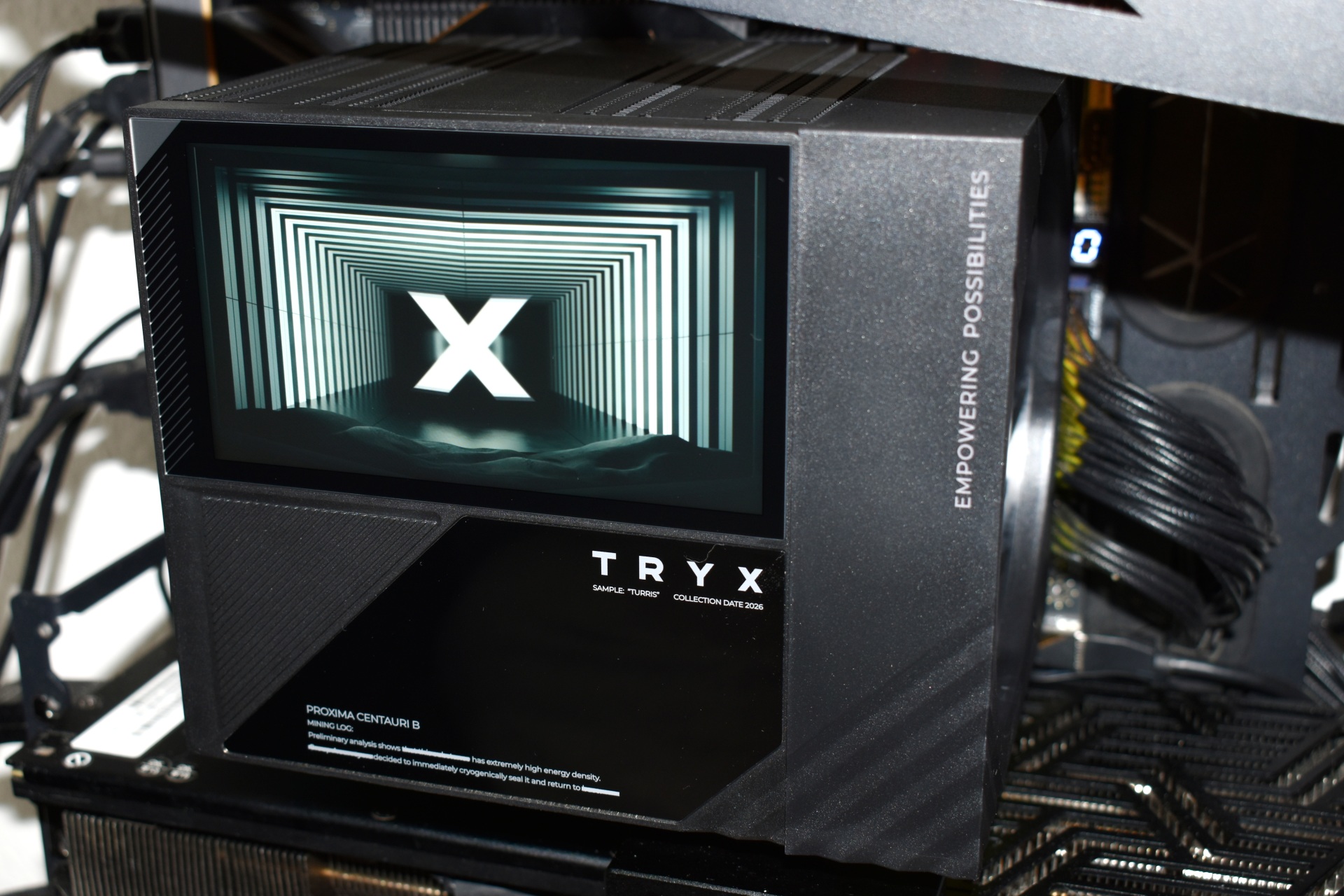
Of course, the 5-inch IPS display steals the show (quick video showcasing available screens is both on TikTok and YouTube).
KANALI SOFTWARE
To control the 5-inch IPS screen of the TURRIS 620 you'll need to install the KANALI software.
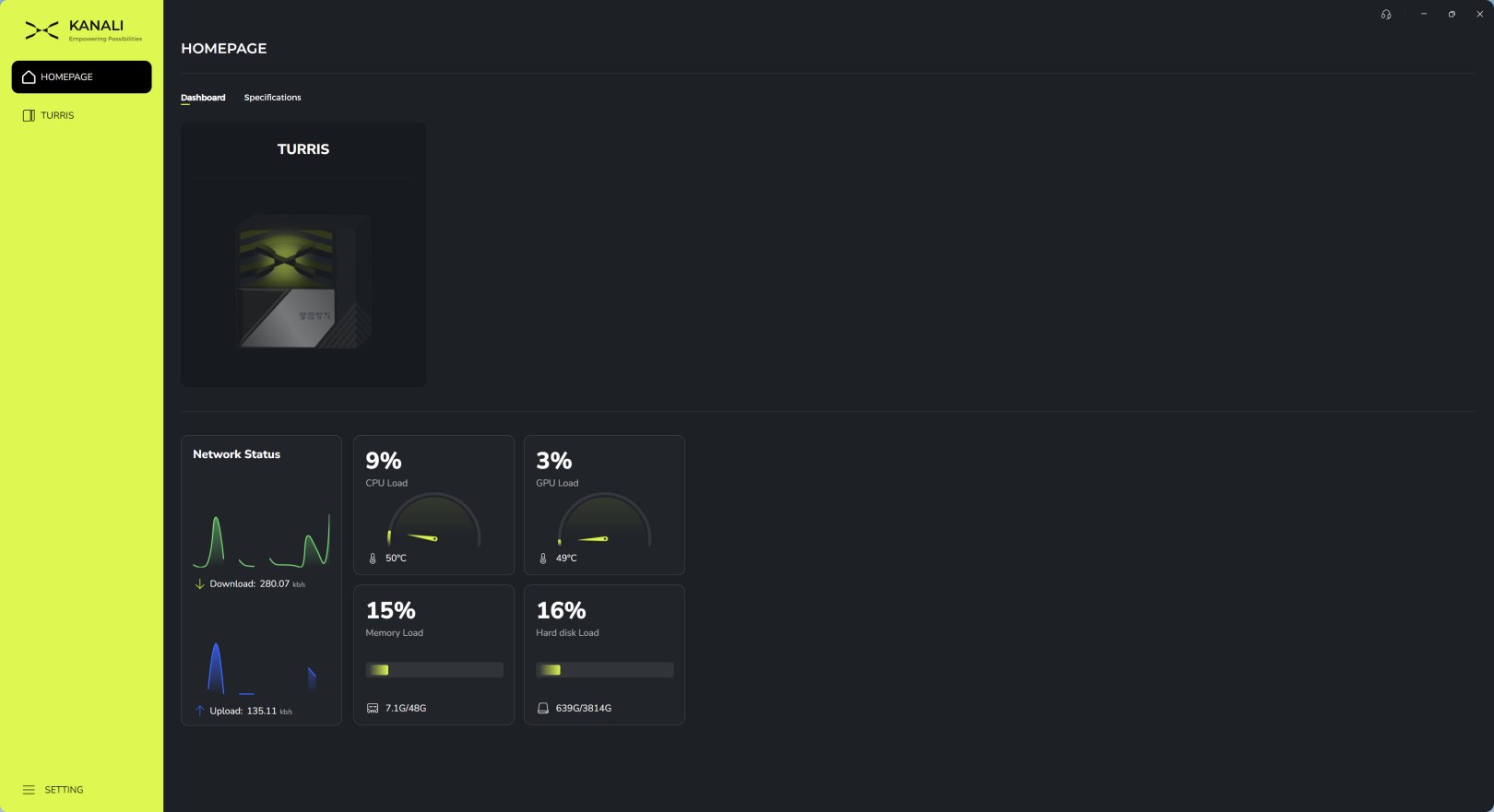
Once you launch the software it will detect compatible devices and list them under the main tab (there's also a useful system monitor here).
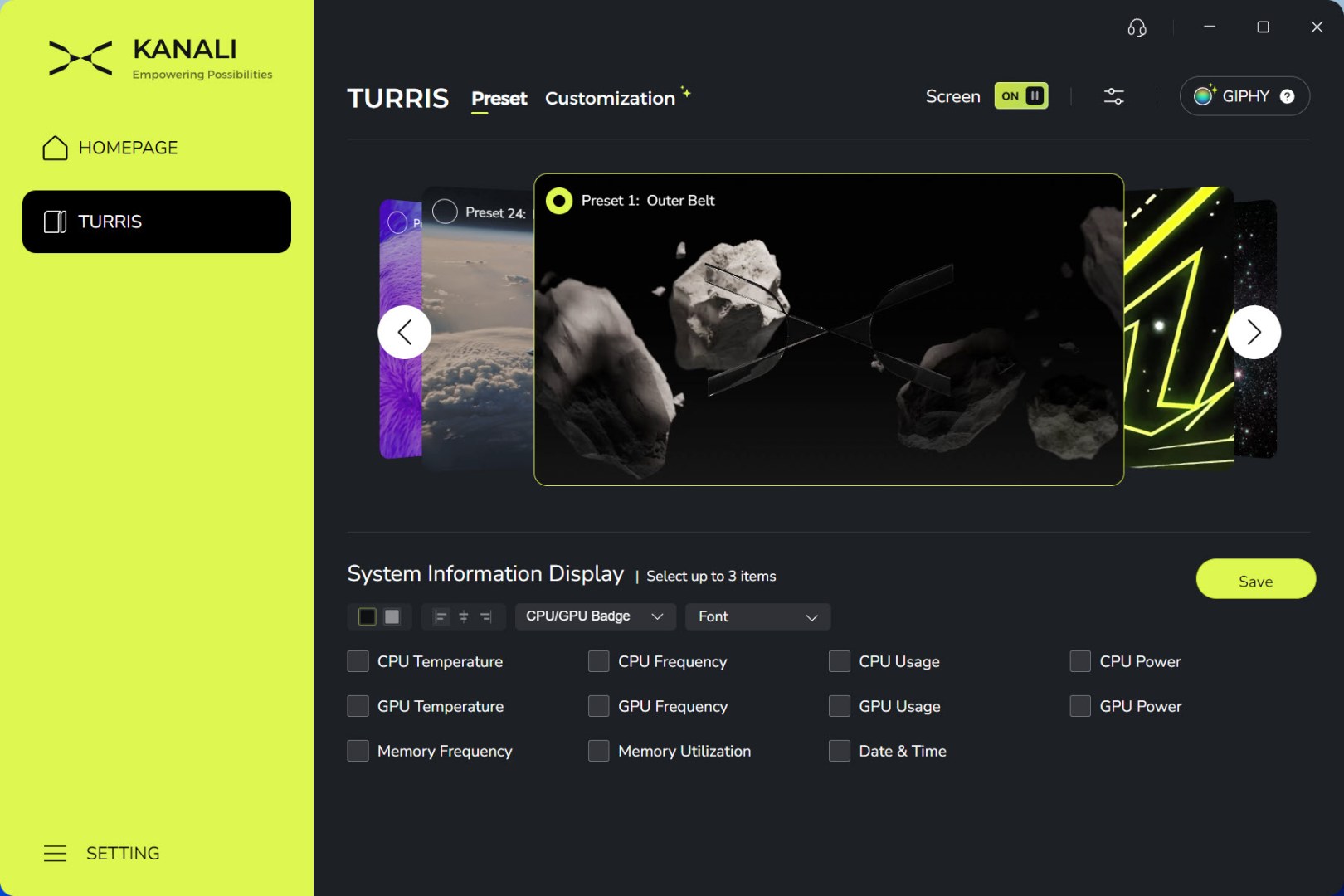
From the preset tab you'll be able to swap between numerous available screens (most will need to be downloaded) and/or choose what system information you'd like to showcase on it.
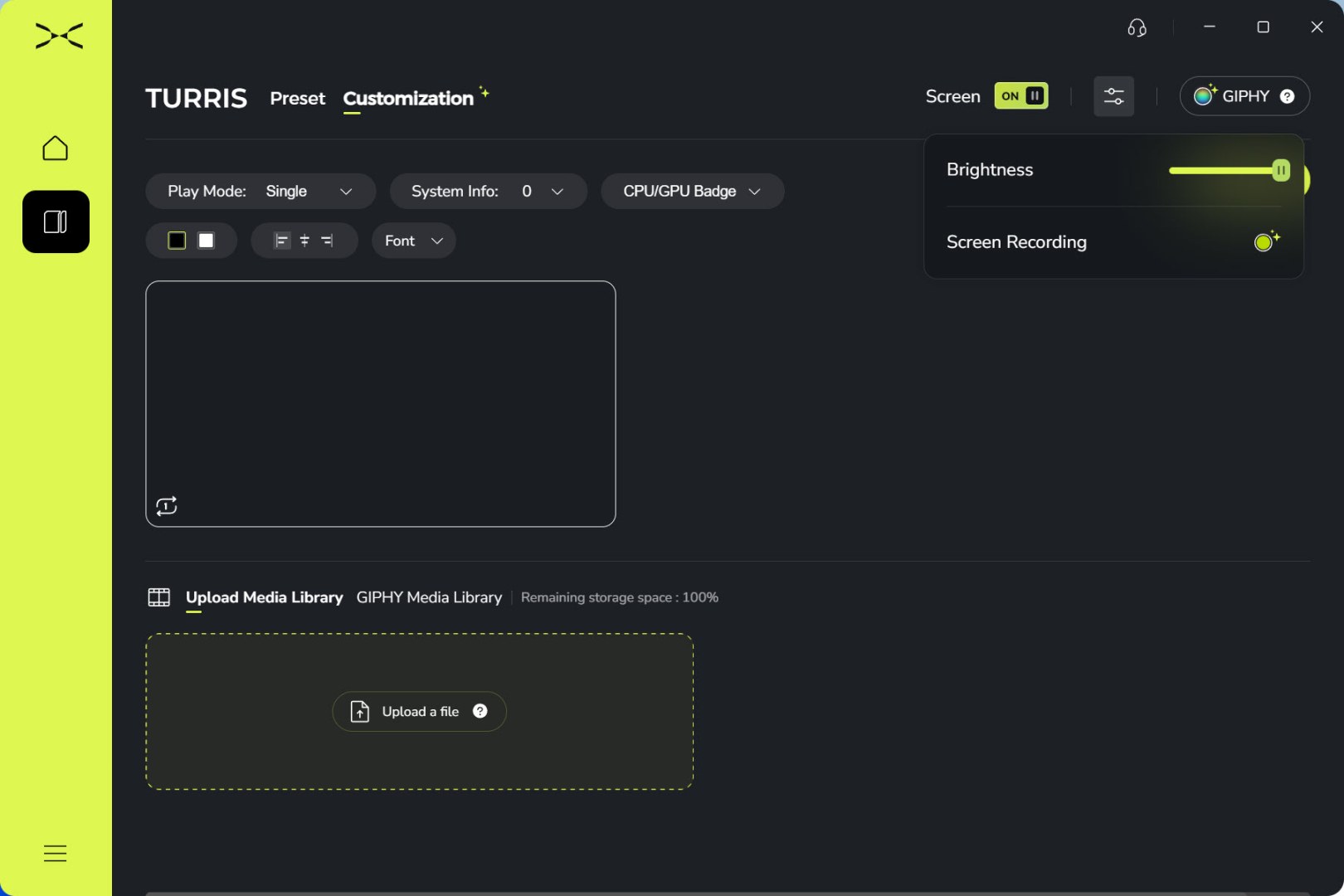
You can upload your own media and/or use media from the GIPHY library (brightness and screen recording options are placed on the top right of the software).
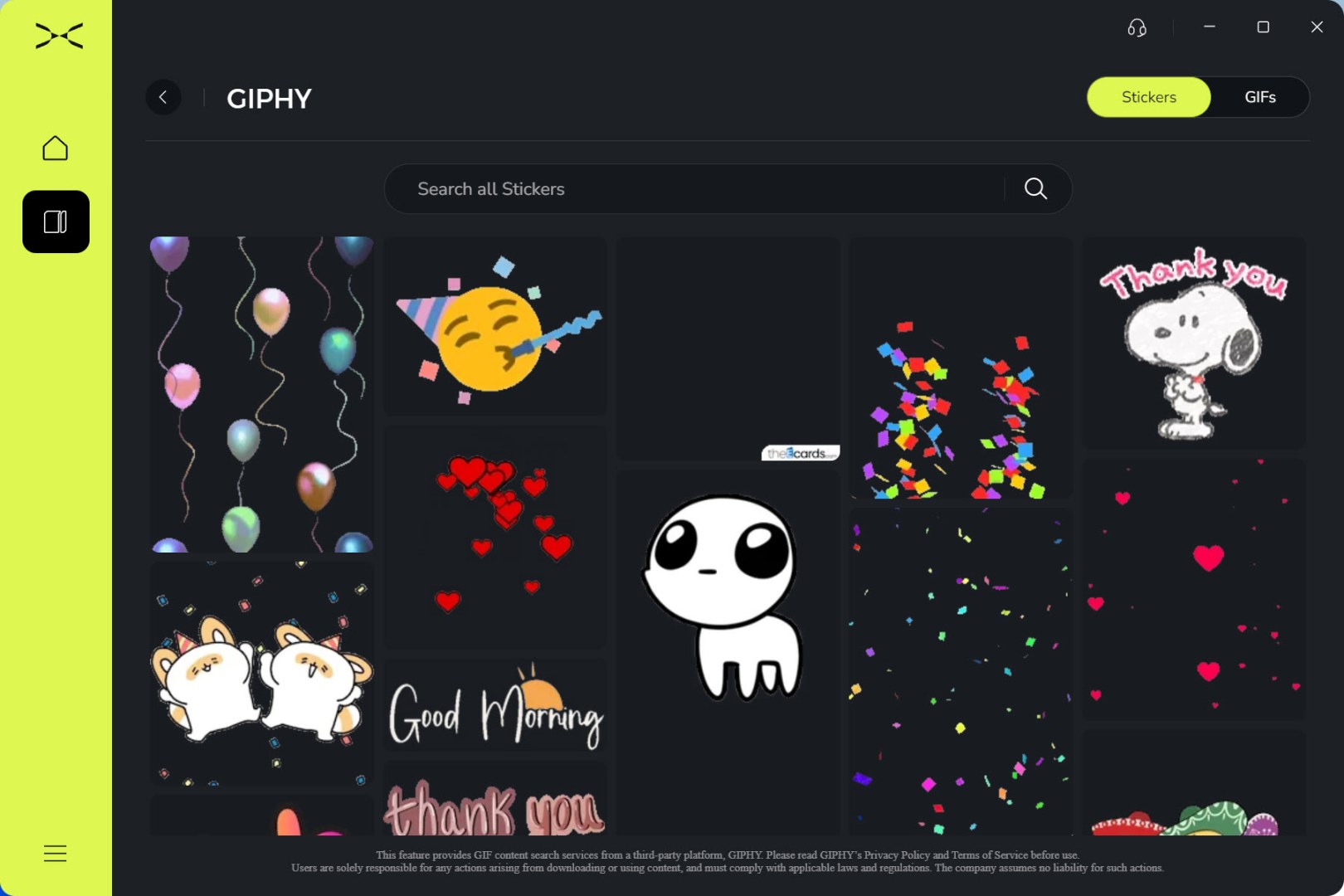

GIPHY gives you access to many sticker and GIFs media.
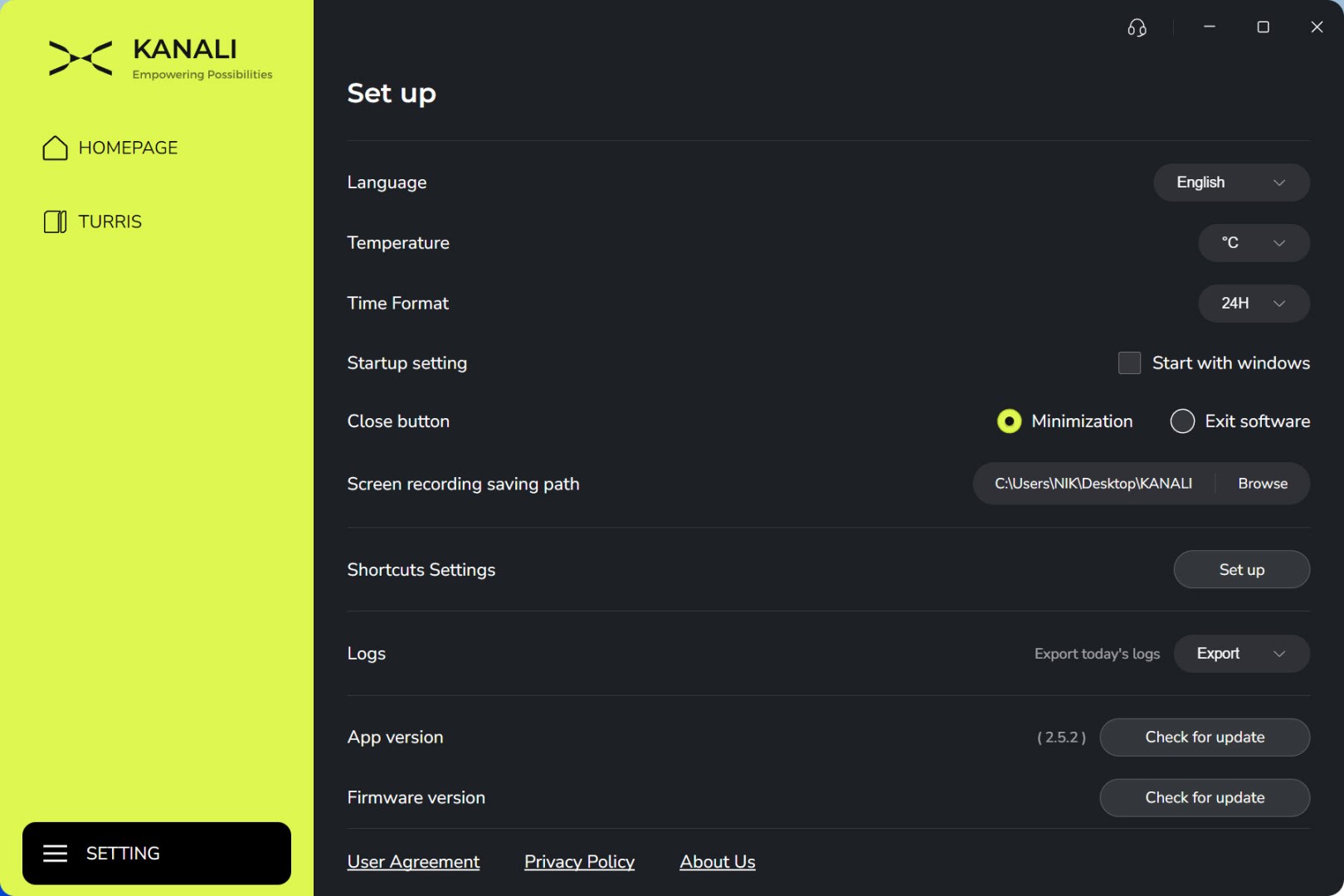
From inside the settings tab, you can change the language, temperature and time formats, set the screen recording path, adjust software shortcuts and check for software and firmware updates.
TEST BED

TESTING METHODOLOGY
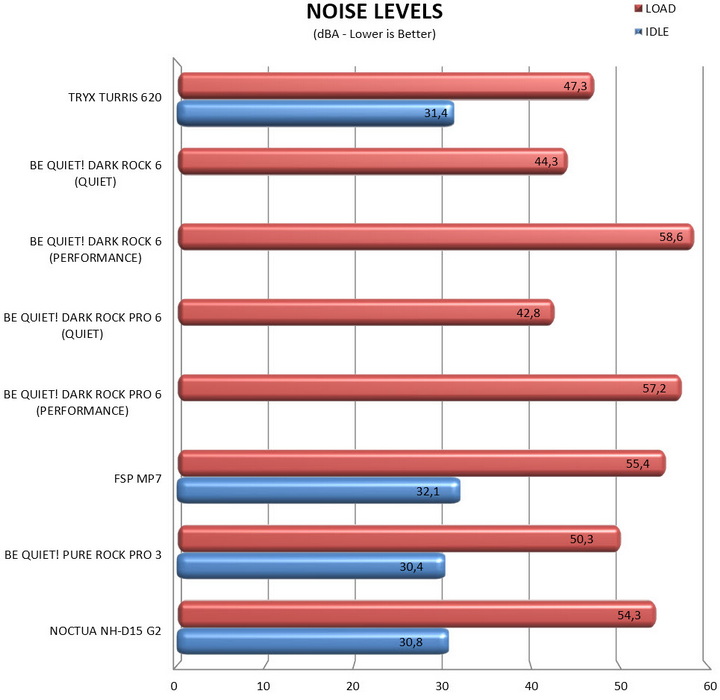
I always take things quite seriously when it comes to work so just like with the previous LGA1366 and LGA2011 databases every single CPU Cooler in the charts will be tested under the same exact conditions. Testing a CPU Cooler automatically means that you need to know where it stands against the immediate competition and to accomplish that I’ve spent both money and time through the years, something that I honestly plan to continue to do so in order to get the most accurate results for the end consumers who read these lines. Every CPU cooler in this database is tested with the bundled 140mm/120mm/92mm/80mm fans while working at both idle speed and 100% of their speeds for all the temperature tests. CPU Coolers that do not come bundled with a fan/s are measured using a Noctua fan (size dependent on the model) to test for the temperature tests but due to the lack of a stock fan dBA level tests are obviously skipped. Single (120/140mm) watercooling solutions are tested with the radiator mounted at the rear of our test rig while dual/triple/quad (240/260/280/360/420/480/560mm) solutions with the radiator mounted at the top. For the dBA tests every cooler in the database was measured both while on idle mode or with the fan controller in the minimum setting and while on extreme load or with the fan controller all the way to the highest possible setting (PWM fans do that on their own without our intervention). Every single test takes place in a temperature-controlled room of 23 degrees Celsius Ambient Temp with the help of two AC units placed diagonally inside the room. The Noctua NT-H2 thermal paste is used with every CPU Cooler. Finally, it's very important to point out that just because a CPU Cooler is better than another when tested with a specific system that does not necessarily mean that the same performance differences will apply 100% for other CPU models and in other situations (such as different ambient temps and system configurations).
To successfully record the load temperatures, we use the latest OCCT application for around 6-10 minutes to push the processor to its limits and after that is done and the temperatures are recorded, we wait for about 10-20 minutes for the CPU to cool down and record the idle temperatures. This is done to allow time for the thermal conductive material to achieve the optimal performance level. Same procedure is then repeated with the Passmark BurnIn Test as a failsafe just in case the OCCT results are wrong. This procedure is more time consuming than the usual peltier/thermometer tests but this way not only can readers get results based on real CPUs but those results can also be triple checked by using a variety of programs. Last but not least the temperatures were recorded using the latest versions of AIDA64, HWiNFO and HWMonitor while the noise level tests are performed using a high precision ExTech HD600 Decibel Meter placed about 10-15cm above the CPU Cooler. Still although the same testing procedure applies to all units do take into consideration that unlike the official numbers which are measured in special noise isolated labs with just the fans here, we also have both the rest of the cooler and the rest of the system (although all system fans are turned off when recording noise levels).
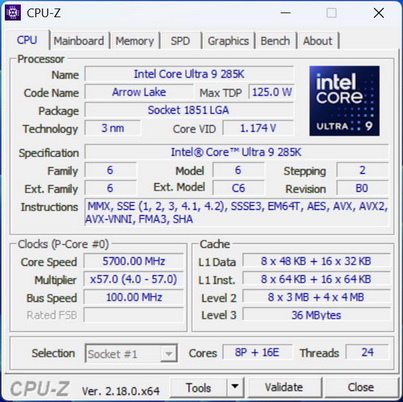
* As of November 2024, the Core Ultra 9 285K is used for CPU cooler tests.
TEST RESULTS
CONCLUSION
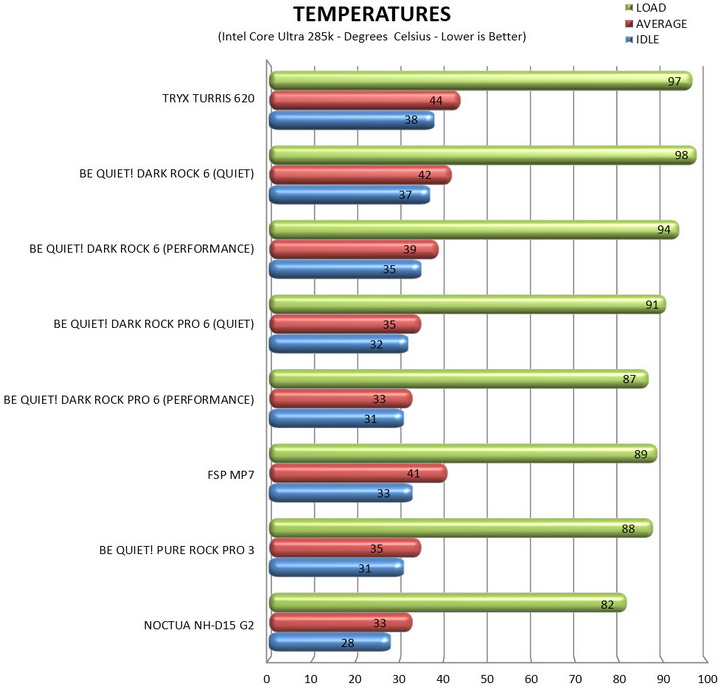
TRYX has entered the air-cooling market with a product that confidently does its own thing. The TURRIS 620 delivers strong acoustics, a genuinely impressive IPS display, and one of the better software ecosystems currently available for CPU cooling products. KANALI adds meaningful functionality rather than simply acting as a vehicle for RGB control, allowing users to monitor hardware, display custom media, and personalize their systems with minimal effort. On the thermal front, the TURRIS 620 performs well, but performance alone is unlikely to justify its asking price. Buyers are paying for the complete package, and that package includes features rarely seen on an air cooler. Although size will most certainly be an issue in smaller PC cases I had zero RAM clearance issues thanks to the adjustable rail-mounted front fan. At the end of the day, the TURRIS 620 isn't trying to be another anonymous dual-tower cooler. It's trying to offer something different, and for the most part, it succeeds.
With a current price tag set at USD153.57 inside the USA (Amazon.com) and for around 130Euros inside the EU the TURRIS 620 CPU air cooler by TRYX is certainly priced higher than expected. Now, if your goal is achieving the lowest possible temperatures, there are more performance-focused alternatives available. But, if you're looking for a cooler that blends capable thermals with features and aesthetics usually reserved for high-end liquid coolers, the TURRIS 620 earns its place on the shortlist and that's why it gets the Golden Award.

PROS
- Build Quality
- 5” IPS Display (1280x720p / 16.7 Million Colors / 294PPI / 60Hz)
- Good Cooling Efficiency
- Dual Fan Solution
- Adjustable Height ROTA Fans
- Noise Levels
- KANALI Software
- Available In Black & White Colors
CONS
- Price (For Some)
- Motherboard Compatibility
- Size





