



GG SOFTWARE
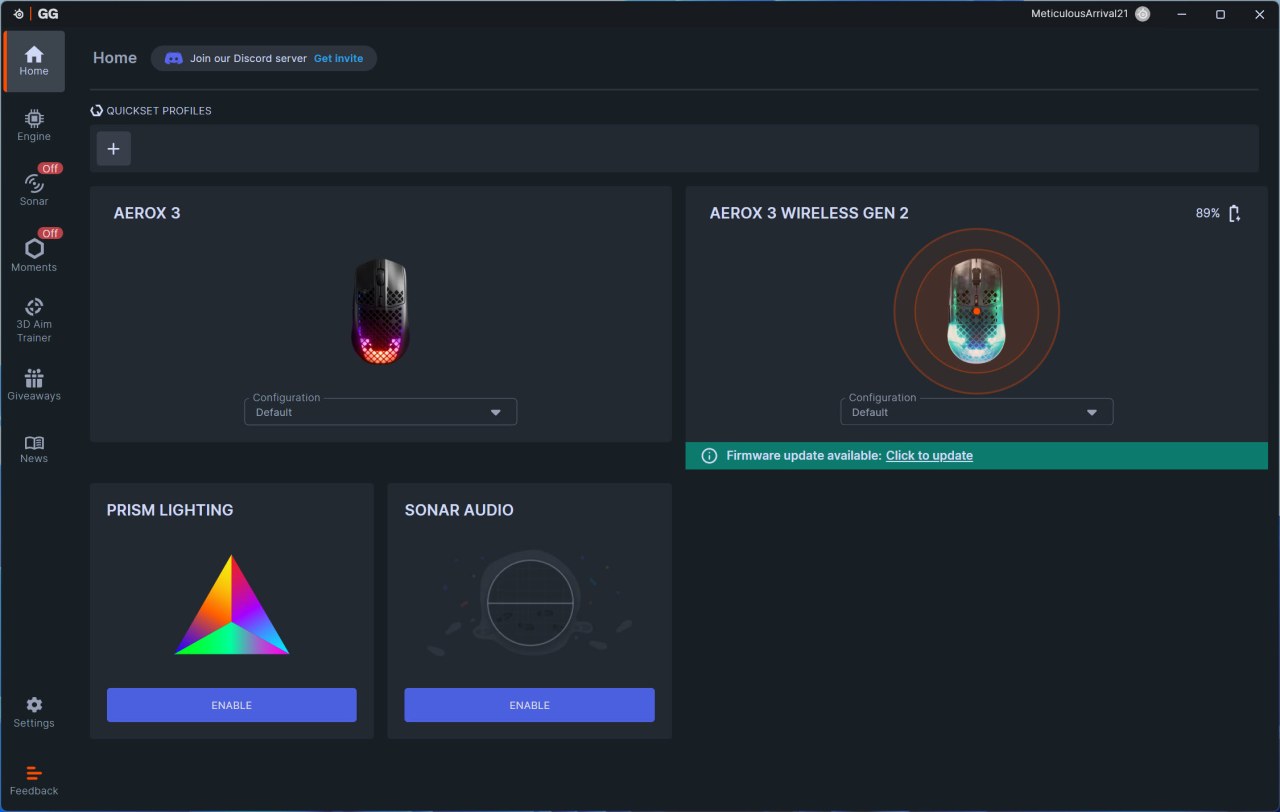
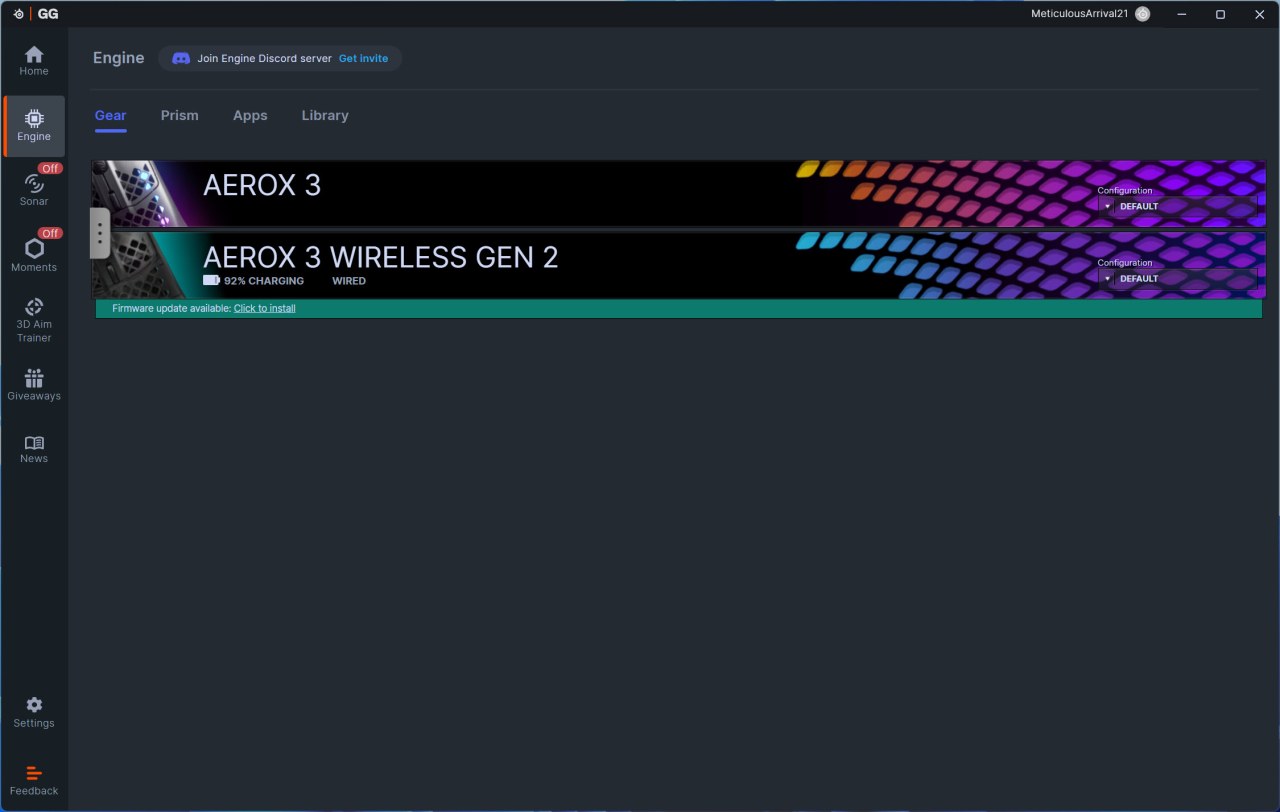
As always once you download and install the SteelSeries GG software it will detect compatible SteelSeries devices (yes, I have the Aerox 3 mouse on my secondary rig) and check for available firmware updates.
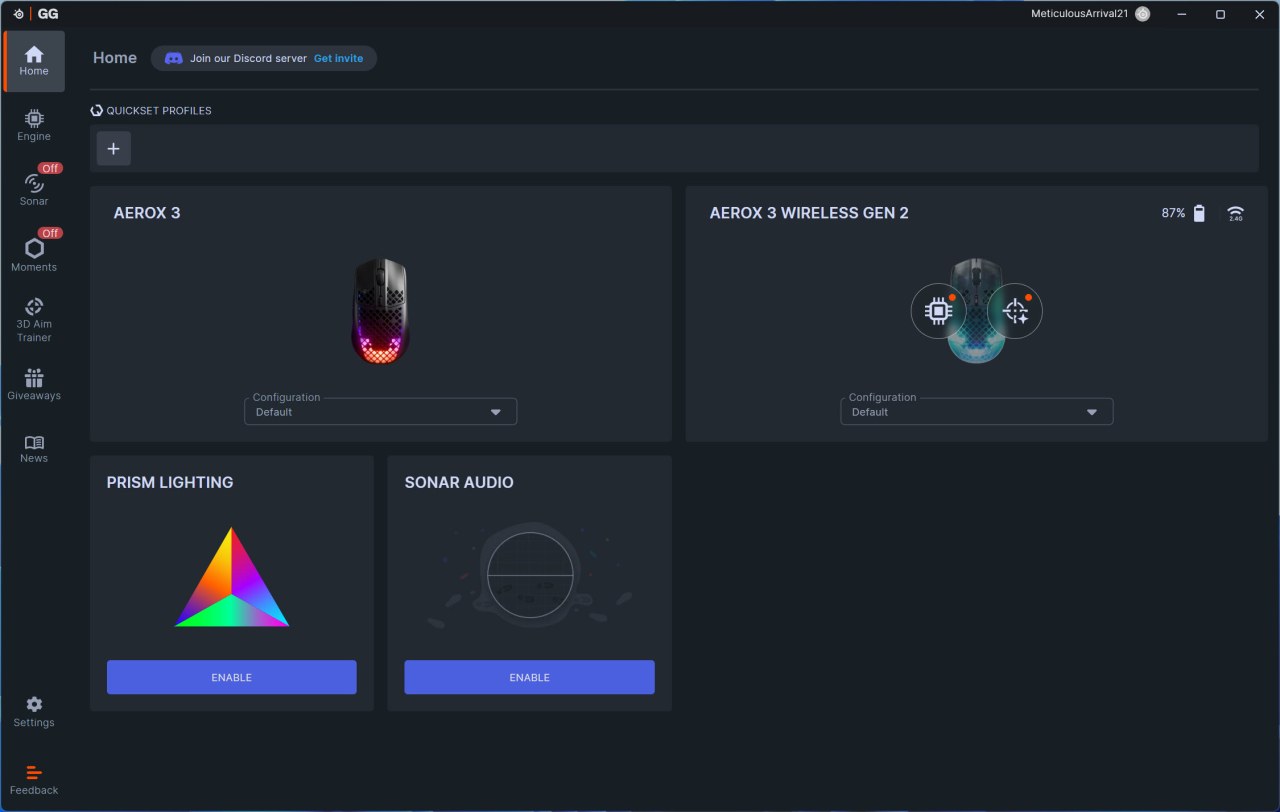
Once you update the software and hover your cursor over the mouse drawing you can either enter the SteelSeries GG features or the Sensitivity Finder.
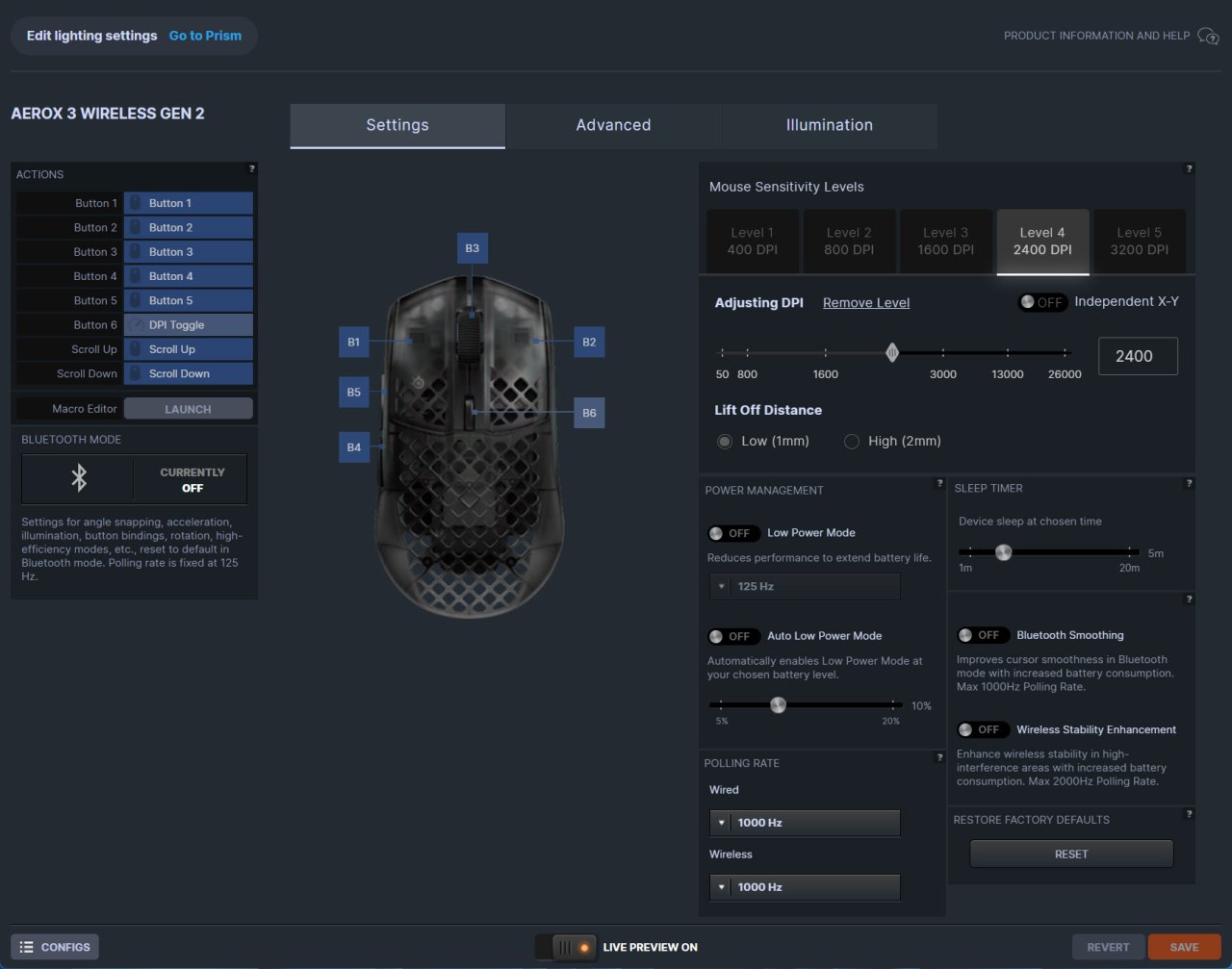
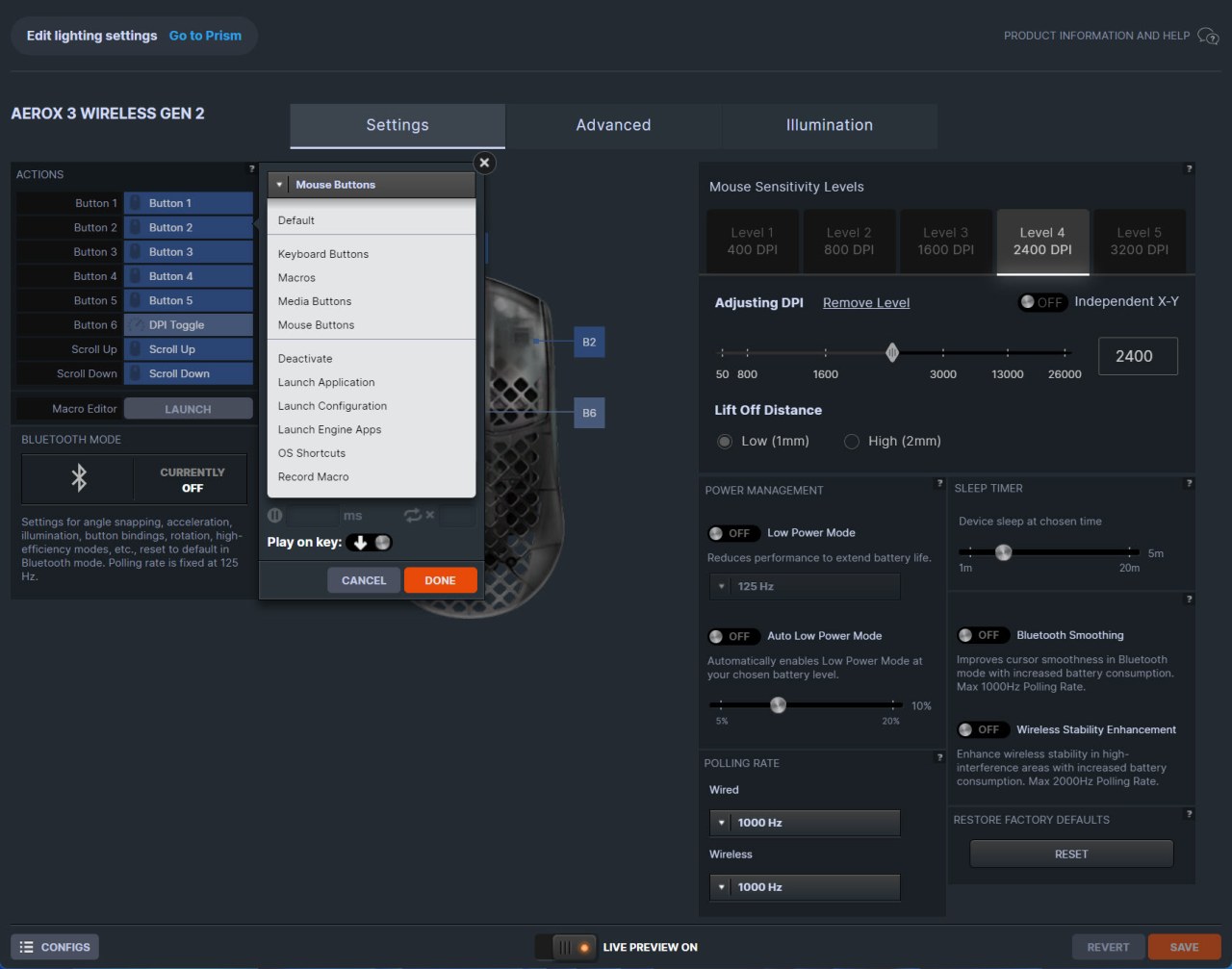
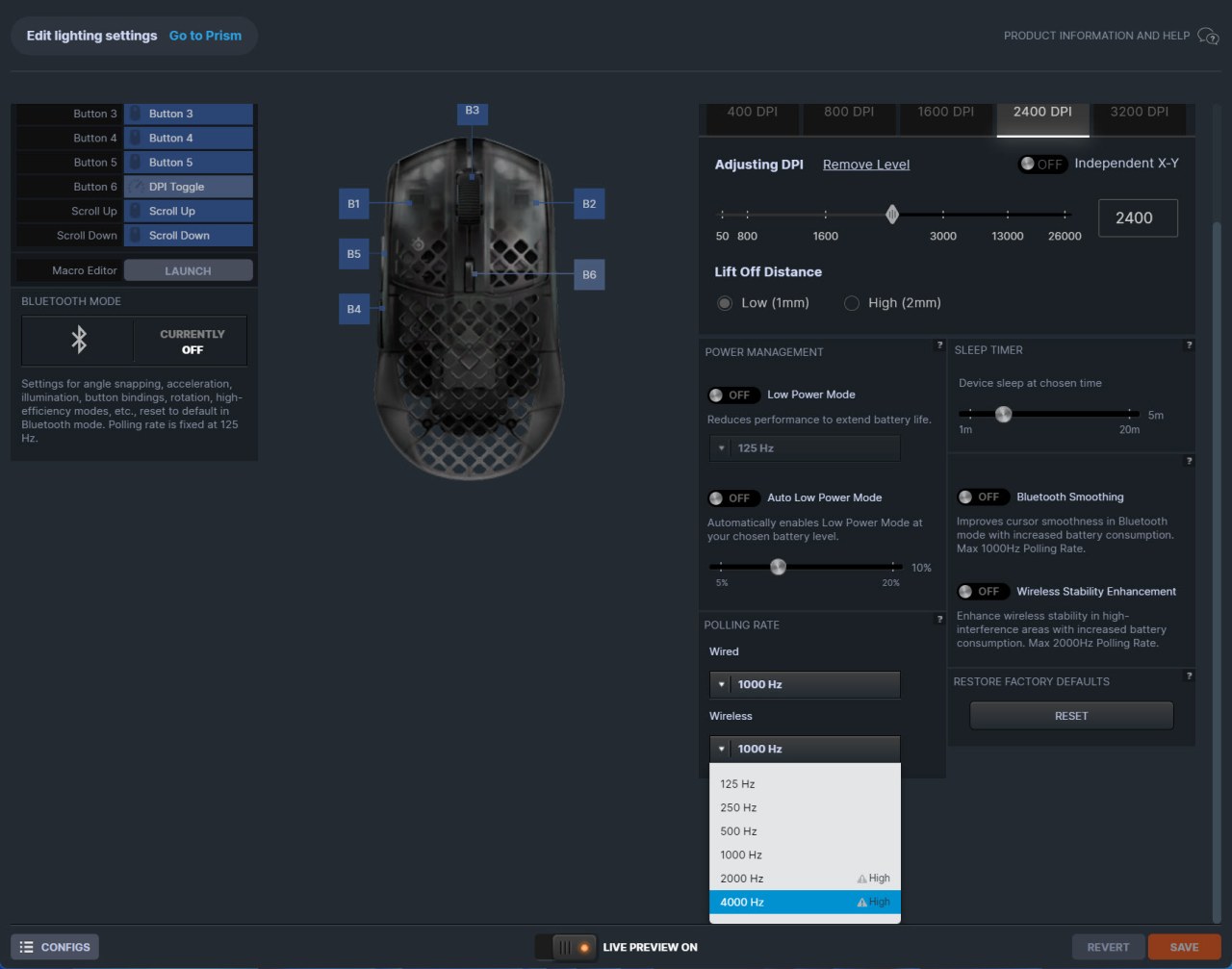
From the first tab you can program every single button, create macros, adjust sensitivity levels (DPI), enable/disable lift-off distance, set the power and sleep settings, adjust polling rate and enable/disable the wireless stability feature.
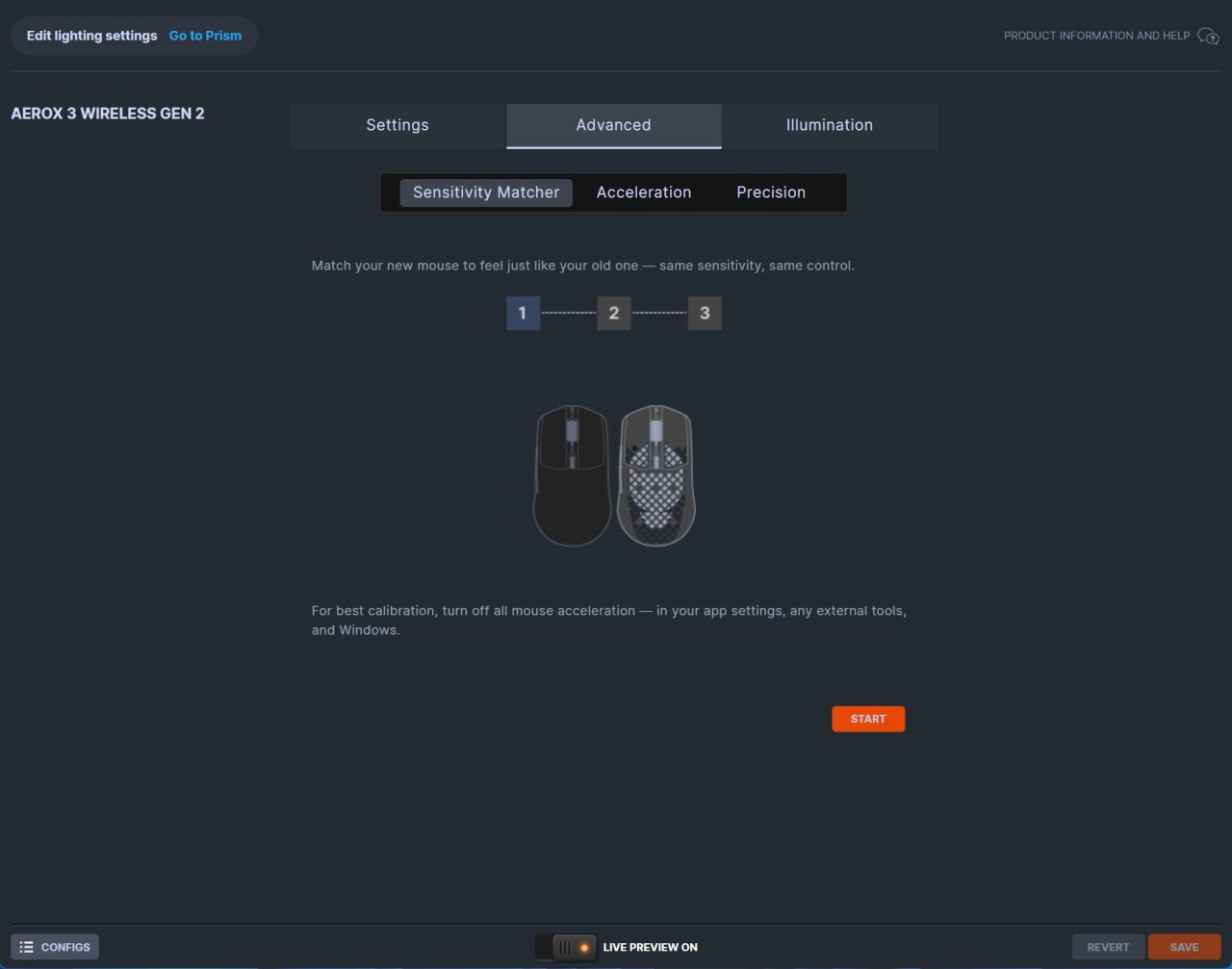
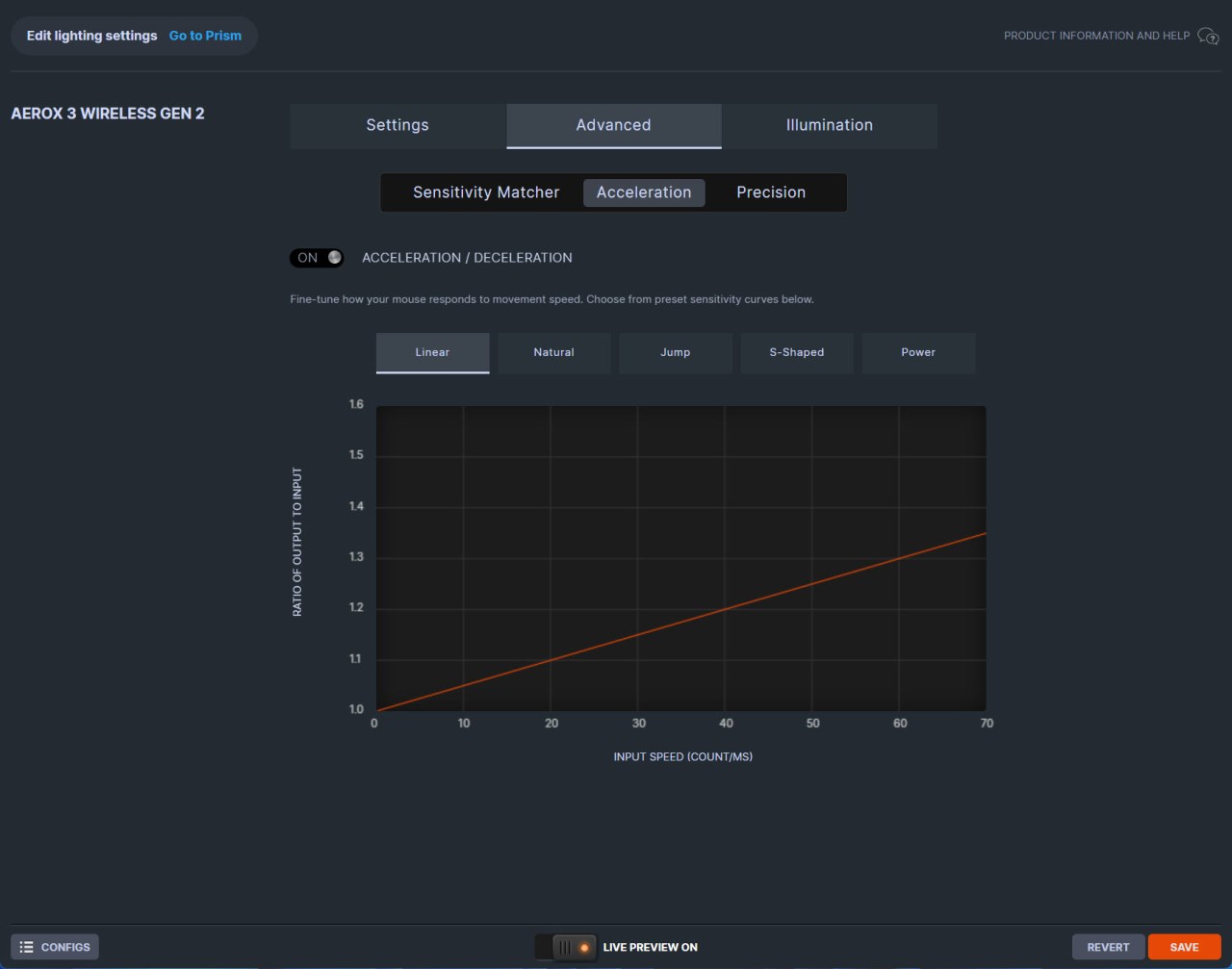
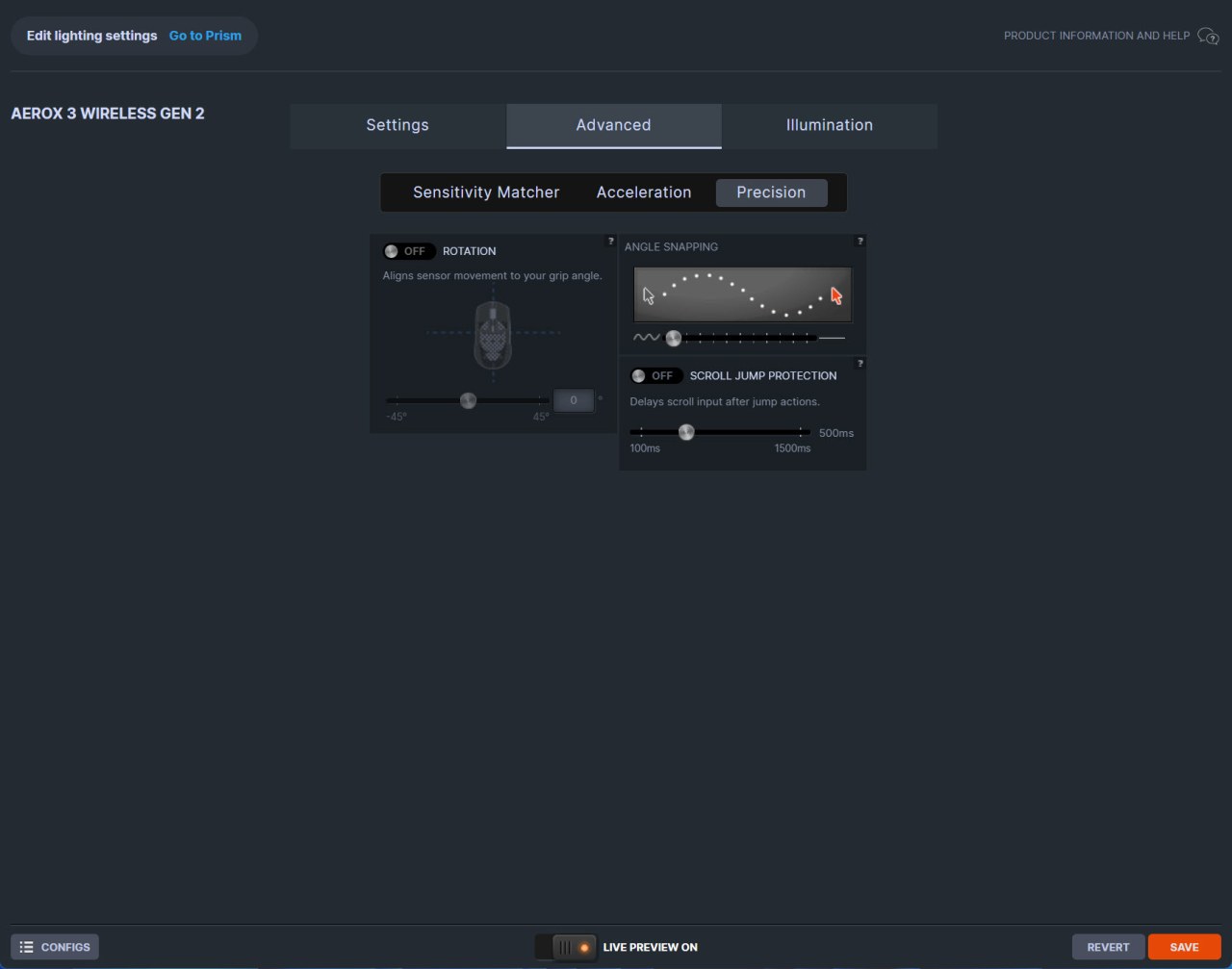
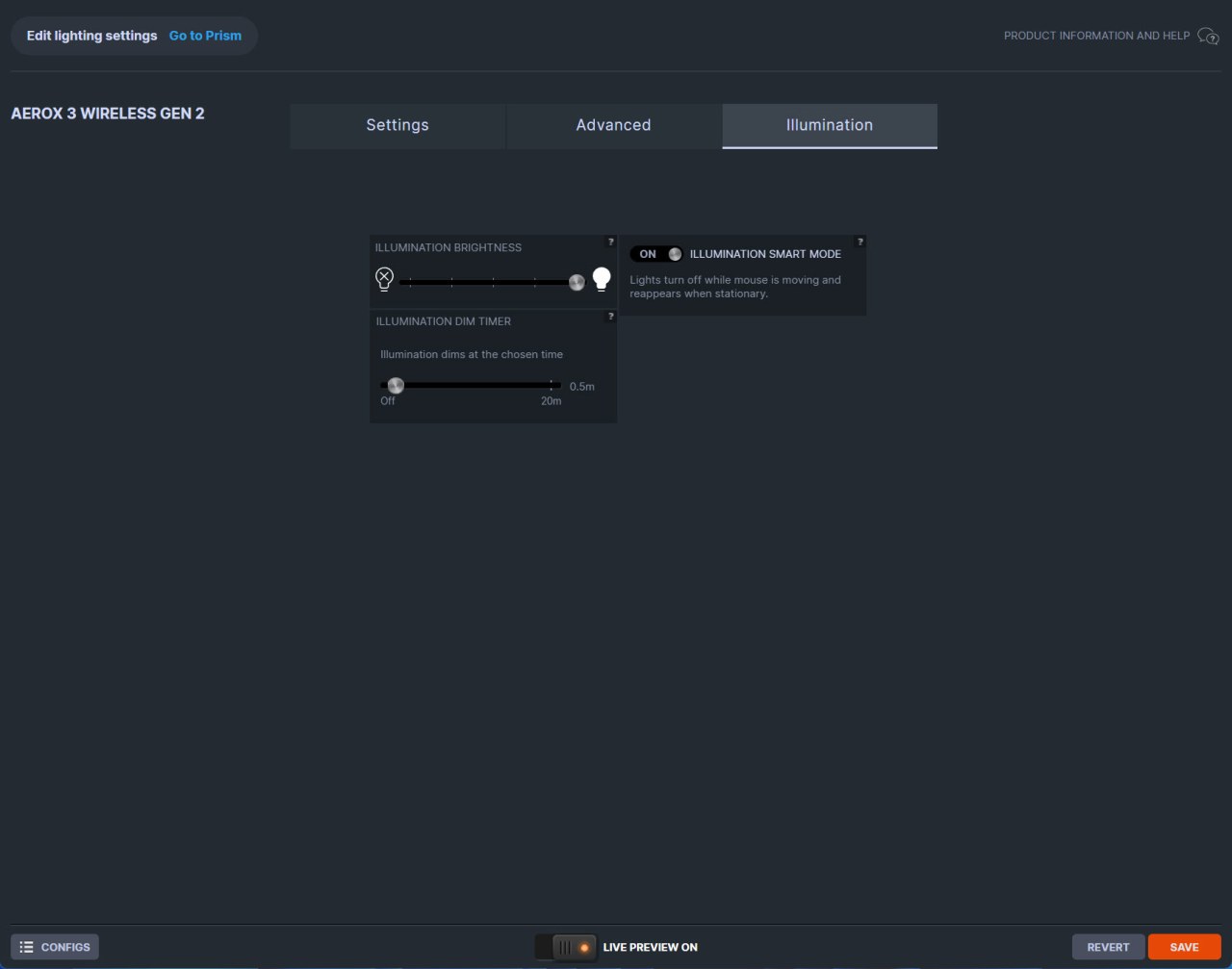
Inside the advanced tab SteelSeries has made it possible for the end user to match the performance of the Aerox 3 Wireless Gen 2 with that of their previous mouse and also to adjust acceleration, precision and basic lighting.
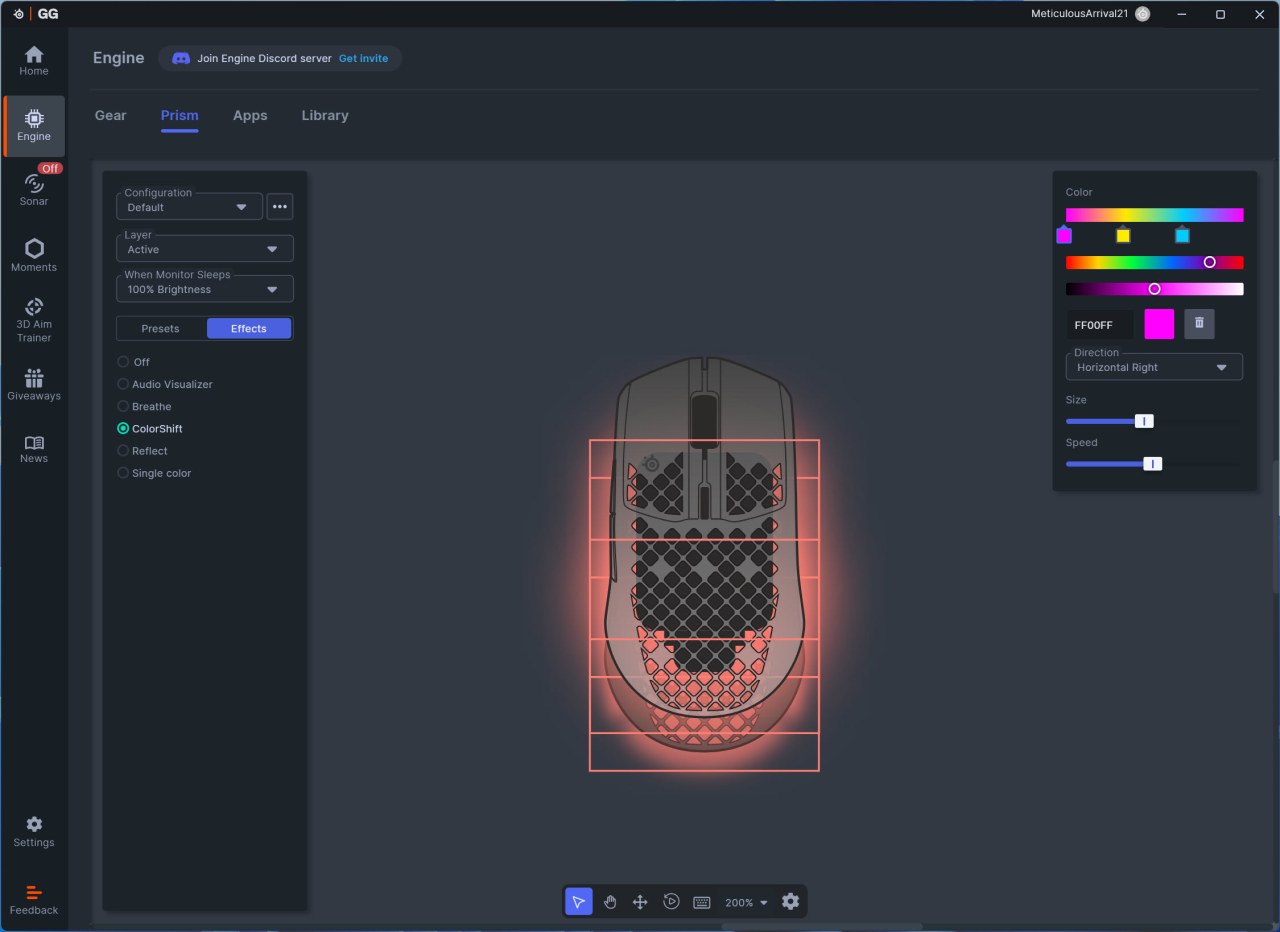
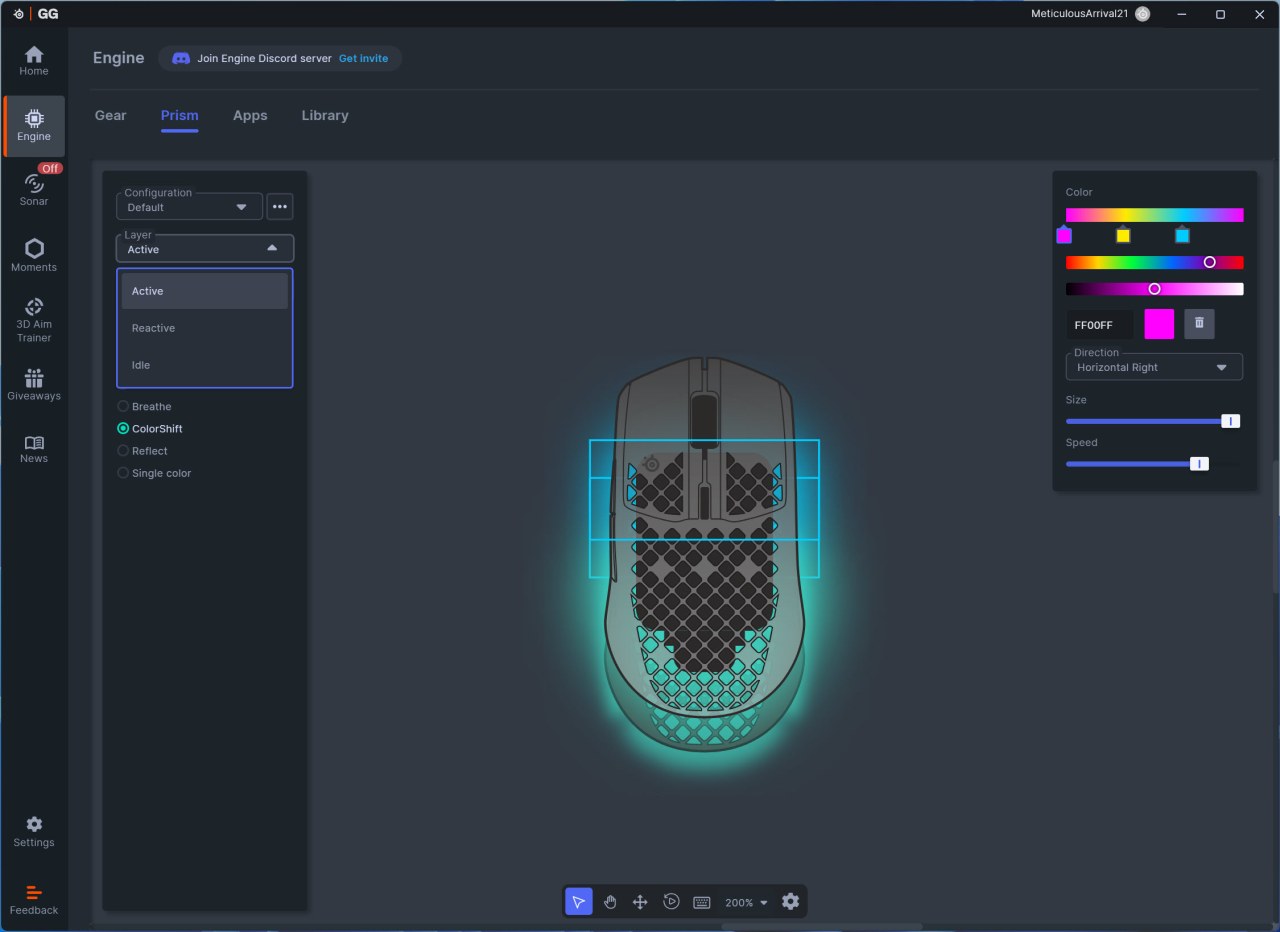
The prism tab gives you complete control on all three RGB zones (5 modes, brightness and speed).
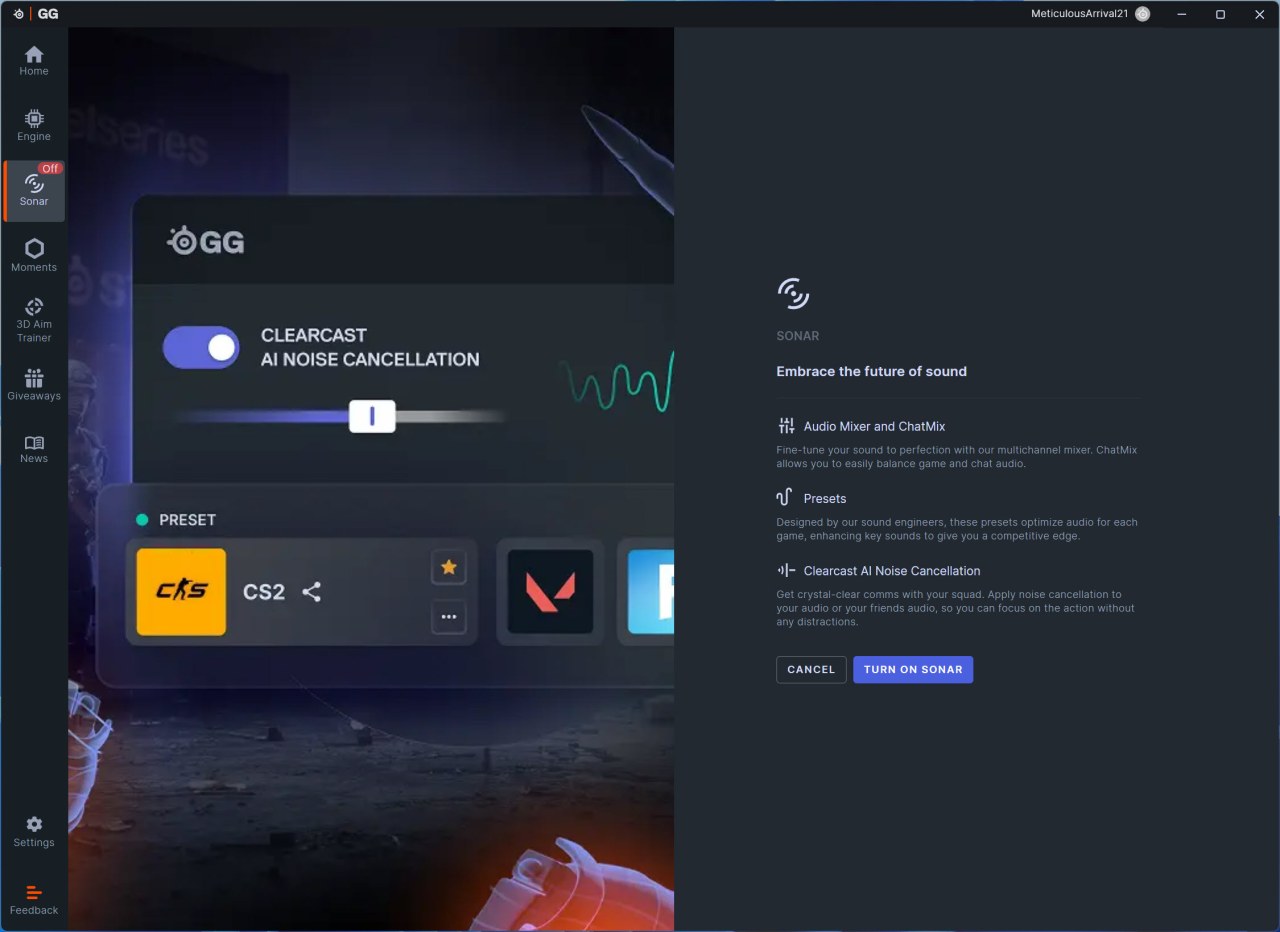
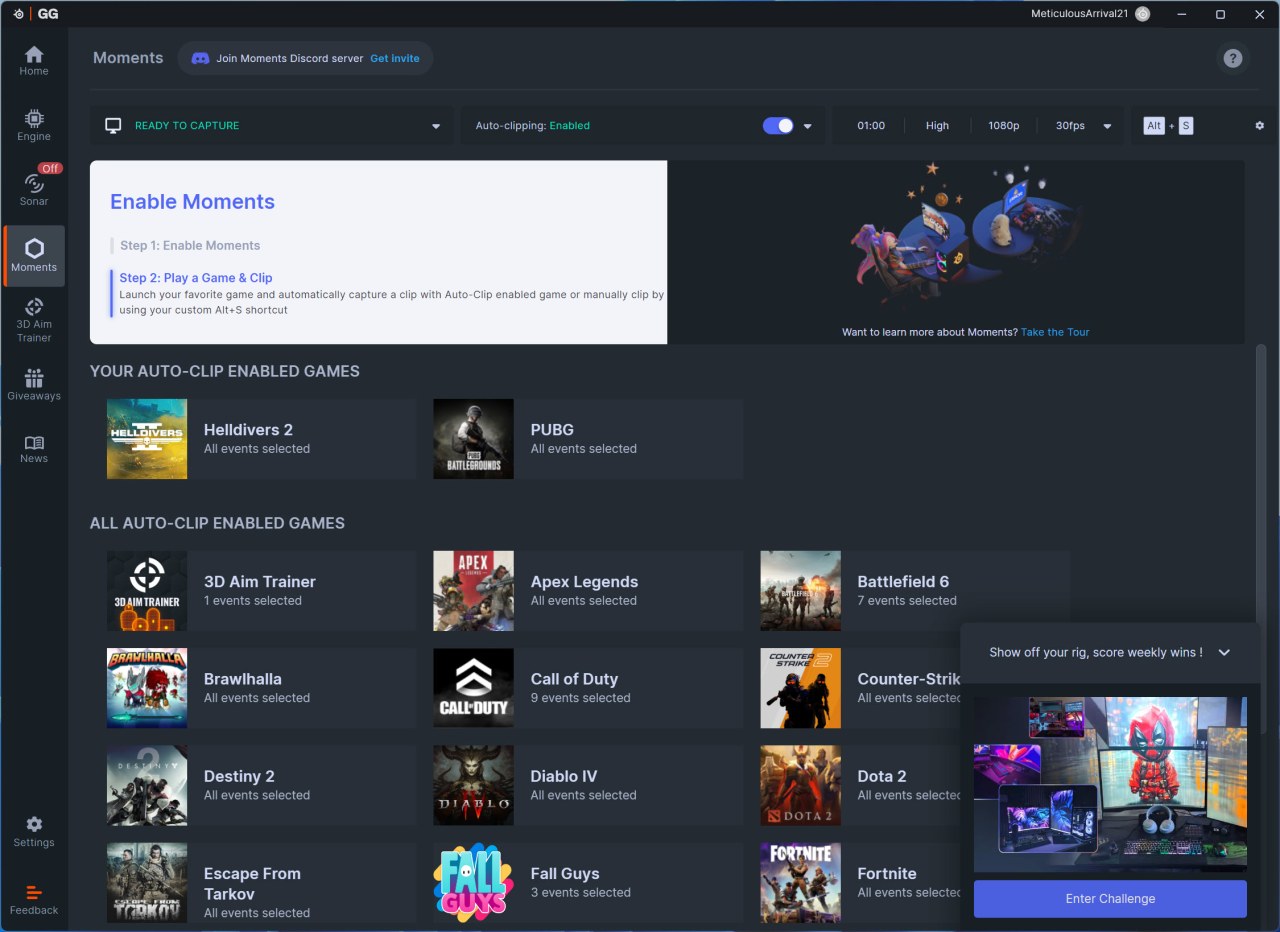
Typically, the SteelSeries GG app also comes with the sonar and moments tabs.
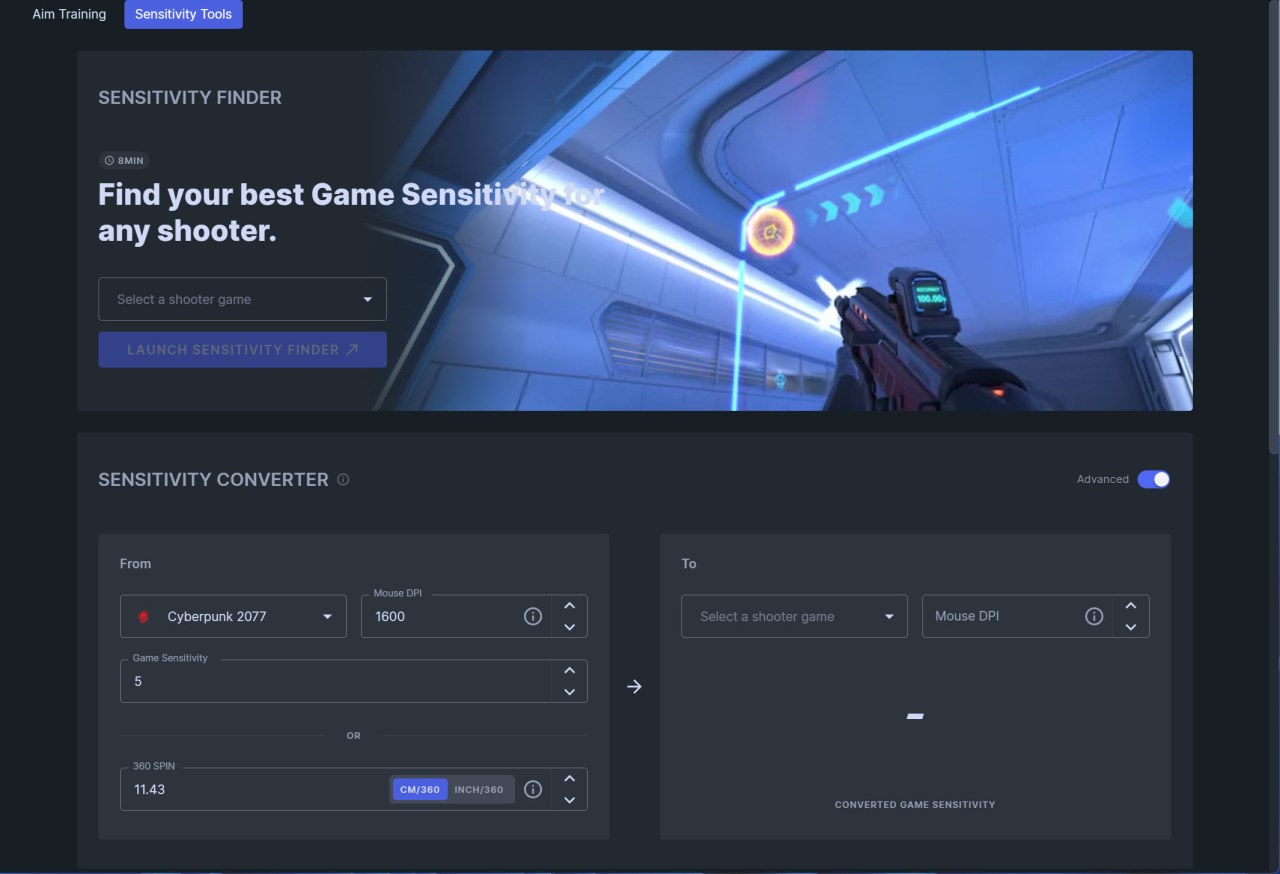
Finally, the sensitivity finder page allows you to convert DPI between games (could be useful for serious gamers, personally I didn't use it much).