





INTRODUCTION
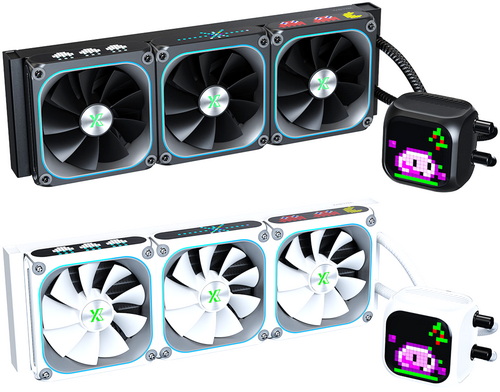
Heat density has become one of the defining challenges of modern CPU design. While processors continue to gain cores, clock speed, and boosting capabilities, cooling solutions must work harder than ever to maintain operating temperatures that allow sustained performance. AIO liquid coolers address this requirement by relocating heat away from the processor and dispersing it through a radiator positioned elsewhere within the chassis, reducing the reliance on bulky heatsink structures surrounding the socket area. Years of development have made these coolers more reliable, quieter, and easier to install than their early counterparts, while features such as PWM-controlled pumps, ARGB illumination, optimized fan designs and LCD screens have become standard across much of the market. Today's review focuses on one such solution, the XASTRA ASTRA LZ360 ARGB.
The inspiration for Xastra comes from the fusion of the Latin word "Astrum" and the mathematical symbol "X". In mathematics, X represents the unknown, while in modern usage it also conveys the idea of Extreme. Astrum in Latin means "star," and in the proverb "Per aspera ad astra" ("Through hardship to the stars") it symbolizes exploration of the future and infinite possibilities. The union of the two is not only a meeting of technology and romance, but also of extremes and ideals, carrying the meaning of venturing into the unknown to illuminate new possibilities.
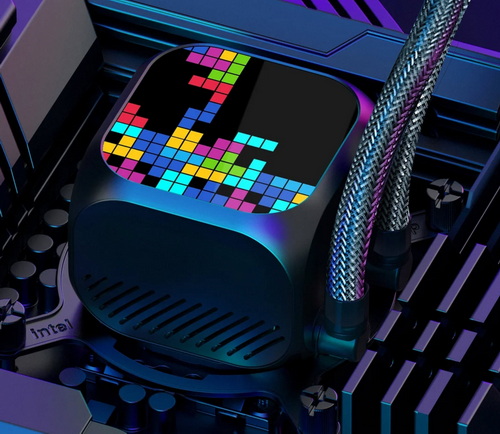
The ASTRA LZ360 ARGB BK is a 360mm all-in-one liquid CPU cooler that distinguishes itself through its integrated matrix-display ecosystem. The pump housing incorporates a 16x16 LED matrix display while each fan frame features an additional 28x8 LED matrix, allowing users to create and display both static and animated pixel-based effects through Xastra's PC software and dedicated controller. Cooling duties are handled by a large 394x120x27mm aluminum radiator paired with three 124x120x28mm FDB-bearing (Fluid Dynamic Bearing) fans operating between 800RPM and 2200RPM, delivering up to 74.76CFM of airflow and 3.72mmH₂O of static pressure. The cooling assembly employs a 60x60mm oxygen-free copper cold plate featuring a fine 0.1mm microchannel structure, while the pump utilizes a 3-phase, 6-pole motor with a ceramic bearing and PWM speed control ranging from 600RPM to 3000RPM, helping balance thermal performance and acoustic output. Additional highlights include an ARGB-inspired halo lighting design, precision aluminum-alloy pump enclosure, custom controller responsible for pixel-display management, lighting synchronization and fan control and 400mm tubing, making the ASTRA LZ360 ARGB BK a feature-rich liquid-cooling solution that blends high-capacity CPU cooling with extensive visual customization capabilities.
SPECIFICATIONS AND FEATURES

PACKAGING AND CONTENTS
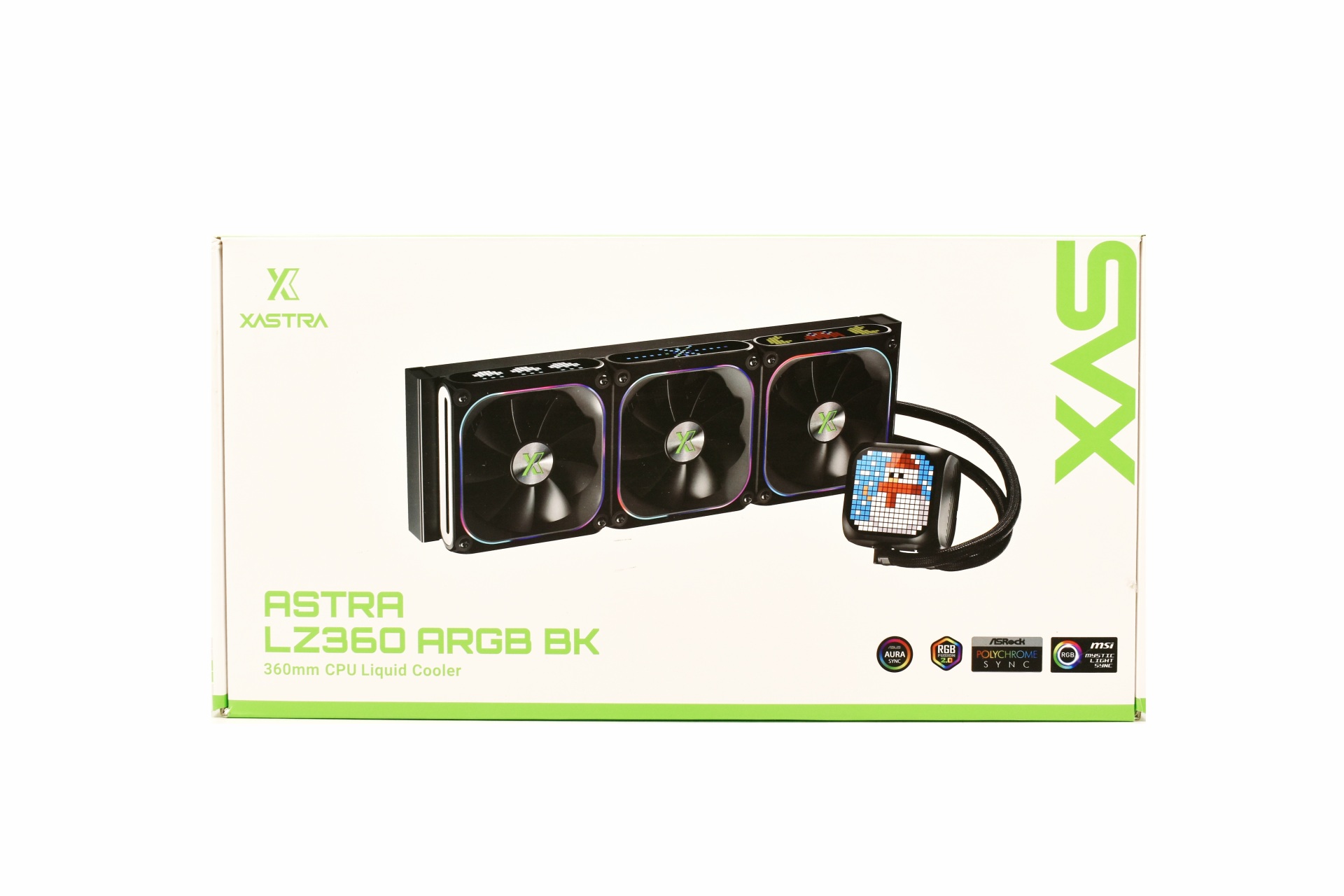
XASTRA uses a white box which has a large product picture at the front.
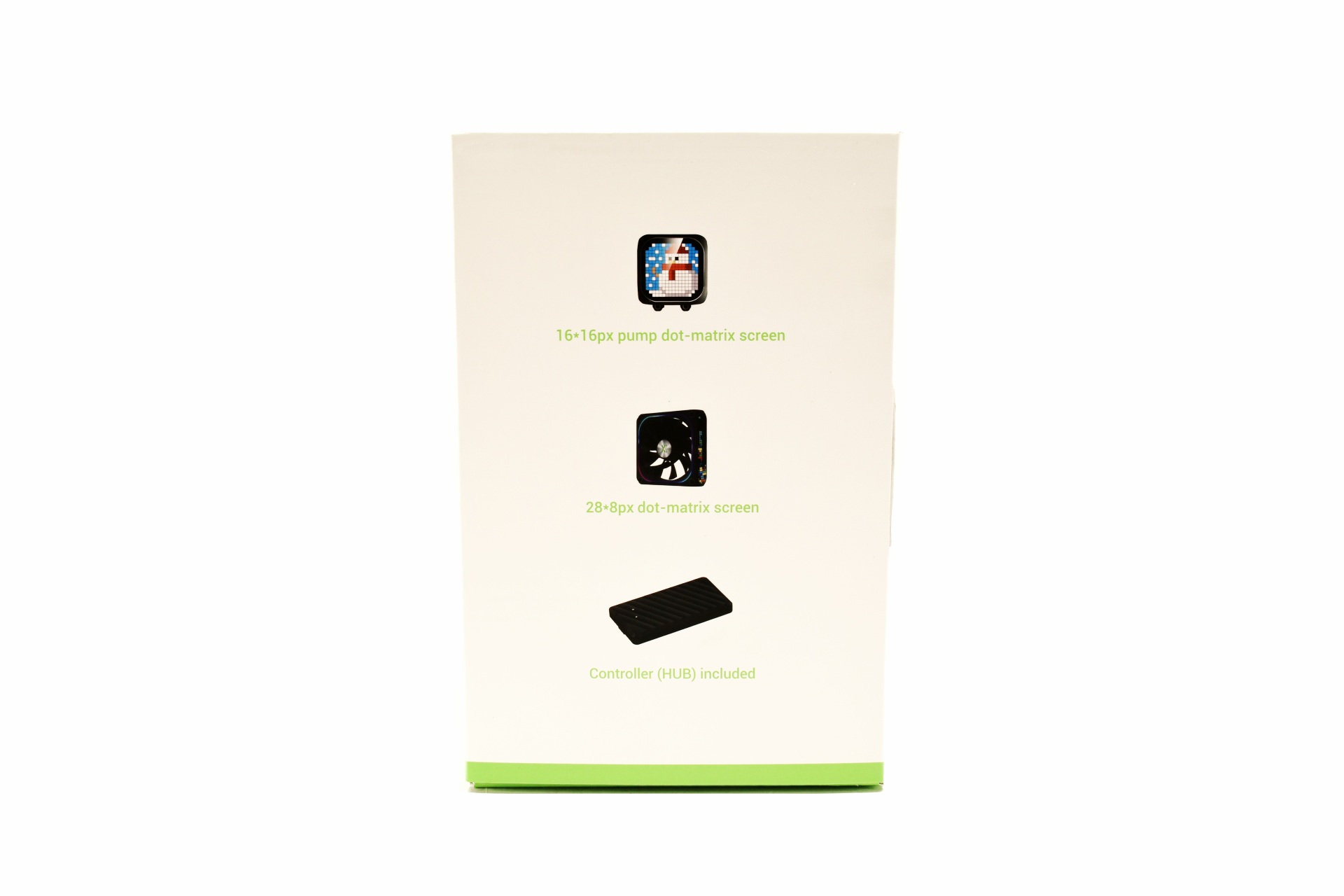
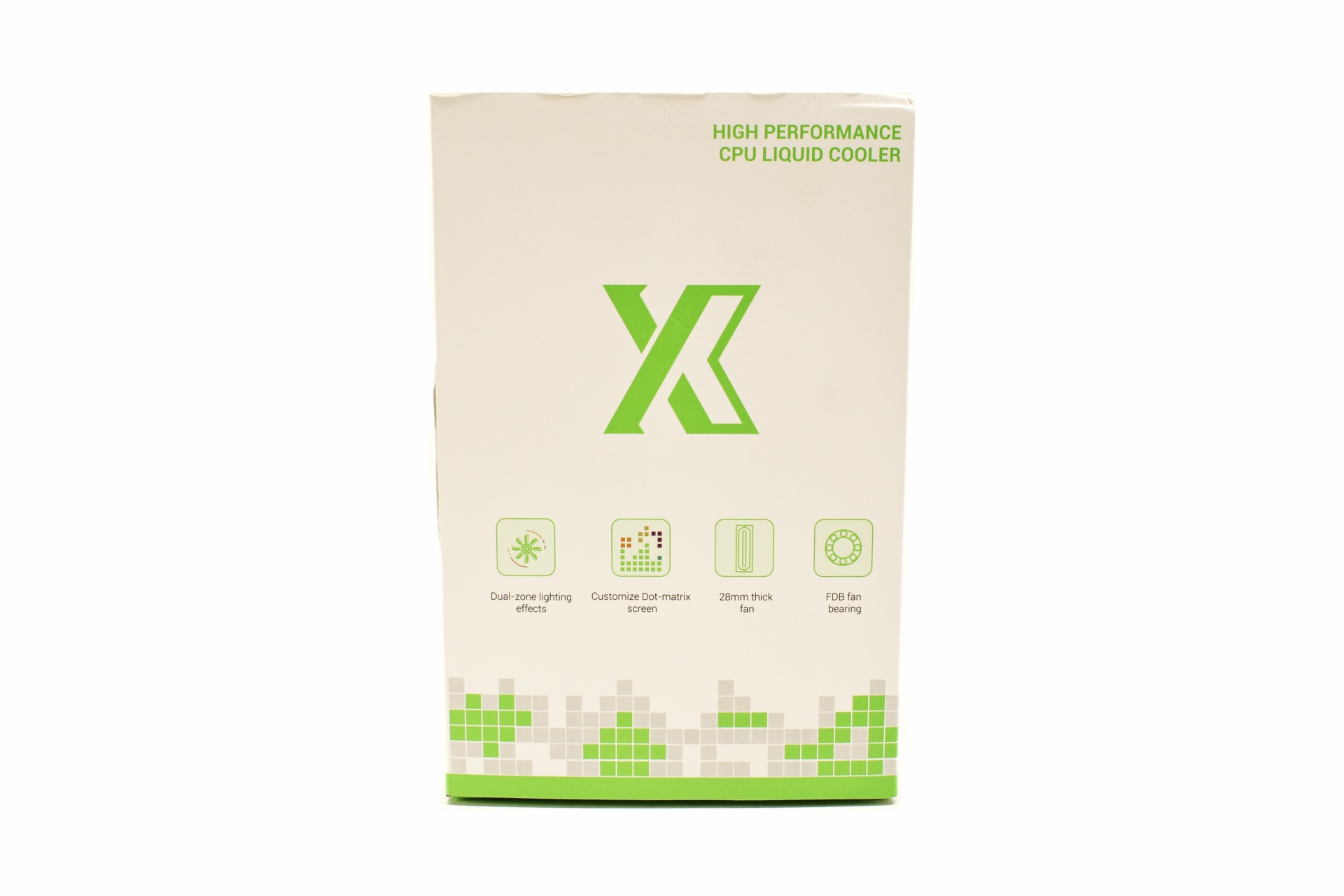 The main features are showcased on both sides.
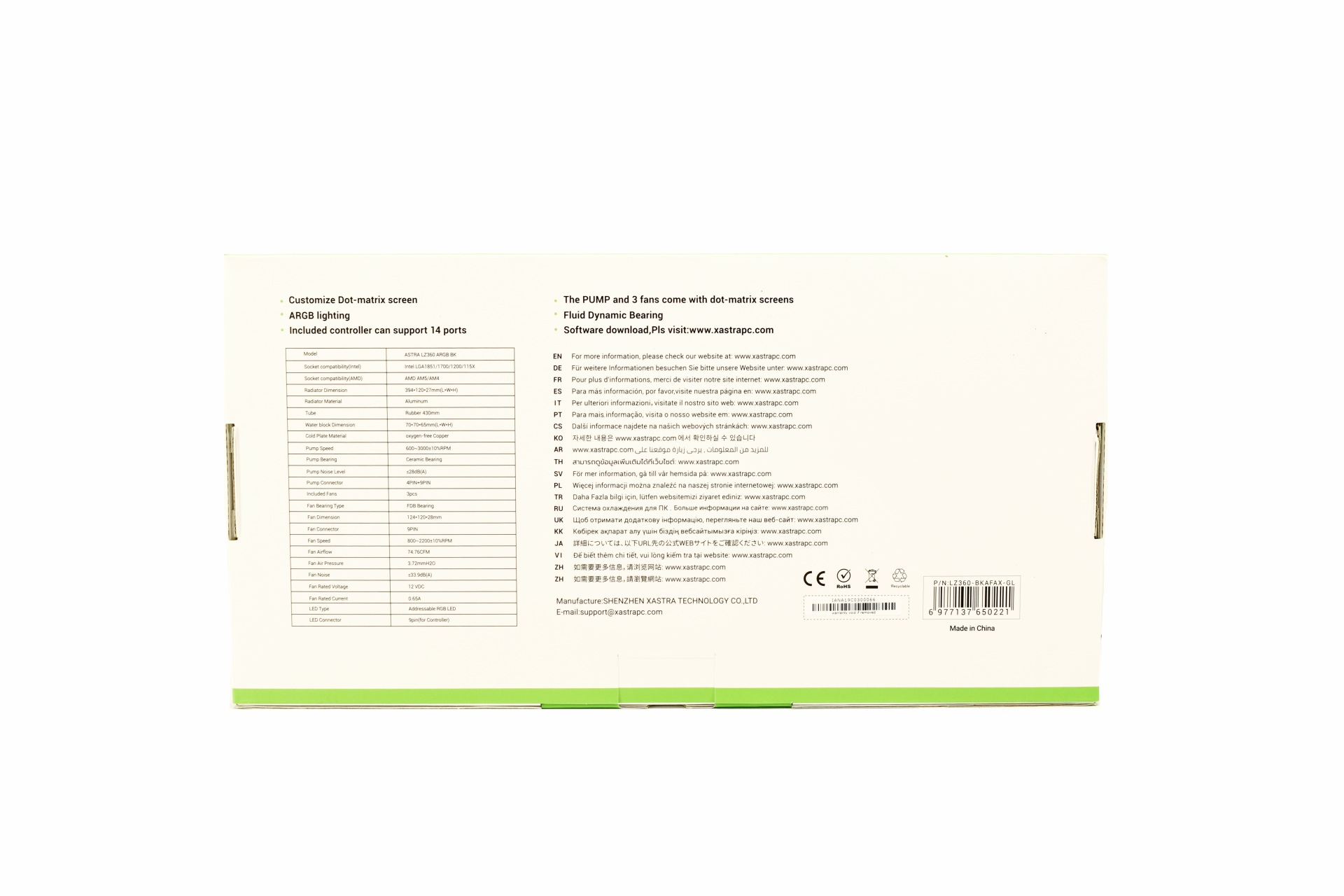
Typically, at the rear we find the specifications table.
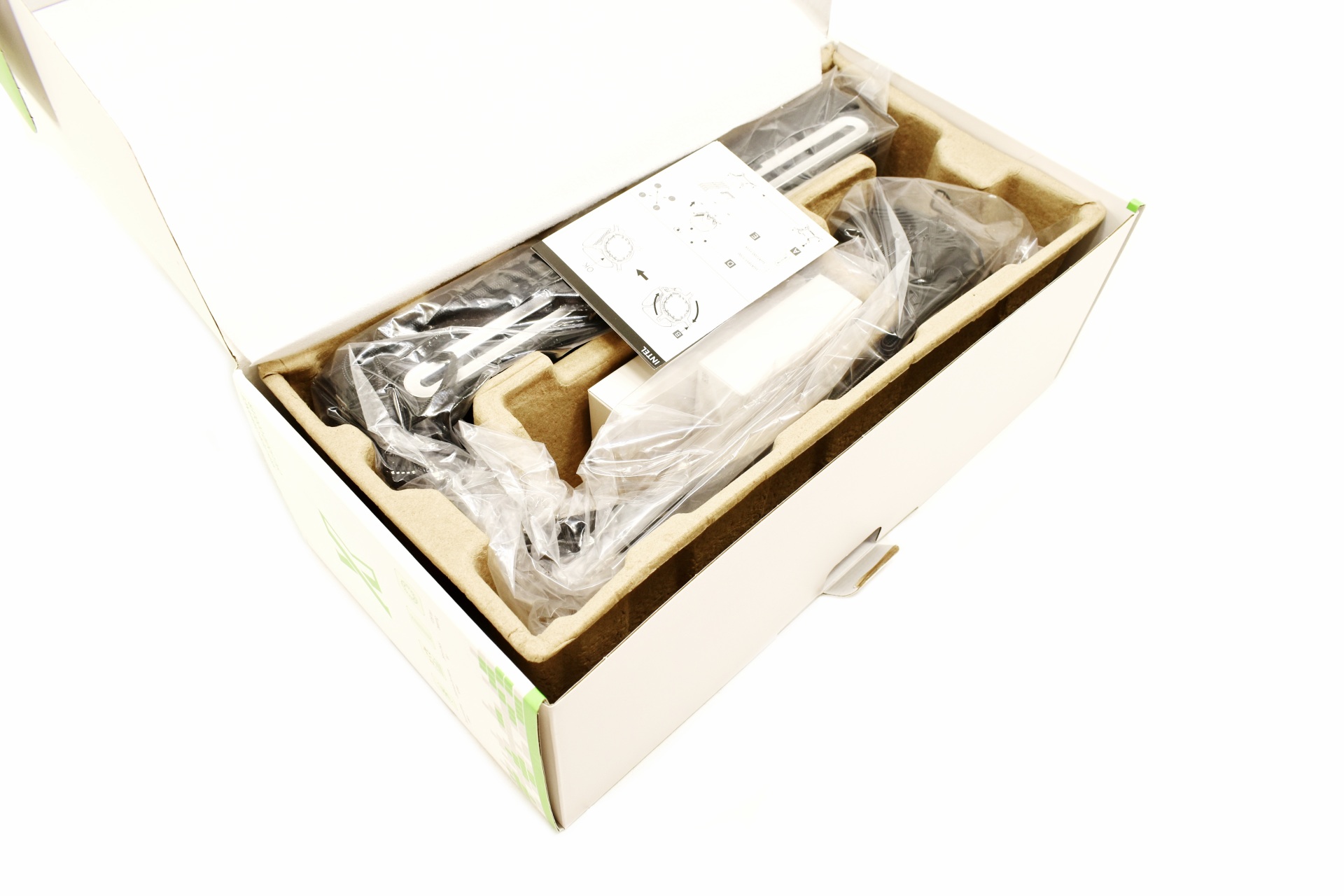
As always, the entire bundle is placed inside a formed piece of cardboard.
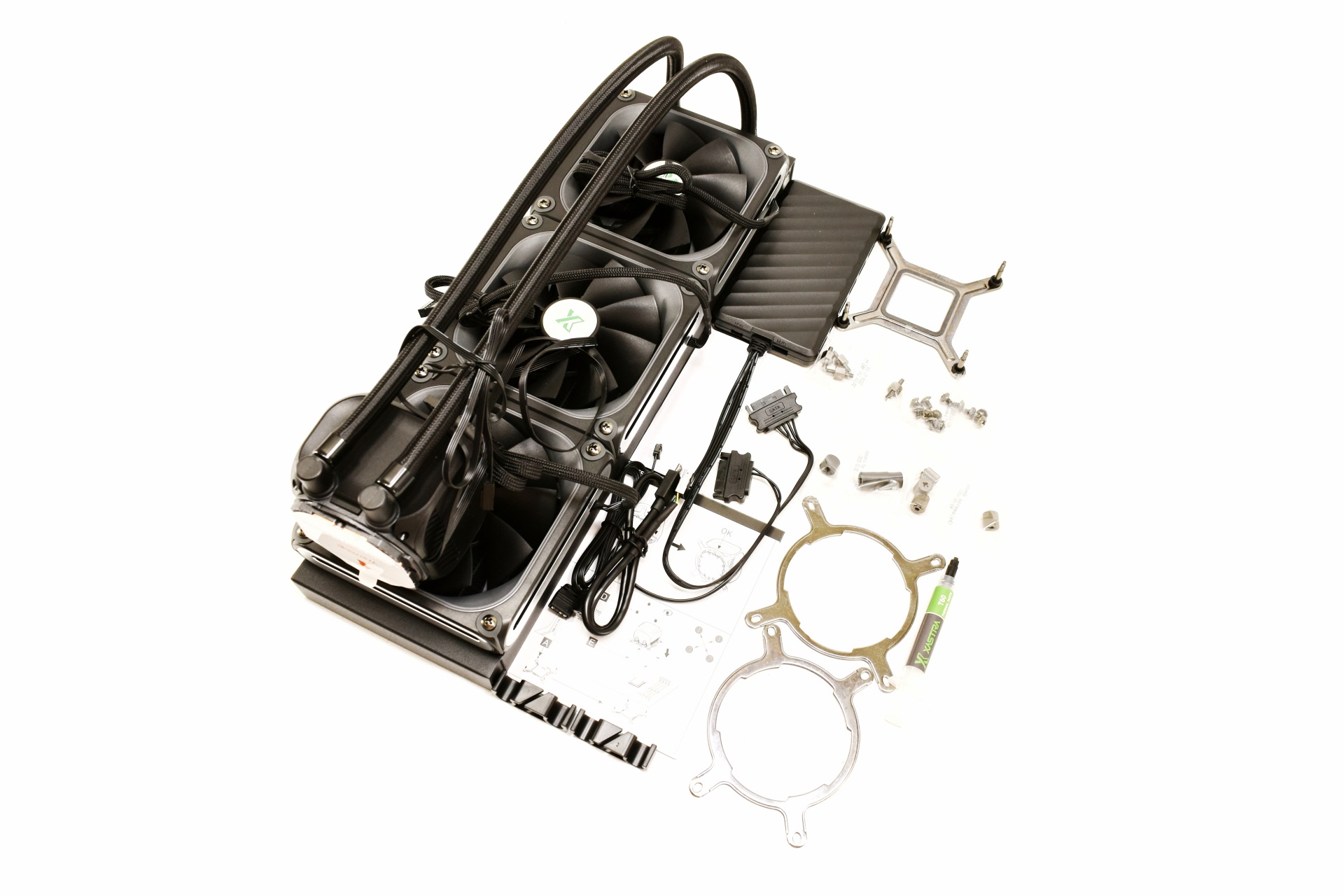
Along with the ASTRA LZ360 ARGB and its three FDB fans (pre-mounted) inside the box you'll also find two tube holders, fan/ARGB controller, USB-C to motherboard header cable, ARGB cable, thermal paste tube, backplate and all the bits and pieces required to mount the AIO onto Intel LGA115X/1200/1700/1851 and AMD AM4/AM5 motherboards.
THE ASTRA LZ360 ARGB
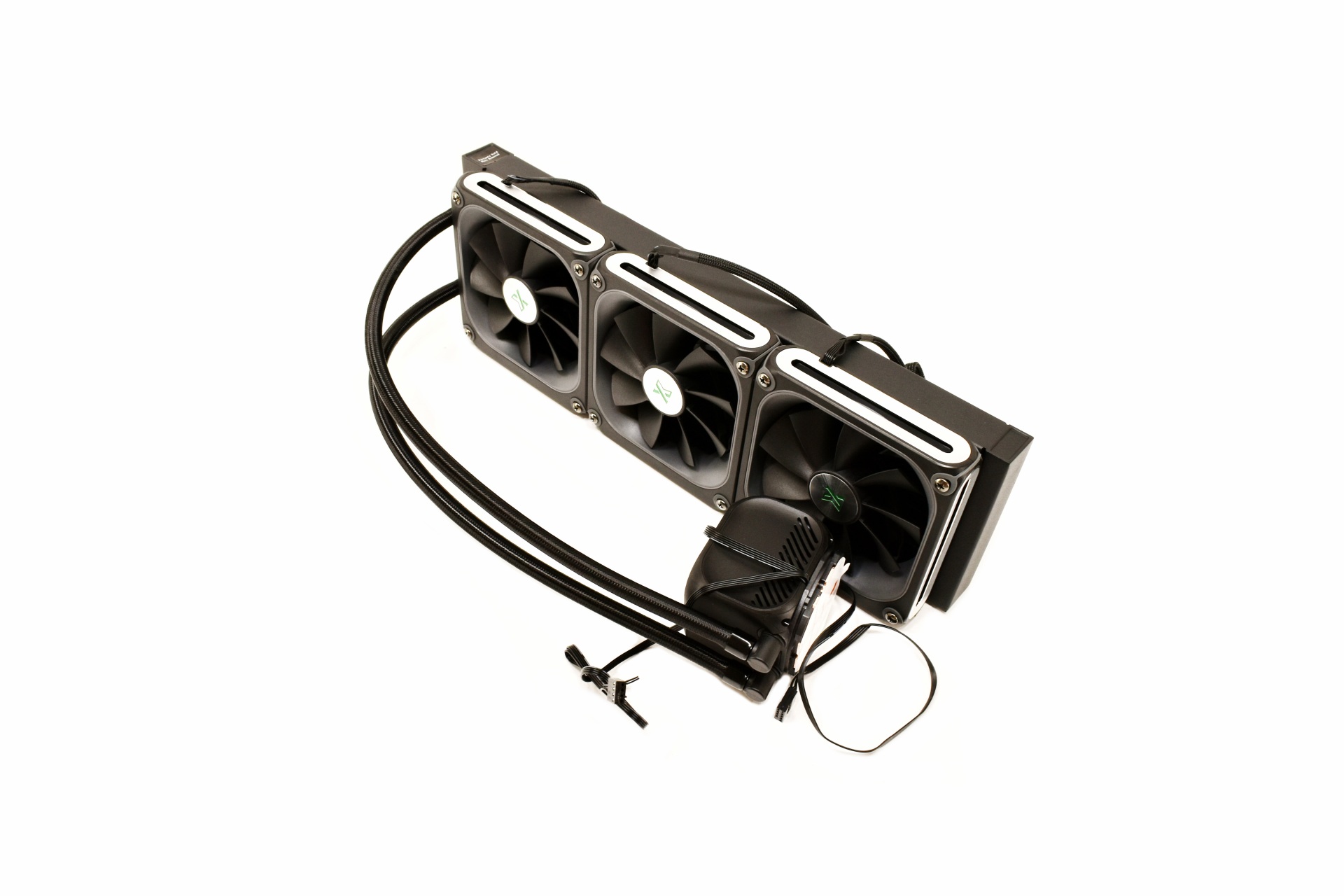
At first glance the ASTRA LZ360 ARGB looks almost just like any other AIO in the market.
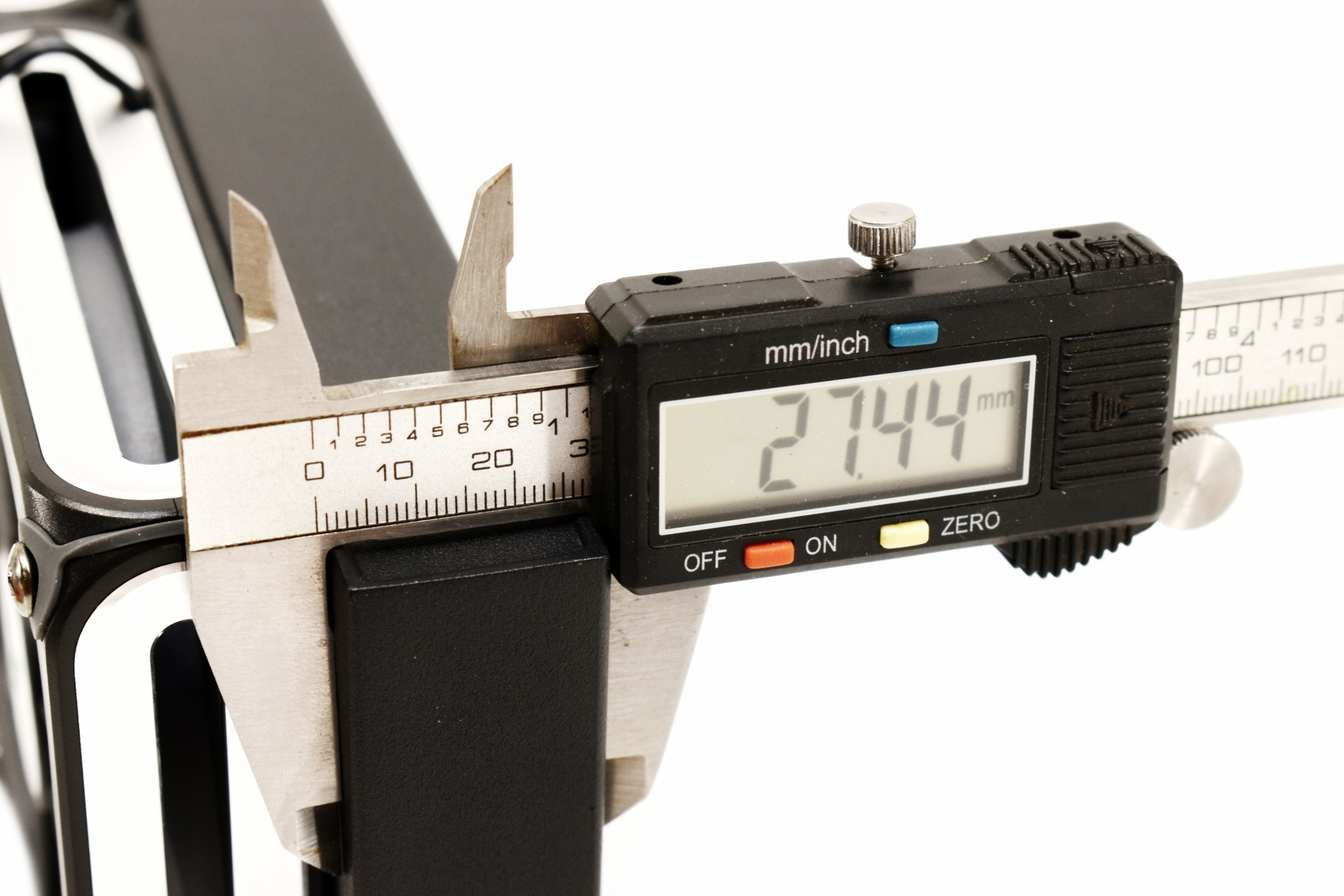
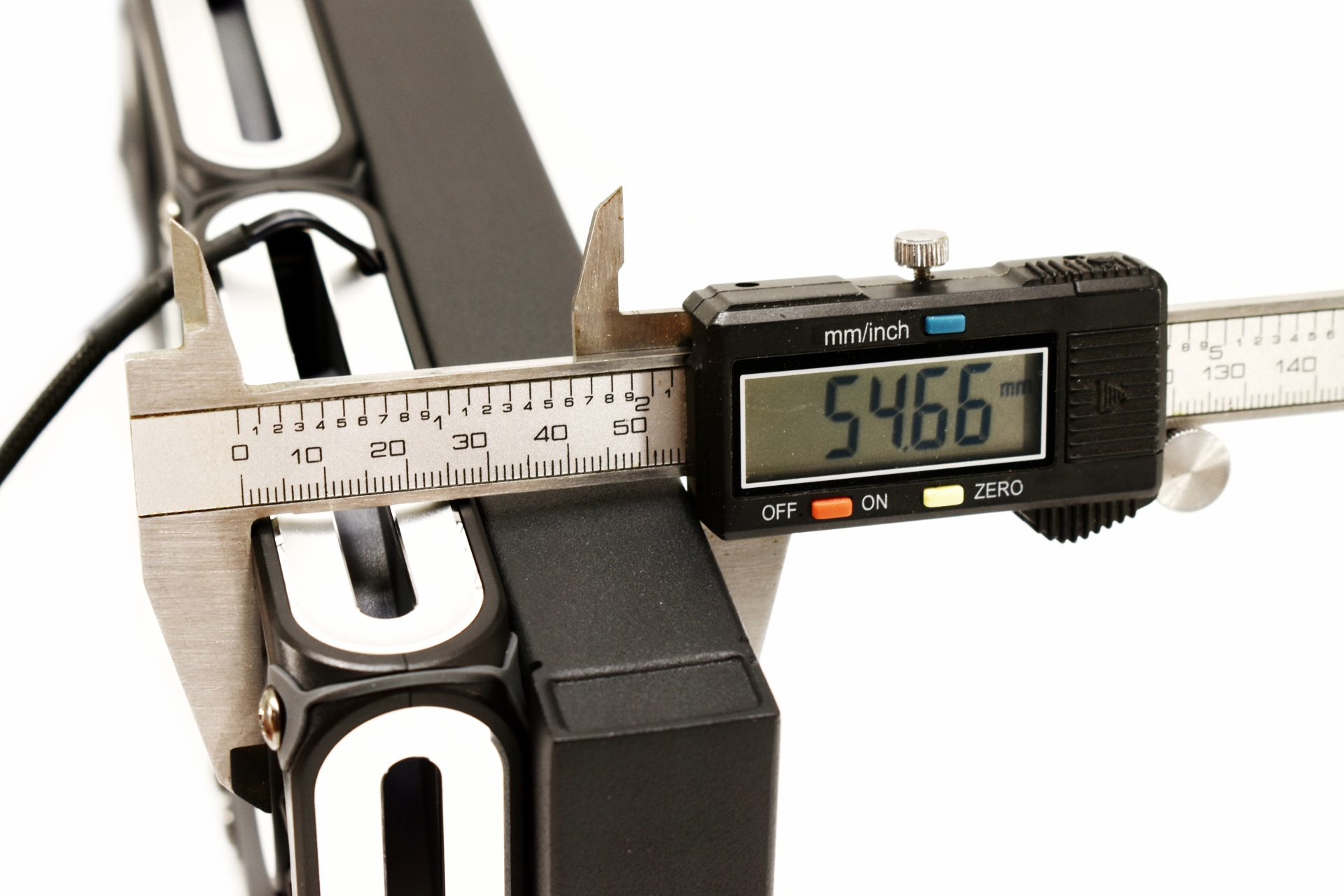
Radiator thickness is set at around 27mm while with the FDB fans that increases to roughly 55mm.
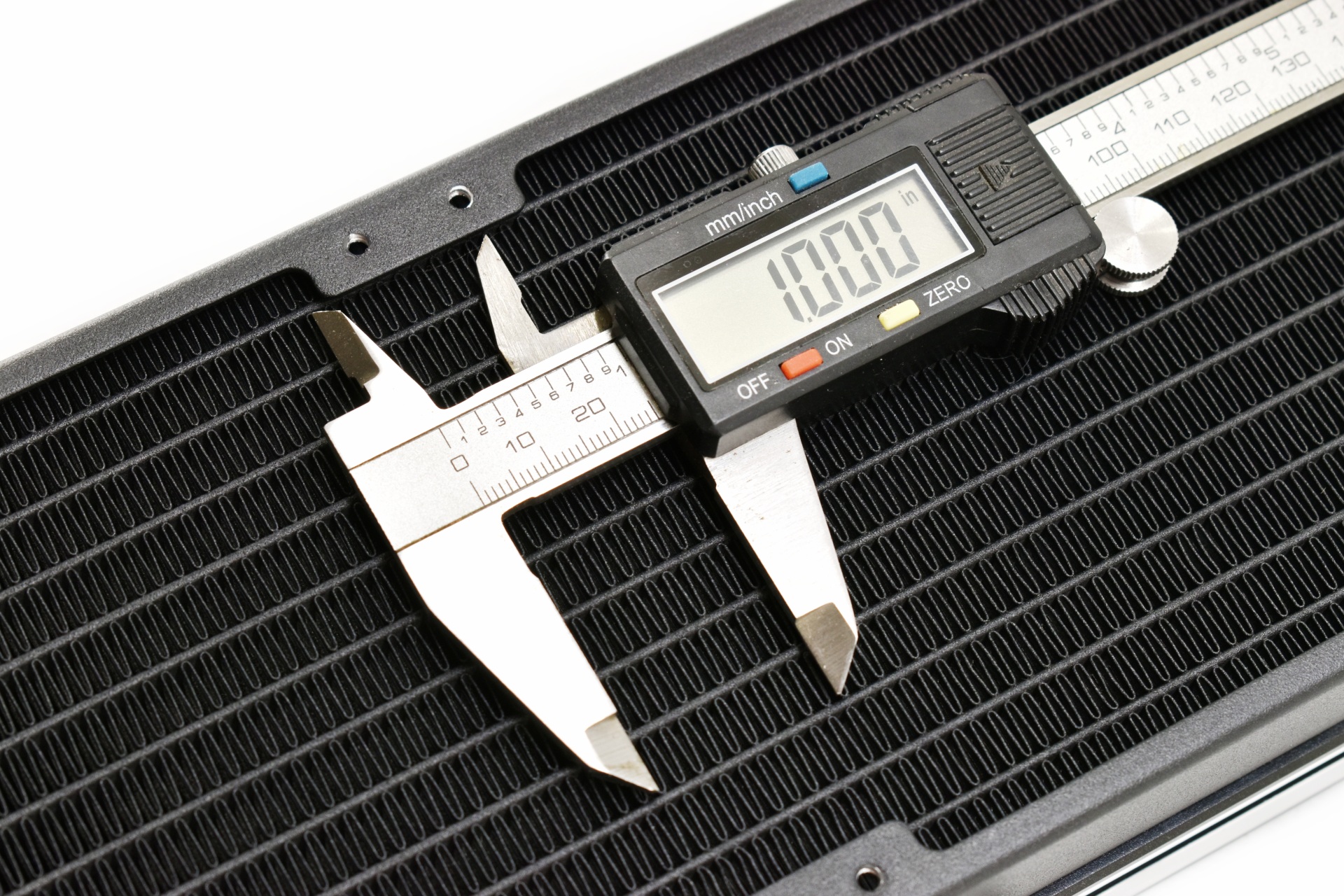
FPI (fins per inch) count for this specific radiator is set at 20.
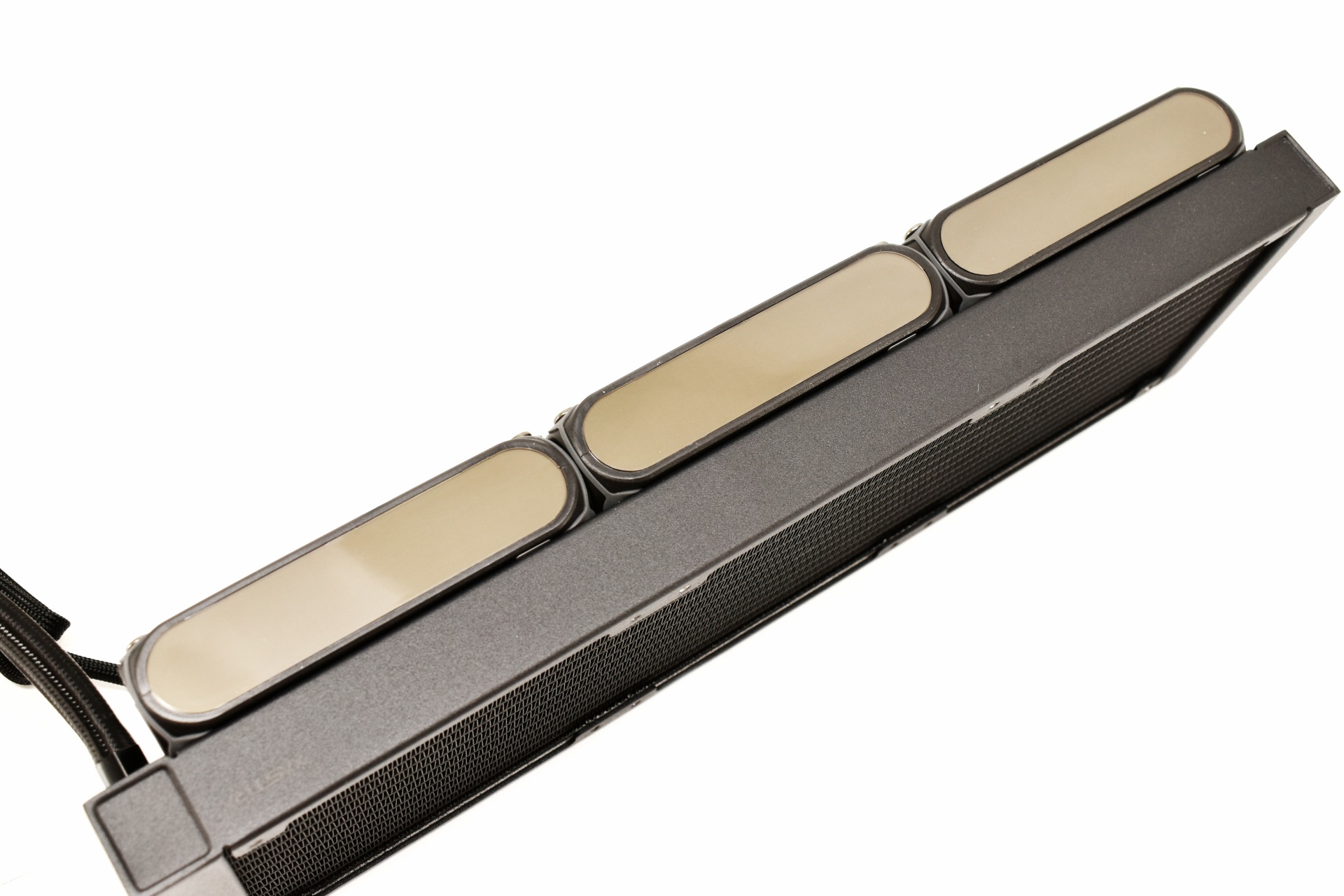
On the right side of the fans XASTRA has placed a 28x8 LED matrix allowing the display of pixel-based effects.
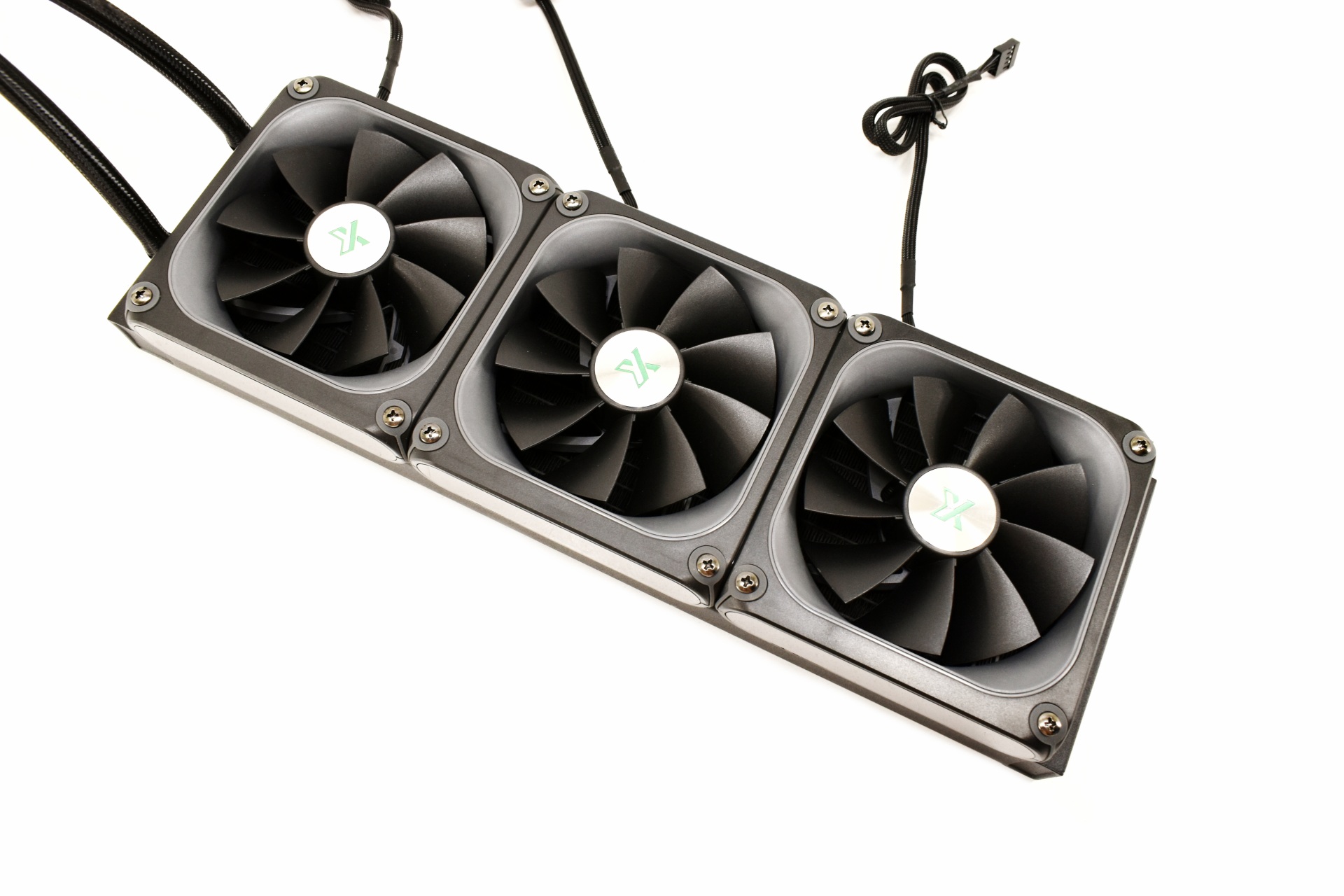
All three fans feature 9 reversed blades.
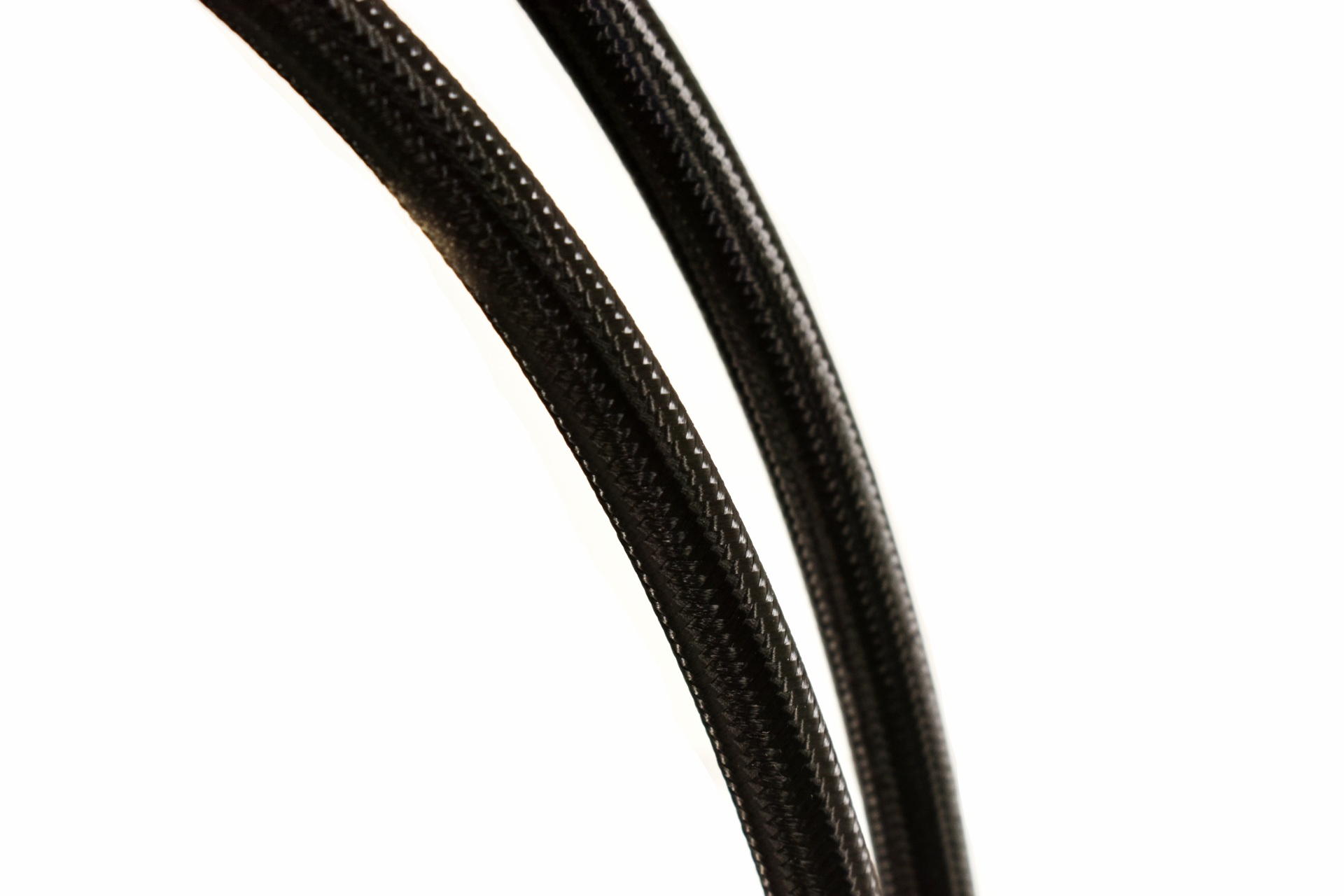
400mm long tubes are the standard right now so nothing new here.
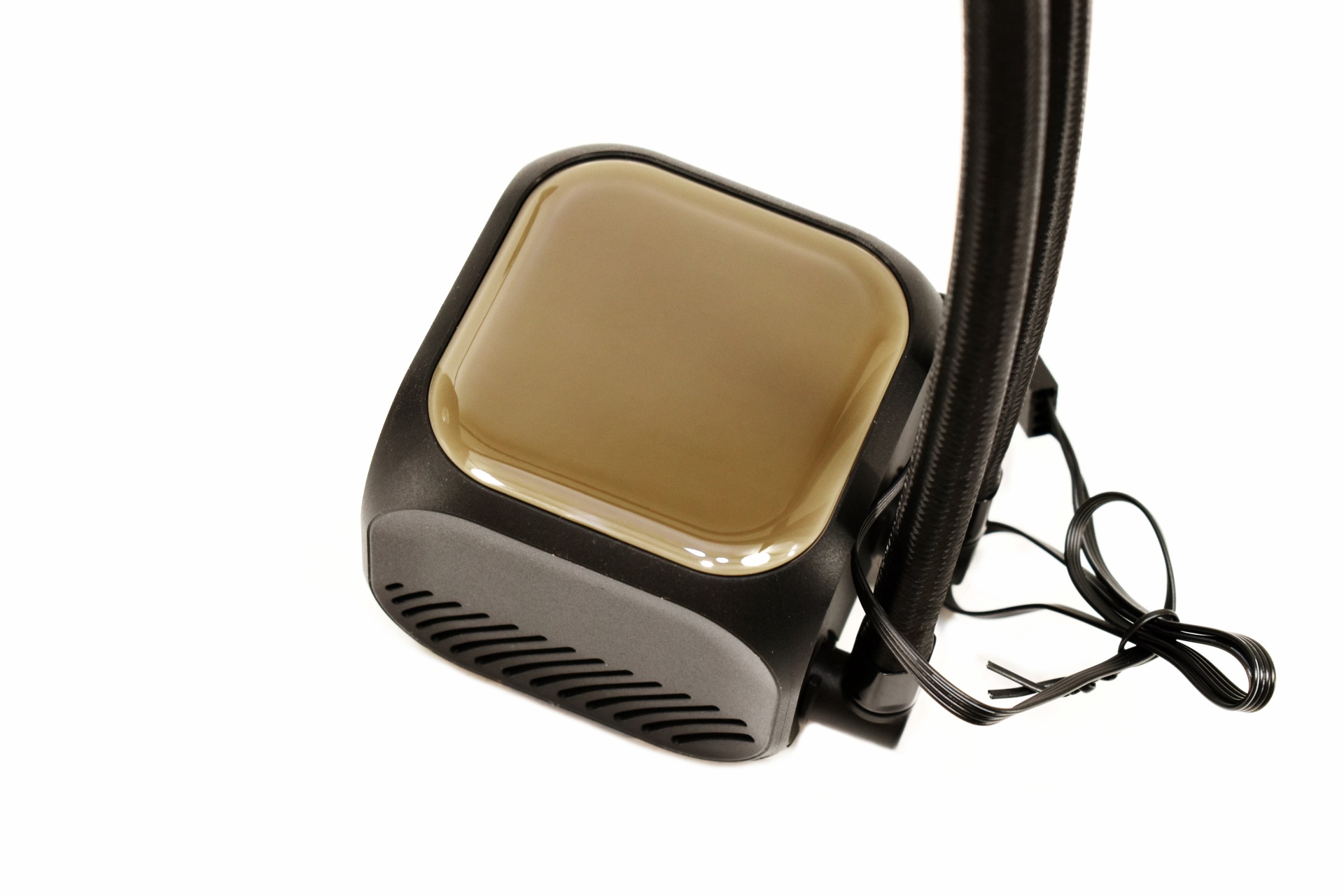
A 16x16 matrix display is placed on top of the pump.
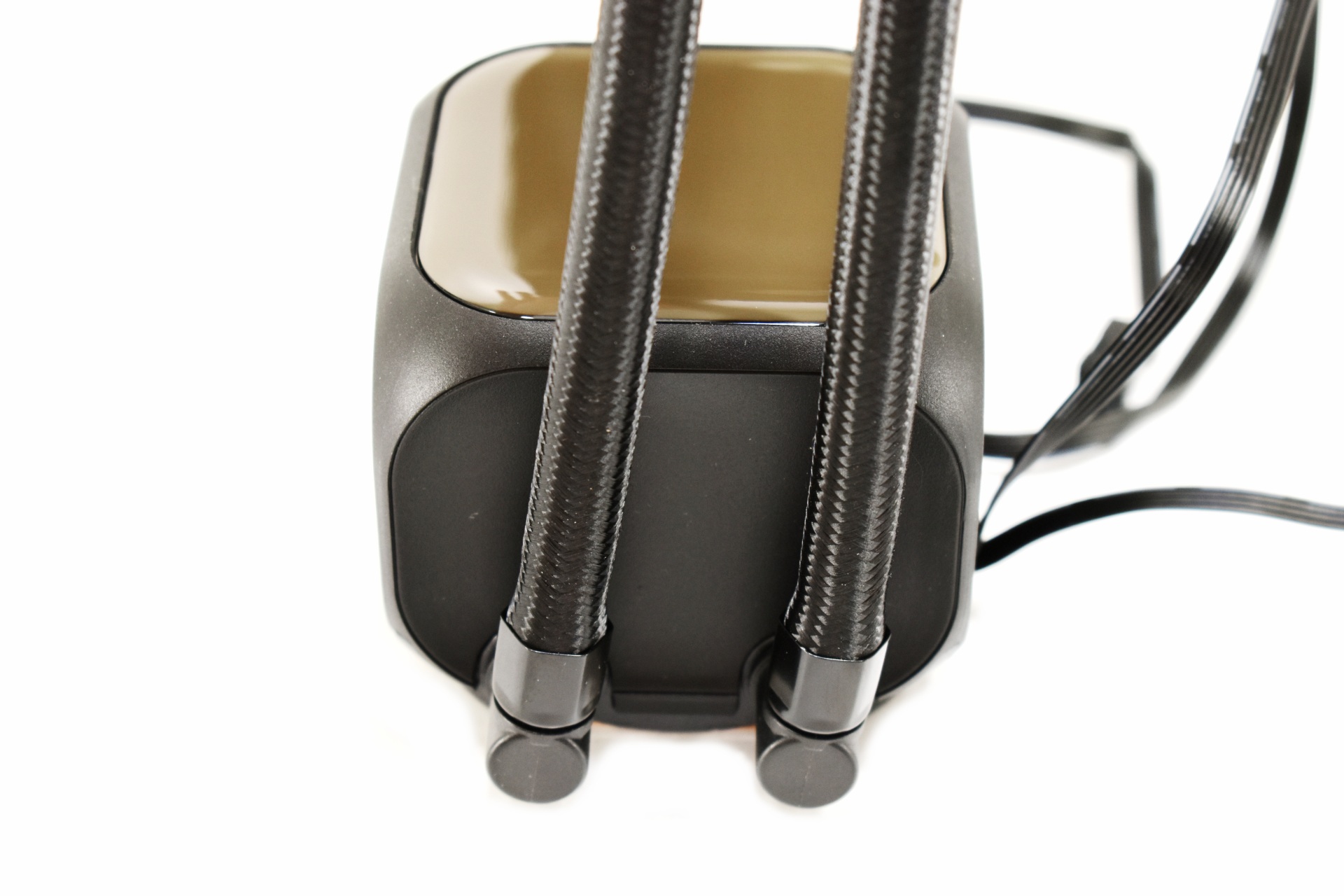
Once again, the tubes can rotate from the base for about 90 degrees.
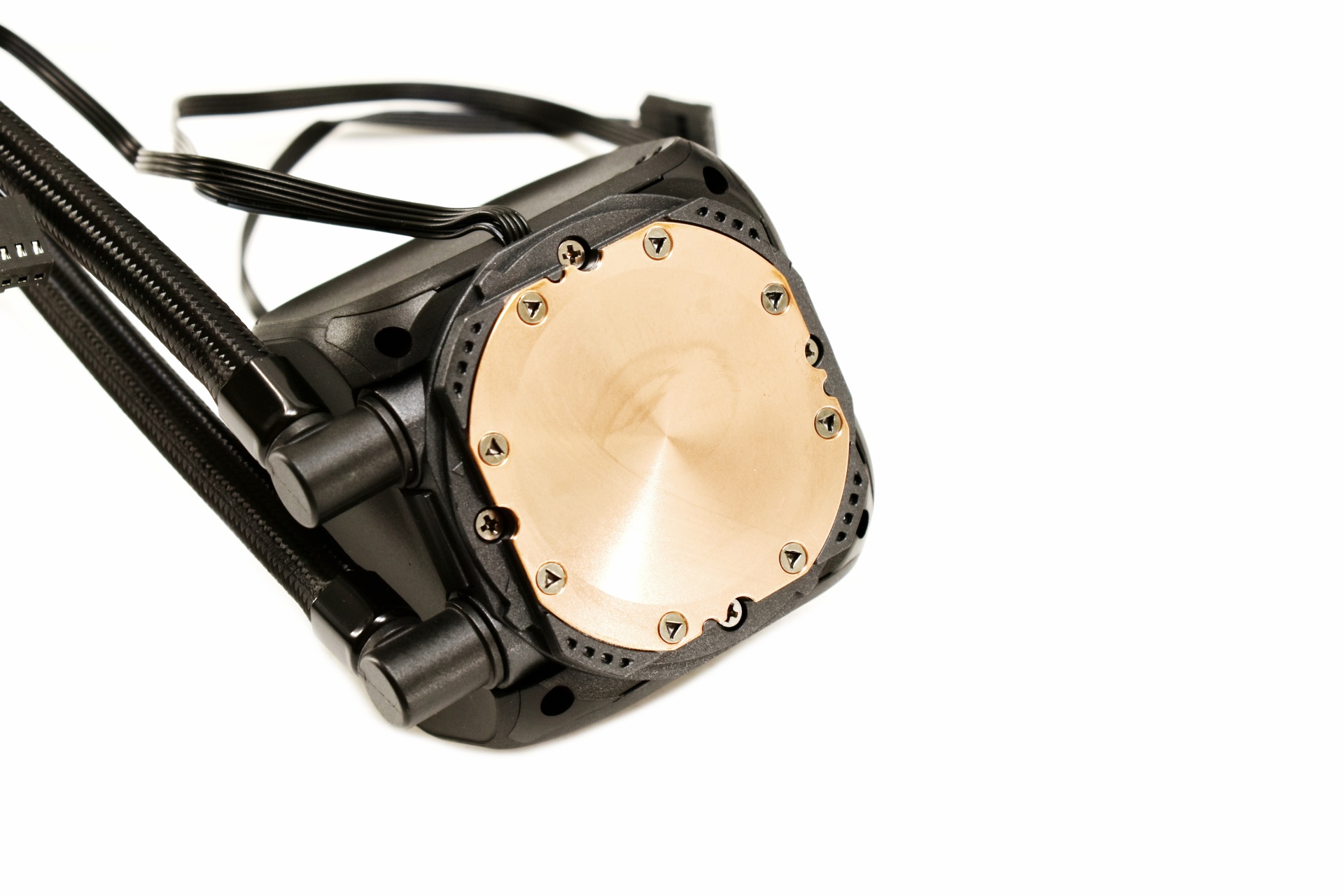
The copper coldplate is medium in size.
INSTALLATION
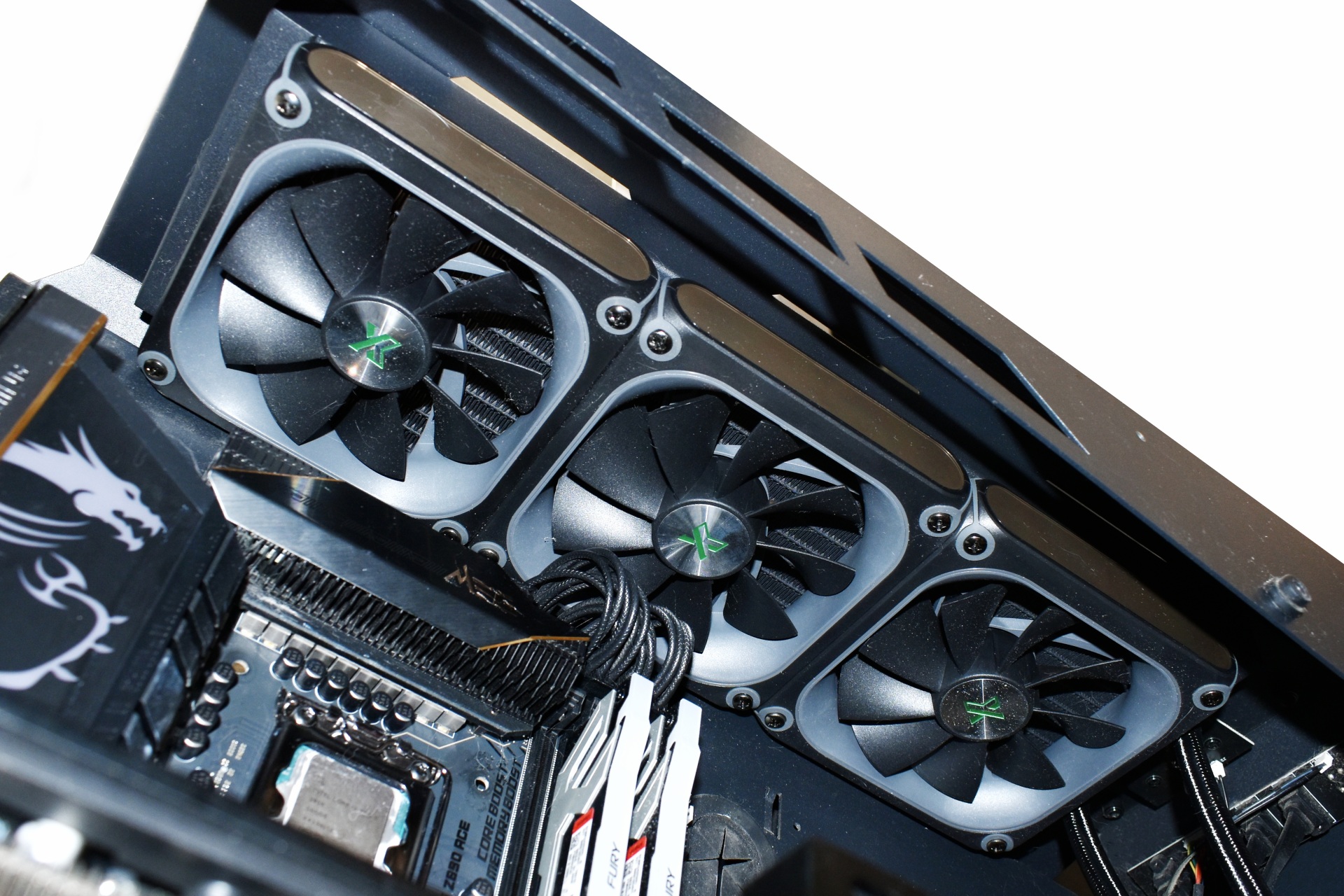
Mounting the 360mm radiator is very easy and that’s also where I like to start.
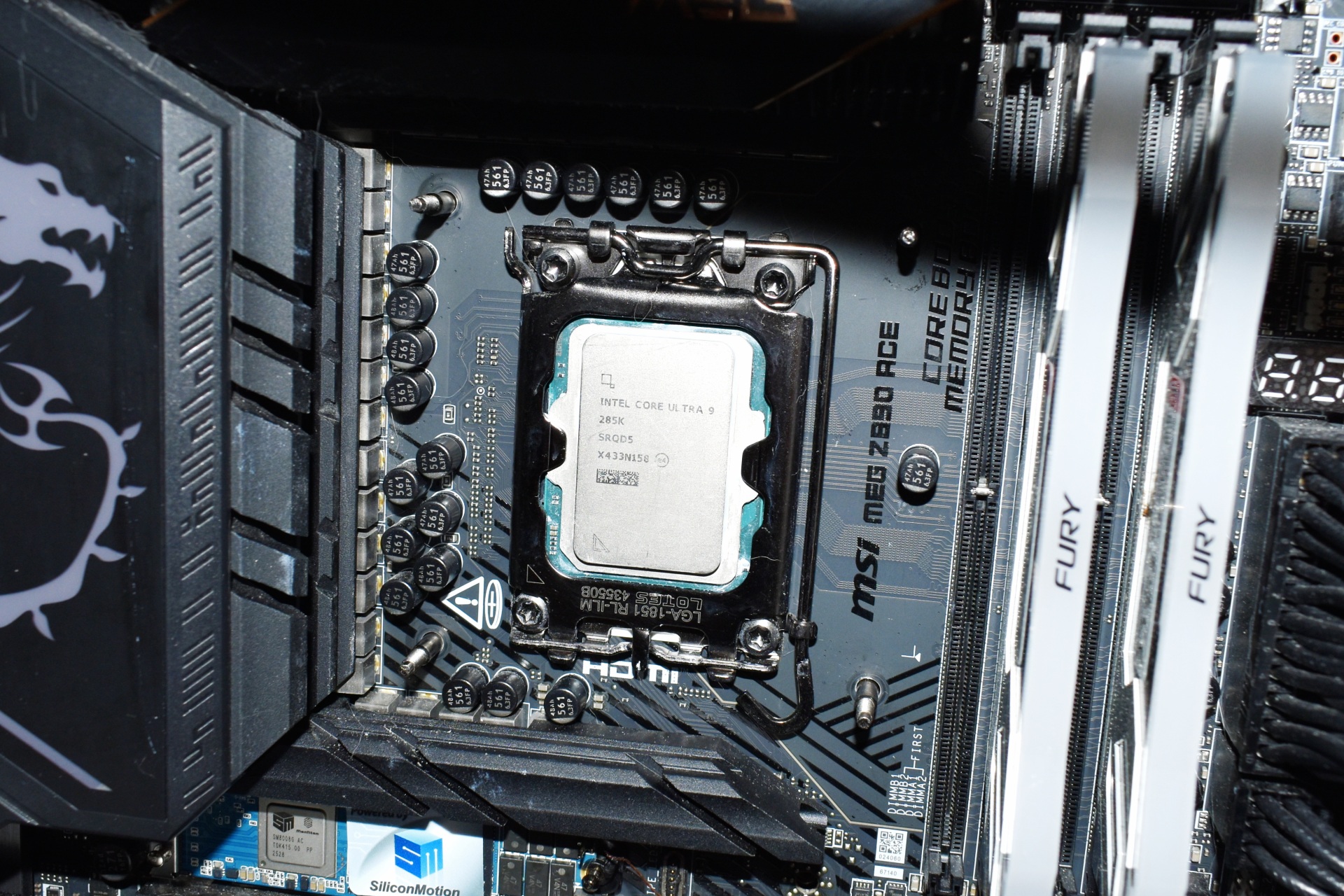
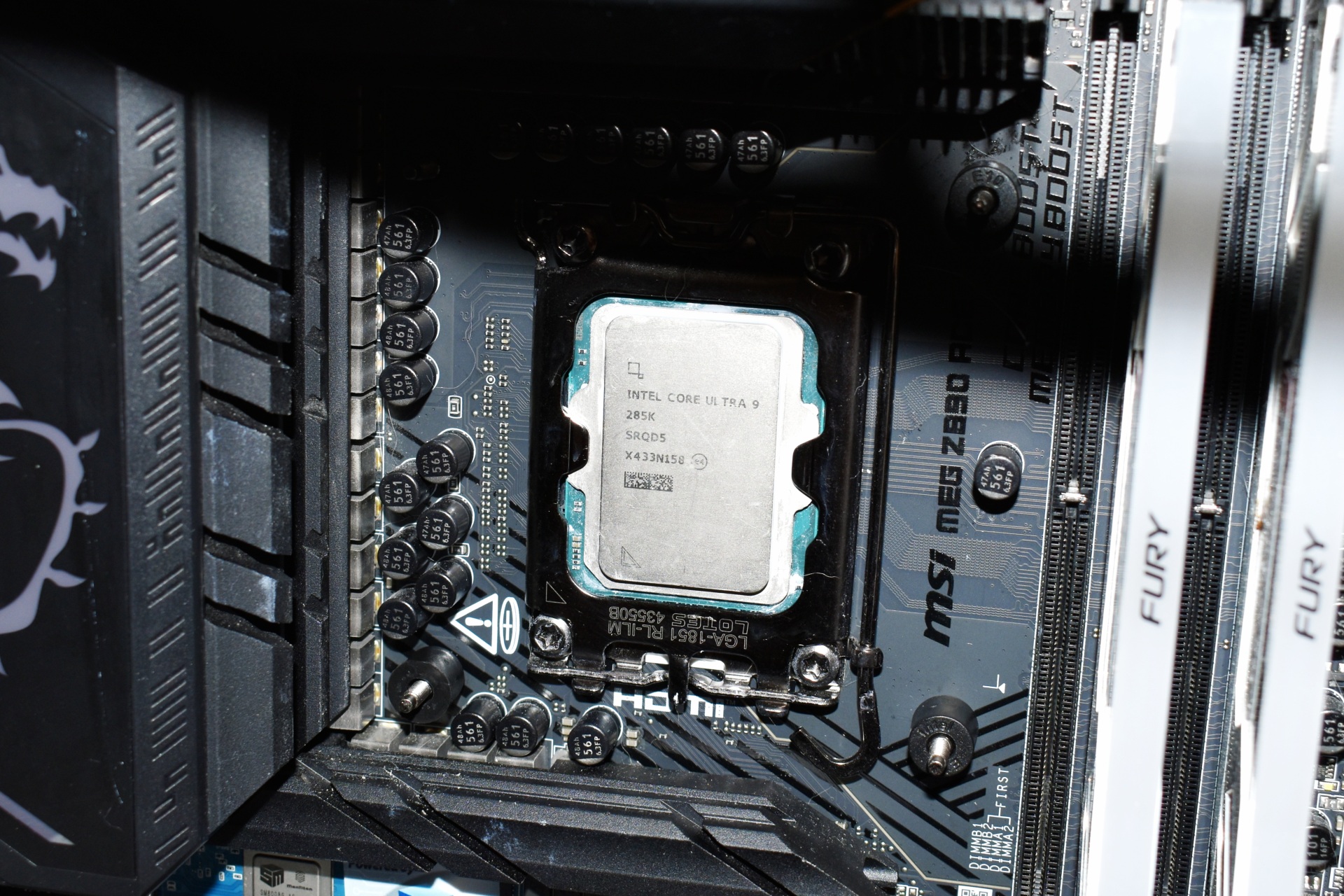
After the radiator you will need to place the backplate at the rear of the motherboard and secure it with the bundled thumbscrews.
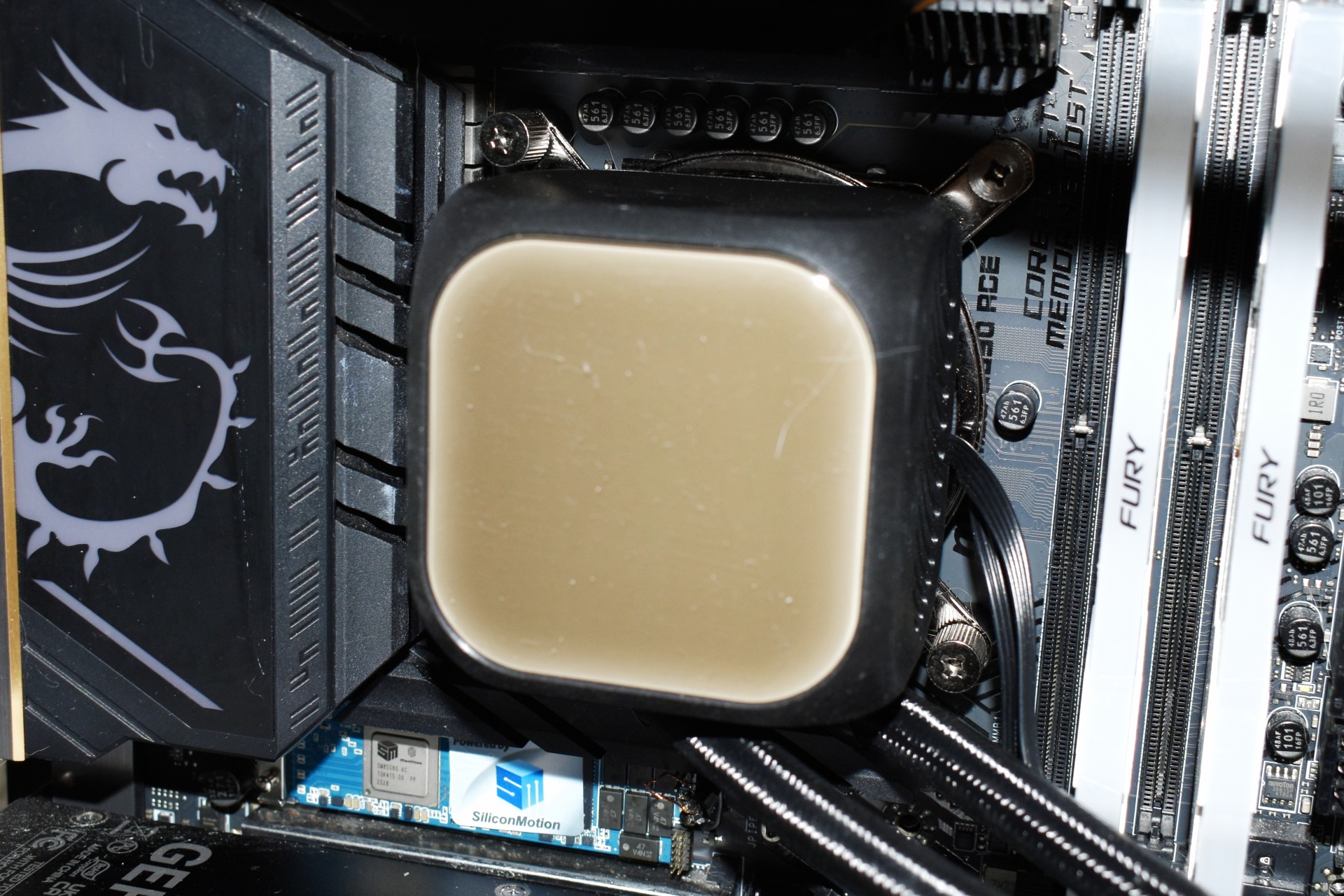
Last step is to mount the waterblock/pump/LCD combo as seen above.
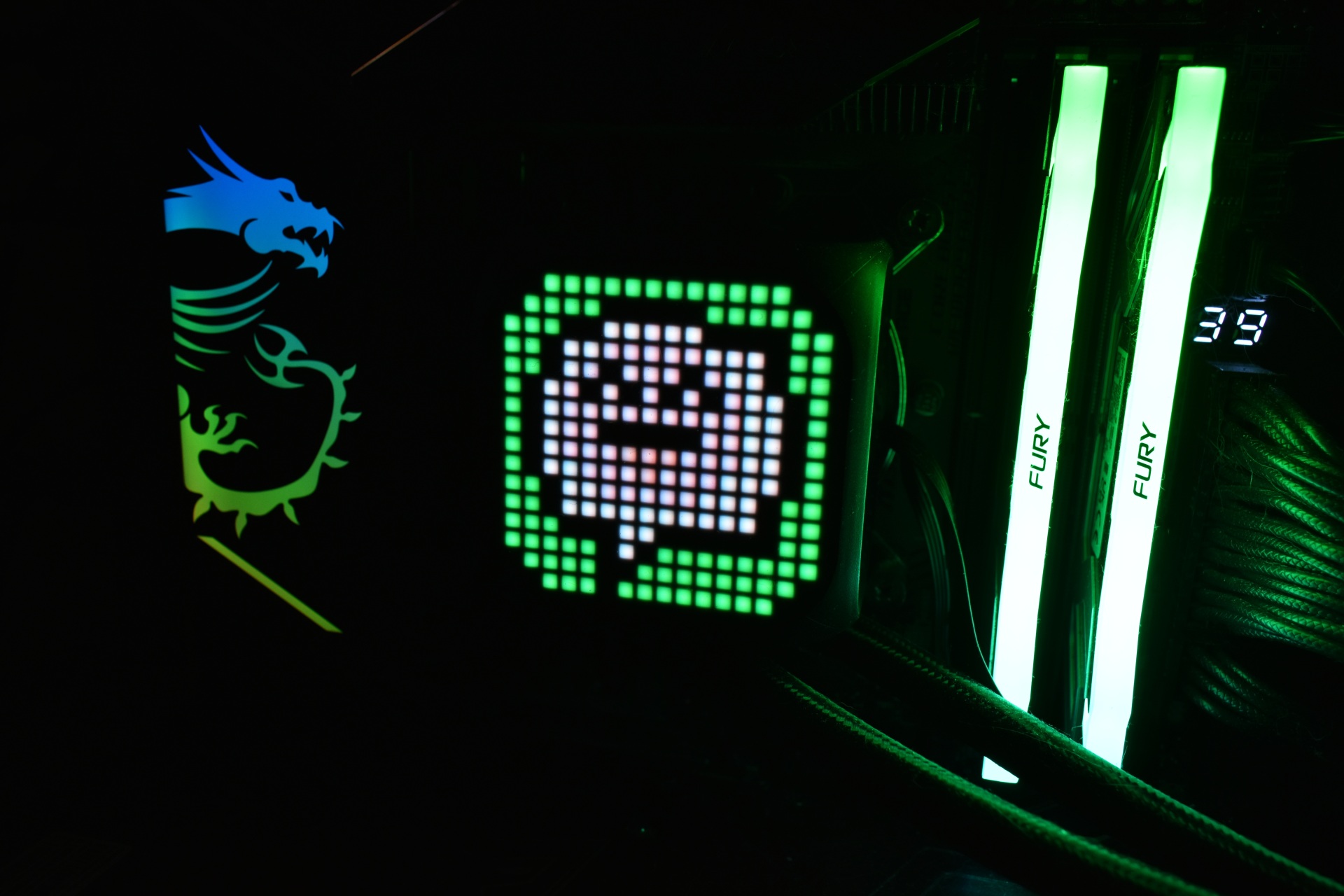
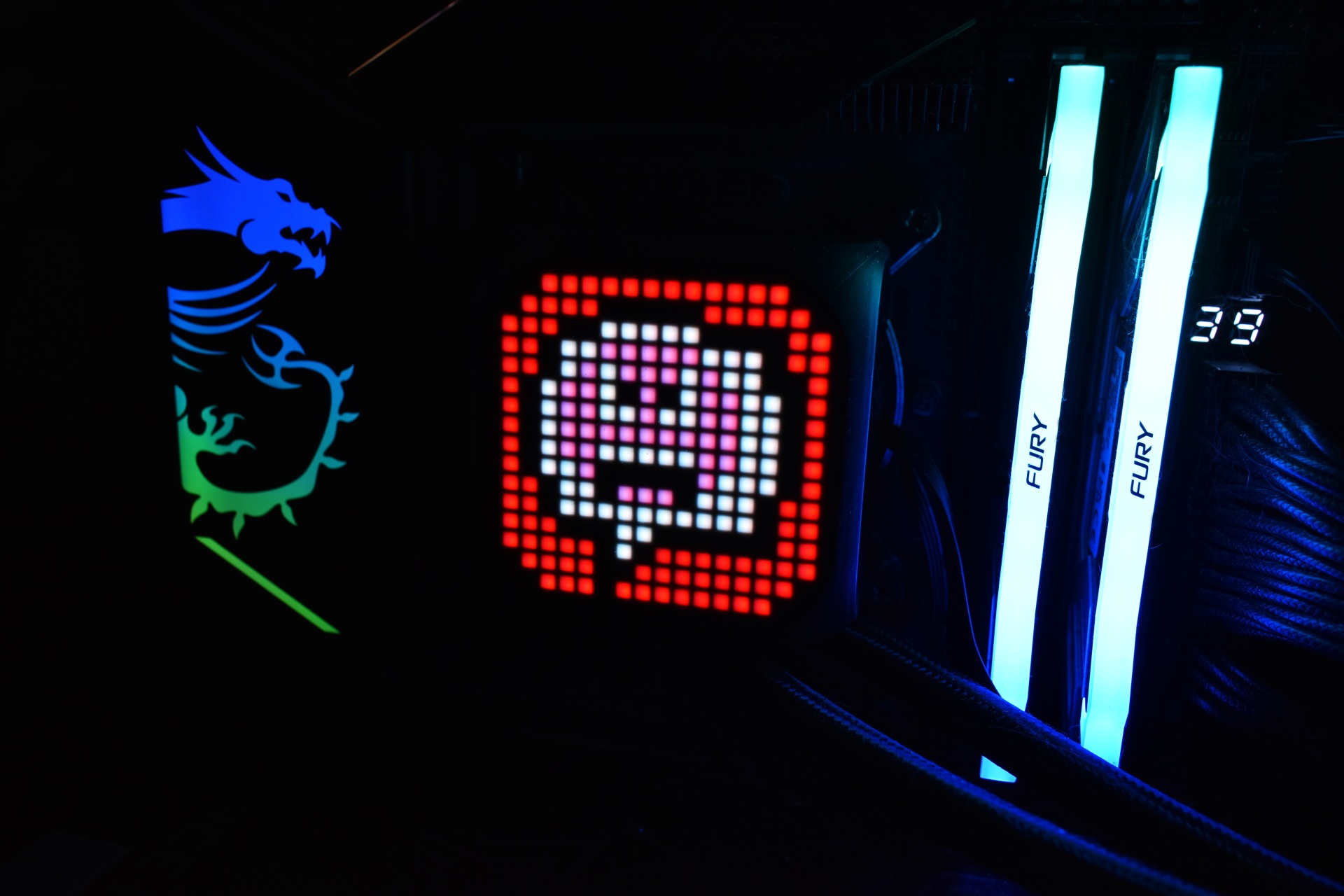
The matrix display is certainly something new which people may or may not like (as always, a short video showcasing all available animations is available both on TikTok and YouTube).
XASTRA MATRIX SOFTWARE
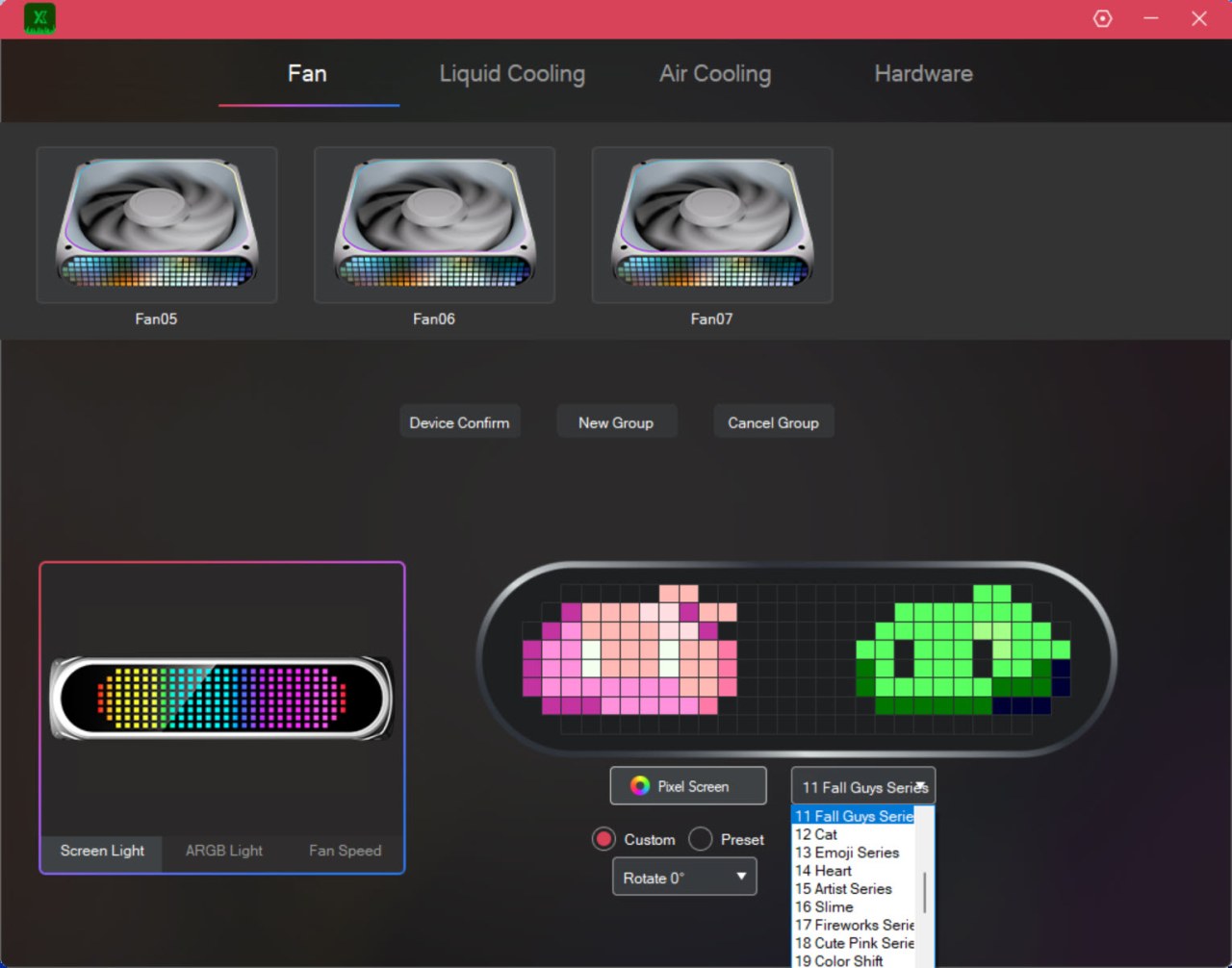
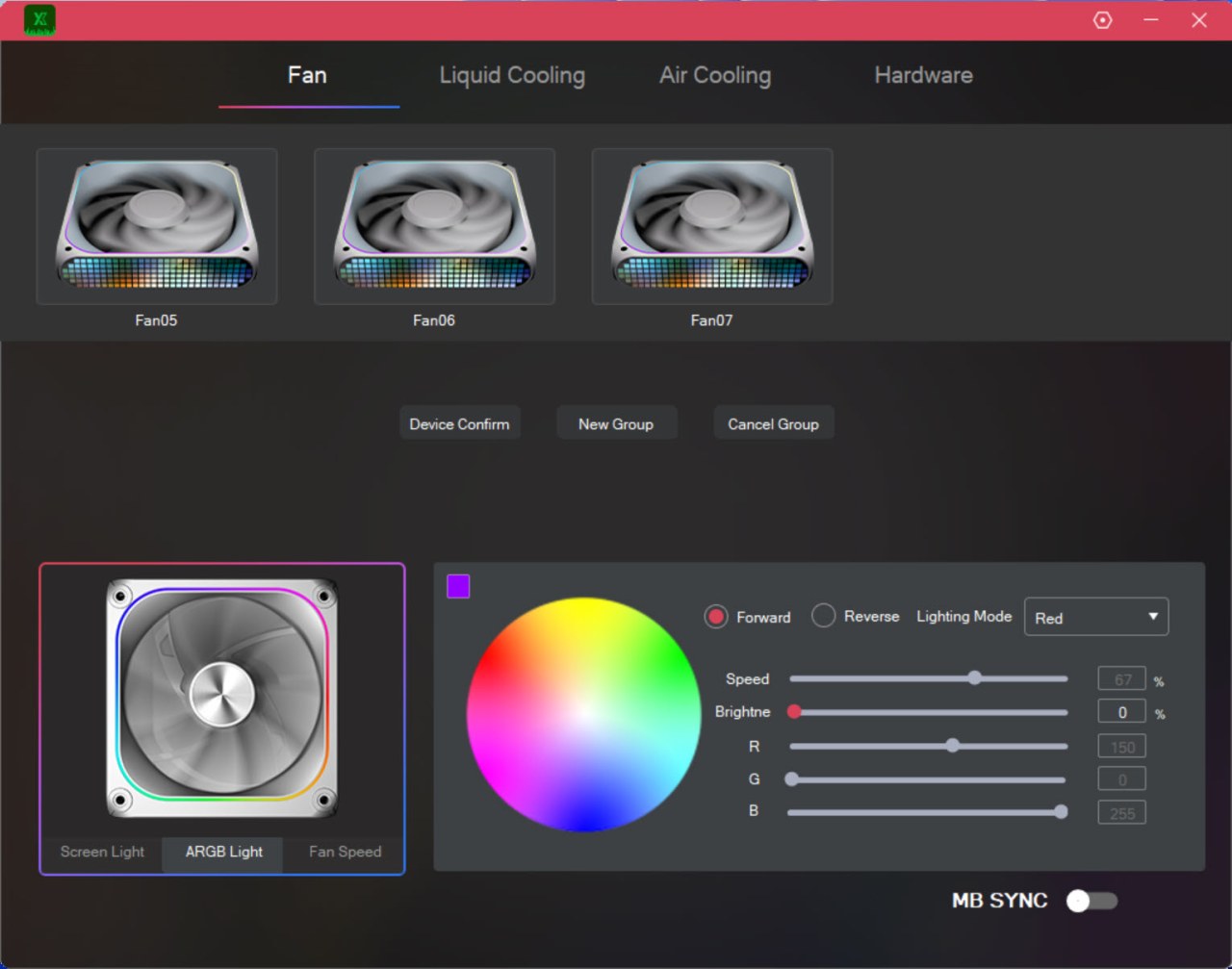
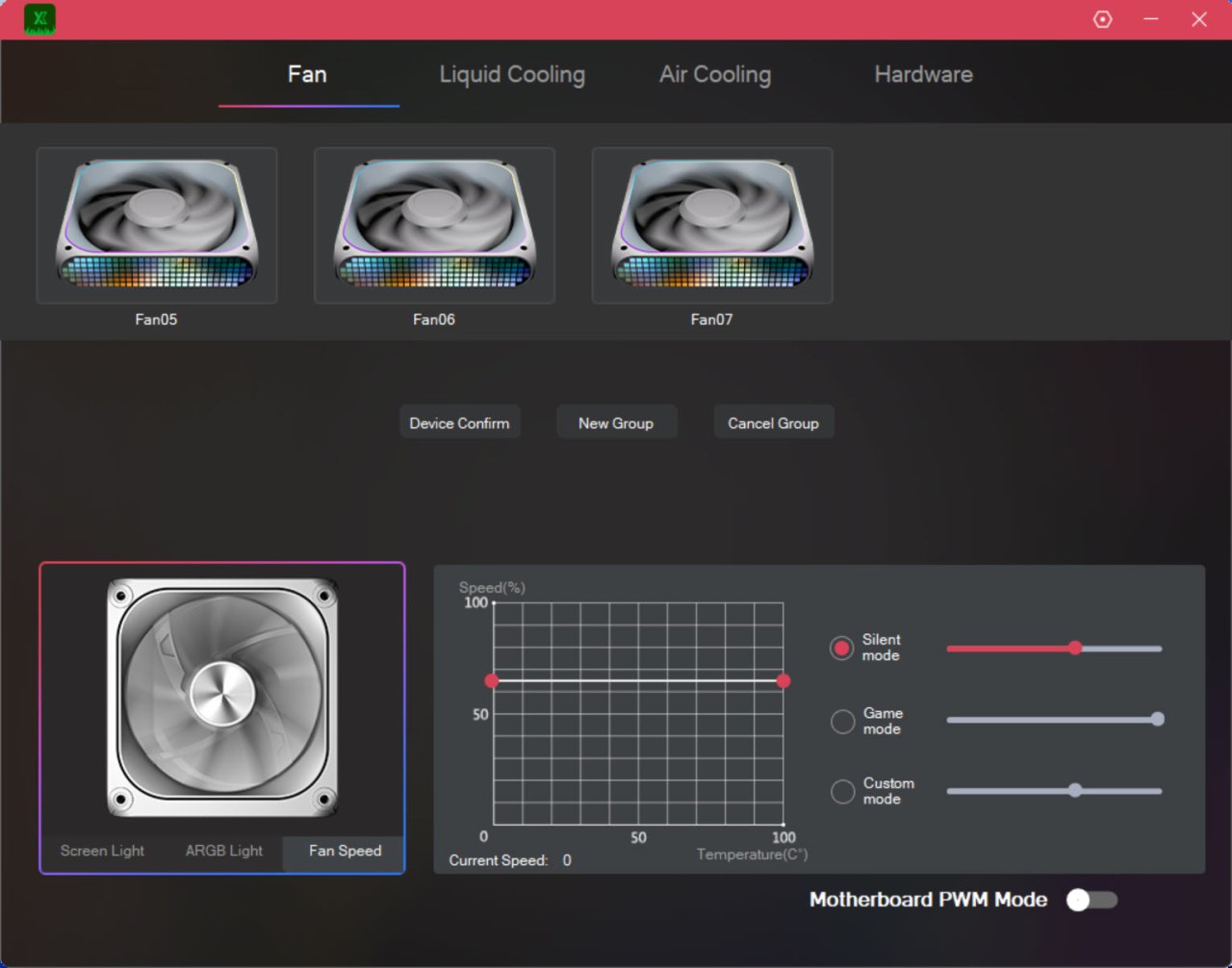
The XASTRA Matrix software is easy to use and so from the first tab it allows you to adjust the dot-matrix display of the fans (static and animation) along with their ARGB ring colors and of course their speed.
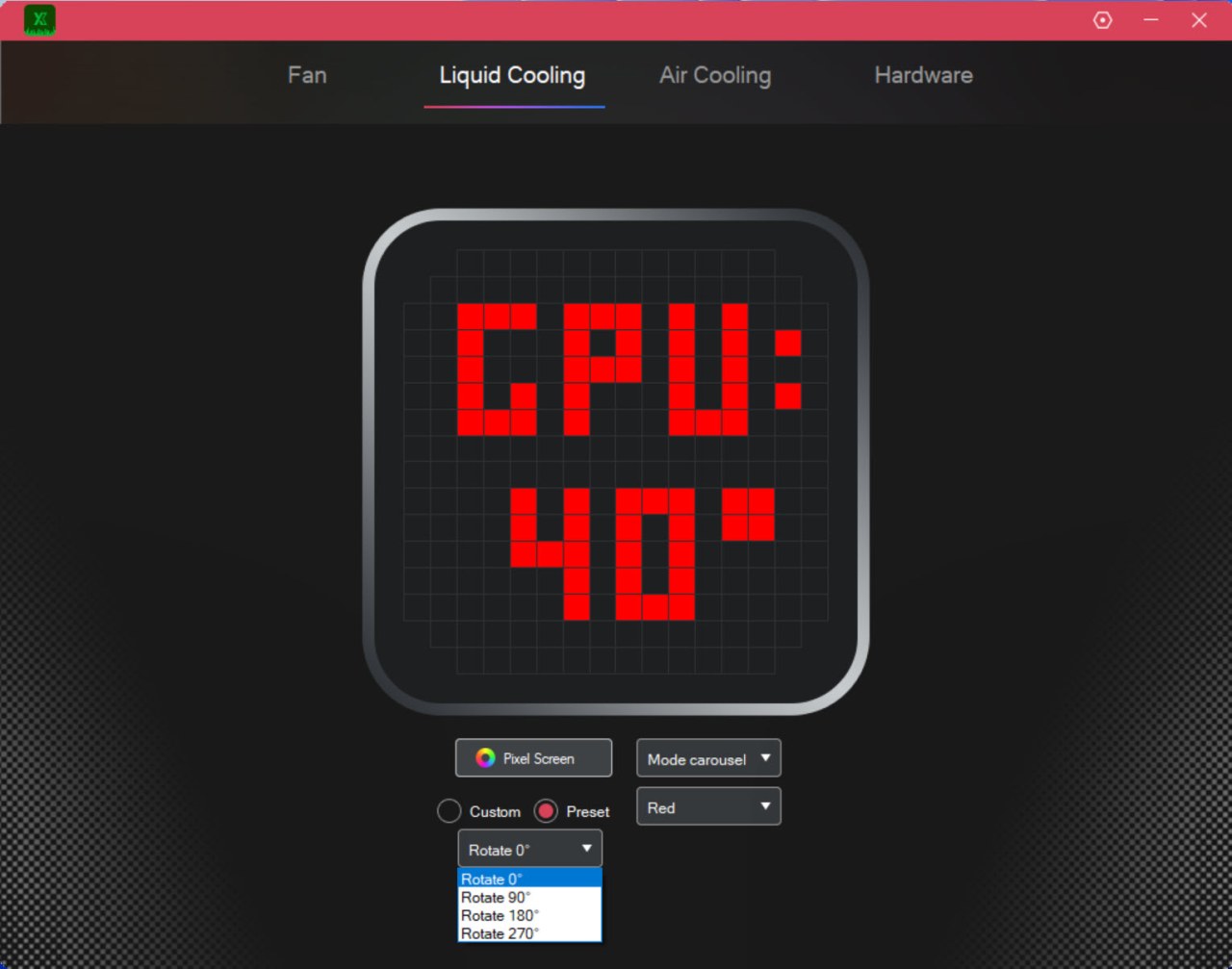
From the second tab you can adjust the pump display and so from here you can either choose for it to show system temperatures or one of the available animations (you can also change the orientation of the display).
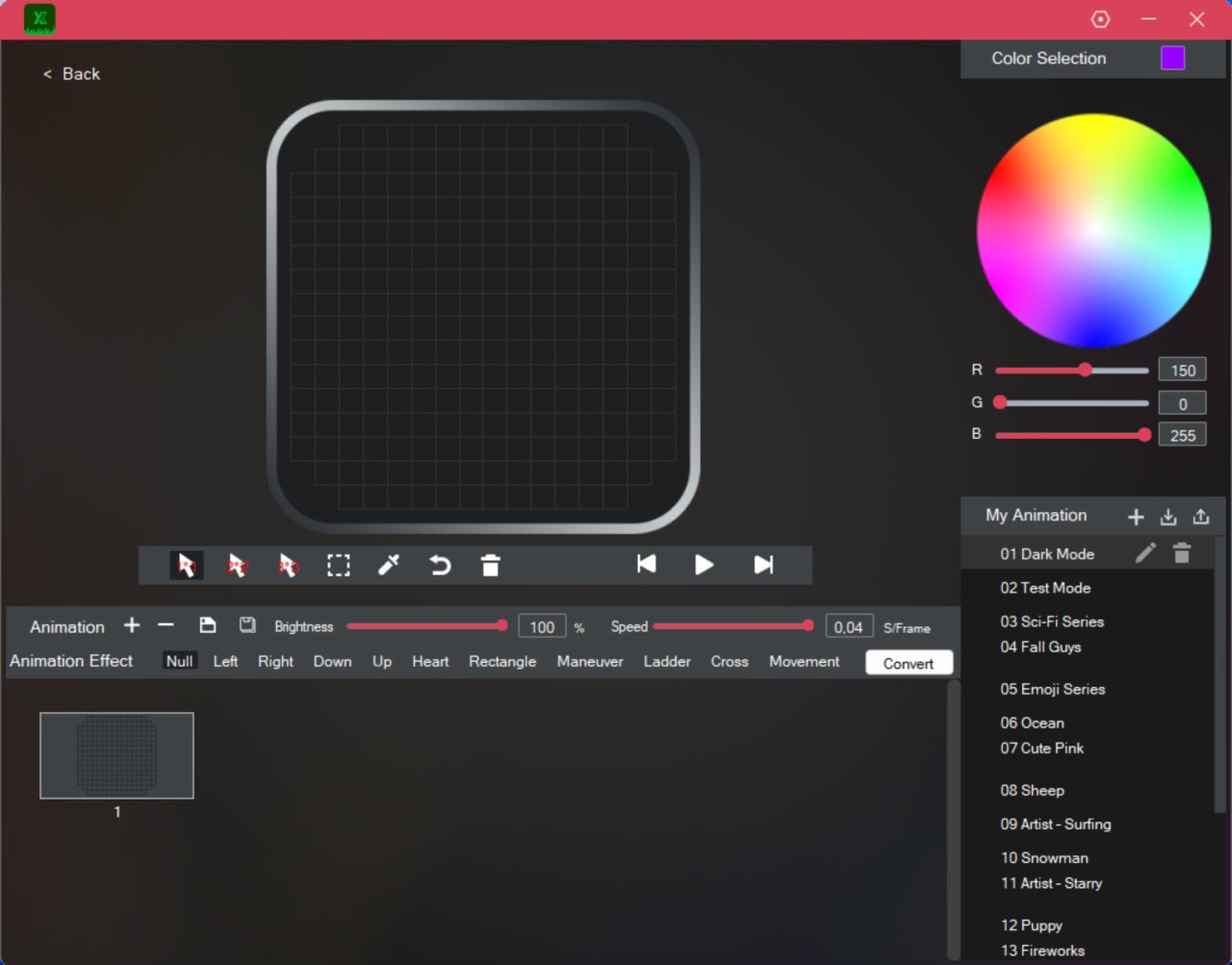
Of course, the system allows you to create your very own animations and/or edit the already available ones.
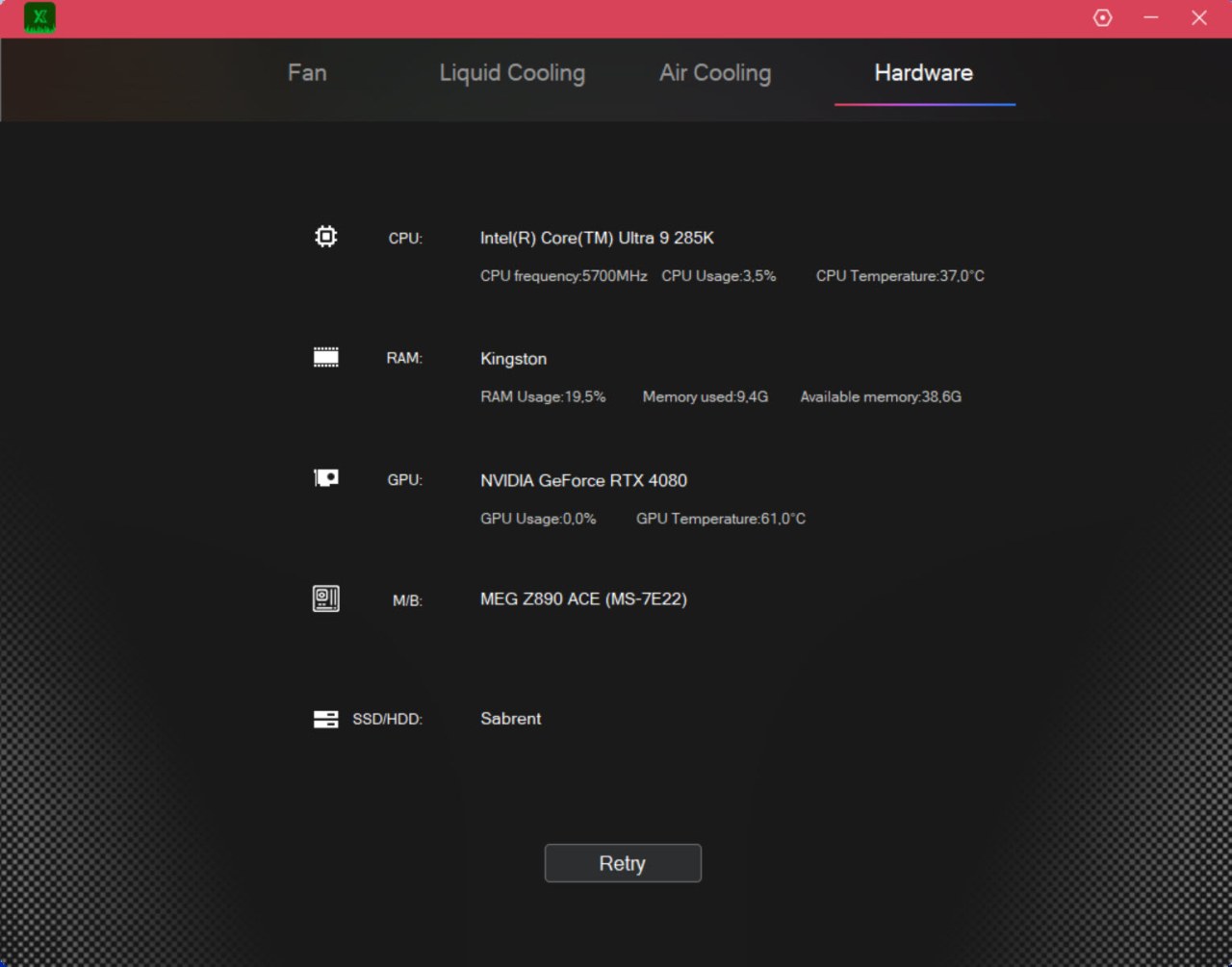
The hardware tab just displays system information.
TEST BED
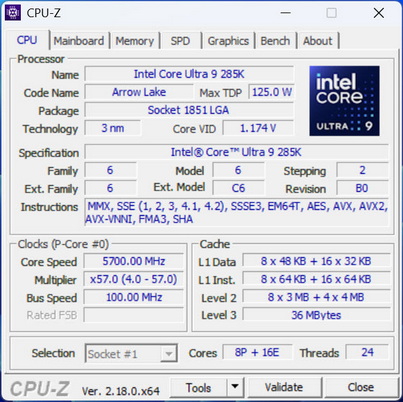

TESTING METHODOLOGY
Testing complete water-cooling kits or individual radiators is no different than testing CPU Coolers and since we want all of you to be able to compare similar products, we created new and separate charts (you can still cross-compare results however since we are using the same test rig). So once again single (120/140mm) watercooling solutions are tested with the radiator mounted at the rear of our test rig while dual/triple/quad (240/260/280/360/420/480/560mm) solutions with the radiator mounted at the top. For the dBA tests complete water-cooling kits or radiators with bundled fans are measured both while on idle mode or with the fan controller in the minimum setting and while on extreme load or with the fan controller all the way to the highest possible setting (PWM fans do that on their own without our intervention). Every single test takes place in a temperature-controlled room of 23 degrees Celsius Ambient Temp with the help of two AC units placed diagonally inside the room and as for thermal paste I’m using the NT-H2 by Noctua. Finally, much like when testing CPU Coolers, it's very important to point out that just because a water-cooling kit (or an AIO) outperforms another when tested with our test rig (when we test complete water-cooling kits) that does not necessarily mean that the same performance differences will apply 100% for other CPU models and in other situations (such as different ambient temps and system configurations).
To successfully record the load temperatures, we use the latest OCCT application for around 6-10 minutes to push the processor to its limits and after that is done and the temperatures are recorded, we wait for about 10-20 minutes for the CPU to cool down and record idle temperatures. This is done to allow time for the thermal conductive material to achieve the optimal performance level. Same procedure is then repeated with the Passmark BurnIn Test as a failsafe just in case the OCCT results are wrong. This procedure takes a lot more time than the usual peltier/thermometer tests, but this way not only can we deliver real world results to our readers based on real CPUs, but we can also triple check the results using a variety of programs. Last but not least the temperatures were recorded using the latest version of AIDA64 while noise level tests (when fans exist in the bundle) are performed using a high precision ExTech HD600 Decibel Meter placed about 10-15cm above the radiator. Still although the same testing procedure applies to all units do take into consideration that unlike the official numbers which are measured in special noise isolated labs with just the fans here, we also have both the rest of the cooler and the rest of the system (although all system fans are turned off when recording noise levels).
* Since some manufacturers have ceased support for the Intel LGA 2011-3 platform, for such coolers, I’ll be using the Ryzen 7900X / ASRock X670E test rig.
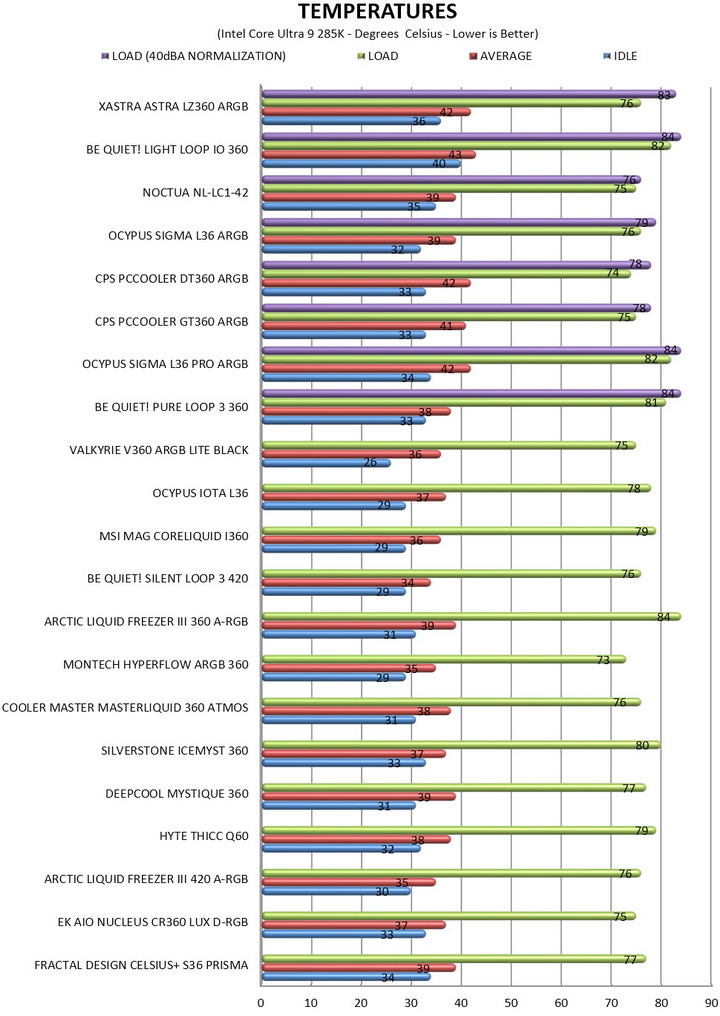
** After high demand since September 2024, I’ll be including average temperatures in my AMD Ryzen 9 7900Χ/Χ670Ε charts (under light load such as Internet browsing and Office use).
*** Since November 2024 I swapped test systems with the Intel Core Ultra 285K (same methodology as with the AMD Ryzen 9 7900X).
**** Following numerous reader requests from July 2026, I’ve added a load‑temperature test conducted with fan noise normalized to 40 dBA.
TEST RESULTS
CONCLUSION
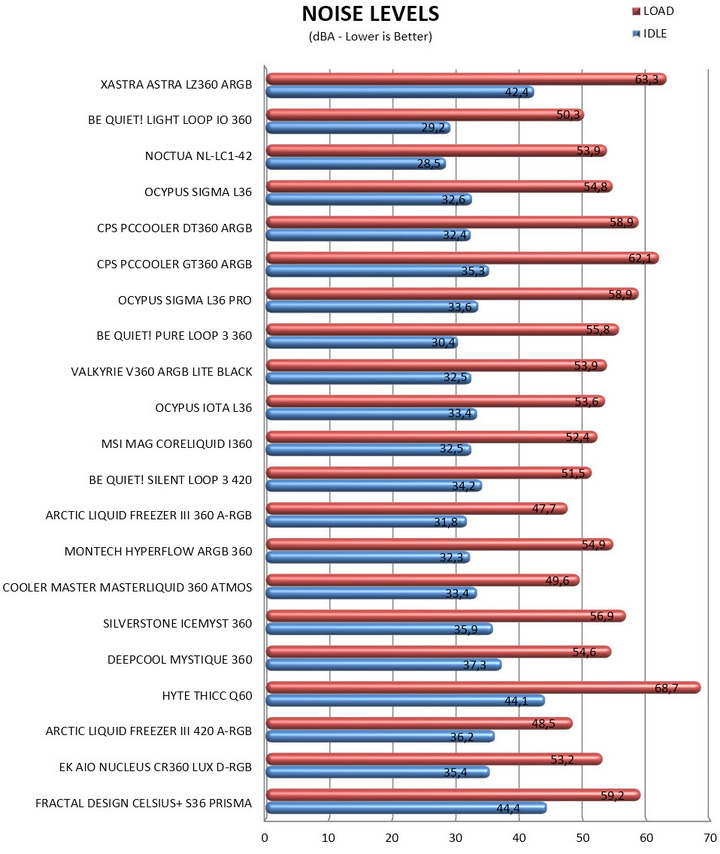
The XASTRA ASTRA LZ360 ARGB offers an interesting combination of cooling performance and visual customization. During testing, the cooler delivered results that placed it among many established 360mm AIO solutions, proving capable of handling the demands of a high-end processor while maintaining temperatures within a competitive range. While some competing models may achieve similar thermal results with lower noise output, the ASTRA LZ360 ARGB differentiates itself through features that are difficult to overlook, most notably its unique matrix-display ecosystem integrated into both the pump housing and fan frames. Combined with its customizable lighting effects, extensive software support, quality pump design, and broad platform compatibility, the ASTRA LZ360 ARGB brings a level of creativity and personalization that is rarely encountered in today's liquid-cooling market, making it a compelling option for users who value both functionality and visual expression in their systems.
The ASTRA LZ360 ARGB by XASTRA is not currently available in the USA or the EU and so I can only list its MSRP (manufacturers suggested retail price) which is set at USD227/210Euros. This places the ASTRA LZ360 ARGB on the higher end of similar AIO models, as expected really since even the fans have matrix displays. At the end of the day the ASTRA LZ360 ARGB looks great and performs very well and even though noise levels and price may push away some consumers it still deserves the Golden Award.

PROS
- Build Quality
- Very Good Cooling Efficiency
- Dot Matrix Displays (Pump 16x16 / Fans 28x8)
- ARGB Ring
- Motherboard Compatibility
- Matrix Software
- Available In Black & White Colors
CONS
- Noise Levels
- Price (For Some)
- Current Availability





