





ALLPOWERS APP
The ALLPOWERS app is a crucial component of the R2500 V2 so you should definitely use it.
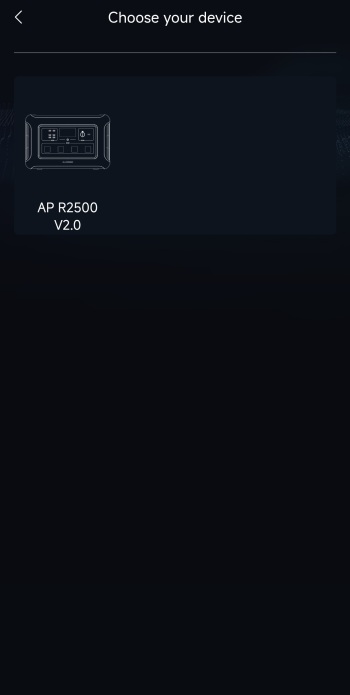
This app uses Bluetooth connectivity to look for nearby power stations by ALLPOWERS.
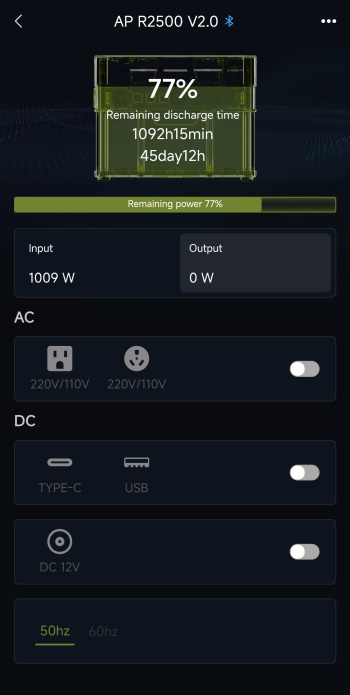
Main tab as with past models showcases current battery charge, remaining discharge time (based on current consumption), input/output, available connectivity (you can also turn them on and off), and Hz.
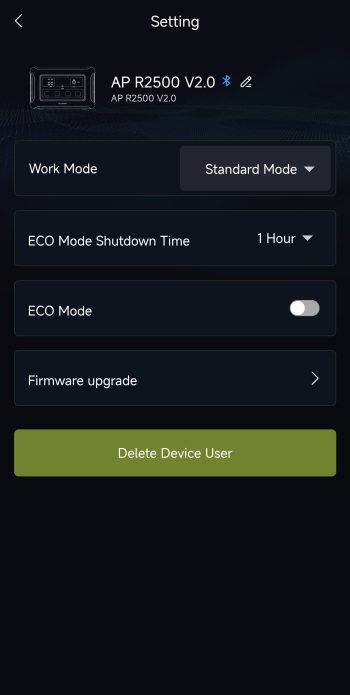
From inside the settings menu (three dots on the upper right corner) you can change the name of the device, charging mode, enable ECO mode with auto shutdown, perform a firmware update and delete the device from the app.
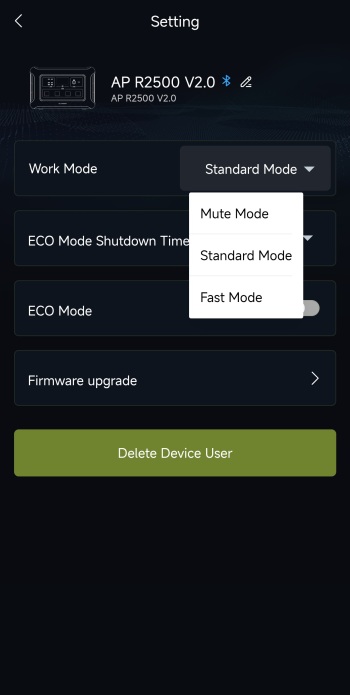
There are three available charging modes, mute, standard and fast.
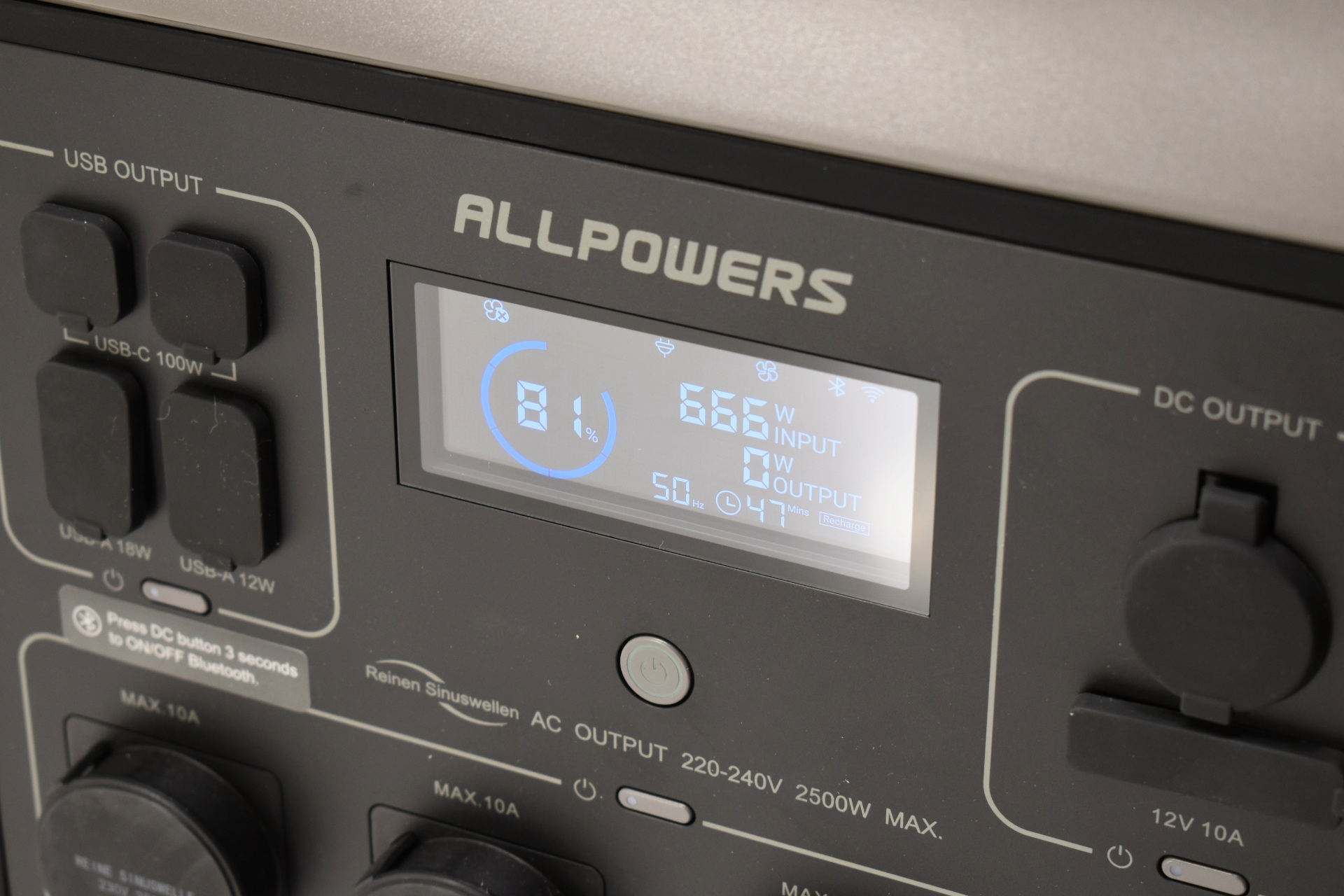
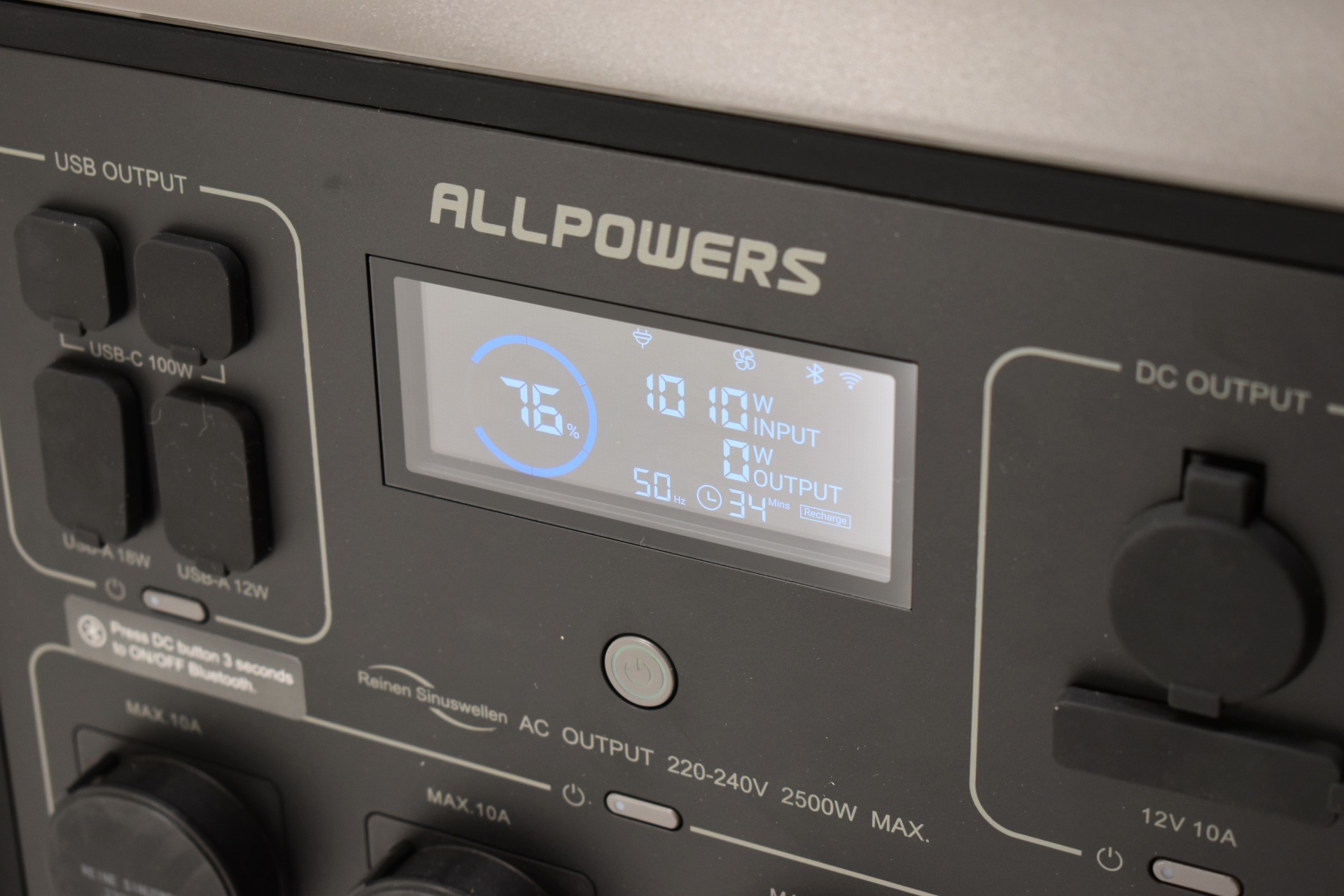
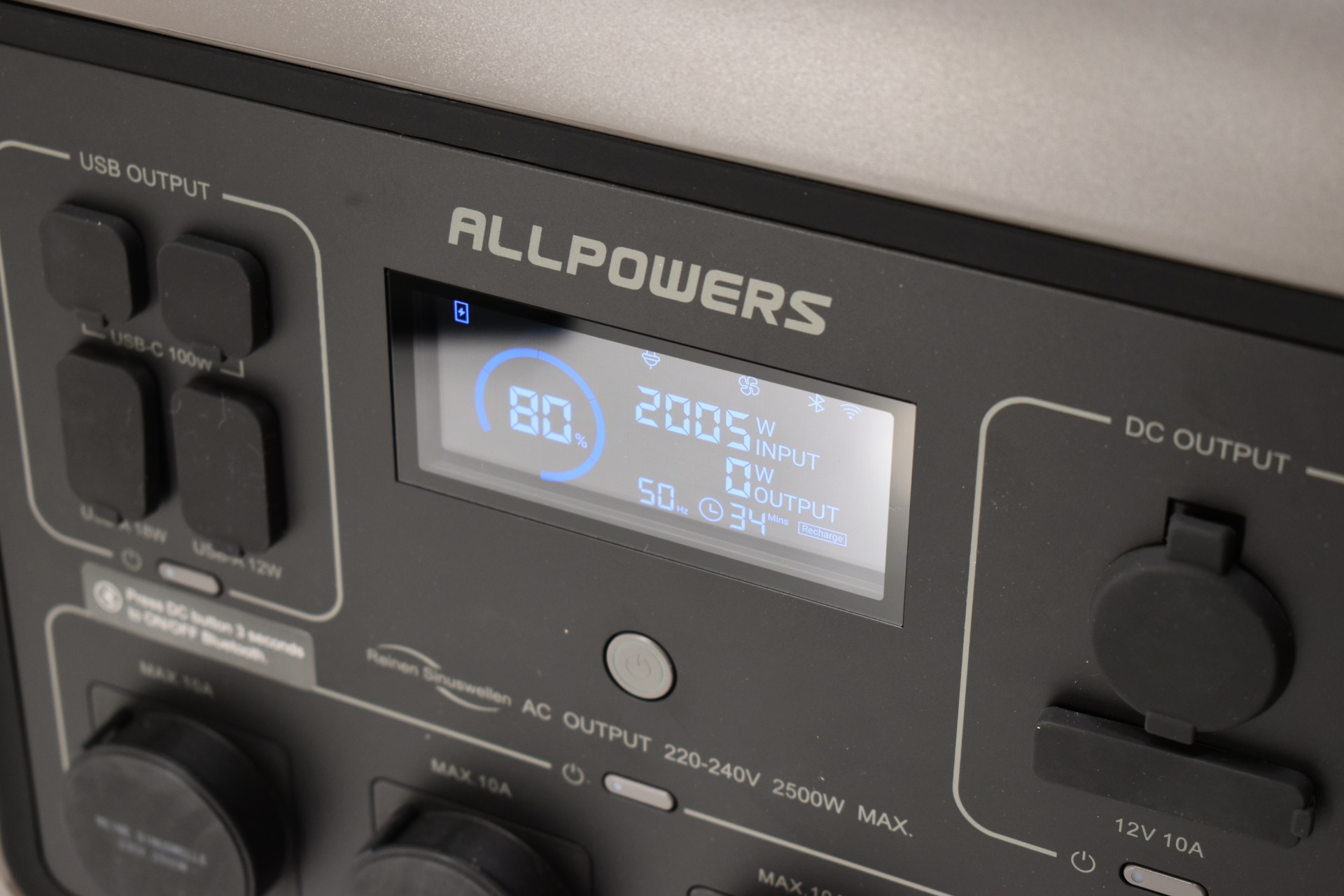
In my case mute hovered at around 650-700W, standard between 1000 and 1200W and fast between 2000 and 2020W (these are probably affected by ambient temperature meaning you may get higher or lower input).
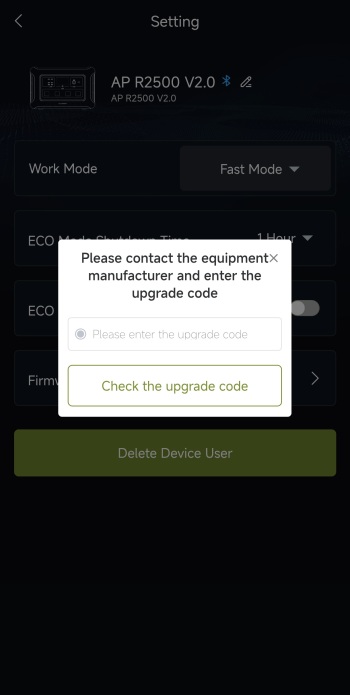
Instead of having an automatic firmware check and update feature the end user is required to ask ALLPOWERS for a unique code in order for that to happen (according to them this is for safety concerns).





