




INTRODUCTION
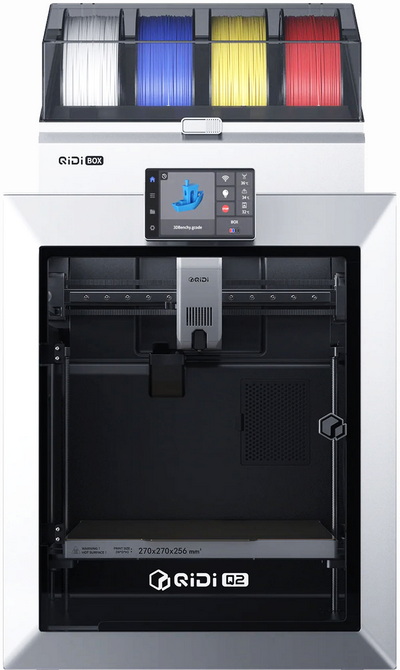
For makers, few technologies have advanced as quickly as consumer FDM 3D printing. Modern machines can produce highly detailed models, practical tools, replacement components, and functional prototypes in a matter of hours, often with a level of reliability that was difficult to achieve only a few years ago. As competition between manufacturers continues to intensify, users benefit from increasingly faster, smarter, and more capable printers. Filament choice remains one of the technology's greatest strengths. Whether printing decorative PLA models, durable PETG parts, flexible TPU components, or more demanding engineering materials, today's printers can support a wide range of projects across multiple disciplines. Designed to take advantage of these advancements, the Q2 Combo by QIDI seeks to offer a blend of speed, convenience, and multi-material functionality in a compact package.
Our story formed in 2014, QIDI Tech began with a small team of engineers with a big vision: we wanted to make 3D printing accessible to everyone. Crazy? A little bit. With our journey have consistently focused on more than just producing machinery; it's about enabling creators of all kinds to bring their ideas to life. Every day, we're doing more than just constructing printers. We are establishing an environment where seasoned designers and adventurous individuals can join forces, work together, realize ideas, and develop. QIDI Tech 3D printers are created to be intuitive and efficient, after all, delivering a hassle free printing process for all users from the beginning should be the top priority. Our extensive manufacturing plant and advanced research and development center embody our commitment to creativity, excellence, and teamwork.
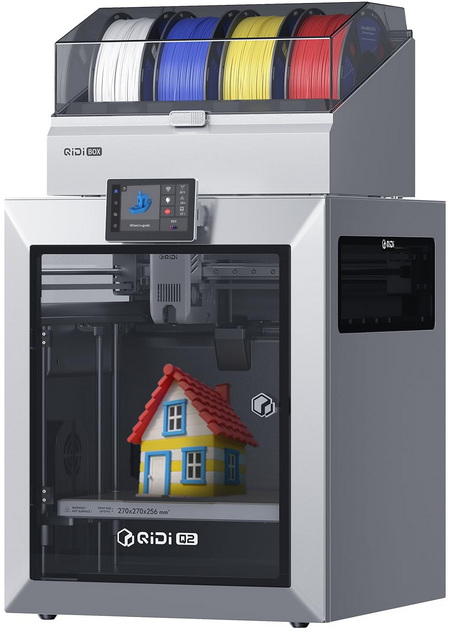
The QIDI Q2 Combo is an enclosed CoreXY FDM 3D printer built around a 270x270x256mm build volume and designed to combine ease of use with capabilities more commonly associated with higher-tier machines. One of its headline features is compatibility with the QIDI BOX multi-material system, allowing multicolor and multi-filament printing, while the enclosed design, active chamber heating up to 65°C, and 370°C all-metal hotend significantly expand material compatibility beyond standard PLA and PETG to include more demanding engineering-grade filaments. QIDI also places considerable emphasis on print quality through its new zero-offset leveling technology, where the nozzle itself acts as the sensor to provide highly accurate first-layer calibration, complemented by a custom high-density 1.5GT belt system intended to reduce vibration artifacts and improve surface finish. The Q2/Combo supports print speeds of up to 600mm/s with acceleration reaching 20000mm/s², while additional features such as automatic filament loading and unloading, filament runout detection, tangle detection, power-loss recovery, integrated camera support, Wi-Fi connectivity, and a 3.4-inch color touchscreen aim to simplify everyday operation. The printer further incorporates a 3-in-1 air filtration system that QIDI states can capture up to 99.5% of particulates, making the machine better suited for enclosed-space operation and higher-temperature materials. Altogether, the QIDI Q2 Combo presents an unusually comprehensive feature set for its class, but does it really deliver?
SPECIFICATIONS AND FEATURES

PACKAGING AND CONTENTS
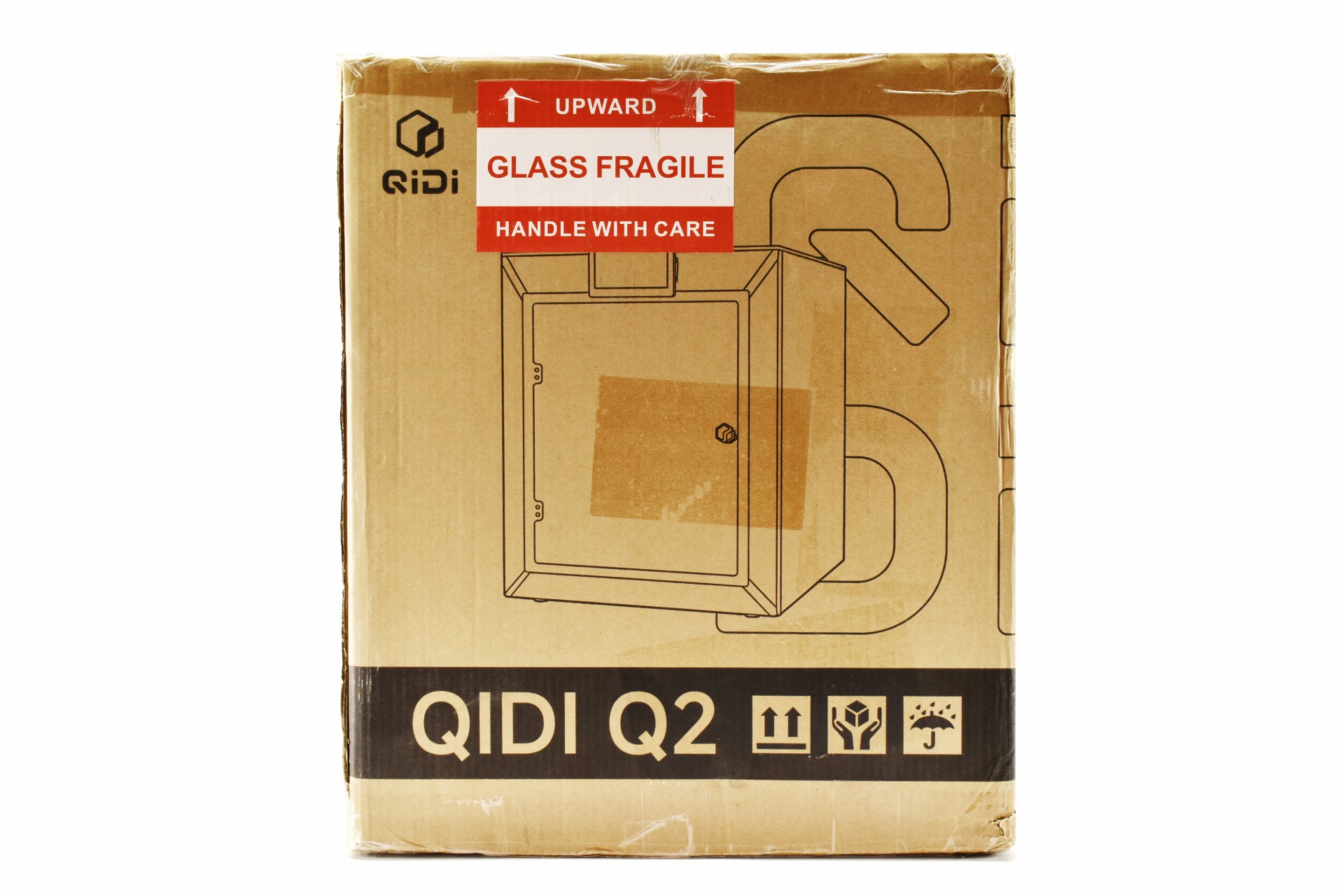
Once again QIDI has used a plain box to ship the Q2 printer the front and rear of which are taken by a large product drawing and their logo.
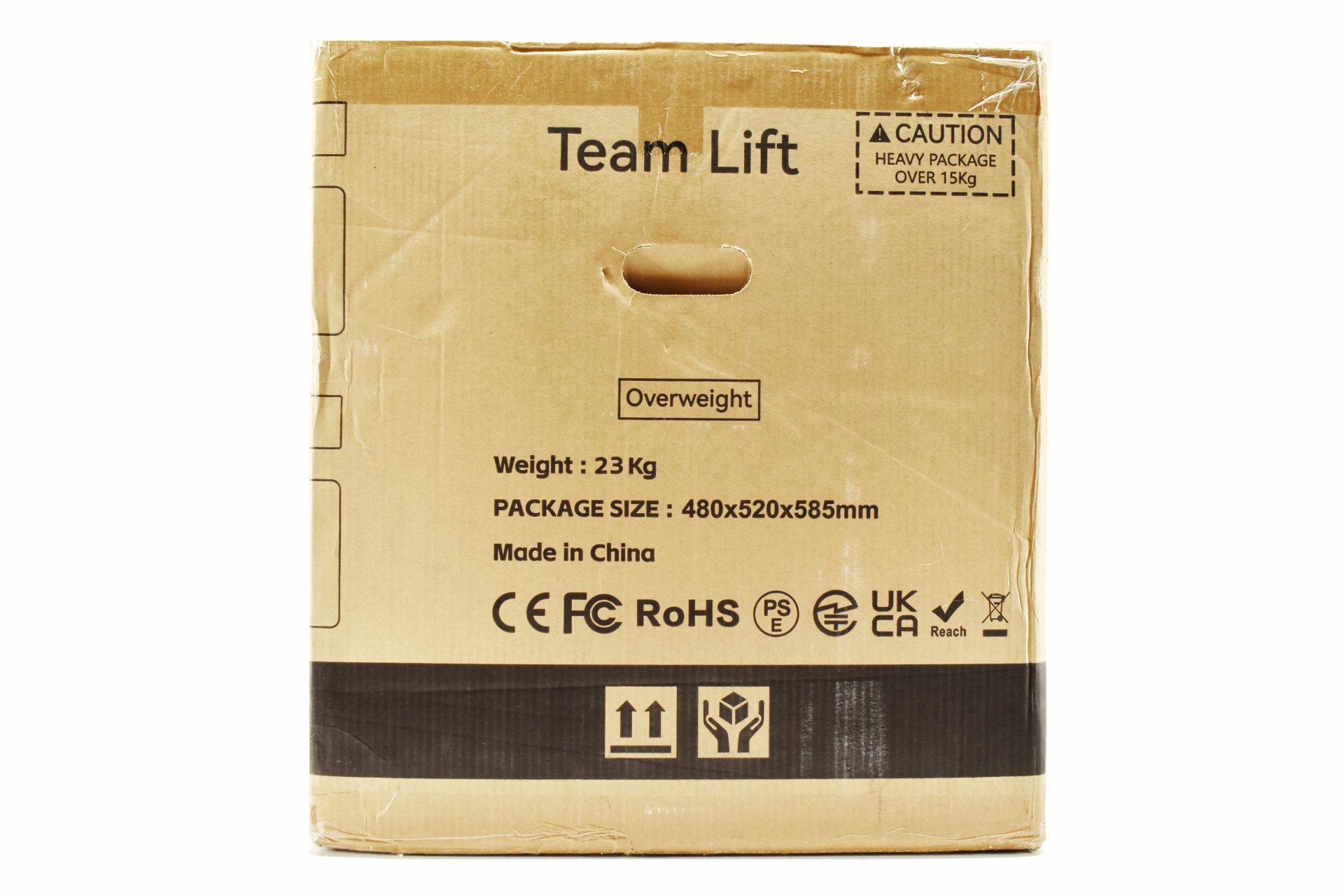
Both the size and weight of the box are printed on the left side.
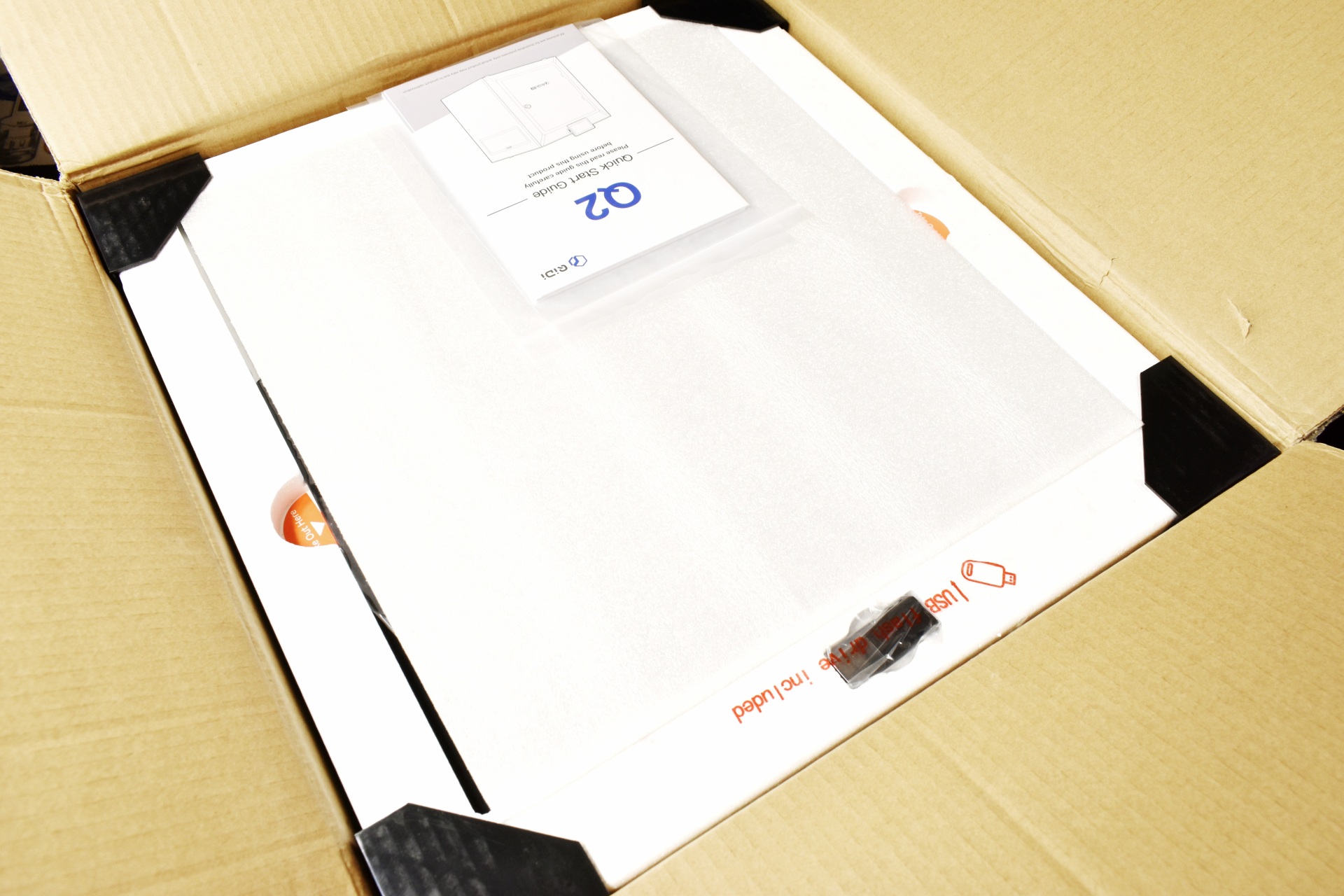
The printer and its bundle are all safely wrapped and placed between several thick pieces of foam.
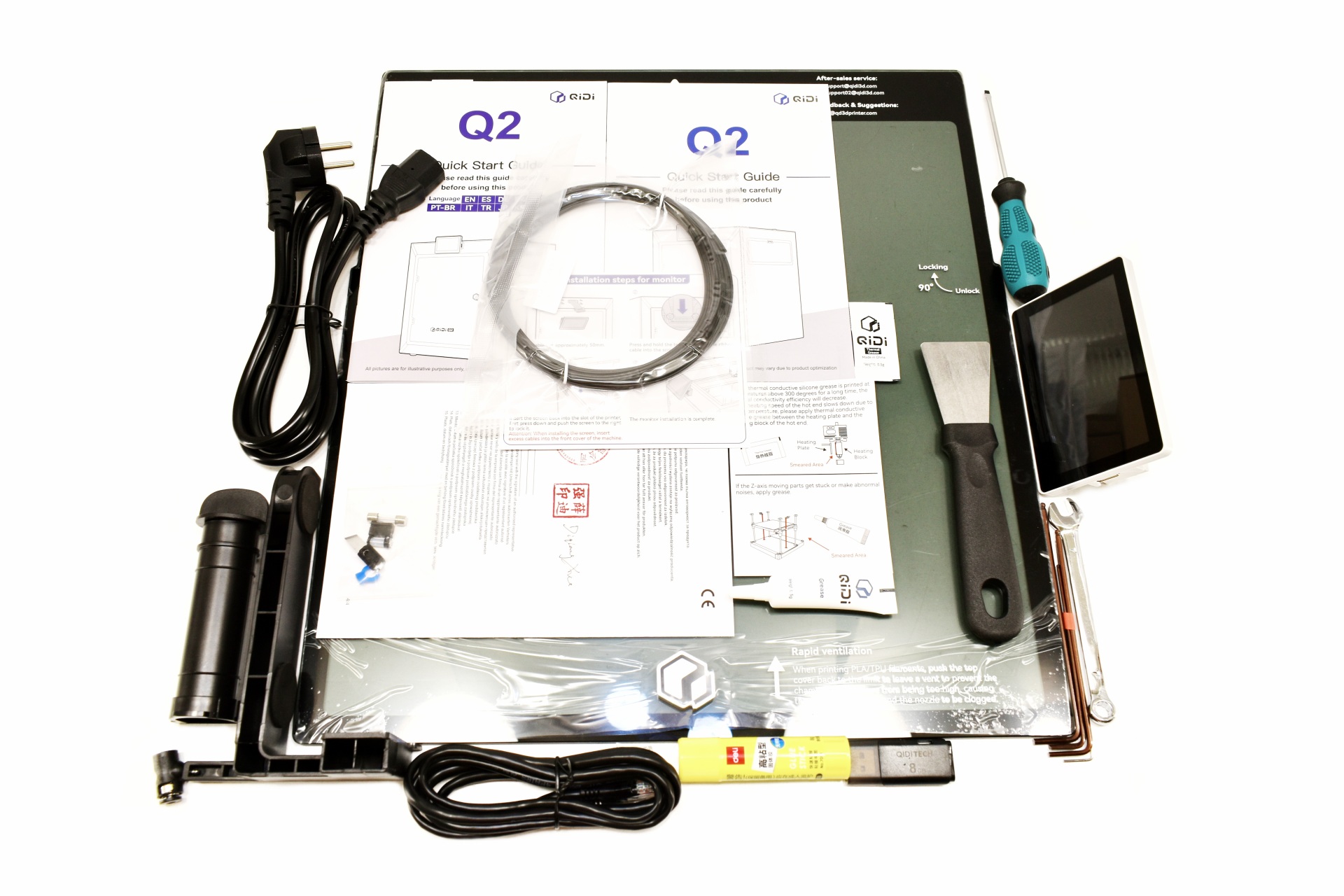
Aside the Q2 3D printer inside the box QIDI has placed a two-piece filament spool holder, power cord, RJ45 ethernet cable, USB 2.0 flash drive, 20g PLA rapido filament, grease tube, Thermal grease pack, glue, scraper, flat head screwdriver, 6 Allen keys, wrench, replacement nozzle cutter, replacement fuse, declaration of conformity paper and the quick start guide in numerous languages.
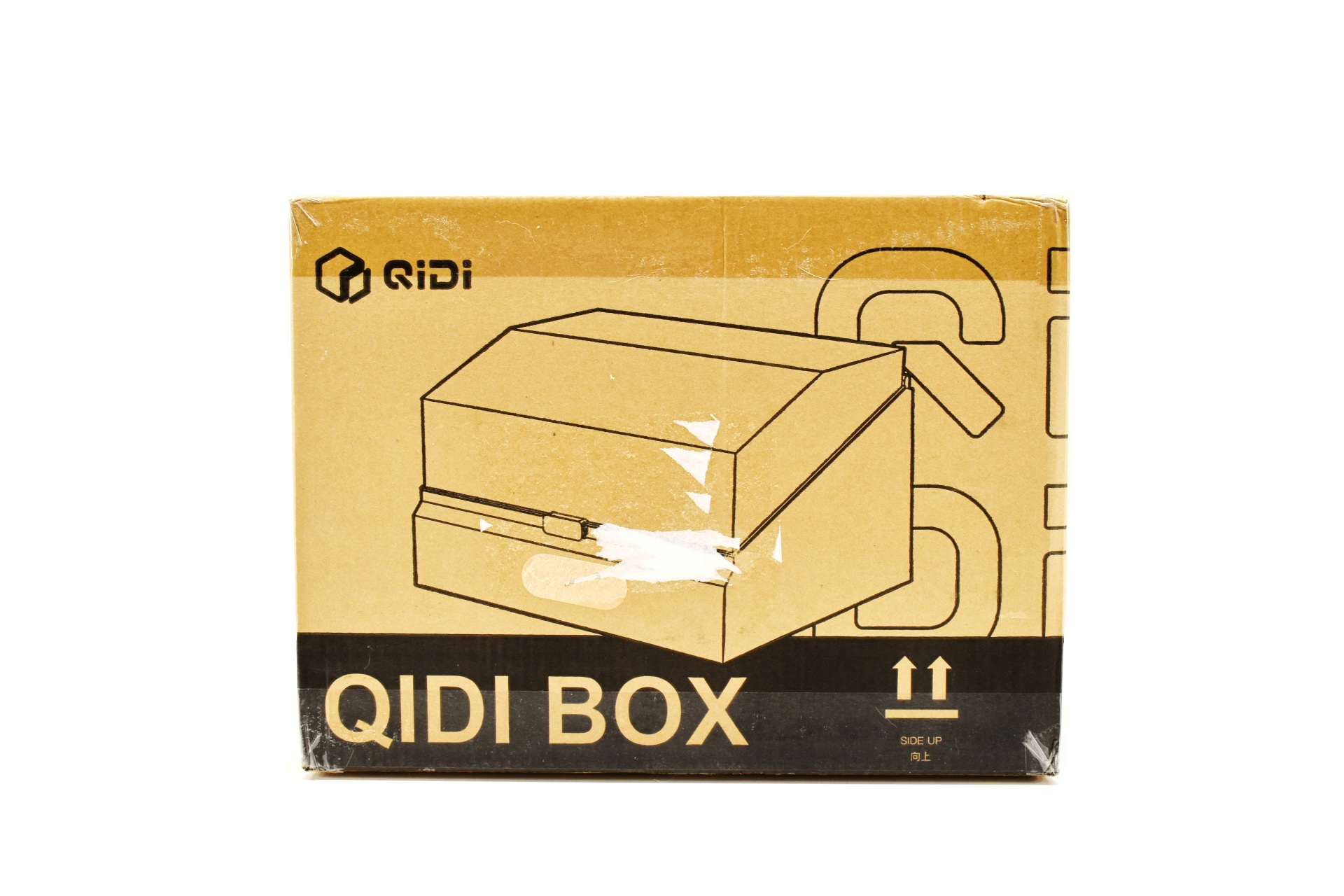
The BOX addon arrived in its own (QIDI was probably low on the AIO package) and again just has a product drawing and the company logo on both the front and rear.
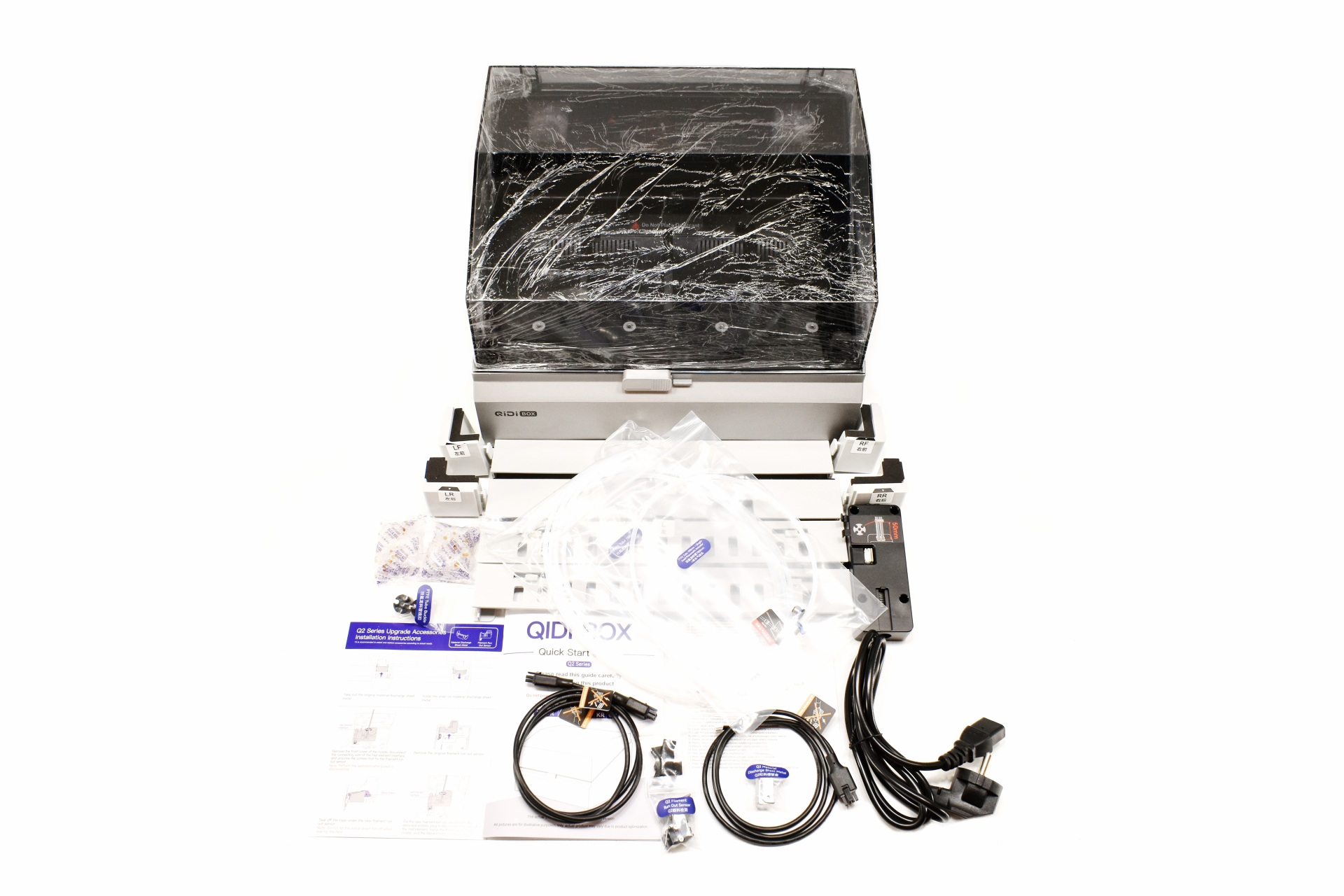
Along with the BOX inside the package, you'll find the 8-piece mount for the top of the Q2 (if you decide to place the box there), power cable, multi-color spool hub, material discharge sheet metal, run out sensor, two desiccant packs, five PTFE tubes, two signal cables, two PTFE tube buckles, installation instructions and the quick start guide.
THE Q2 COMBO
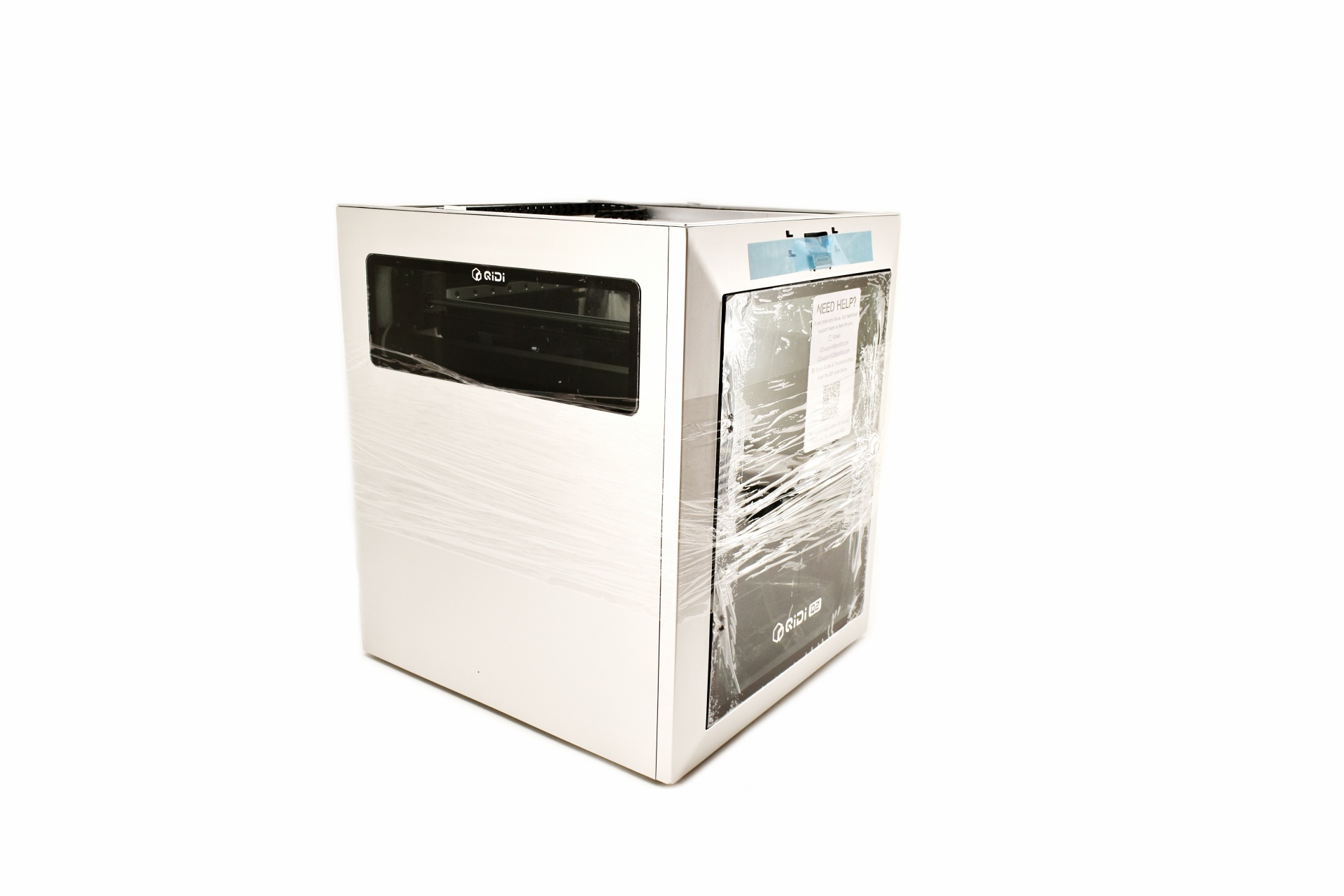
The 18Kg heavy Q2 3D printer stands 494mm tall, 438mm deep and 402mm wide.
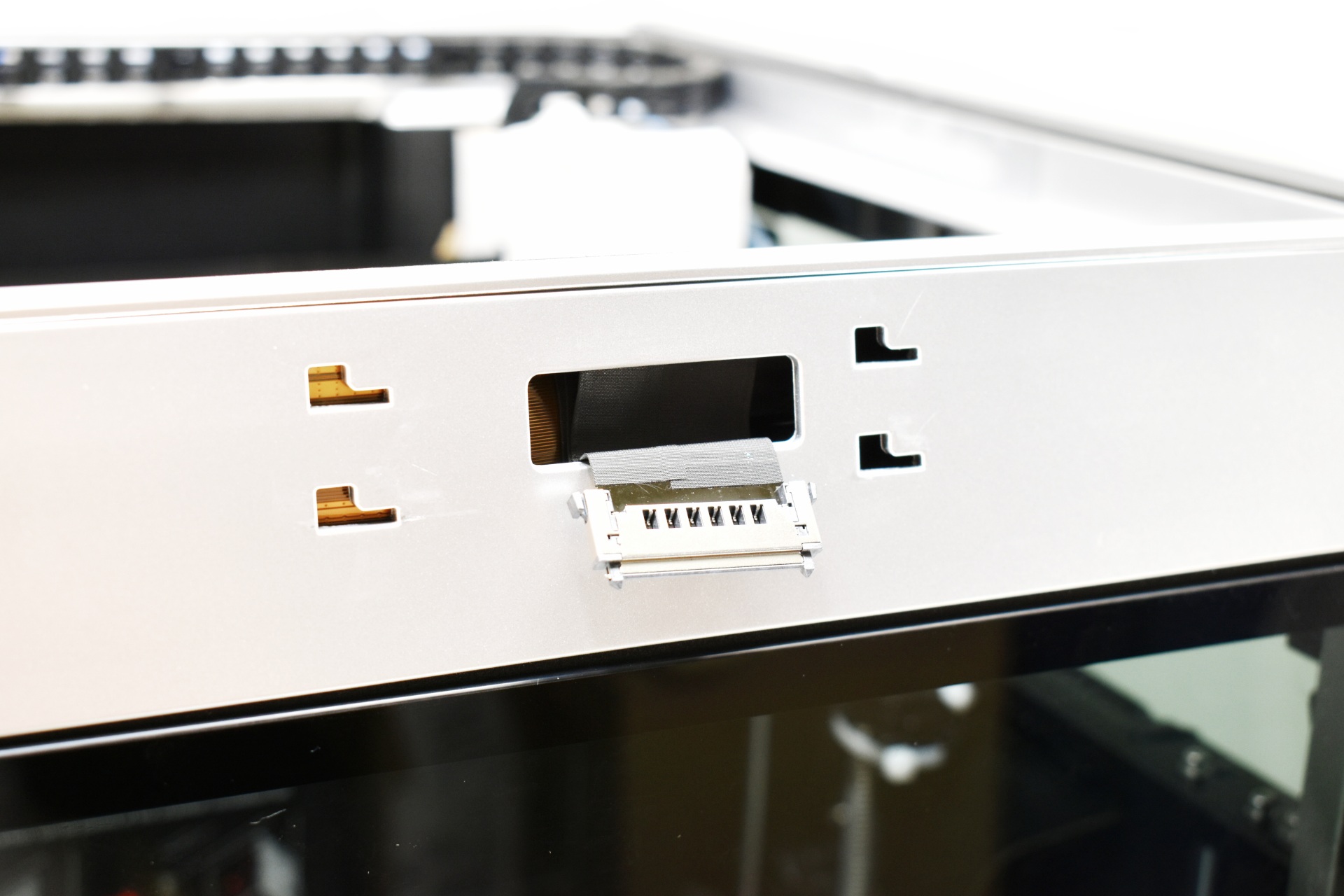
Typically, at the center top we find the LCD mount and connection cable.
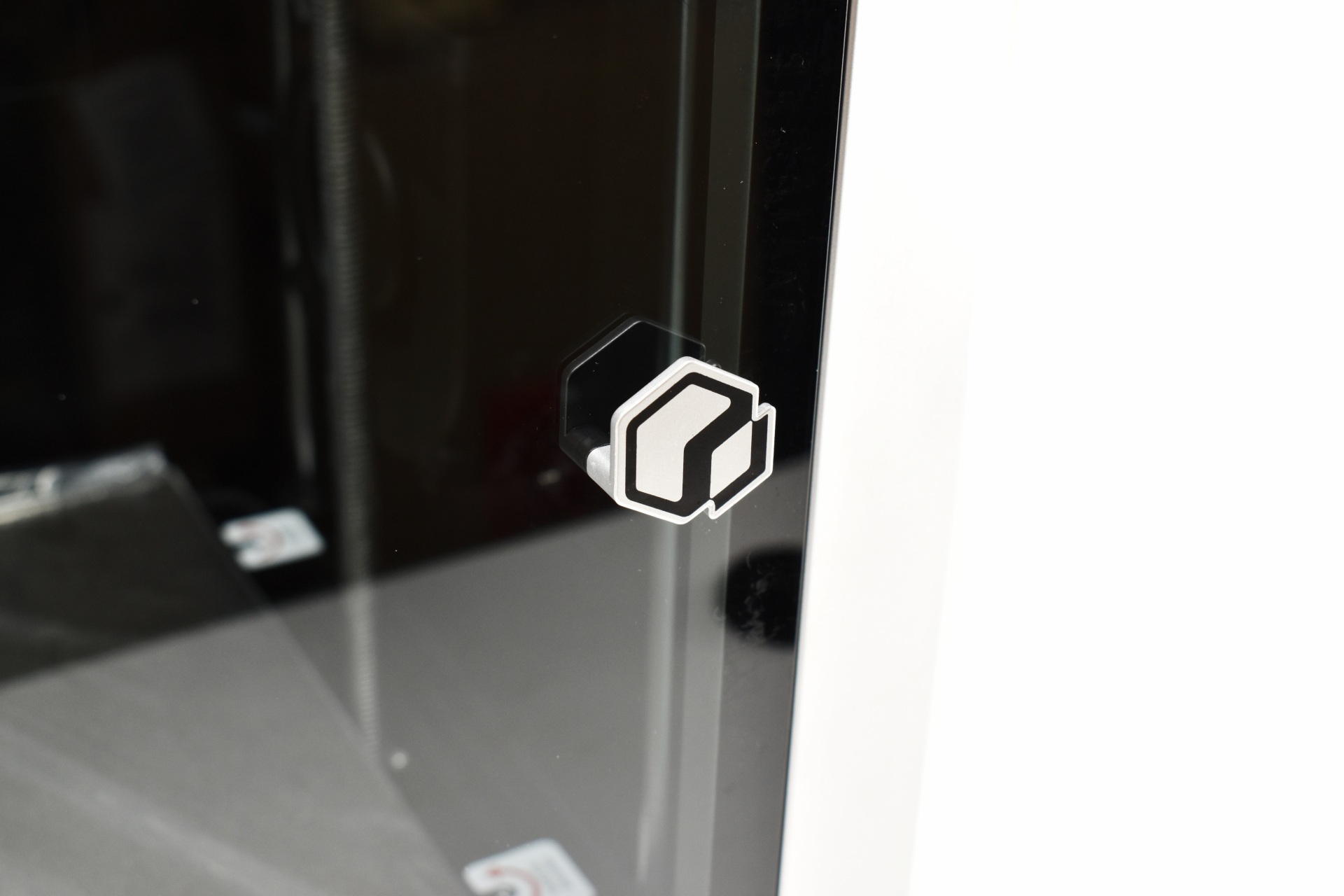
Unlike other models the Q2 arrives with the door handle attached.
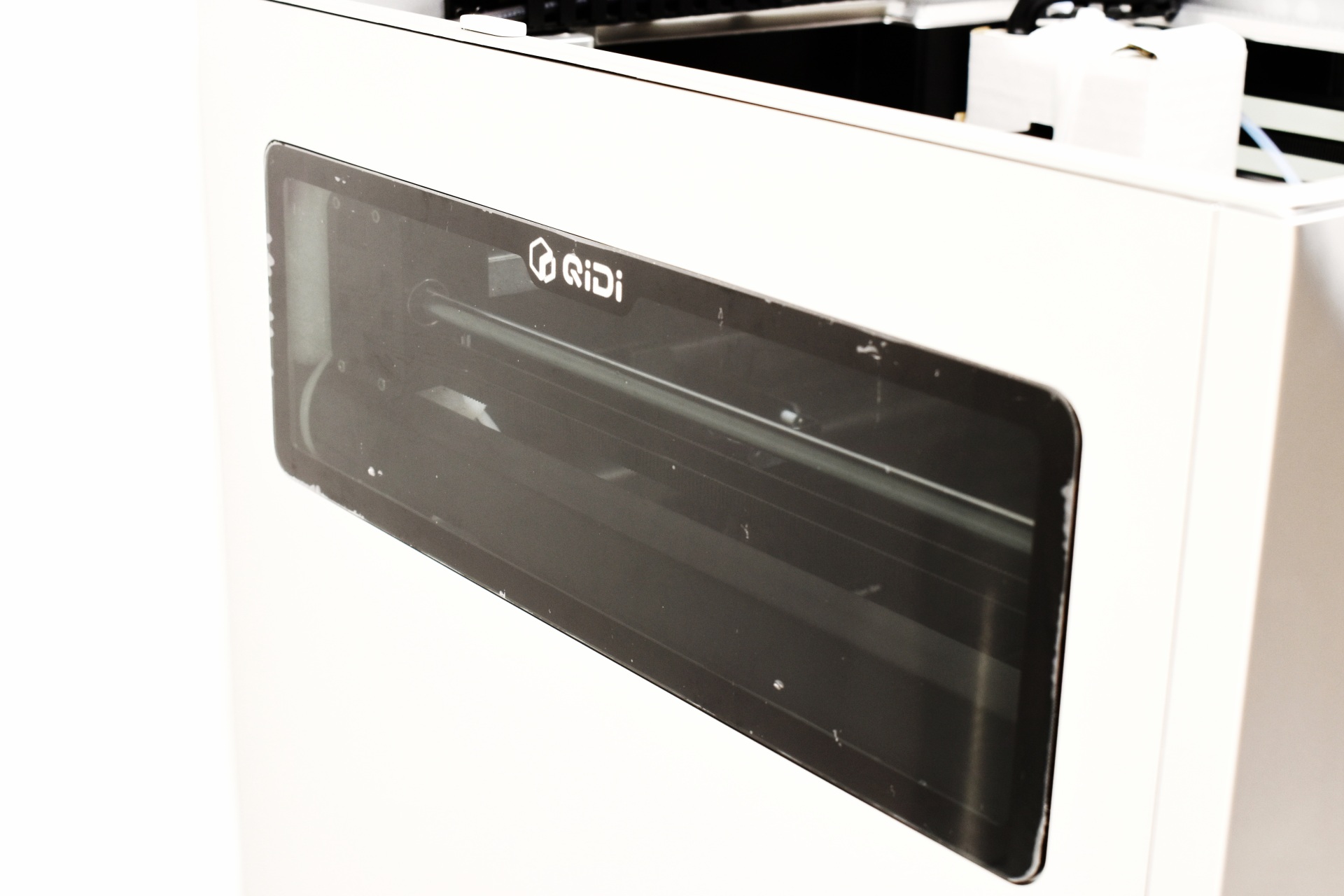
The plexiglass side panels make it easy to see what's going on inside the printer so it's a good thing QIDI keeps adding them.
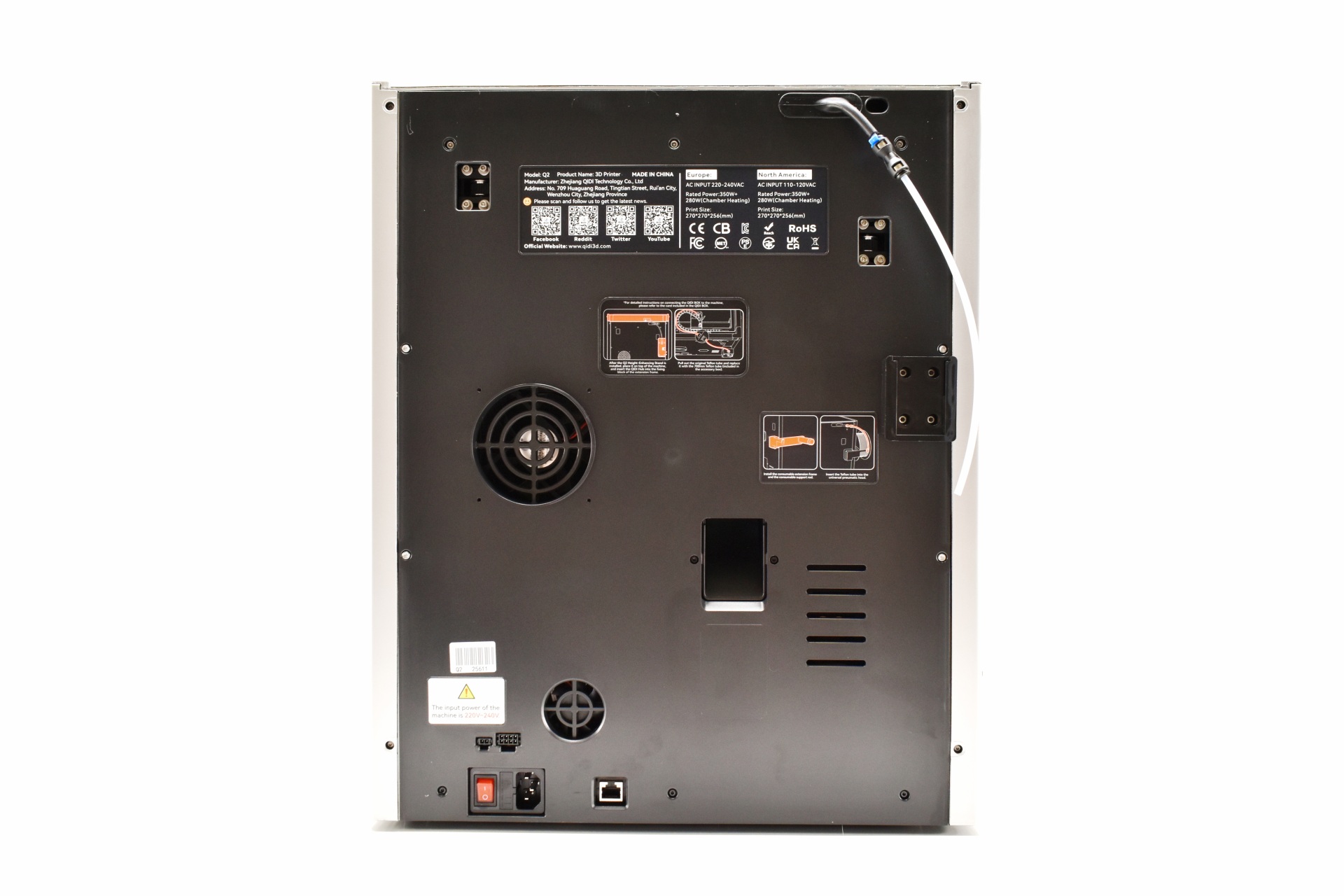
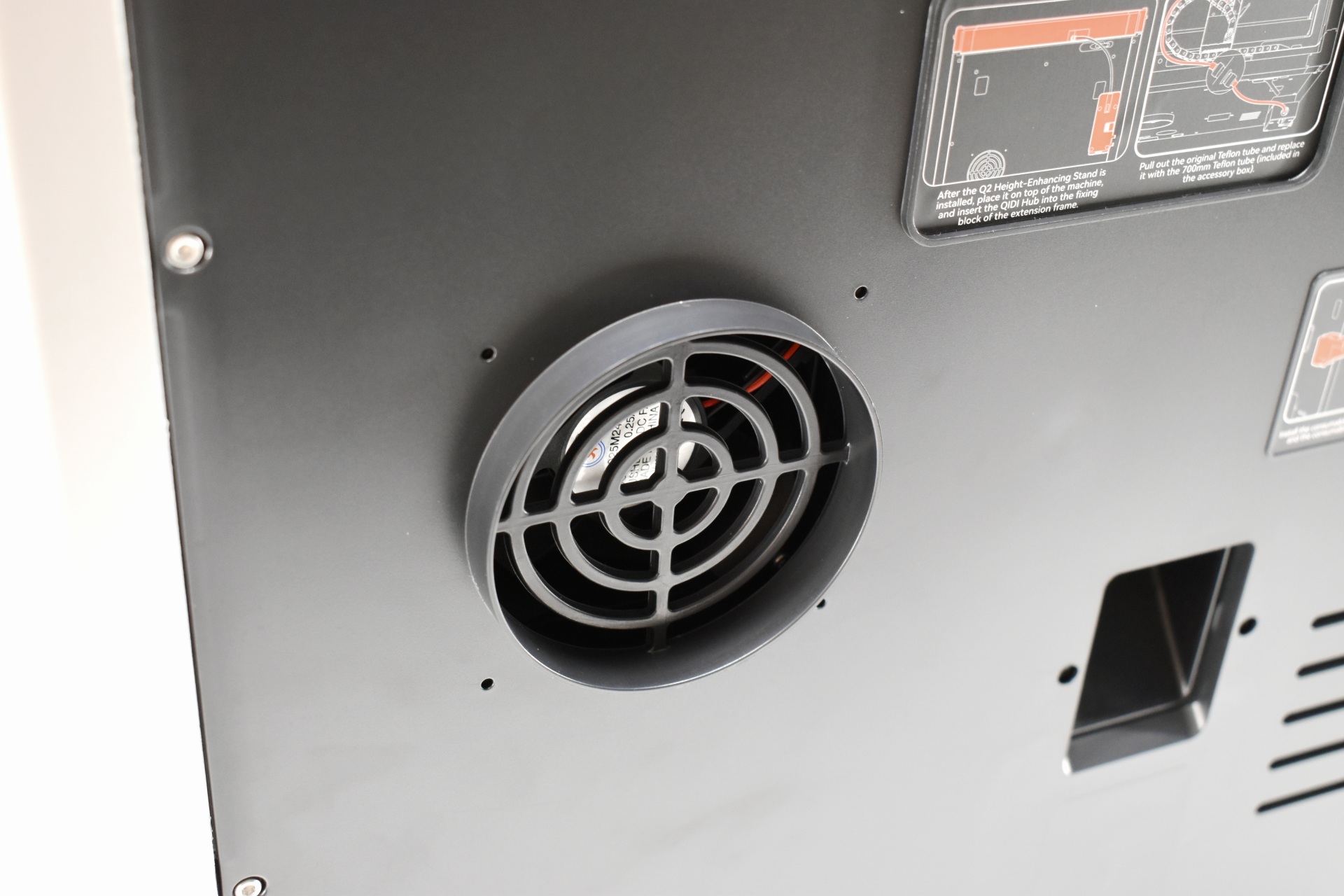
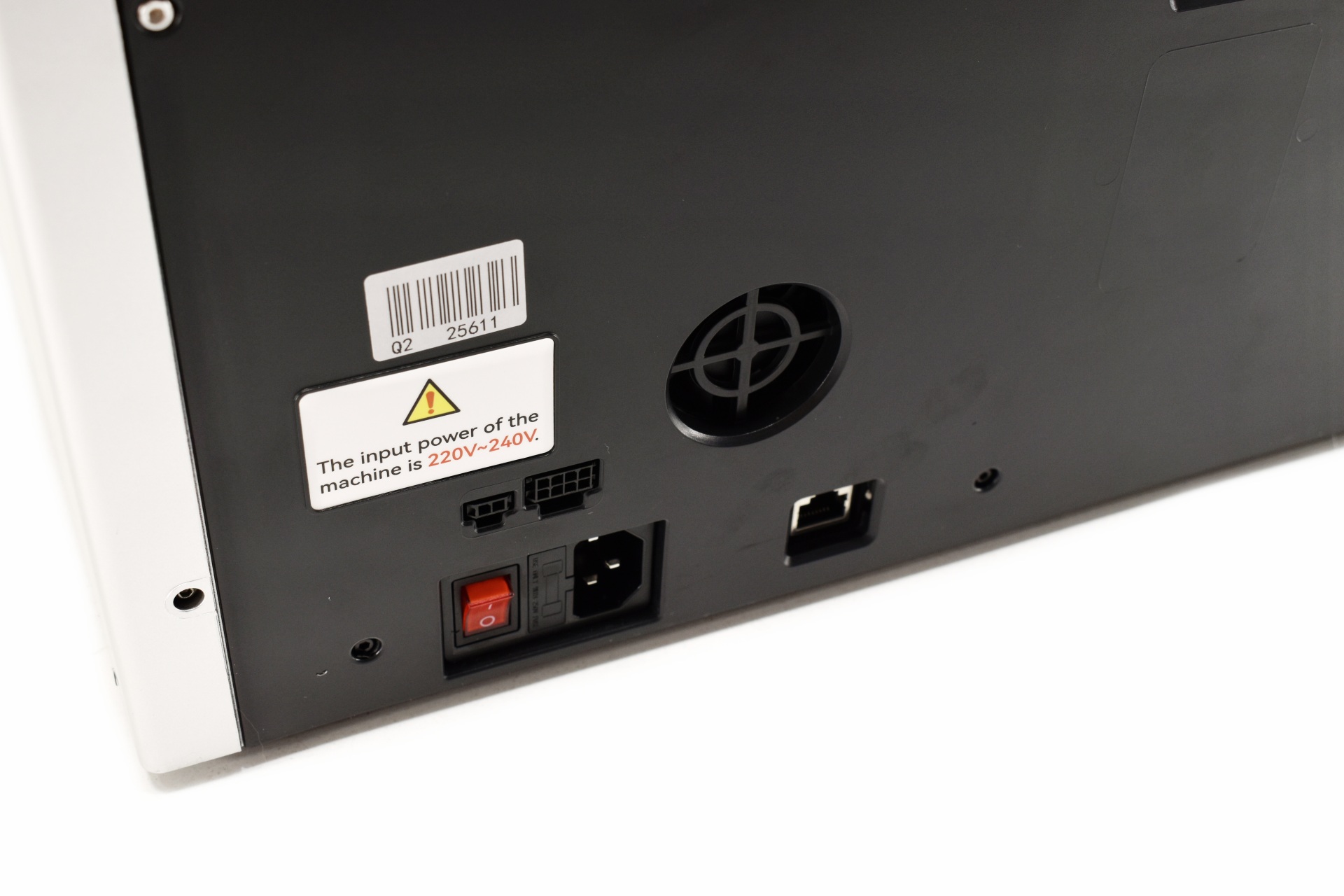
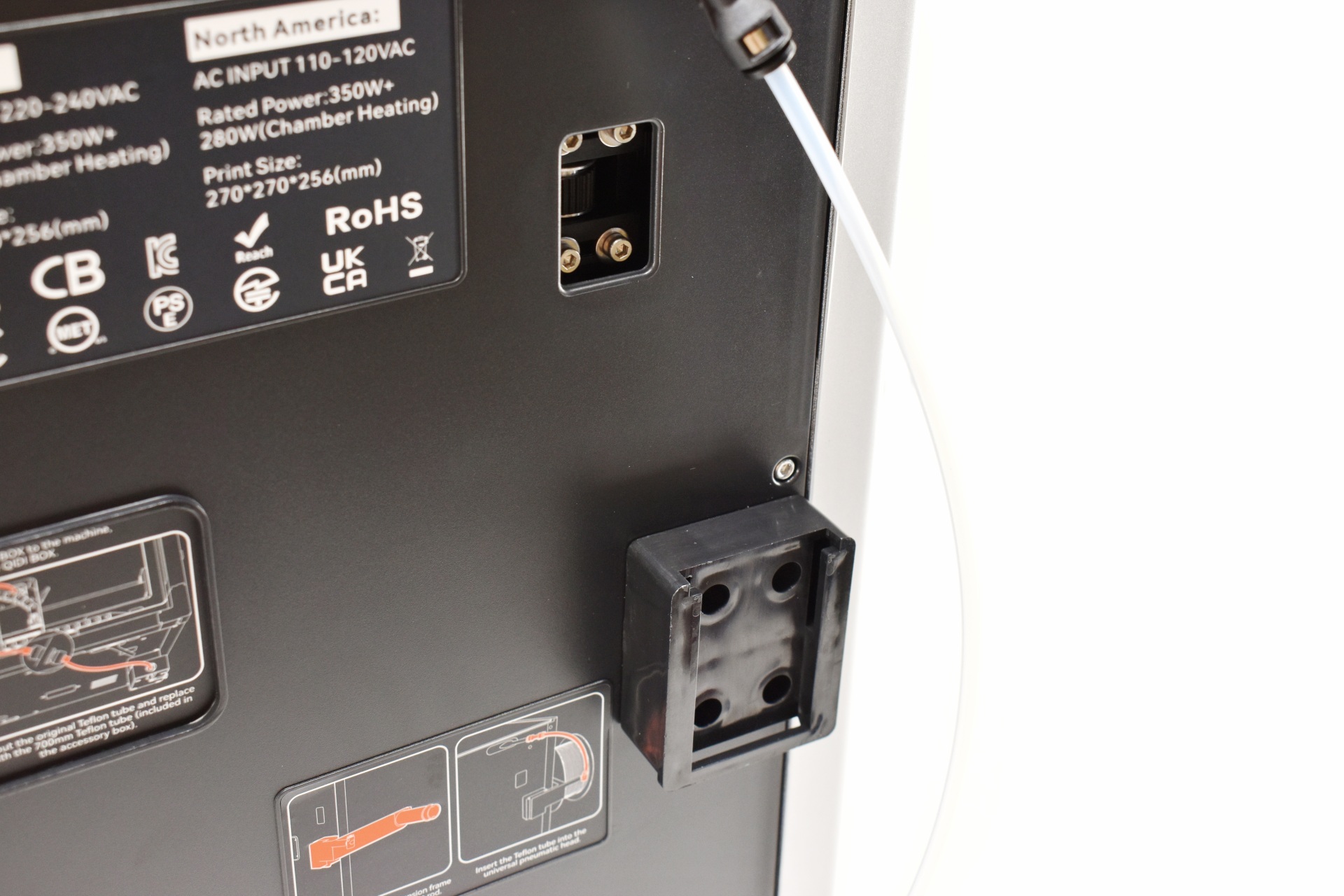
At the rear we find an exhaust fan, small intake fan, filament spool holder mount, RJ45 port, signal cable ports, and the filament exit.
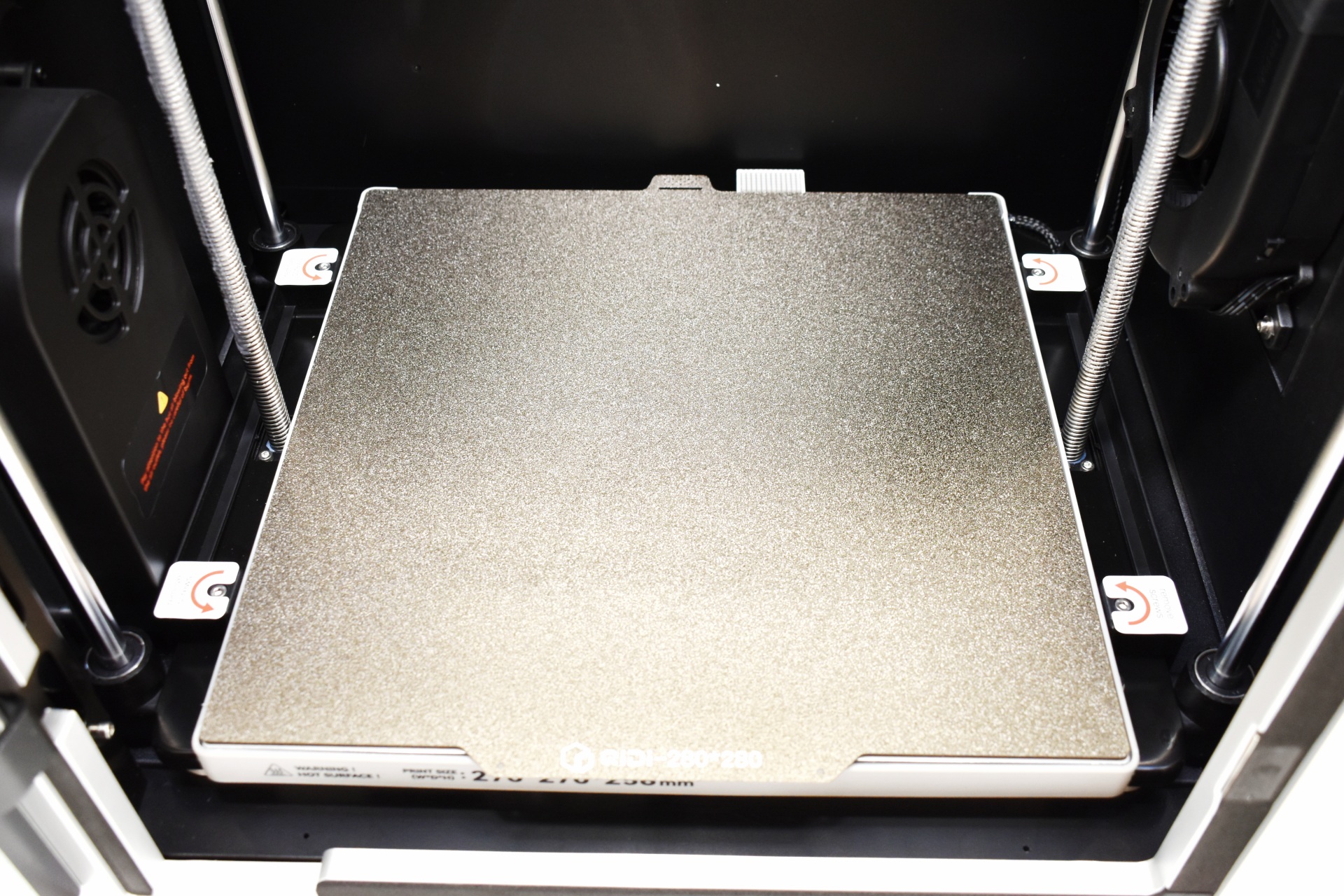
Just like with the Plus5 model the Q2 comes with a textured dual-sided PEI plate.
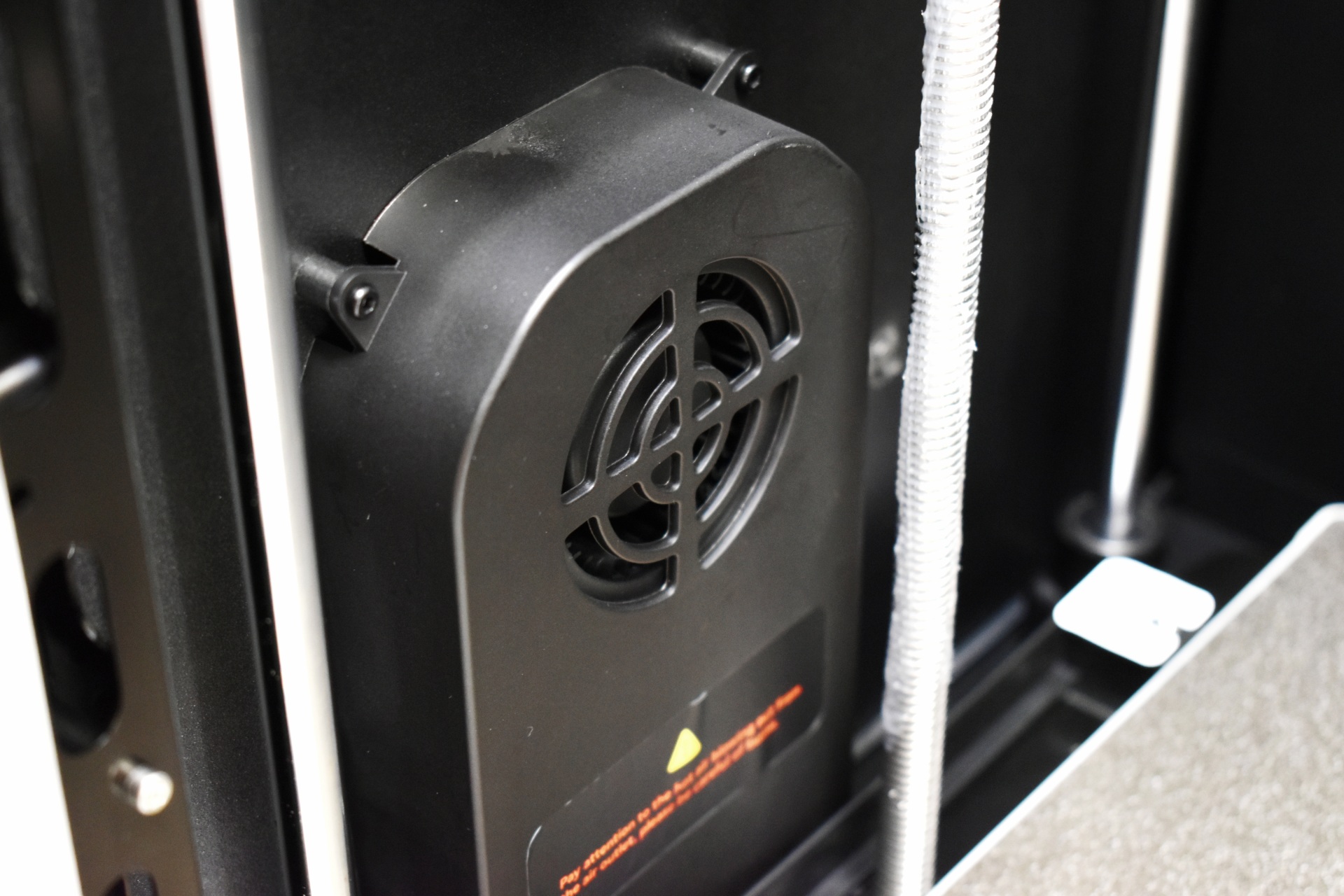
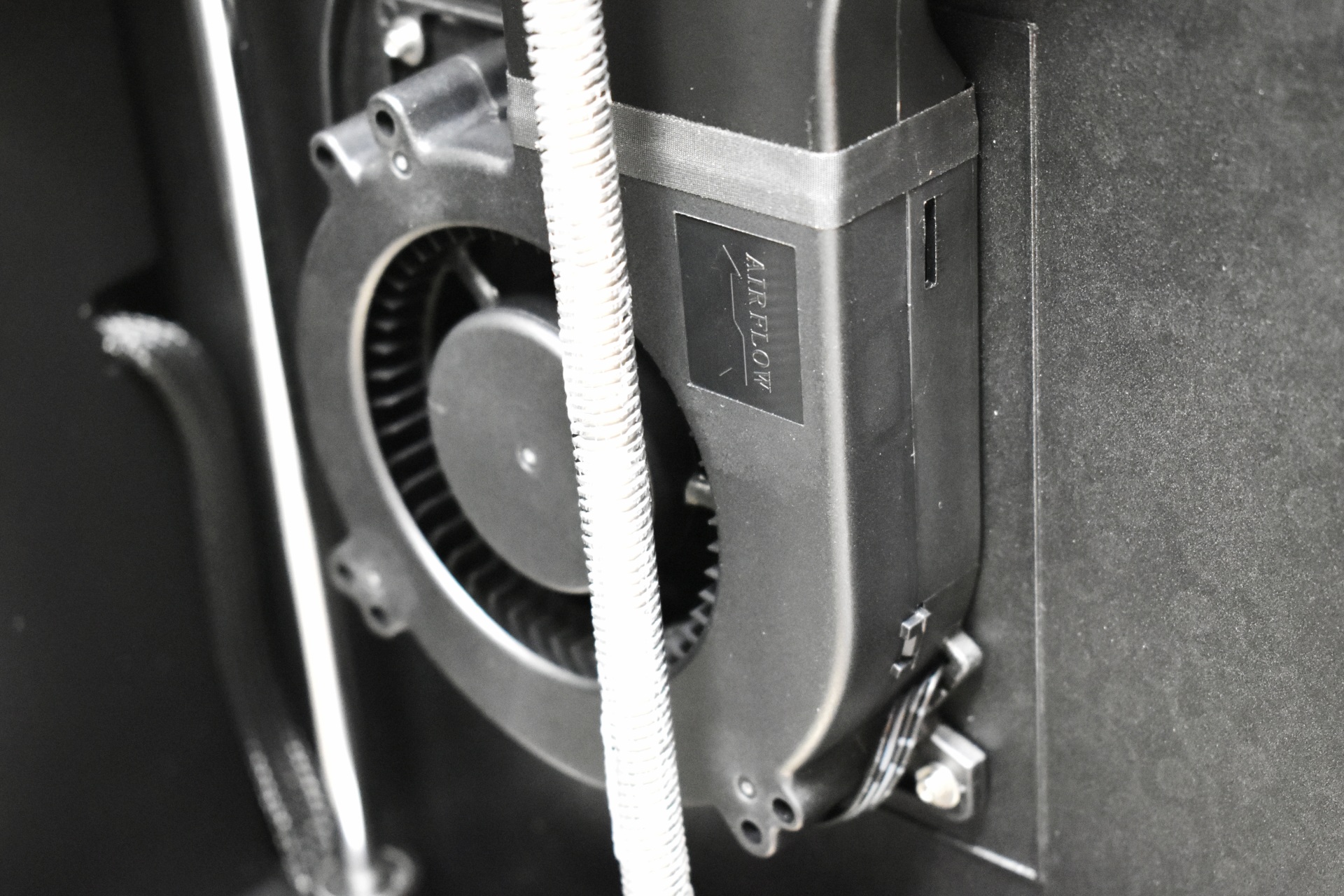
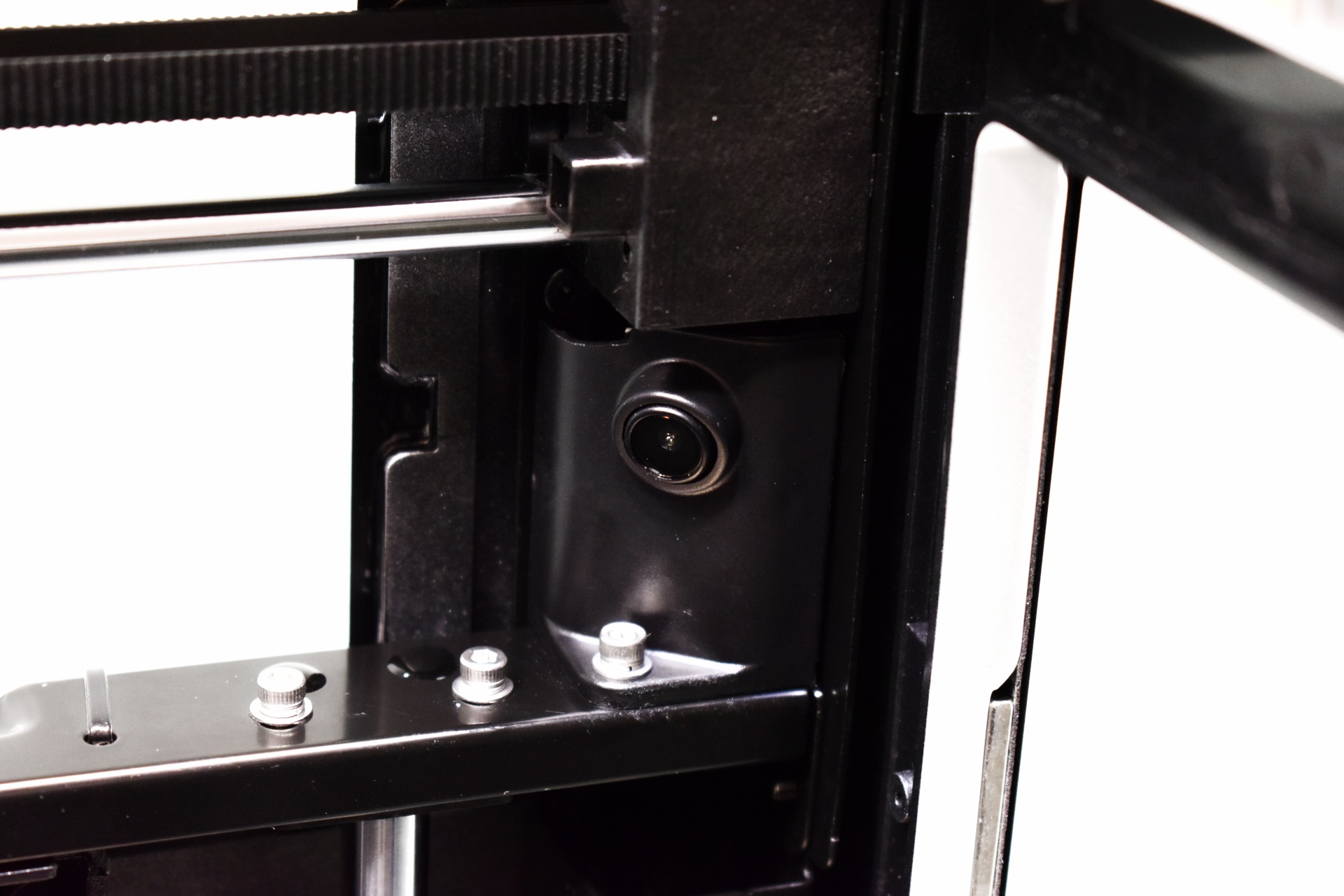
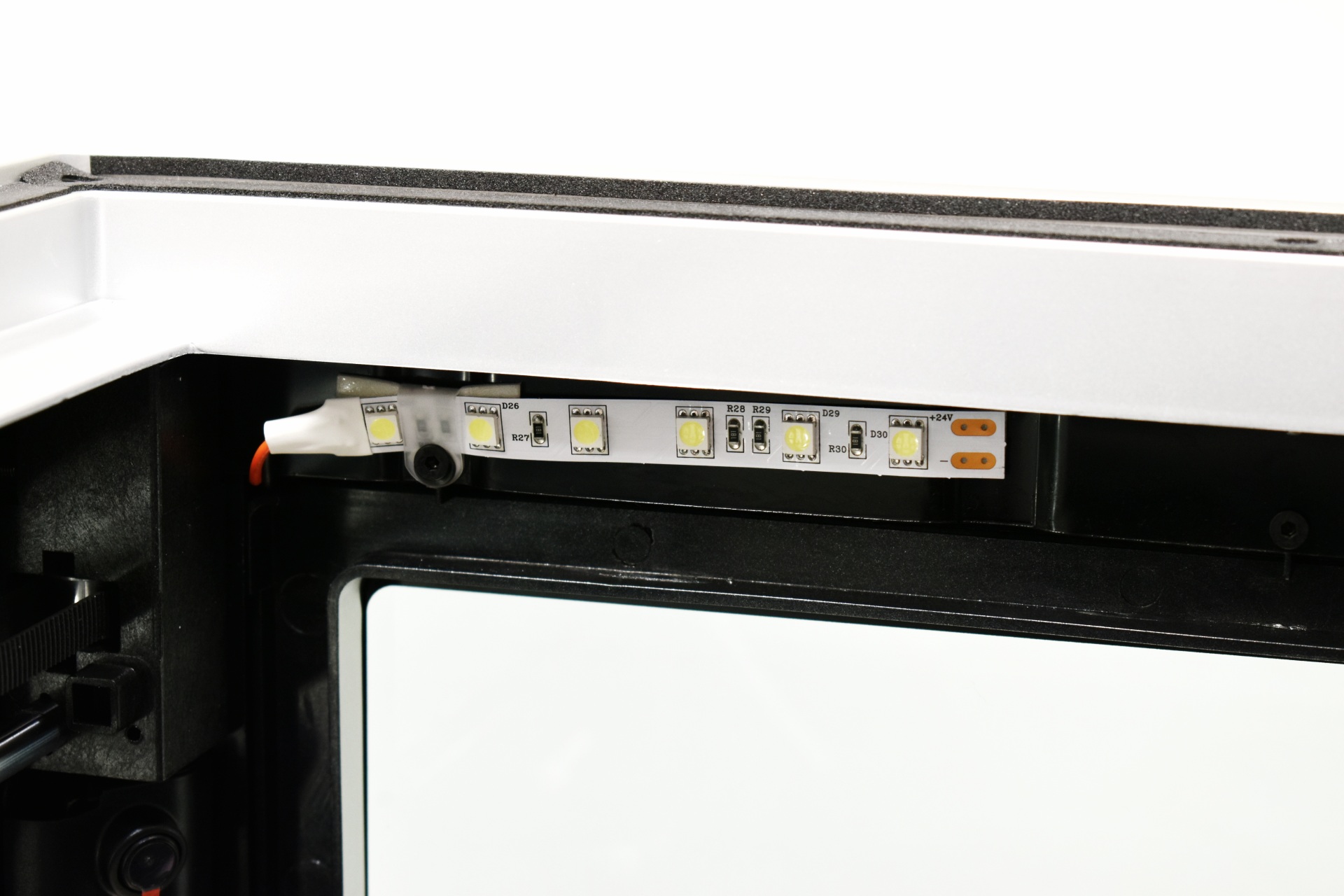
Inside we also find a blower type fan, heater, 1080p AI camera (640x480p default resolution), filament residue cleaner, air-purifier compartment, and a 24V single-color flexible SMD LED strip light.
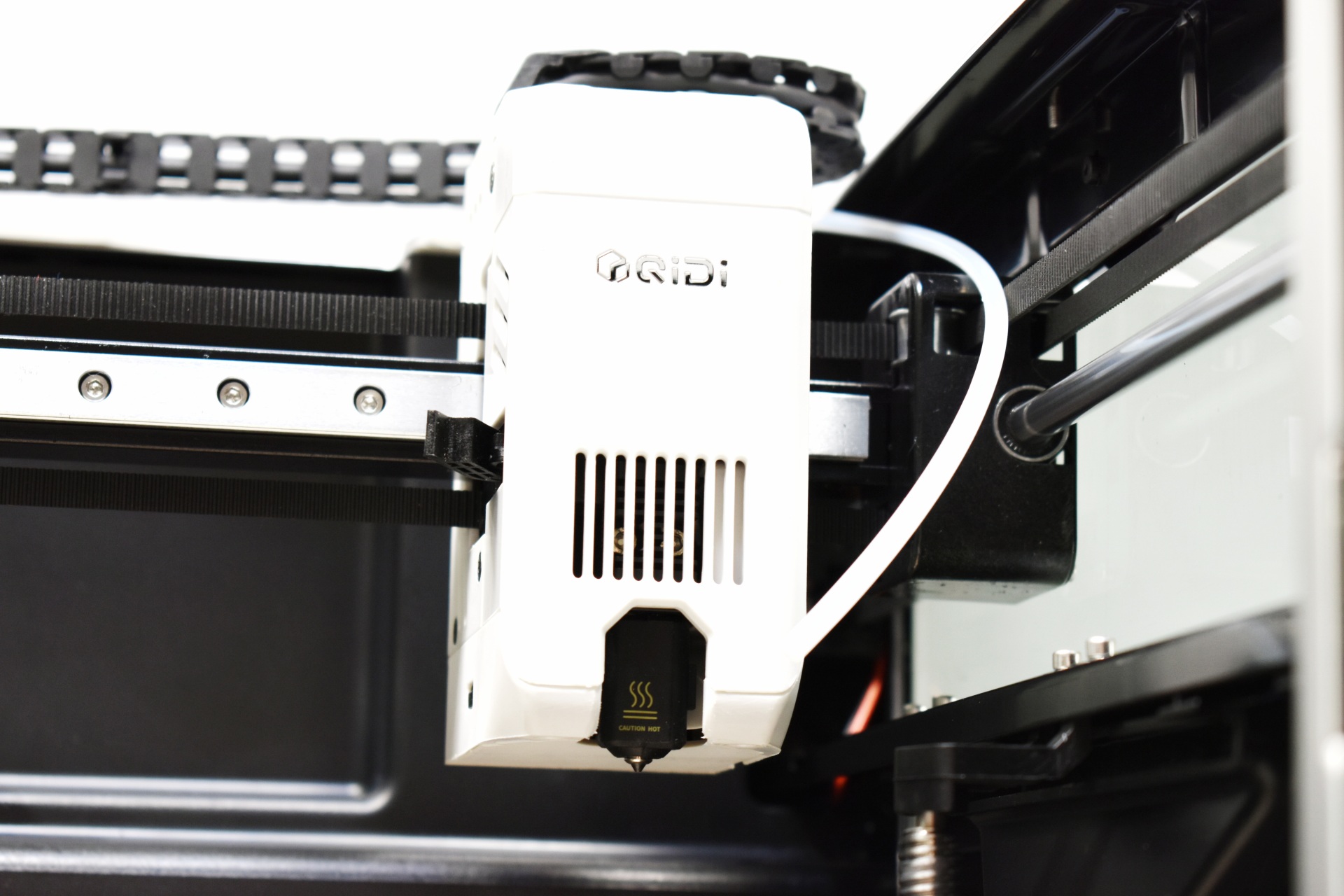
The extruder used with the Q2 is not the same as the one used with the Plus5/Max4 models.
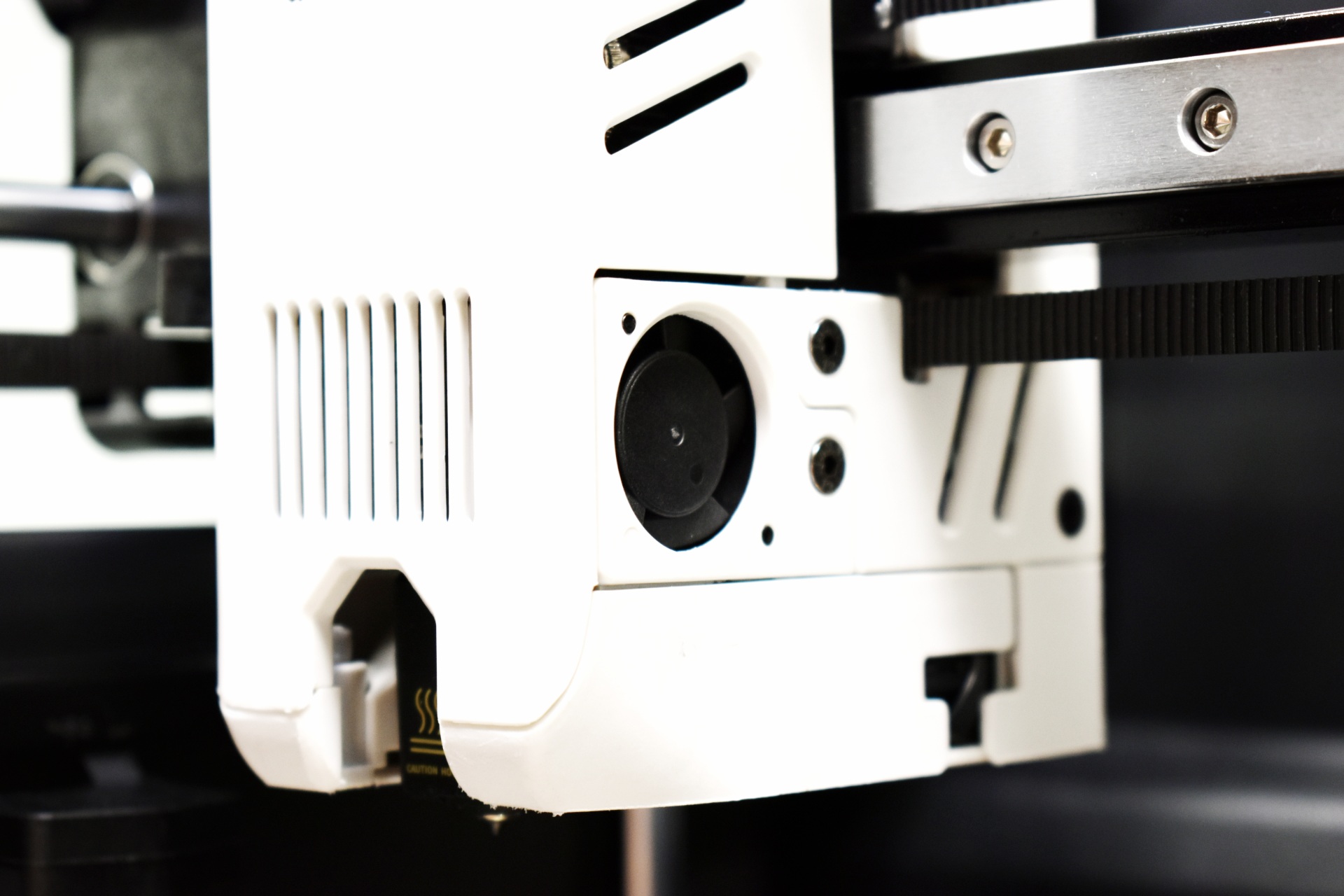
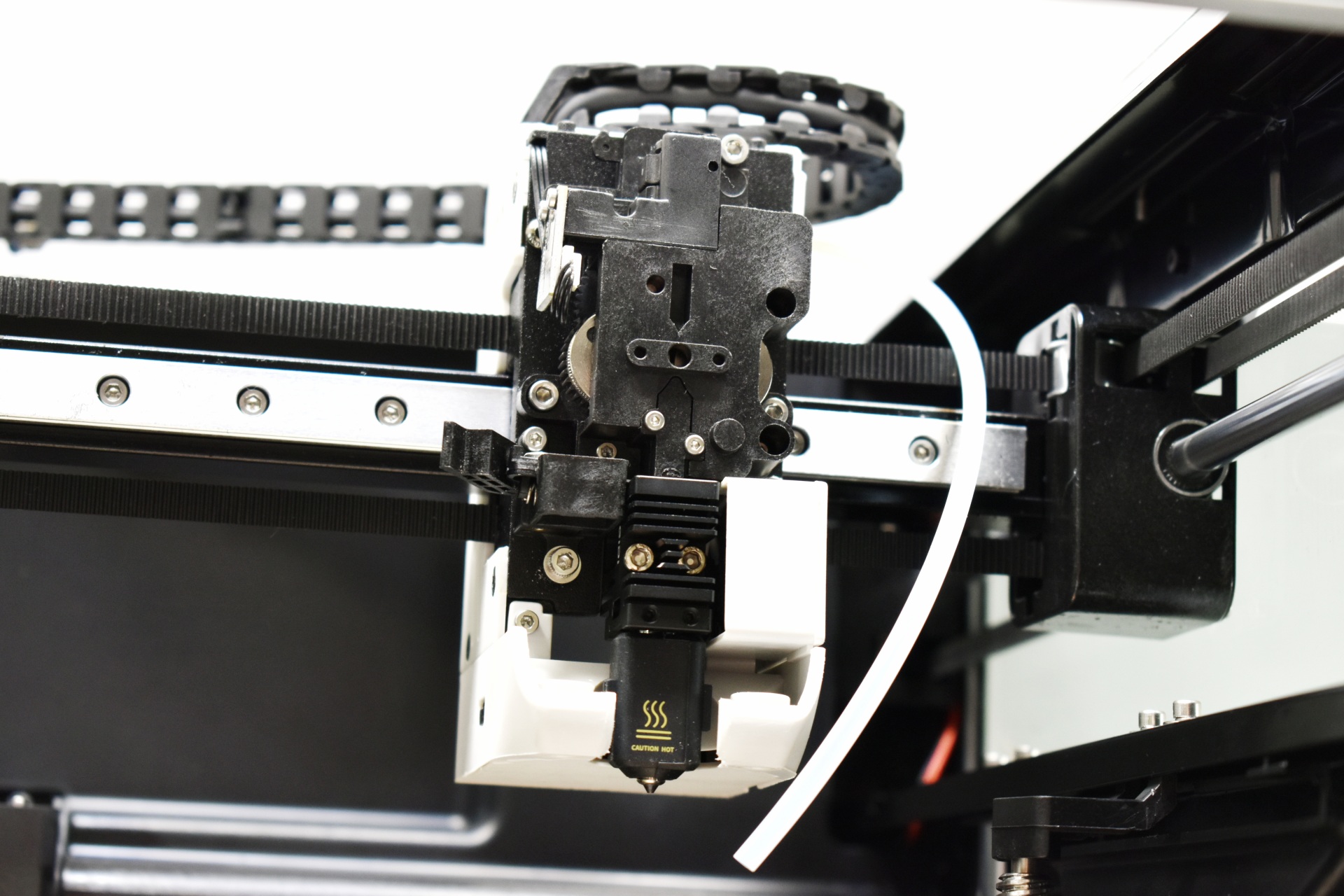
It does have a side fan and can also be used with the Polar addon.
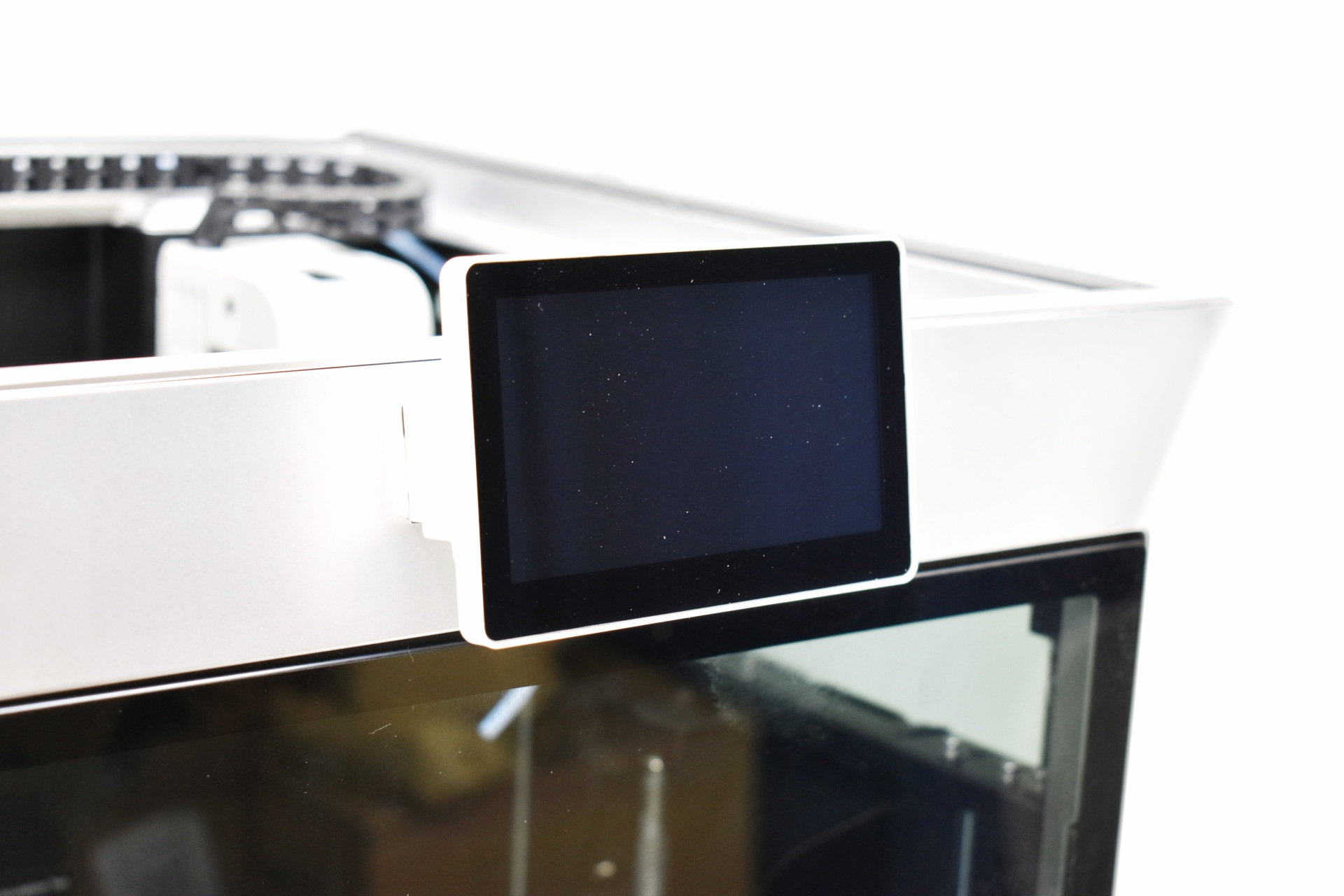
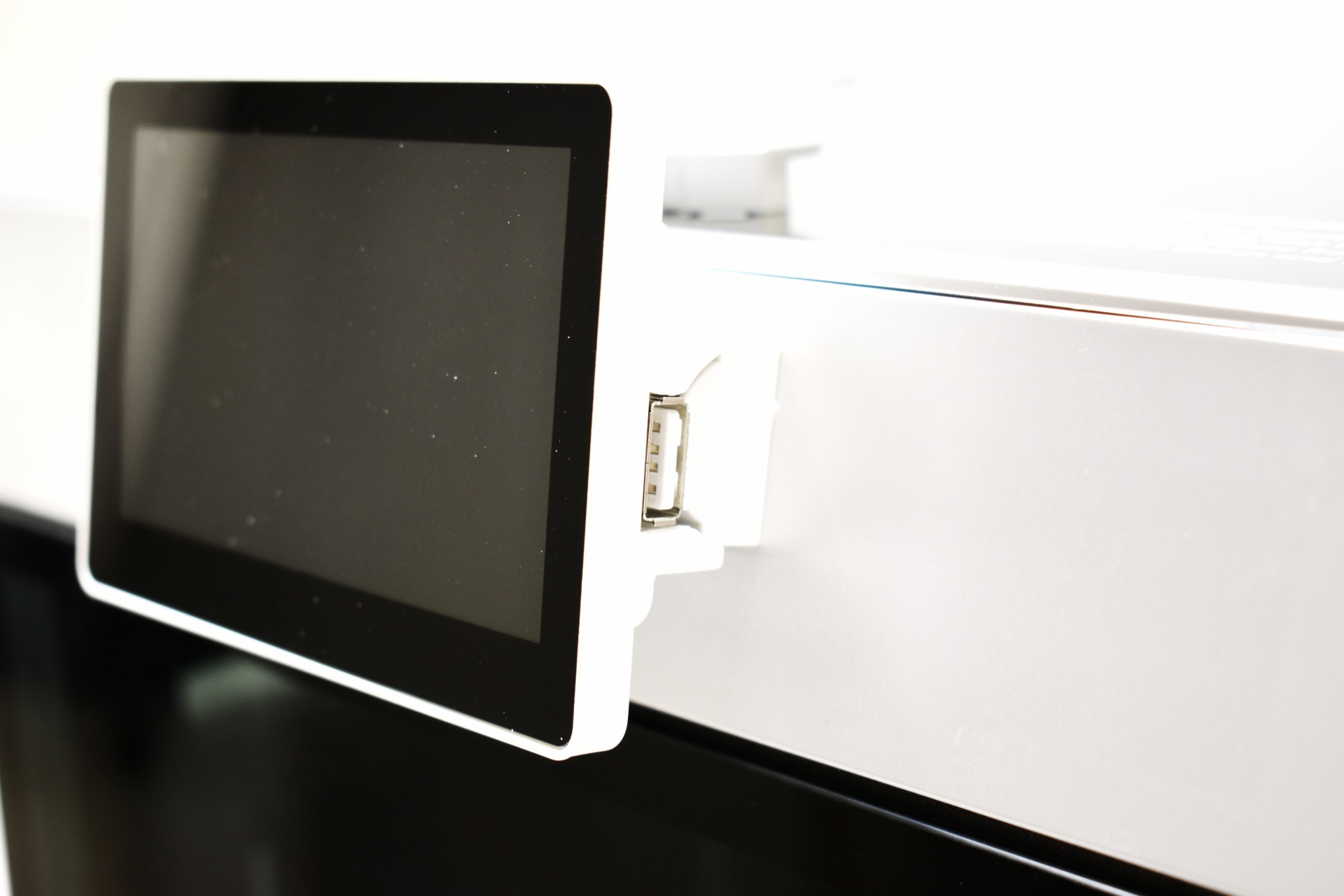
The 3.4-inch color touchscreen is fixed in place and has the USB 2.0 port on its side.
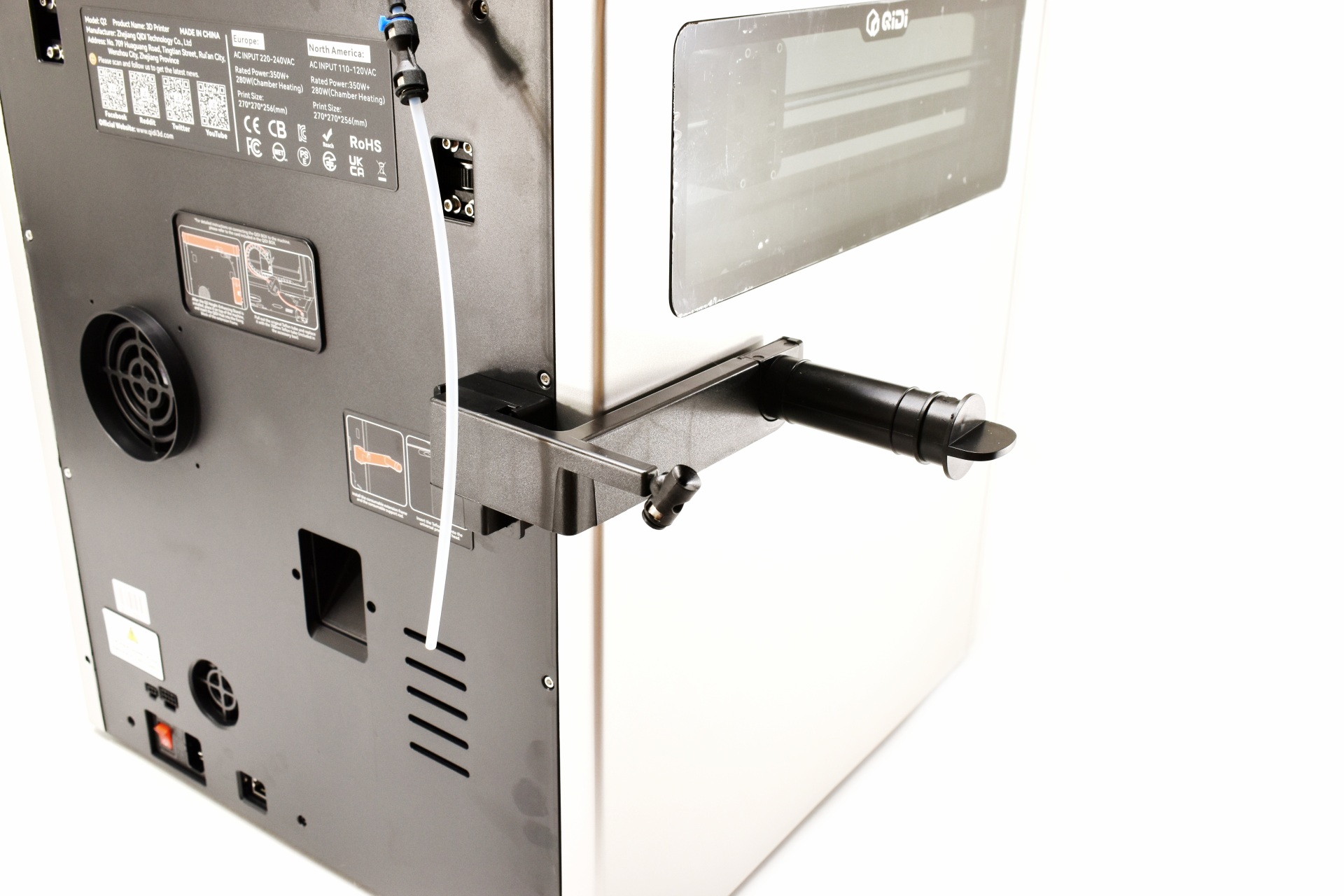
This is how the 2-piece spool holder looks when mounted onto the Q2.
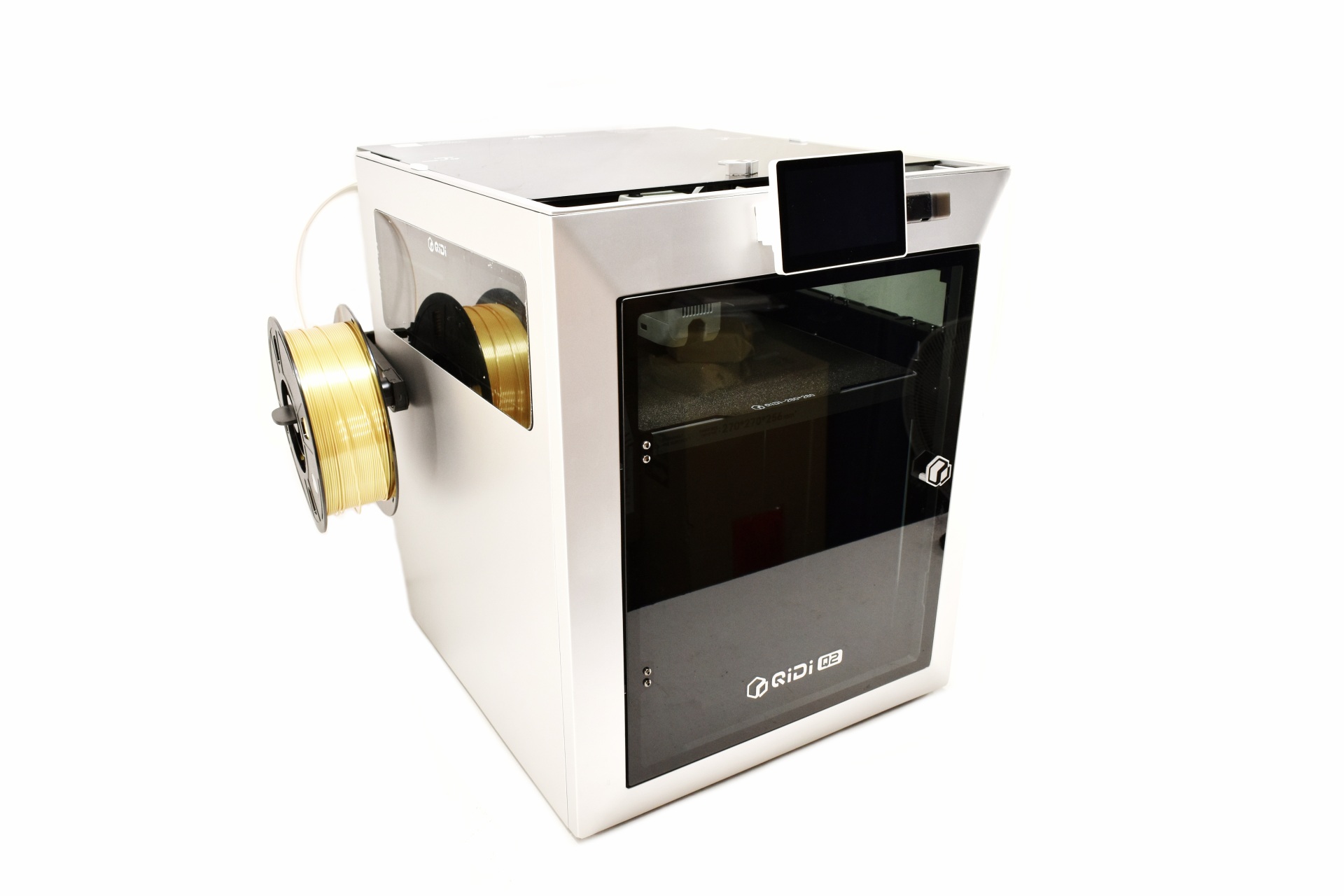
Just like with the Plus5 for this review I used the new PLA Rapido P (gold and silver) filaments by QIDI.
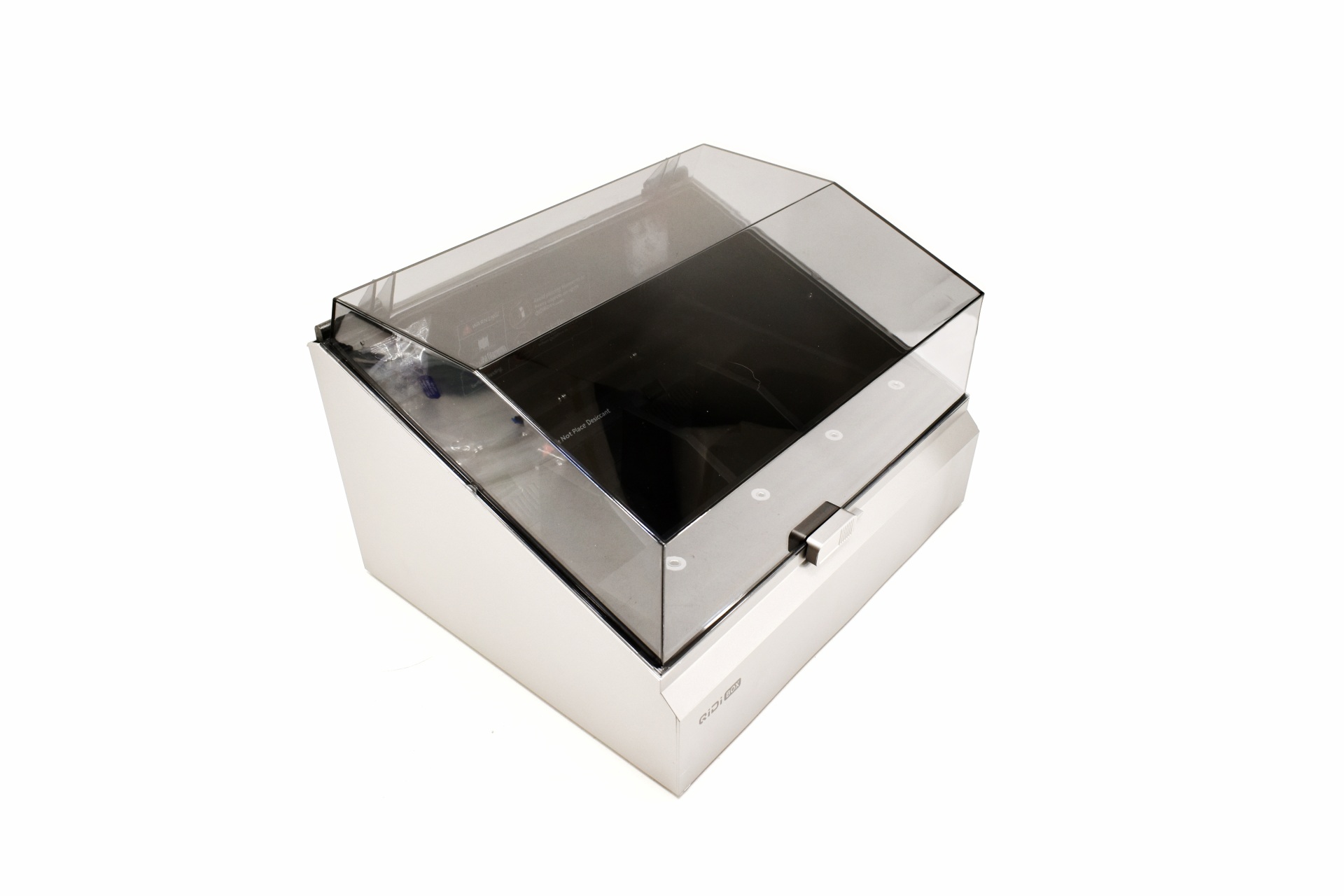
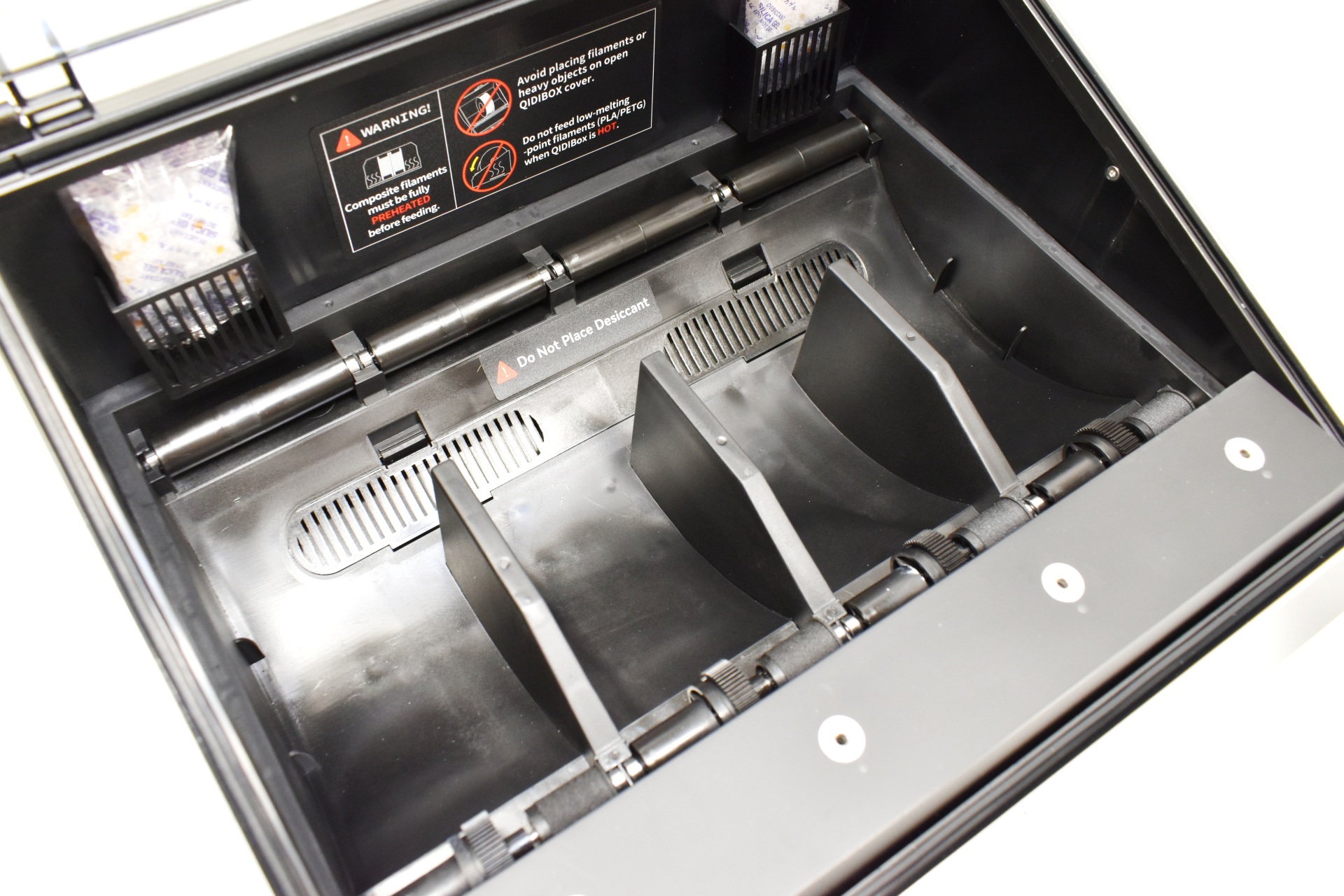
The BOX addon is nothing new, has a clear plastic cover, room for 4 filaments, and two mounts for silica packets.
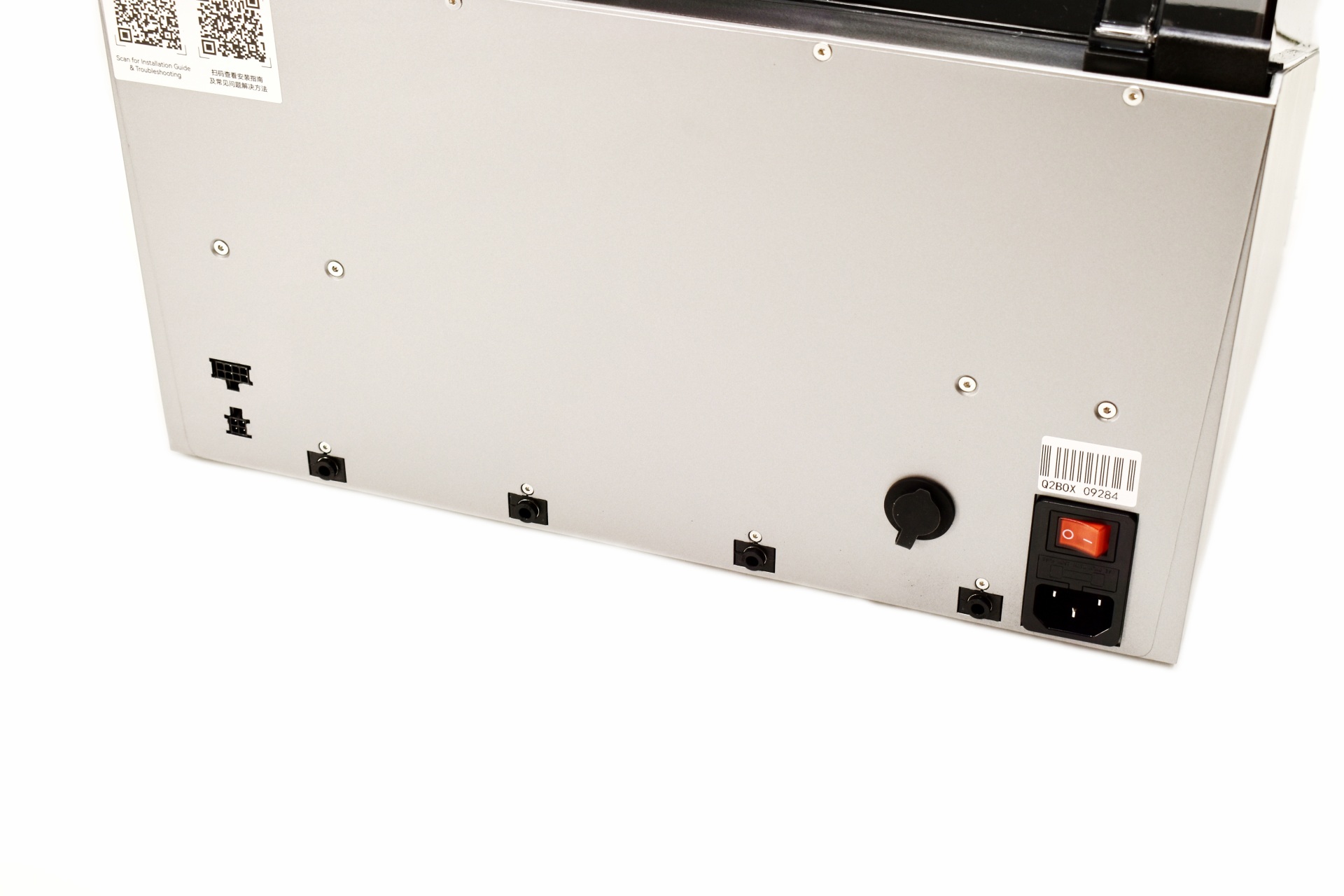
At the rear it has the on/off switch, power port, 4 PTFE tube ports, two signal ports and a moisture exhaust outlet covered with a rubber cap.
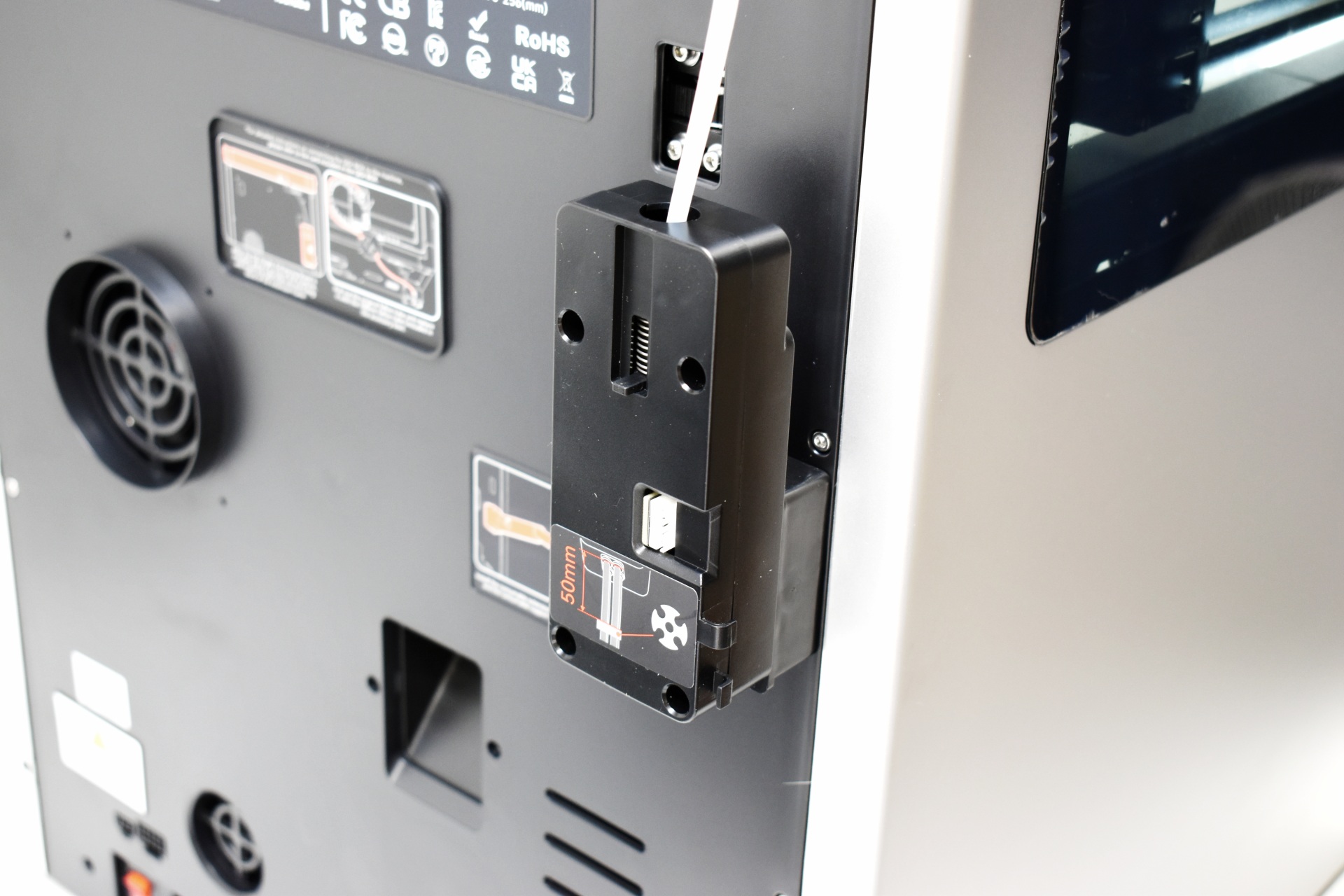
Mounting the BOX is easy, just connect the signal cables, mount the multi-color spool hub instead of the spool holder, attach the PTFE tubes and you're good to go.
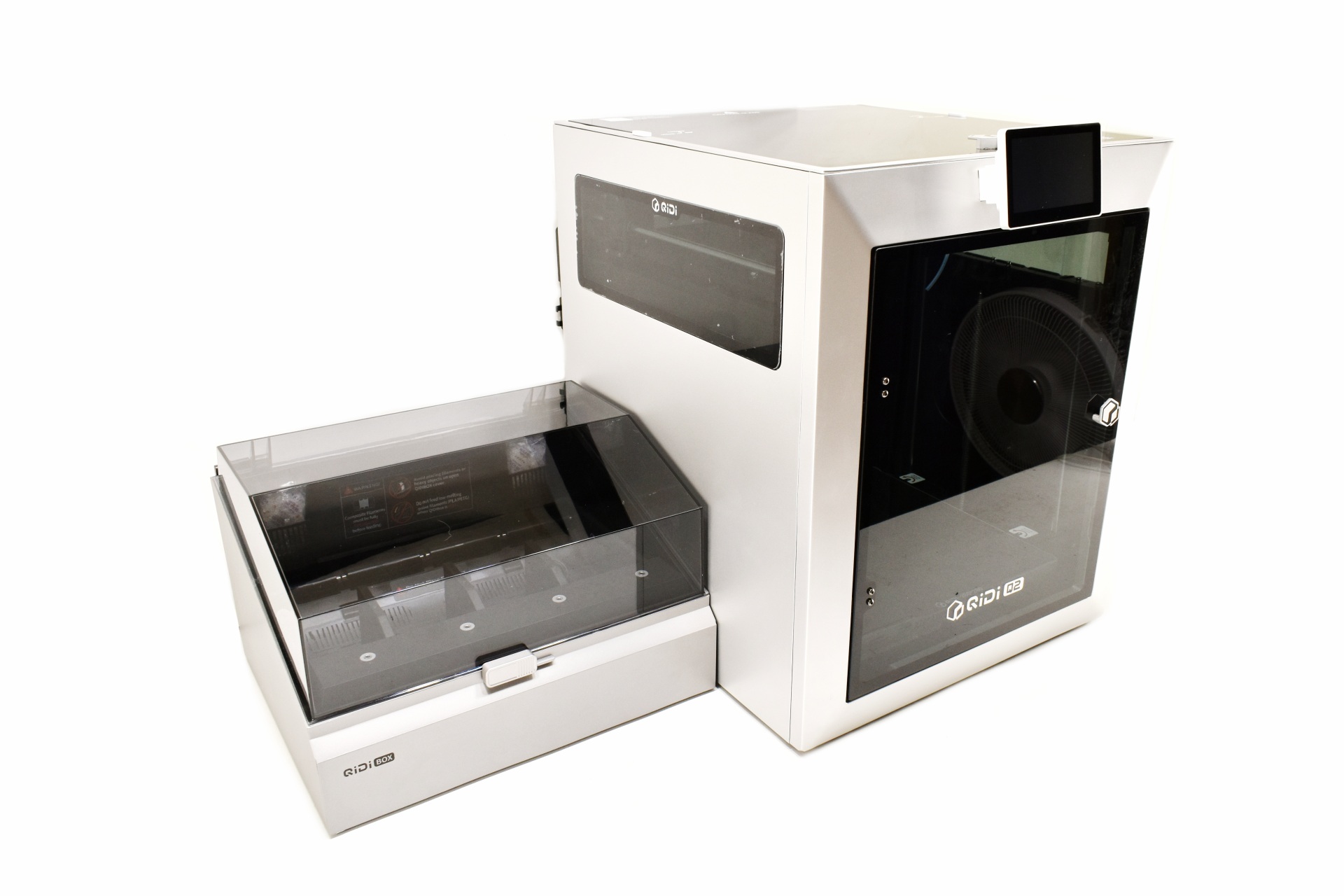
Most people will place the BOX on top of the Q2 with the bundled base, I however prefer placing it on the side.
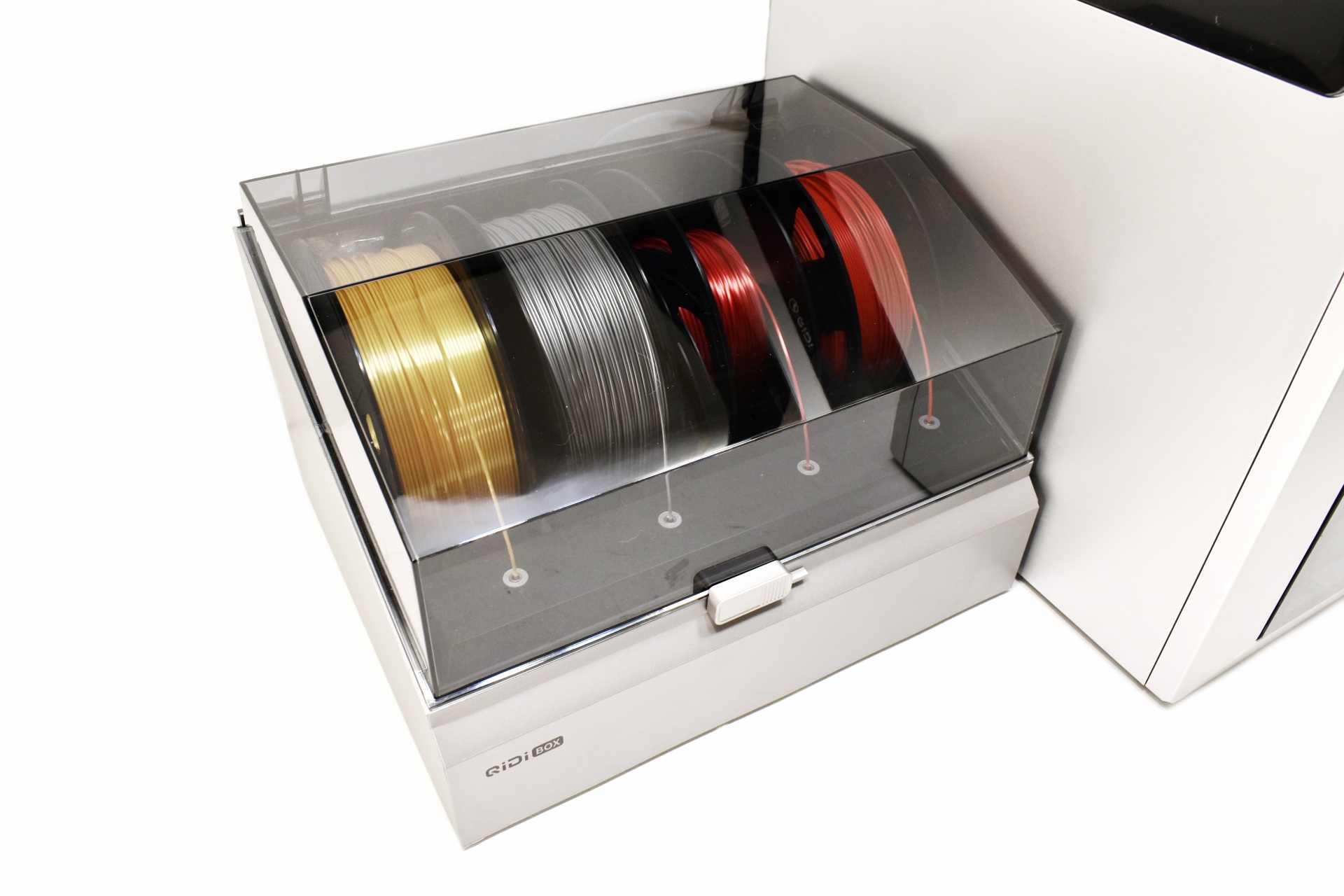
For multi-color tests I used two QIDI PLA Rapido P and two PLA filaments.
DISPLAY MENUS
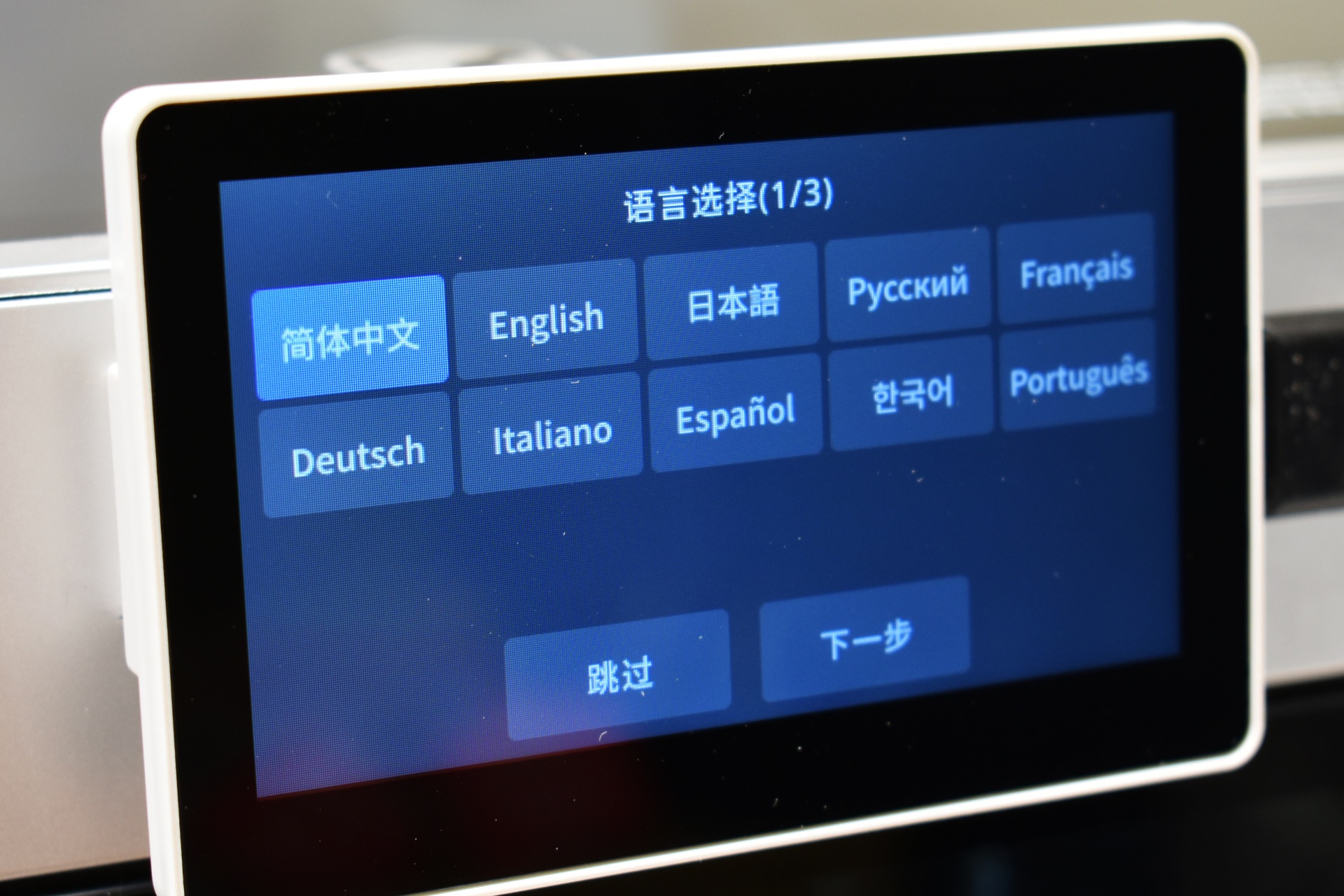
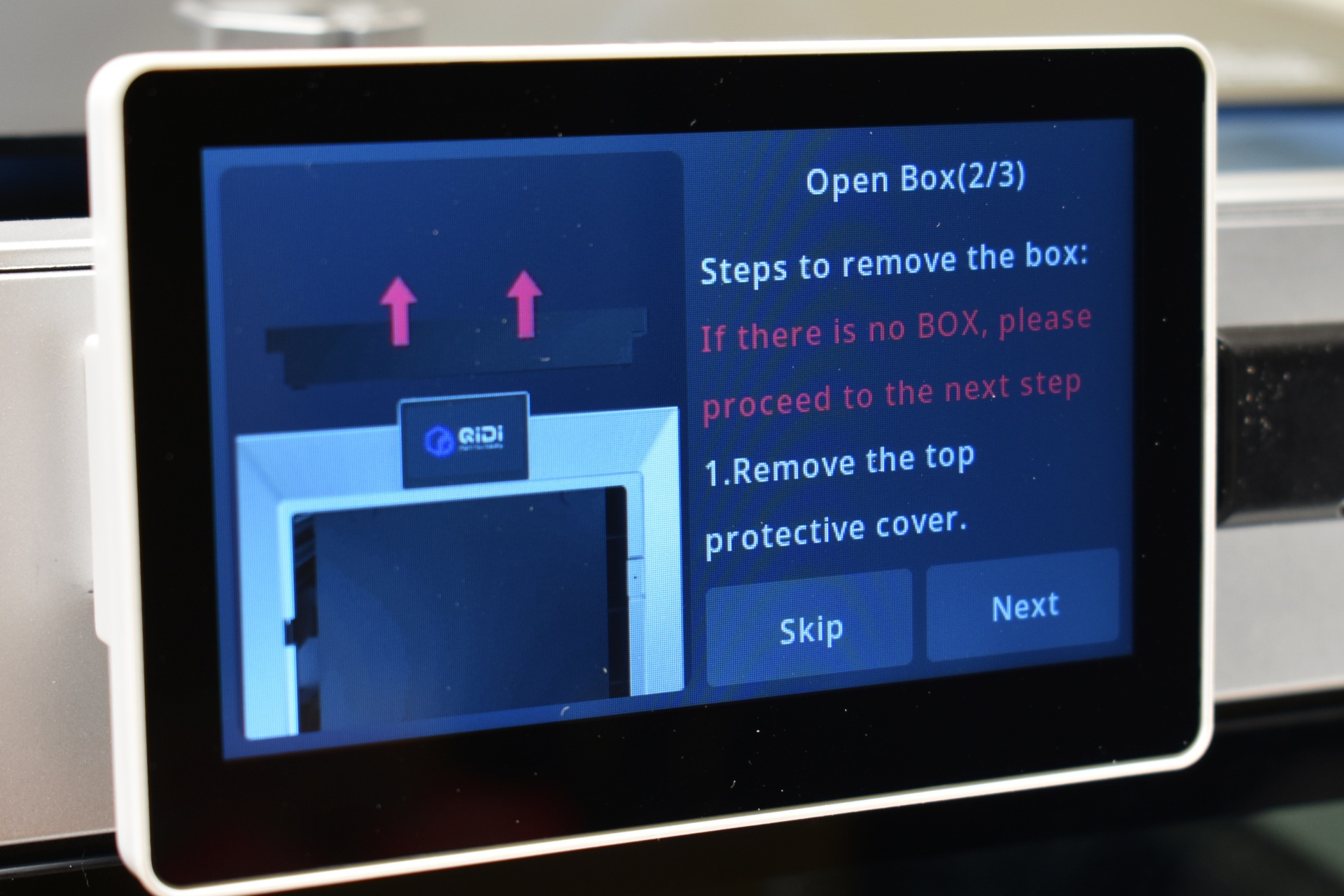
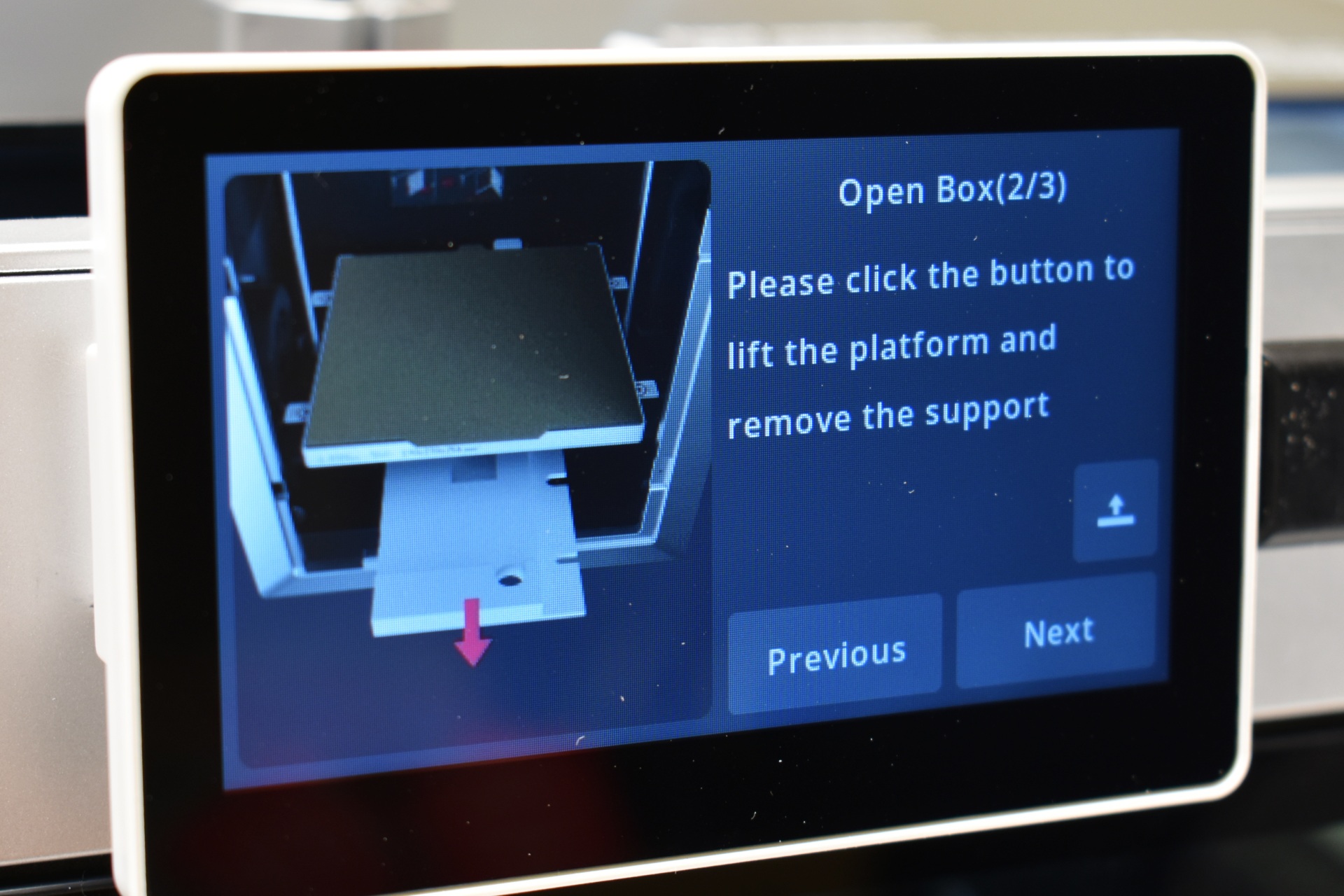
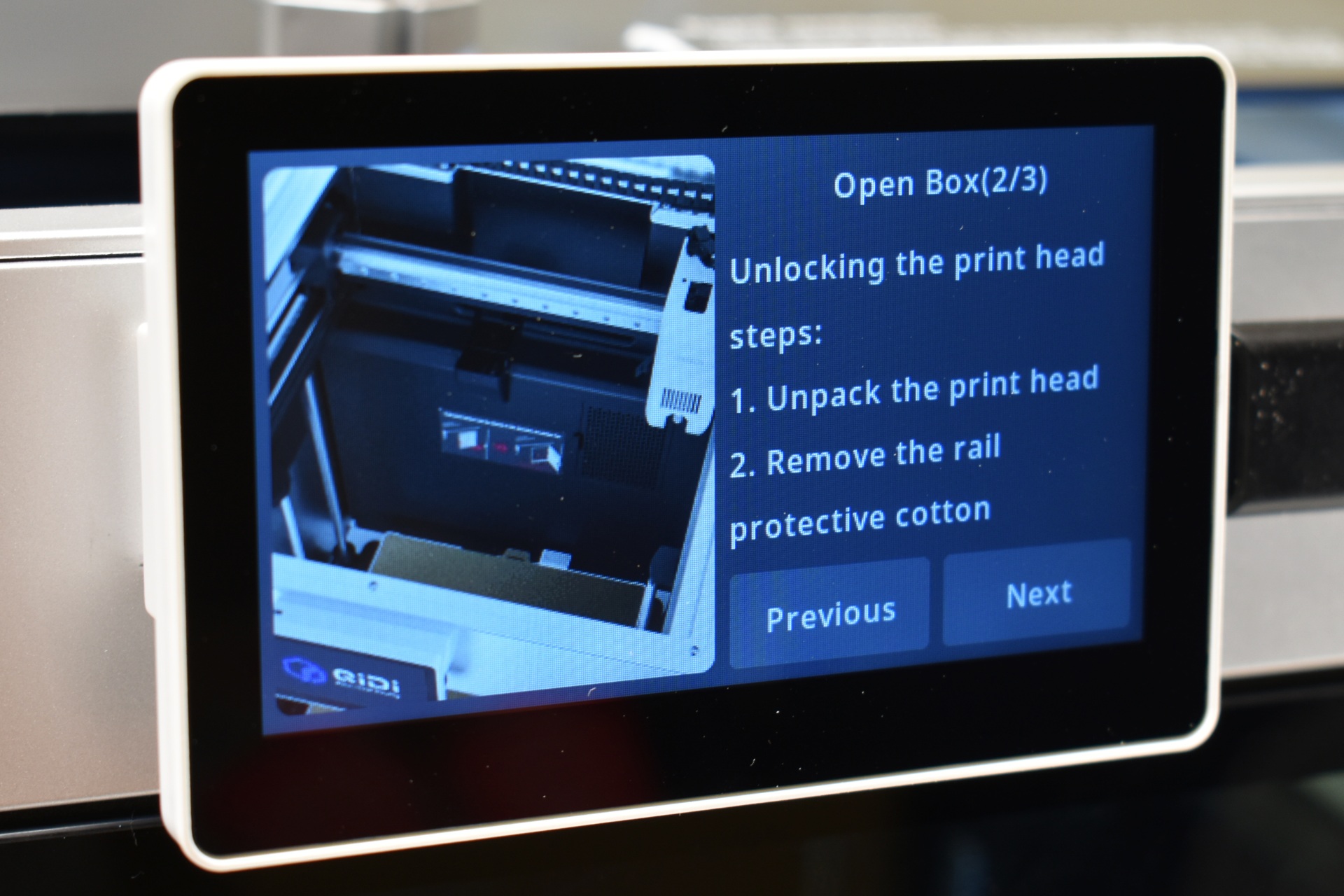
Once you turn on the printer you will need to choose the language, region, bind the printer with the QIDI Maker app (if you want to) and follow instructions on how to remove the QIDI box (if you got the combo model) and unlock the bed and print head.
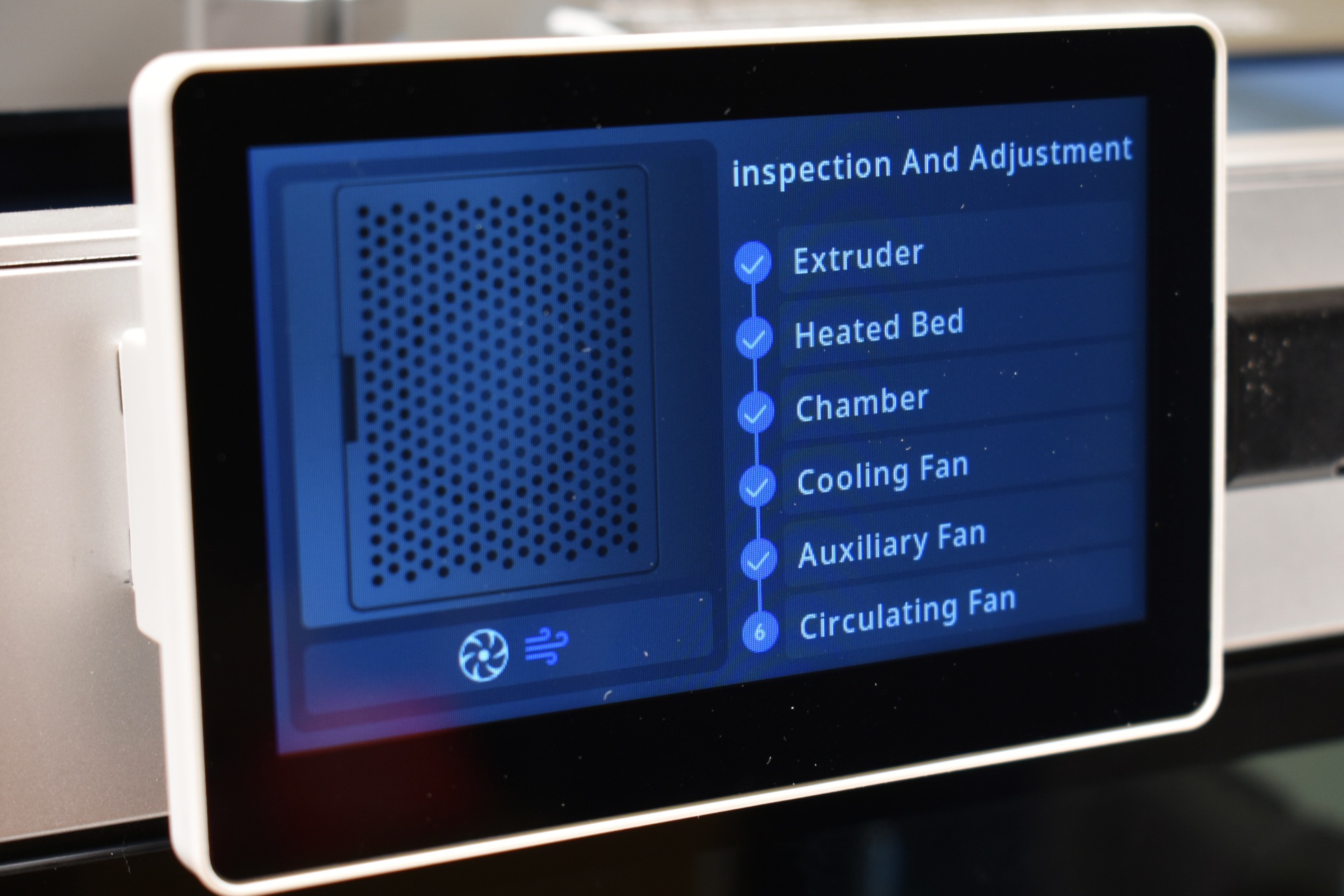
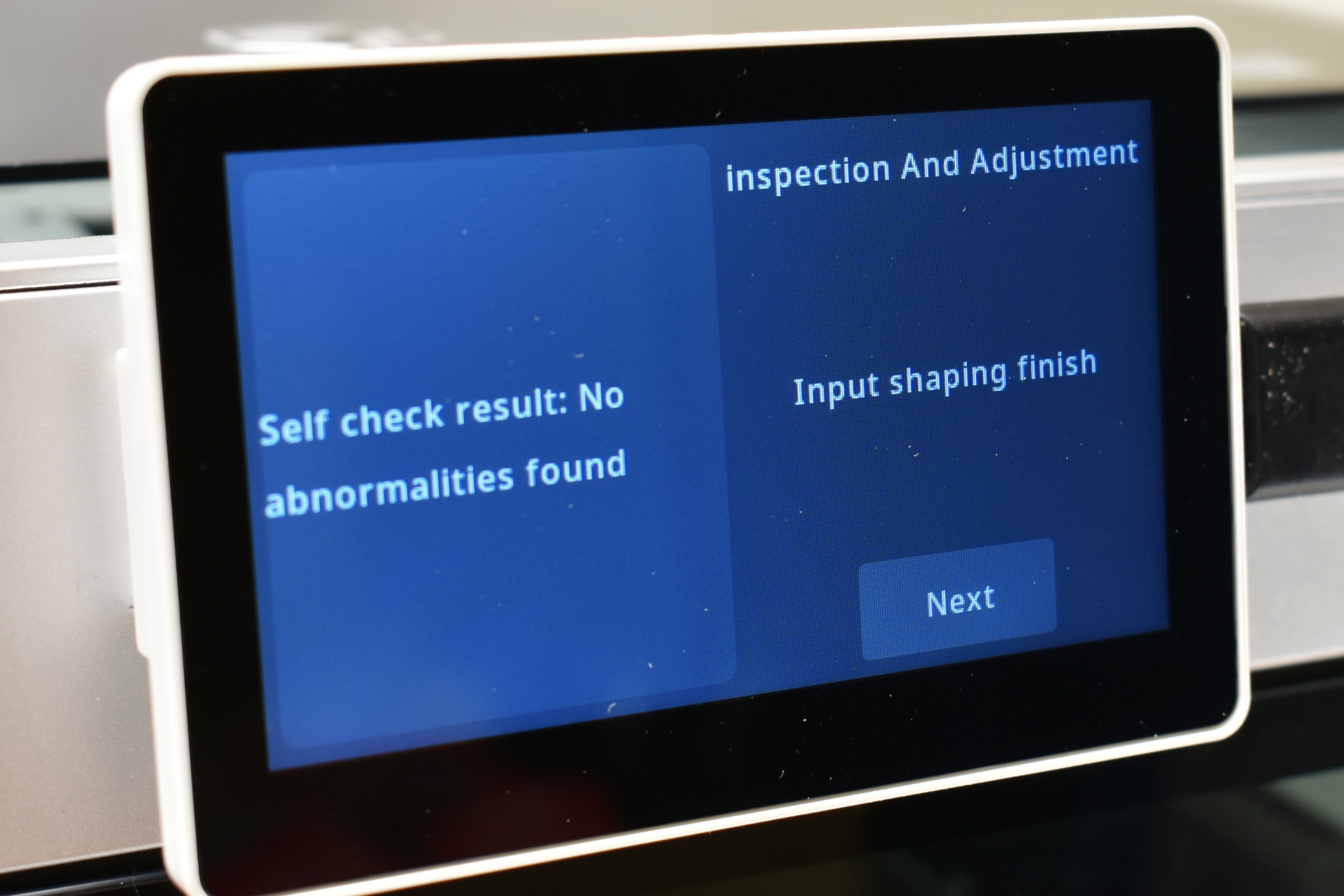
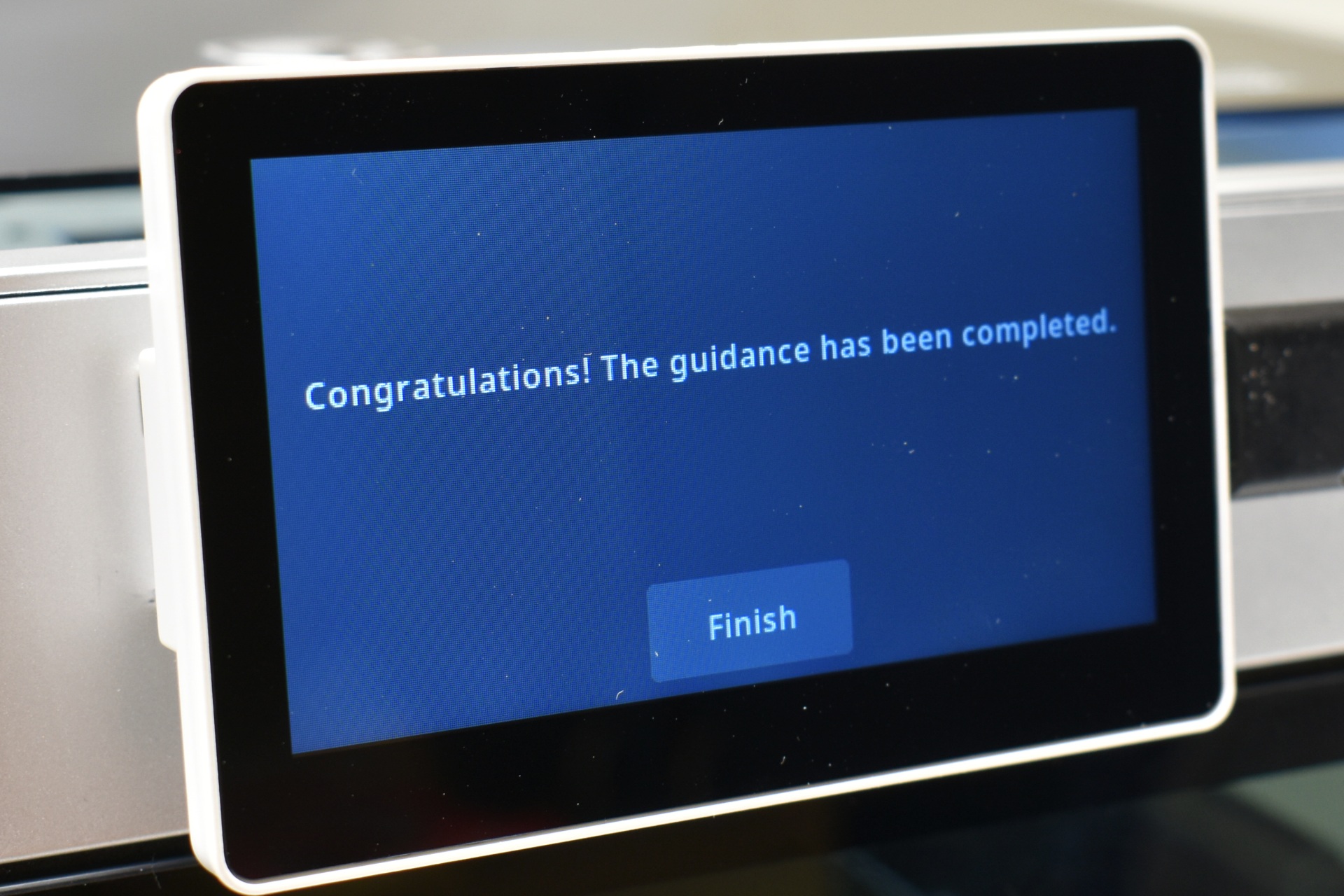
Next stop is to allow the unit to perform a self-check and calibration.
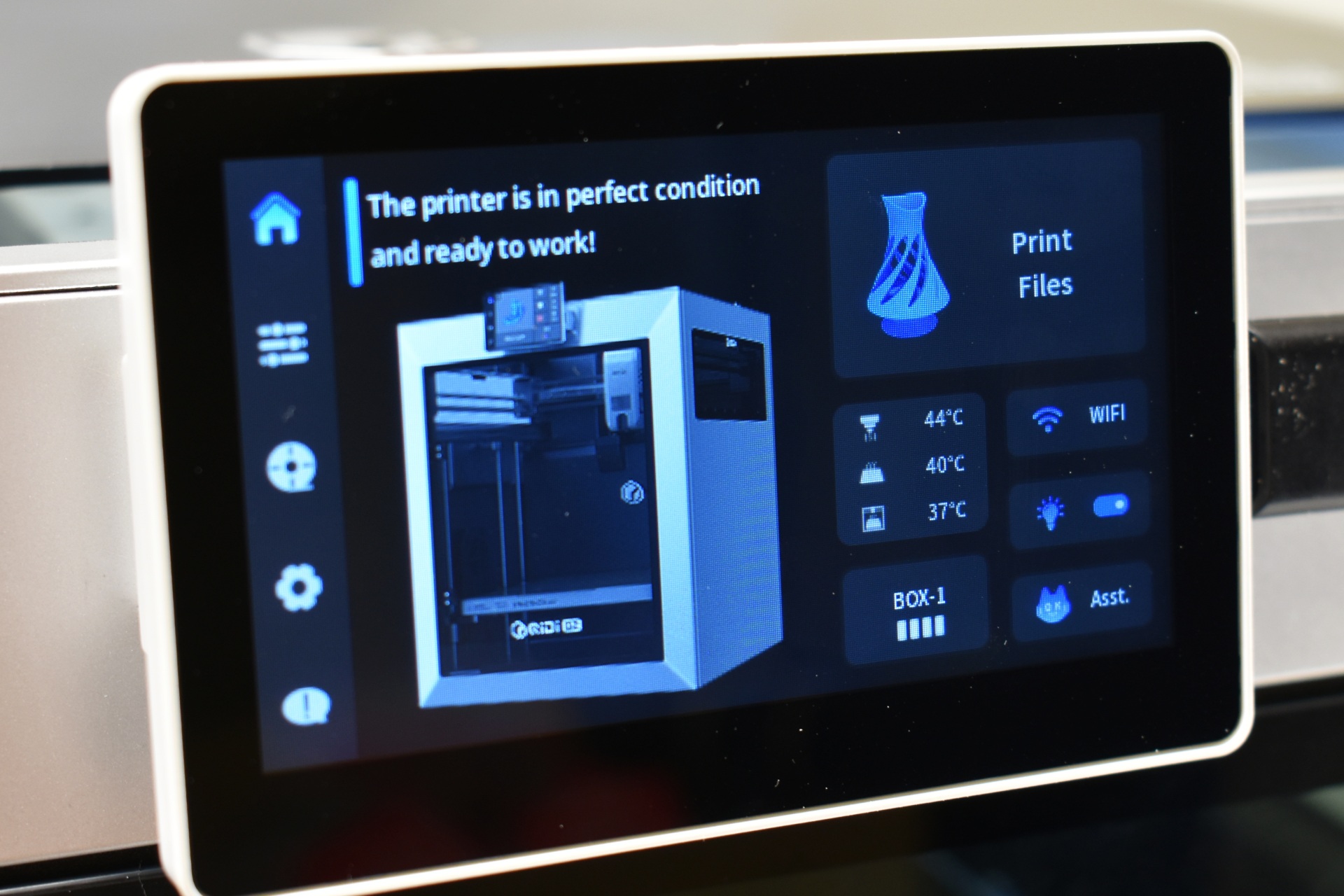
The main tab shows a picture of the printer along with a small area for the BOX addon, temperatures, Wi-Fi status, LED light on/off button and the assistant button.
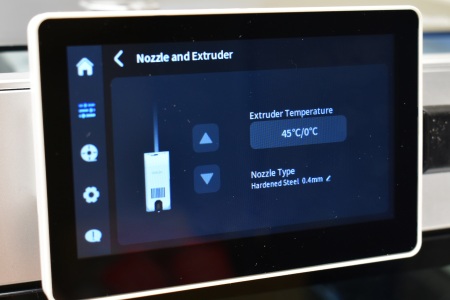
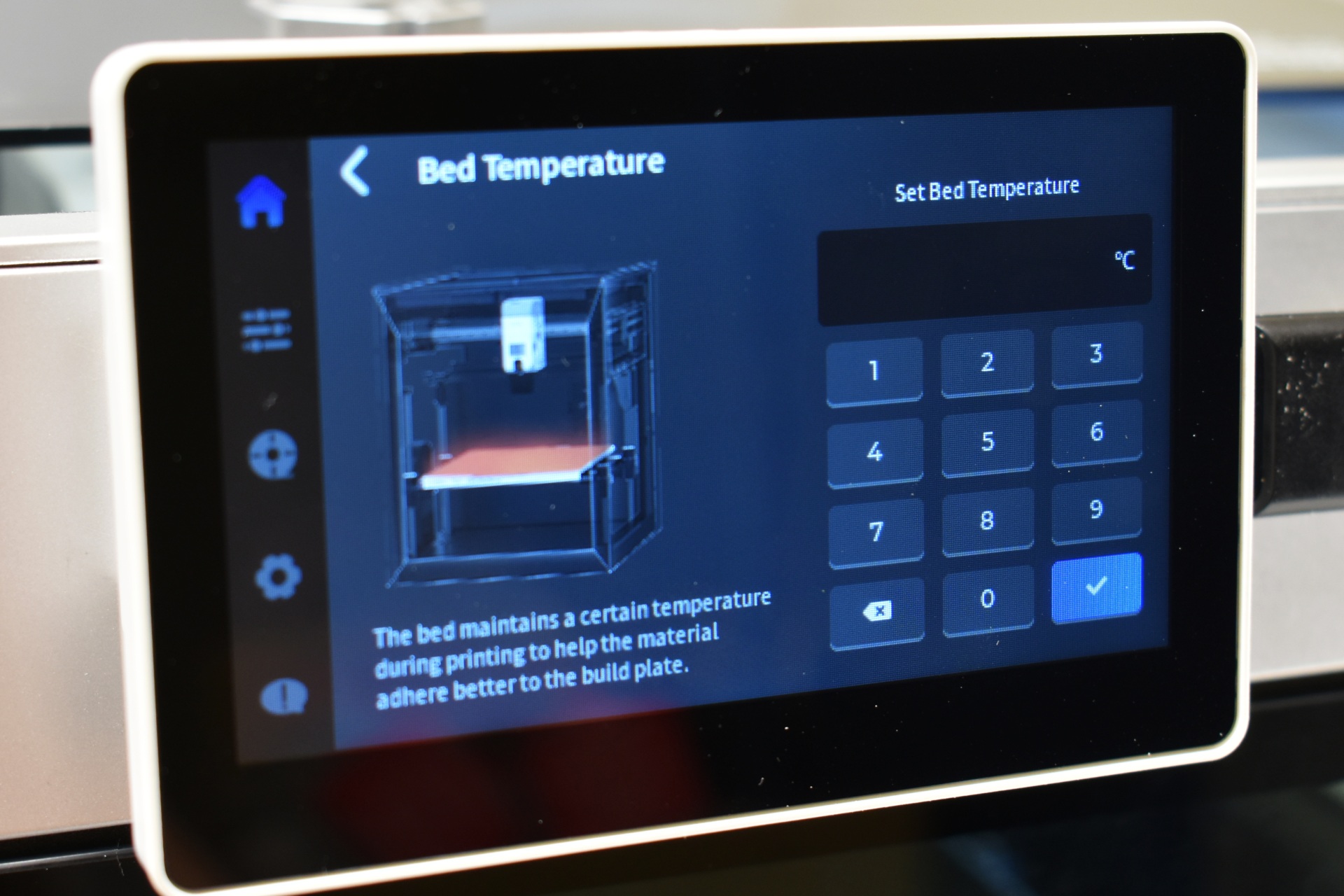
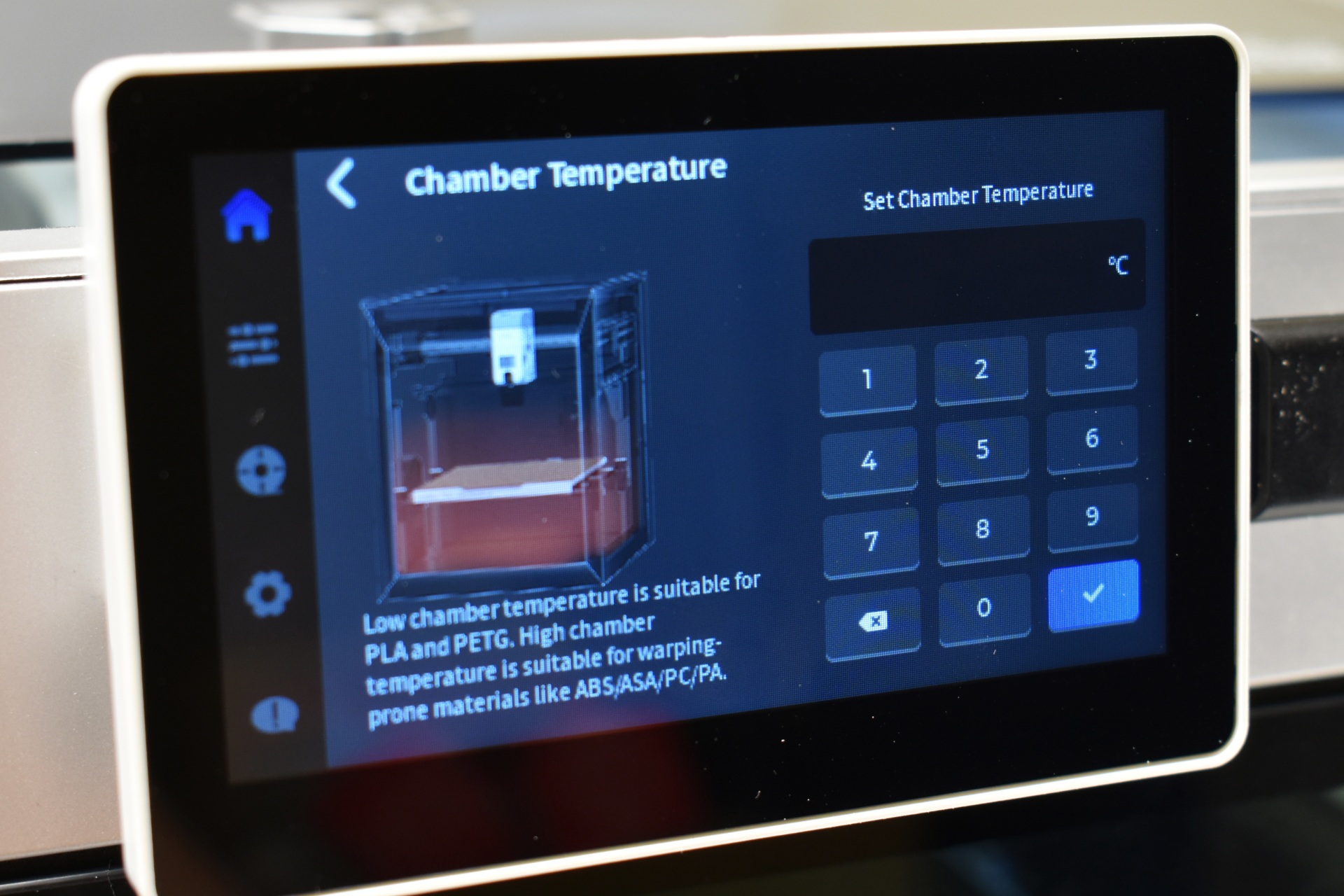
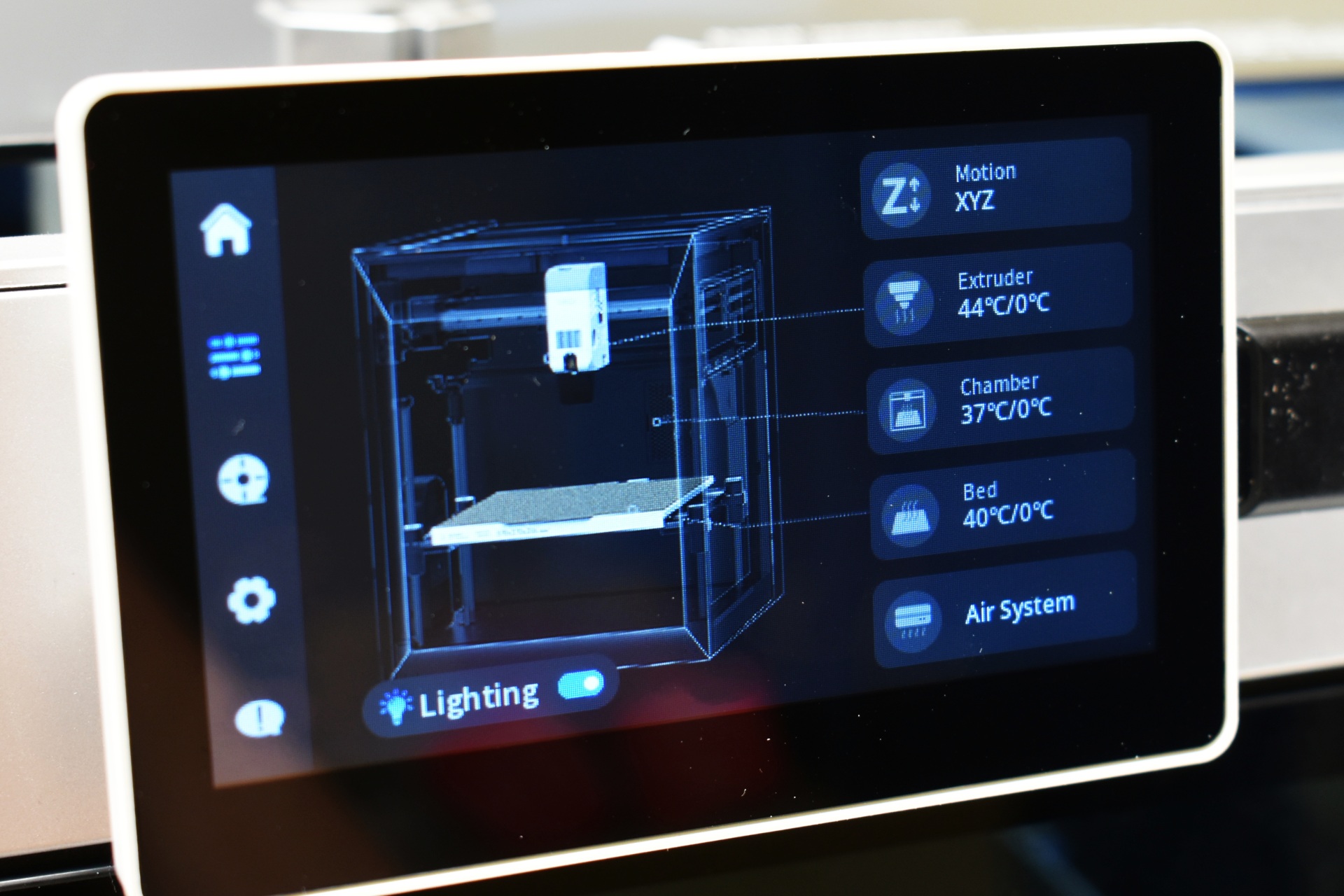
From the 2nd tab you can move the extruder and the printing bed, adjust temperatures for the extruder (and either push or remove filament), chamber and bed, turn the LED light on/off and adjust the cooling system.
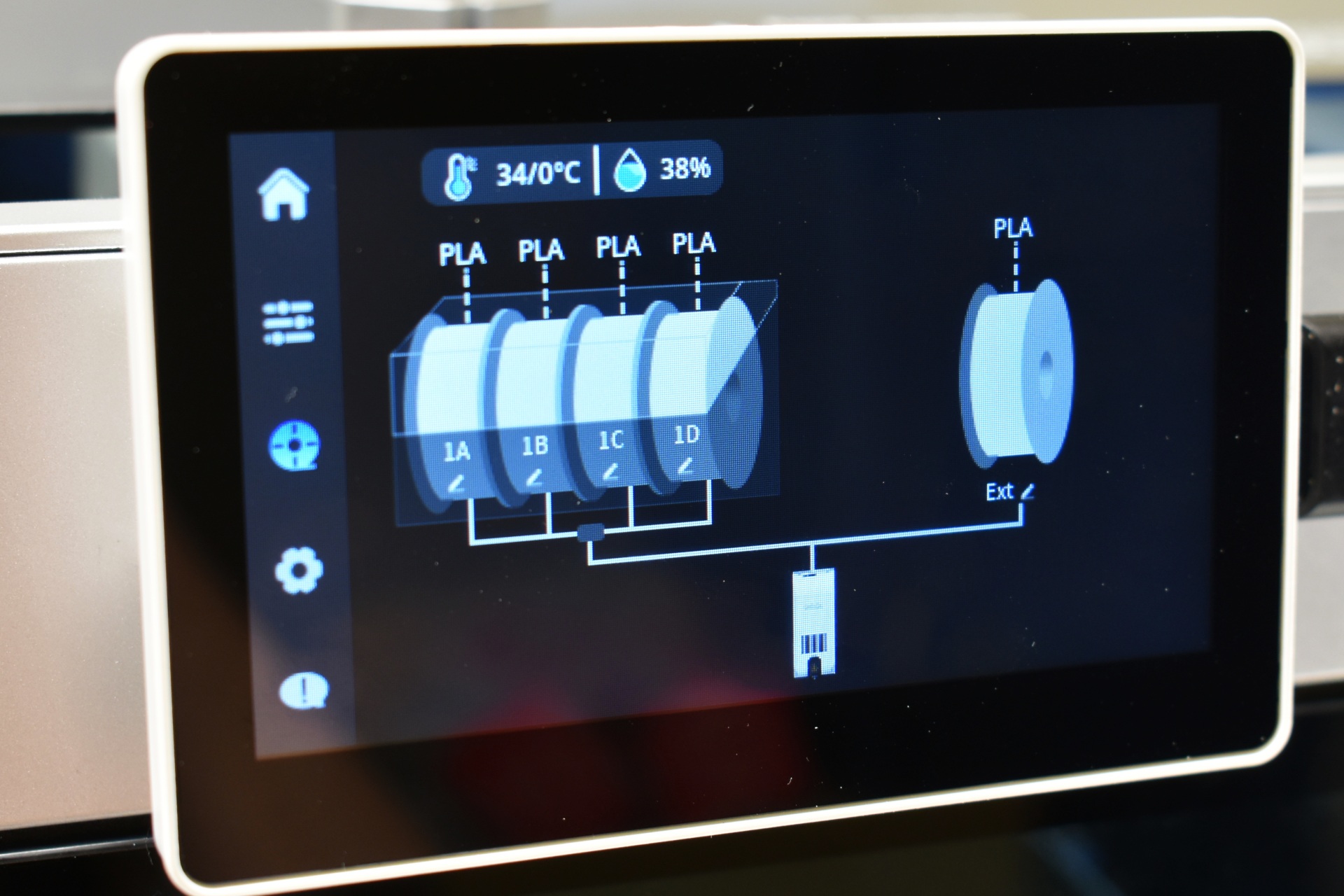
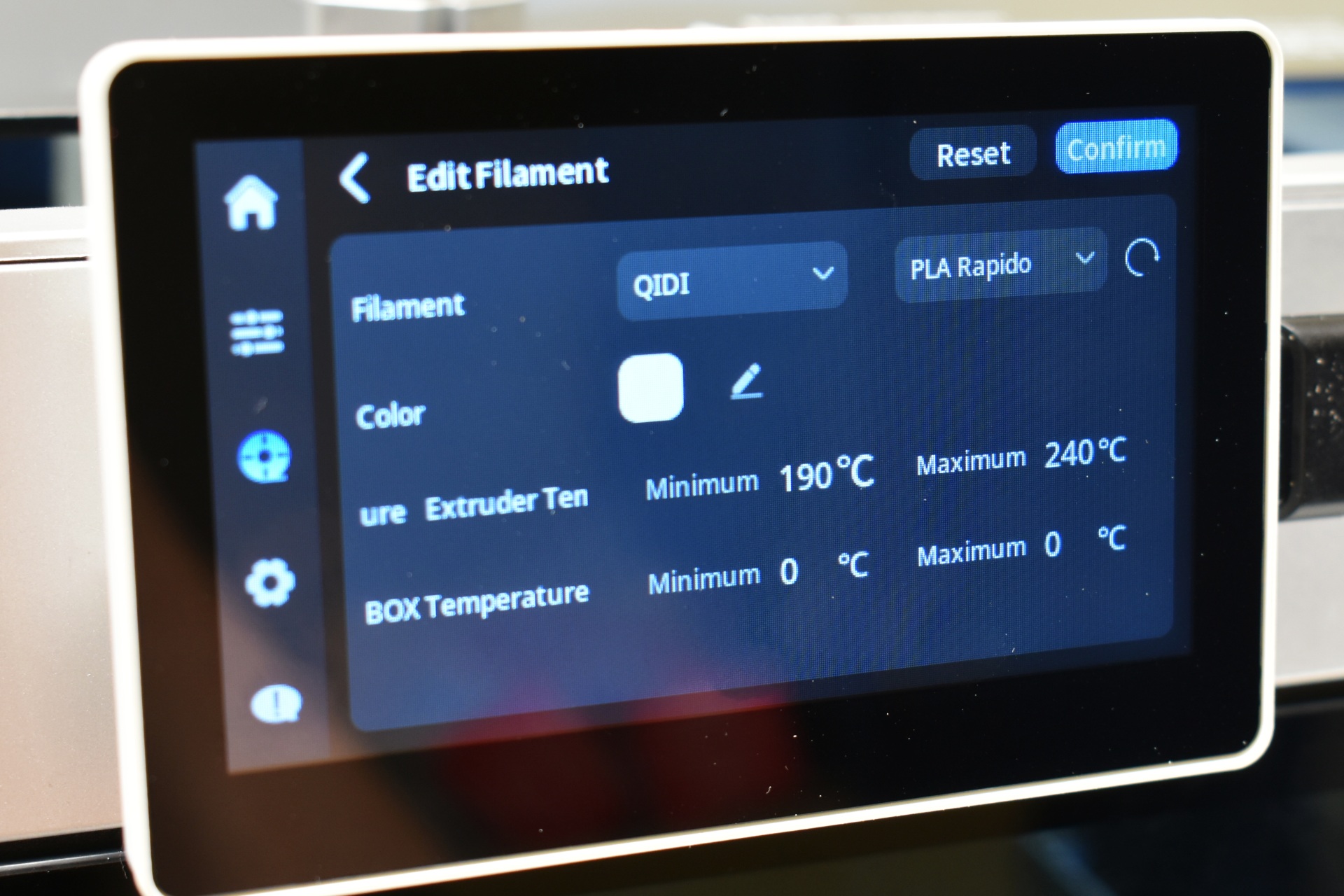
Inside the filament tab you can select the brand and type of filament and temperatures and choose between the spooler and the QIDI BOX (if the BOX is not installed you only see the spooler).
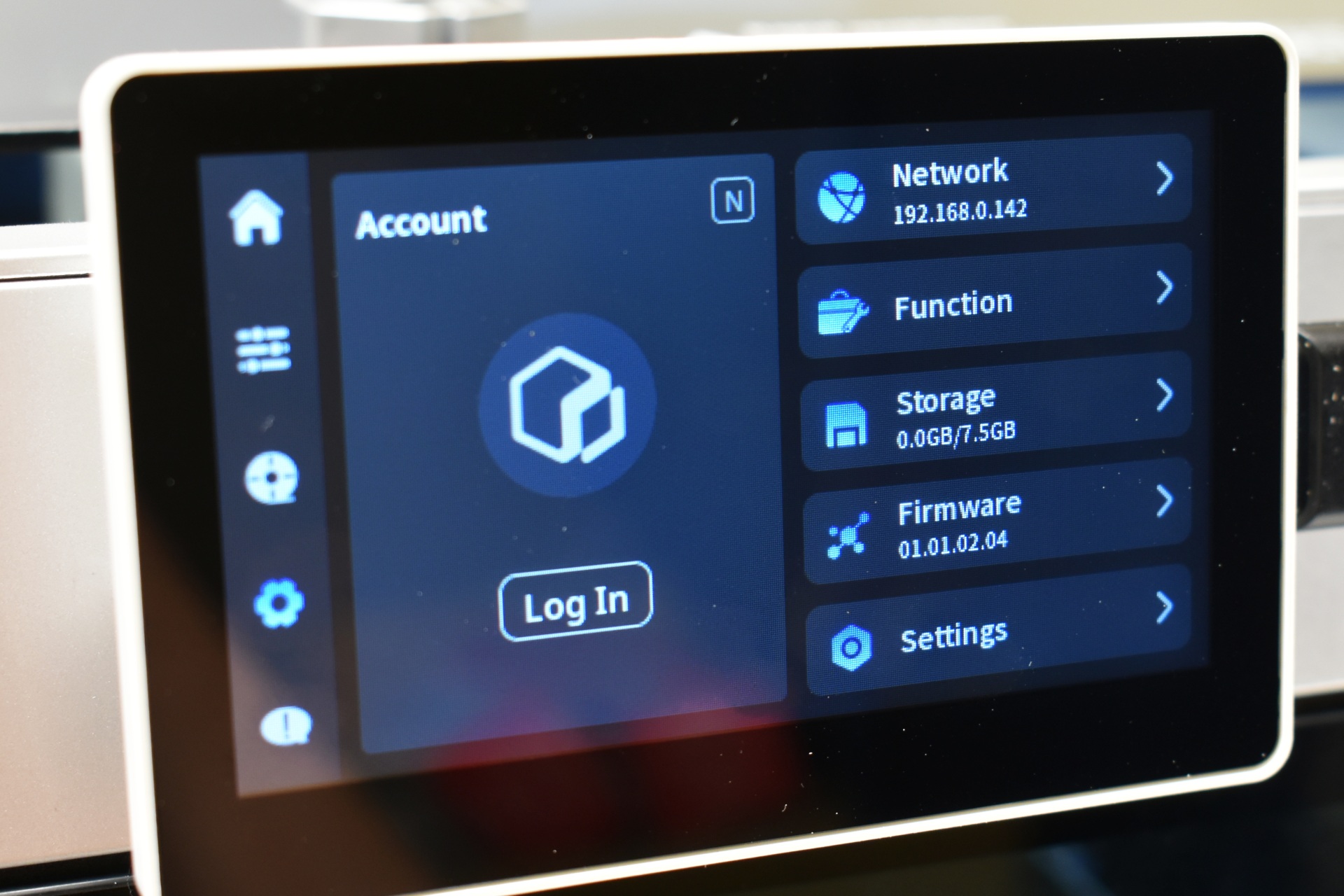
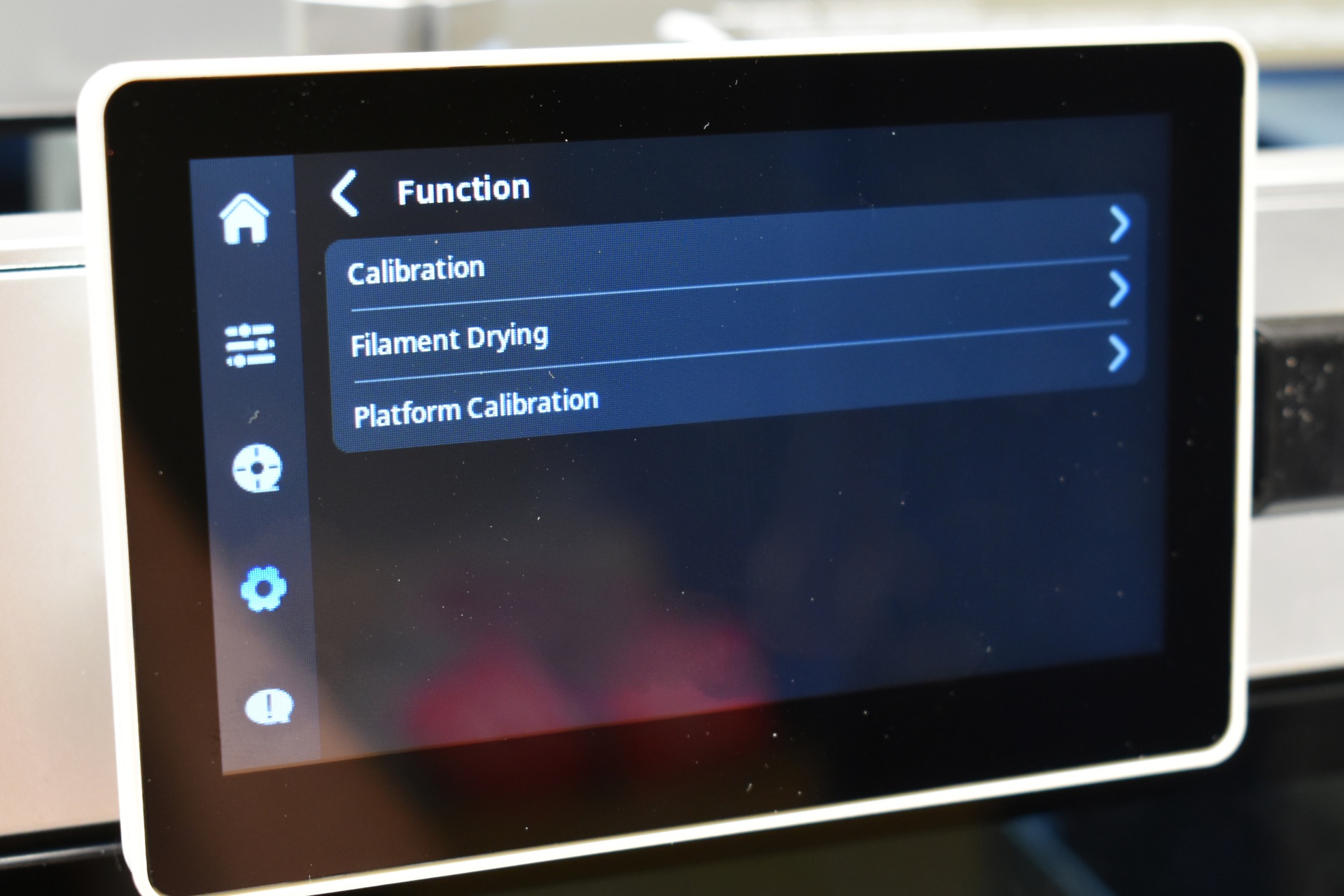
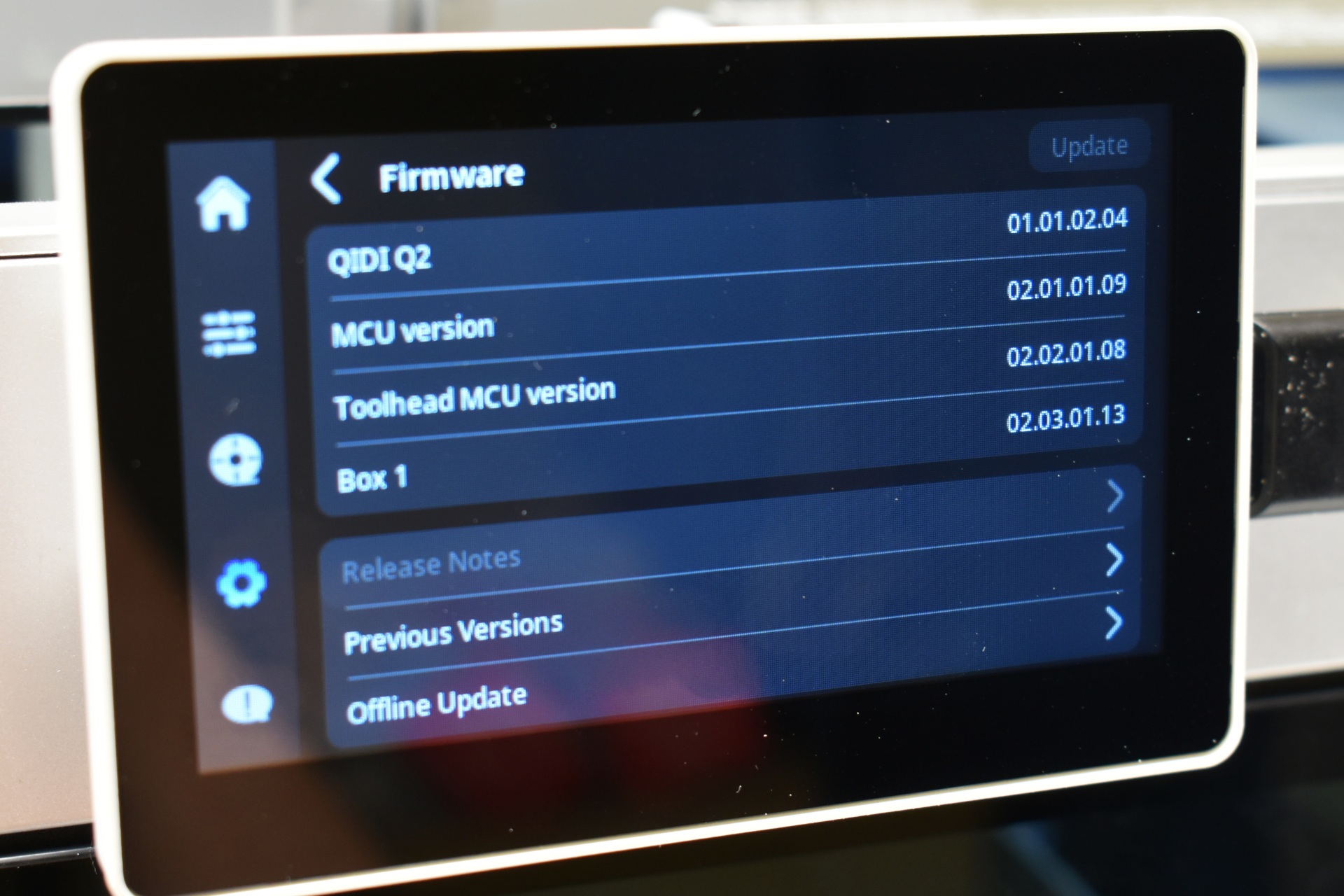
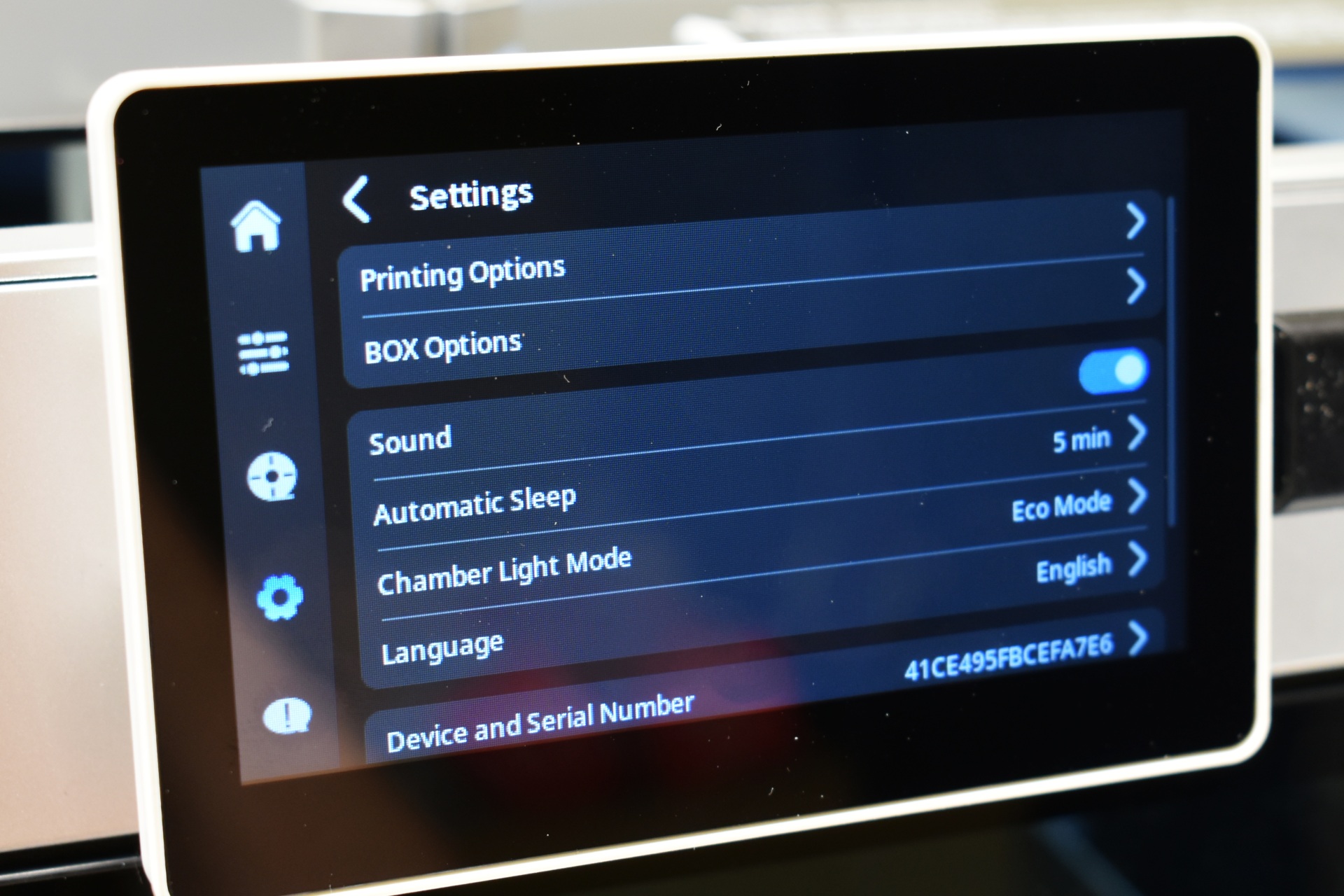
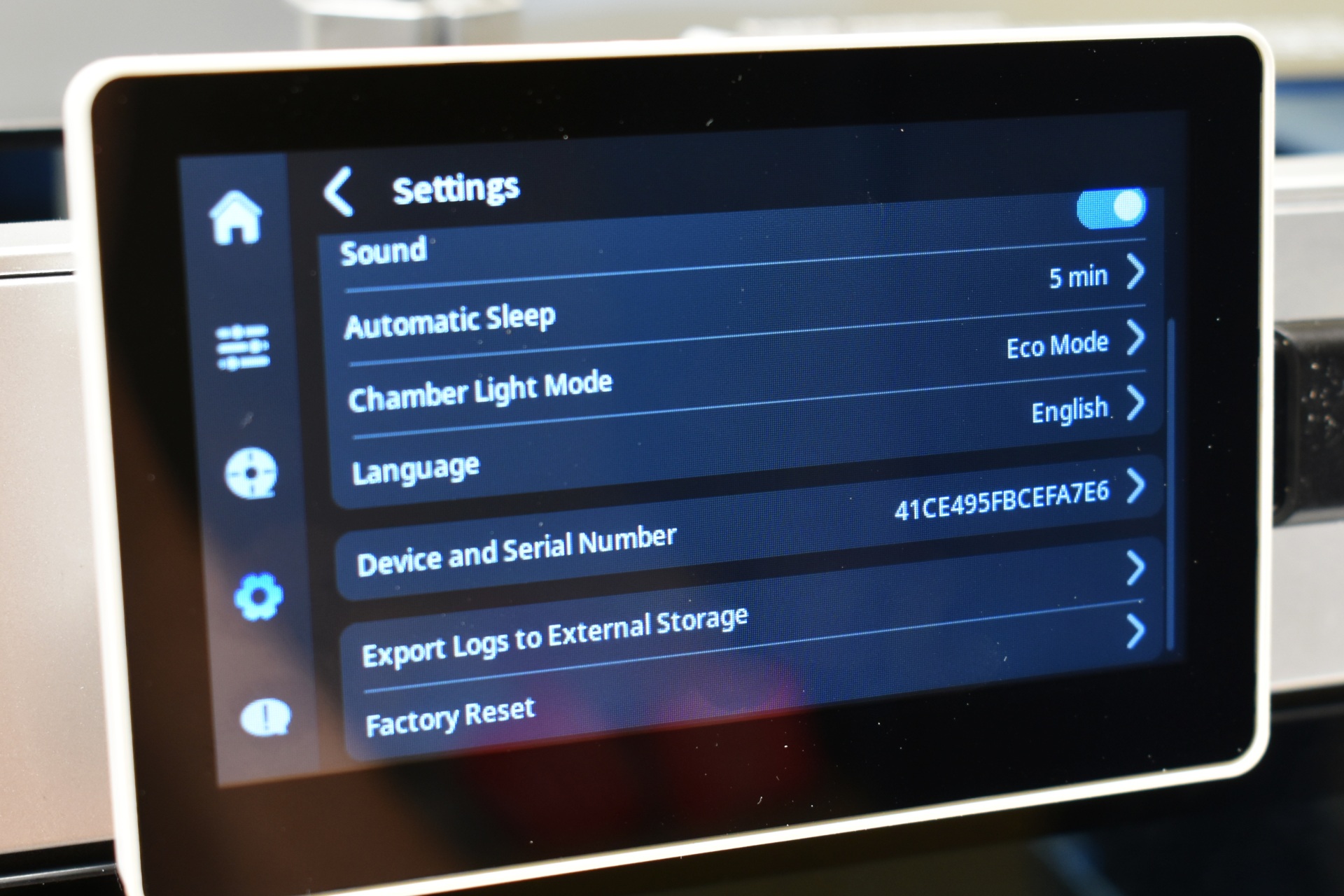
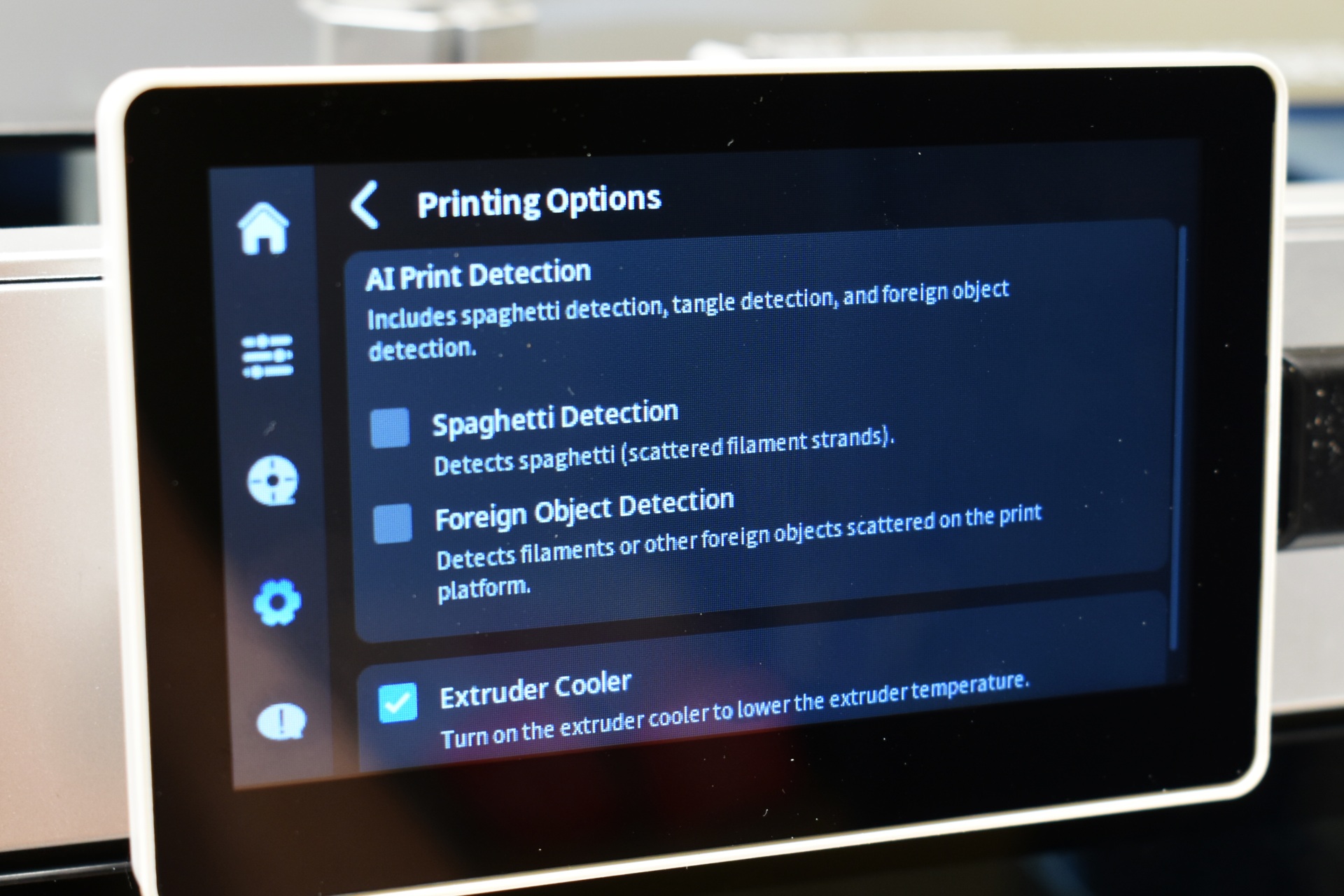
The settings tab includes the Wi-Fi, calibration, filament drying, firmware update, storage and general settings, AI printing options, BOX options and the factory reset.
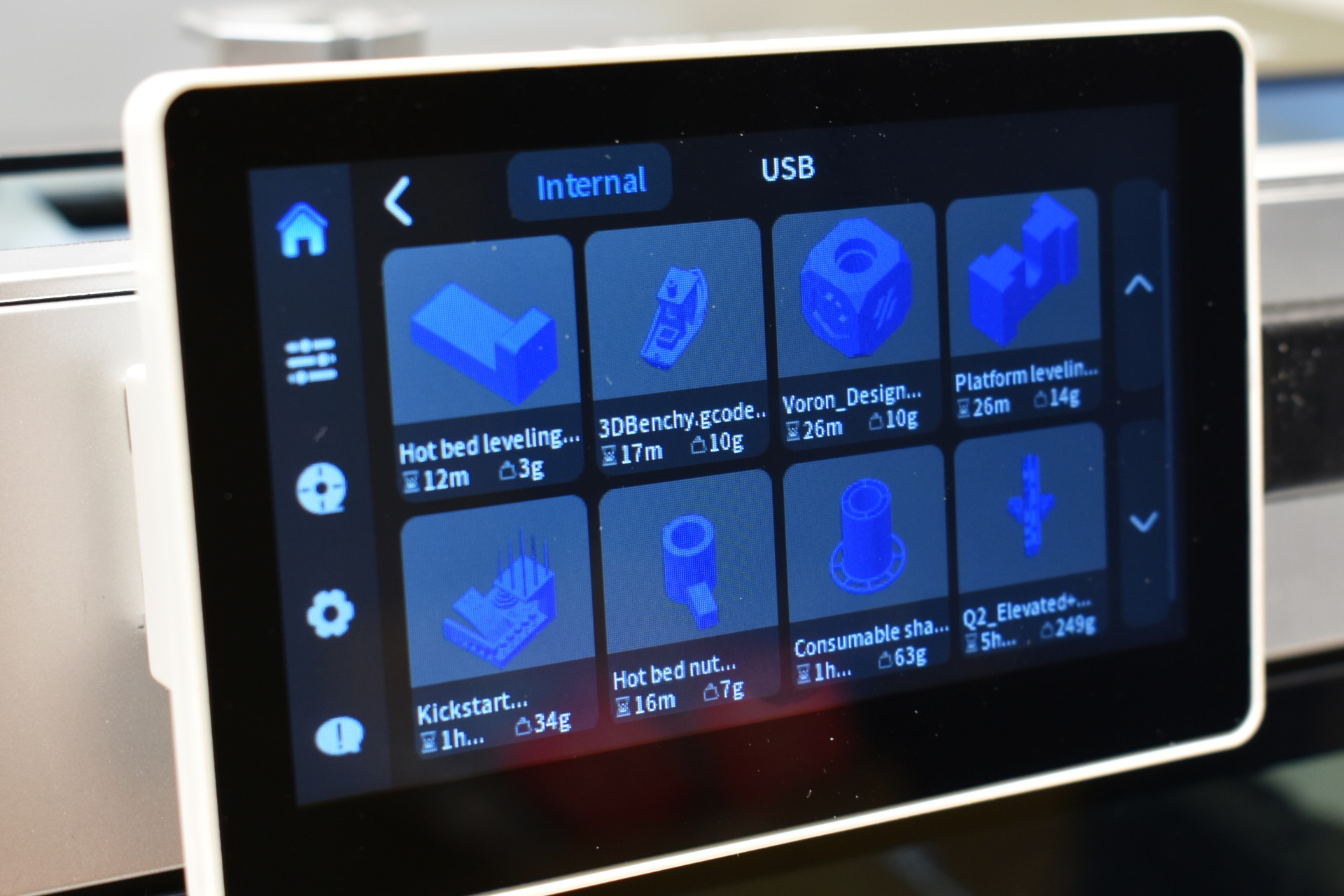
The Q2 comes with several pre-loaded 3D models.
QIDI MAKER APP
For remote viewing and printer access you should install the Maker app and bind your QIDI printer with it.
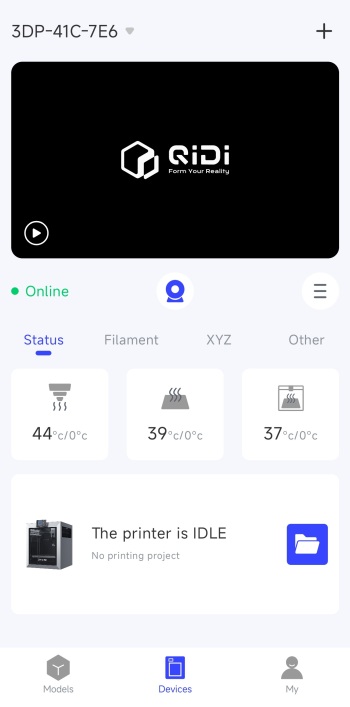
The first screen after you bind the printer will allow you to access the timelapse camera feed (again default resolution is 640x480p), temperatures and current state (idle, printing).
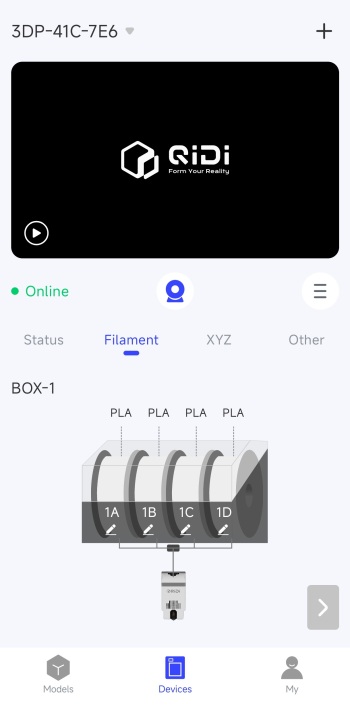
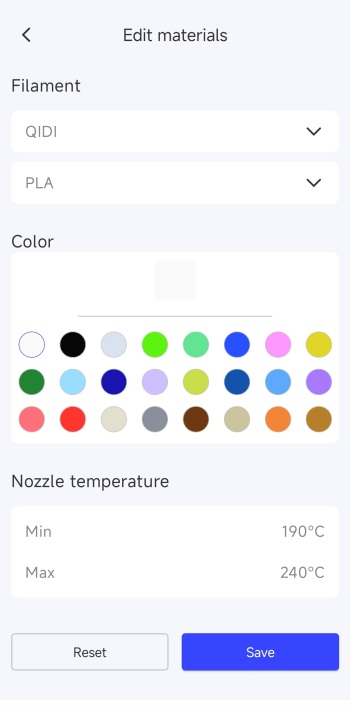 Second screen indicates the current filament input (spool holder or box).
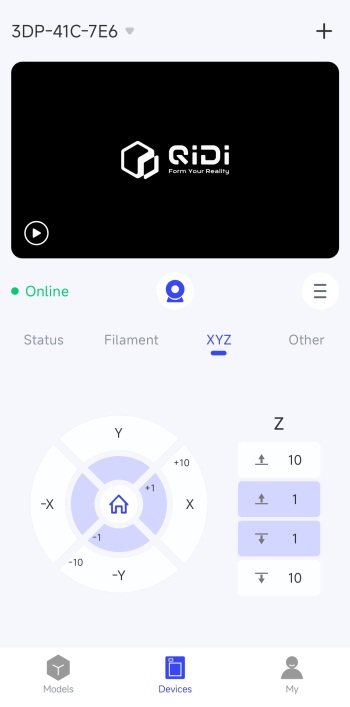
Third screen allows you to move the print nozzle and the bed itself.
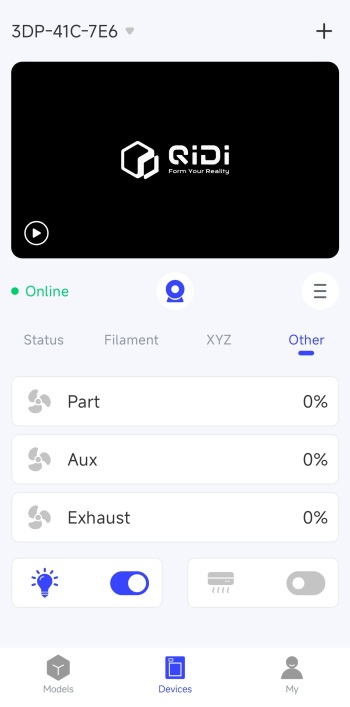
Final screen indicates current fan speeds, LED light and air circulation system.
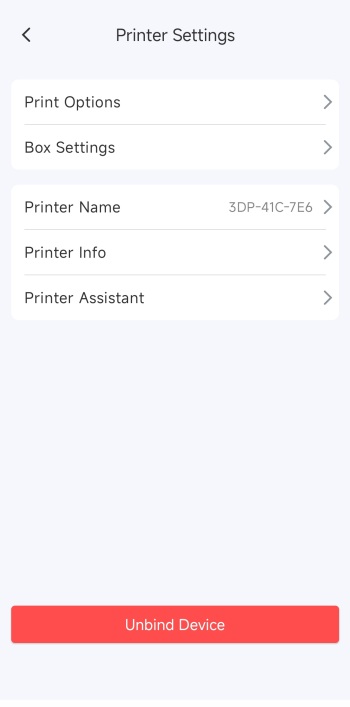
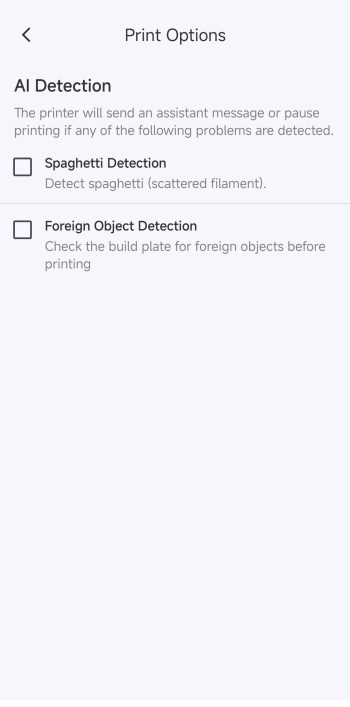
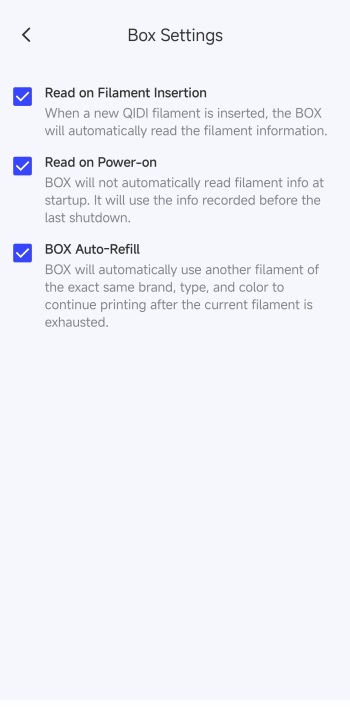
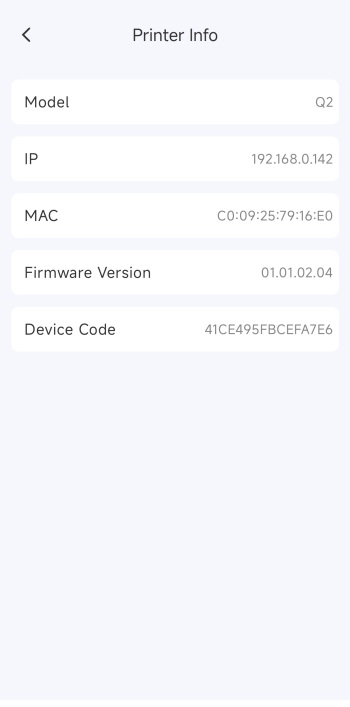 Moving to the settings area from here you can adjust the AI detection options, box options, and check printer info (the IP is what you should all keep from this screen).
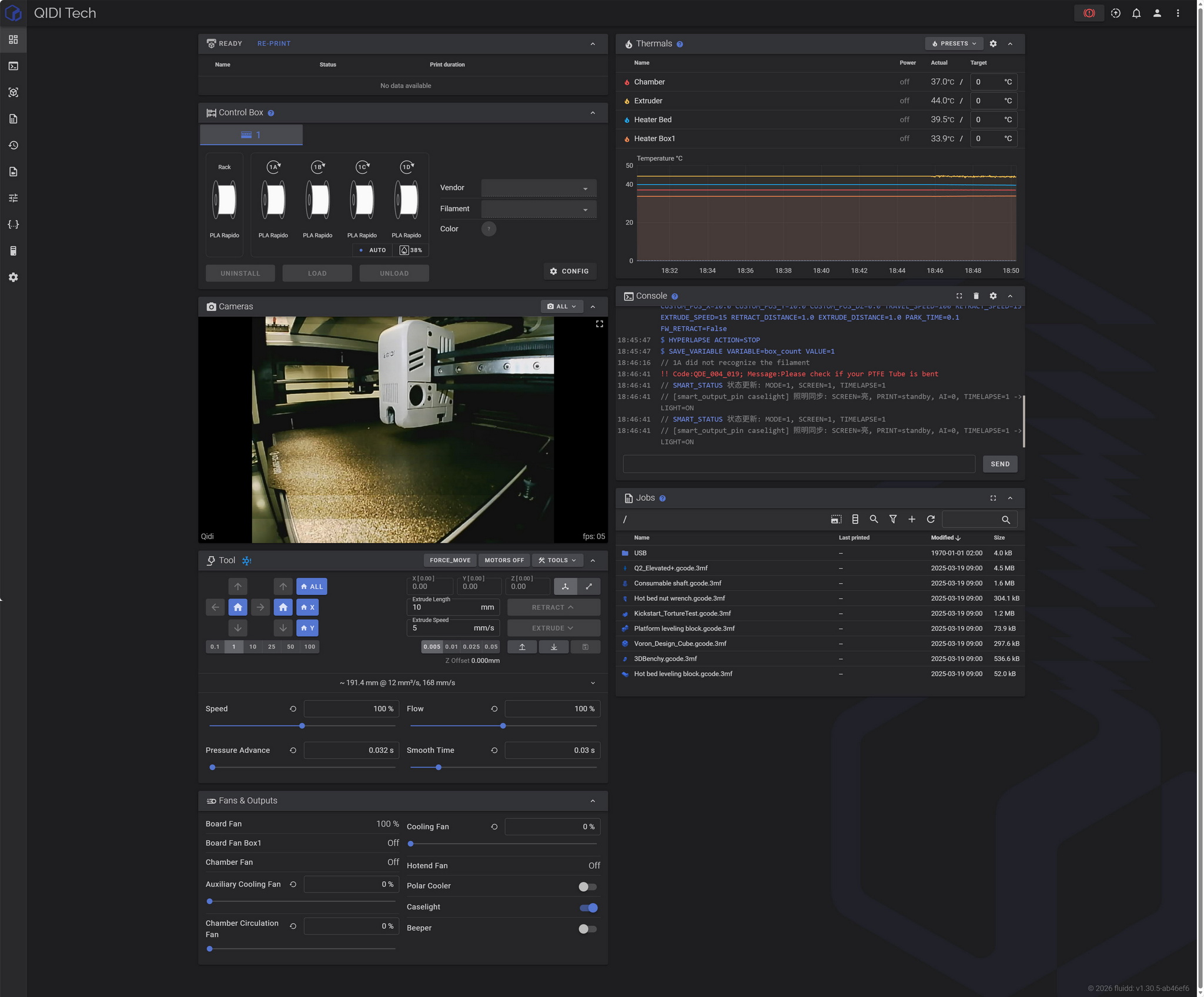
Once again QIDI doesn’t allow the end user to change the timelapse camera resolution easily, neither from the printer touch screen or the app. To do that you need to access the printer from your browser (use the IP from the information screen) as seen above.
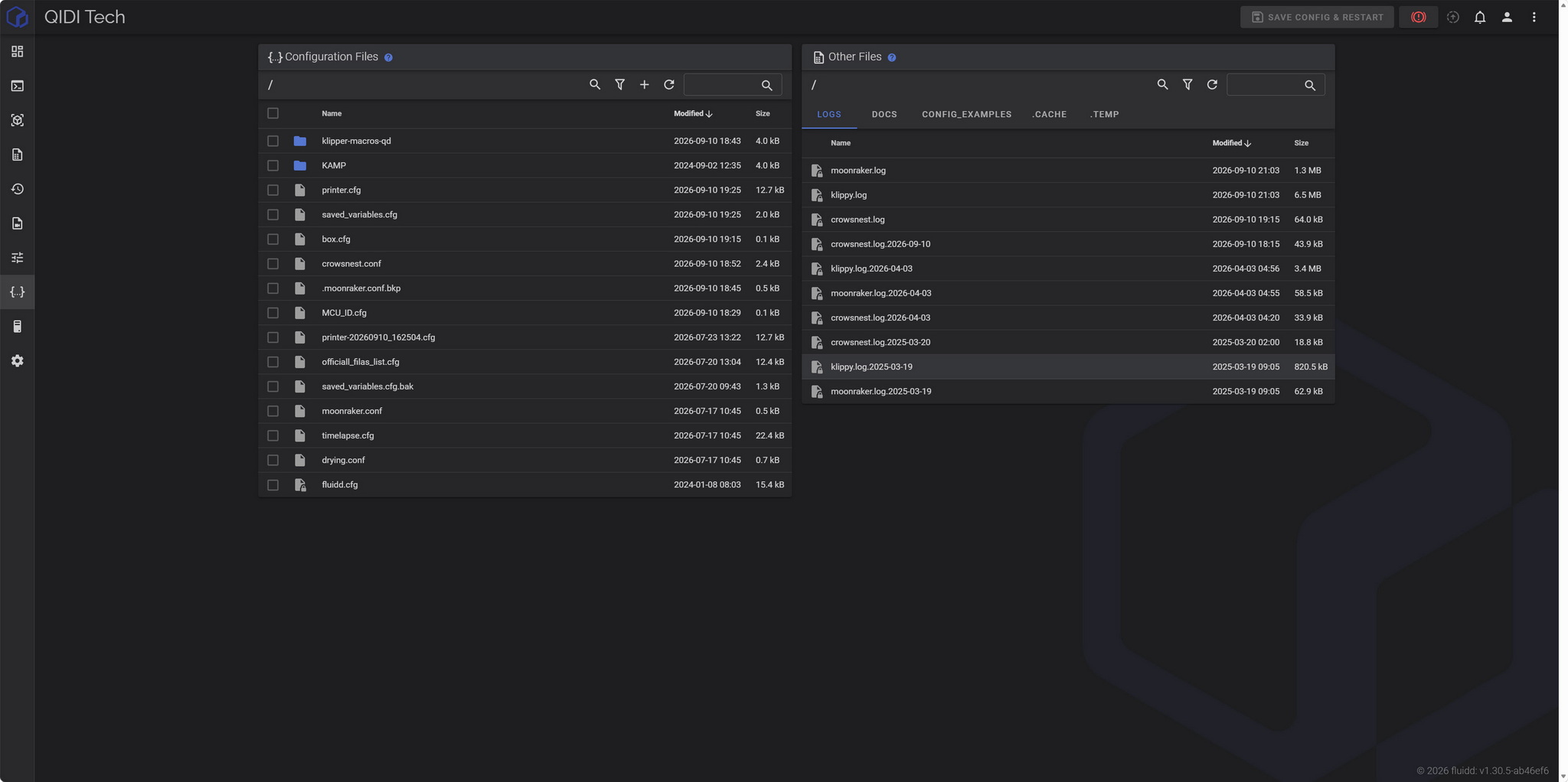
Then you need to move to the configuration files area from the left side menu.
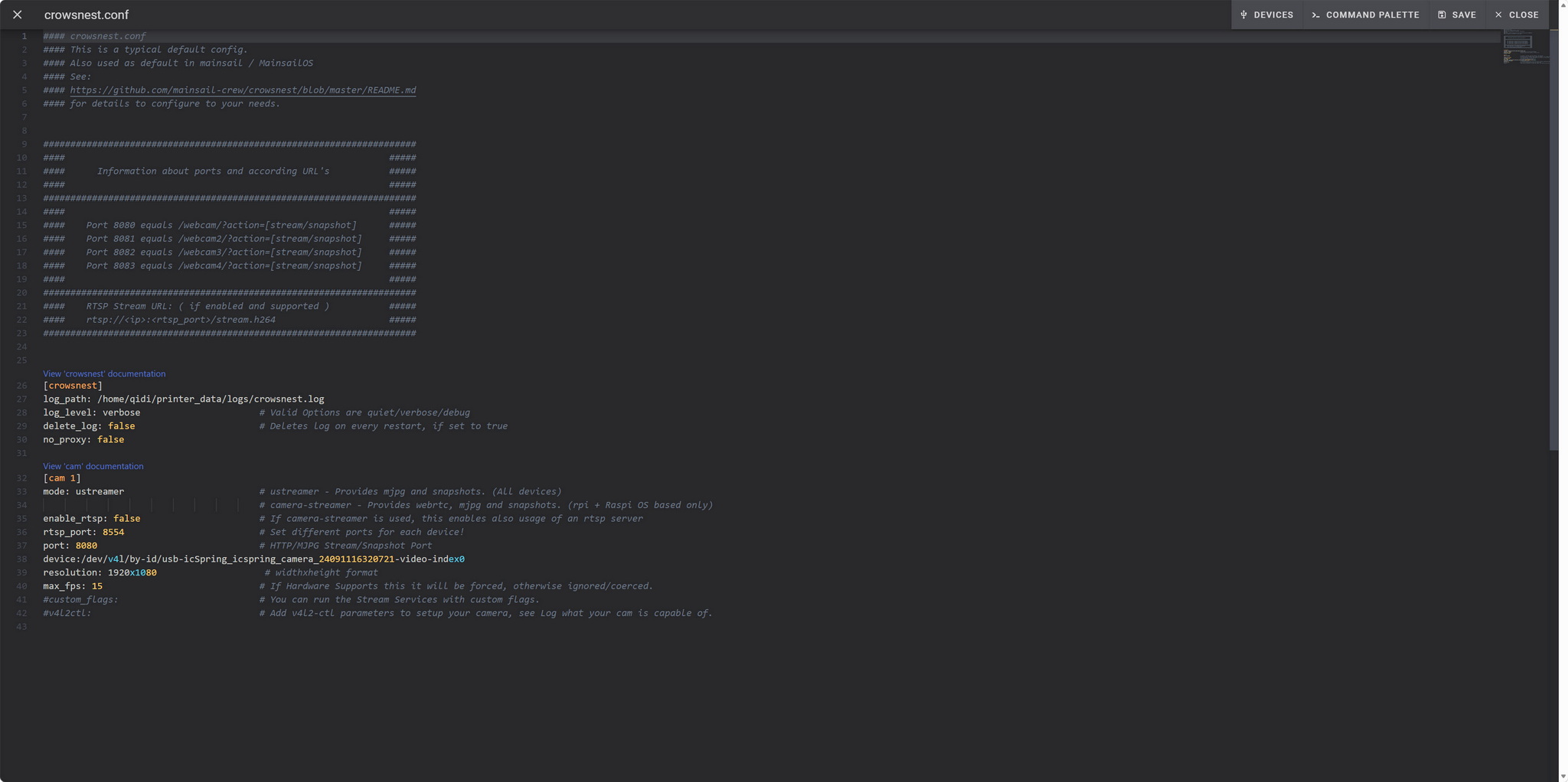
After that just access the crowsnest.conf file, change the timelapse camera resolution (1920x1080 or 1280x720p – you may want to reduce max fps for FullHD if you encounter lag/freezing), save the file and then restart the Klipper.
TESTING METHODOLOGY
Once again to test this printer by QIDI I used their latest print software (QIDI Studio v2.7.2.1.0) by manually entering the same settings I’ve used to date with all FDM printers (quality of 0.16mm, 20% infill density and cubic infill pattern).
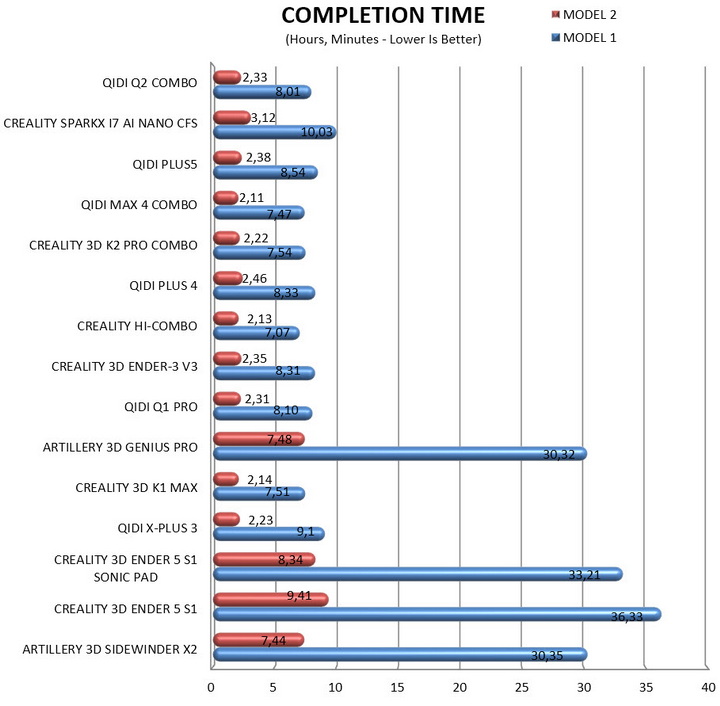
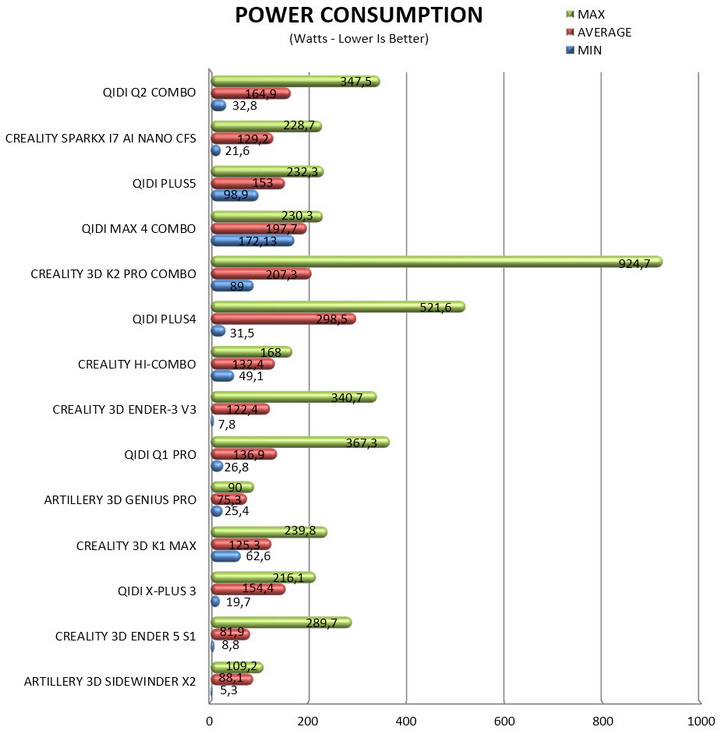
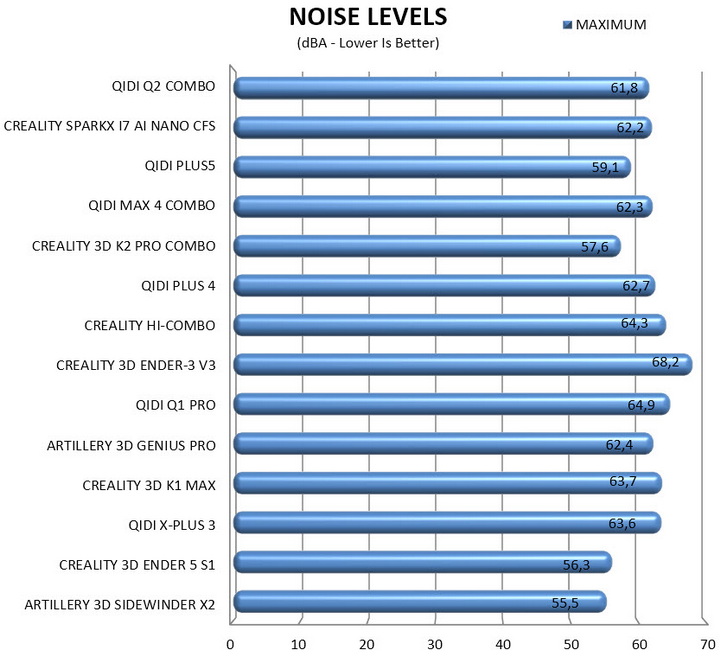
Nothing else has changed of course so again I’ll be using 2 different sized models (downloaded from Cults3D / member Eastman) to record completion time at 100% speed. Second thing to test are noise levels and so once again I’ll be using my ExTech HD600 decibel meter placed roughly 30cm away to record the maximum noise coming from the 3D printer while printing. As for the 3rd test with the help of an UPS and two power meters I decided to also record not only the lowest and highest but also the average instant power consumption of the 3D printer in my hands.
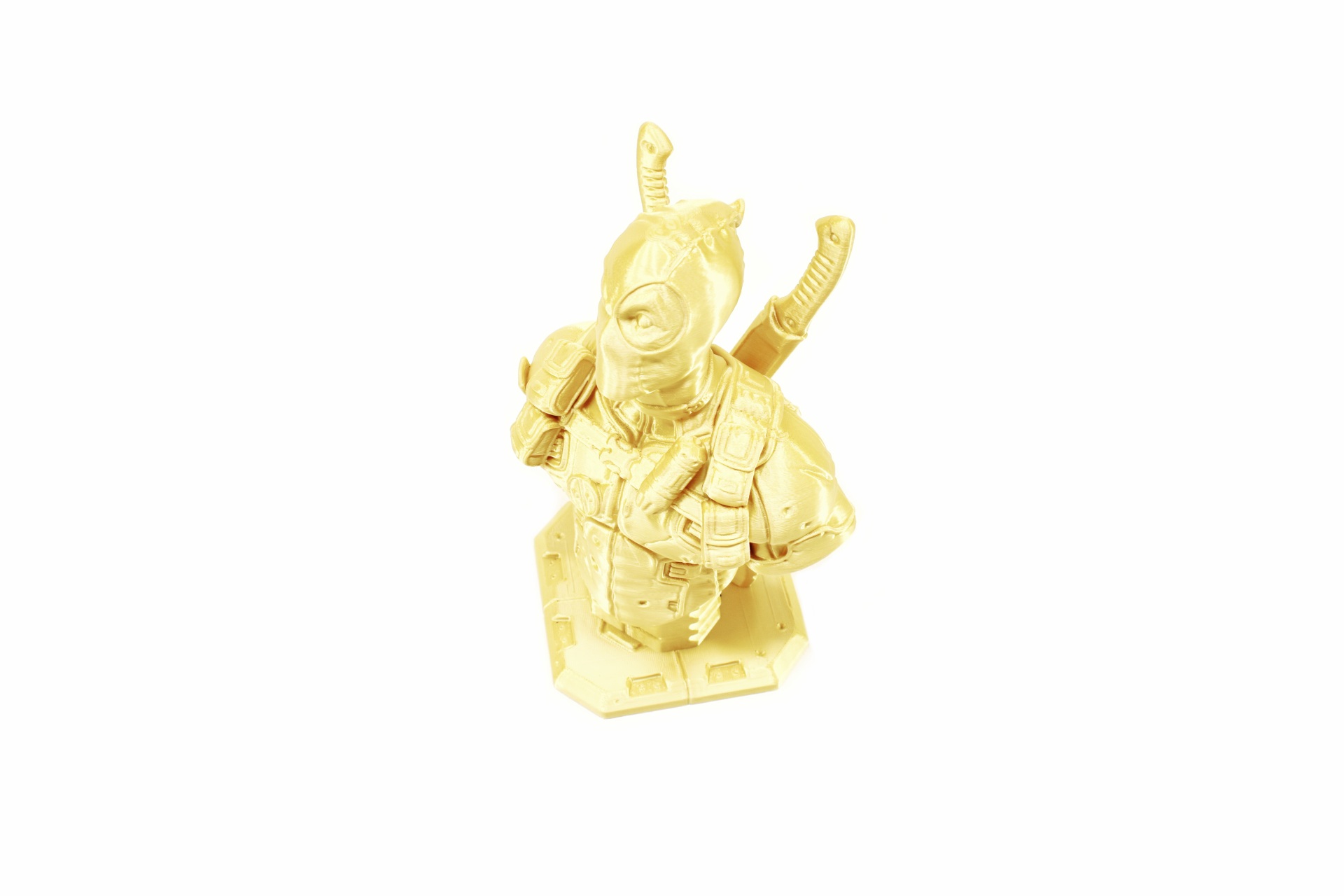
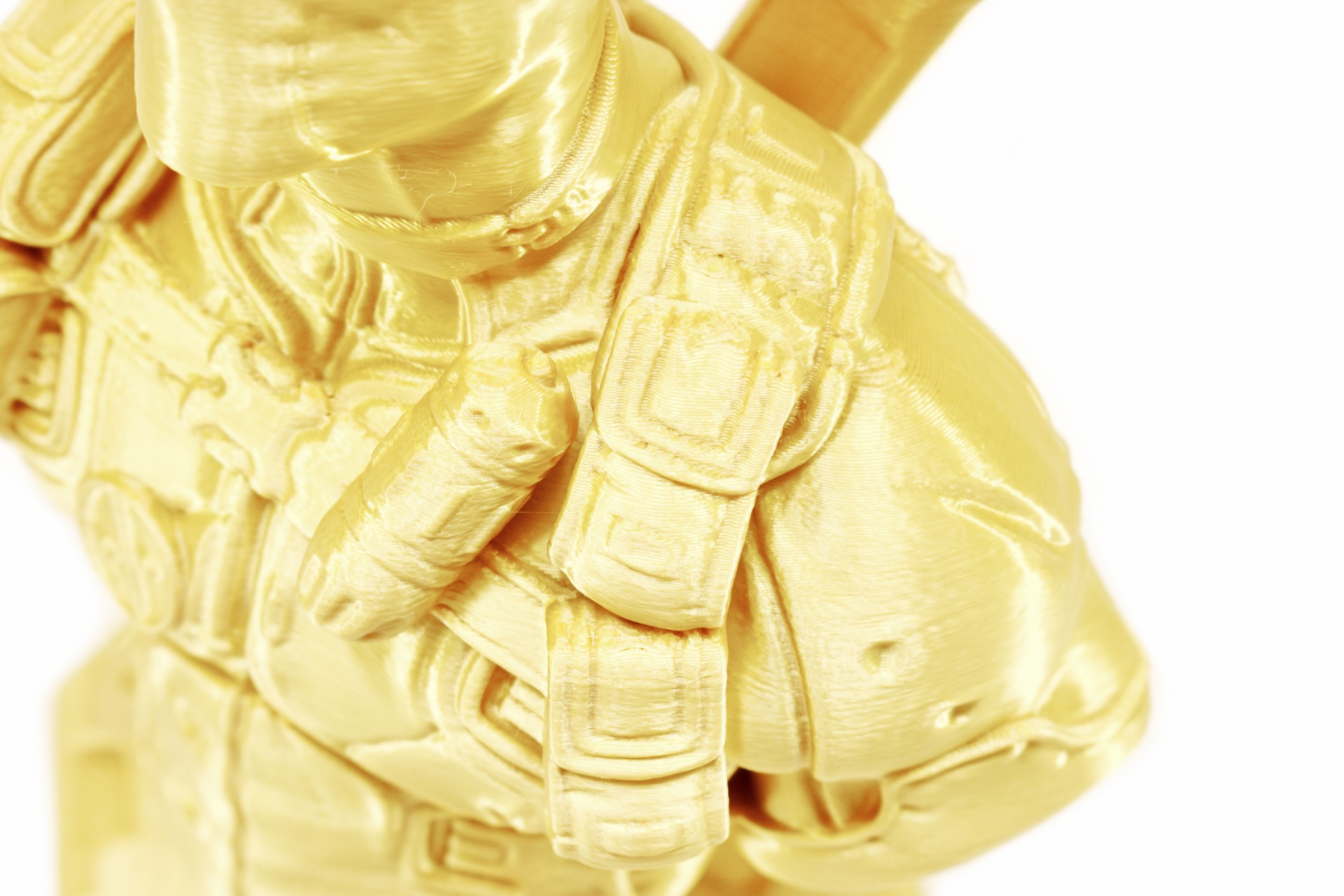
The Q2 is not just a very fast FDM 3D printer, it also produces very good print quality and pretty much on par with that of the Plus5 model (as always a short timelapse is available both on TikTok and YouTube).
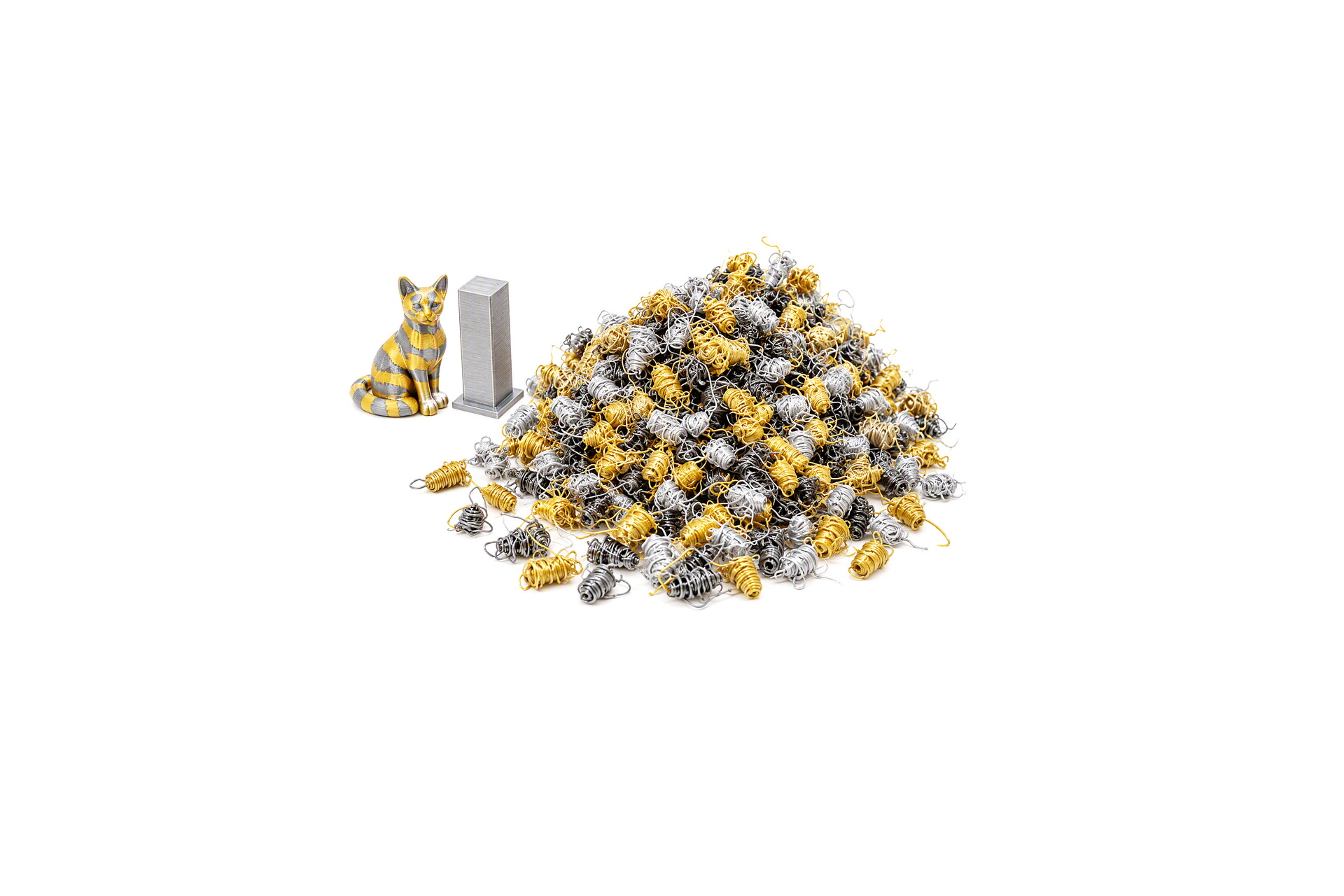
Discarded filament when printing multi-color models is once again an issue, perhaps not quite as much as over a year ago but still enough.
TEST RESULTS
CONCLUSION
With the Q2 Combo QIDI has created a remarkably capable machine that pushes well beyond what is typically expected from an entry-level enclosed CoreXY printer. Its combination of impressive print speeds, excellent print quality, robust CoreXY motion system, fully enclosed heated chamber, and 370°C hotend allows it to comfortably handle everything from everyday PLA to far more demanding engineering-grade materials. The addition of QIDI Box compatibility brings multi-color and multi-material printing into the equation, while the optional Polar Cooler further expands material flexibility and printing possibilities. The result is a printer that feels equally at home producing decorative models, functional components, and advanced technical prints. On the downside, the Q2 Combo is a relatively large and heavy machine compared to many consumer-focused alternatives, its maximum power consumption can be considerable when the heated chamber and hotend are operating simultaneously, and noise levels may become noticeable during high-speed operation. The included camera is also somewhat underwhelming, with its default resolution falling short of the sharper 1080p image quality many users now expect for remote monitoring (of course, I always showcase how you can fix that). Nevertheless, these drawbacks do little to overshadow what is otherwise an exceptionally well-rounded package. For users seeking a fast, versatile, enclosed CoreXY platform with excellent material compatibility and room to grow into multi-material printing, the QIDI Q2 Combo stands out as one of the most compelling options currently available in its class.
Right now, you can get your very own Q2 Combo Multi-Color 3D printer for USD649 inside the USA (QIDI.US – $30 discount coupon available with code 30FOR500) and for 649Euros inside the EU (QIDI.EU – 30Euros discount coupon available with code 30FOR500). Overall if I had to compare the Q2 with the Plus5 I’d have to go with the latter (even though it was actually slower during my tests). But as a standalone 3D printer the Q2 with the BOX addon is a great choice for people who just don’t want to spend much more and since it does deliver the Golden Award is once again in order.

PROS
- Good Build Quality
- Very Fast (Up To 600ms Speed / 20000ms Acceleration)
- Print Quality (Smooth Output)
- Multi Color Printing (Combo Model)
- Heated & Flexible PEI Print Bed
- Temperature Controlled Chamber
- High Speed Dual Gear Direct Drive Extruder (Up To 370°C)
- G Sensor (Input Shaping)
- Automatic Leveling
- 1080P AI Camera
- 3.4” Inch HD Color Touch Screen Display
- Air Purifier
- WiFi, RJ45 Ethernet & USB Port
CONS
- Overall Noise Levels (Although Low In Comparison)
- Maximum Power Consumption (For Some)
- Size & Weight (For Some)





