


Page 5 of 6
CONNEX APP
Once again just like with past models for full control over the new R2750DB MKII I strongly recommend downloading the Edifier ConneX smartphone app.
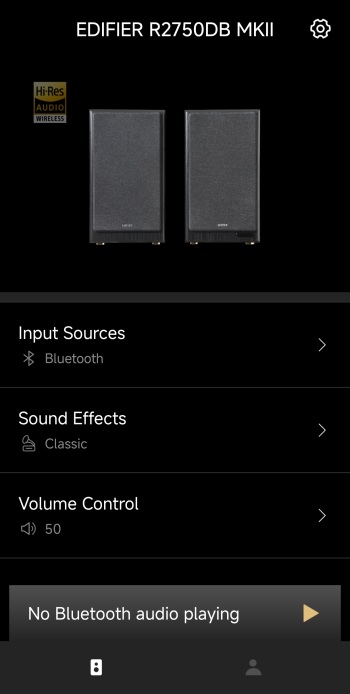
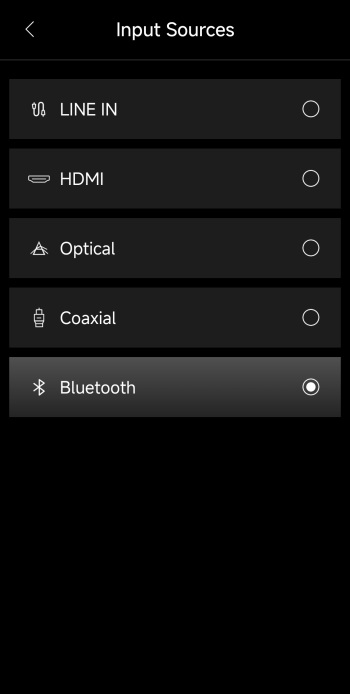
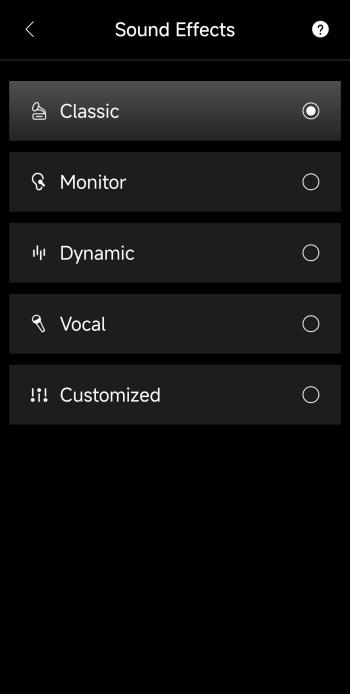
From the main tab this app allows you to change the input source (LINE IN, HDMI, Optical, Coaxial, Bluetooth), use the built-in equalizer (4 effects and 1 custom), set the volume and change input.
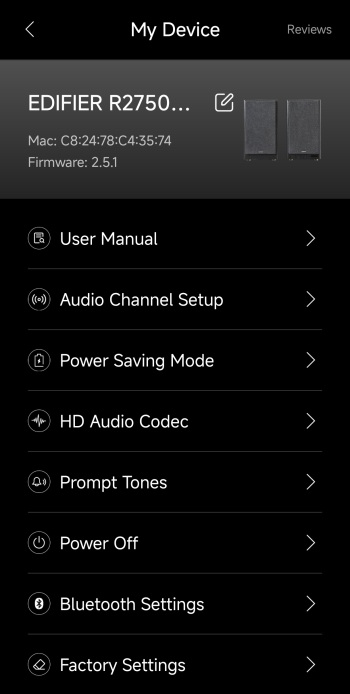
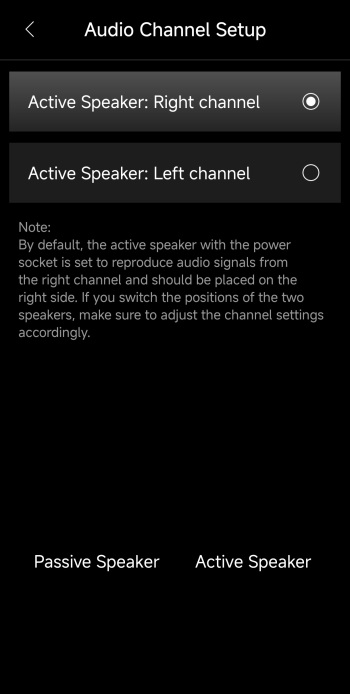
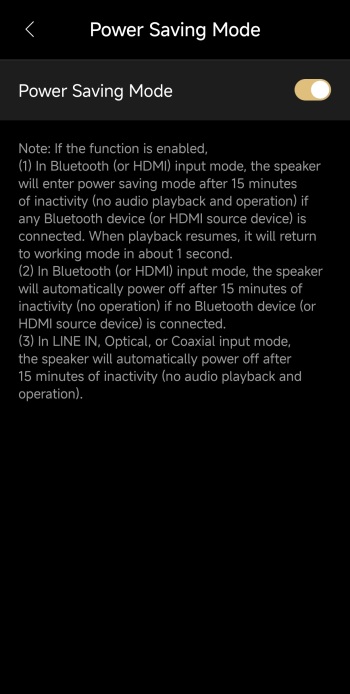
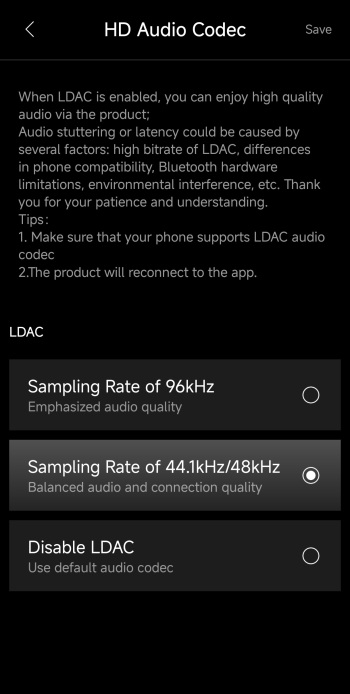
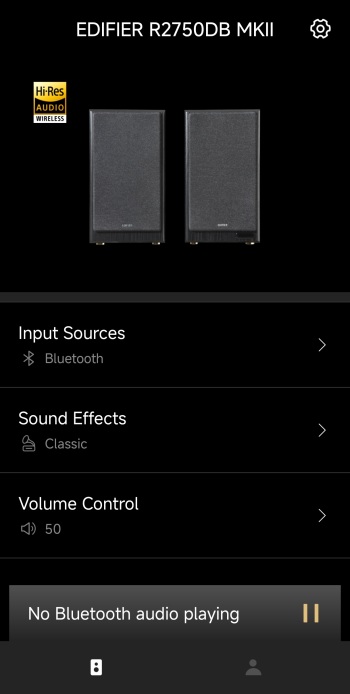
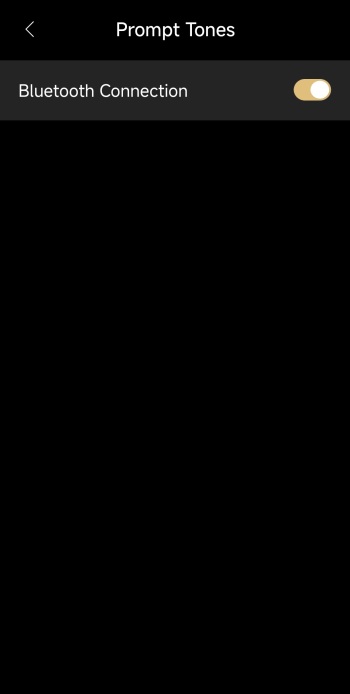
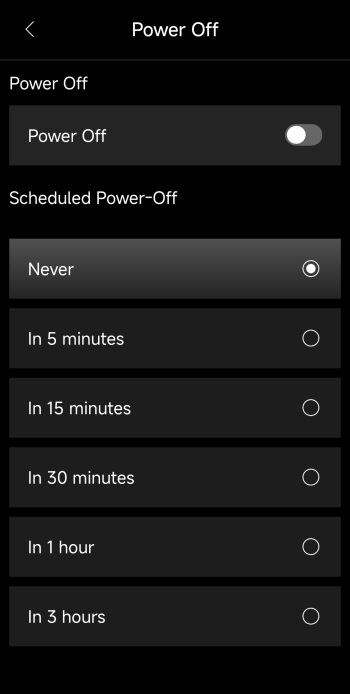
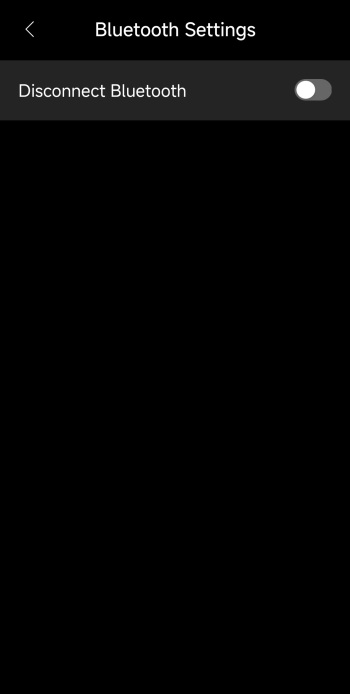
Accessing the settings tab (top right) allows you to read the online manual, change the speaker channel (left/right), enable/disable power saving mode, change the codec to LDAC 96kHz (disabled by default - once enabled the Hi-Res logo lights up in the main tab), enable/disable prompt tones, power off the speakers, disconnect Bluetooth and reset all settings to their factory defaults.